

Questions & Answers
- Model:
- 83L00008US
- |
- SKU:
- 6615768
Q: QuestionCan this computer be upgraded to Windows 11 Pro?
Asked by GTGeek88.
- A:Answer Hey GTGeek88, Yes, for a fee you can upgrade the system to Windows 11 Pro. Please feel free to reach out to us with any other questions!
Answered by Lenovo Product Expert
Q: QuestionDoes a Lenovo stylus work on this model?
Asked by JFS3.
- A:Answer Hey JohnS, The Yoga Pro 9i does not feature the unique panel technology to enable pen input. This function can be found on Lenovo 2-in-1 laptops. Please feel free to reach out to us with any other questions!
Answered by Lenovo Product Expert
Q: Questionis the strong sound normal on their fans? because my laptop make a VERY strong sound in their fans when it start.
Asked by AlejandroRoman.
- A:Answer Hey AlejandroRoman, Based on user reviews, fan noise is usually elevated most when gaming to keep the system cool and prevent throttling due to overheating, but fan noise is otherwise fine for everyday tasks to intensive multitasking, being somewhat audible if in a quiet environment. To note, if you're in a place where fan noise to be at a minimum, say in a meeting, you can press Fn + Q on the keyboard to toggle system thermal profiles, one of which is a cool / battery saving mode that ramps down performance output, thus lowering fan speed. Please feel free to reach out to us with any other questions!
Answered by Lenovo Product Expert
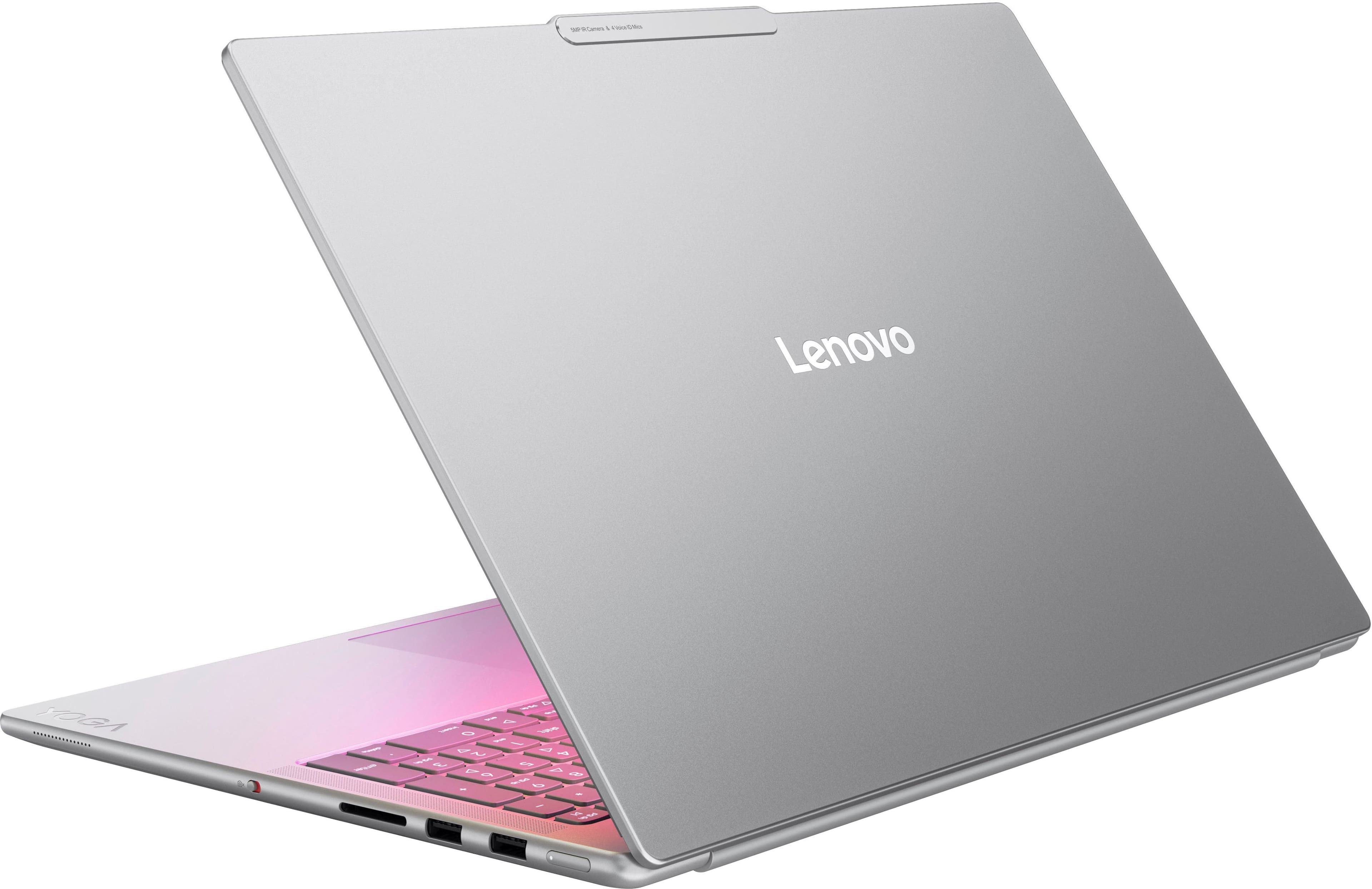
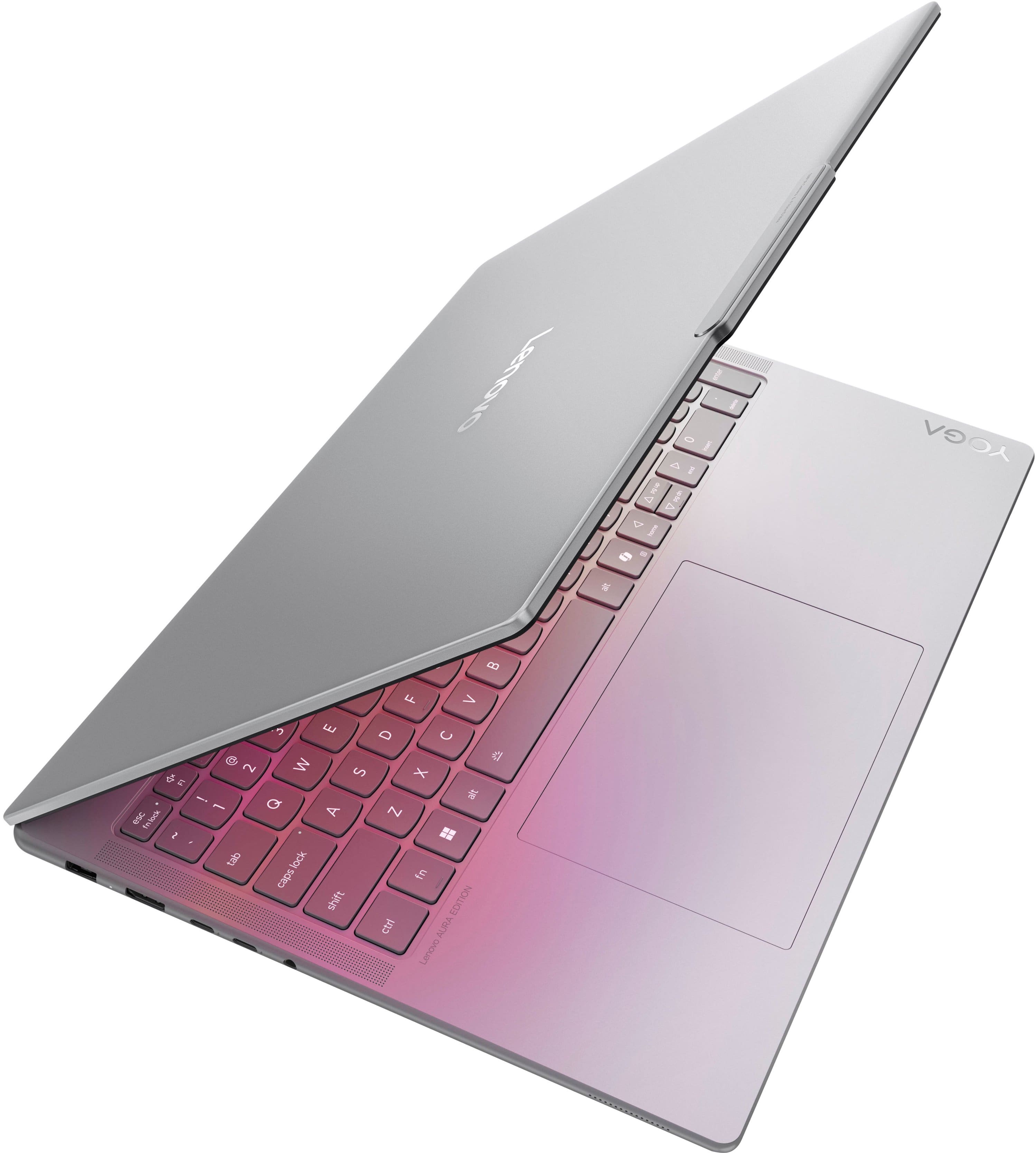
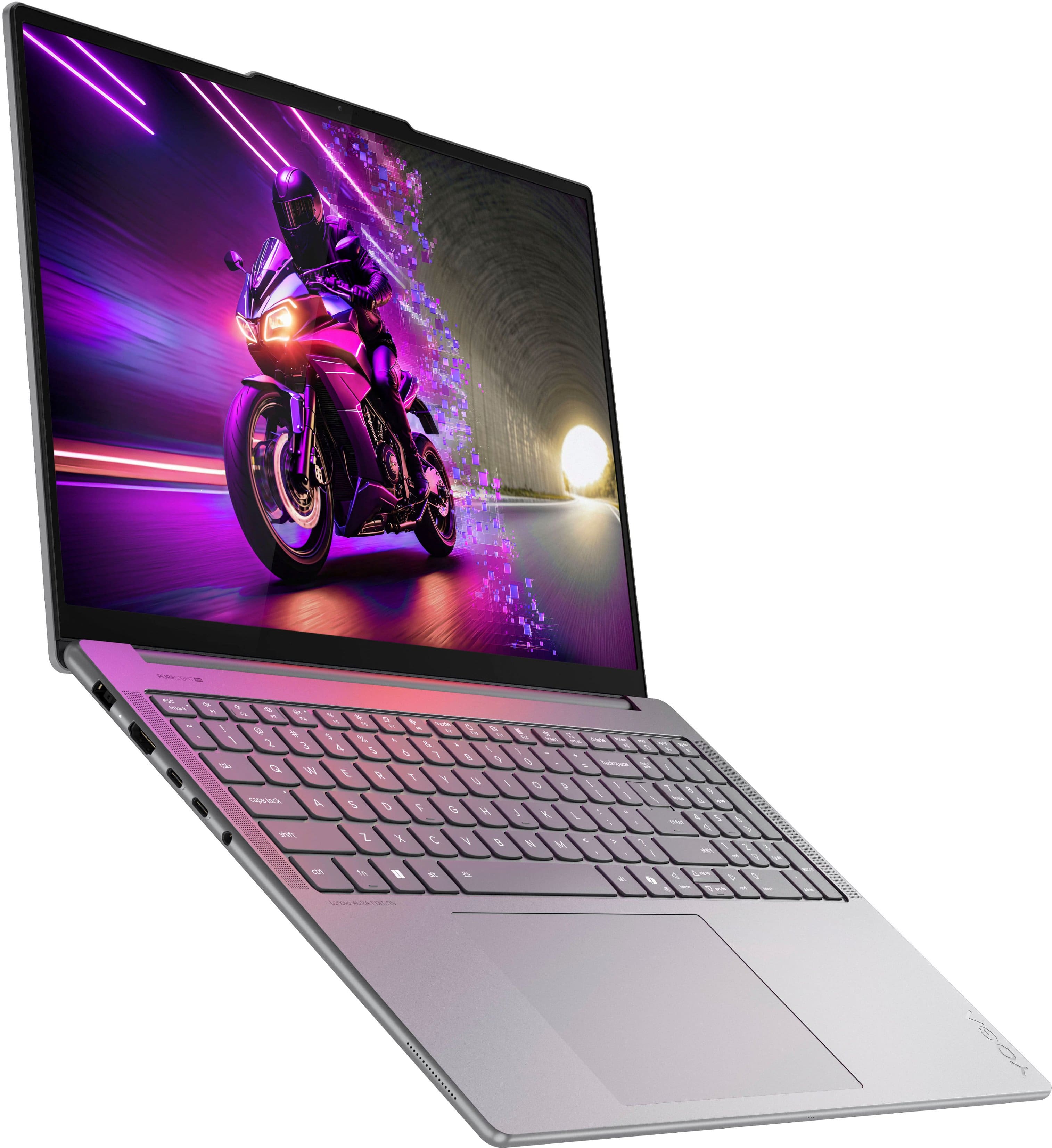
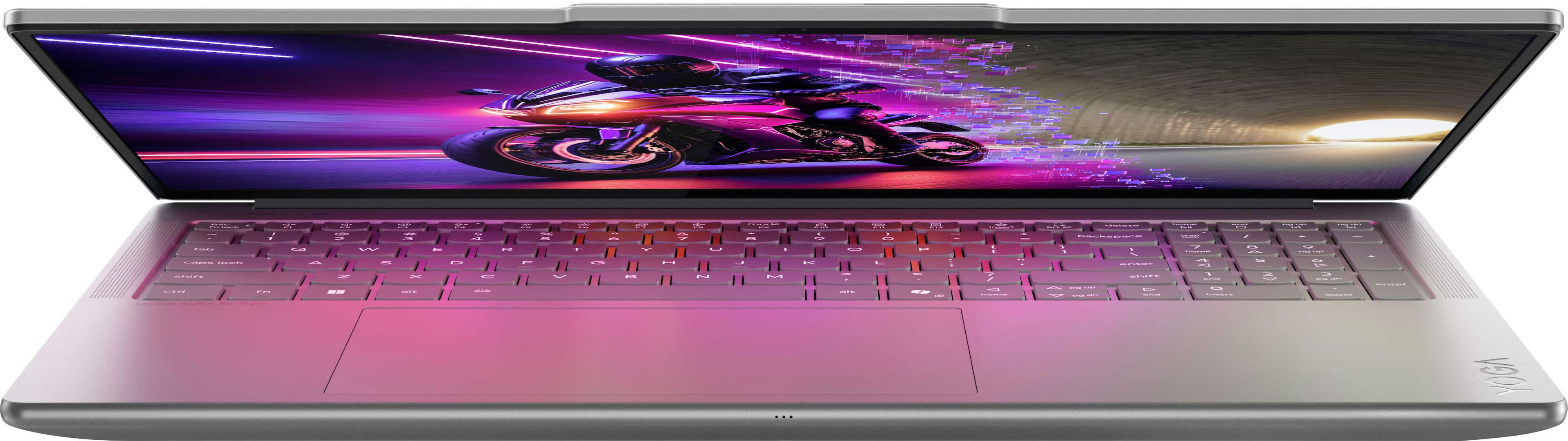
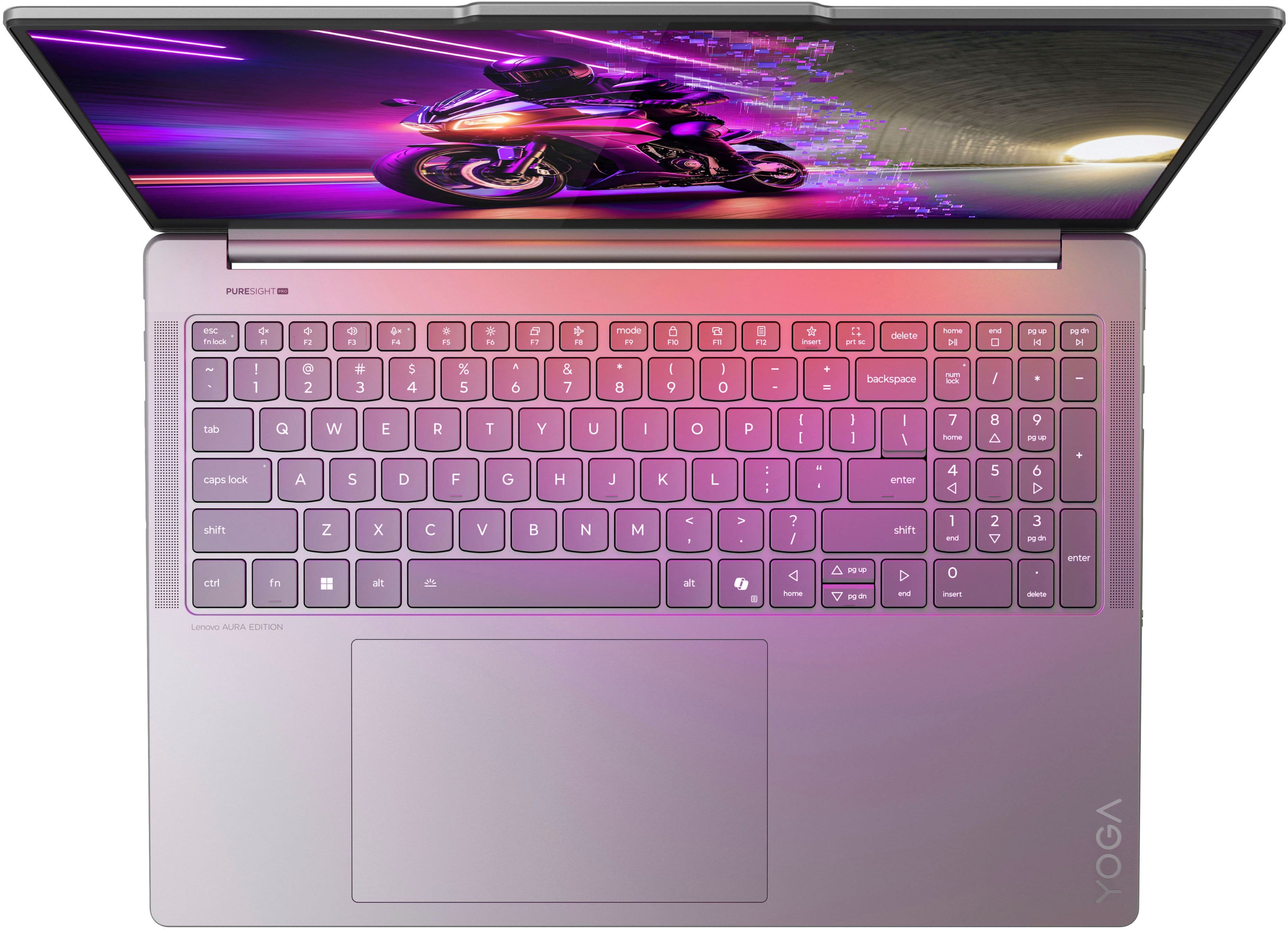
Q: QuestionIs this the pro aura edition? Or is it just a regular Yoga Pro?
Asked by Anonymous.
- A:Answer It is the Pro Aura Edition, and it is outstanding!
Answered by user548968
Q: QuestionHi, pleas confirm brightness. Is it 1000 nits or 500 nits. Specification state 1000 nits however feature page state 500 nits. Please clarify.
Asked by FAhmed.
- A:Answer Hey FA, We apologize for any confusion. To clarify, the Yoga Pro 9i's OLED display has a peak brightness of 1100 nits (with HDR) and a standard (typical) max brightness of 500nits. Please feel free to reach out to us with any other questions!
Answered by Lenovo Product Expert
Q: QuestionCan this laptop fold onto itself (to make it easier to draw on and such) an it's pen/stylus compatible?
Asked by Belst.
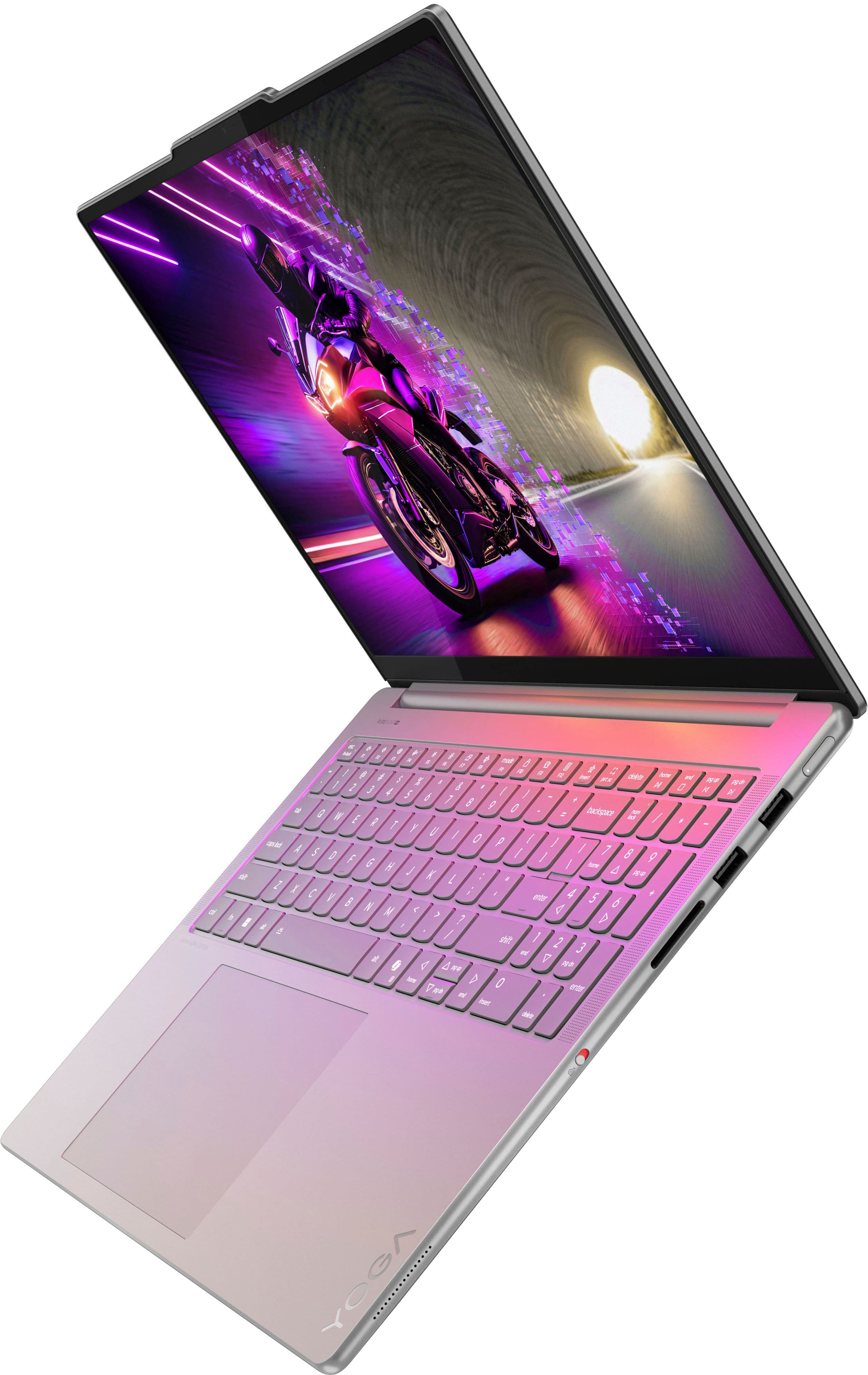
- A:Answer Hey, The Yoga Pro 9i is not a 2-in-1, so it cannot flip and fold. The Lenovo Yoga 9i and 7i 2-in-1 laptops do feature this design trait. Please feel free to reach out to us with any other questions!
Answered by Lenovo Product Expert
Q: QuestionCan the memory be upgraded? How about a secondary drive?
Asked by Anonymous.
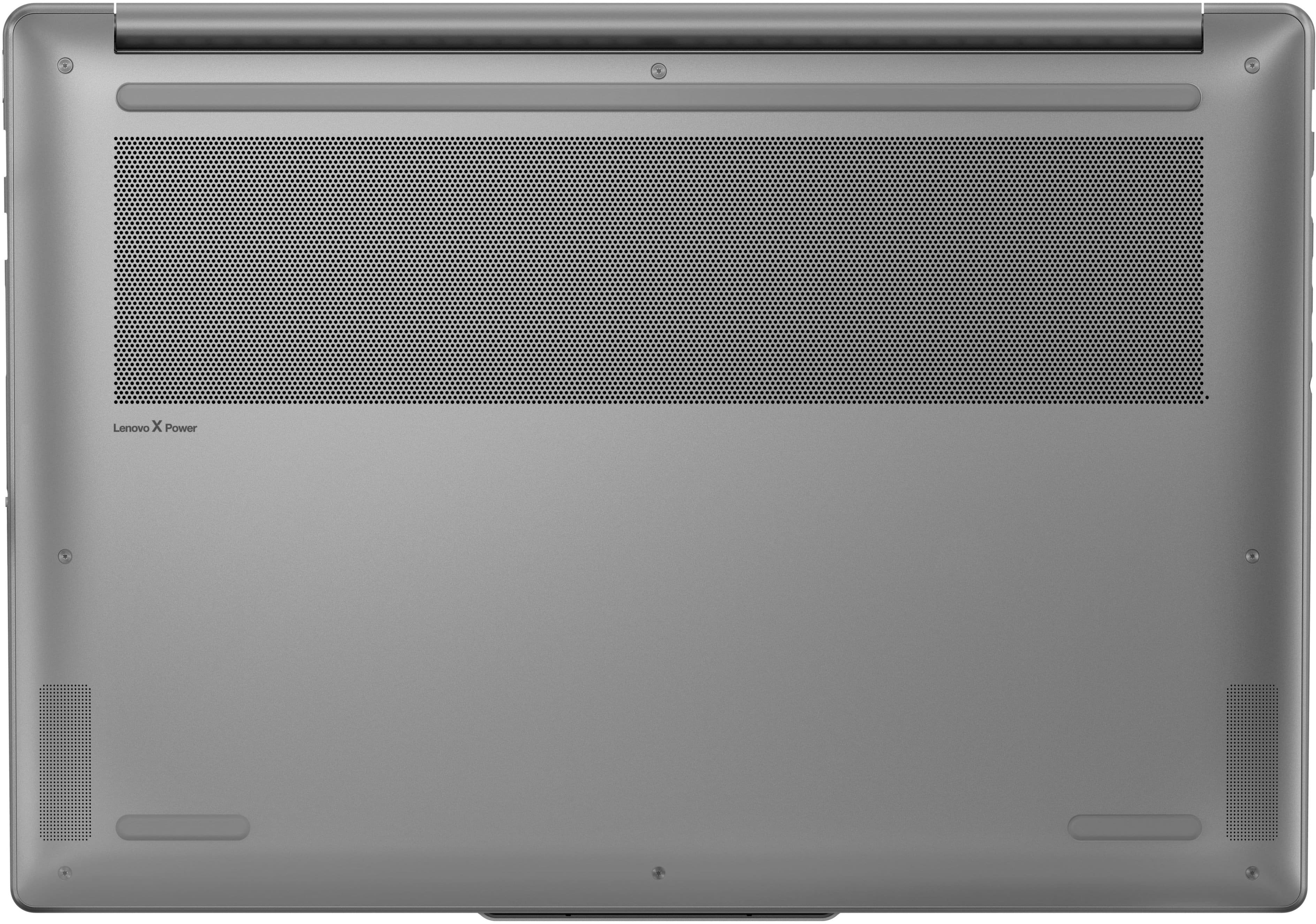
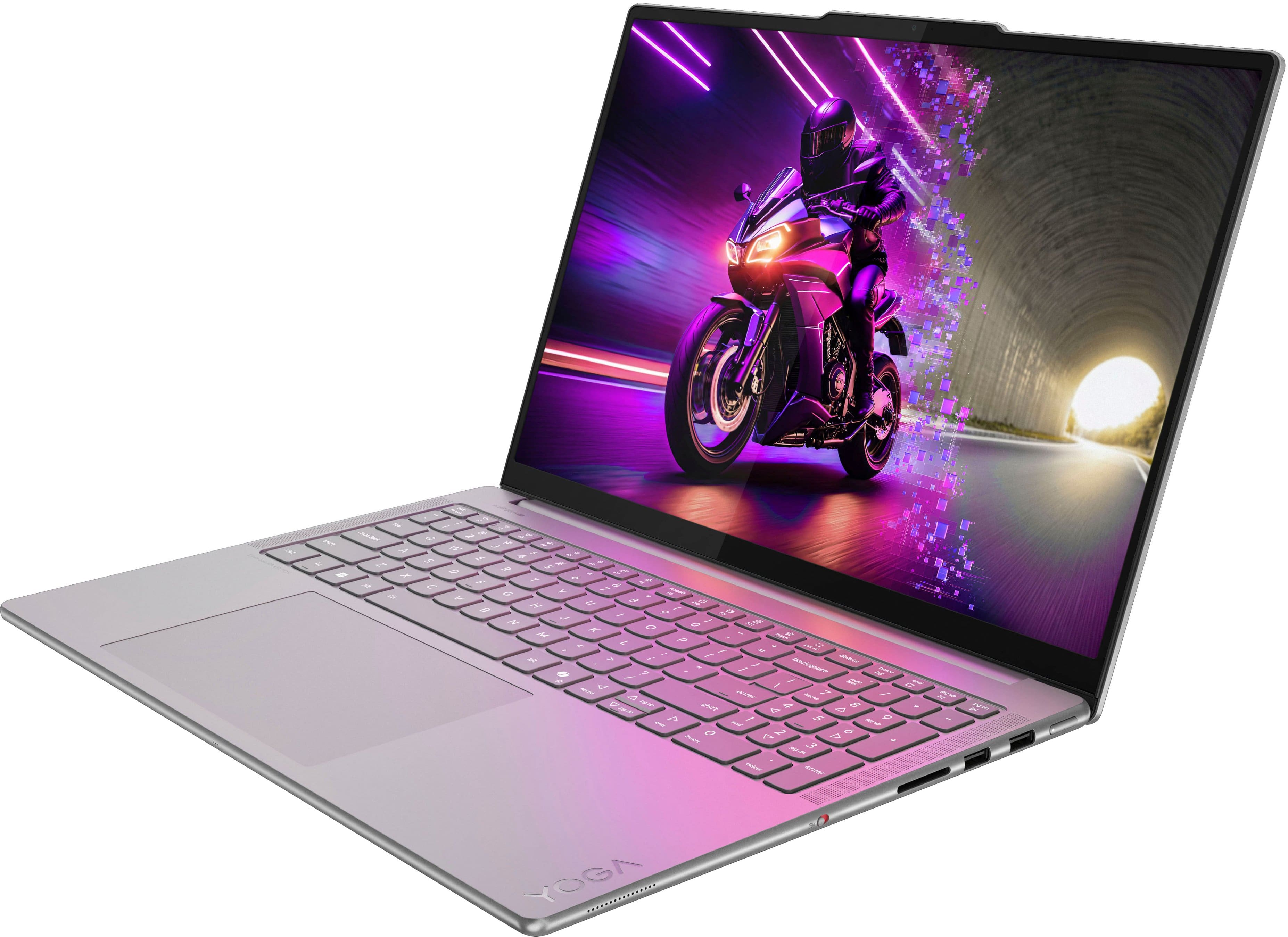
- A:Answer Hey, Memory cannot be upgraded with this Yoga Pro 9i, as it is soldered to the system, although you can add another drive, an M.2 2242 SSD for storage expansion. Please feel free to reach out to us with any other questions!
Answered by Lenovo Product Expert
Q: QuestionIs this 9i the Aura edition? I see it in the features but not on the title
Asked by Rick.
- A:Answer Yes, it is the Yoga Pro 9i Aura Edition, and it is outstanding!
Answered by user548968
Q: QuestionDoes this laptop come with Microsoft office installed?
Asked by OC714.
- A:Answer Hey OC714, The most common Office apps like Word and Excel are preinstalled; however, without purchasing a long-term Office solution, such as Microsoft 365, only a 30-day trial can be activated out of the box. Here is a link to the Microsoft Office landing page on bestbuy.com to learn more about your Office options: https://www.bestbuy.com/site/microsoft/microsoft-office/pcmcat748300511466.c?id=pcmcat748300511466 | Please feel free to reach out to us with any other questions!
Answered by Lenovo Product Expert
Q: QuestionHey could these laptop play Baldur's gate 3 on low to medium settings?
Asked by Adam.
- A:Answer Hey Adam, So long as the system gets sufficient airflow, you shouldn't have an issue playing Baldur's Gate 3 on those settings. Please feel free to reach out to us with any other questions!
Answered by Lenovo Product Expert
Q: QuestionHow many external monitors will this support? Is there a compatible docking station for it for 3 or 4 monitors?
Asked by Anonymous.
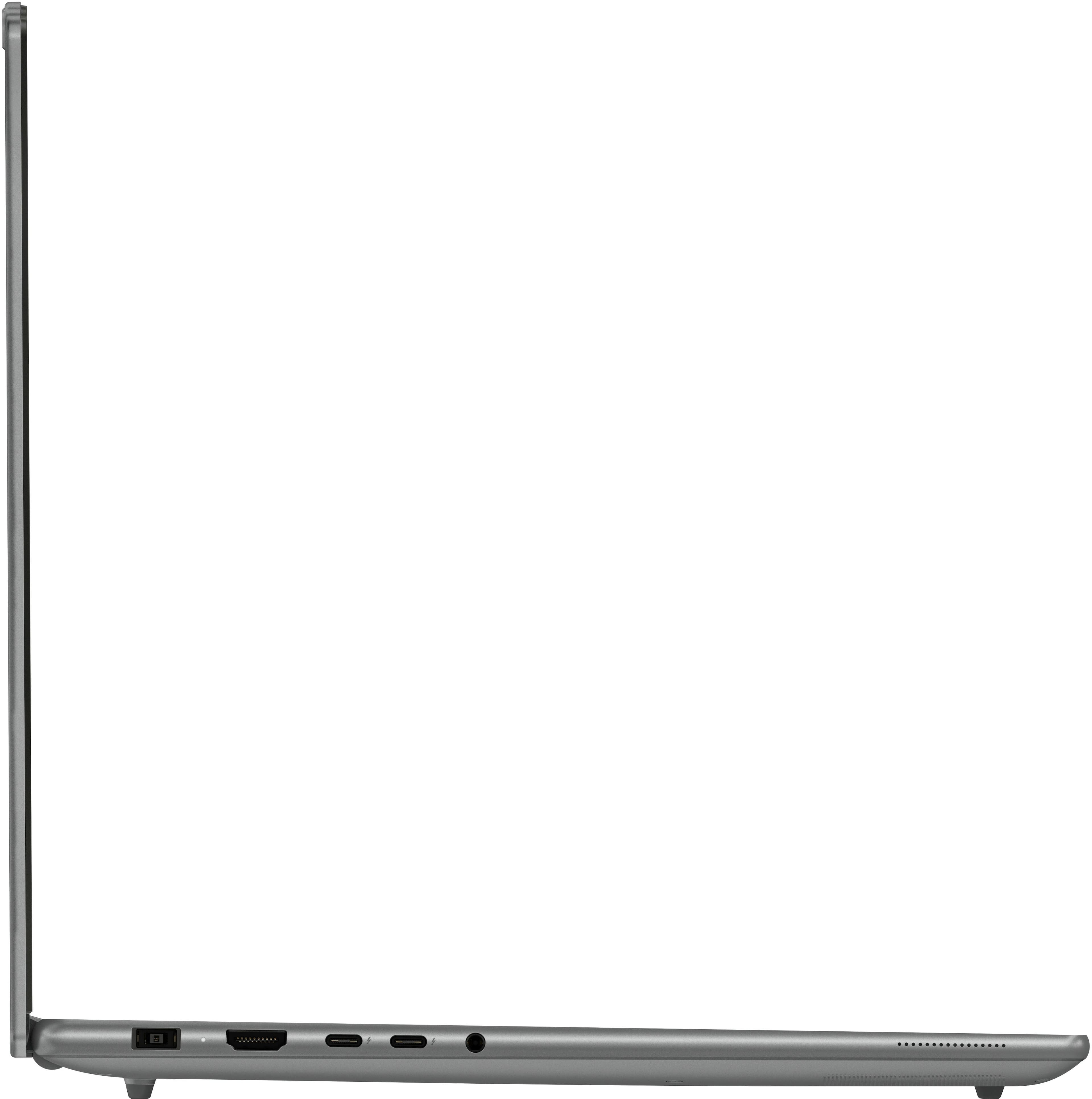
- A:Answer Hey, This Yoga Pro 9i will support three external monitors. You can use a Thunderbolt 4 docking station, like the Lenovo ThinkPad Thunderbolt 4 Dock to drive three external displays. Please feel free to reach out to us with any other questions!
Answered by Lenovo Product Expert
Q: QuestionYou state there are 2 slots for SSD drives: 1x M.2 2242 and 1x M.2 2280. But which one does the included SSD use? Also, I'm not seeing an indication of which port the charging / power cable uses. Looks like it's using USB-C, which steals a port, sadly.
Asked by GTGeek88.
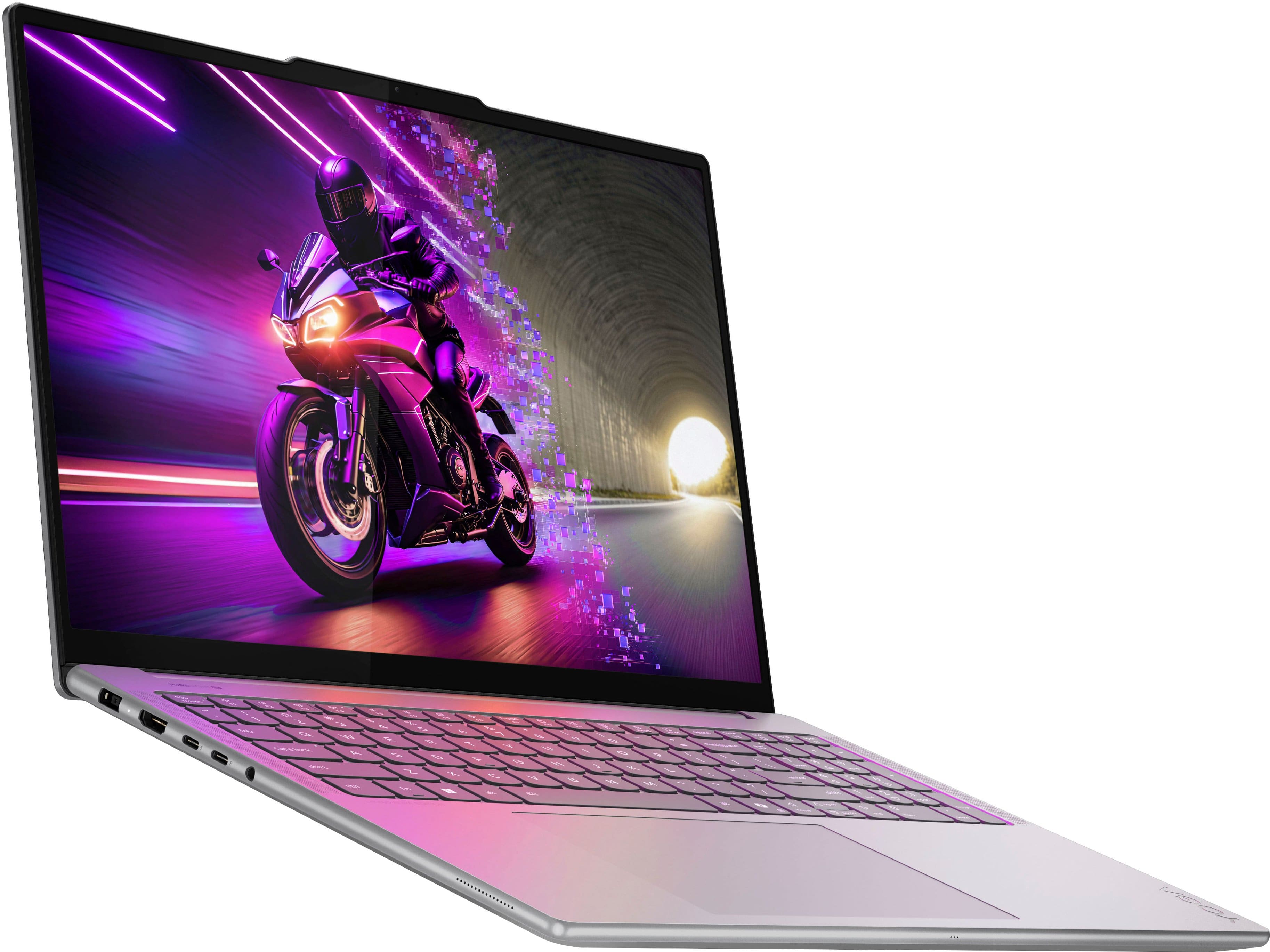
- A:Answer Hi again GTGeek88, First, the slot in which the drive is installed in can vary, but it mostly like may be the M.2 2242 storage slot. Also, the Yoga Pro 9i uses a unique charging connector that the included power adapter can plug in to, which is different from USB-C. Please feel free to reach out to us with any other questions!
Answered by Lenovo Product Expert
Q: QuestionThere is no RJ-45 port. I often use a wired connection. Is there a way to achieve a wired connection?
Asked by GTGeek88.
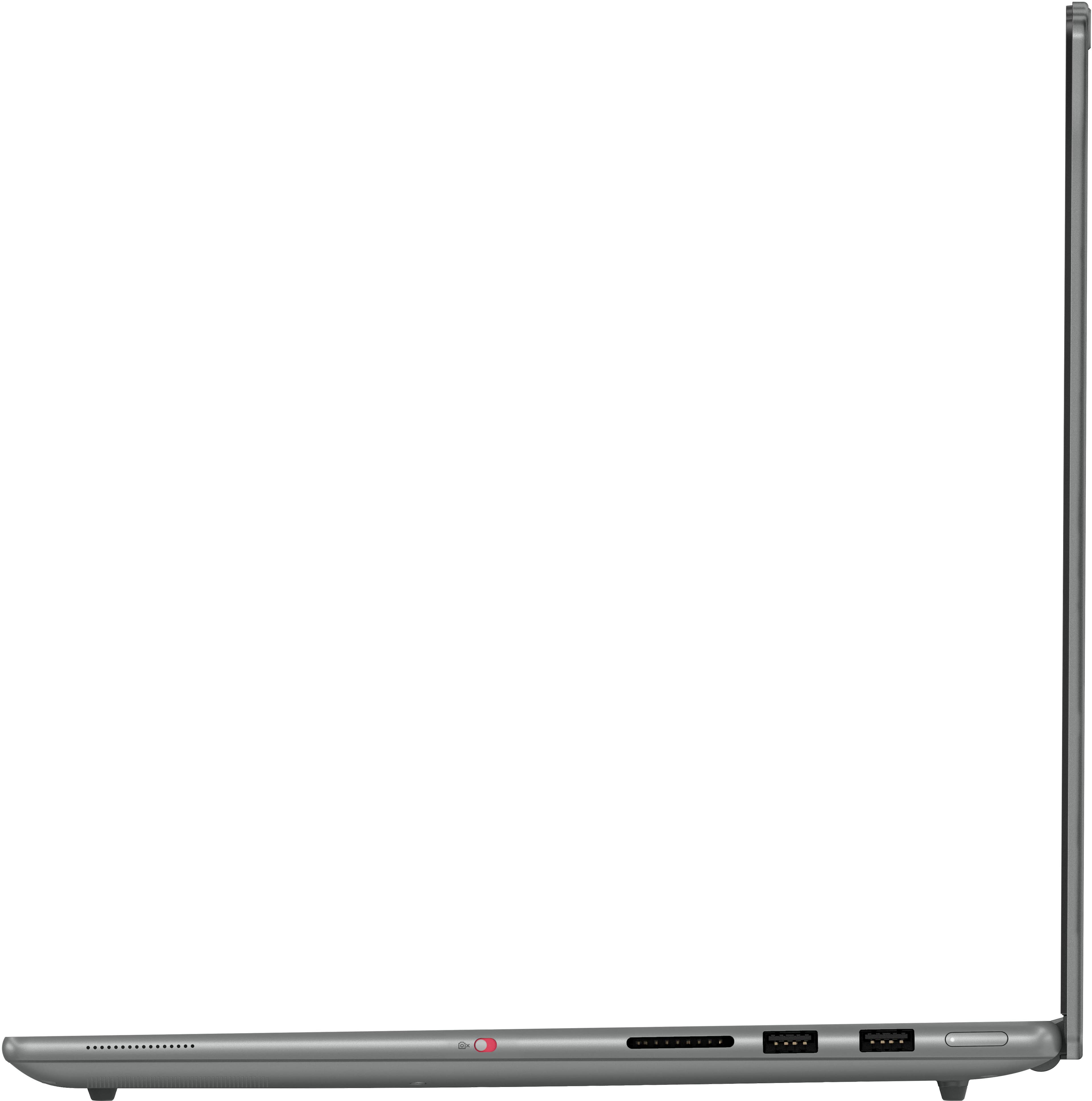
- A:Answer Hey again GTGeek88, If you want a wired connection, please consider using a USB-A or USB-C to ethernet adapter to plug in for internet access. Please feel free to reach out to us with any other questions!
Answered by Lenovo Product Expert
Q: QuestionWhat is the exact model number used in this computer? There are variations of the Intel Core Ultra 9. The "Series 2" does not specify which one is in use.
Asked by RCampbell.
- A:Answer Thanks. I did find that later, after I asked the question, while digging deeper into the specs.
Answered by GTGeek88
Q: QuestionWhy do I not have a touchscreen....???
Asked by Debra.
- A:Answer Hey Pam, If you purchase this model of Yoga Pro 9i specifically yet are not seeing any touch functionality enabled, to try to resolve this, we recommend ensuring you have the latest software by checking for updates, as this could correct the issue. To do so, first, open the Settings app > Select the Windows update tab > Select the Check for updates button, applying all available updates. Next, open the Lenovo Vantage app > on the homepage, select the Check for updates button, following on-screen prompts to apply all available updates here as well. If after the available updates are applied and the system restarts, yet the issue persists, in-depth troubleshooting will be necessary to fix the problem. We recommend contacting Lenovo Support here: 877-453-6686, for further assistance. Please feel free to reach out to us with any other questions!
Answered by Lenovo Product Expert
Q: QuestionWhat is battery duration of this laptop?
Asked by Don.
- A:Answer Hey Don, The MobileMark battery life rating for the Yoga Pro 9i is 5.5 hours; however, during test like these, the conditions you may be using your Yoga Pro can vary greatly depending on device settings, workload its under, and more. Based on user reviews for this series of laptop, others usually experience around 4 hours of use with a moderate workload, and around 2-3 hours for intensive tasks like gaming or large rendering projects. Please feel free to reach out to us with any other questions!
Answered by Lenovo Product Expert
Q: Questioncan it be upgradable ram and storage or it soldered
Asked by nick.
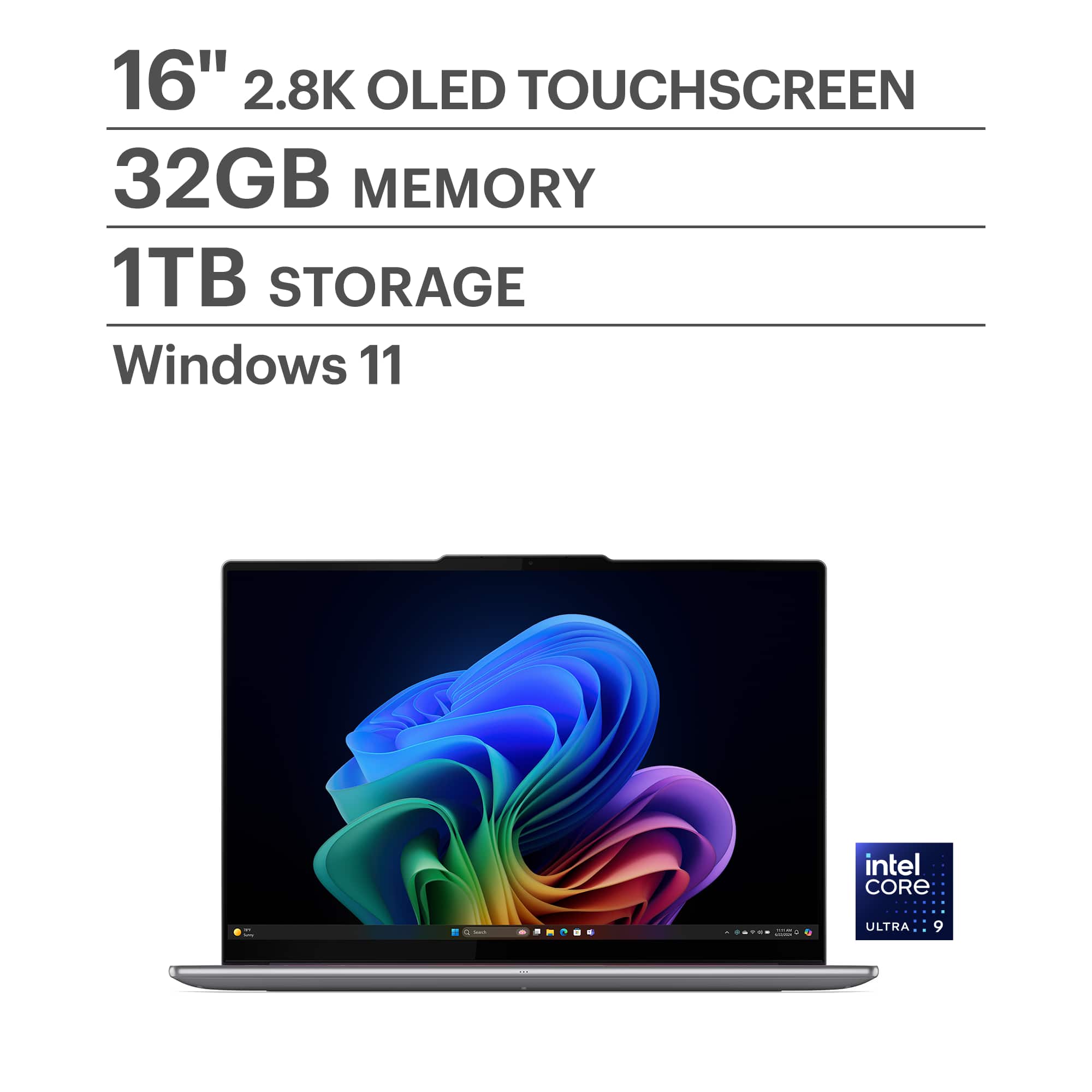
- A:Answer Hey nick, You cannot upgrade memory, as it is soldered to the systemboard, but you can storage. The Yoga Pro 9i features two storage slots: 1x M.2 2242 PCIe 4.0 x4 slot, 1x M.2 2280 PCIe 4.0 x4 slot. Please feel free to reach out to us with any other questions!
Answered by Lenovo Product Expert
Q: QuestionDoes it come with pen for the touch screen?
Asked by RahulS.
- A:Answer Hey rahuls, The Yoga Pro 9i does not come with a pen. While it does feature a touchscreen display, it is not equipped with the unique panel technology to support pen input. Please feel free to reach out to us with any other questions!
Answered by Lenovo Product Expert
Q: QuestionDoes it come with pen for the touch screen?!
Asked by Sal.
- A:Answer Hey Sal, While the Yoga Pro 9i features a touchscreen display, it is not equipped with the unique display technology to enable pen input. Please feel free to reach out to us with any other questions!
Answered by Lenovo Product Expert
Q: QuestionWhat is the full processor specs of the ultra 9 what?
Asked by mhaf.
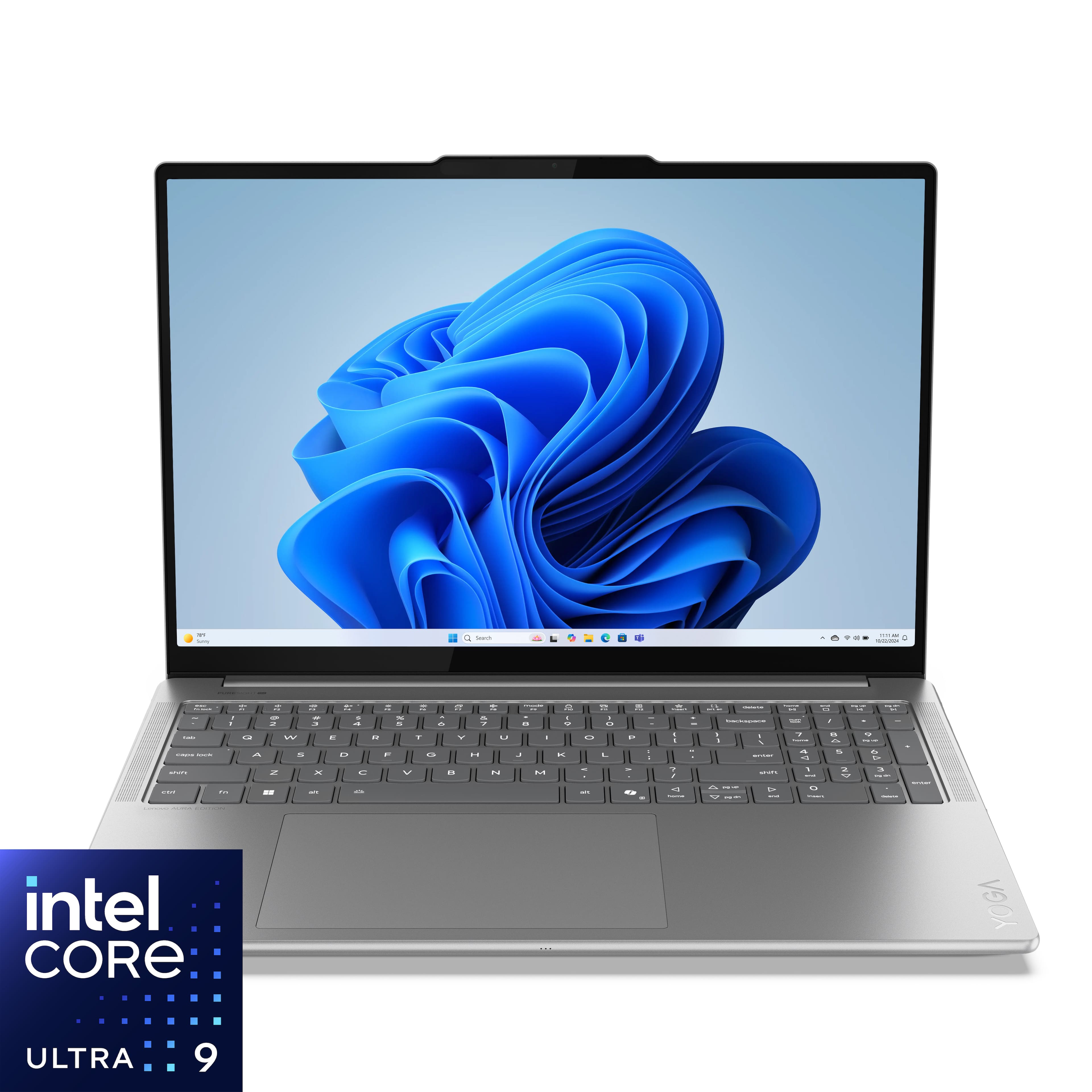
- A:Answer Hey mhaf, This Yoga Pro 9i features an Intel Core Ultra 9 285H processor with 16 cores (6P + 8E + 2LPE) / 16 threads, and a max turbo speed of up to 5.4GHz. For full processor details, please visit the Intel product page for this model Core Ultra 9 at this web address: https://www.intel.com/content/www/us/en/products/sku/241747/intel-core-ultra-9-processor-285h-24m-cache-up-to-5-40-ghz/specifications.html Please feel free to reach out to us with any other questions!
Answered by Lenovo Product Expert
Top Rated
- $549.99Your price for this item is $549.99$799.99The comparable value for this item is $799.99
- $285.99Your price for this item is $285.99$449.99The comparable value for this item is $449.99
- $749.00Your price for this item is $749.00$949.99The comparable value for this item is $949.99
- $738.00Your price for this item is $738.00$899.99The comparable value for this item is $899.99
- $299.99Your price for this item is $299.99$529.99The comparable value for this item is $529.99
- $499.00Your price for this item is $499.00$649.99The comparable value for this item is $649.99
- $1,599.00Your price for this item is $1,599.00
- $499.99Your price for this item is $499.99$849.99The comparable value for this item is $849.99
- $519.00Your price for this item is $519.00$749.99The comparable value for this item is $749.99
- $999.99Your price for this item is $999.99$1,049.99The comparable value for this item is $1,049.99
- $139.00Your price for this item is $139.00$319.00The comparable value for this item is $319.00
Samsung - Galaxy Chromebook Go - 14" LED Laptop - Intel Celeron- 4GB Memory - 128GB Storage - Silver$202.00Your price for this item is $202.00$329.99The comparable value for this item is $329.99- $310.00Your price for this item is $310.00$499.99The comparable value for this item is $499.99
- $999.00Your price for this item is $999.00$1,099.99The comparable value for this item is $1,099.99
- $689.99Your price for this item is $689.99$749.99The comparable value for this item is $749.99
- $449.99Your price for this item is $449.99$749.99The comparable value for this item is $749.99
- $999.00Your price for this item is $999.00$1,099.99The comparable value for this item is $1,099.99
- $199.00Your price for this item is $199.00$219.99The comparable value for this item is $219.99
- $499.99Your price for this item is $499.99$799.99The comparable value for this item is $799.99
- $199.00Your price for this item is $199.00$429.00The comparable value for this item is $429.00