A:AnswerI don't think there will be any issues. The school probably put that in their specifications since, at that time, it was the newest when they published their specs. There is no inherent reason the newer version would be incompatible. Call the school to confirm. This laptop is a great school device!
A:AnswerTypically the M.2 can be smaller but not usually larger when these manufacturers make them. So a 2230 should fit in a 2242 assuming the mounting socket is installed on the PCB or the hole for installing the mount point is there.
A:AnswerMatlab as of now will run via emulation. I haven't seen any issues with mine running emulation yet as this thing is so fast anyway. Complex Matlab scripts might push the limits though.
A:AnswerVirtually no fan speed so far for me. It does a fan but you have to try hard to get it to run hard and when it does I haven't heard it get loud. It's not audibly perceptible unless you listen for it.
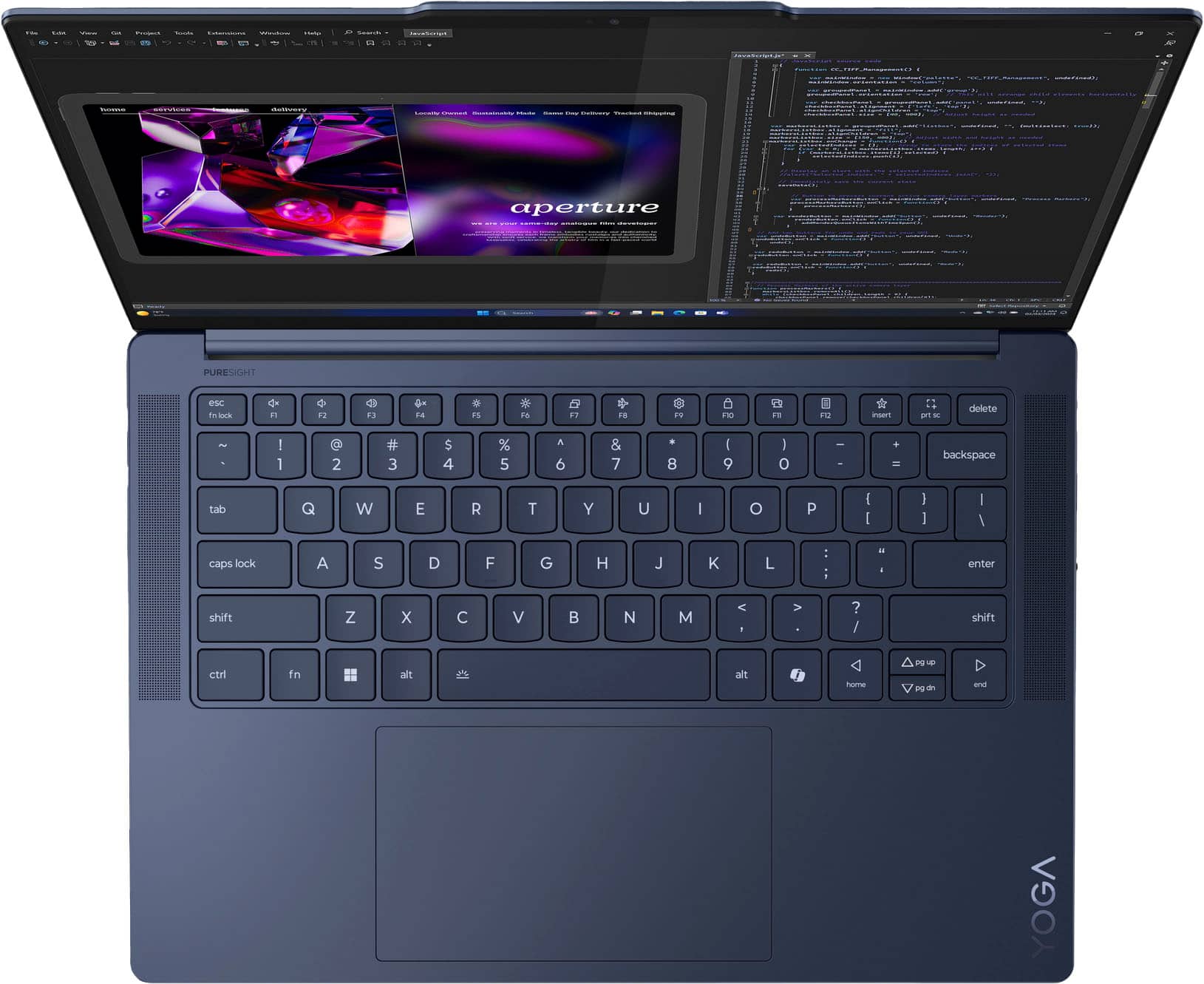
A:AnswerInstall Powertoys from windows store and you can remap the key there to something else. Honestly the chatbot isn't all that bad. Just don't use it for anything serious. It's terrible at math.
A:AnswerHey, thank you for your question. From the manufacturer, this Yoga Slim 7x is not covered by International Warranty Services. By visiting the webpage tied to the following link: (https://pcsupport.lenovo.com/us/en/iwslookup#/ideapad), users can view local Lenovo support options for the supported countries. You can lookup options by entering the product serial number in the search box at the previously listed link, selecting “International Warranty Services” within “Warranty & Repair”. Full disclosure, there can be some limitations with repairs abroad as US components and onsite repair may not be available in another country.
A:AnswerHey, Petes. Based off user reviews, should you have the proper cables needed for physical data transfer, it should be as straight forward as transferring on a standard Windows 11 machine.
A:AnswerHey, J. Full transparency, it may work with the Yoga Slim 7x based off system and dock specifications, but we cannot endorse whether or not it will work officially since the Microsoft Surface Dock 2 is designed to be used specifically with certain Microsoft Surface devices.
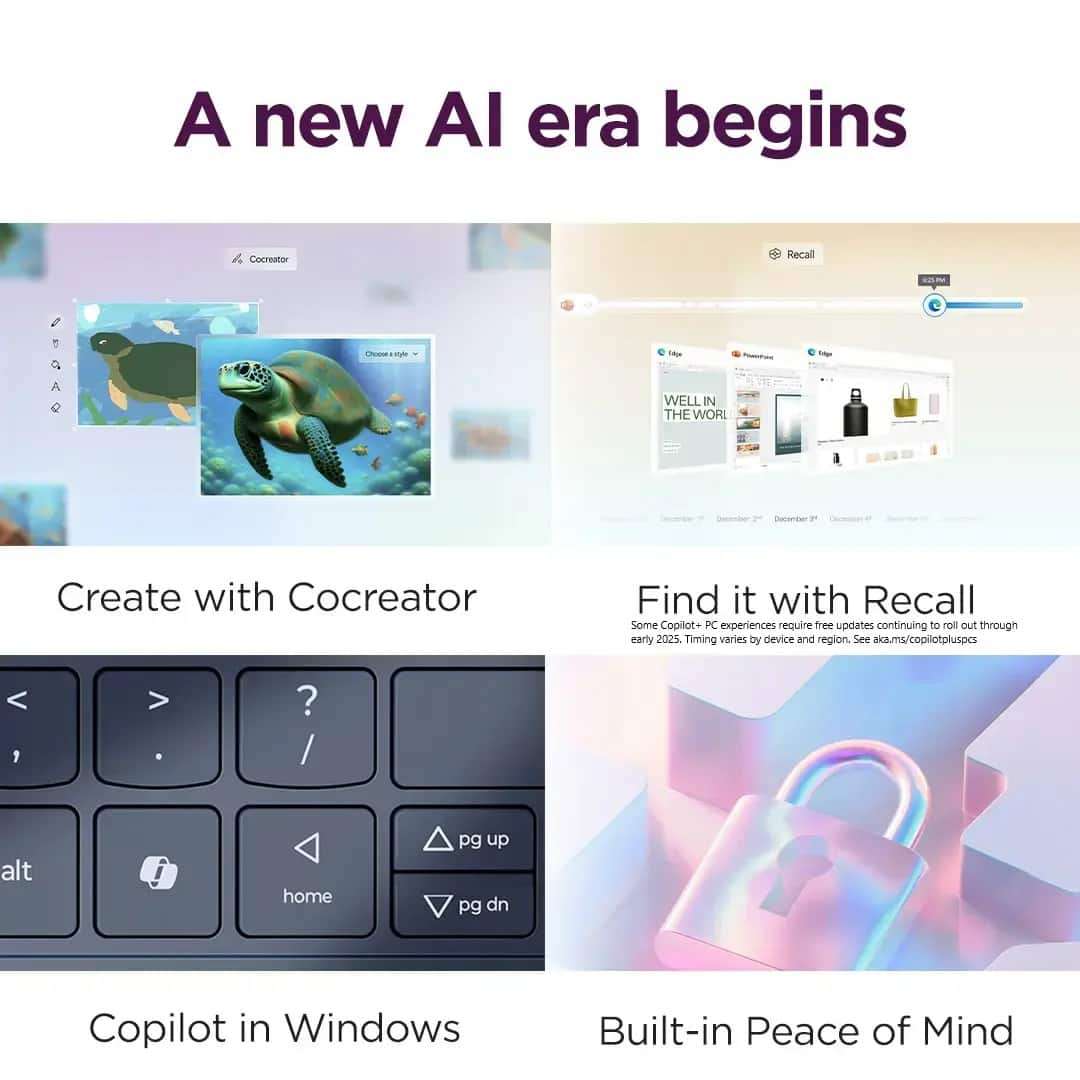
A:AnswerHey, kk. There are several AI features exclusive to Copilot+ PCs like Live Captions, Paint Cocreator, Windows Studio Effects and more. Also, Copilot itself has numerous AI functions to help in various ways. Here's a link to a Microsoft webpage (https://www.microsoft.com/en-us/windows/copilot-plus-pcs?r=1#hmc) with more information in FAQ form to provide details on these unique devices and their features. Regarding their function without a Wi-Fi network, this is also touched on in the webpage previously linked, but in summary, there is still a high level of functionality to the AI features without internet with processing being able to be made locally, but some functions will need an internet connection to access more resources and expand AI creativity.
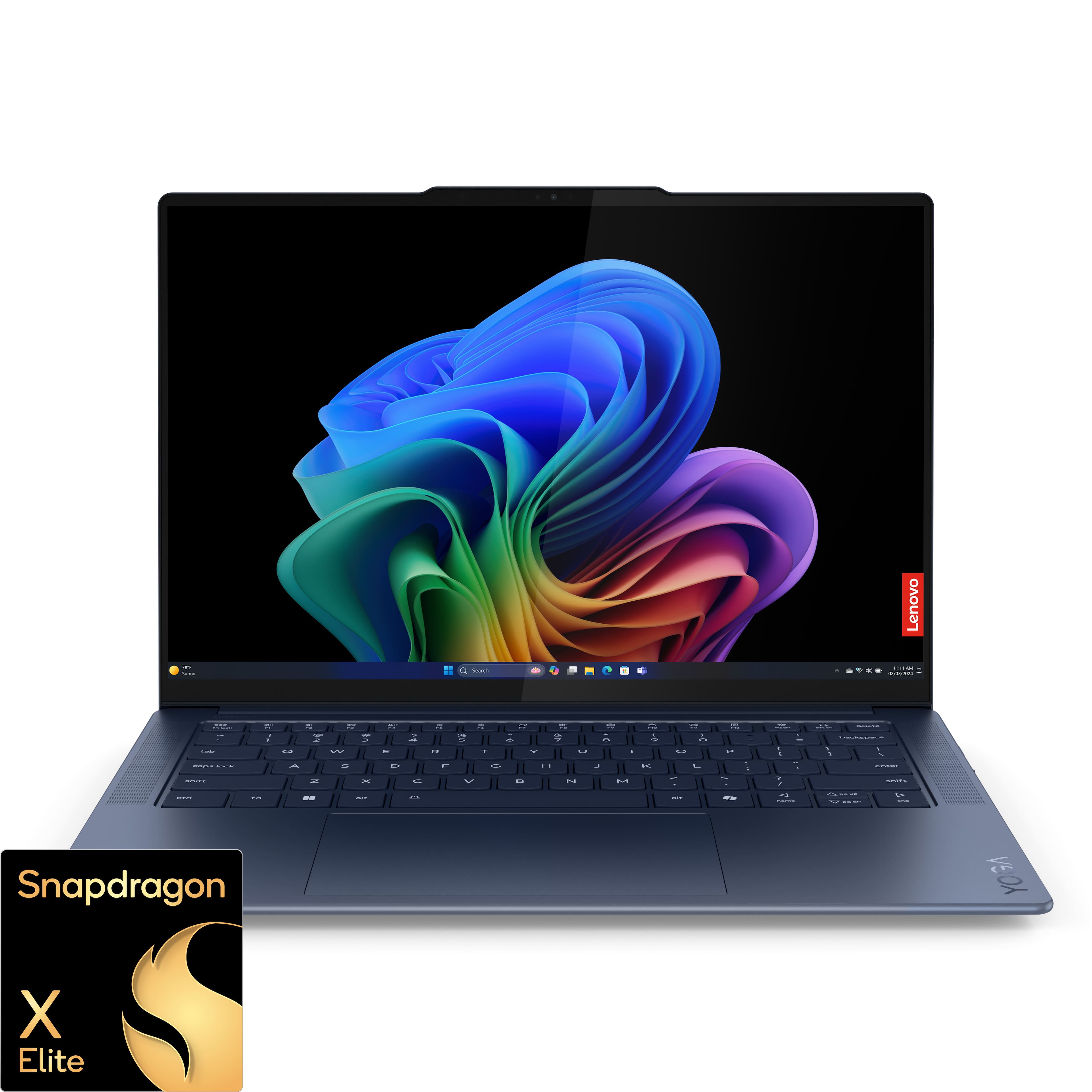
A:AnswerHi, Frince. You can remove the existing M.2 2242 and replace it with a higher capacity drive. For disclosure, the drive we tested it had a maximum of 1TB.
A:AnswerHi, thetechguy. Yoga is brand encompassing a range of products from All-In-Ones to traditional style laptops like Yoga Slim or Yoga Pro devices, and most notably, 2-in-1 laptops.


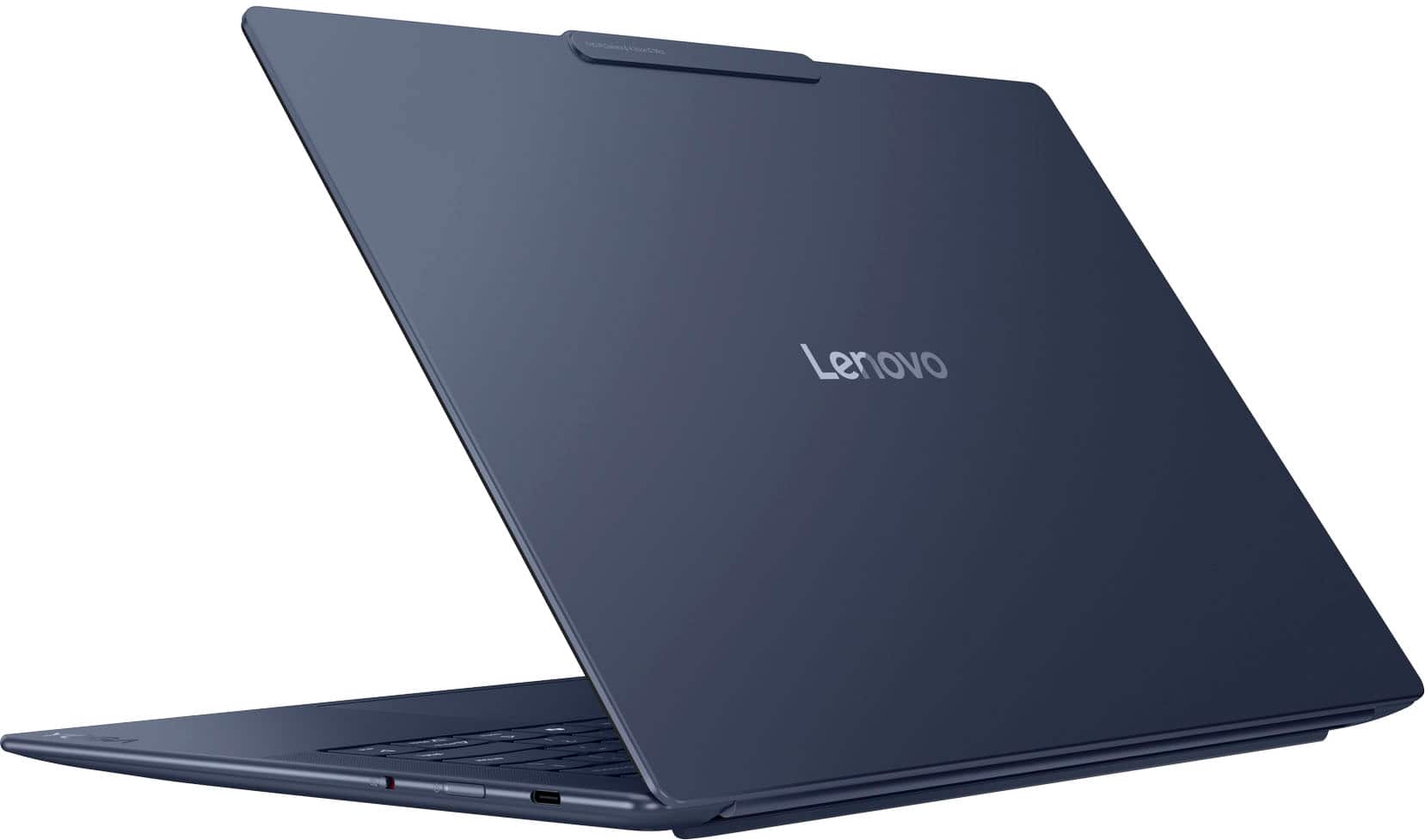
A:AnswerHi, GD. It can depend on display resolution and refresh rate, but you should be able to drive at least 3 external displays. Also, the exterior is made of aluminum.
A:AnswerFor those interested in the 32GB version: it may not have been available at Best Buy 7 months ago, but it certainly is now (early January 2025).