A:AnswerHey RodeoEd,
This Yoga Slim 7x does not feature the latest gen Snapdragon X Elite CPU, but Best Buy does currently offer the X2 Elite powered Yoga Slim 7x online, which can be viewed at this web address: https://www.bestbuy.com/product/lenovo-yoga-slim-7x-copilot-pc-14-2k-oled-touchscreen-laptop-snapdragon-x2-elite-x2e-80-100-2026-16gb-memory-1tb-ssd-cosmic-blue/JJGH3RJHRY |
Please feel free to reach out to us with any other questions!
A:AnswerHey Jazzy,
Adobe After Effects now runs natively on Windows on ARM systems, like this Yoga Slim 7x, so you shouldn't see any compatibility issues.
Please feel free to reach out to us with any other questions!
A:AnswerHey Ken,
This Yoga Slim 7x does not support cellular connectivity, as it relies solely on Wi-Fi for an internet connection. You could use mobile hotspots for internet access on the go.
Please feel free to reach out to us with any other questions!
A:AnswerHey bourbonbill,
The memory is not upgradable with the Yoga Slim 7x, as it is soldered to the systemboard.
Please feel free to reach out to us with any other questions!
A:AnswerHere’s the exact info from Lenovo’s own support Q&A on the Yoga Slim 7x:
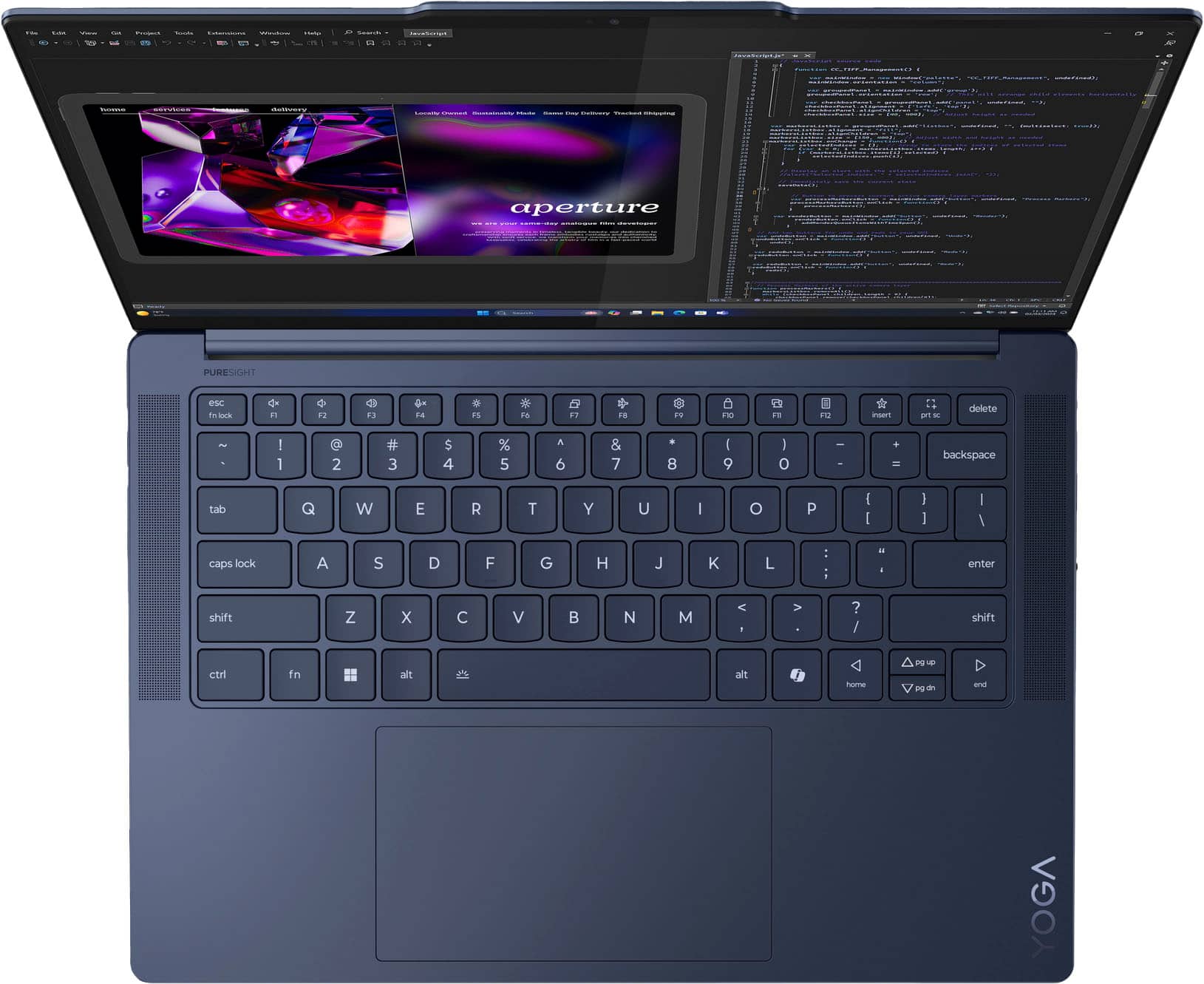
Yoga Slim 7x supports touch input but does not support pen input — the panel doesn’t have the tech for active stylus pens (so styluses like Bamboo Ink, Surface Pen, Lenovo Active Pen, etc., won’t work as intended).
Best Buy
What this means
You can tap, swipe, and use finger gestures on the screen.
Best Buy
You cannot use an active pen for drawing, pressure sensitivity, handwriting, or “pen as mouse” features.
Best Buy
If you want stylus support (e.g., for drawing, note‑taking, or precise input), you’d need a laptop that explicitly lists pen/active‑pen support (usually with Wacom AES, Microsoft Pen Protocol, or similar hardware). Let me know if you want recommendations for similar laptops that do support styluses!
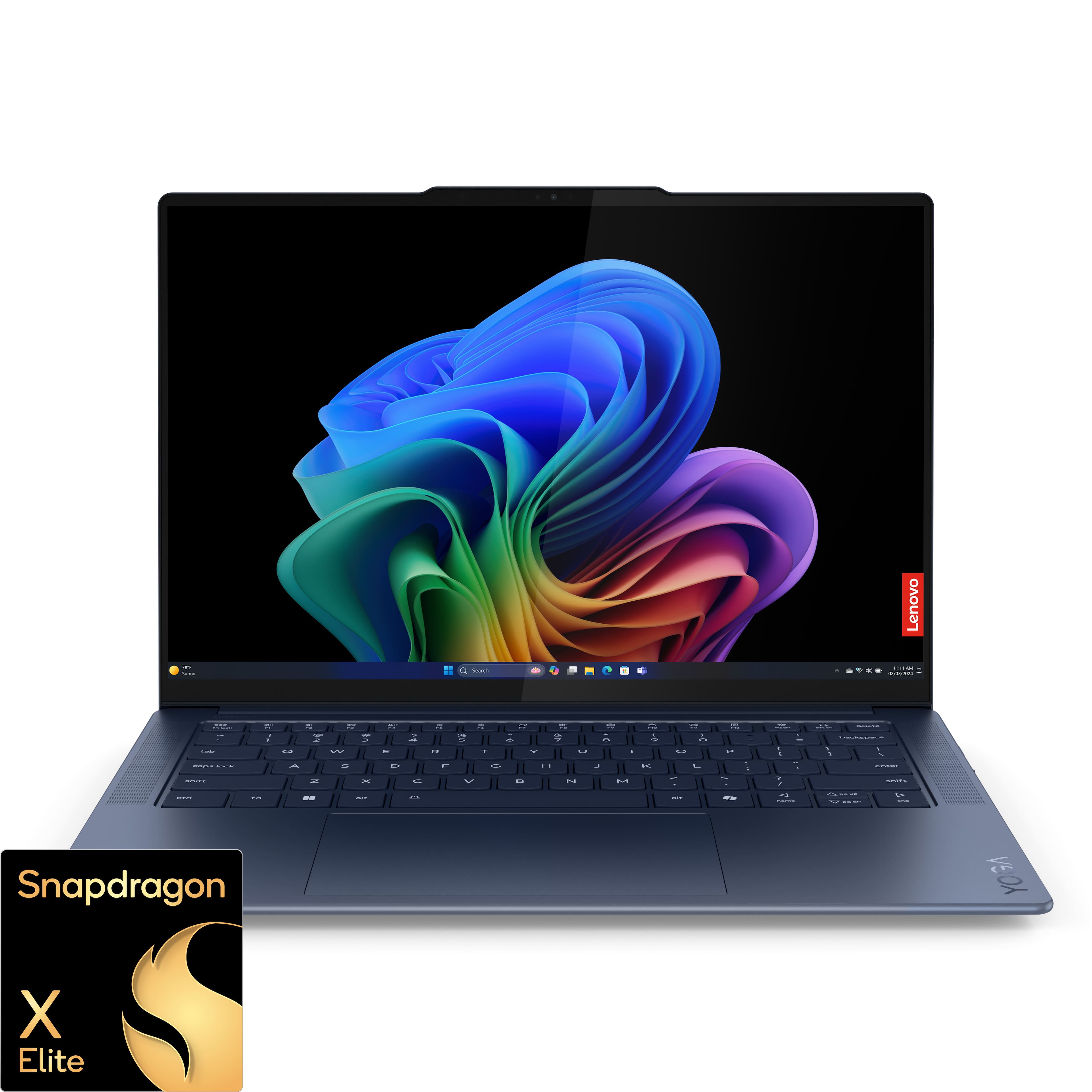
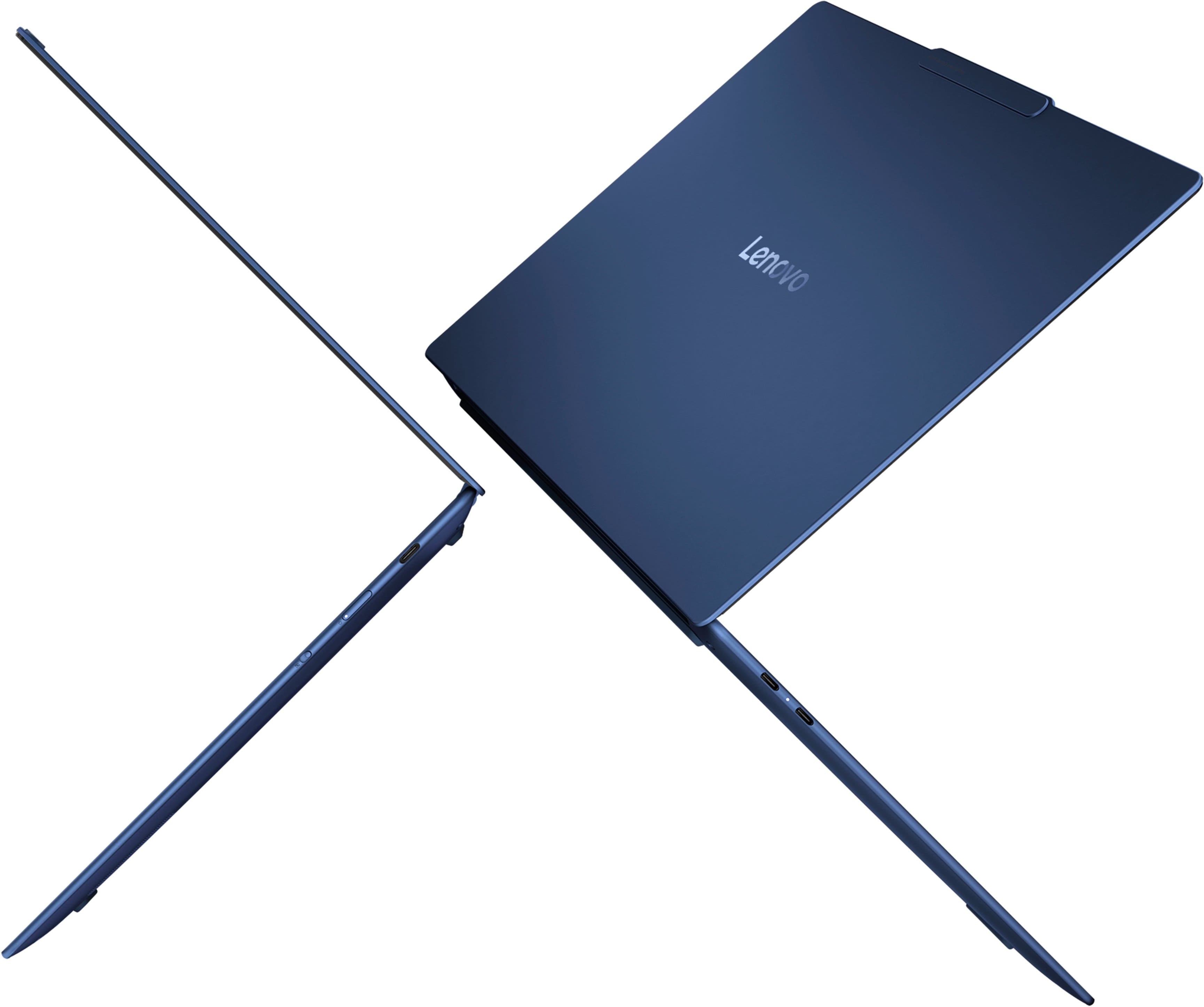
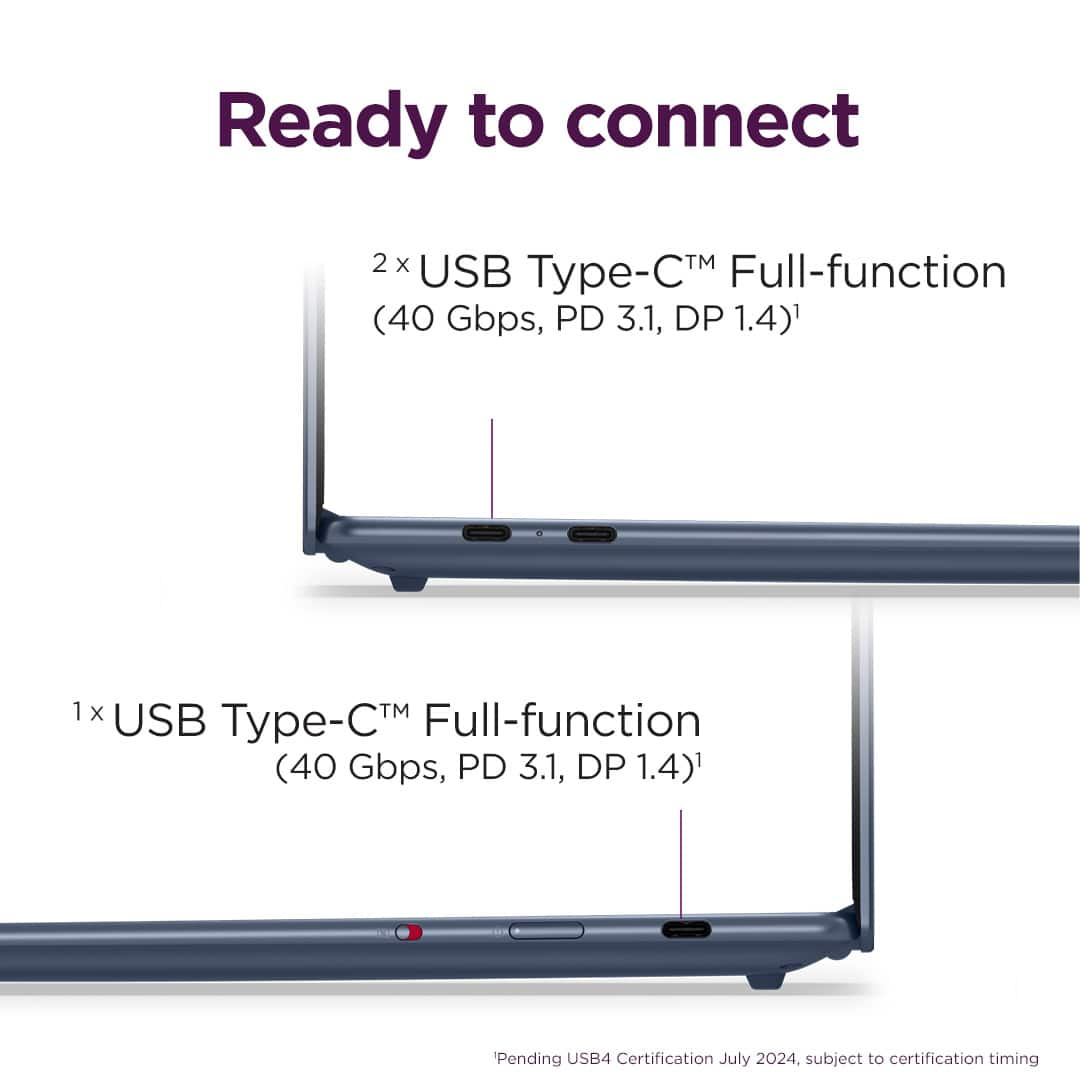
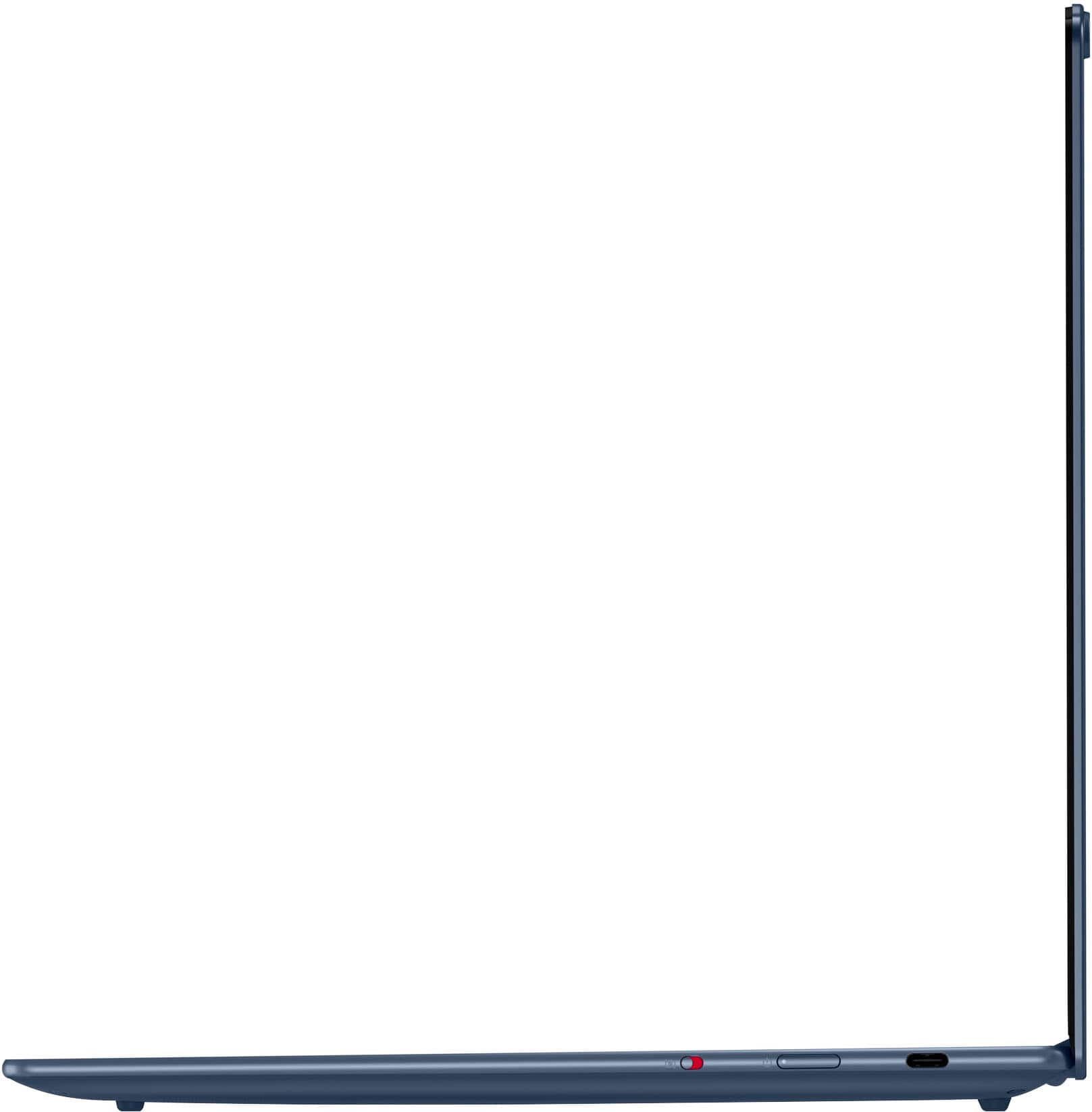
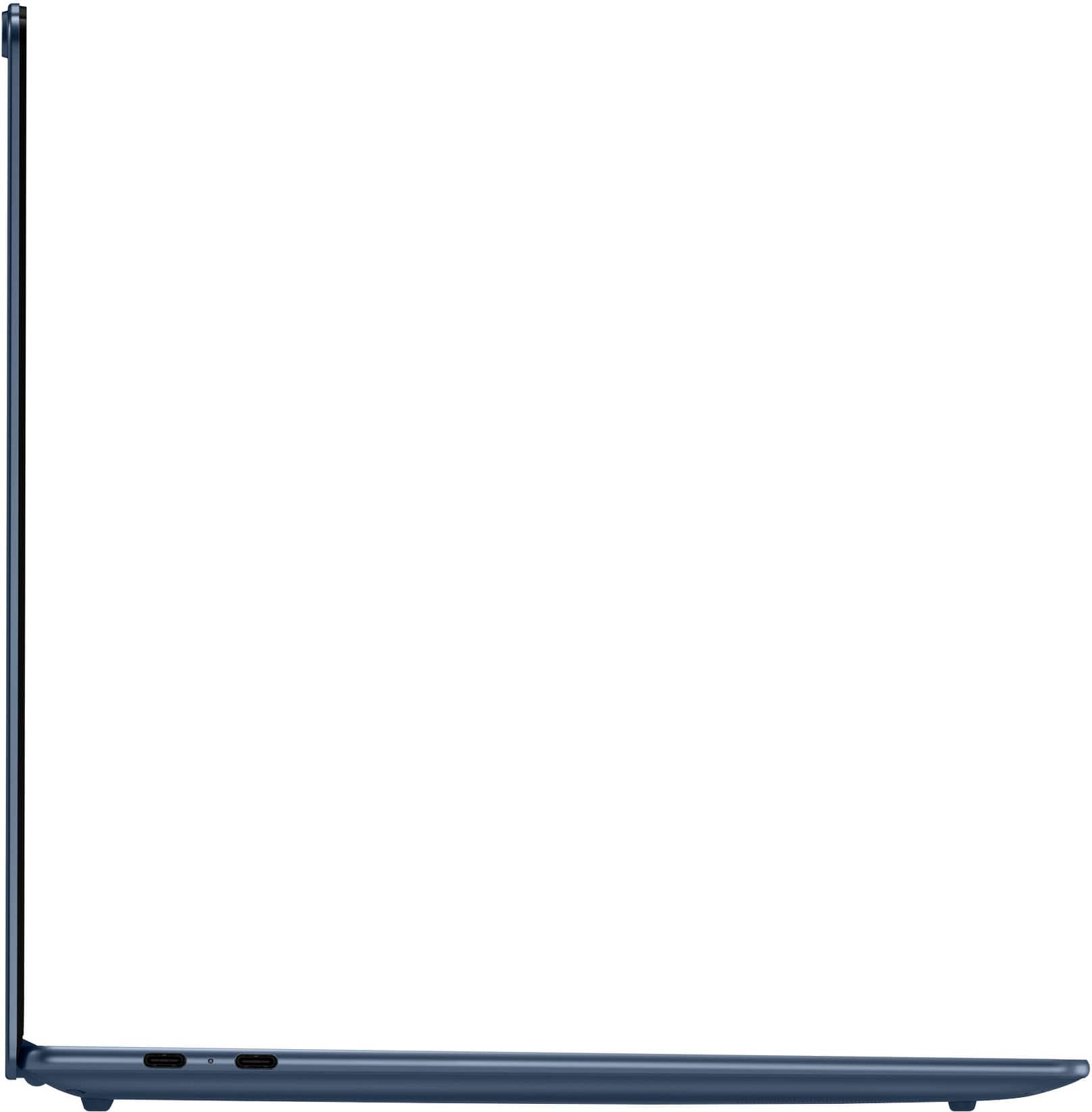
A:AnswerUSB‑C / Thunderbolt: Your laptop has full-function USB‑C ports with DisplayPort Alt Mode, which can carry video to an external monitor.
HDMI port: Some variants may have HDMI 1.4 built-in, but many newer models rely only on USB‑C.
No other video ports (no DisplayPort or VGA natively).
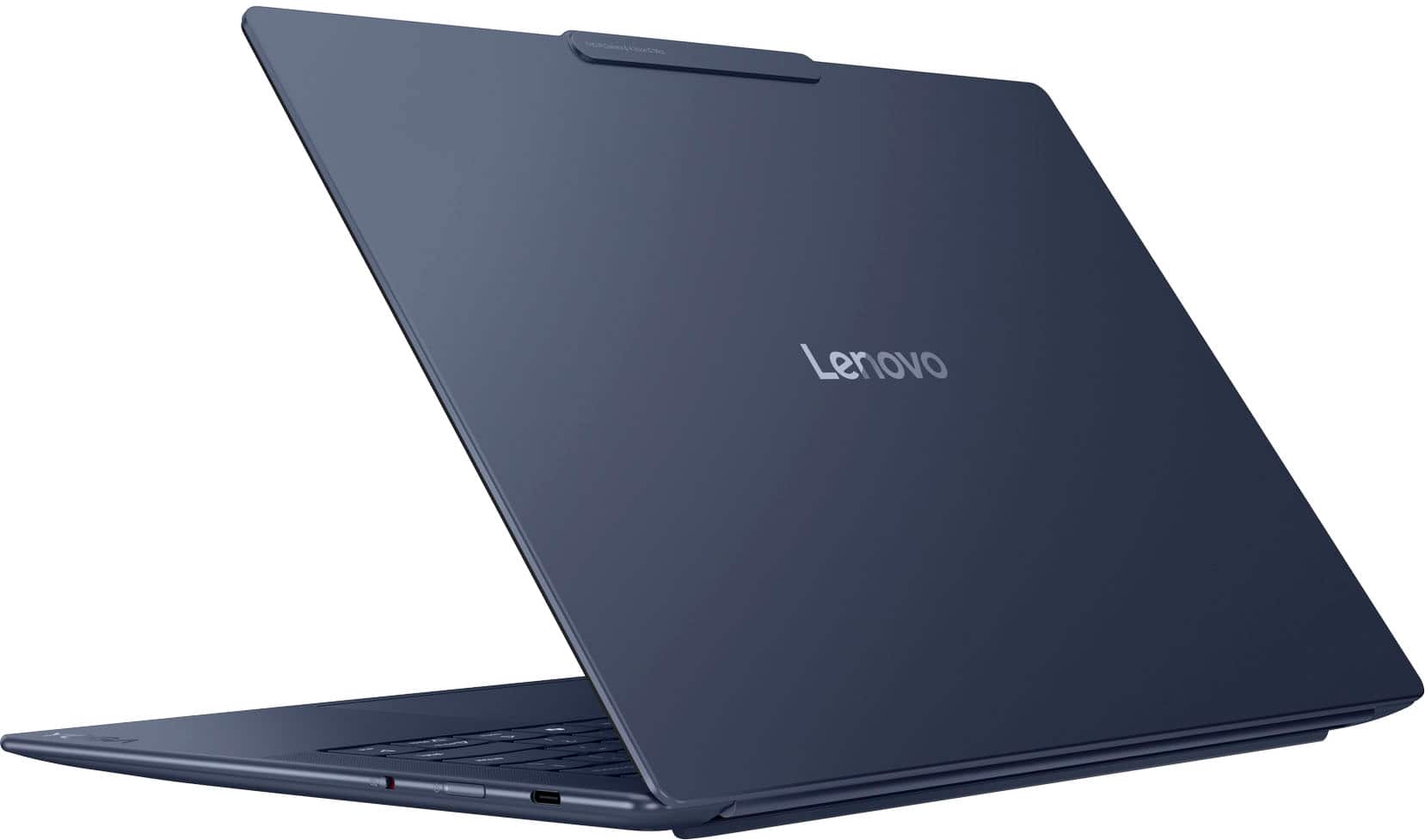
If you’re unsure which you have, look at the sides:
USB‑C looks like a small oval port.
HDMI looks like a trapezoid-shaped port labeled “HDMI.”
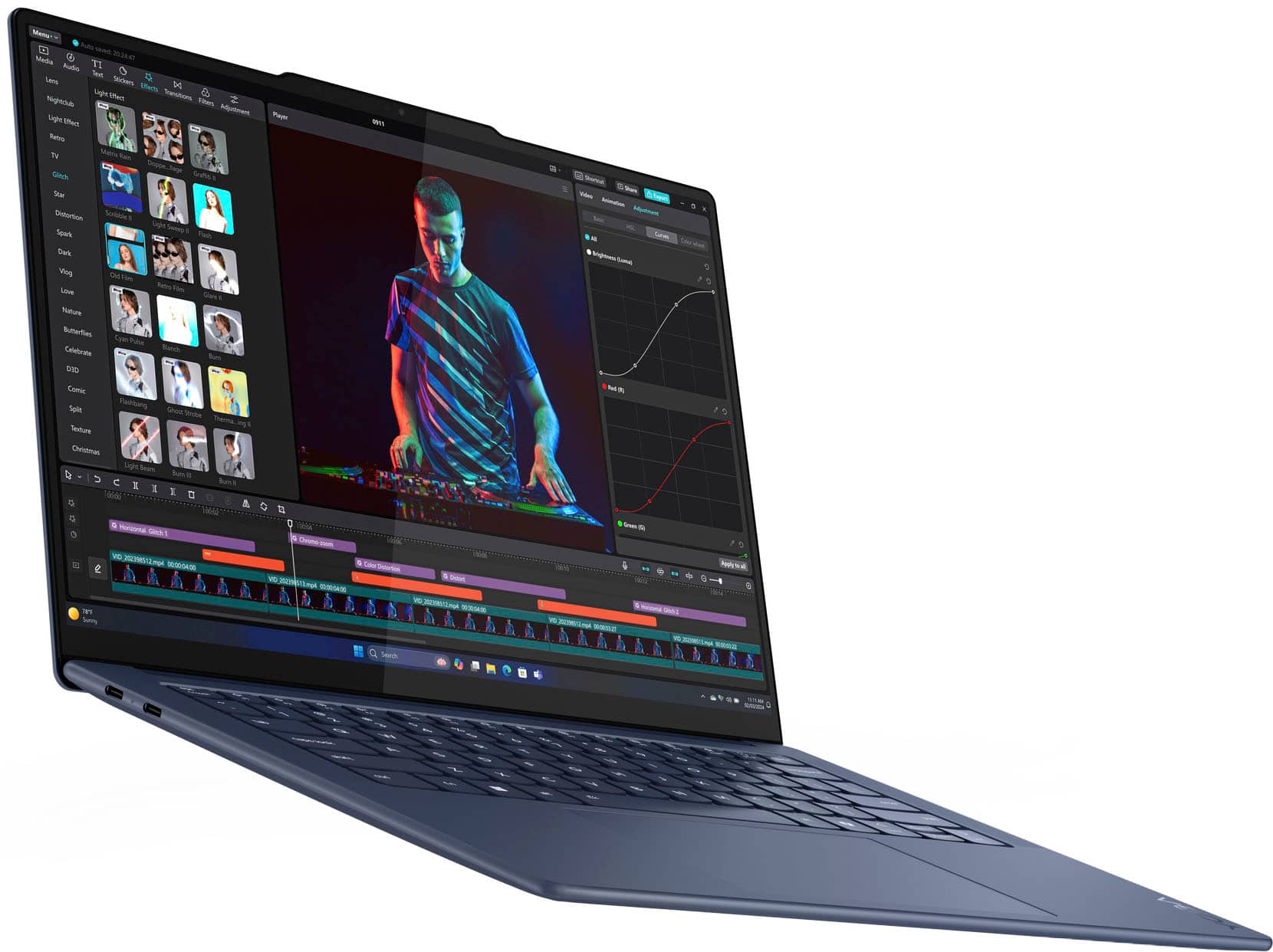
A:AnswerLight to moderate editing workflows
It handles basic timeline editing and shorter clips smoothly.
In tests, this laptop completed a 4K → 1080p video transcode faster than many competitors like the MacBook Air M3 and Dell XPS 14, showing surprisingly strong CPU efficiency.
Tom's Guide
Everyday creative tasks
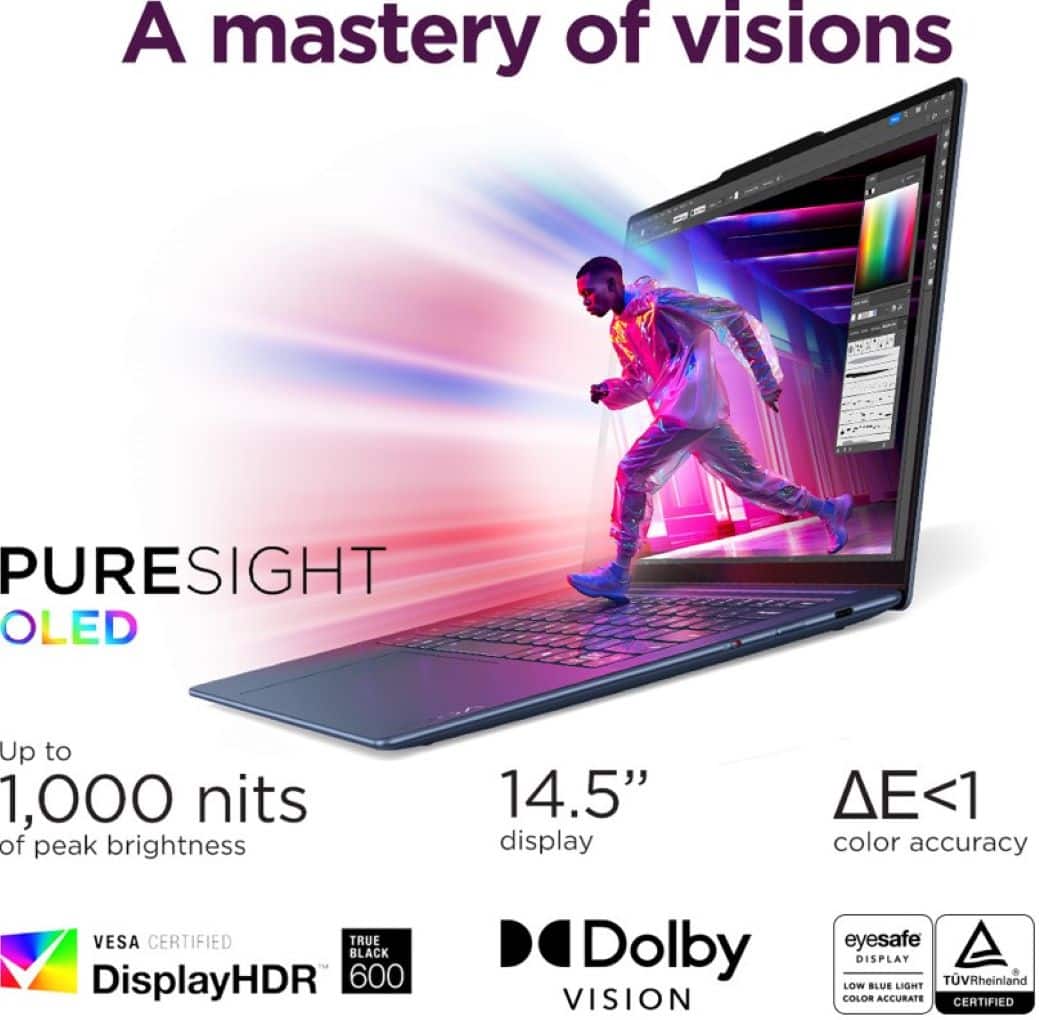
Works well with basic photo/video tools and general productivity. The OLED screen is great for color‑rich visuals.
Lenovo
Good display for reviewing footage
OLED screen with excellent color quality helps you see details more accurately while editing.
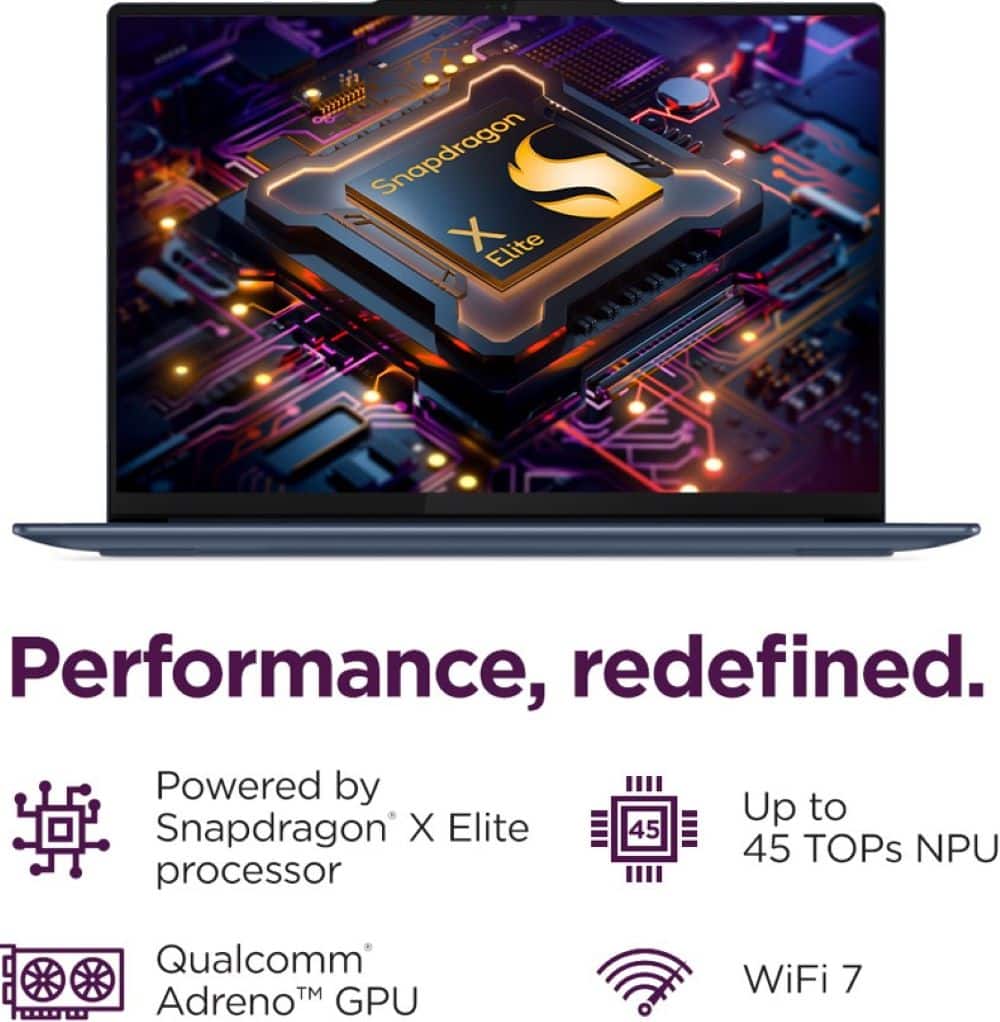
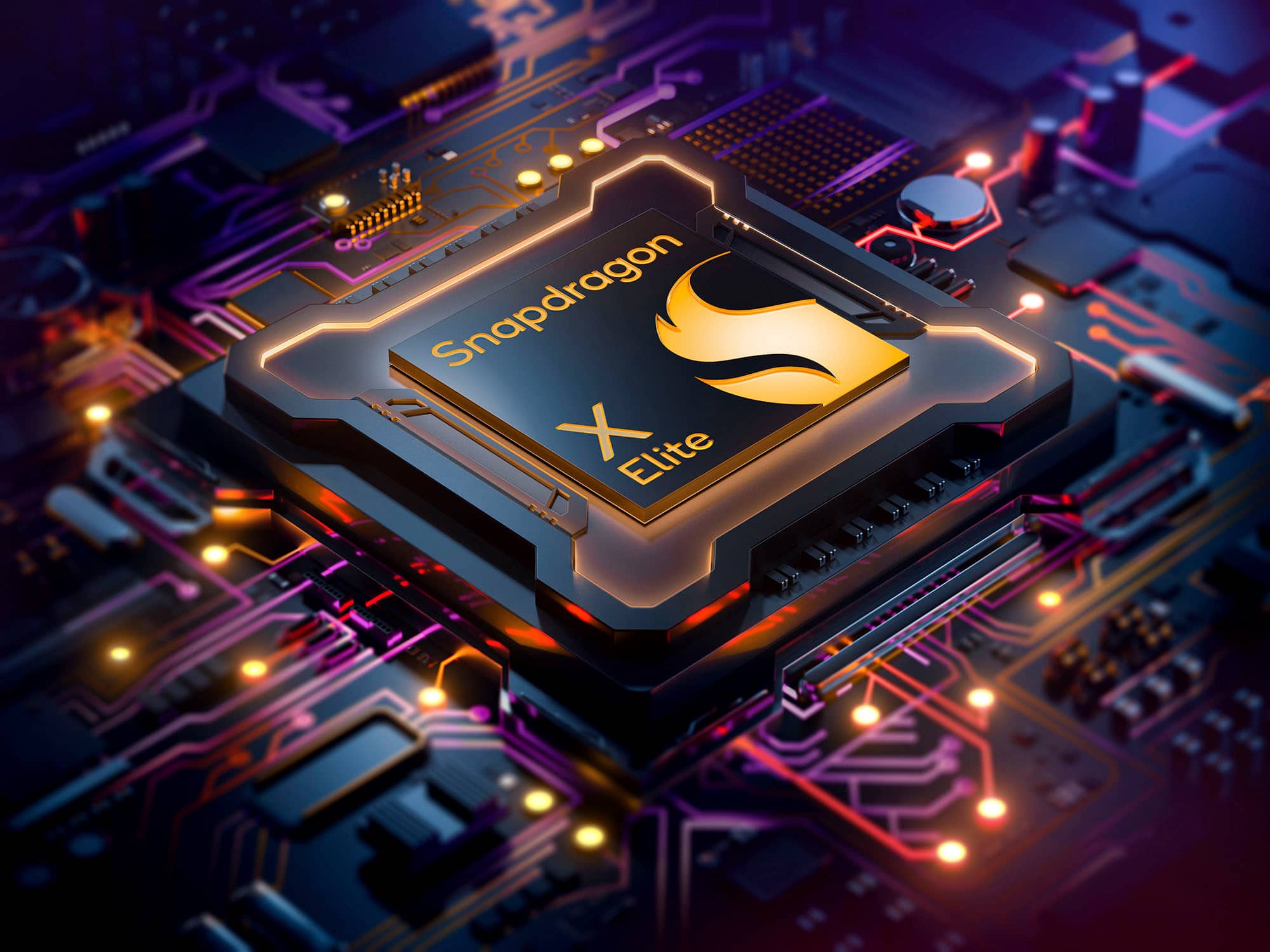
A:Answerthe Lenovo Yoga Slim 7x Copilot PC Laptop comes with Windows 11 pre‑installed. Specifically, it ships with Windows 11 for ARM (Windows 11 on ARM), since this model uses the Qualcomm Snapdragon X Elite processor, which is an ARM‑based chip.
LenovoWhat that means for you:
Windows 11 is the operating system you’ll see when you first power it on.
Lenovo
Because it’s an ARM‑based device, the Windows installation is the ARM edition of Windows 11, not the typical x86/Intel version — but it still looks and works like regular Windows 11.
A:AnswerShut down the laptop completely (do not use sleep or hibernate).
Power it on and immediately press F2 repeatedly as soon as the Lenovo logo appears. This opens the BIOS/UEFI menu.
Navigate to Configuration (or a similar tab; on some ARM-based models it’s under Power).
Look for “Flip to Start” or “Power on with Lid Open”.
Set it to Disabled.
Save and Exit the BIOS (usually F10). The laptop will now only power on when you press the power button, not when opening the lid.
A:AnswerTouchpad glitches – common in laptops like the Yoga Slim 7x. Accidental palm touches may freeze movement temporarily.
Driver issues – outdated or corrupted touchpad drivers can cause intermittent cursor problems.
External mouse problems – loose connection, low battery (wireless), or cable issues.
High CPU/memory load – cursor may lag or freeze if the system is busy.
USB interference – multiple USB devices or hubs sometimes interfere with cursor response.
Fixes:
Update touchpad/mouse drivers via Windows Update or Lenovo Vantage.
Disable & re-enable the touchpad in Settings → Devices → Touchpad.
Test an external mouse to see if the issue persists.
Clean the touchpad surface and make sure nothing is touching it accidentally.
A:AnswerHello Printer, and thank you for your question. Over 8,500 modern wireless printers from top vendors are compatible with Snapdragon X Series powered windows PCs. To ensure compatibility and for the most up-to-date list of supported printers, please check https://www.qualcomm.com/snapdragon/laptops-and-tablets/printers.
A:AnswerThis laptop uses LPDDR5x RAM that’s soldered directly to the motherboard, so there are no memory slots you can add or replace later. Once you choose a configuration (e.g., 16 GB or 32 GB) at purchase time, that’s what you’re stuck with for the life of the machine.
Most ultra‑thin laptops — especially ones with ARM‑based processors like the Snapdragon X Elite — do this to save space, improve efficiency, and optimize battery life, but it means no future RAM upgrades are possible.
This is standard for this model.
A:AnswerThe Lenovo Yoga Slim 7x Copilot PC Laptop doesn’t have a separate, dedicated video card like an NVIDIA or AMD discrete GPU. Instead, it uses integrated graphics built into its main processor — specifically:
Graphics / Video Card
Integrated GPU:
Qualcomm Adreno™ GPU
Integrated as part of the Snapdragon X Elite system‑on‑chip (SoC)
Shares system memory (no separate video RAM)
Supports DirectX 12 and handles display output and graphics tasks for the laptop.
Lenovo StoryHub
What This Means
Good for:
Everyday use (web, video streaming, Office apps)
Light creative tasks
Photo editing and basic video editing
Casual gaming or games that run well under Windows on ARM