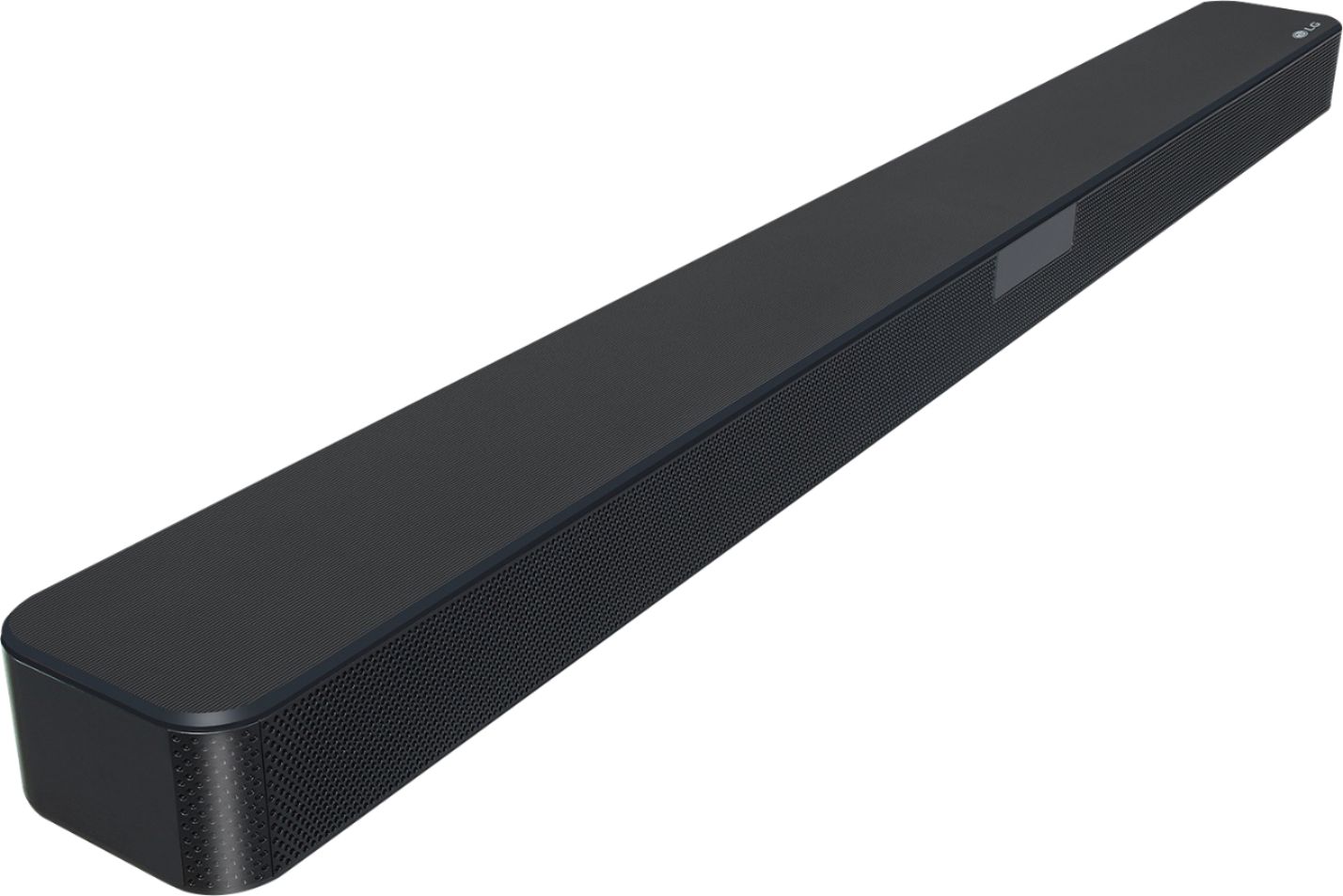
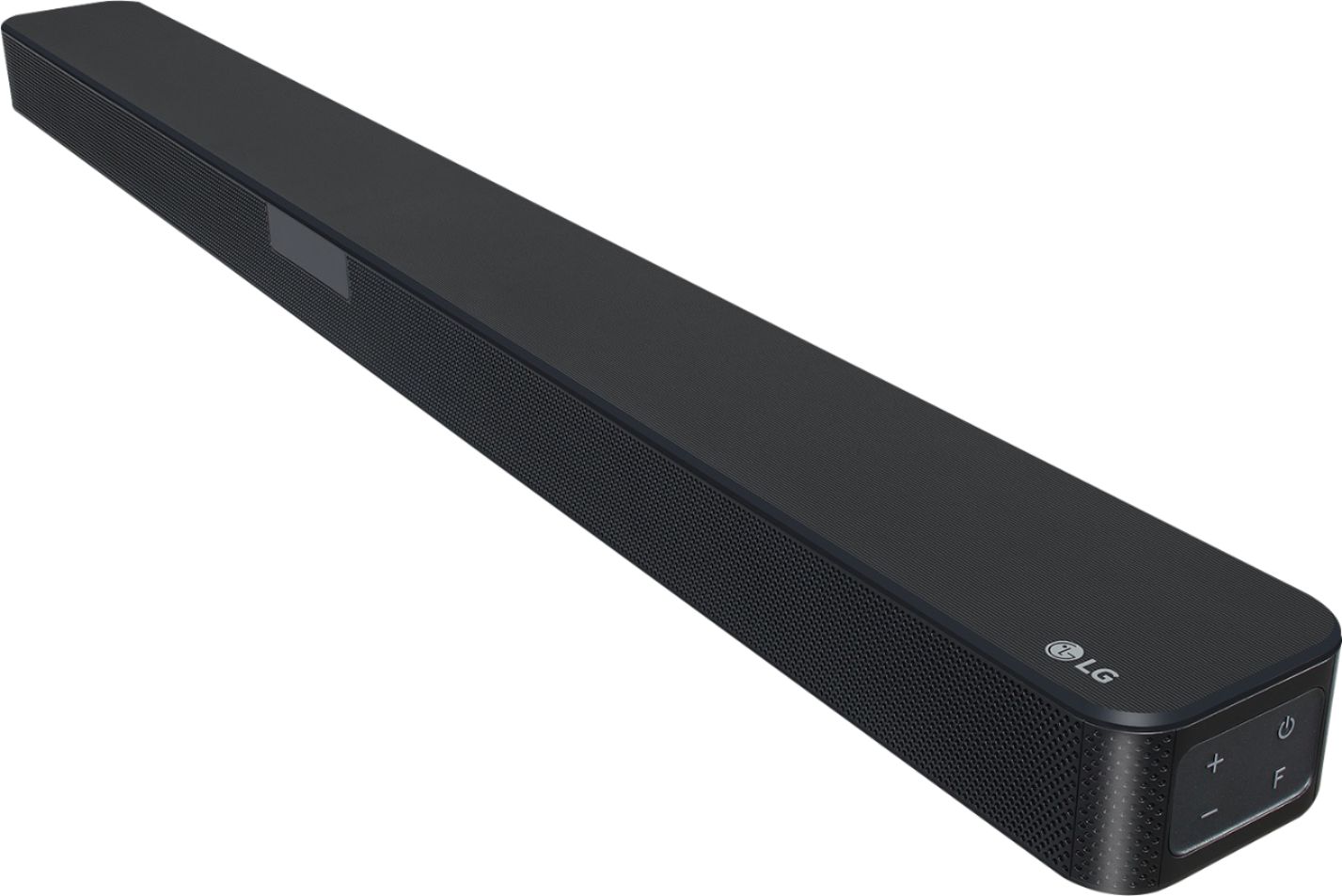
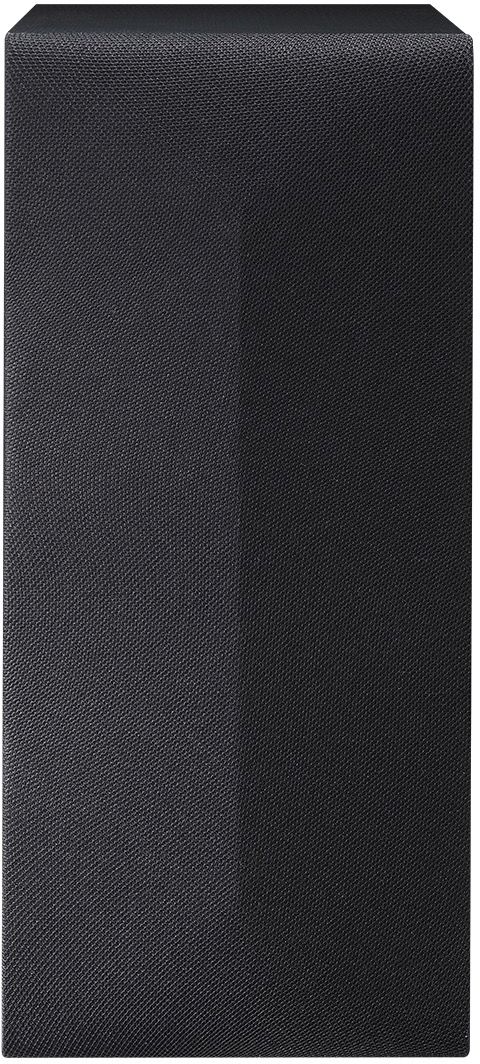
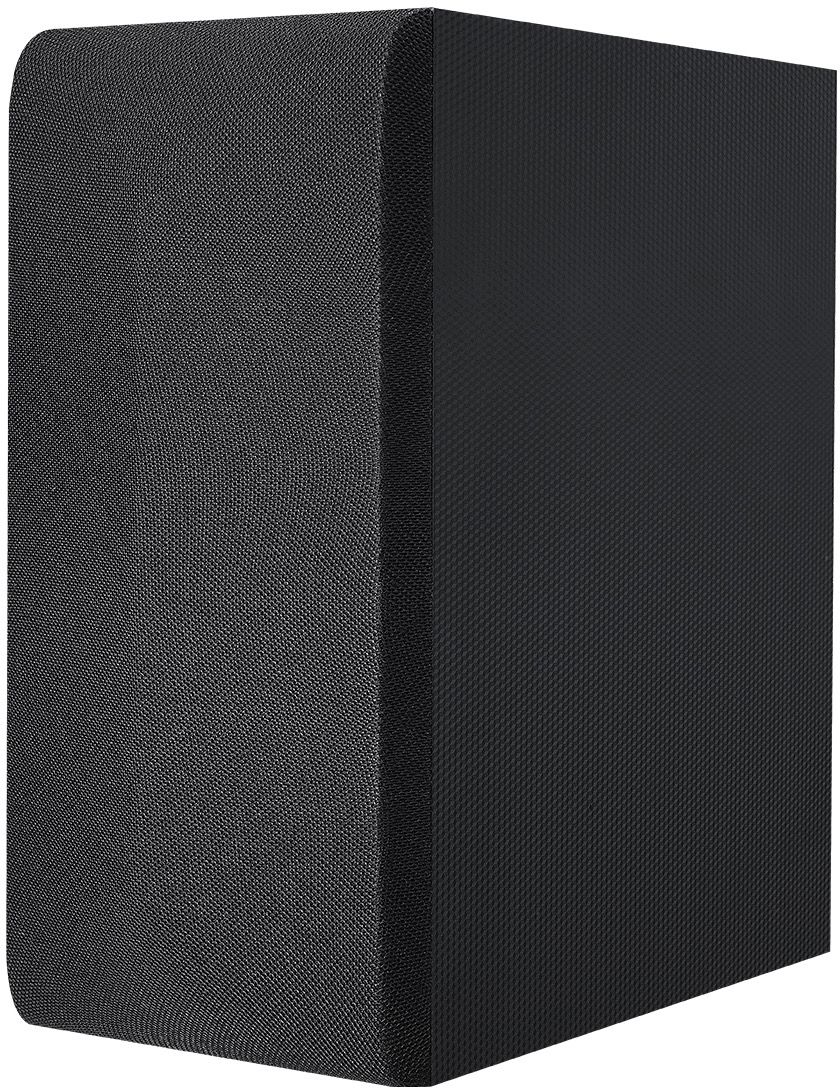
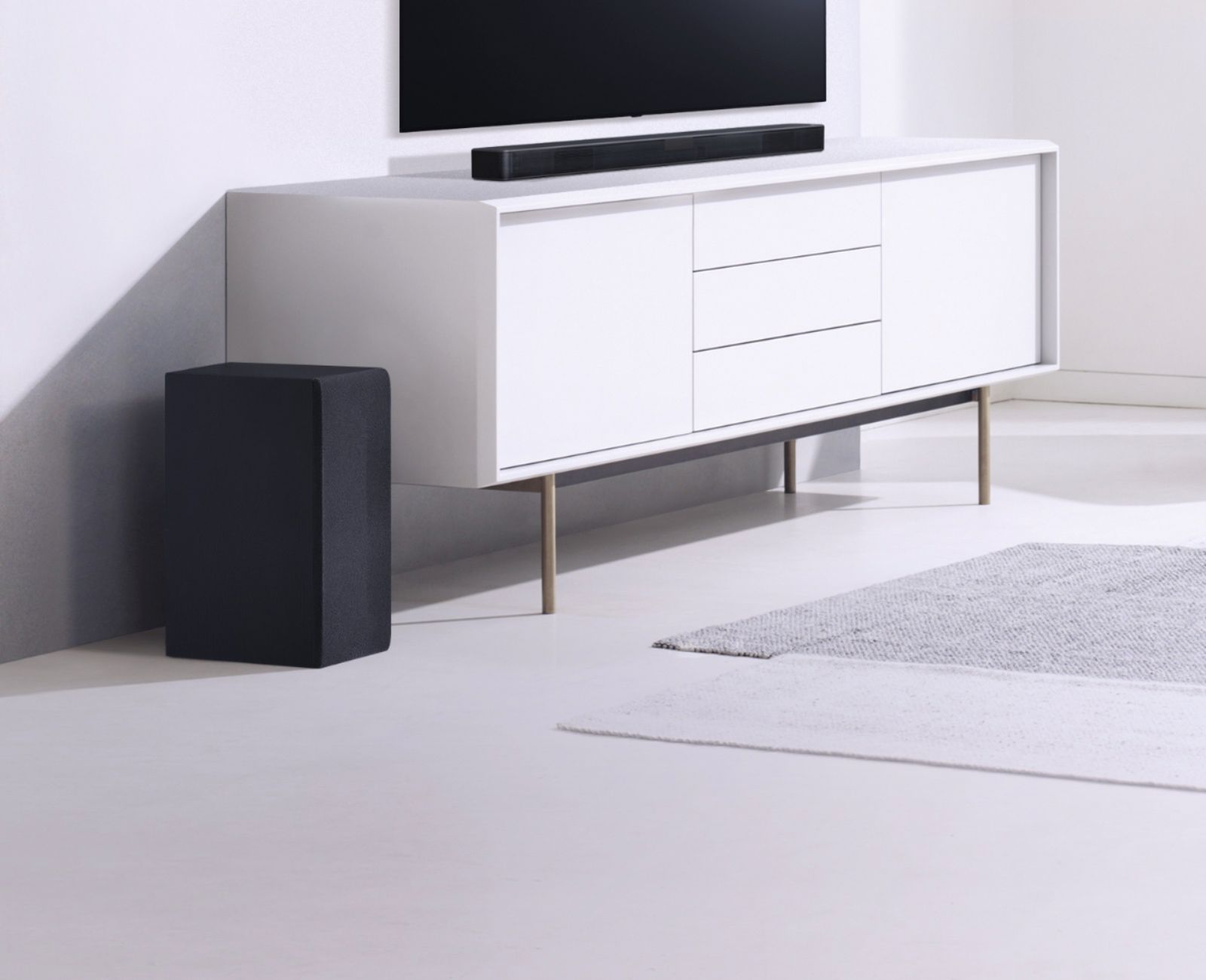
A:AnswerYou cant, as this is only 2.1, 2 satelite speakers and 1 sub woofer, to pair extra speakers you would have to purchase the more expensive soundbar.. e.g 5.1, do some research first. as normally with any sounbar, the speakers are the only ones you can pair to it.
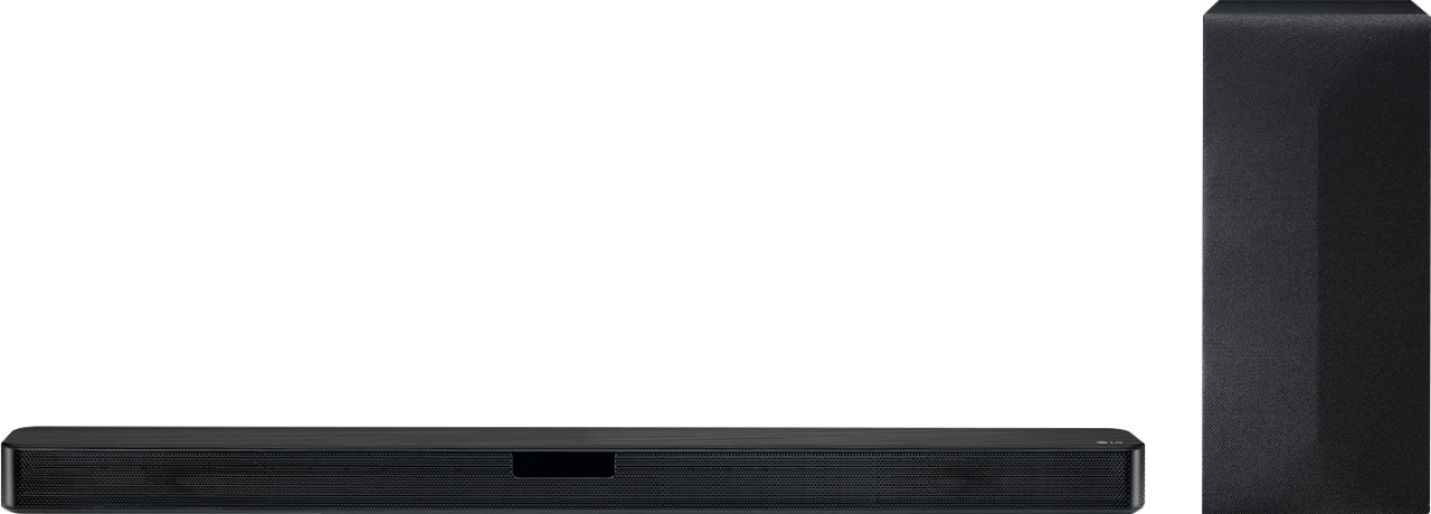
A:AnswerPer the specifications there is a Digital Audio Out (Optical) in the rear. If you are in need of further assistance, please reach out to our support team on Twitter via @LGUSSupport or on Facebook at https://www.facebook.com/LGUSA or call at 800-243-0000. ^Daphane
A:AnswerPlease seek recommendations/opinions at https://lgcommunity.us.com. The LG Community Forum is a great resource for getting help from other LG customers. ^Daphane
A:AnswerPlug the soundbar into the mains socket for power, then with the attached optical cable, take the cover off the tips, plug one end into the soundbar and the other end into the TV... now plug the sub woofer into the mains for power and your done...
Turn on tv with tv remote and you should see the soundbar become active... read the manual
A:AnswerPlease contact LG Customer Support by direct message via Twitter (@LGUSSupport) or Facebook Messenger (https://www.facebook.com/LGUSA/). Please be sure to provide your contact information, model/serial numbers and date of purchase and we will be happy to assist you. ^Daphane
A:AnswerTry resetting the emote by removing the batteries then press and hold the power button for 60 seconds. If you are in need of further assistance, please reach out to our support team on Twitter via @LGUSSupport or on Facebook at https://www.facebook.com/LGUSA or call at 800-243-0000. ^Daphane
A:AnswerNot sure how this might affect the sound quality. Please reach out to our Support team on Twitter via @LGUSSupport or on Facebook at https://www.facebook.com/LGUSA. ^Daphane