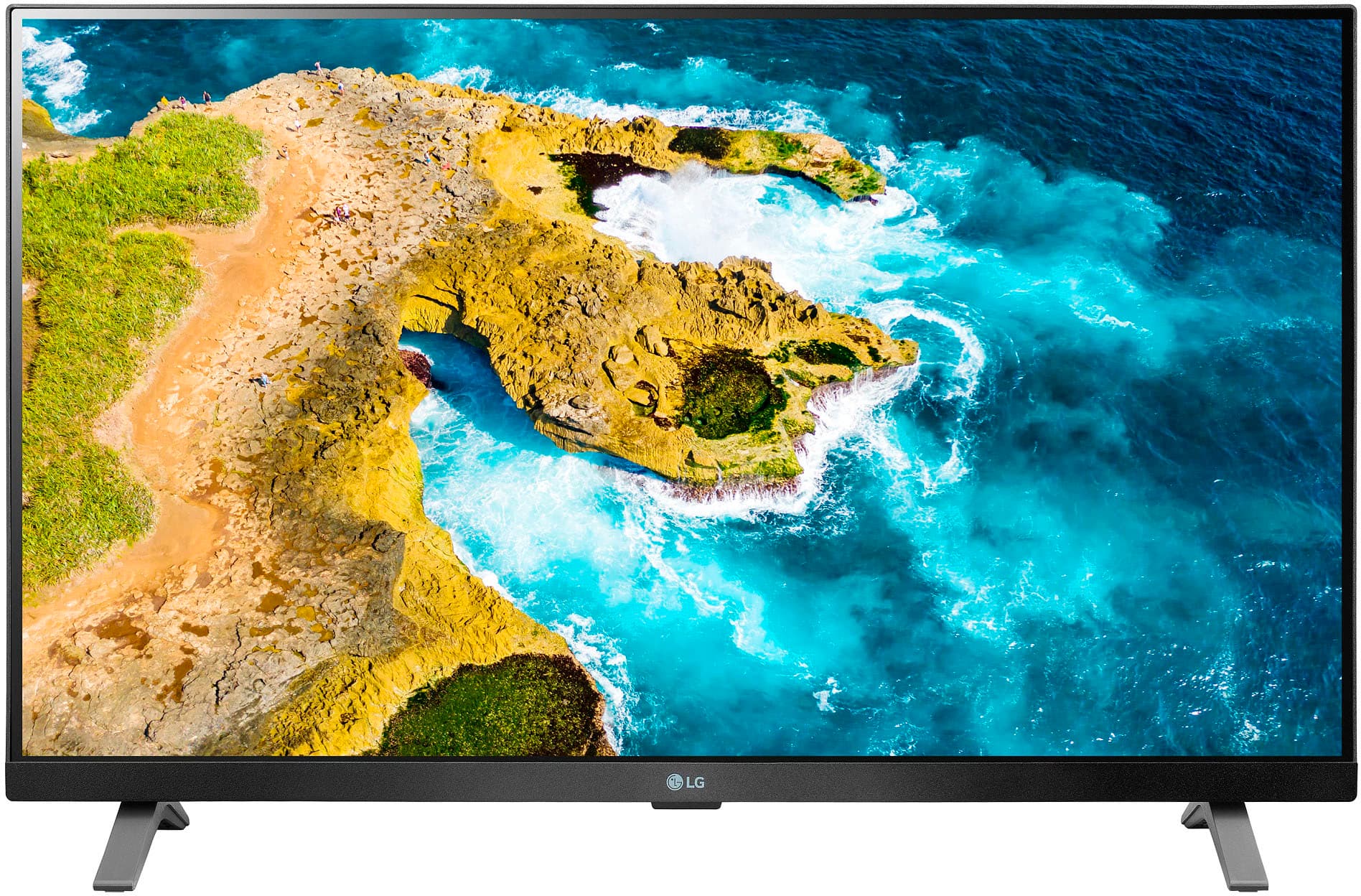
A:AnswerHi there! Thank you for sharing your experience with us. We understand your inquiry regarding the LG 27" Class LED Full HD Smart TV. While this model supports Apple AirPlay 2 and HomeKit, it does not have Chromecast built-in; however, you can still control basic functions like power and volume by linking the TV to the Google Home app via the LG ThinQ platform.
https://www.bestbuy.com/product/lg-27-class-led-full-hd-smart-tv-with-webos-2022/JJ8VPZ625P
For further assistance and any specific concerns you may have, please contact us on lgdigitalcare@lg.sprinklrsupport.com. —Renzo
A:AnswerThe USB port is not a media feed on some TVs. I haven't tested this particular TV, so I can't say if this one would support it. But if by PPT you are referring to a PowerPoint presentation, no the TV will not display a PowerPoint file. If the embedded video is supported, then you could possibly extract the video from the PPT file and save it separately and play it that way.
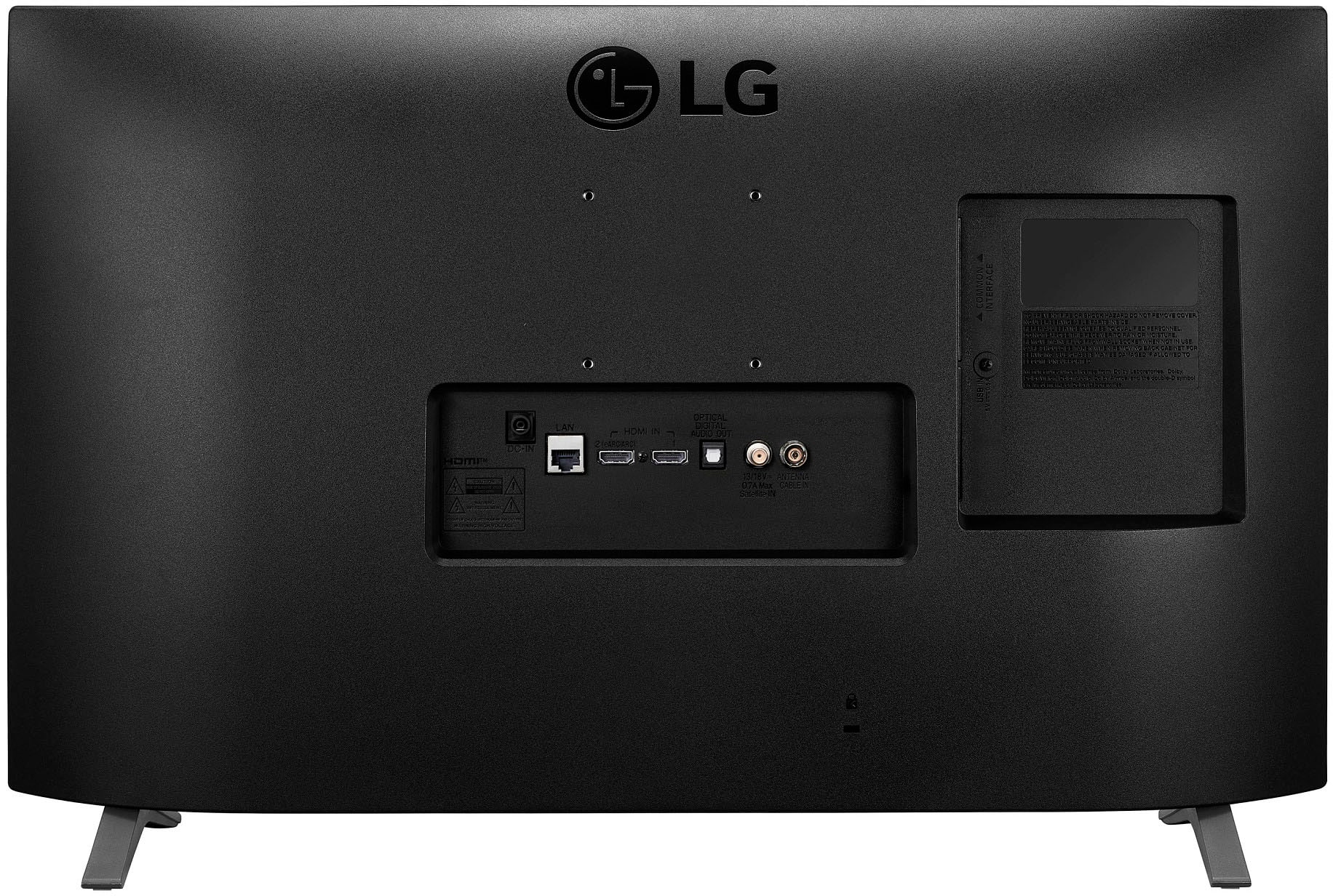
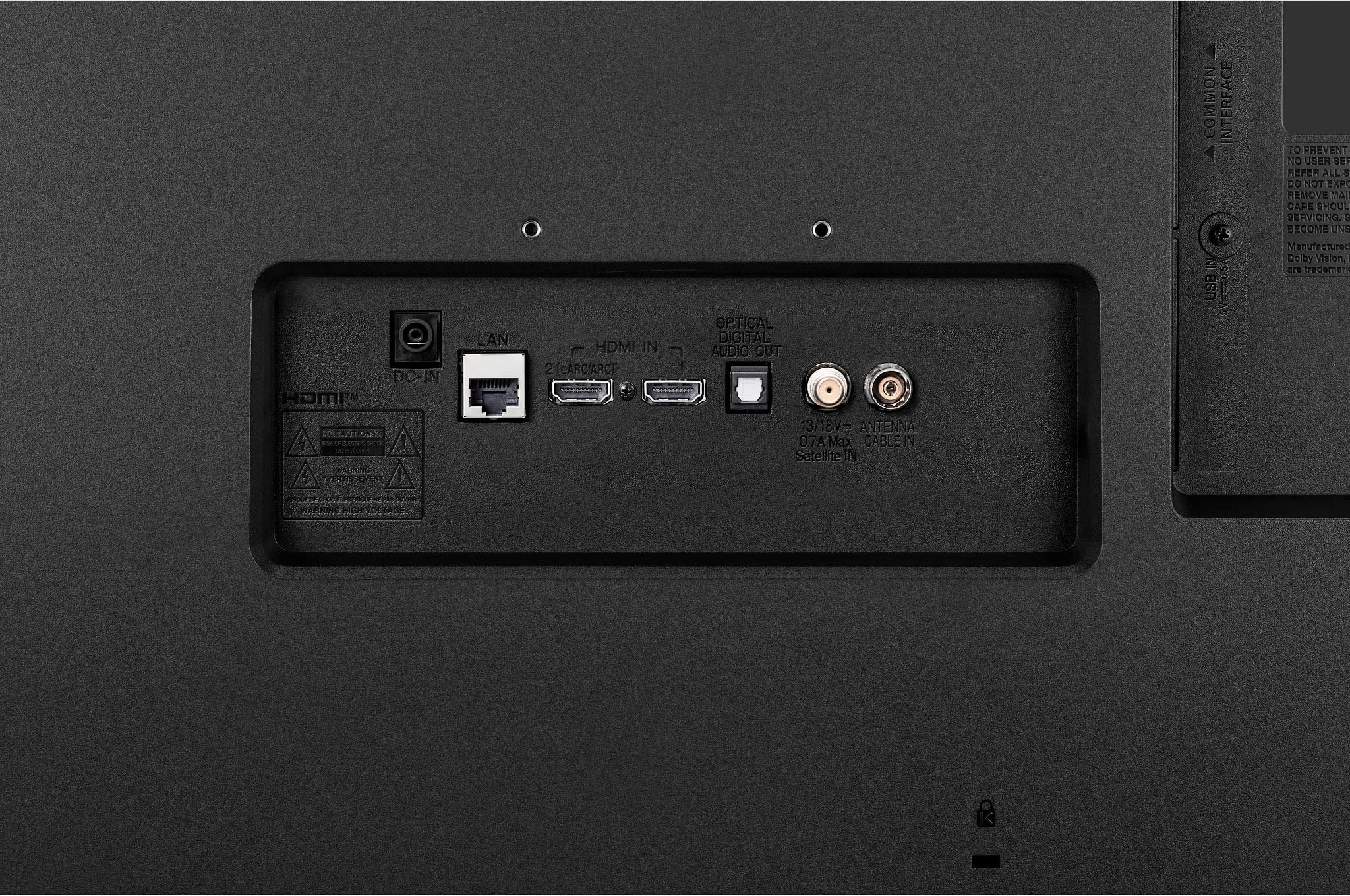
A:AnswerHi there. We understand your inquiry regarding the LG 27" Class LED Full HD Smart TV. This model is compatible with DIRECTV, as you can connect your satellite box via the HDMI port or download the DIRECTV app directly from the LG Content Store. Your feedback is important, and we'd like to assist you further.
https://www.bestbuy.com/product/lg-27-class-led-full-hd-smart-tv-with-webos-2022/JJ8VPZ625P
For further assistance and any specific concerns you may have, please contact us on lgdigitalcare@lg.sprinklrsupport.com. —Renzo
A:Answer"Can it work with a terrestrial antenna?"
Yes, you can connect a coaxal cable from an external antenna and receive OTA channels.
Oui, vous pouvez connecter un câble coaxial à partir d'une antenne externe et recevoir des chaînes OTA.
A:AnswerHello there. We understand your inquiry regarding the LG - 27" Class LED Full HD Smart TV with webOS (2022).
This TV allows you to check signal strength and perform manual tuning via the Settings > All Settings > General > Channels > Channel Tuning > Manual Test menu. It also includes an Audio Description (AD) function, which can be enabled under the Accessibility settings. For your antenna orientation, you can use the Manual Tuning feature to add channels from different directions without losing those already scanned.
https://www.bestbuy.com/product/lg-27-class-led-full-hd-smart-tv-with-webos-2022/JJ8VPZ625P
For further assistance and any specific concerns you may have, please contact us on lgdigitalcare@lg.sprinklrsupport.com. —Renzo
A:AnswerRoku is an operating system, same as WebOS. You can't install one over the other.
Roku does offer an app for some TVs that provide "The Roku Channel" to these TVs. However, TRC is not the same as a Roku player. You can't install other apps/channels on TRC. So even if Roku someday adds an app for TRC for the WebOS, it won't provide the same functionality as an actual Roku player connected to the TV.
A:AnswerYes, you can connect a Roku (or any other HDMI equipped device) and use it.
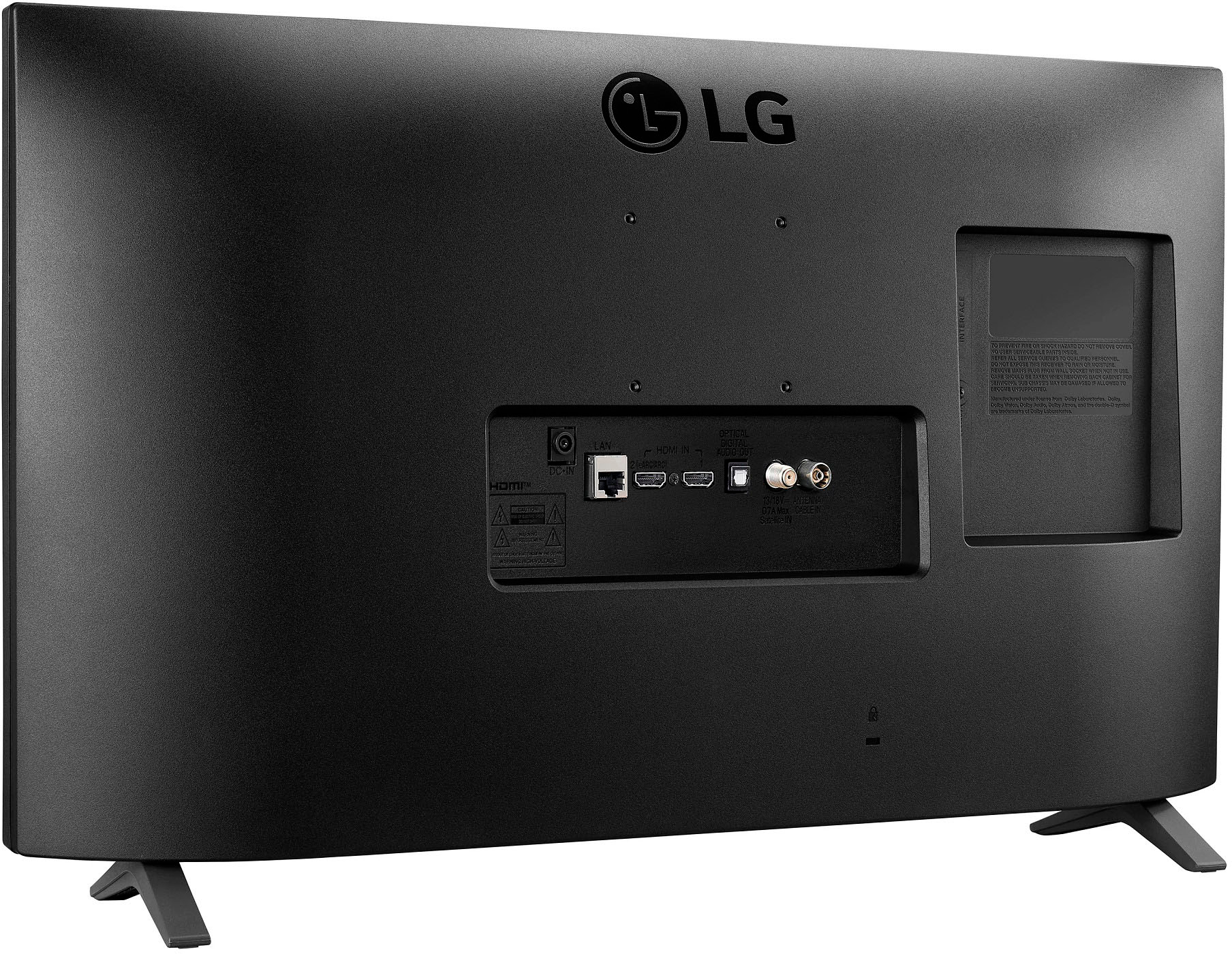
The TV has two legs, but it's really just a single "set". One leg goes on each end of the TV base.
A:AnswerHi there. We understand your inquiry regarding the sleep timer on your LG Smart TV. Yes, this model features a sleep timer which can be accessed through the Quick Settings menu on your screen.
https://www.bestbuy.com/product/lg-27-class-led-full-hd-smart-tv-with-webos-2022/JJ8VPZ625P
For further assistance and any specific concerns you may have, please contact us on lgdigitalcare@lg.sprinklrsupport.com. —Renzo
A:AnswerHi there, Will. Thank you for sharing your inquiry with us regarding the LG 27" Class LED Full HD Smart TV with webOS (2022).We understand your inquiry! This model includes a standard remote control with two AAA batteries provided in the box. Should you need to replace them in the future, the remote uses standard AAA alkaline batteries.
https://www.bestbuy.com/product/lg-27-class-led-full-hd-smart-tv-with-webos-2022/JJ8VPZ625P
For further assistance and any specific concerns you may have, please contact us on lgdigitalcare@lg.sprinklrsupport.com. —Renzo
A:AnswerHi there, Cally. Thank you for sharing your inquiry with us regarding the LG 27" Class LED Full HD Smart TV with webOS (2022).
https://www.bestbuy.com/product/lg-27-class-led-full-hd-smart-tv-with-webos-2022/JJ8VPZ625P
We understand your inquiry! This unit is wall-mountable and is compatible with a standard 75 x 75 mm VESA mount. We want to ensure you have the best setup for your space. For further assistance and any specific concerns you may have, please contact us on lgdigitalcare@lg.sprinklrsupport.com. —Renzo
A:AnswerHi there. We understand your inquiry regarding the setup for your LG 27" Class LED Full HD Smart TV.
The stand legs for this model are packaged separately and do require simple assembly using the included screws. This process is designed to be quick and straightforward so you can begin enjoying your TV as soon as possible. We understand the importance of knowing what to expect during your initial setup.
https://www.bestbuy.com/product/lg-27-class-led-full-hd-smart-tv-with-webos-2022/JJ8VPZ625P
For further assistance and any specific concerns you may have, please contact us on lgdigitalcare@lg.sprinklrsupport.com. —Renzo
A:AnswerNo, those buttons are not programmable. They simply provide functionality for any device (usually a game console) that is already designed to use them.
A:AnswerHi there, John. We understand your inquiry regarding the LG 27" Class LED Full HD Smart TV with webOS (2022).
https://www.bestbuy.com/product/lg-27-class-led-full-hd-smart-tv-with-webos-2022/JJ8VPZ625P
Yes, we can confirm that this unit is a Smart TV equipped with our webOS platform, which provides access to popular streaming apps and online content. For further assistance and any specific concerns you may have, please contact us on lgdigitalcare@lg.sprinklrsupport.com. —Renzo
A:AnswerHello there! Thank you for sharing your experience with us. We understand your inquiry regarding the LG 27" Class LED Full HD Smart TV. Yes, a soundbar can be connected to this TV using the optical audio output or through the HDMI (ARC) port if available on your specific model version. Many soundbars also offer wireless connection options via Bluetooth if the TV supports LG Sound Sync.
https://www.bestbuy.com/product/lg-27-class-led-full-hd-smart-tv-with-webos-2022/JJ8VPZ625P
For further assistance and any specific concerns you may have, please contact us on lgdigitalcare@lg.sprinklrsupport.com. —Renzo
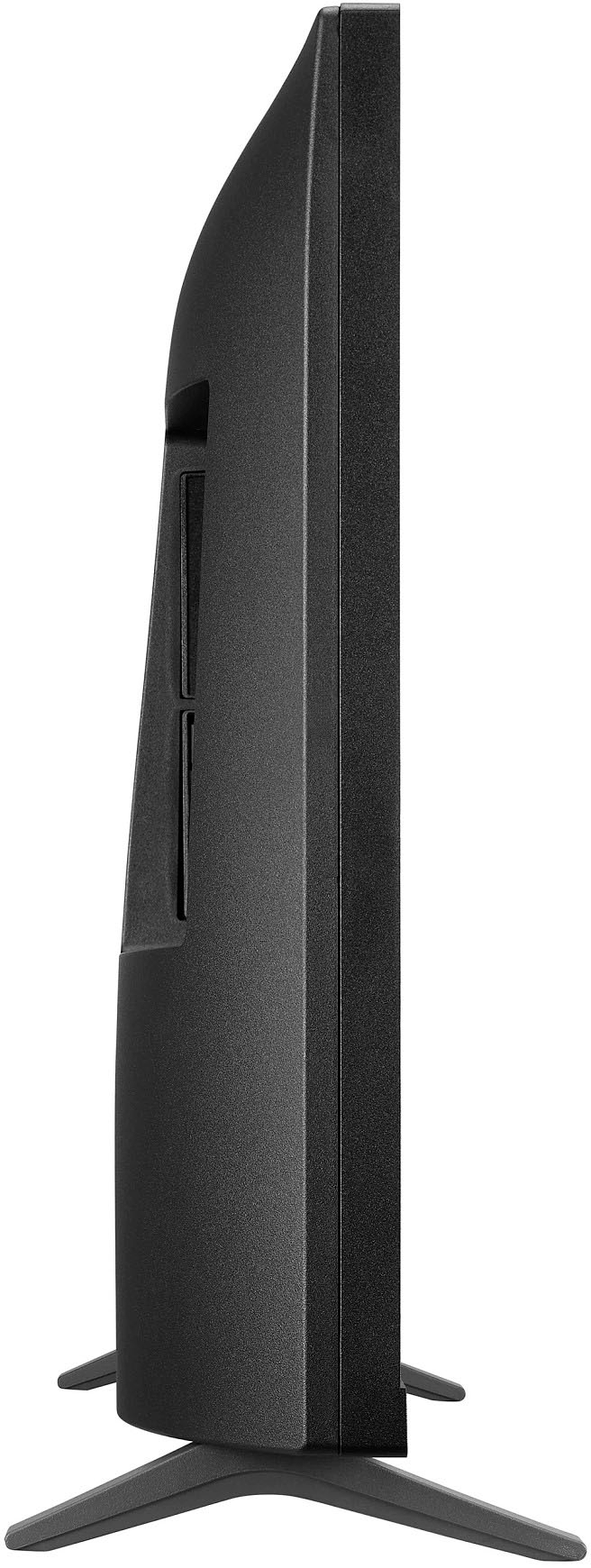
A:AnswerHi there. Thank you for sharing your experience with us regarding the LG 27" Class LED Full HD Smart TV (2022). We understand your inquiry about the dimensions for this unit.
The dimensions for model 27LQ625S-PU are as follows:
With Stand (WxHxD): 24.1" x 15.5" x 5.9"
Without Stand (WxHxD): 24.1" x 14.5" x 2.9"
https://www.bestbuy.com/product/lg-27-class-led-full-hd-smart-tv-with-webos-2022/JJ8VPZ625P
We hope this information helps with your setup! For further assistance and any specific concerns you may have, please contact us on lgdigitalcare@lg.sprinklrsupport.com, and our team will be more than happy to assist you. —Renzo