A:AnswerHi Bruce, the 43UJ6300 does not have Bluetooth, however, it does have a Mobile App that can be used if both the TV and phone are on the same WiFi network. ^AC
A:AnswerWe would love to help you find a TV that fits your needs best. Please take a moment, at your convenience, to contact us directly via Twitter @LGUSSupport or Facebook www.Facebook.com/LGSupportUSA ^CP
A:AnswerContact your nearest local Best Buy store and ask the clerk in the TV department if they offer free delivery on that particular model TV. As for installation, Best Buy probably does not offer free installation, but can do it for an additional fee. However, if you are only intending to place the TV on top of a media console or on top of a dresser or chest-of-drawers, and not mount it to a wall with a mounting bracket, you likely WILL NOT need professional installation.
All you need to do, once you remove the TV and included accessories from the box, is to place the set face down on a larger flat elevated surface, such as a bed, or a large table, and attach the feet or the pedestal to the rear of the TV, usually with two to four screws. Once the feet or the pedestal is attached, you may need the assistance of another person to help you lift and carry the TV to the place where it will permanently sit.
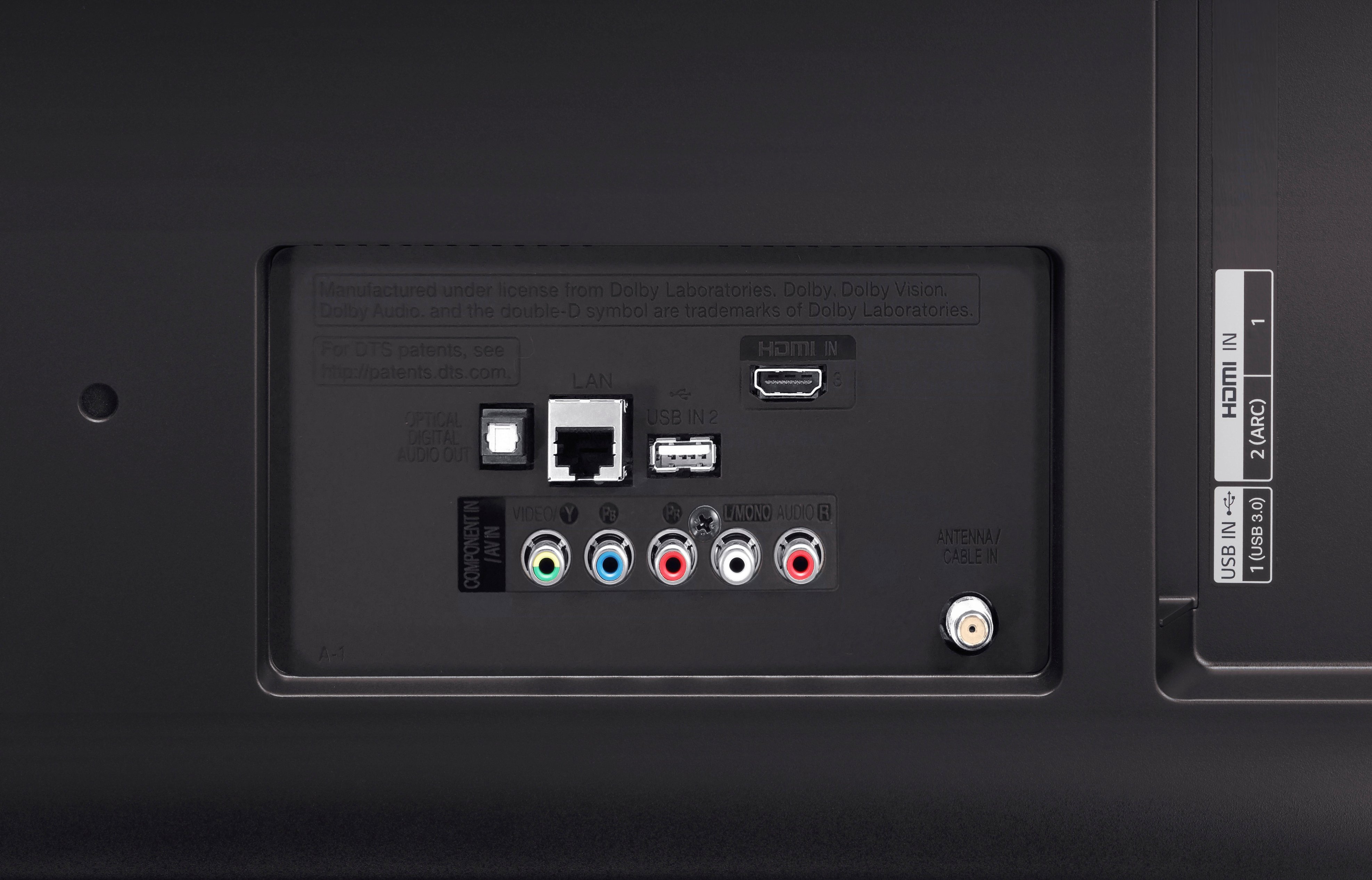
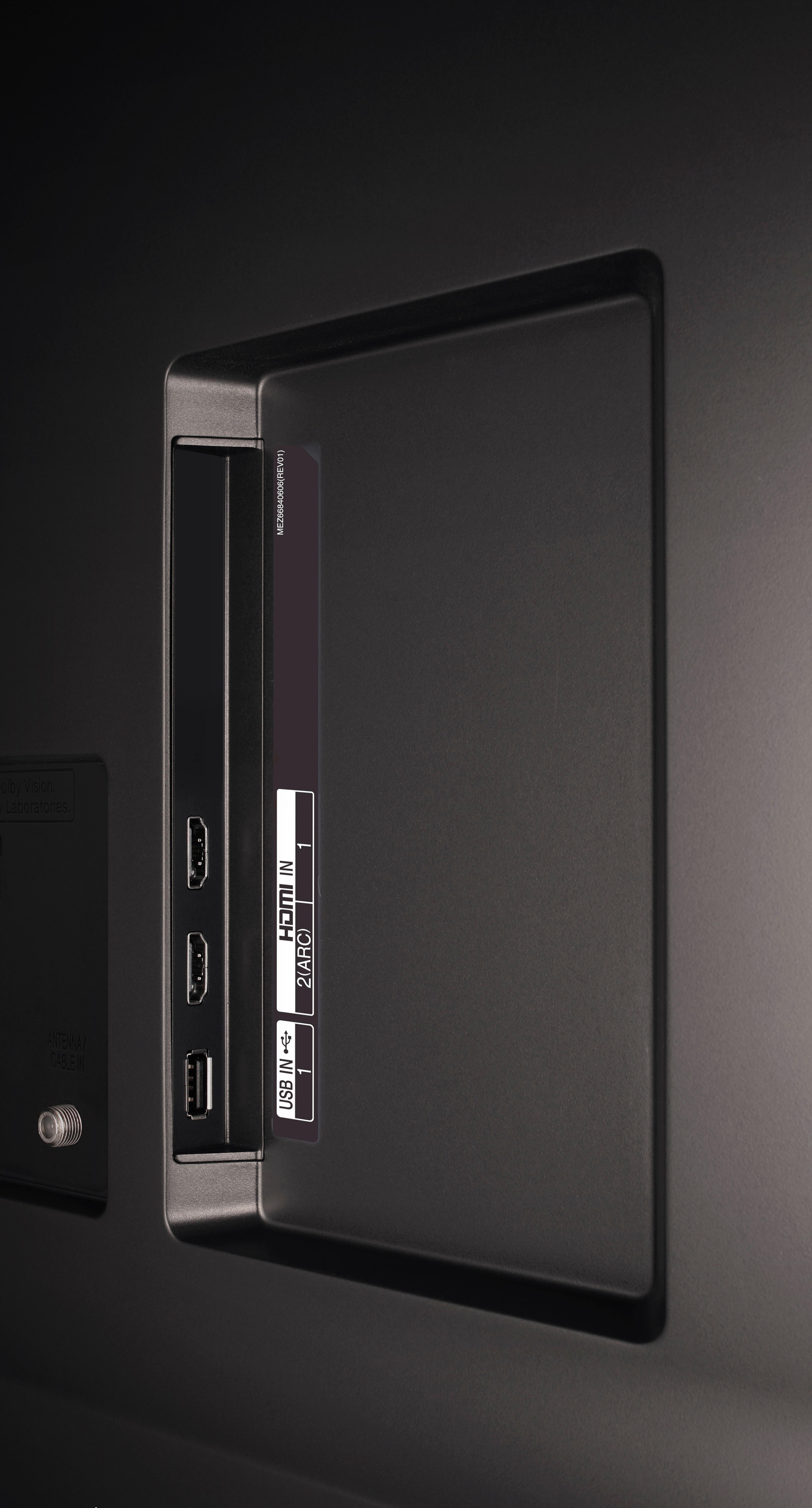
Before setting it on the surface where it will sit, you may want to first attach good quality HDMI 2 cables, rated to carry a 4K, High-Definition signal, to the rear or side HDMI inputs so as to easily connect your digital cable-TV box and a Blu-ray or DVD player, once the TV is permanently situated. FYI, Best Buy offers an excellent video on how to unbox and attach the feet or pedestal to a new TV, and set it up for daily use. The link is located somewhere on the homepage of each and every TV currently sold by Best Buy.
A:AnswerI do not use iPhones. Apple is kinda funny about connecting to non Apple devices. At a minimum you would need to connect the TV to the same WiFi network as your iPhone. You may need an Apple TV device to mirror your iPhone screen. Check with your local Apple store about the right Apps and devices.. The TV works great with my Android phones. But the LG TV uses WebOS as the native system not Android.

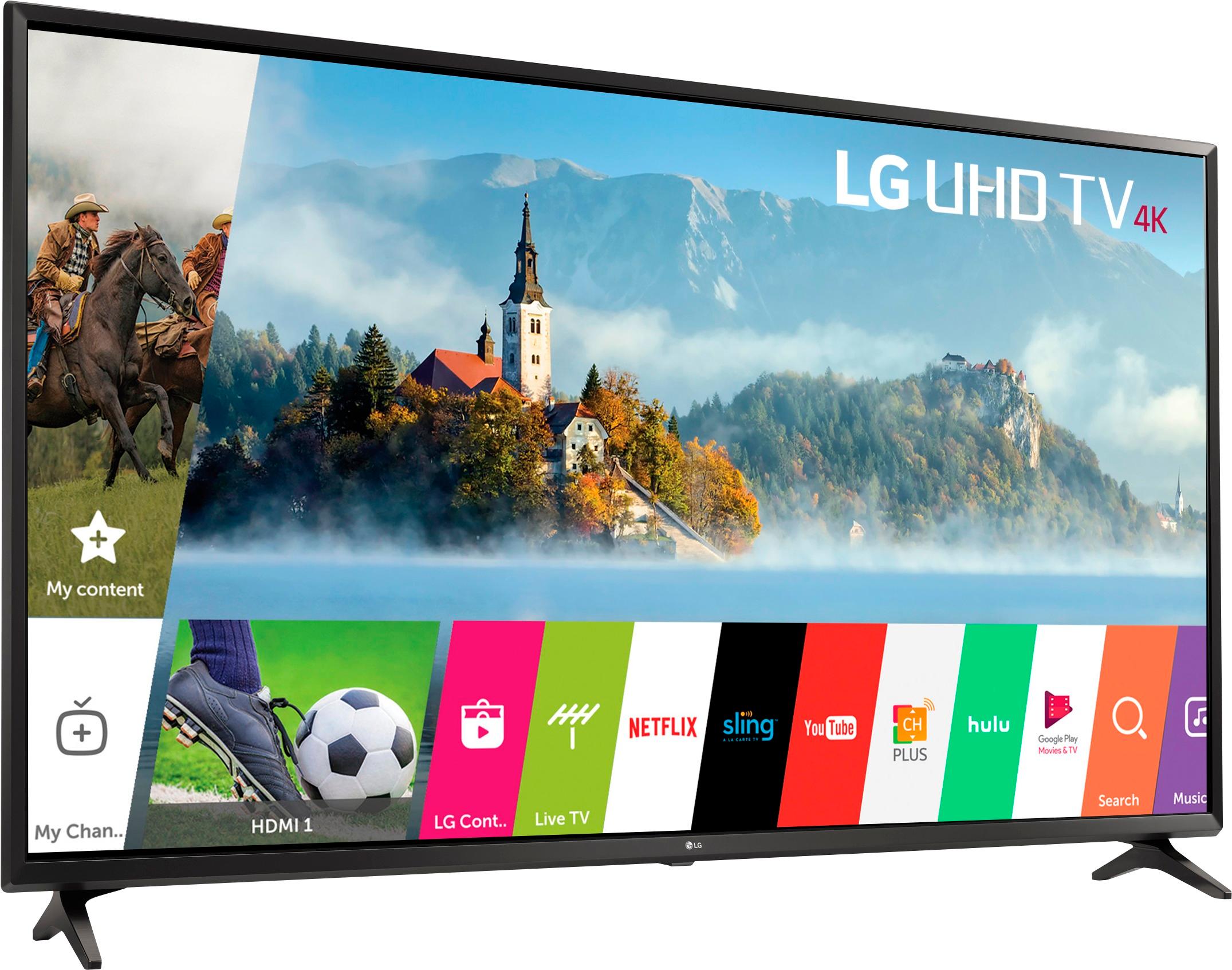
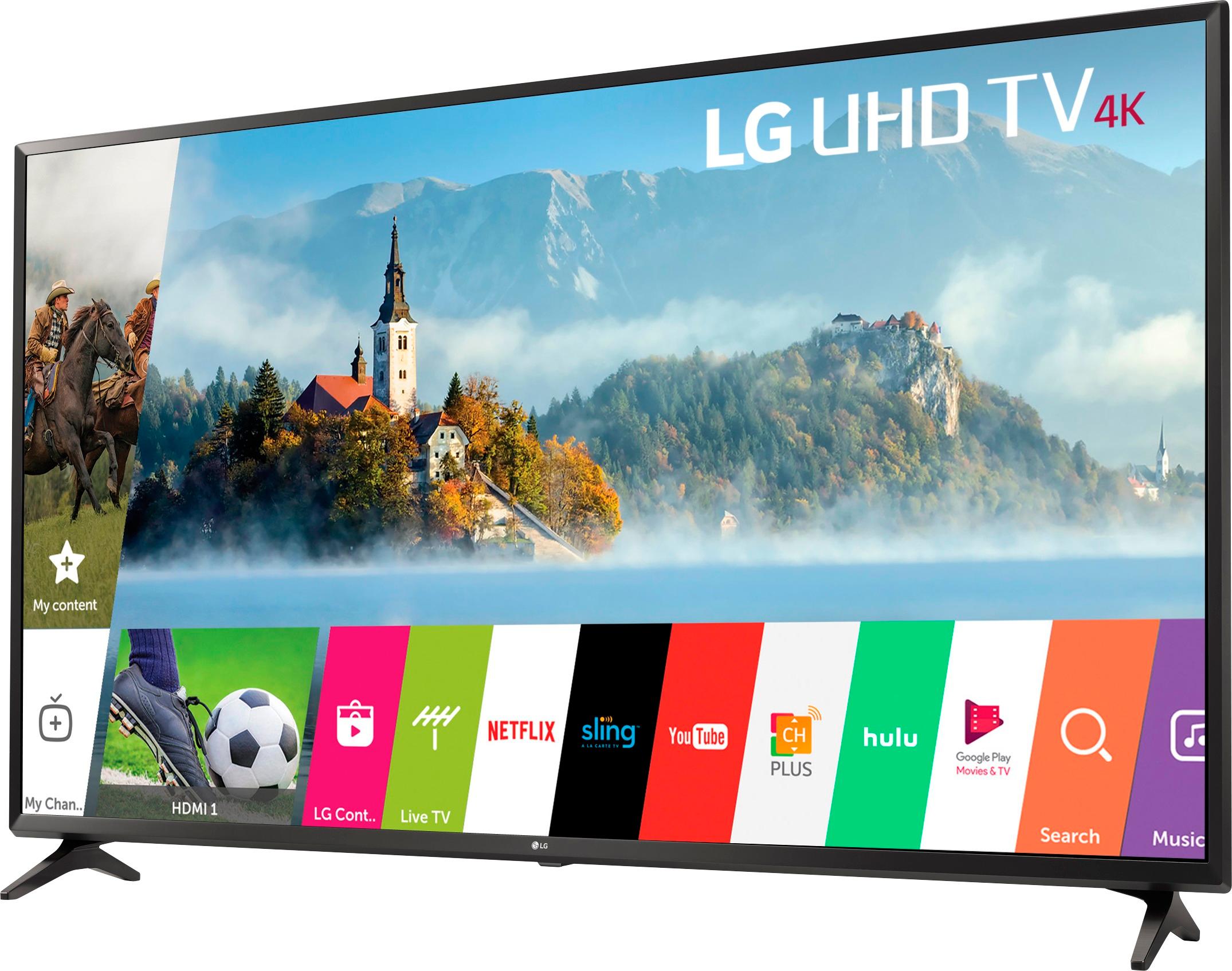
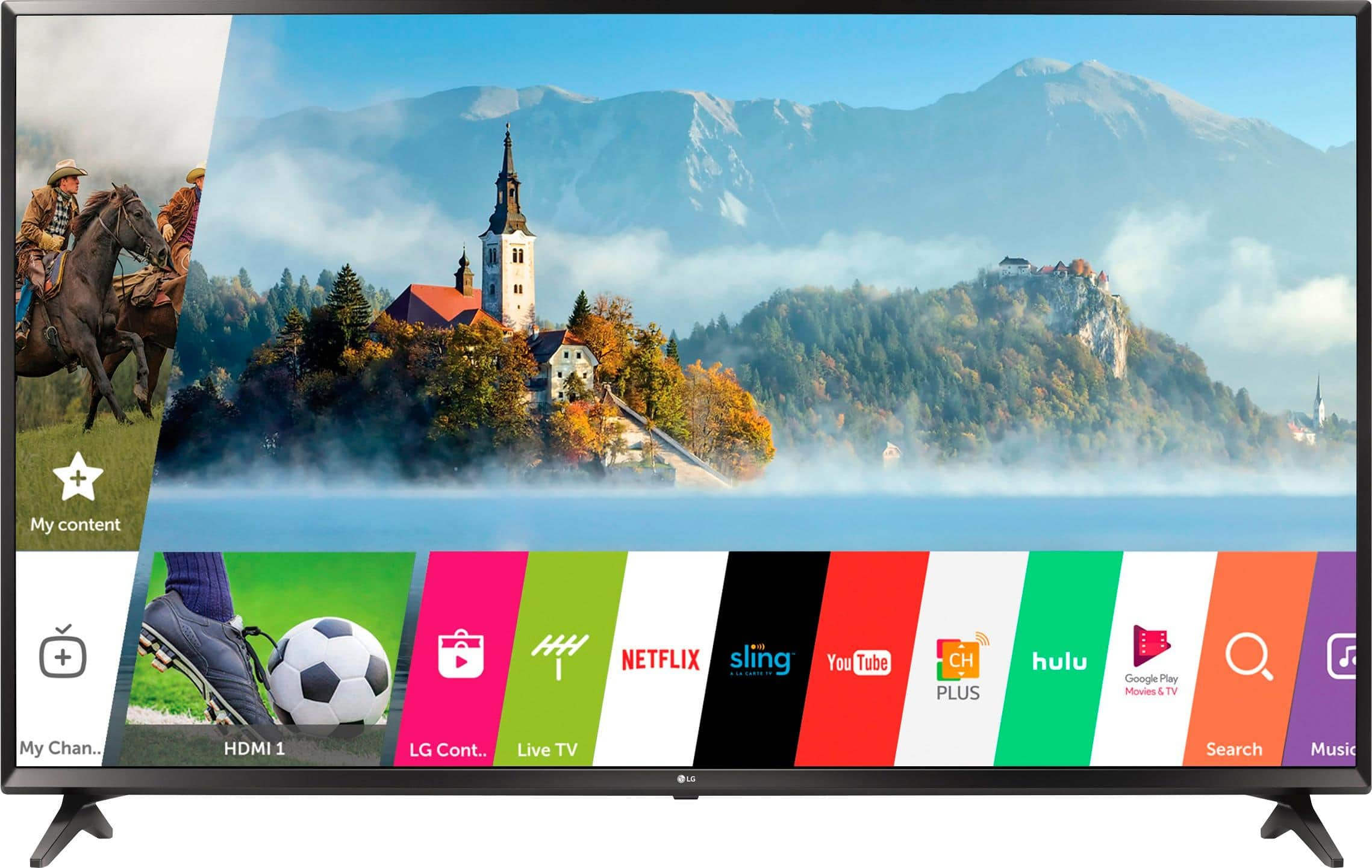
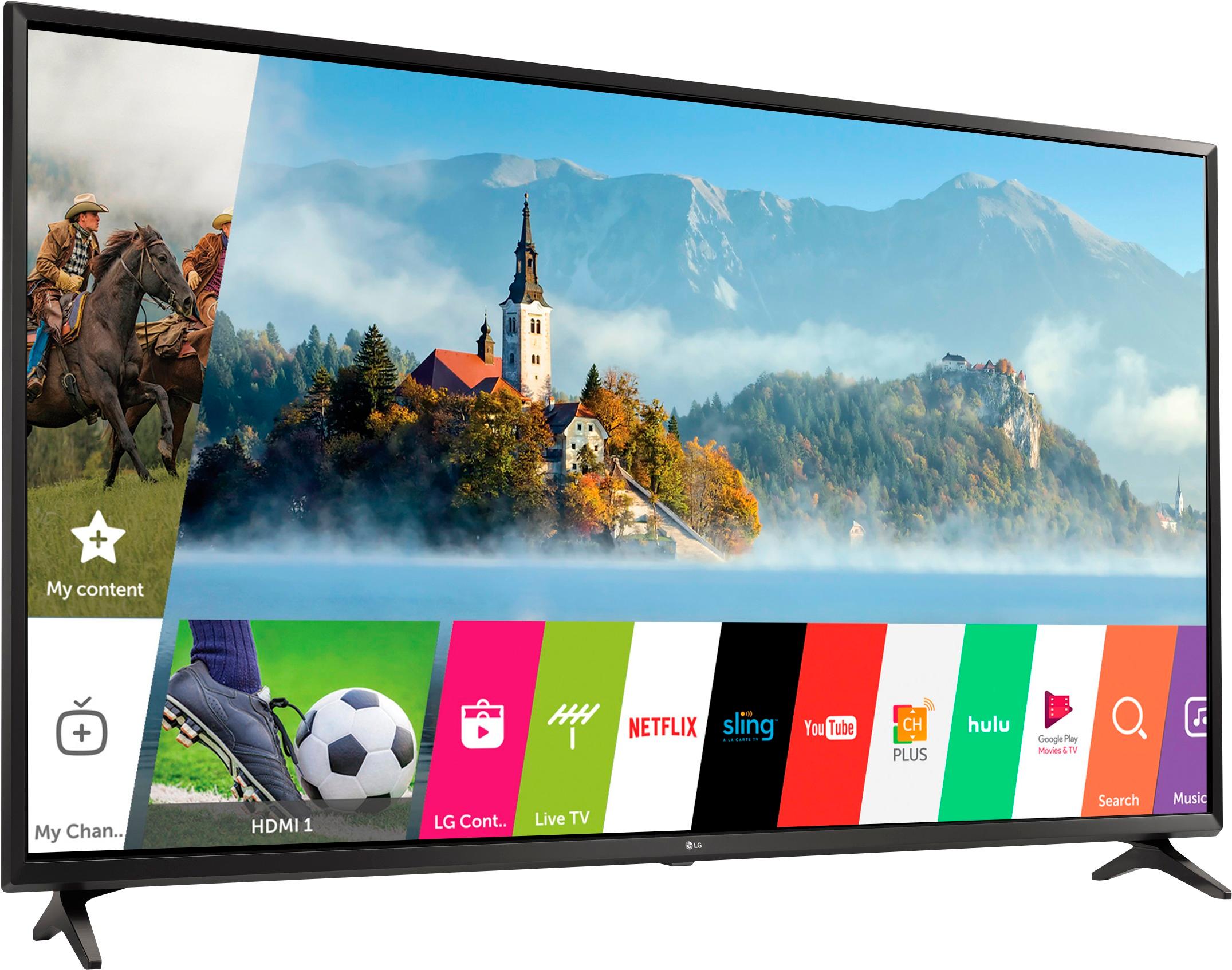
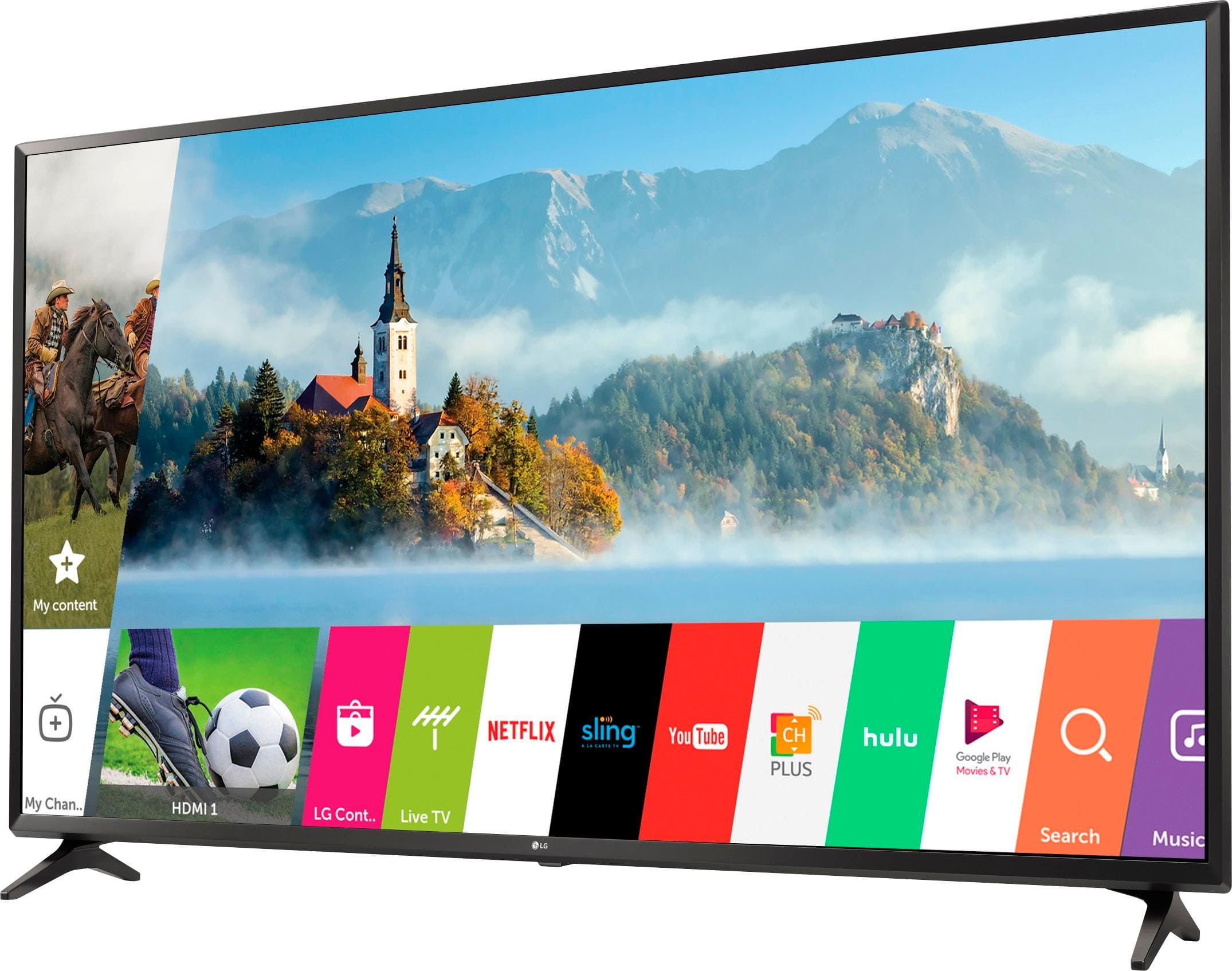
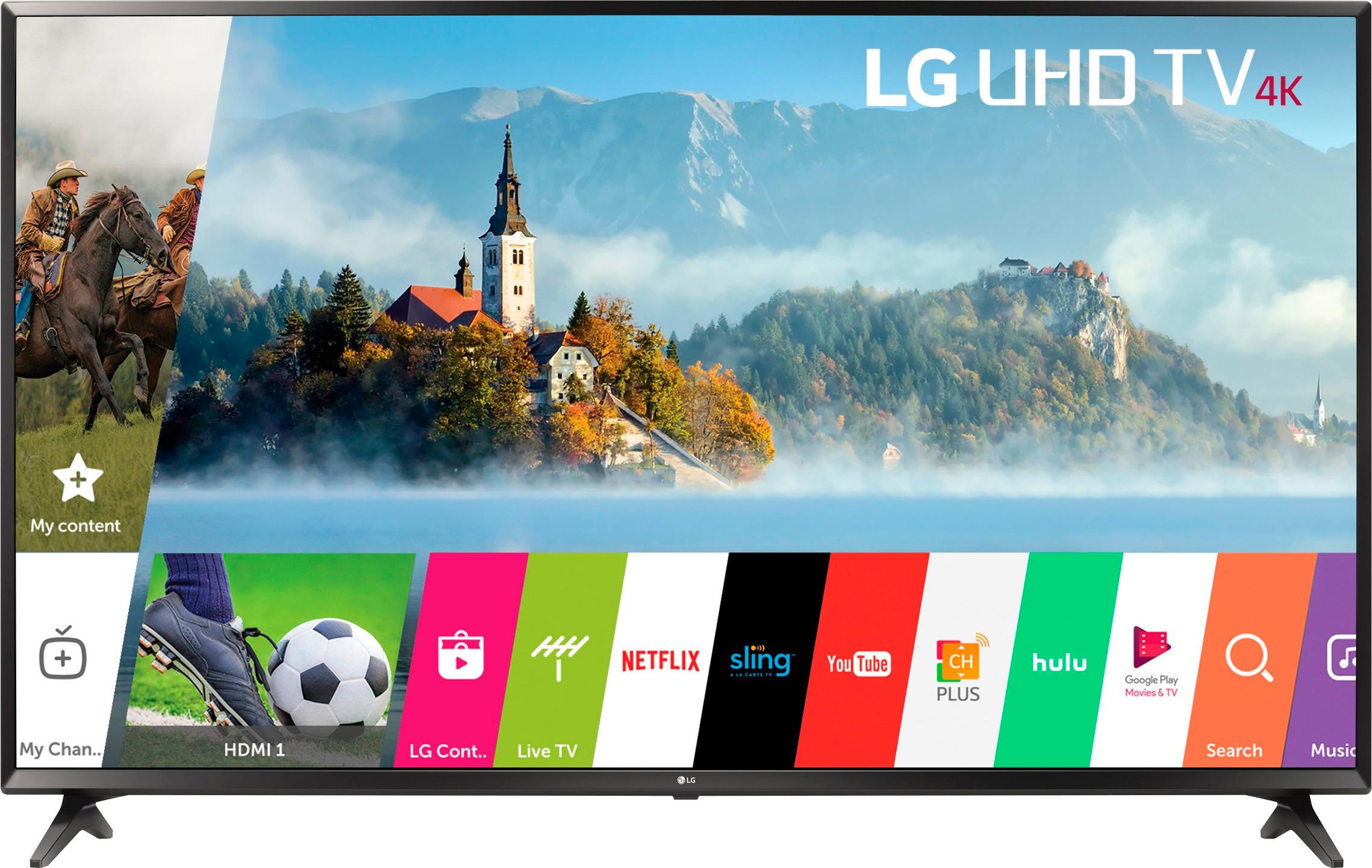
A:AnswerRegrettably, we do not have access to documentation that lists all of the pre-loaded apps on the Model #43UJ6300, but most of the more popular apps like Netflix, YouTube, Channel Plus, Hulu, Amazon Prime Video, Google Play Movies, and VUDU can be found on the TV. Compatible apps can be downloaded from the LG Content Store (App Store). ^CP
A:AnswerSounds like your TV was damaged. Time for a new one. Our LG TV, must have got a lightning surge. None of the HDMI hookups worked afterwards. About a year later the sound would crackle. Then about a year after that the picture just quit. It was about 6 years old. I think it would still be working if it didn't get the surge. We replaced it with another LG TV.
A:AnswerPlease contact our Support Center at (800) 243-0000 for assistance with the LG 4K UHD HDR Smart LED TV - 43" Class (42.5" Diag), Model # 43UJ6300 while you are at home in front of the TV. Their hours are 6 am to midnight CST. You can also visit us on our support page for the TV to chat with an LG Support Representative in real time (Weekdays 8 am - 8 pm CST)...^IFV