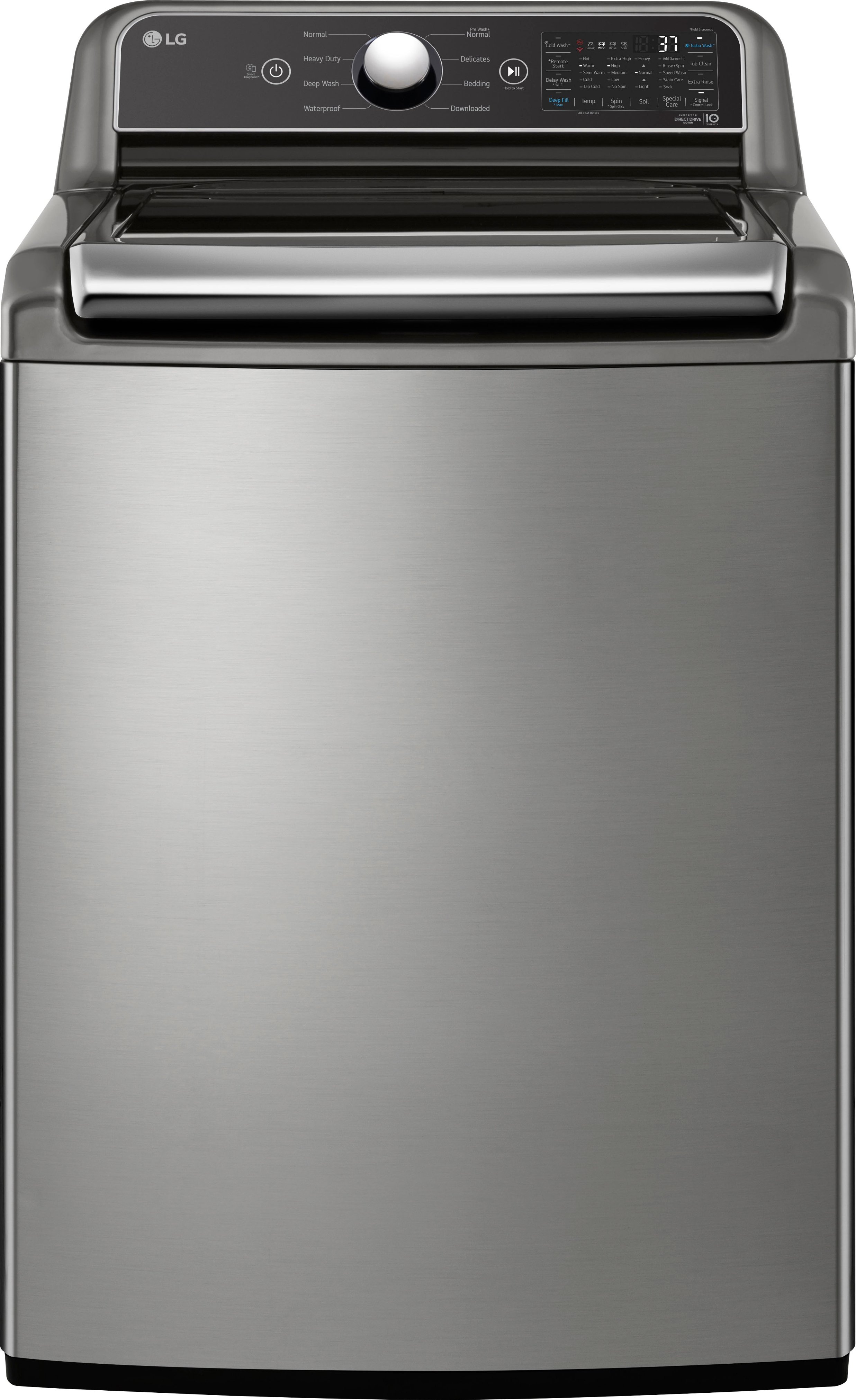
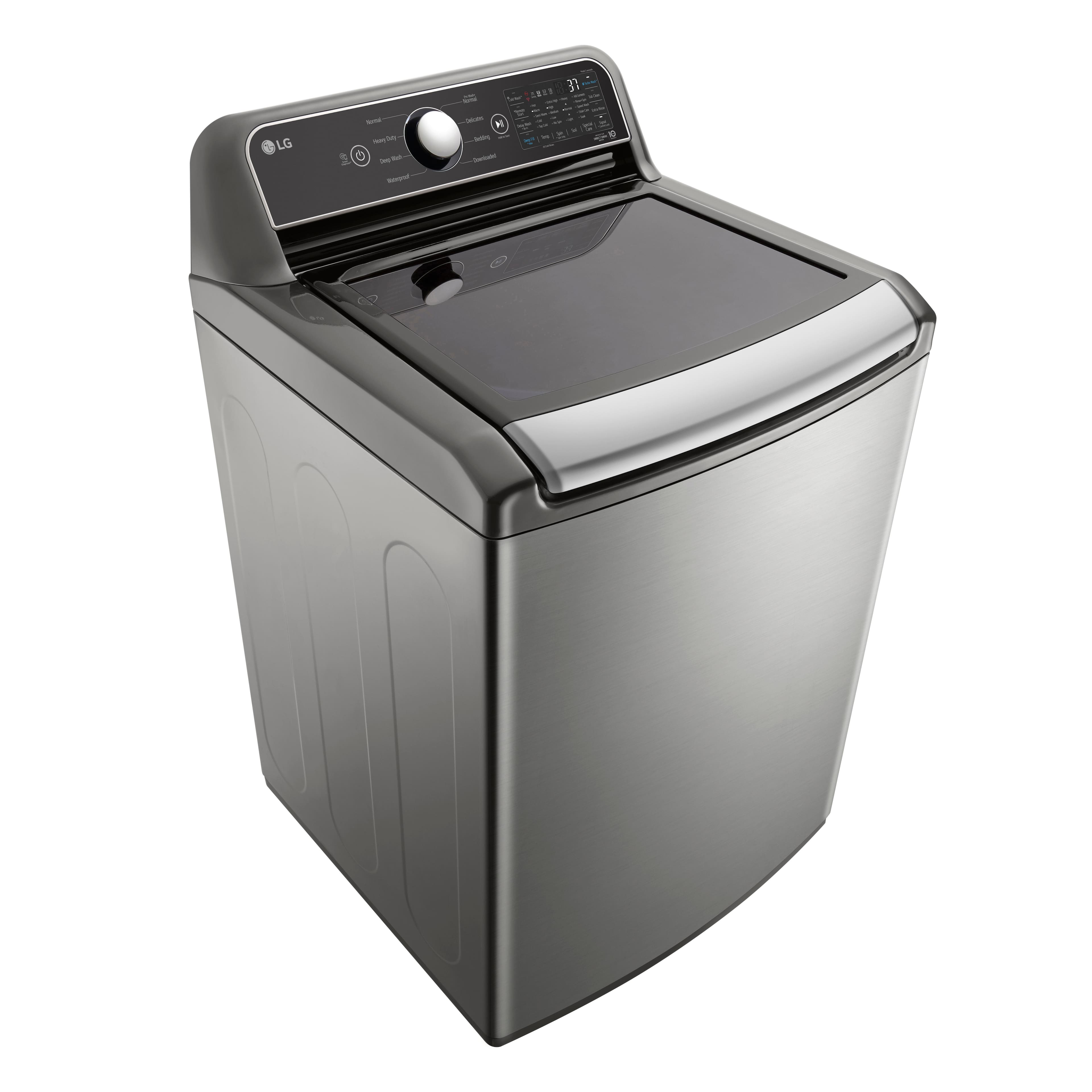
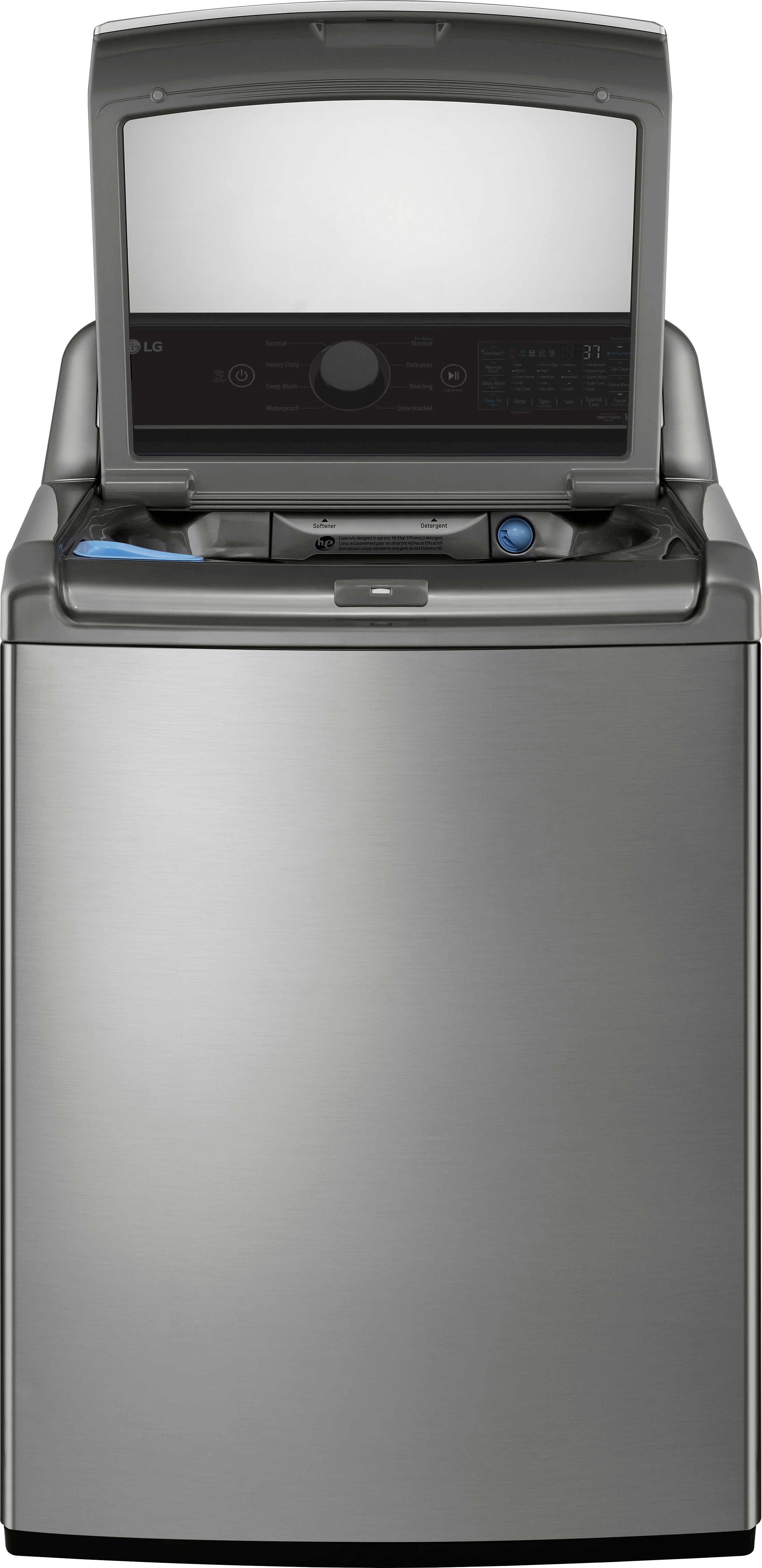
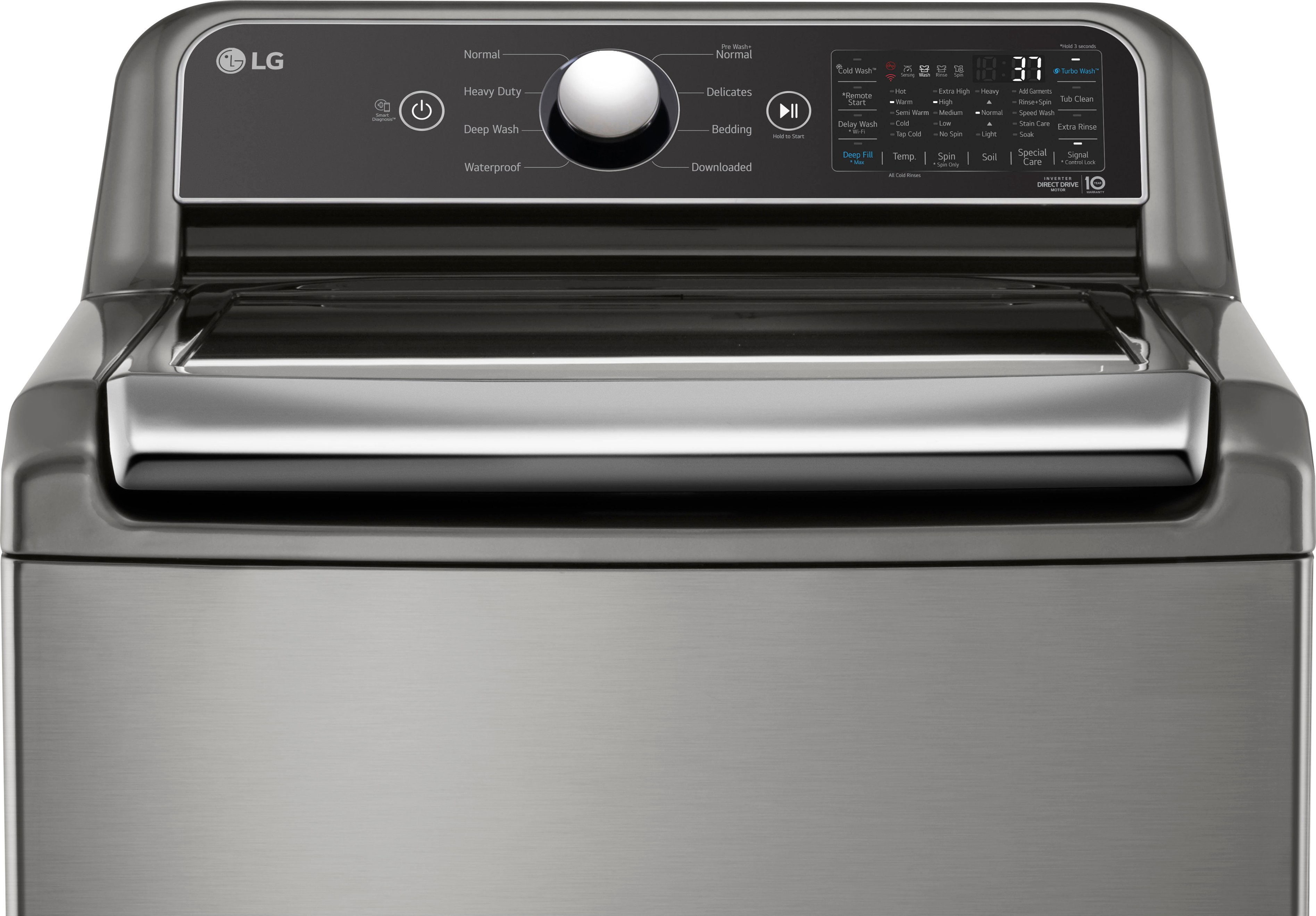
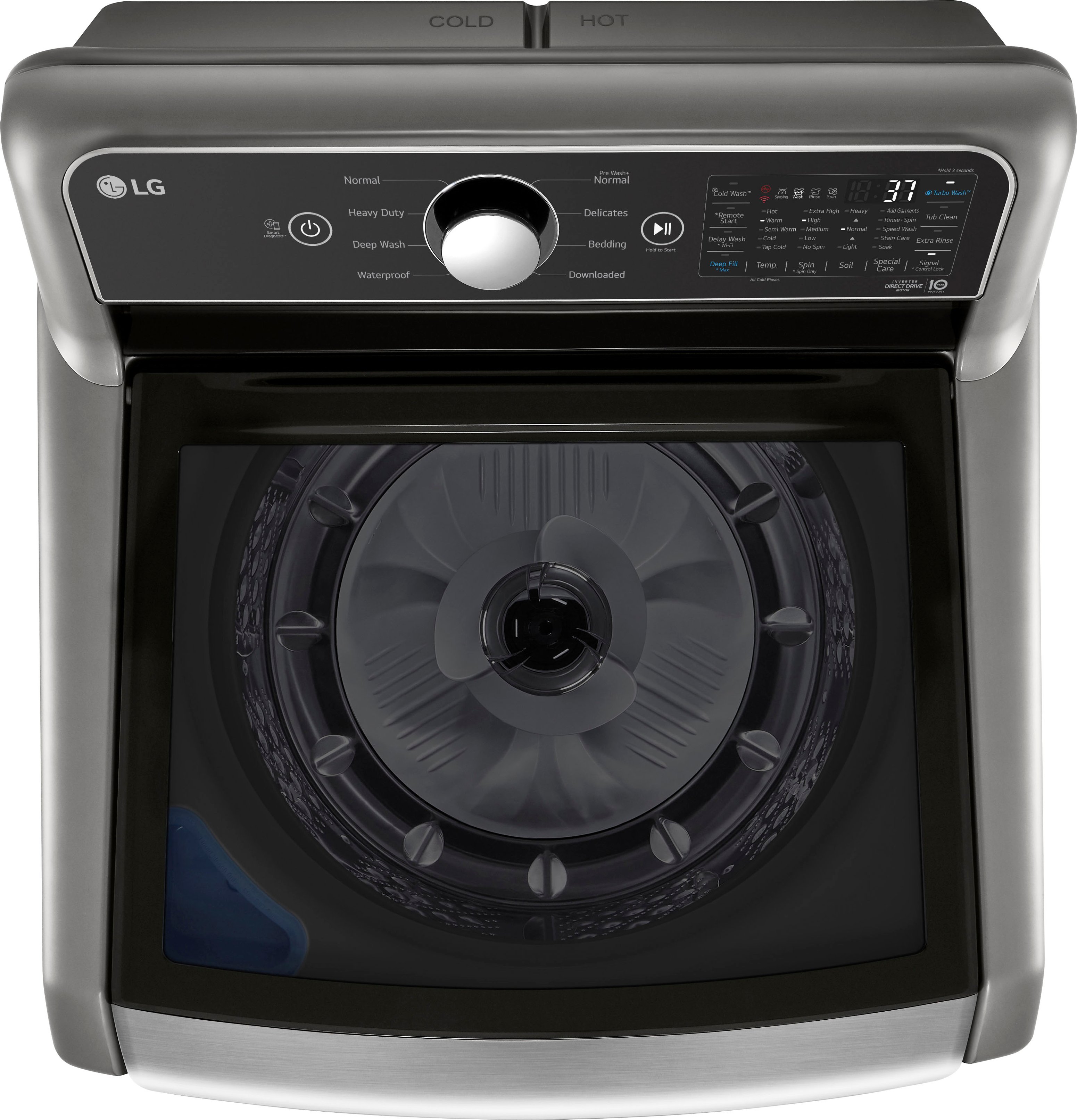
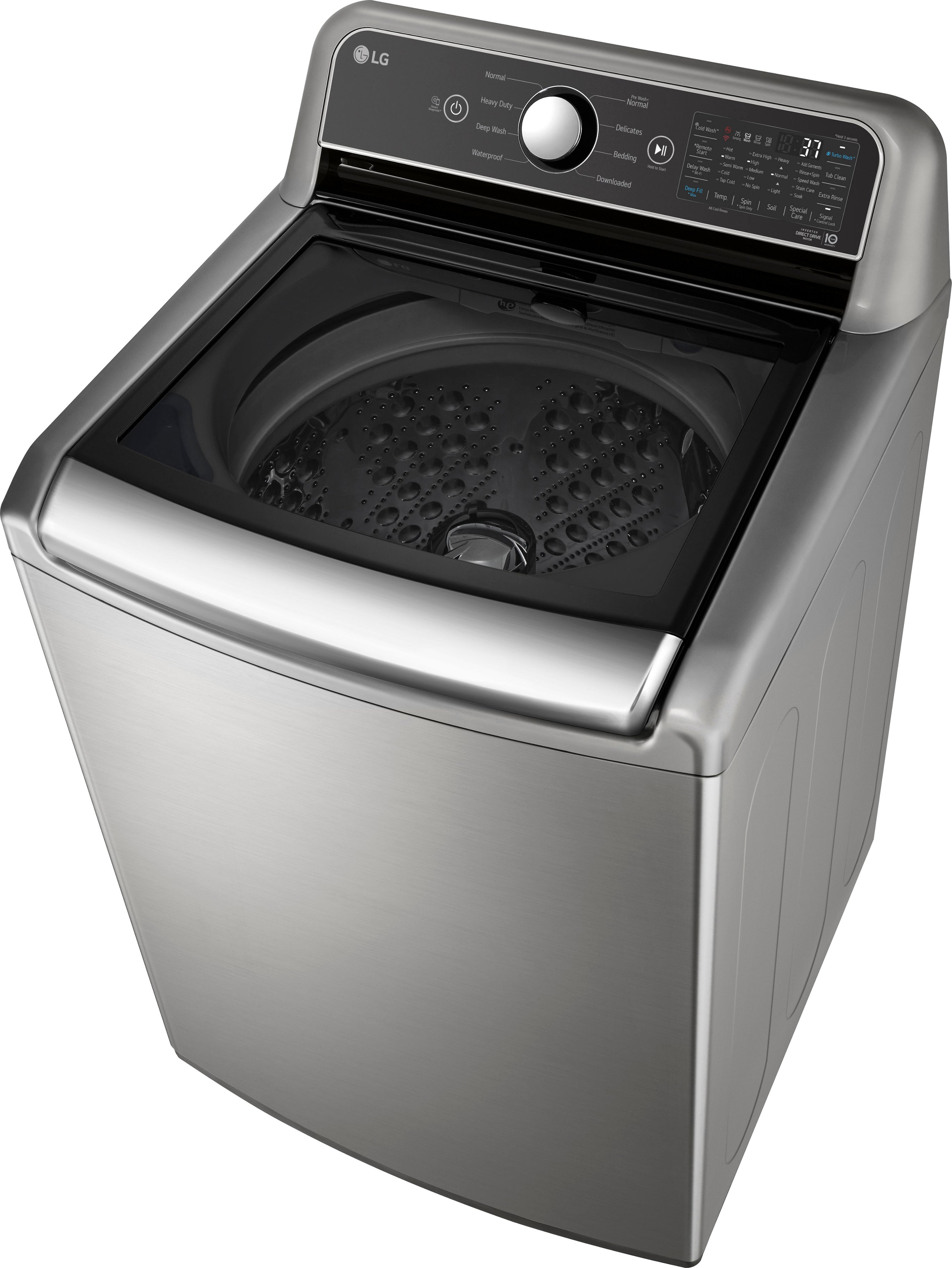
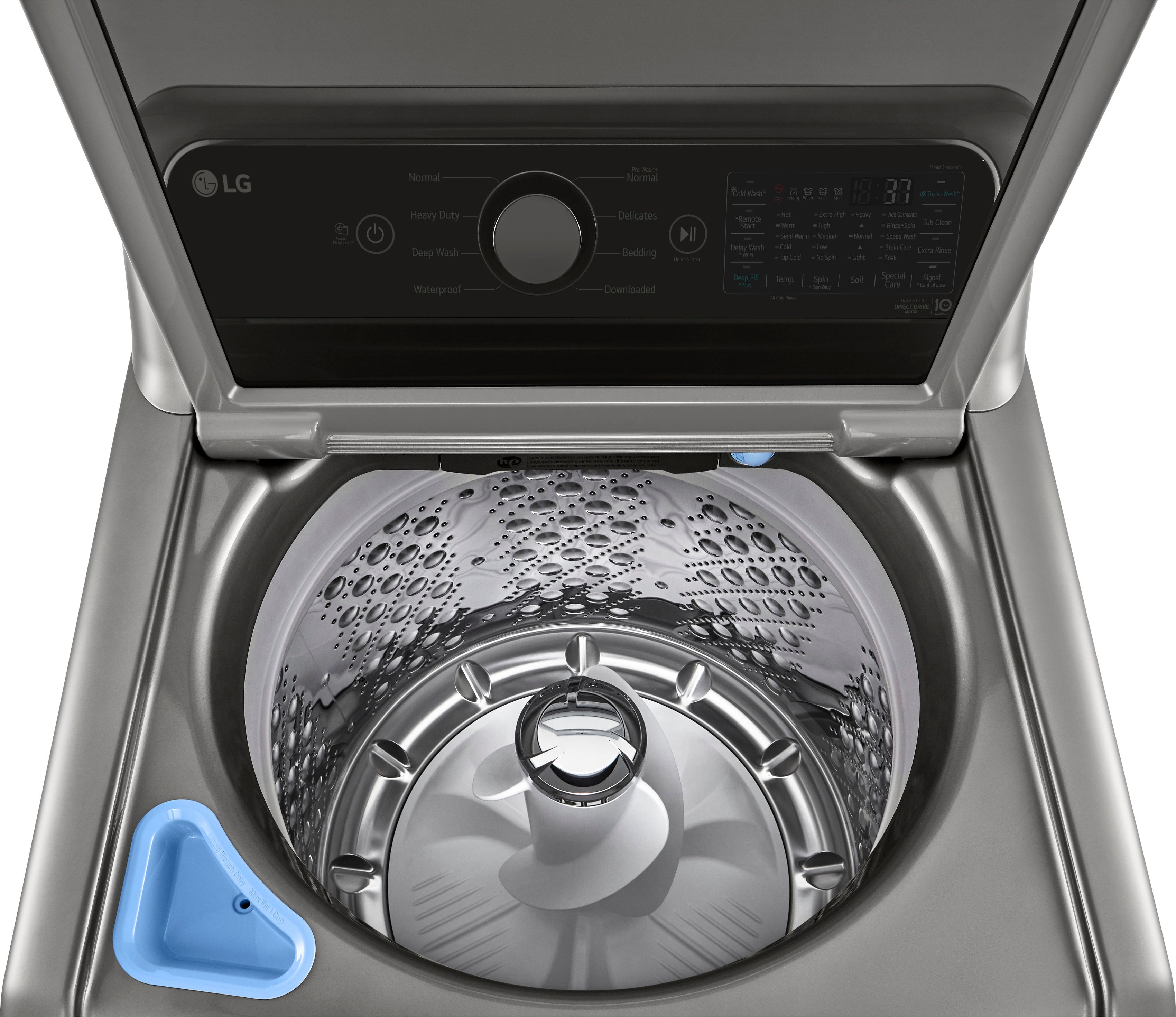
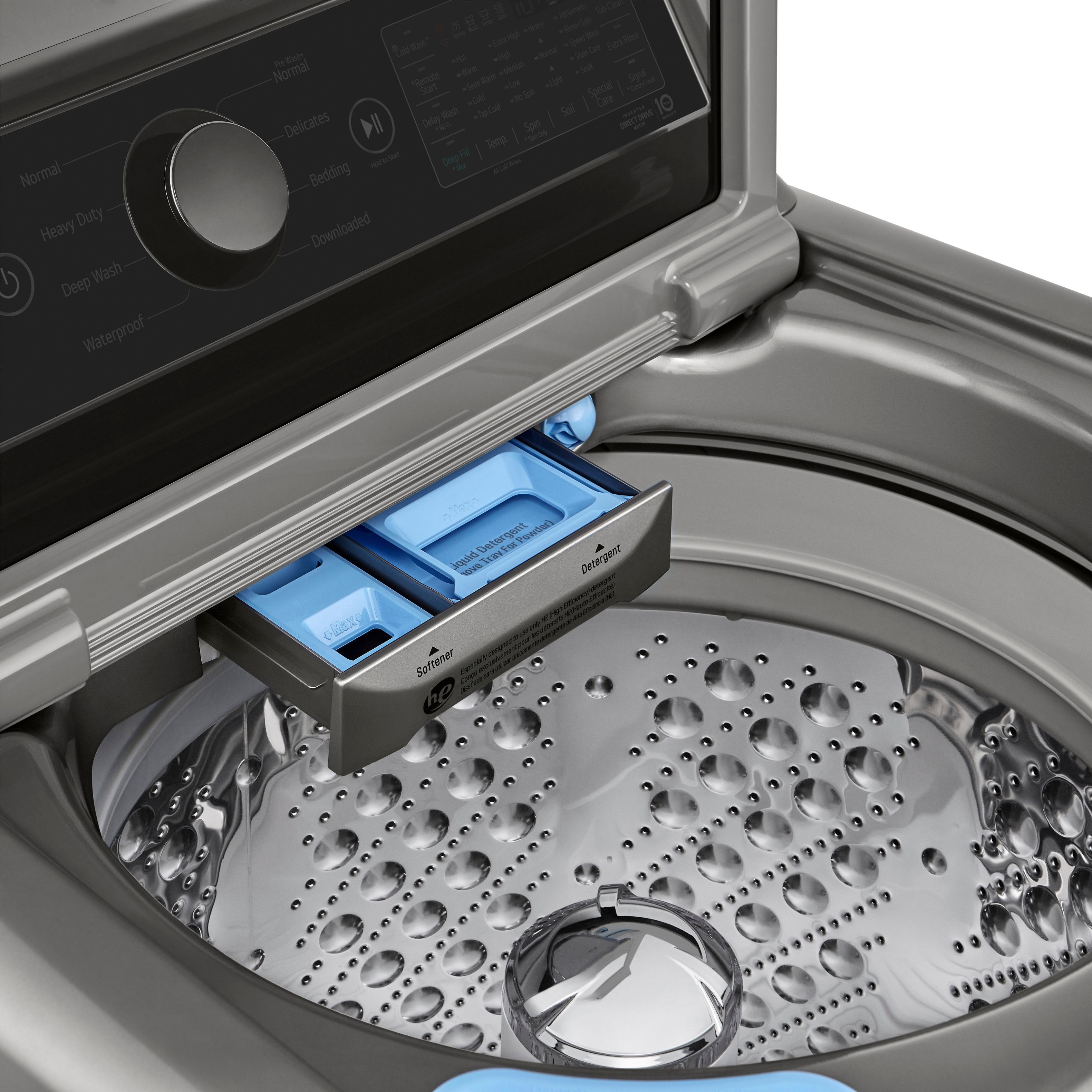
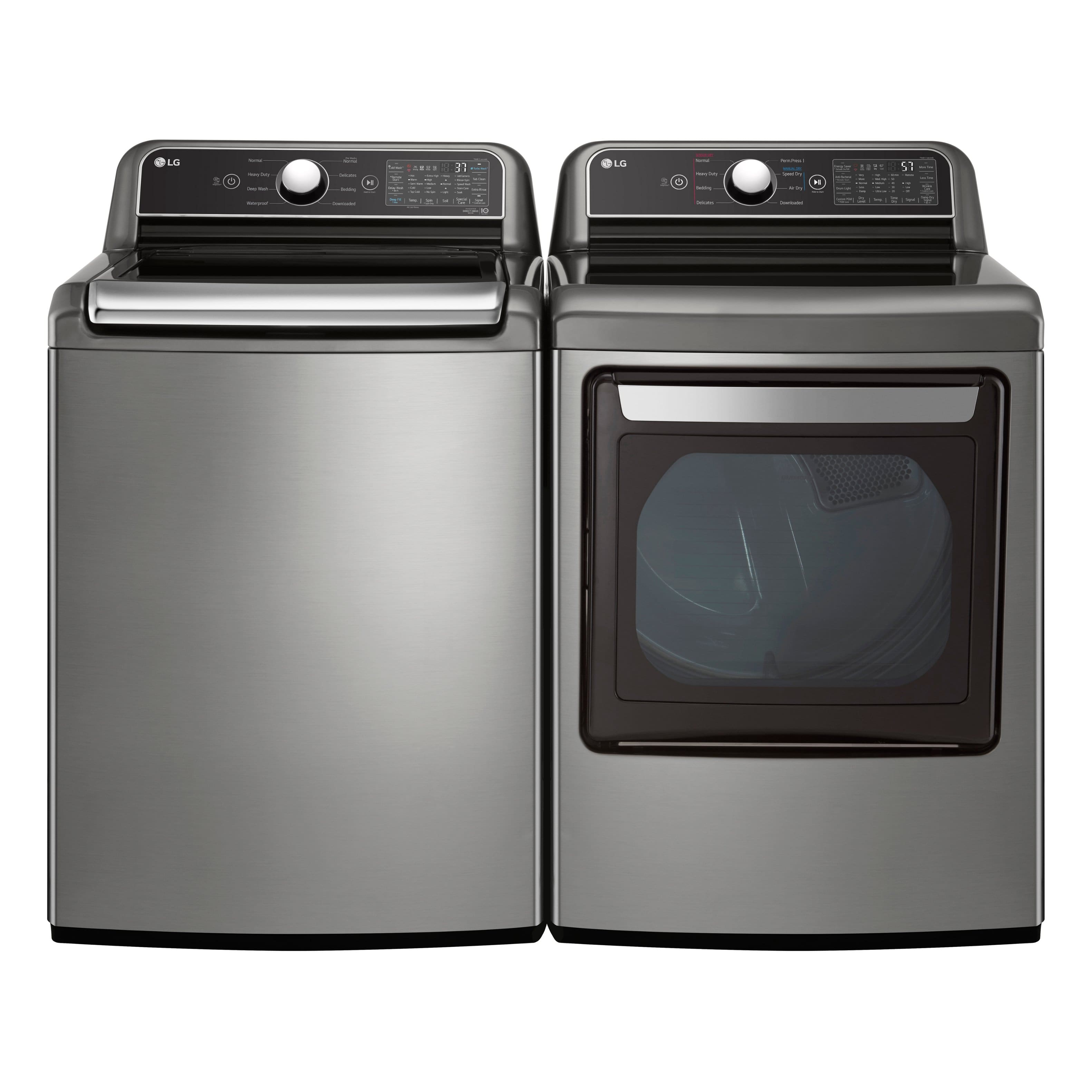
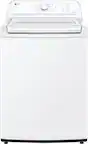
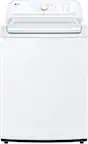
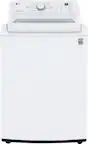
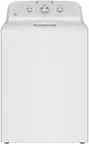
A:Answer Hi David. To turn off the WiFi on your LG washer model #WT7405CW, you can press and hold the WiFi button on the control panel for 3 seconds to disconnect it from your network. If the WiFi light remains on, unplug the washer to reset it and forget the WiFi details. As a last resort, perform a factory reset by following the steps in your user manual: https://www.lg.com/us/support/product/lg-WT7405CW.ABWEUUS. If none of these methods work, please feel free to reach out to us via private message on social media using @LGUSSupport. We are here to assist you. ^Win