A:AnswerThank you for reaching out. For best assistance with your inquiry, we recommend reaching out to Best Buy directly. Their phone number is 1-888-BEST BUY (1-888-237-8289). ^CP
A:AnswerUnfortunately, this does not sound like a capability of your receiver. You can certainly reach out to DirecTV to verify by calling 800-531-5000. ^CP
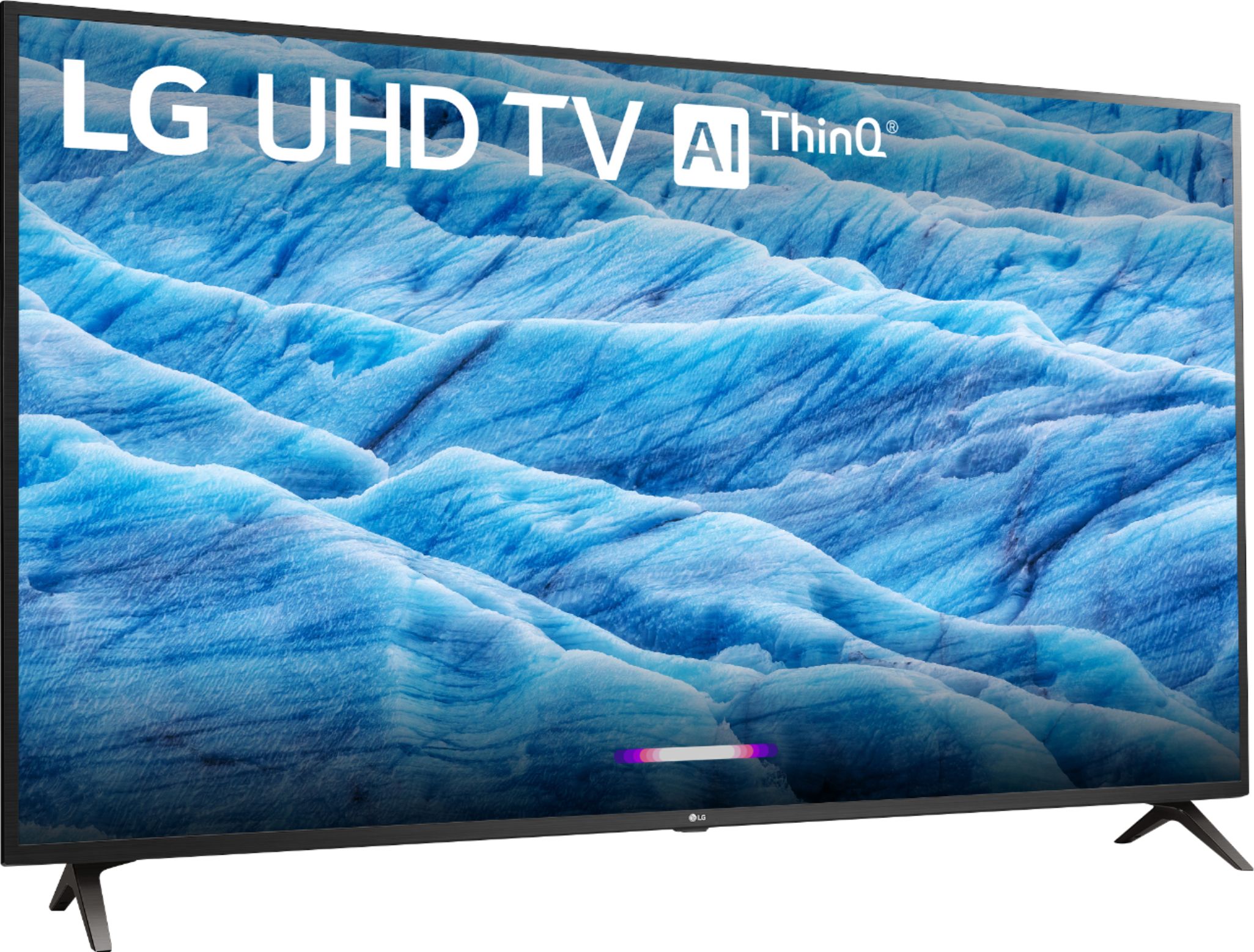
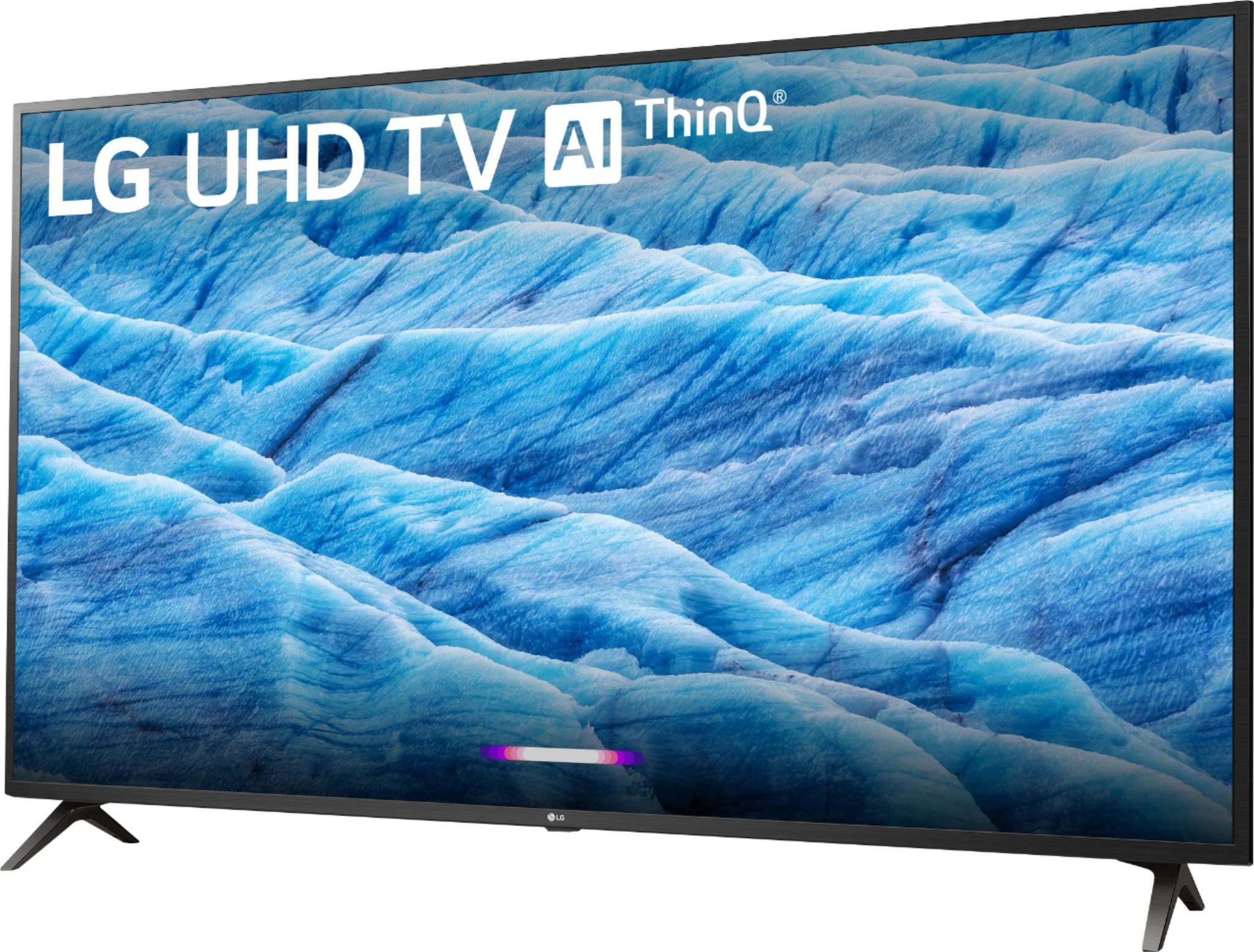
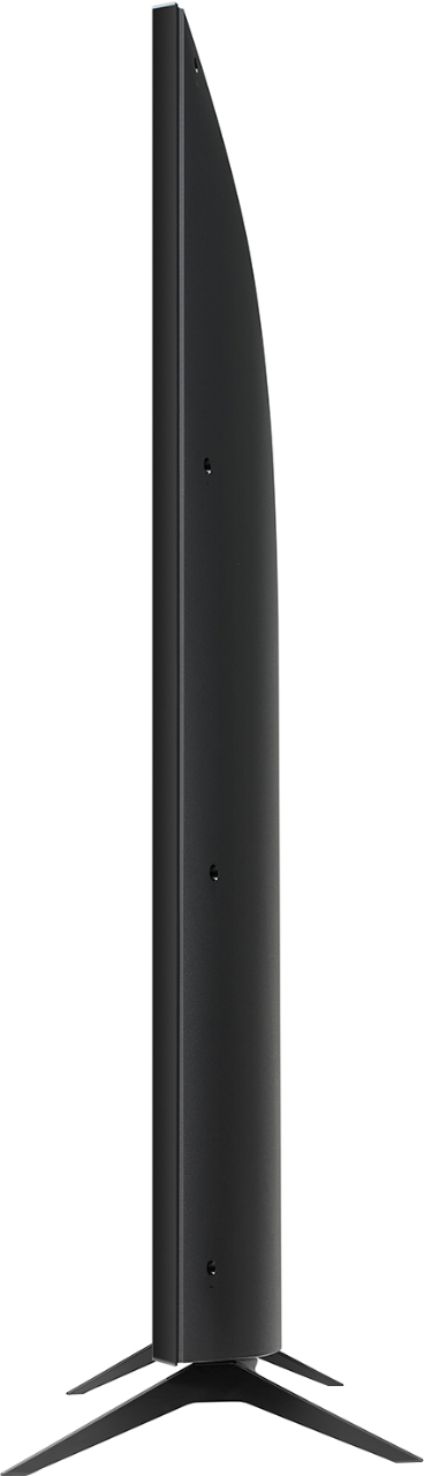
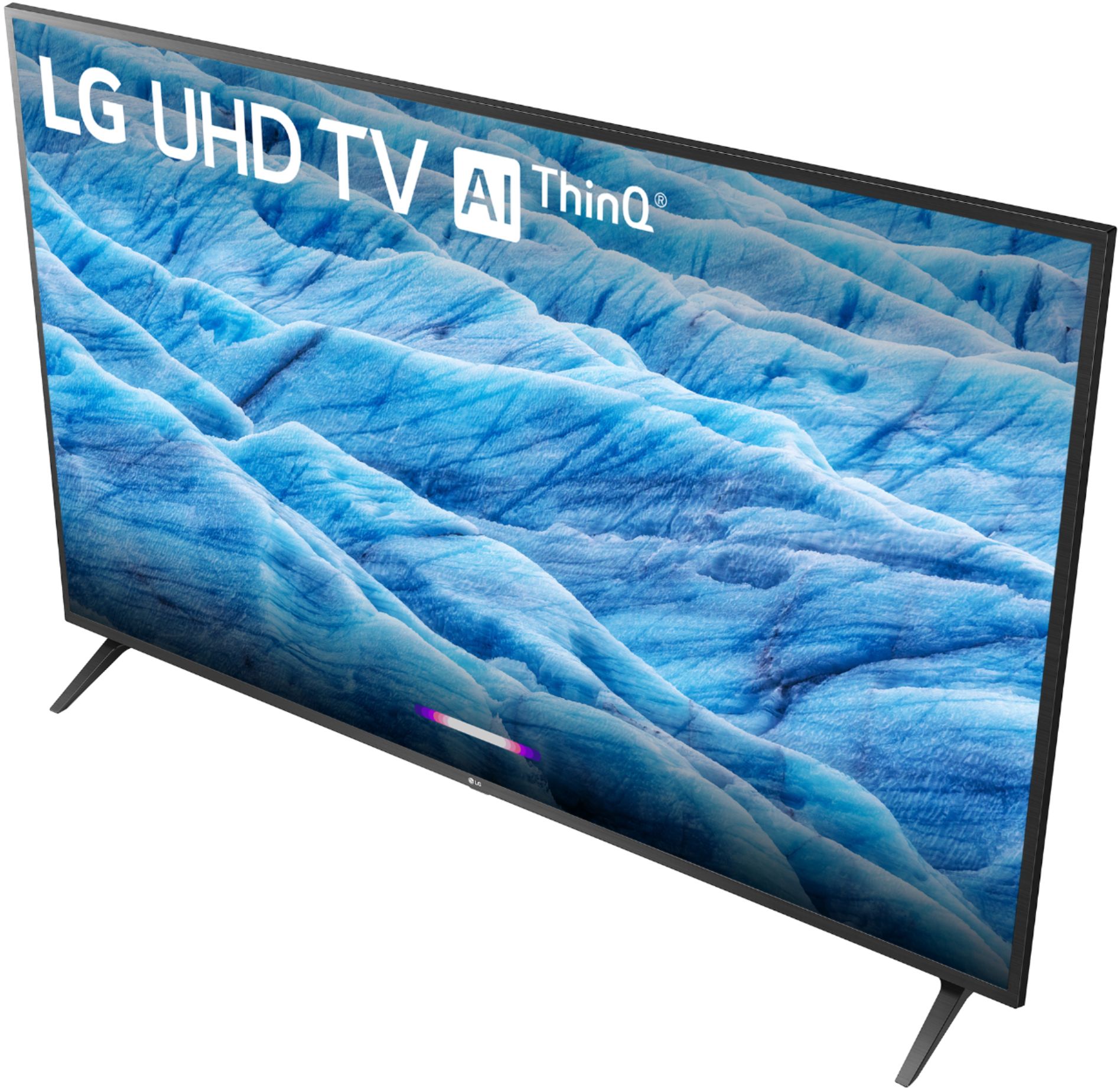
A:AnswerThe 50UM7300PUA has the following dimensions including the stand: (WxHxD) 44.5" x 28.4" x 9.1". The W x H x D dimensions for the TV without the stand are 44.5" x 26.1" x 3.4". ^CP
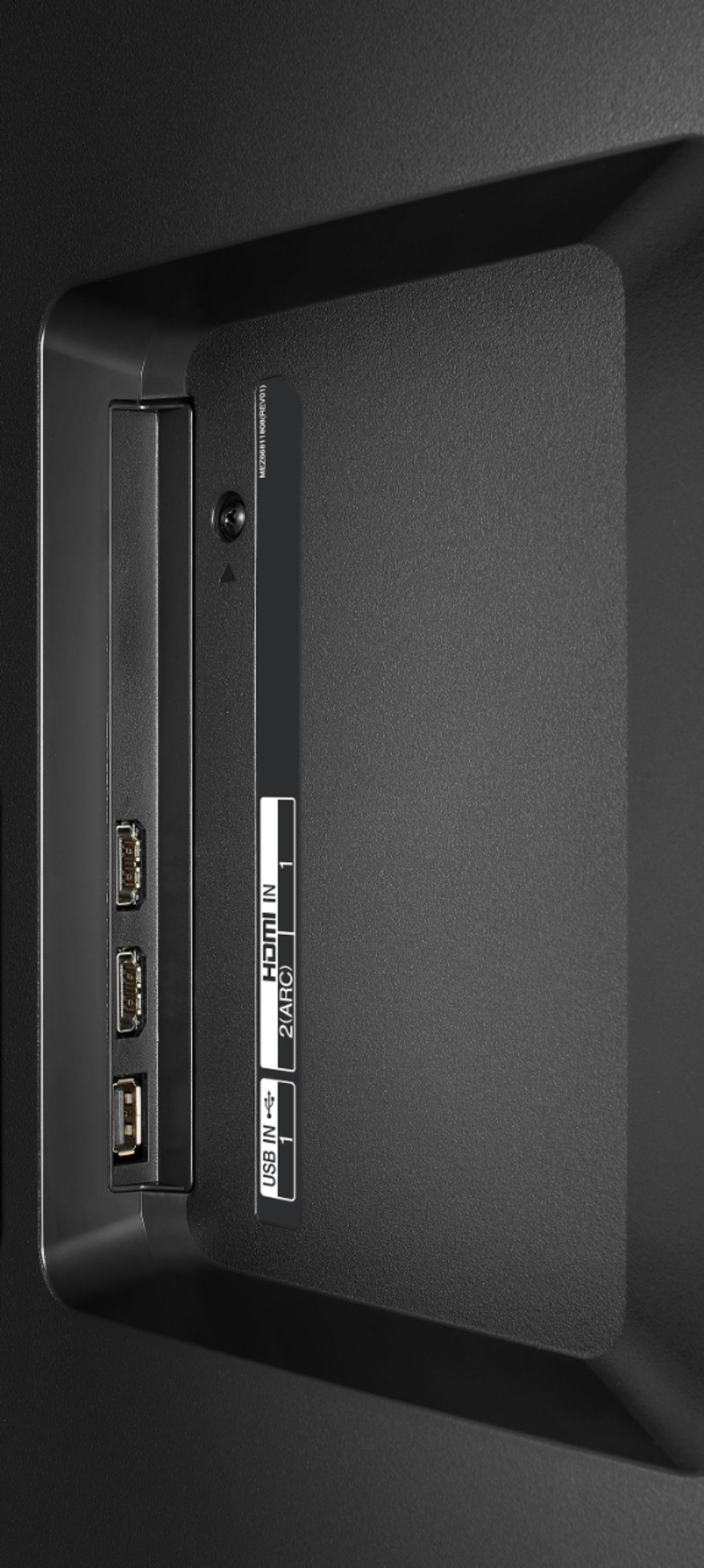
A:AnswerHello JohnnyJohn. The ability to pause, rewind etc., when a USB stick in plugged into the LG 50 inch Class 4K Smart UHD TV w/AI ThinQ® (49.5'' Diag), Model # 50UM7300PUA has to be a built-in function on the USB stick your use. The TV does not have that capability...^IFV
A:AnswerInformation on setting sleep timers on the 50UM7300PUA can be found in the User Guide under: Tour List of Settings>General>Timers. https://www.lg.com/us/support/product/lg-50UM7300PUA.AUS ^CP
A:AnswerThe LG 50 inch Class 4K Smart UHD TV w/AI ThinQ® (49.5'' Diag), Model # 50UM7300PUA has a Content Share feature that allows you to enjoy videos, music and photo files saved on your computer. If you have Windows 7 or later installed on your PC, you can play music, video, photos, etc. on your TV without needing to install a separate program. Your computer and the TV have to be connected to the same network. You can use SmartShare PC Software to connect the music / videos / photos saved on the PC to your home network and play them on the TV. SmartShare PC Software can be downloaded and installed from the LG website (www.lg.com). The TV also features a Motion Eye Care feature that automatically adjusts brightness and reduces image bur based on image data which reduces eye strain...^IFV
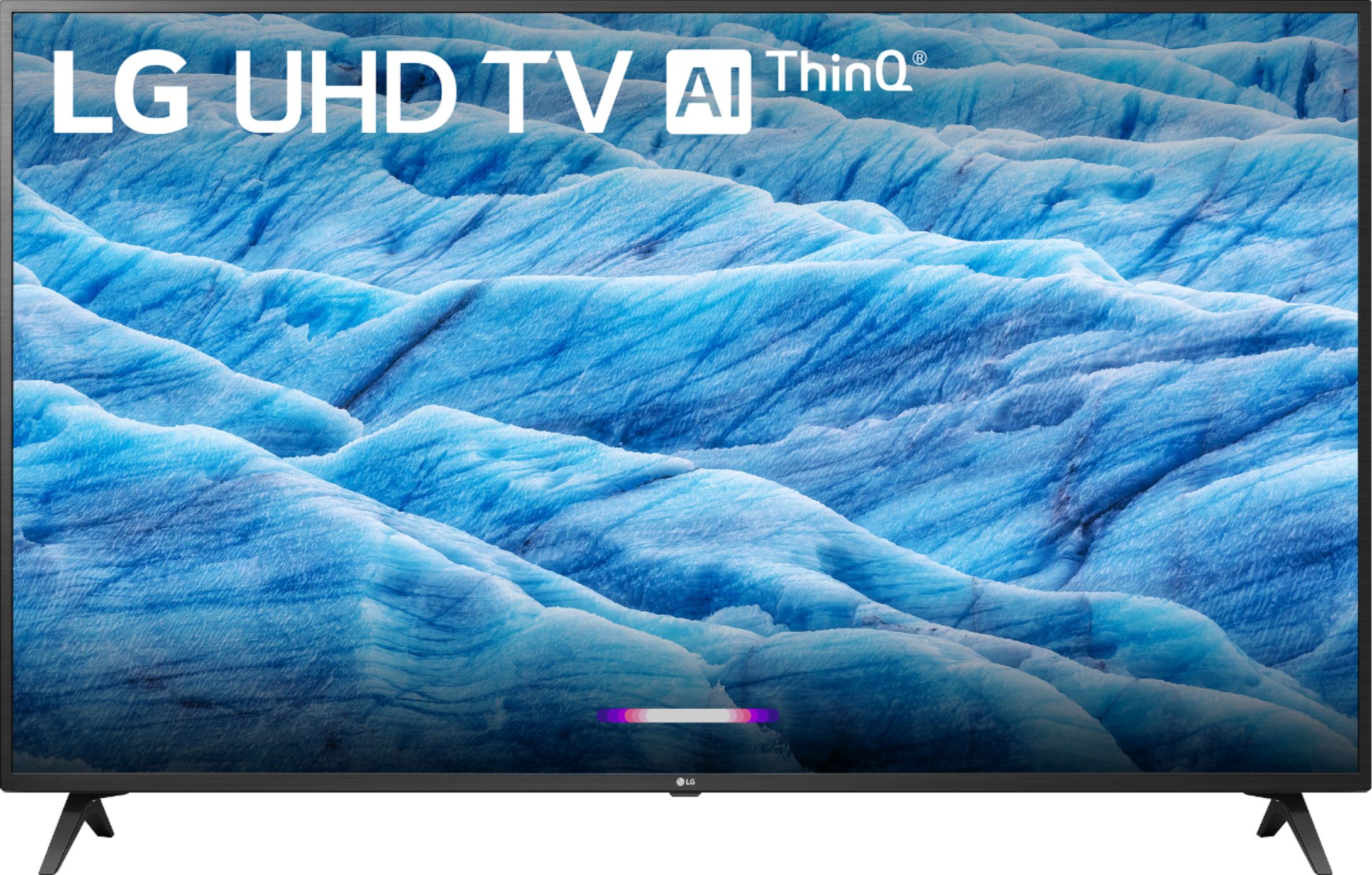
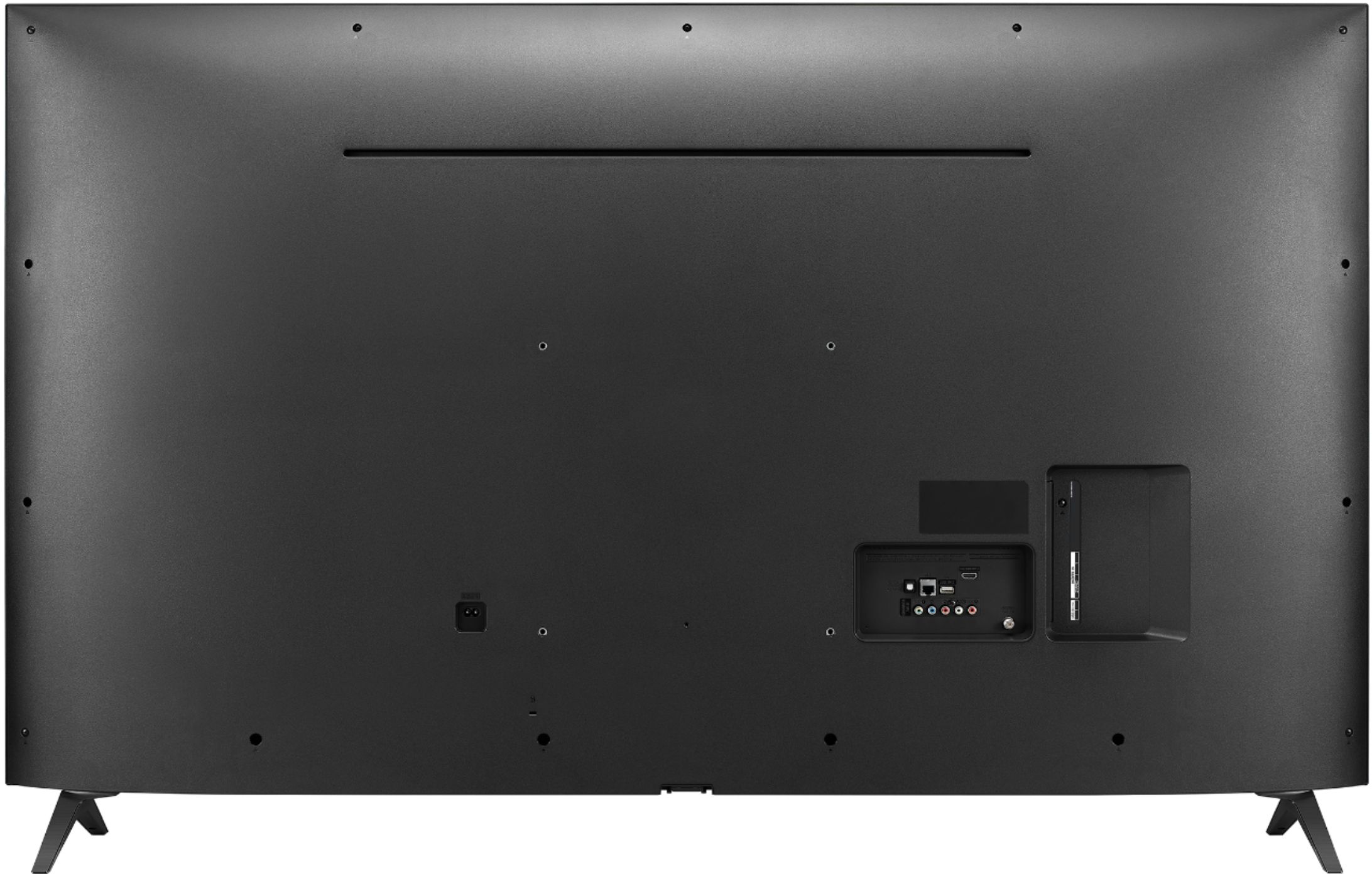
A:AnswerHello, this TV is manufactured for use in the USA and does require 120Vac for optimal operation, however, the TV can withstand up to 240Vac with an adapter if needed. ^CP