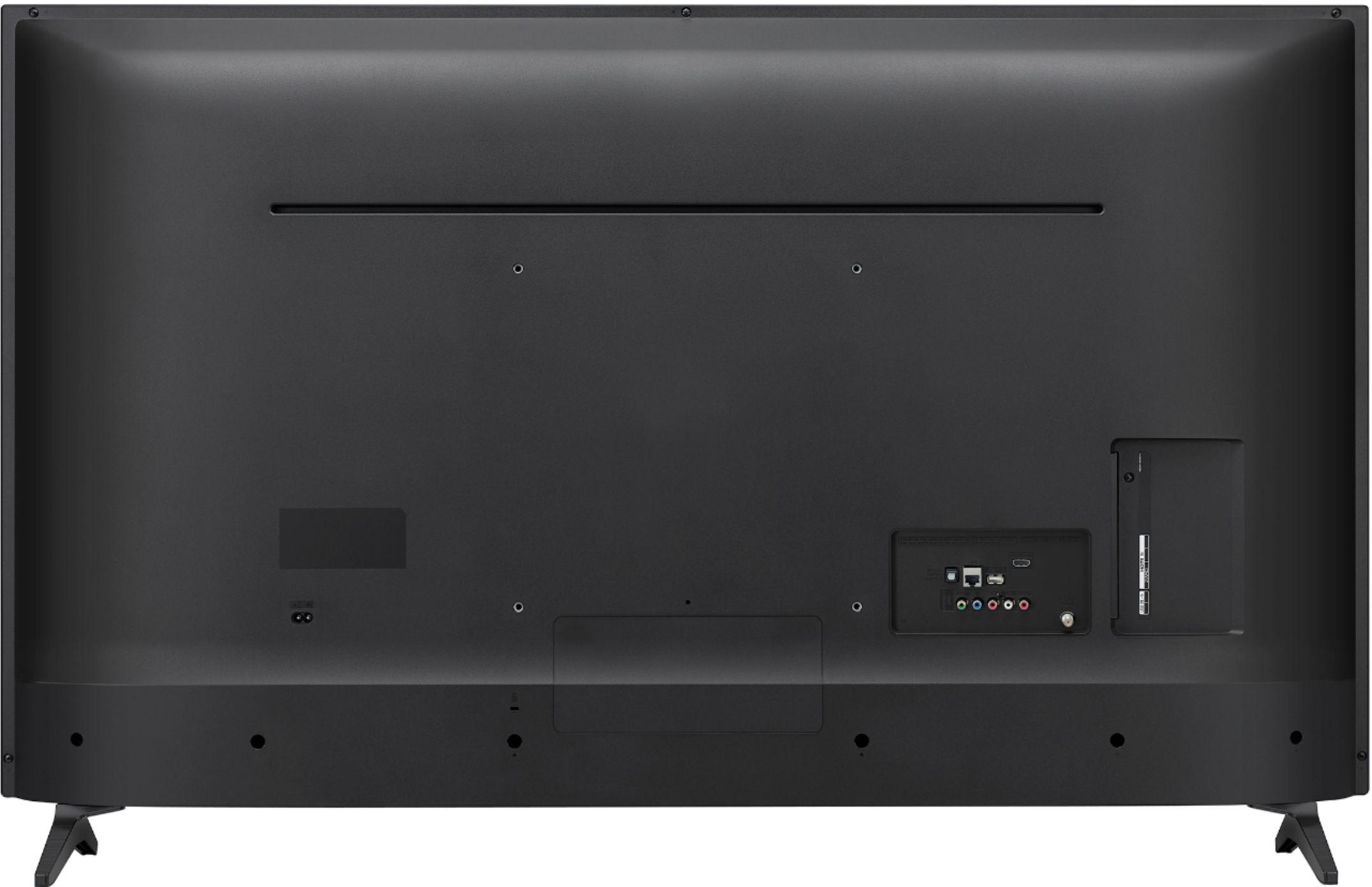
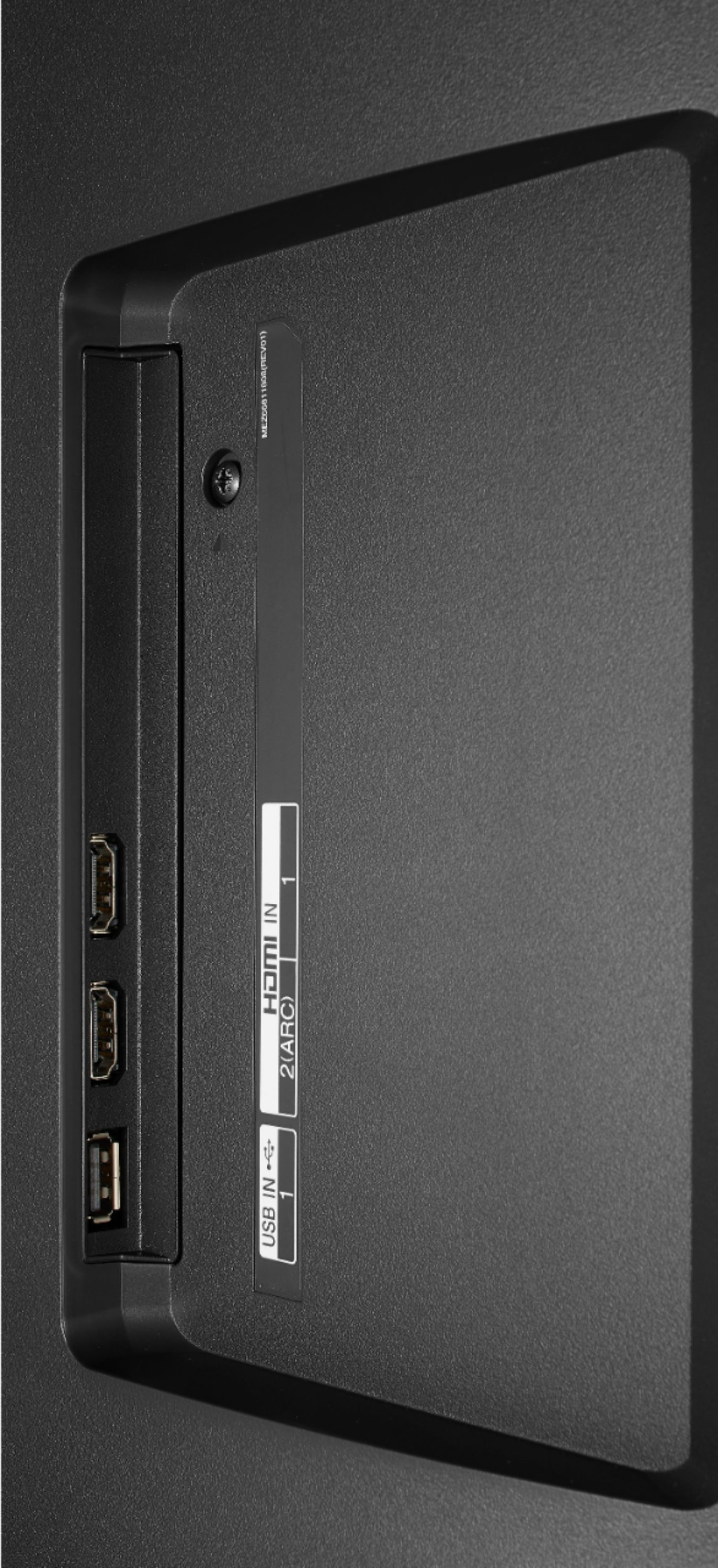
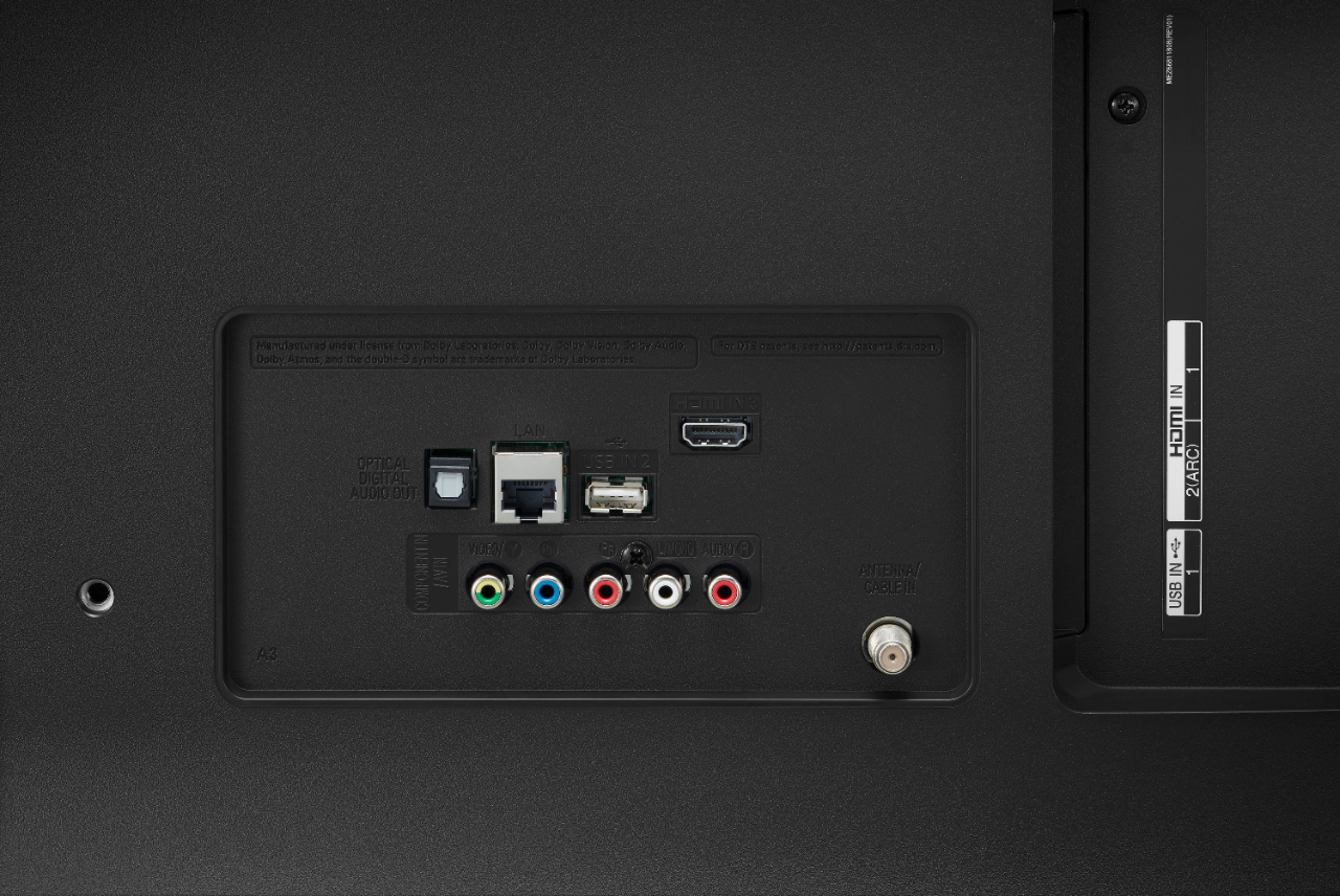
A:Answer Let's try the following: Go to All Settings > General > HDMI ULTRA HD Deep Color and set the desired port to On. Select Restart when the message prompts to restart the TV.
In the Xbox settings, Select Display &Sound, then Video Output, then Advanced video settings, the select Allow HDR. (If you have not enabled Deep Color on the TV first, Allow HDR will be greyed out and will not allow you to select it).
If this does not resolve the issue, you can contact our Customer Support by any of the below options:
Phone: 1-800-243-0000
LiveChat: https://www.lg.com/us/support/chatbot
Email: https://www.lg.com/us/support/email-appointment
Facebook Messenger: https://www.facebook.com/LGUSA/
Twitter: @LGUSSupport
The LG Community Forum is also a great resource for getting help from other LG customers: https://lgcommunity.us.com/