Early Black Friday DealsNew Doorbusters every Friday.Shop now

Main Content

Questions & Answers

Your price for this item is $299.99
Page Showing 21-40 of 80 questions
  • QuestionMy wife likes to watch TV in bed. We are trying to find a television that will allow her to watch TV but have the audio go to her airpods only. Is that possible with this TV

    Asked by SleepyJoe.

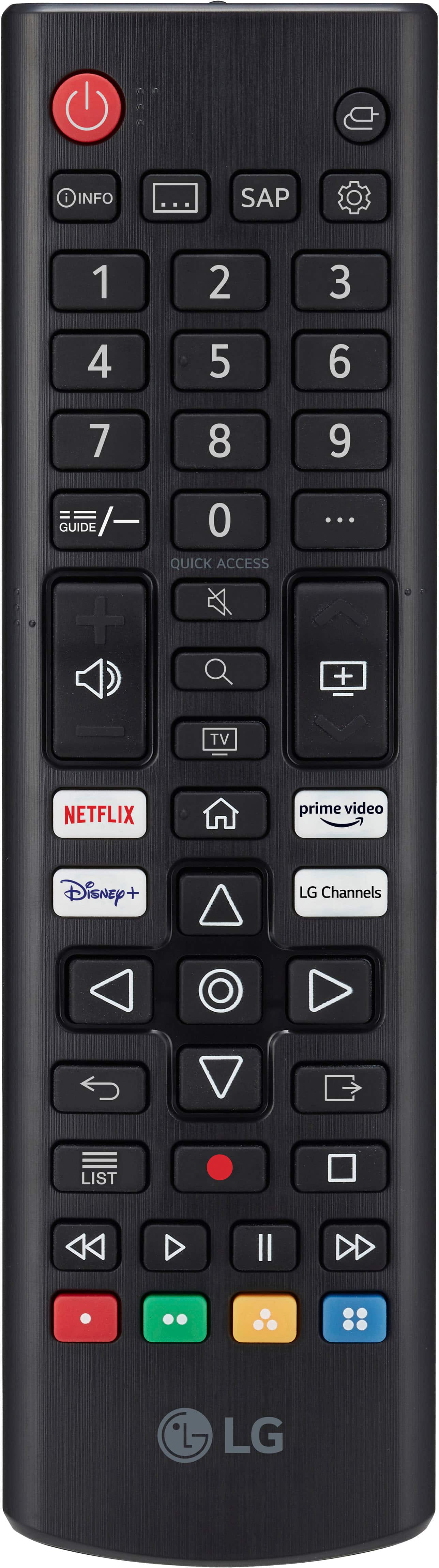
    • Answer Hello there, Joe. Thank you for your question. Yes, the LG 55UT7000PUA 4K UHD TV supports Bluetooth audio, which means you can pair your AirPods to the TV for audio while your wife watches in bed. Here’s how you can connect your AirPods: Enable Bluetooth on the TV through the settings menu. Put your AirPods into pairing mode (by opening the case and holding the button on the back). On the TV, go to Settings > Sound > Sound Out and select Bluetooth. Choose your AirPods from the list of available devices. Once paired, the audio will be routed to the AirPods, allowing for a private listening experience. https://www.lg.com/us/tvs/lg-55ut7000pua-4k-uhd-tv#pdp_specs If you need any additional help or have more questions, feel free to send us a private message on Social Media @LGUSSupport. Our team will be happy to assist you further. We appreciate your patience! —Renzo

      Answered by LG Digital Customer Care

  • QuestionDoes it come with the screws needed for a wall mount and what screws would those be?

    Asked by Jack.

    • Answer No. The screws are always sold with the mount itself.

      Answered by super

  • QuestionHow long is the power cord? I can't seem to find any information on that. I'd like to hide my cord in the wall, but it's a bit short for my setup and I want a longer one. But it would be helpful to know how long the cord is that comes with the TV.

    Asked by RemiB.

    • Answer I recommend that you purchase an IN WALL Power drop that will allow passing Power, HDMI, DAT etc cables inside the wall. You can DIY or have a installer come out to install it. The power drop will allow you to use the factory power cord and just plug into the power drop that will hide behind the TV wall mount.

      Answered by Gearhead43

  • Questioncan i get local antenna tv on the lg ut 70 series 4k uhd smart webos tv

    Asked by Anonymous.

    • Answer You can have an antenna as an input for locals, but the web tv wont be of any values without internet

      Answered by TerryH

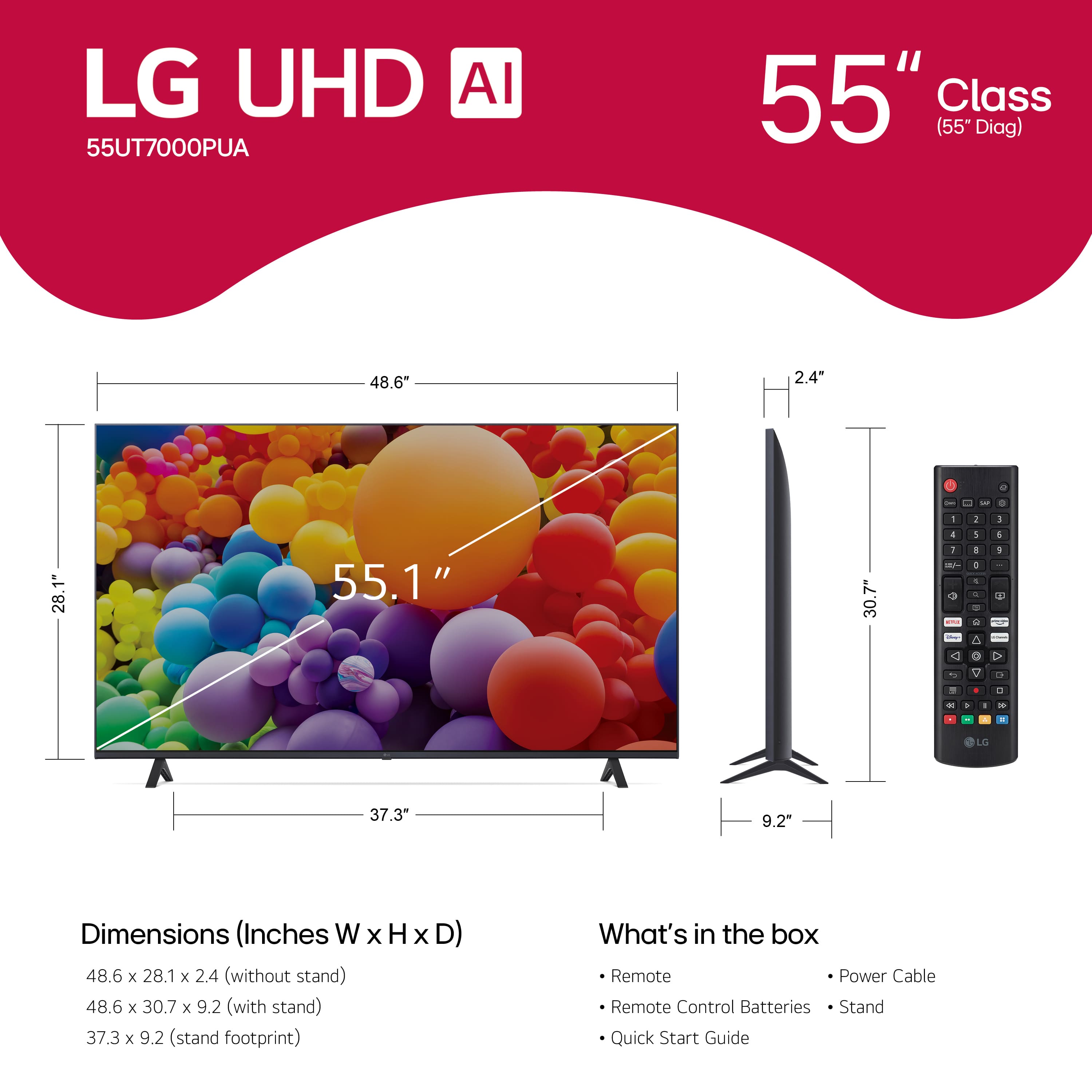
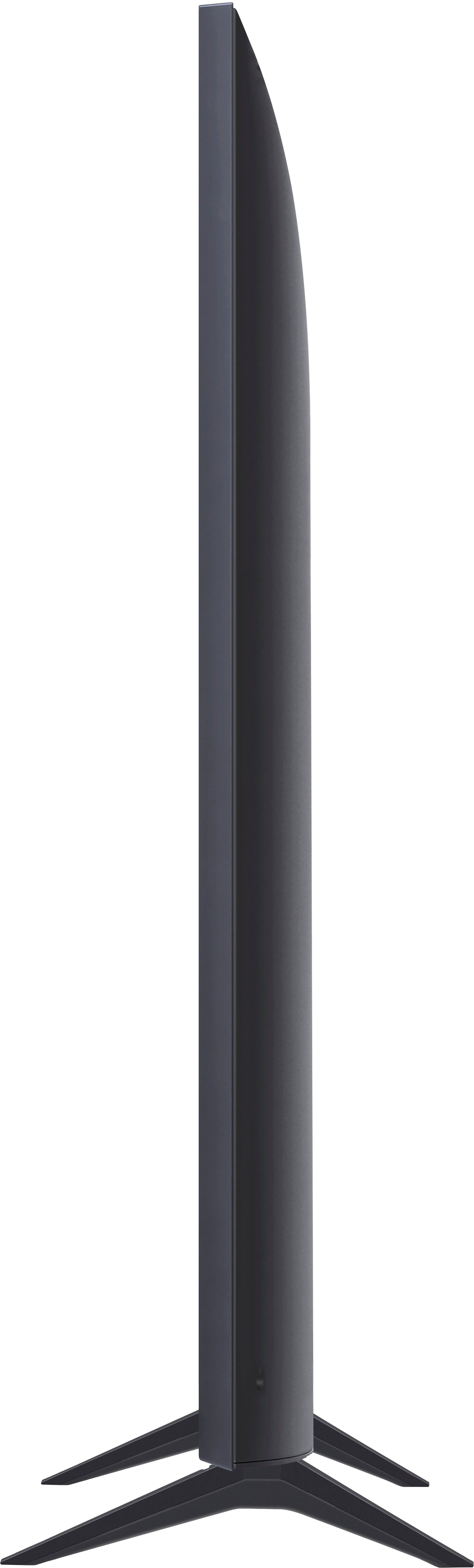
  • QuestionWill the 55" TV sit on a table with a 50" base.

    Asked by Tophat.

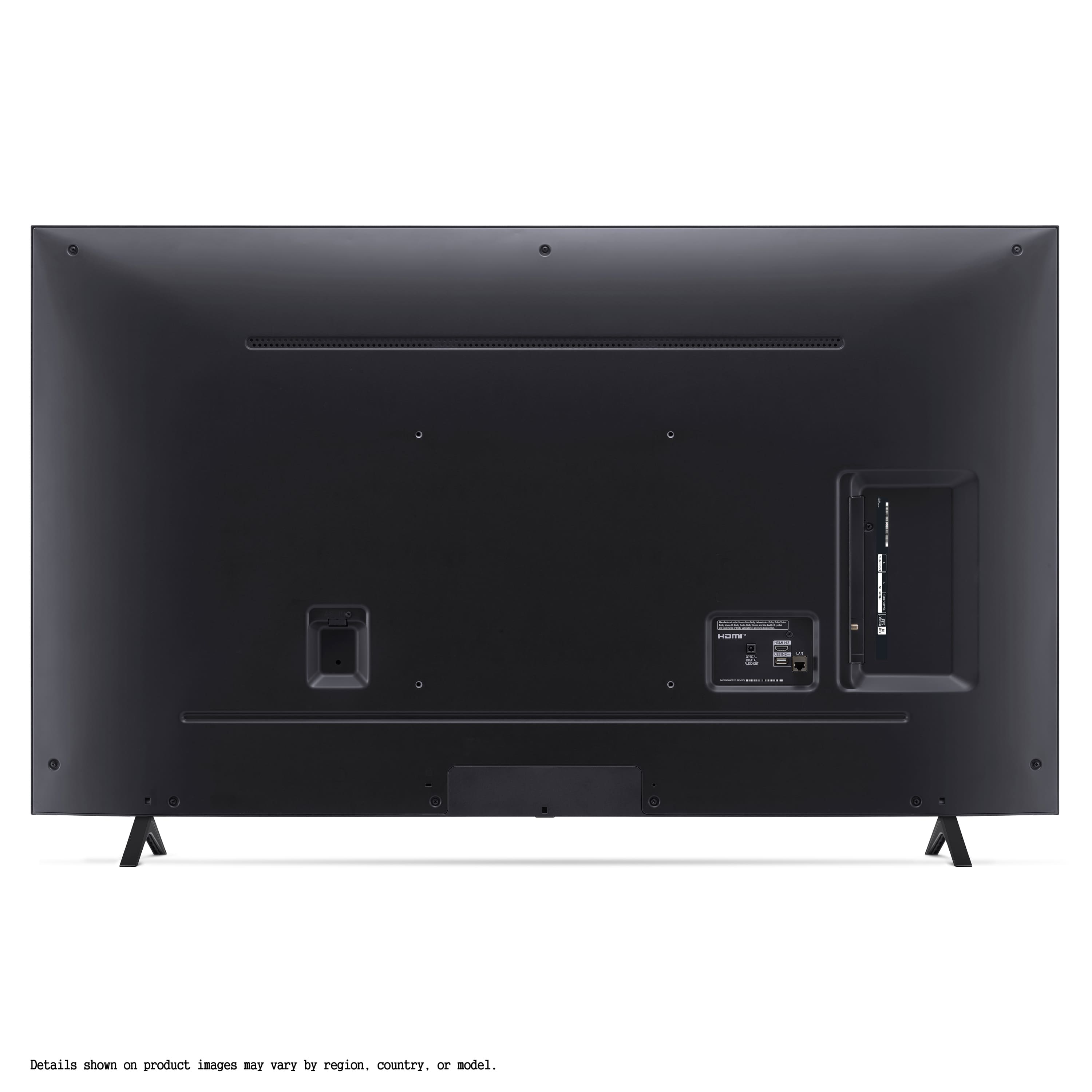
    • Answer The legs encompass 38", you'll have a foot to spare

      Answered by TerryH

  • Questionwill this work with Spectrum

    Asked by lee.

    • Answer Hello there, Lee. Thank you for your question. We understand you're wondering if the LG 55UT7000PUA 4K UHD TV will work with Spectrum. This TV is compatible with a variety of streaming apps through webOS, such as Netflix, Max, Disney+, YouTube, Prime Video, ESPN, Apple TV, Sling TV, and more. As for Spectrum, while it's not listed as a direct content partner, you can still access Spectrum's streaming services through compatible apps like the Spectrum TV app or by using a connected cable box or streaming device. https://www.lg.com/us/tvs/lg-55ut7000pua-4k-uhd-tv#pdp_specs If you'd like further assistance or need help setting it up, feel free to send us a private message on Social Media @LGUSSupport, and our team will be happy to assist you further. —Renzo
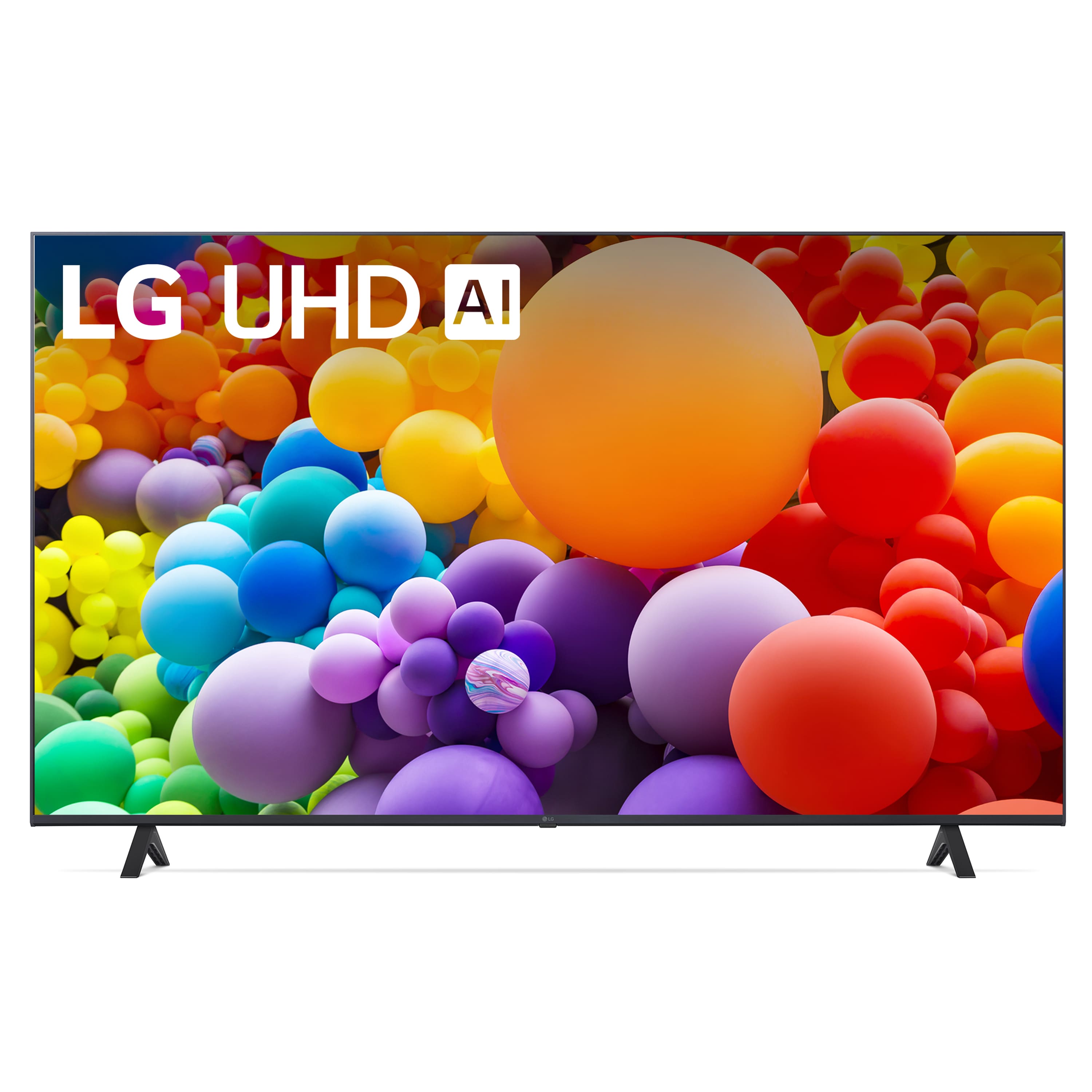
      Answered by LG Digital Customer Care

  • QuestionDoes this TV do anything annoying like talk to you? I had a TV that insisted on talking aloud whatever instruction I was giving including trying to lower the volume; it would say "Lowering Volume" really loud. Could not turn off that feature.

    Asked by Yinzerati.

    • Answer Hello there! Thank you for reaching out. We understand your concern about voice feedback from the TV. The LG 55UT7000PUA 4K UHD TV doesn't have a feature that speaks aloud the instructions you give, like "Lowering Volume." However, it does have features like Intelligent Voice Recognition and AI Sound, which can enhance your experience by recognizing voice commands or adjusting audio settings. If you're encountering voice prompts or feedback while adjusting settings, it may be related to Accessibility settings like Screen Reader or Voice Feedback. To disable these features, you can go to the TV's Settings > Accessibility and turn off any voice-related features. https://www.lg.com/us/tvs/lg-55ut7000pua-4k-uhd-tv#pdp_specs Please feel free to send us a private message on Social Media @LGUSSupport, and we'll be happy to assist further if you need help navigating the settings or troubleshooting. We appreciate your question and look forward to ensuring you have a great experience with your LG TV. —Renzo

      Answered by LG Digital Customer Care

  • Questionhow many hdmi ports does rv have

    Asked by lazy.

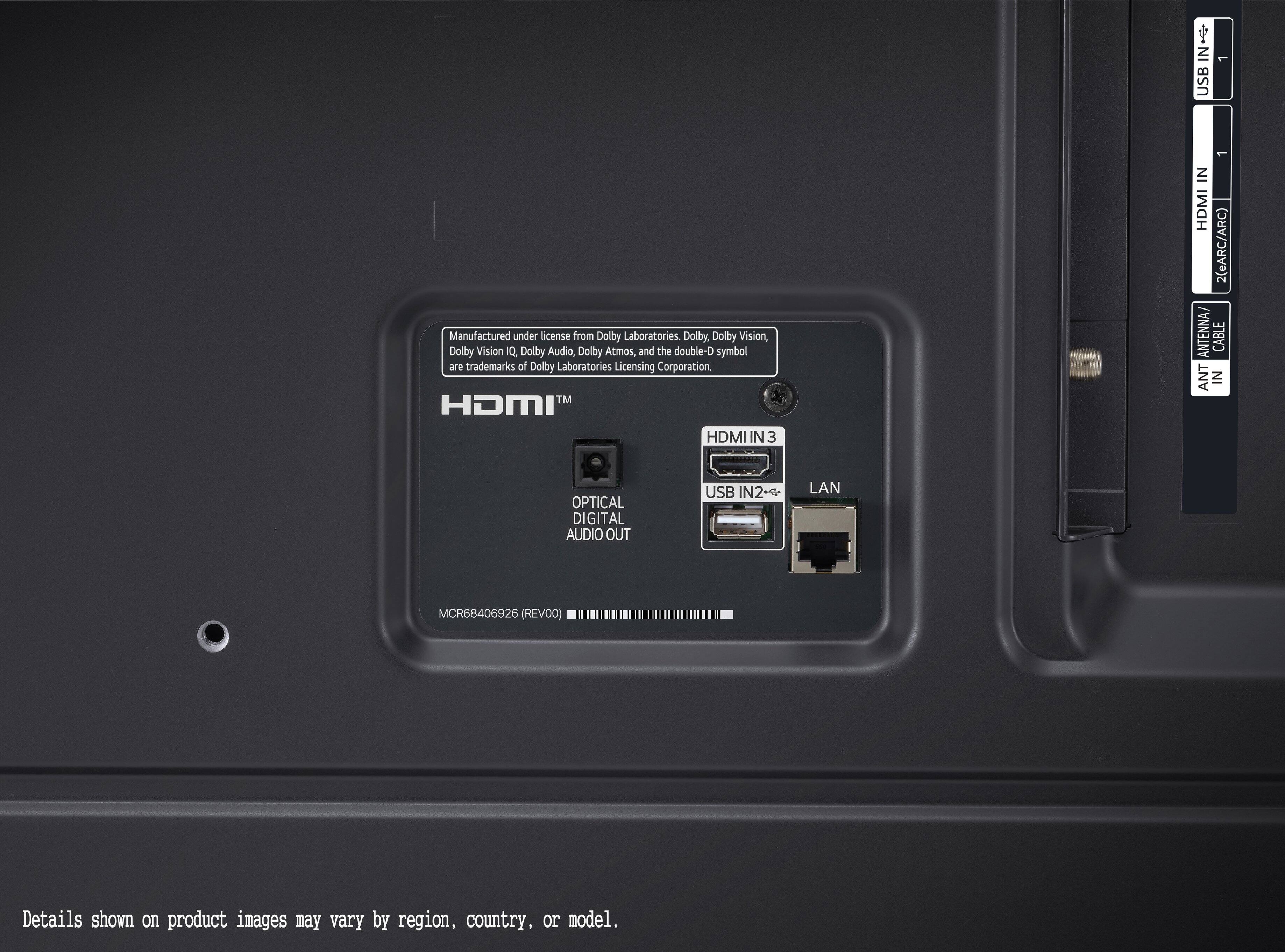
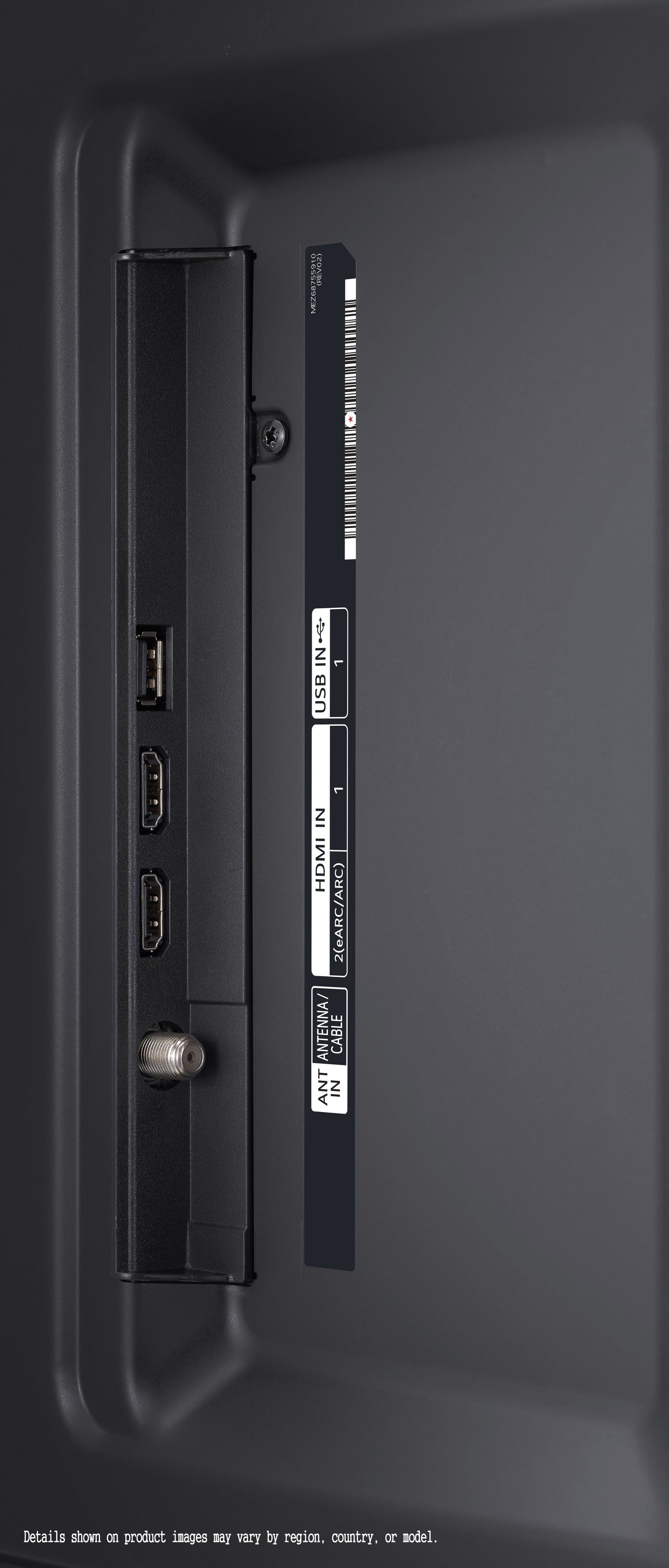
    • Answer 2

      Answered by RaymondP

  • QuestionDoes this tv support 1080p?

    Asked by Cody.

    • Answer Yes

      Answered by RaymondP

  • QuestionCan you hook up a security camera to this TV

    Asked by Curious.

    • Answer Not sure

      Answered by RaymondP

  • QuestionDoes this TV have USB and an optical port?

    Asked by John.

    • Answer Yes

      Answered by RaymondP

  • QuestionLooking for a new TV after my TCL Roku, will I be able to log into my Roku account on this TV?

    Asked by Tamika.

    • Answer You certainly will and can

      Answered by TerryH

  • Questioncan i watch movies etc using a hot spot ?

    Asked by brad.

    • Answer I believe so

      Answered by Anonymous

  • QuestionDOes it cost extra to Install?

    Asked by Anonymous.

    • Answer It was easily set up and installed.

      Answered by Anonymous

  • QuestionCan you remove the legs and mount it to the wall?

    Asked by Lee.

    • Answer Yes we mounted ours on wall.

      Answered by Wiggles

  • QuestionCan this TV connect to DIRECTV and/or Dish Network??

    Asked by FRLB.

    • Answer It has a rf connector and an ethernet port

      Answered by user992536

  • QuestionDoes the oled have issues with images burning in if you leave it on an image to long?

    Asked by Cenaone75.

    • Answer Hi there, Cenaone75. Thank you for your question about image retention and burn-in on TVs. The LG 55UT7000PUA is a 4K UHD TV with a Direct Backlight and not an OLED TV, so it does not use OLED technology. OLED burn-in is a characteristic of OLED panels and happens only under specific circumstances, like leaving static images displayed for an extended period. However, your TV utilizes LED technology, which is not prone to burn-in. This means you can enjoy your content without worrying about image retention issues typically associated with OLED screens. https://www.lg.com/us/tvs/lg-55ut7000pua-4k-uhd-tv#pdp_specs If you’re interested in more information about LG OLED TVs or any additional questions, feel free to reach out to us directly via private message on social media @LGUSSupport. We’re happy to help! —Renzo

      Answered by LG Digital Customer Care

  • QuestionCan Insignia wireless headphones be used with this set? They do not have Bluetooth capability.

    Asked by Dijo.

    • Answer Hello there, Dijo. Thank you for your question! We understand that you're wondering if Insignia wireless headphones can be used with the LG 55UT7000PUA TV, especially since the headphones do not have Bluetooth capability. While this TV has Bluetooth® support, if your headphones do not have Bluetooth, you can still connect them using a Bluetooth transmitter. This device can be plugged into the TV’s optical audio out or headphone jack, enabling the wireless headphones to receive the audio signal. https://www.lg.com/us/tvs/lg-55ut7000pua-4k-uhd-tv#pdp_specs Please send us a private message on Social Media @LGUSSupport if you need further assistance or have any additional questions. We're here to help!

      Answered by LG Digital Customer Care

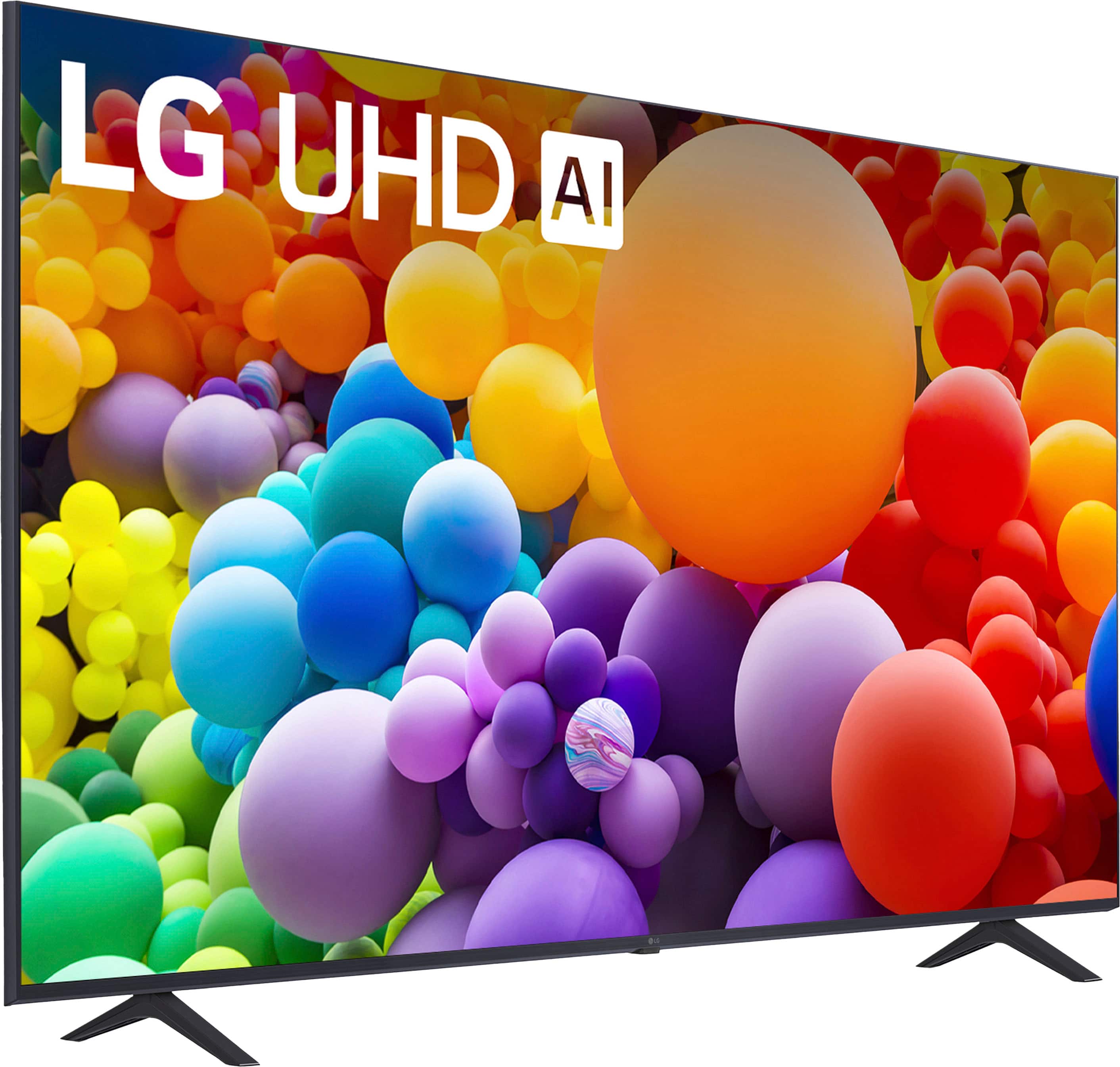
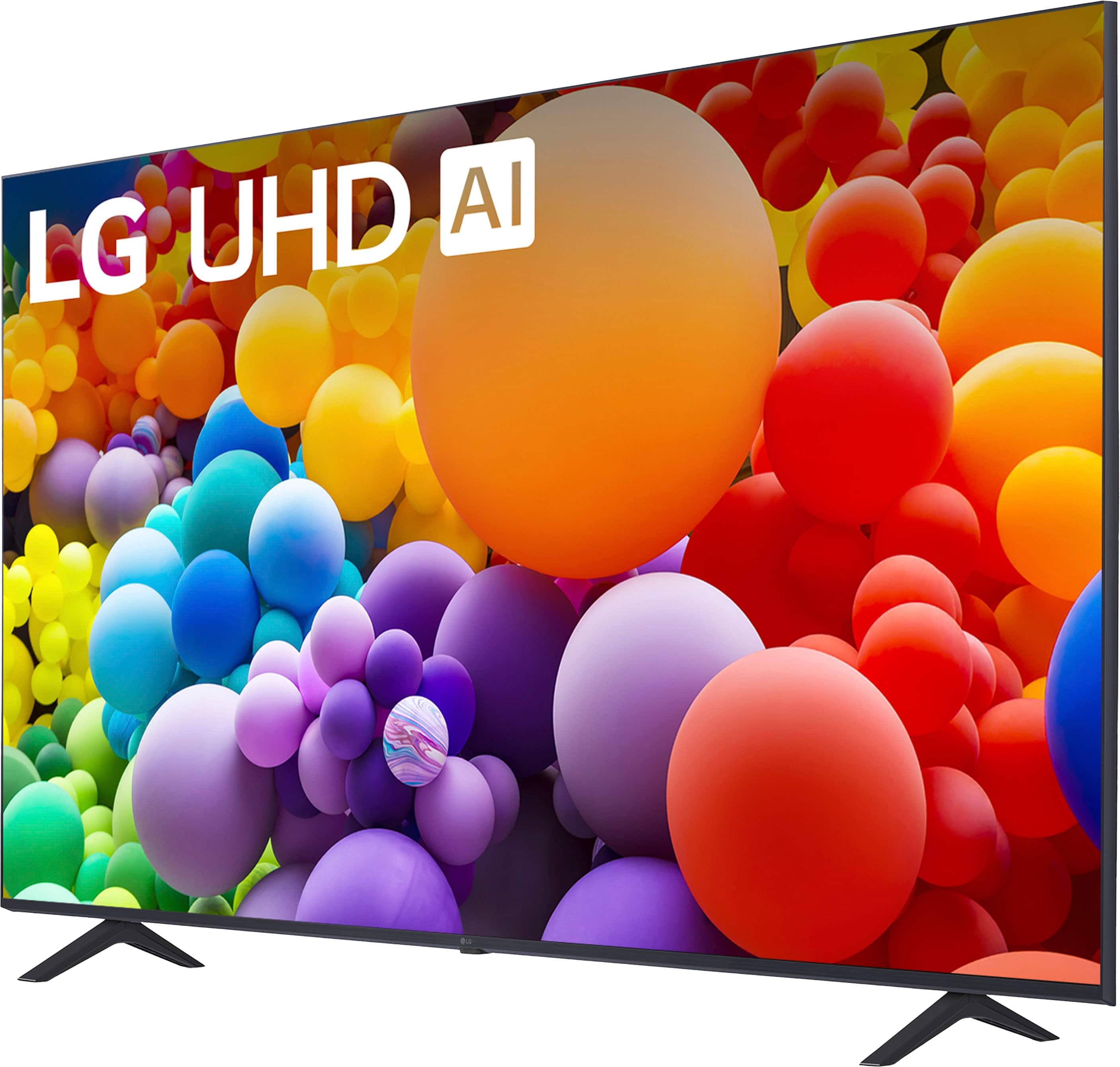
  • QuestionDoes this TV have a middle stand? Also can Airpods connect to it?

    Asked by Debbi.

    • Answer No central stand, just two widespread plastic legs like other flatscreen TVs in this era. I am using a VESA compatible stand from the big online retailer that works perfectly.

      Answered by Alpsguy

  • QuestionI do not want to connect this TV to my WiFi but I still want to be able to cast from my windows pc. Does this TV have built in miracast like many other LG models?

    Asked by Magus.

    • Answer Hi there, Magus. Thank you for reaching out with your question. We understand that you'd like to cast from your Windows PC to the LG 55UT7000PUA TV without connecting it to Wi-Fi. This model does not have built-in Miracast like some other LG TVs. However, the TV does support Apple AirPlay 2, so if you have any Apple devices, you can easily cast content. Additionally, for casting from a Windows PC, you would typically need to connect through Wi-Fi or use a compatible casting device (such as a Chromecast or another wireless display adapter) since this model doesn't have direct Miracast support. If you're looking for a direct wireless connection from your PC without using Wi-Fi, the best option would be to use an external device that supports this feature. https://www.lg.com/us/tvs/lg-55ut7000pua-4k-uhd-tv#pdp_specs For any further assistance, please feel free to send us a private message on Social Media @LGUSSupport, and we'll be happy to explore more solutions with you! —Renzo

      Answered by LG Digital Customer Care