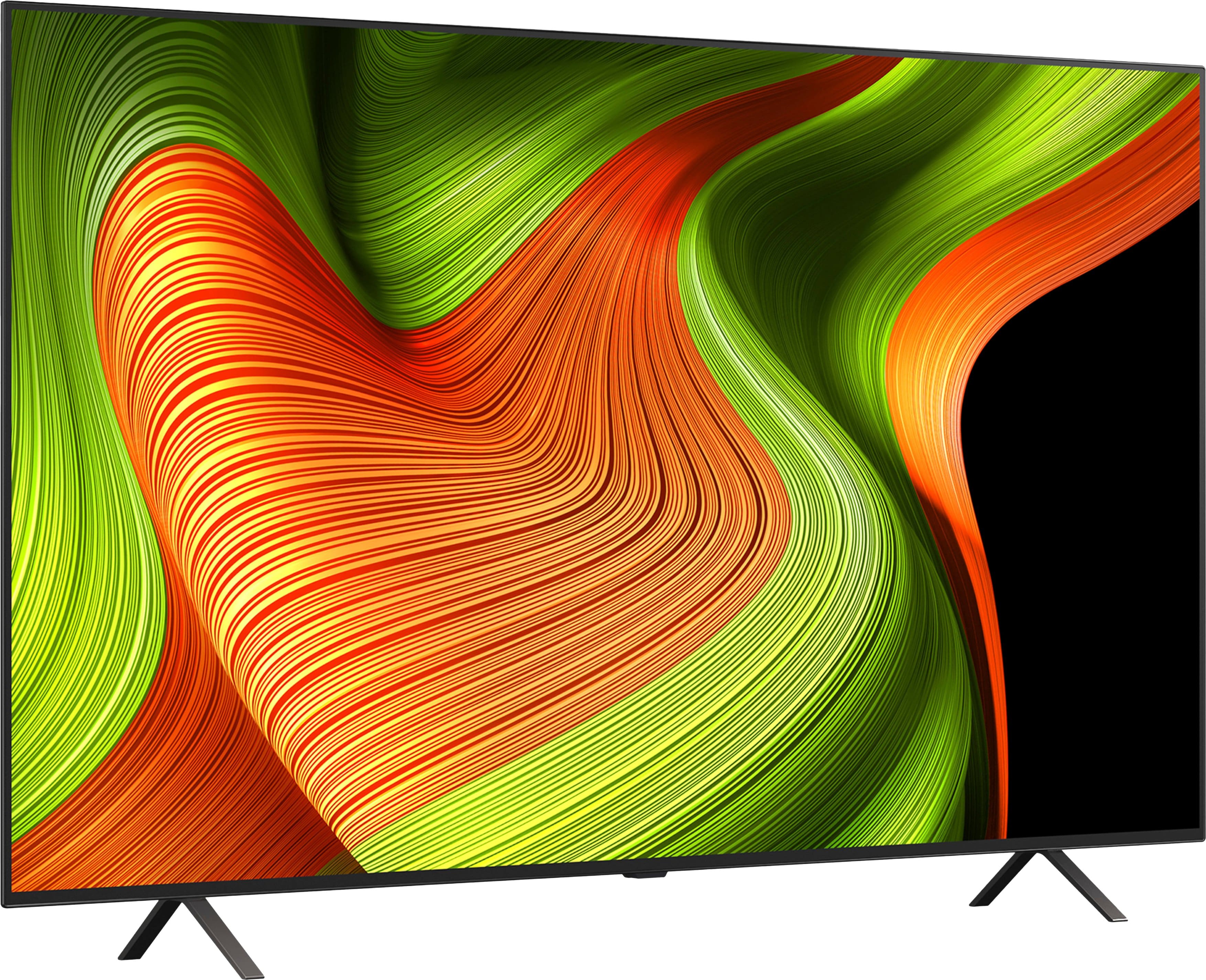
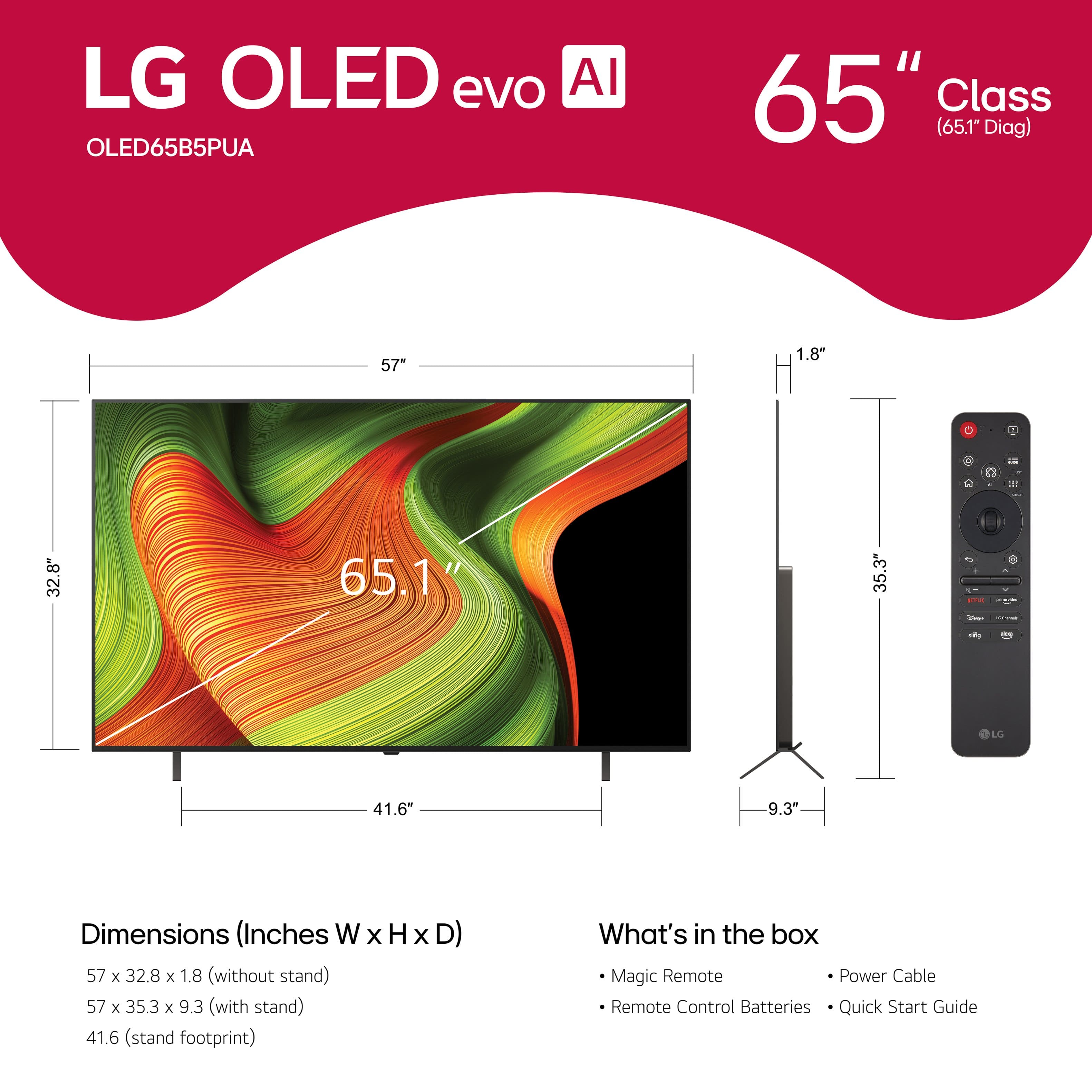
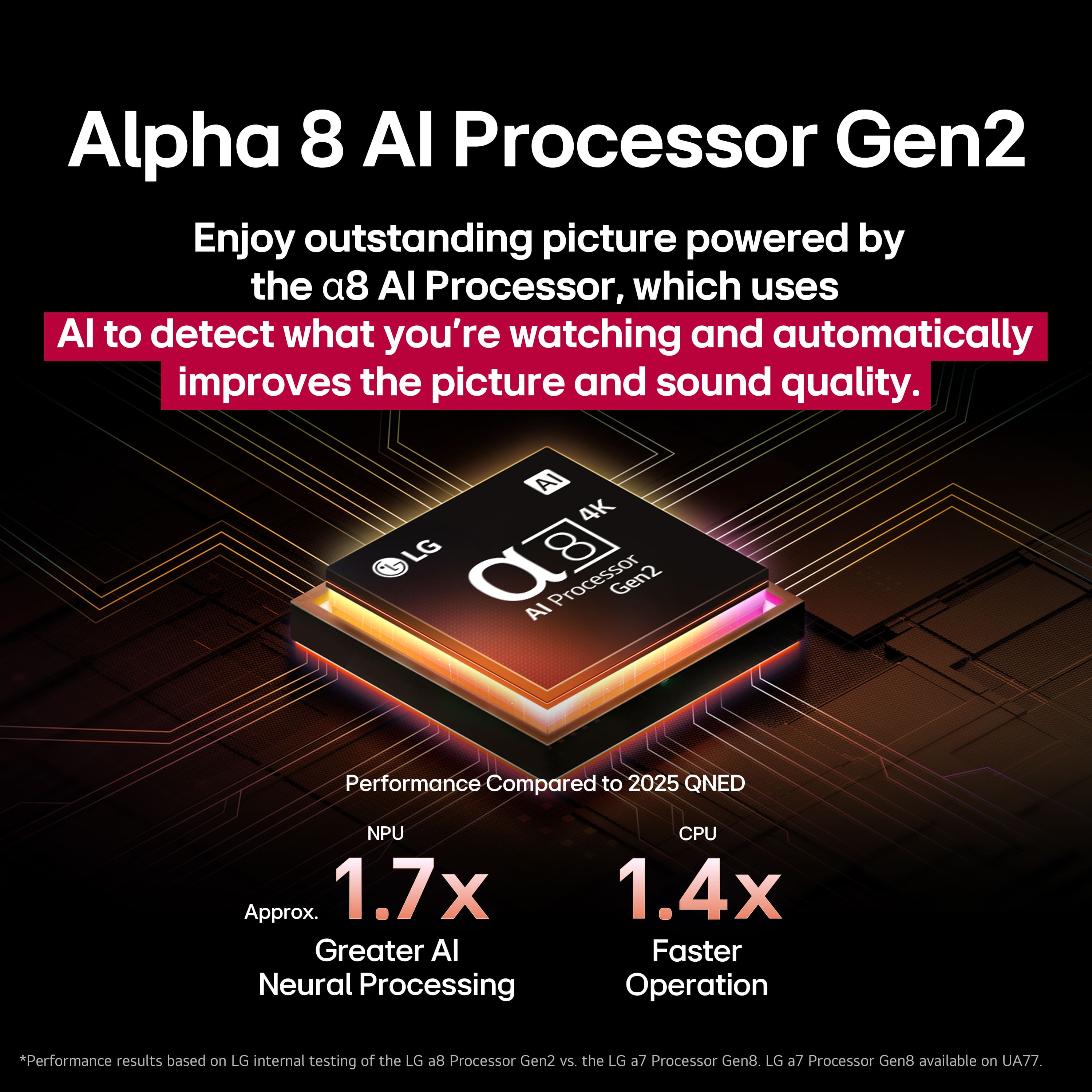
A:AnswerThe blinking red light on your LG - 65" Class B5 Series OLED AI 4K UHD Smart webOS TV (2025), Model # OLED65B5PUA, indicates a power supply failure, (main board) malfunction, or a stuck firmware update. It is a safety mechanism indicating the TV cannot boot properly, often caused by a failed power board (e.g., faulty capacitors) or a corrupt update loop.
You can try unplugging the TV, for at least 10–30 minutes, then press and hold the physical power button on the TV for 30–60 seconds to drain residual electricity before plugging it back directly into your wall outlet, to see if that resolves the issue.
Unplug all HDMI devices (game consoles, soundbars) as a faulty device or cable can cause a boot loop.
If the light blinks slowly, the TV might be updating; wait at least 10 minutes...^Ivan.
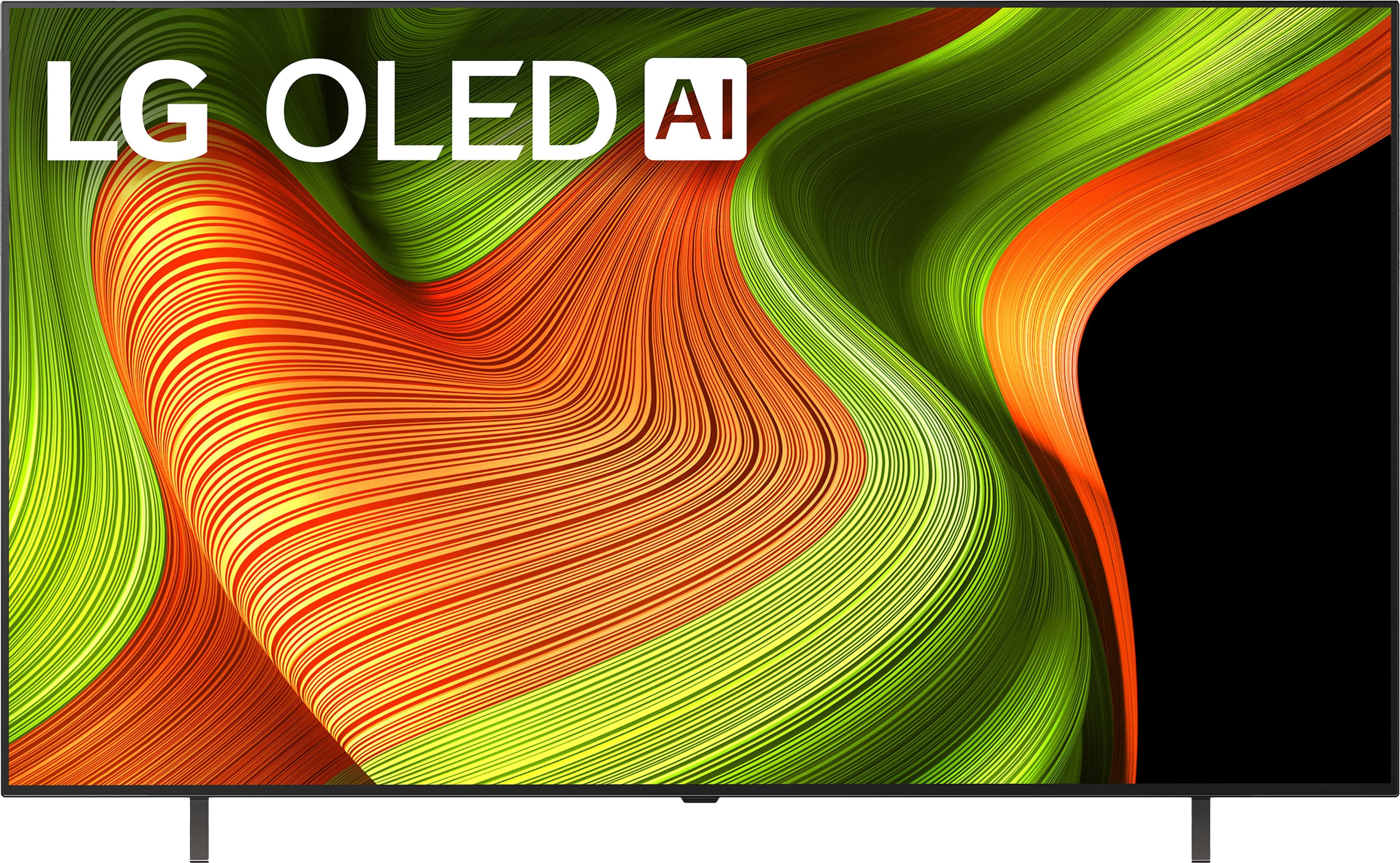
A:AnswerHi there, Flark! Thanks for reaching out about the LG TV (OLED65B5PUA). This TV offers features that pair really well with a PS5, including a 120Hz refresh rate, low input lag, and HDMI 2.1 support for smooth, responsive gameplay. You can explore the full specs here:
https://www.bestbuy.com/product/lg-65-class-b5-series-oled-ai-4k-uhd-smart-webos-tv-2025/JJ8VPZTKWV. If you’d like help comparing settings or getting the best gaming setup, feel free to email us at lgdigitalcare@lg.sprinklrsupport.com. - Avril
A:AnswerIt is recommended that you use the Logitech K360, Logitech K400, Logitech K750, which are keyboards that have been tested for compatibility with the LG 65" Class B5 Series OLED AI 4K UHD Smart webOS TV (2025), Model # OLED65B5PUA. A wireless mouse or the above-mentioned wireless keyboards can be paired with the TV, and a wired mouse or wired keyboard can be connected to the TV's USB ports...^Ivan.
A:AnswerPlease submit your inquiry for the LG LG C4 65 Inch Class OLED evo AI 4K Smart TV 2024 - Model # OLED65C4PUA, on its product detail page on Best Buy.
This is the wrong page for it...^Ivan.
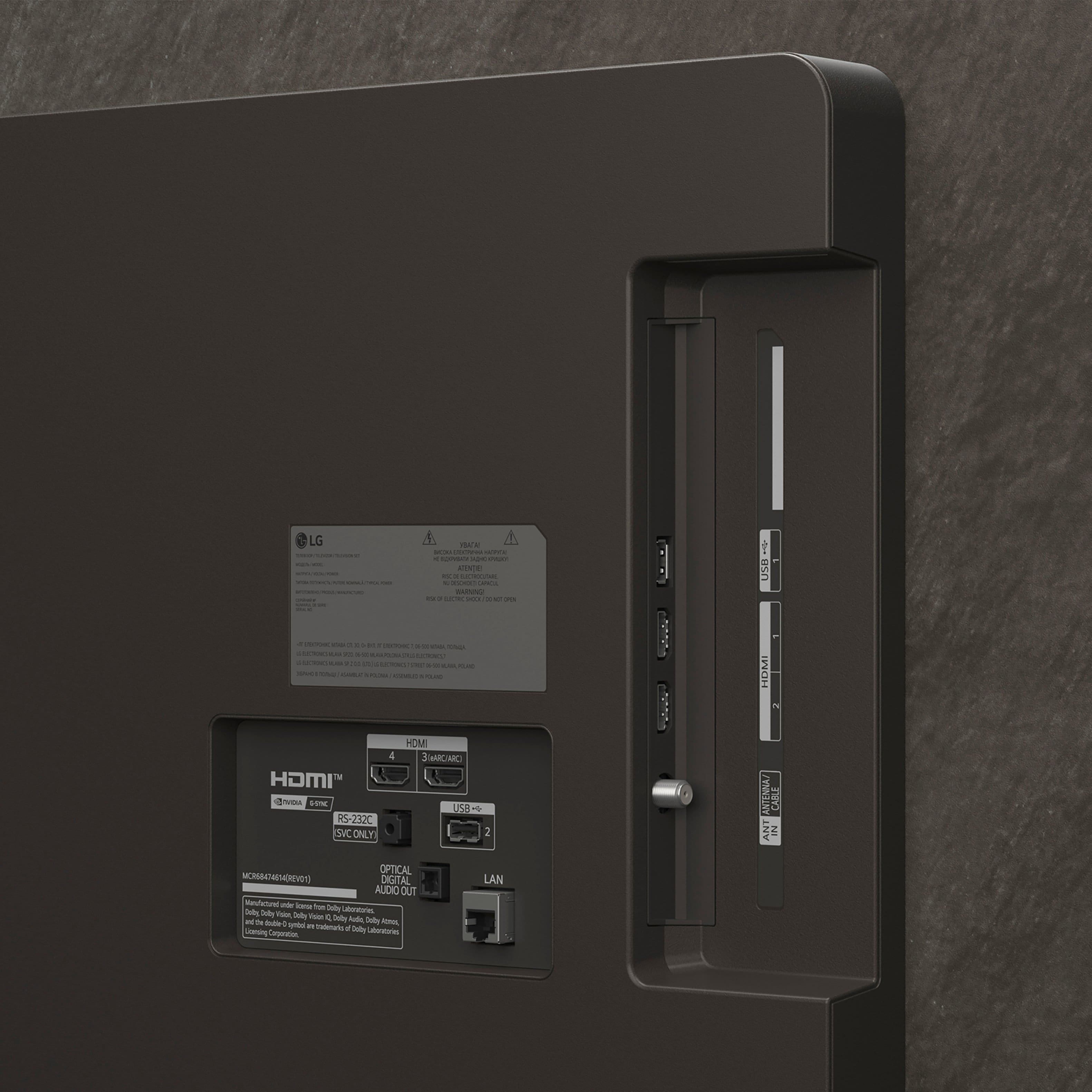
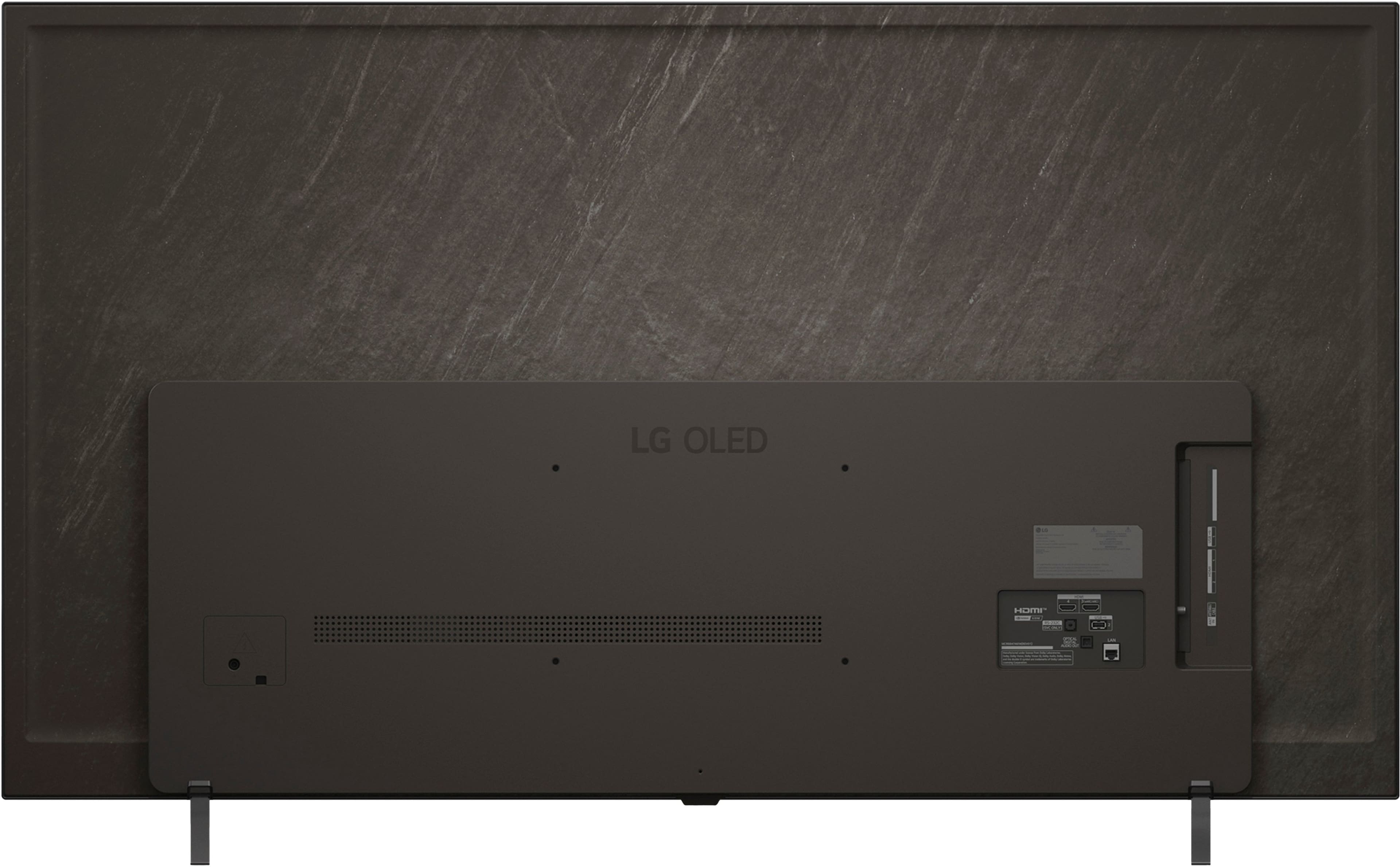
A:AnswerThe LG 65" Class B5 Series OLED AI 4K UHD Smart webOS TV (2025), Model # OLED65B5PUA, like all other LG Smart TVs, features an Optical Digital Audio Output...^Ivan.
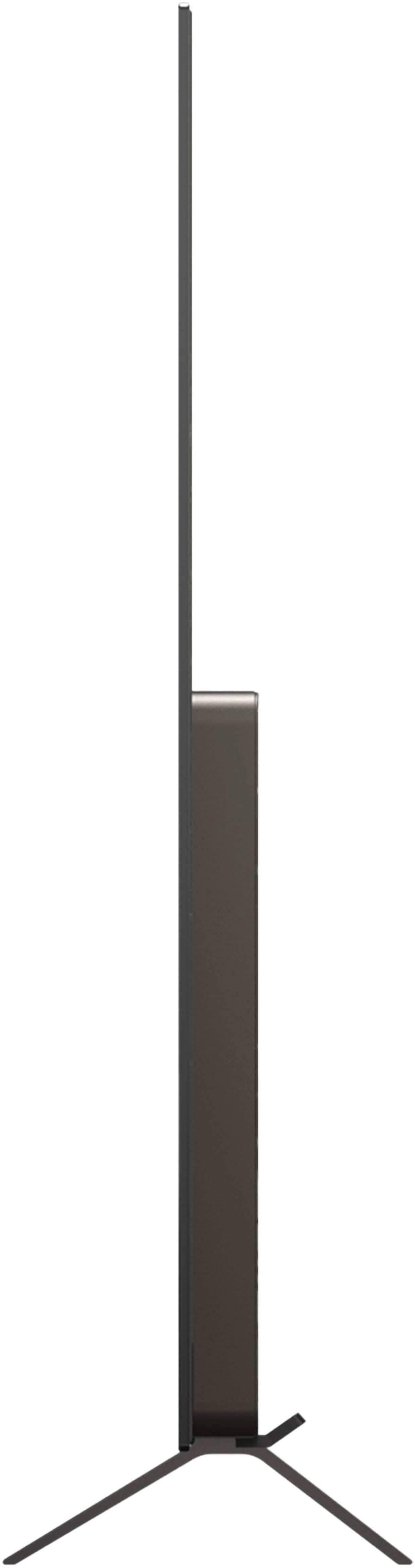
A:AnswerThe LG 65" Class B5 Series OLED AI 4K UHD Smart webOS TV (2025), Model # OLED65B5PUA, is designed with very thin bezels to create an immersive, edge-to-edge look...^Ivan.
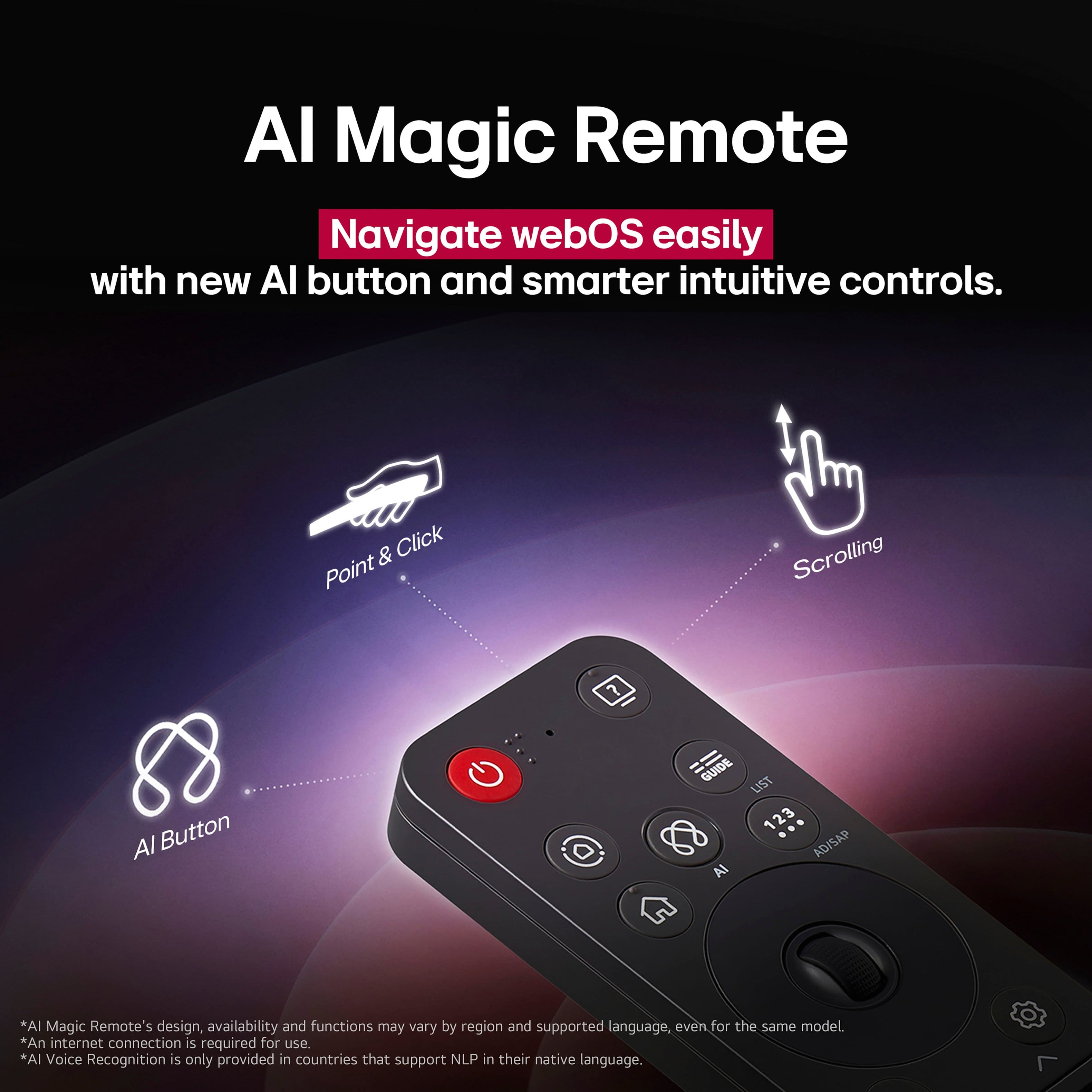
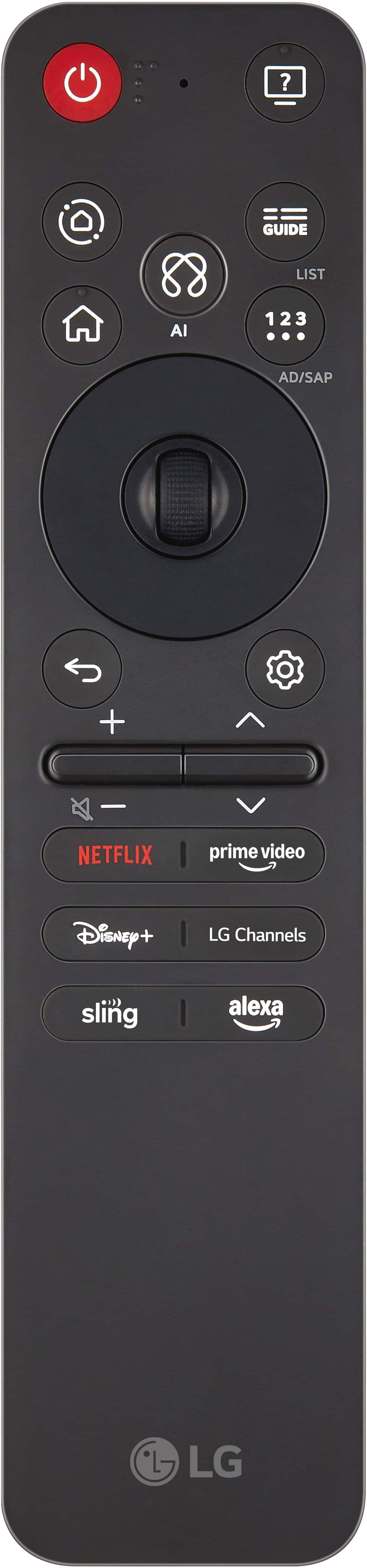
A:AnswerA replacement for the LG Magic Remote, Model # MR25GA for the LG - 65" Class B5 Series OLED AI 4K UHD Smart webOS TV (2025), Model: OLED65B5PUA, can be ordered directly from its product page on the company site...^Ivan.
A:AnswerI believe there are different plans/tiers, but can't remember. I paid for the recycle/haul away service. They brought the new TV upstairs and into my bedroom and removed my old TV. However, there is no installation; you'll have to figure that out on your own, which isn't difficult aside from needing an extra person to help you lift/move it.
A:AnswerHi there. Thank you for sharing your experience with us. We understand your inquiry regarding the 65" Class B5 Series OLED AI 4K UHD Smart webOS TV. For the best audio experience, we recommend using an HDMI cable to connect your soundbar. This connection supports advanced audio formats like Dolby Atmos and allows you to control the soundbar volume with your TV remote. For the best results, please use the HDMI 3 (eARC/ARC) port on the back of your TV.
https://www.bestbuy.com/product/lg-65-class-b5-series-oled-ai-4k-uhd-smart-webos-tv-2025/JJ8VPZTKWV
For further assistance and any specific concerns you may have, please contact us on lgdigitalcare@lg.sprinklrsupport.com. —Renzo
A:AnswerHello there, StevyC. Thank you for reaching out to us. We understand your inquiry regarding the pricing and available options for the television you purchased. For inquiries specifically regarding Samsung models, such as the QN90D, or pricing differences found at the retailer, we recommend contacting BestBuy directly for these inquiries.
https://www.bestbuy.com/product/lg-65-class-b5-series-oled-ai-4k-uhd-smart-webos-tv-2025/JJ8VPZTKWV
If you have any further questions about LG products and features, please contact us on lgdigitalcare@lg.sprinklrsupport.com, and our team will be more than happy to assist you. —Renzo
A:AnswerHi there. Thank you for your interest in the OLED65B5PUA. We understand your inquiry regarding casting a Windows 11 laptop to the TV. Yes, this model supports screen mirroring capabilities. You can easily cast your Windows 11 laptop by using the "Connect" or "Cast" feature in Windows to wirelessly duplicate or extend your screen, or utilize the "Google Cast built-in" feature for compatible apps and browsers.
https://www.bestbuy.com/product/lg-65-class-b5-series-oled-ai-4k-uhd-smart-webos-tv-2025/JJ8VPZTKWV
If you have any further questions about its features, please contact us on lgdigitalcare@lg.sprinklrsupport.com, and our team will be more than happy to assist you. —Renzo
A:AnswerHello there, Lauri. Thank you for your interest in the OLED65B5PUA. We understand your inquiry regarding the Clear Voice feature. Yes, this model comes equipped with Clear Voice Pro (Auto Volume Leveling) to help clarify human voices.
https://www.bestbuy.com/product/lg-65-class-b5-series-oled-ai-4k-uhd-smart-webos-tv-2025/JJ8VPZTKWV
If you have any further questions about its features, please contact us on lgdigitalcare@lg.sprinklrsupport.com, and our team will be more than happy to assist you. —Renzo
A:AnswerGeek Squad cannot, to my knowledge do anything for a power supply that is not located where you want your TV. An electrician will have to run electriciy to that wall.