A:AnswerThe TV speakers turn off. Using them at the same time could degrade the sound with some waves cancelling out the sound bar. One or other is used not both.
A:AnswerHello there, Robert. Thank you for sharing your inquiry with us regarding the connectivity of your OLED65C5PUA TV. We understand your inquiry about the HDMI ports' capabilities.
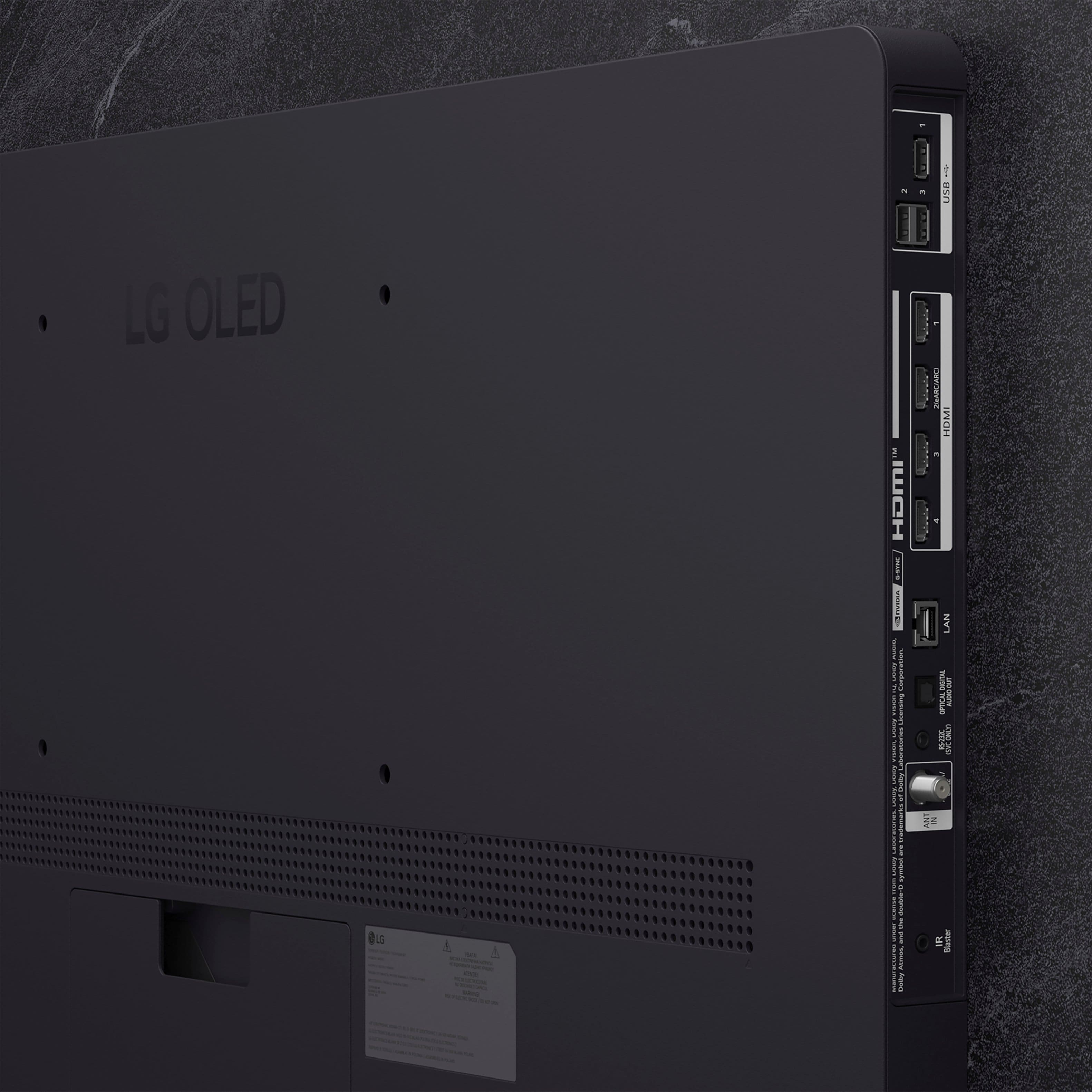
Yes, we want to share that all four HDMI input ports on your OLED65C5PUA TV support the features required for 4K video at a 120Hz refresh rate. The specifications confirm that the TV has 4ea (supports 4K 120Hz, eARC, VRR, ALLM, QMS (4 port)) HDMI inputs, ensuring you can connect multiple high-performance gaming consoles or devices to take full advantage of the display's capabilities.
https://www.bestbuy.com/product/lg-65-class-c5-series-oled-evo-ai-4k-uhd-smart-webos-tv-2025/JJ8VPZTRG6
If you have any further questions about optimizing your gaming setup or other TV features, please contact us on lgdigitalcare@lg.sprinklrsupport.com, and our team will be more than happy to assist you.
—Renzo
A:AnswerHi there, Scott. Thank you for your question. We understand your inquiry regarding the compatibility of external audio devices with the OLED65C5PUA. Yes, a Samsung soundbar can be connected to this TV. This unit supports HDMI eARC (HDMI 2), Optical Digital Audio Out, and Bluetooth connections, so you can pair it with a compatible soundbar using any of these methods.
https://www.bestbuy.com/product/lg-65-class-c5-series-oled-evo-ai-4k-uhd-smart-webos-tv-2025/JJ8VPZTRG6
If you have any further questions about its features, please contact us on lgdigitalcare@lg.sprinklrsupport.com, and our team will be more than happy to assist you. —Renzo
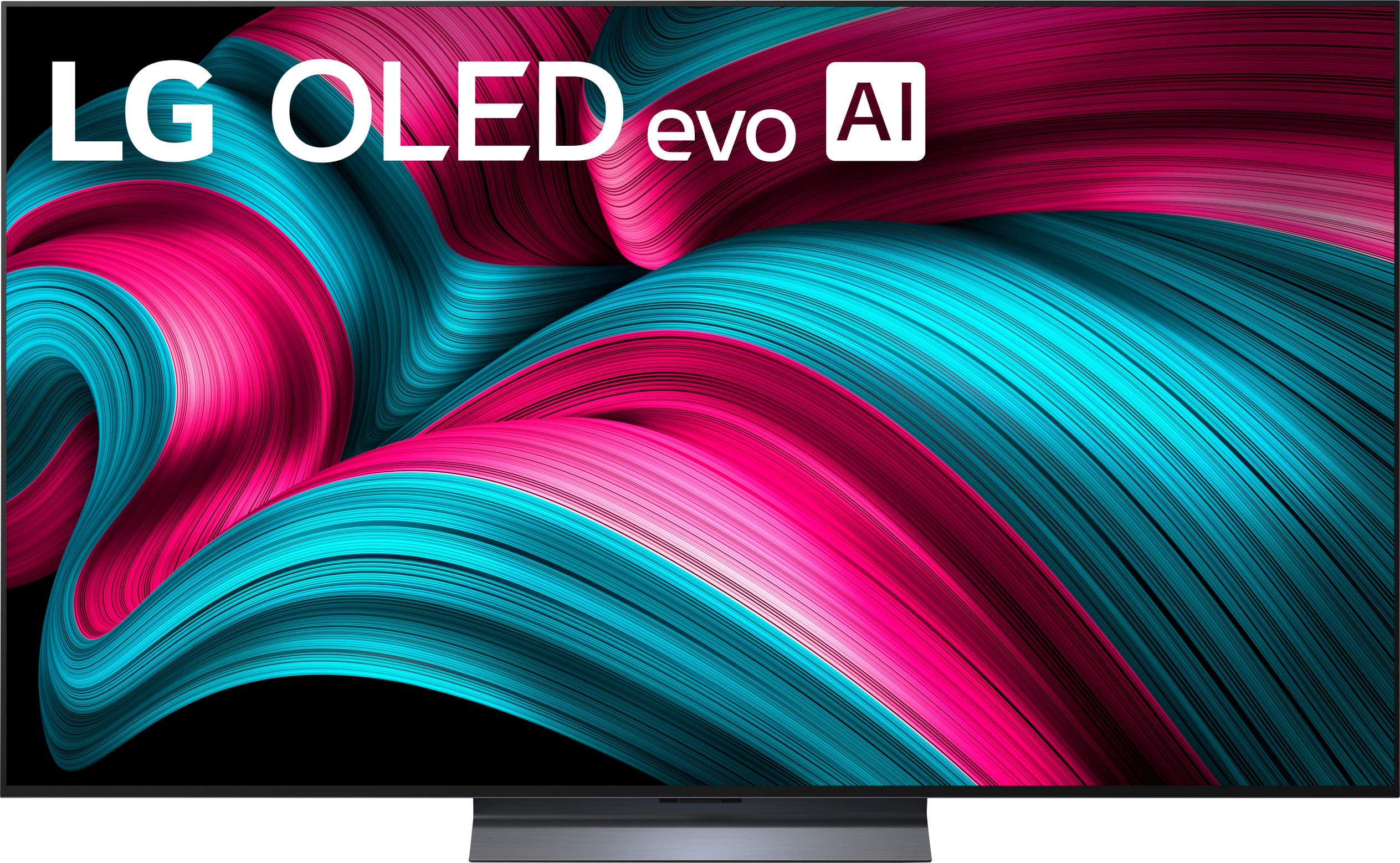
A:AnswerHi there. Thank you for your interest in the OLED65C5PUA. We understand your inquiry regarding the gaming input specifications. This unit is equipped with 4 HDMI inputs that support 4K 120Hz, VRR, ALLM, and QMS, designed to deliver a high-performance gaming experience.
https://www.bestbuy.com/product/lg-65-class-c5-series-oled-evo-ai-4k-uhd-smart-webos-tv-2025/JJ8VPZTRG6
If you have any further questions about its features, please contact us on lgdigitalcare@lg.sprinklrsupport.com, and our team will be more than happy to assist you. —Renzo
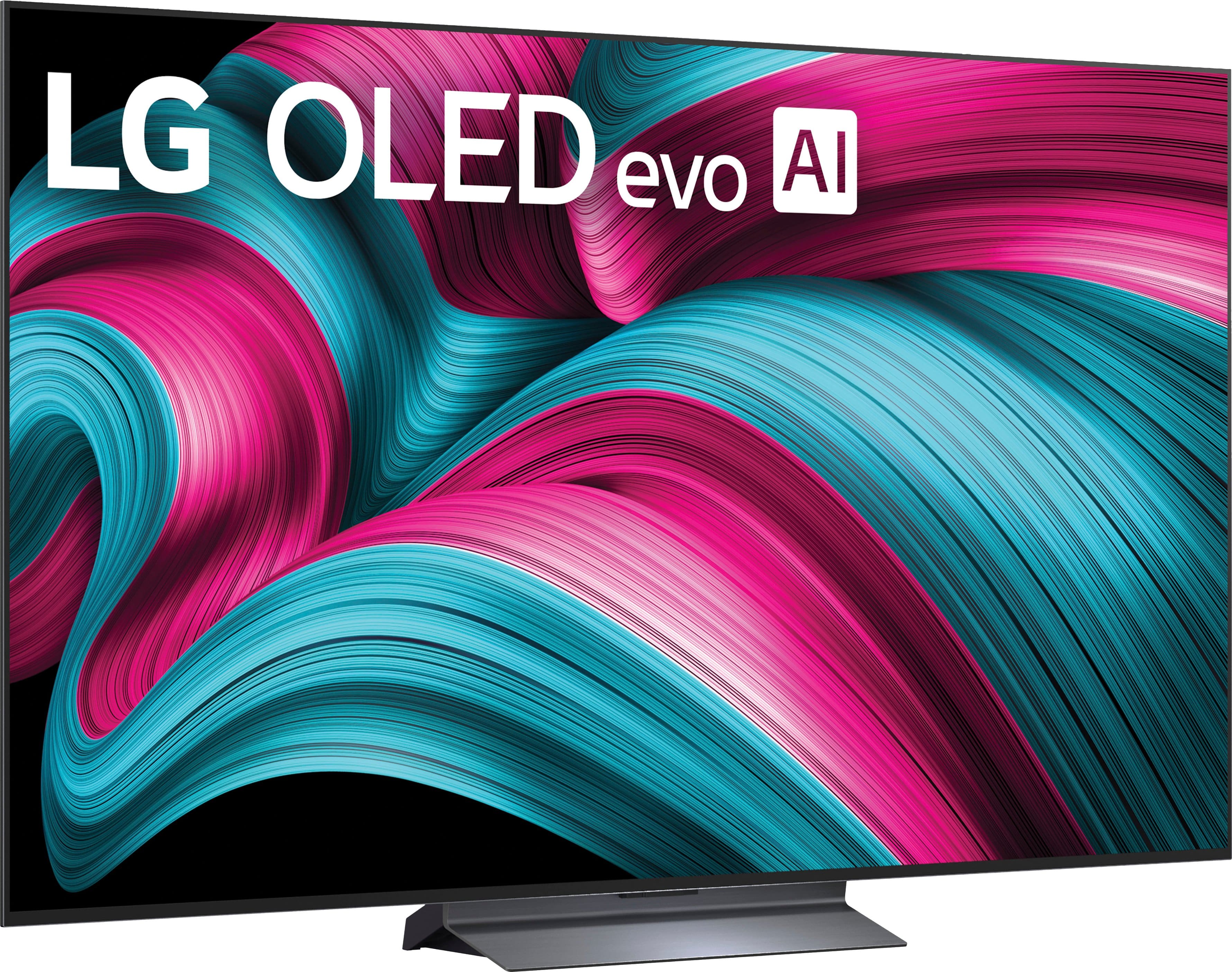
A:AnswerI use Tablo (4th) now and it works great. There is an antenna connection on the TV, but I didn't try it.
It seems anything you can get an APP for will work.
A:AnswerHi there. Thank you for your interest in the OLED65C5PUA. We understand your inquiry regarding the audio formats supported by this TV. Based on the official specifications, this unit supports Audio Codecs including AC4, AC3 (Dolby Digital), EAC3, HE-AAC, AAC, MP2, MP3, PCM, WMA, and apt-X. However, DTS and DTS-HD are not listed as supported formats for this model.
https://www.bestbuy.com/product/lg-65-class-c5-series-oled-evo-ai-4k-uhd-smart-webos-tv-2025/JJ8VPZTRG6
If you have any further questions about its features, please contact us on lgdigitalcare@lg.sprinklrsupport.com, and our team will be more than happy to assist you. —Renzo
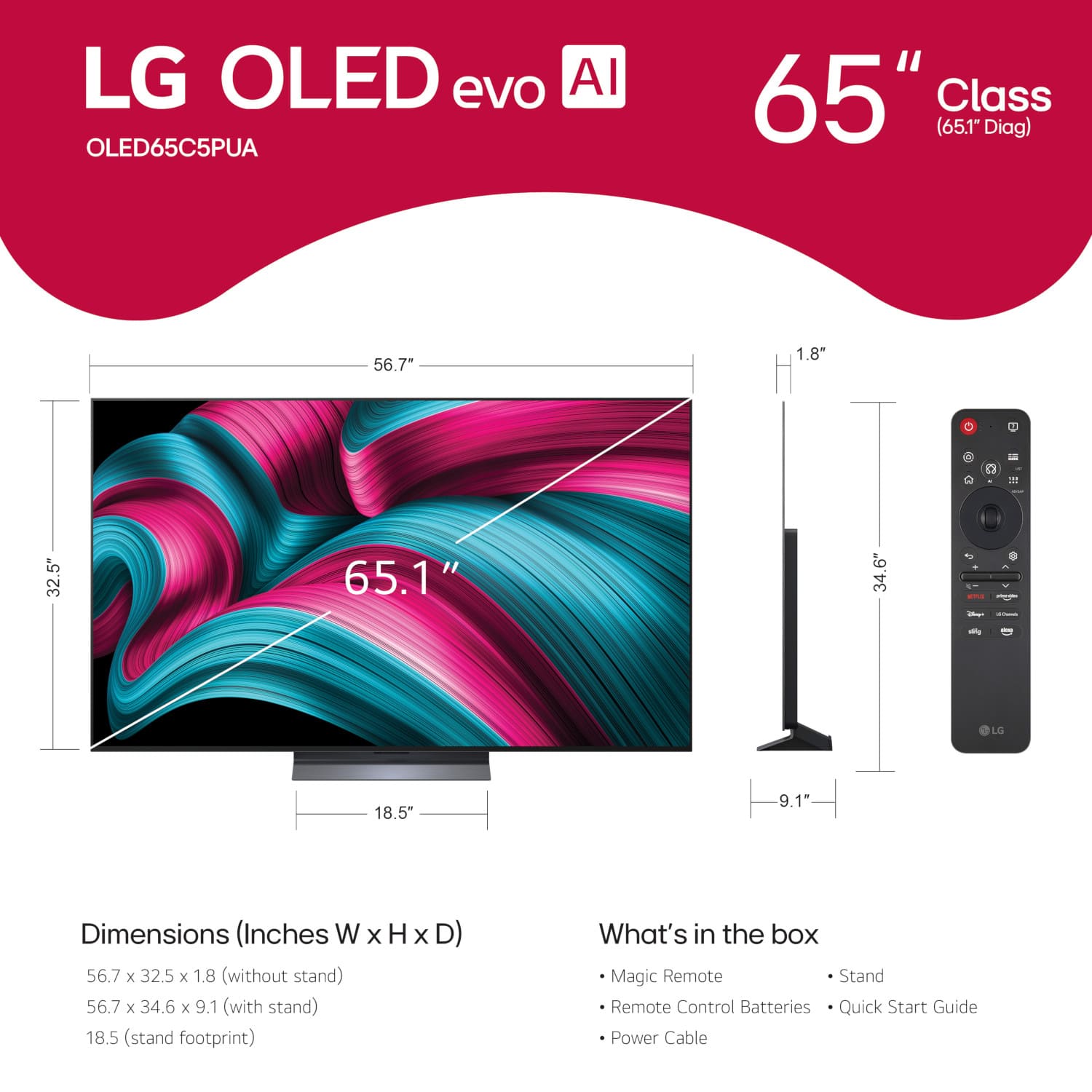
A:AnswerHi there. We understand your inquiry about the URL of the OLED65C5PUA TV.
A television model itself does not have a public URL, as it is a physical product. However, if you are looking for information, product details, or support for the OLED65C5PUA, you can typically find it on the official LG US Website by searching for the model number. We understand your inquiry, and your feedback is important, and we'd like to assist you further.
https://www.bestbuy.com/product/lg-65-class-c5-series-oled-evo-ai-4k-uhd-smart-webos-tv-2025/JJ8VPZTRG6
If you have any further questions about this unit's features, please contact us on lgdigitalcare@lg.sprinklrsupport.com, and our team will be more than happy to assist you.
—Renzo
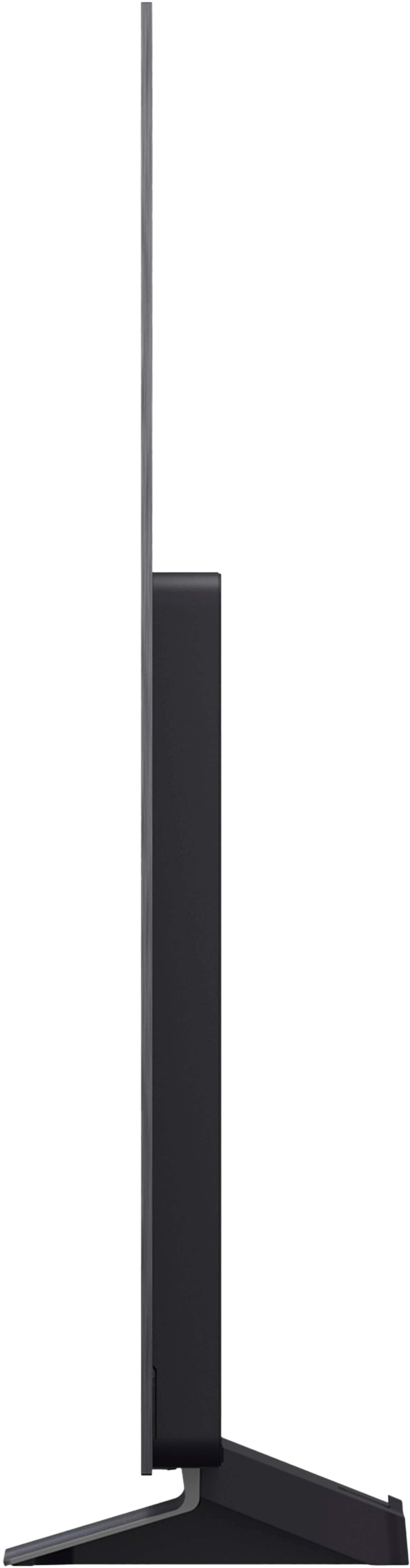
A:AnswerI would say the TV Weights around 60 pounds
But the best thing about moving this TV is that it has gorilla glass so you can put your fingers on the screen and it has no effect
Really strong
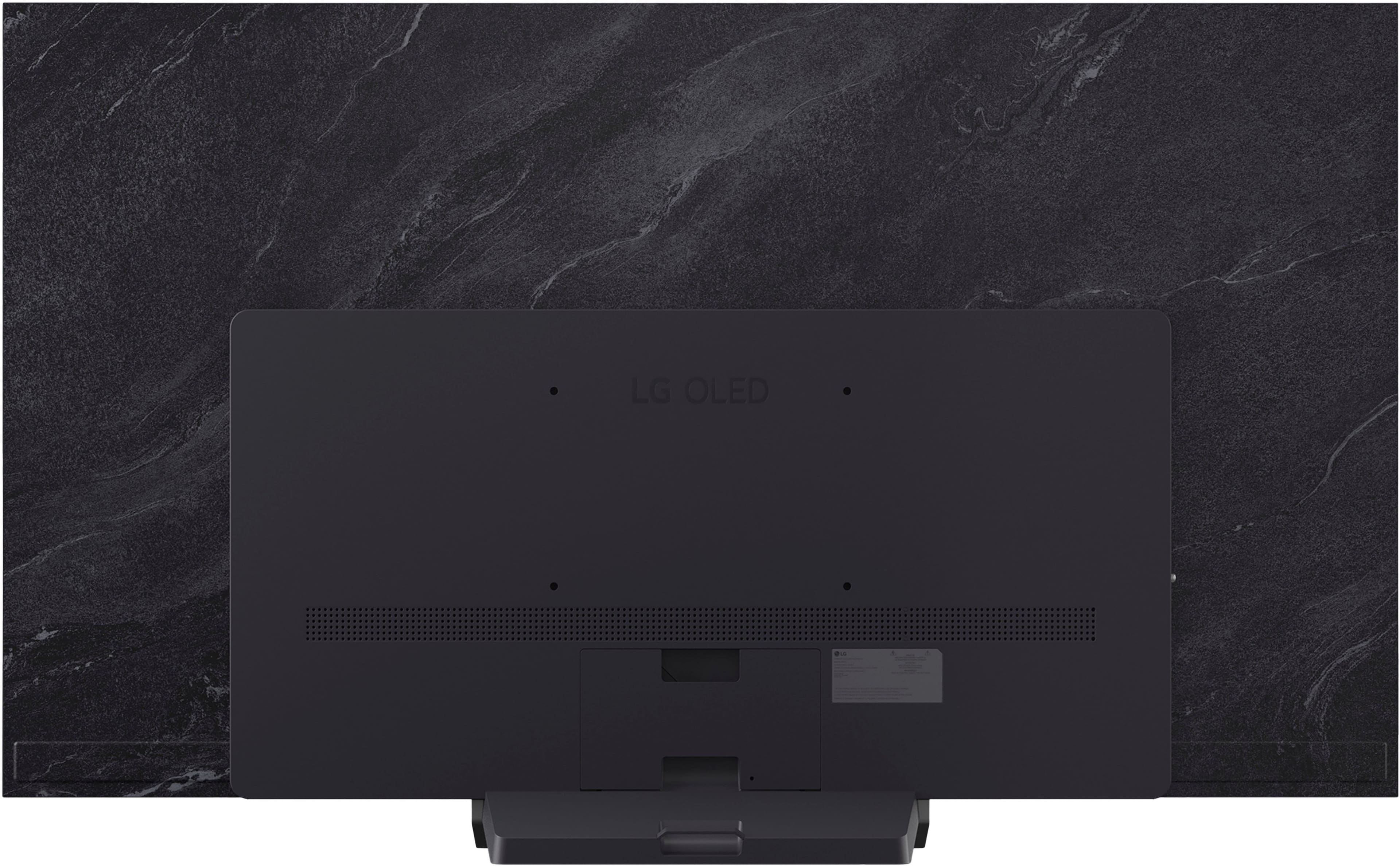
A:AnswerThe only bolts or screws that are supplied with the LG 65" Class C5 Series OLED evo AI 4K UHD Smart webOS TV (2025), Model # OLED65C5PUA, are those that can be used to attached the stand base to the TV. It does not come with a hardware kit that contains different size bolts or screws like older TVs used to...^Ivan.
A:AnswerHi there, Lawrence. We understand your inquiry regarding the speaker configuration for the OLED65C5PUA 65-inch TV.
The specifications for the OLED65C5PUA show that it is equipped with a 2.2 Channel Speaker System. This means the TV has four speakers in total: two full-range main speakers and two dedicated woofers.
https://www.bestbuy.com/product/lg-65-class-c5-series-oled-evo-ai-4k-uhd-smart-webos-tv-2025/JJ8VPZTRG6
If you have any further questions about the TV's audio settings or other features, please send us a private message on Social Media @LGUSSupport, and our team will be more than happy to assist you. —Renzo
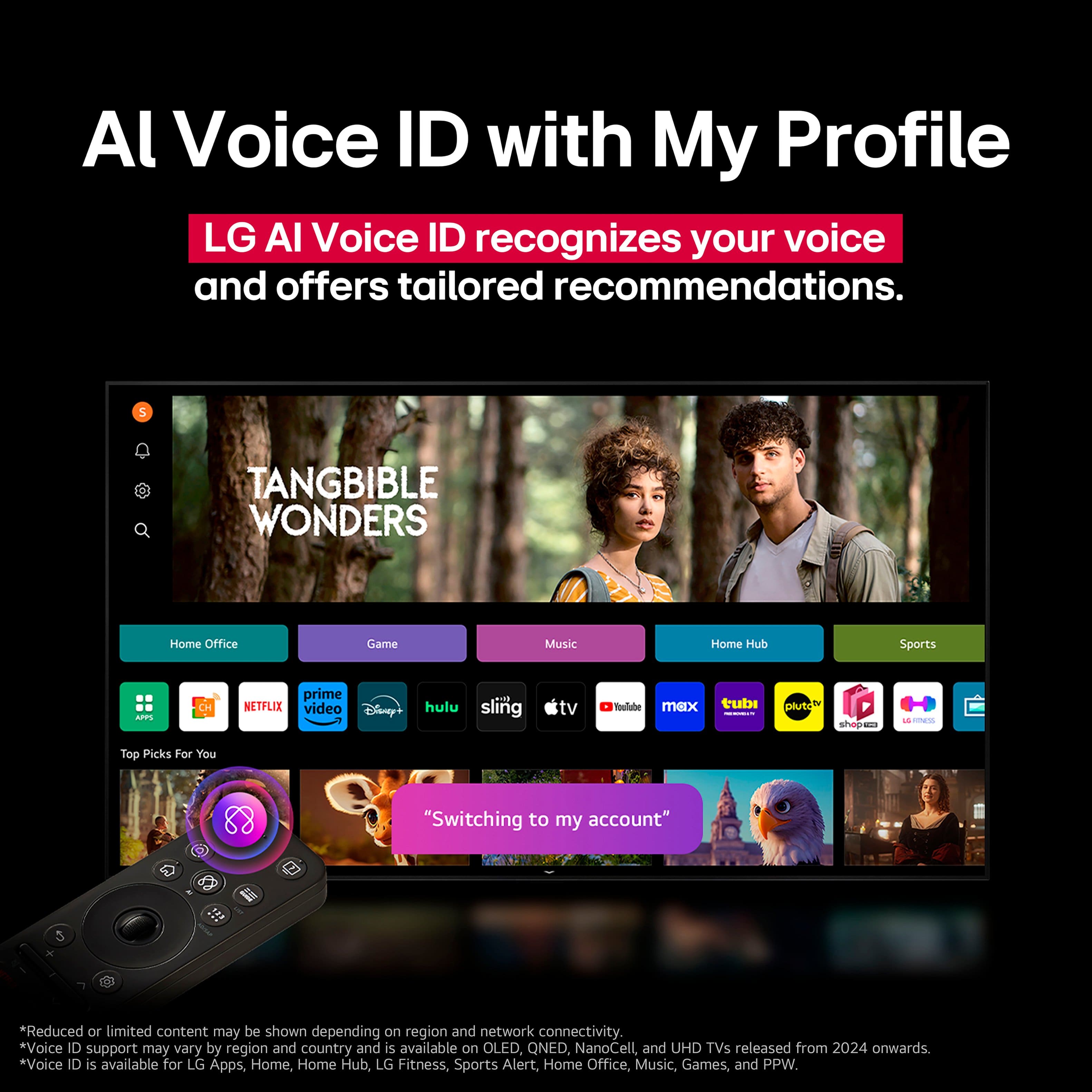
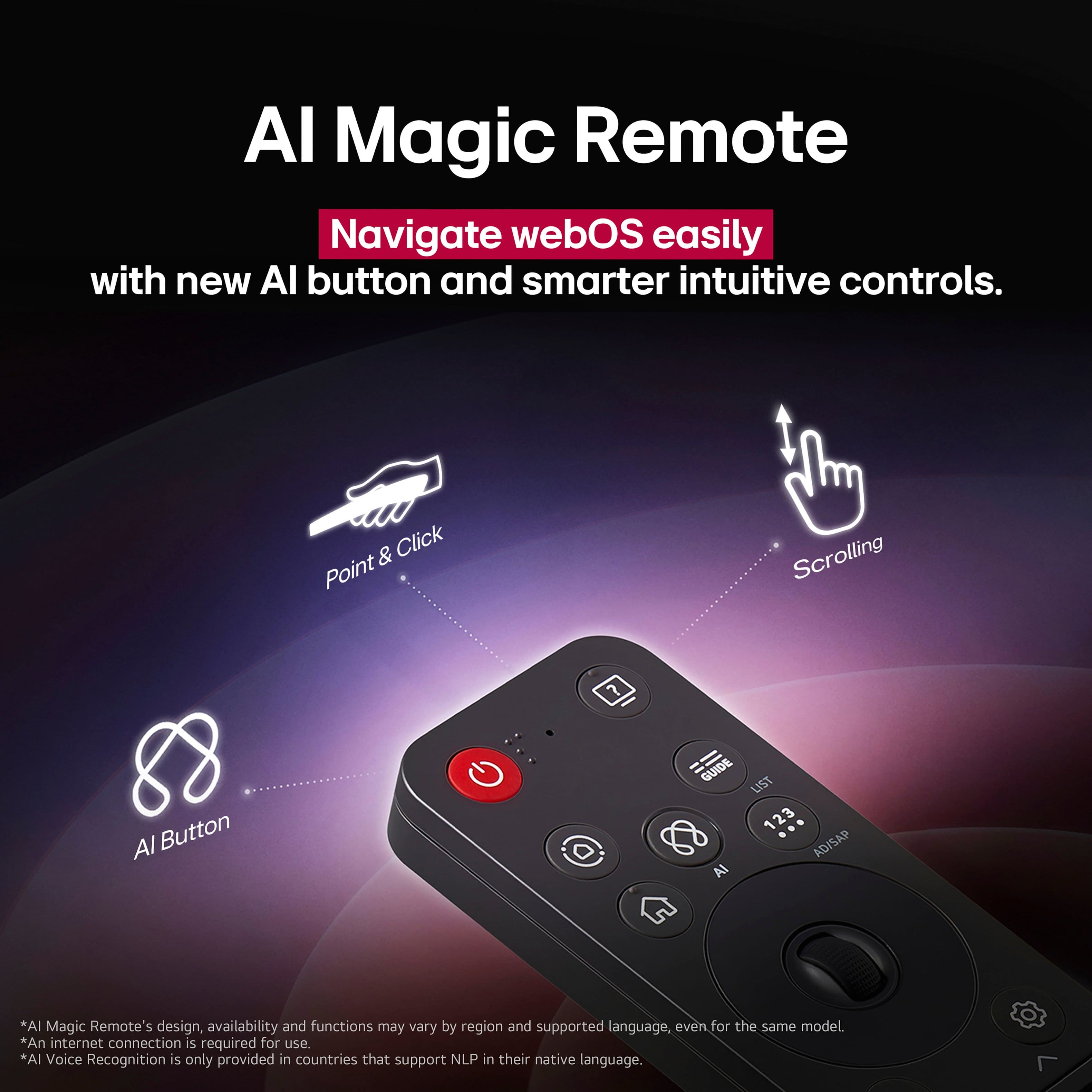
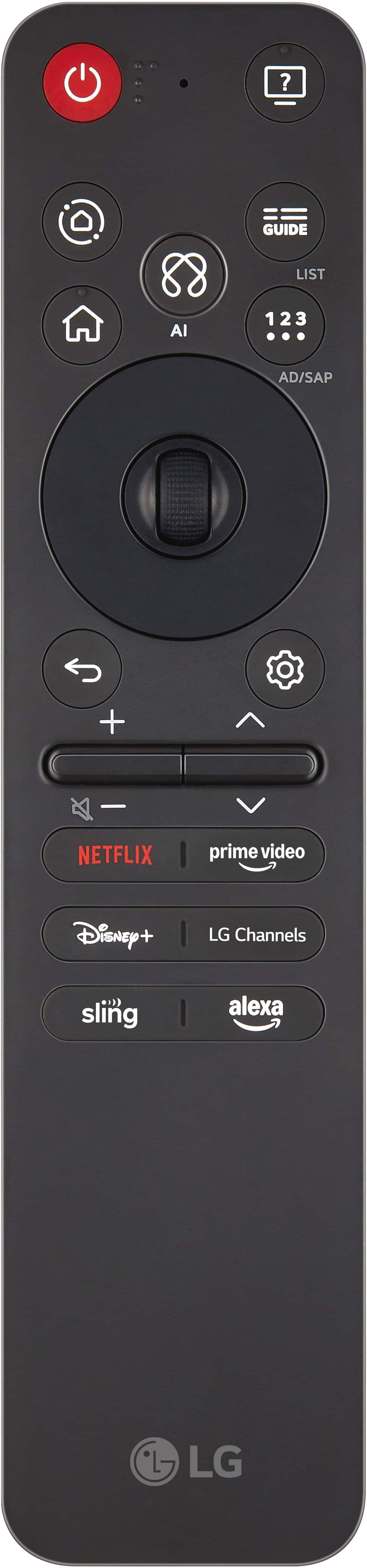
A:AnswerThe LG 65" Class C5 Series OLED evo AI 4K UHD Smart webOS TV (2025), Model # OLED65C5PUA, does not have a built-in microphone. The microphone for issuing voice commands is on the LG Magic Remote that comes with the TV, and with a long press of the AI picto on the remote control, you can search using voice commands and with a short press, you can use the TV's AI concierge function...^Ivan.
A:AnswerThe LG 65" Class C5 Series OLED evo AI 4K UHD Smart webOS TV (2025), Model # Model # OLED65C5PUA, supports Auracast, which is a feature that allows you to connect multiple Bluetooth headphones simultaneously. This feature enables several users to listen to the same audio stream without the need to toggle settings, making it ideal for shared living situations or watching movies together...^Ivan
A:AnswerHello there. Thank you for reaching out to us. We understand your inquiry regarding the remote control options for the LG OLED evo C5 4K Smart TV (Model # OLED65C5PUA). The TV comes with the LG Magic Remote (MR25), which is designed for easy navigation using a PC-like mouse cursor and voice commands. To answer your question about alternatives, yes, you can also use your smartphone as a remote control by downloading the LG ThinQ app, which connects directly to your TV.
https://www.lg.com/us/tv-home-theater-accessories/lg-mr25ga-magic-remote
If you have any further questions about its features, please send us a private message on Social Media @LGUSSupport, and our team will be more than happy to assist you. —Renzo

A:AnswerHi there. Thank you for your interest in the LG OLED65C5PUA. We understand your inquiry regarding the longevity and performance of our OLED screens. Please be assured that our latest OLED models are equipped with advanced technologies, such as Pixel Dimming and screen protection features, designed to preserve image quality and minimize risks when used under standard viewing conditions.
https://www.bestbuy.com/product/lg-65-class-c5-series-oled-evo-ai-4k-uhd-smart-webos-tv-2025/JJ8VPZTRG6
If you have any further questions about its features, please send us a private message on Social Media @LGUSSupport, and our team will be more than happy to assist you. —Renzo
A:AnswerIf the 65-inch Class LG OLED evo AI C5 4K Smart TV 2025, Model # OLED65C5PUA, is turning off after a few minutes and emitting a high-pitched sound, then turning back on to the Home Screen, it may be due to overheating, power supply issues, or a software glitch. We highly recommend you contact our Customer Support on social media (Twitter, Facebook, YouTube, Instagram etc.,) using our handle, @LGUSSUPPORT. The TV will need to be inspected by a qualified service technician to diagnose the issue, and our Customer Support can help facilitate arranging a service appointment.
Before calling for service, you may want to ensure that the TV is not overheating. If it is, turn it off immediately and let it cool down.
Inspect the Power Supply and make sure the power cord is securely connected to both the TV and the wall outlet. Avoid using cheap or low-quality extension cords or surge protectors.
You can go to Settings > General > Timers and disable the Auto Power Off feature, or try power cycling the TV by unplugging it from the power source, hold the power button for 30 seconds, then plug it back in.
If these steps do not resolve the issue, it may be necessary to contact LG support or a professional technician for further assistance...^Ivan.
A:AnswerHello there, Deb. Thank you for sharing your experience with us. We understand your inquiry regarding the Bluetooth capabilities of the LG OLED65C5PUA.
Yes, you can connect two wireless headsets at the same time on this TV model. The LG OLED C5 allows for dual Bluetooth audio connection, which can typically be accessed through the Sound settings menu under the Bluetooth device options.
https://www.bestbuy.com/product/lg-65-class-c5-series-oled-evo-ai-4k-uhd-smart-webos-tv-2025/JJ8VPZTRG6
If you have any further questions about its features, please send us a private message on Social Media @LGUSSupport, and our team will be more than happy to assist you.
—Renzo

A:AnswerHi there. Thank you for sharing your experience with us. We understand your inquiry regarding the features of your LG 65" Class C5 Series OLED evo TV. This model does include the Art Gallery feature, which allows you to display beautiful artwork and photos when the television is not in active use.
https://www.bestbuy.com/product/lg-65-class-c5-series-oled-evo-ai-4k-uhd-smart-webos-tv-2025/JJ8VPZTRG6
For further assistance and any specific concerns you may have, please contact us on lgdigitalcare@lg.sprinklrsupport.com. —Renzo