Questions & Answers
- Model:
- 75QNED85AUA
- |
- SKU:
- 6621816
Highly rated by customers for: Picture Quality, Brightness, Setup Ease
$1,099.99
Save $500
Comp. Value: $1,599.99
Page Showing 21-26 of 26 questions
Q: QuestionMy remote is not working
Asked by EmmanuelE.
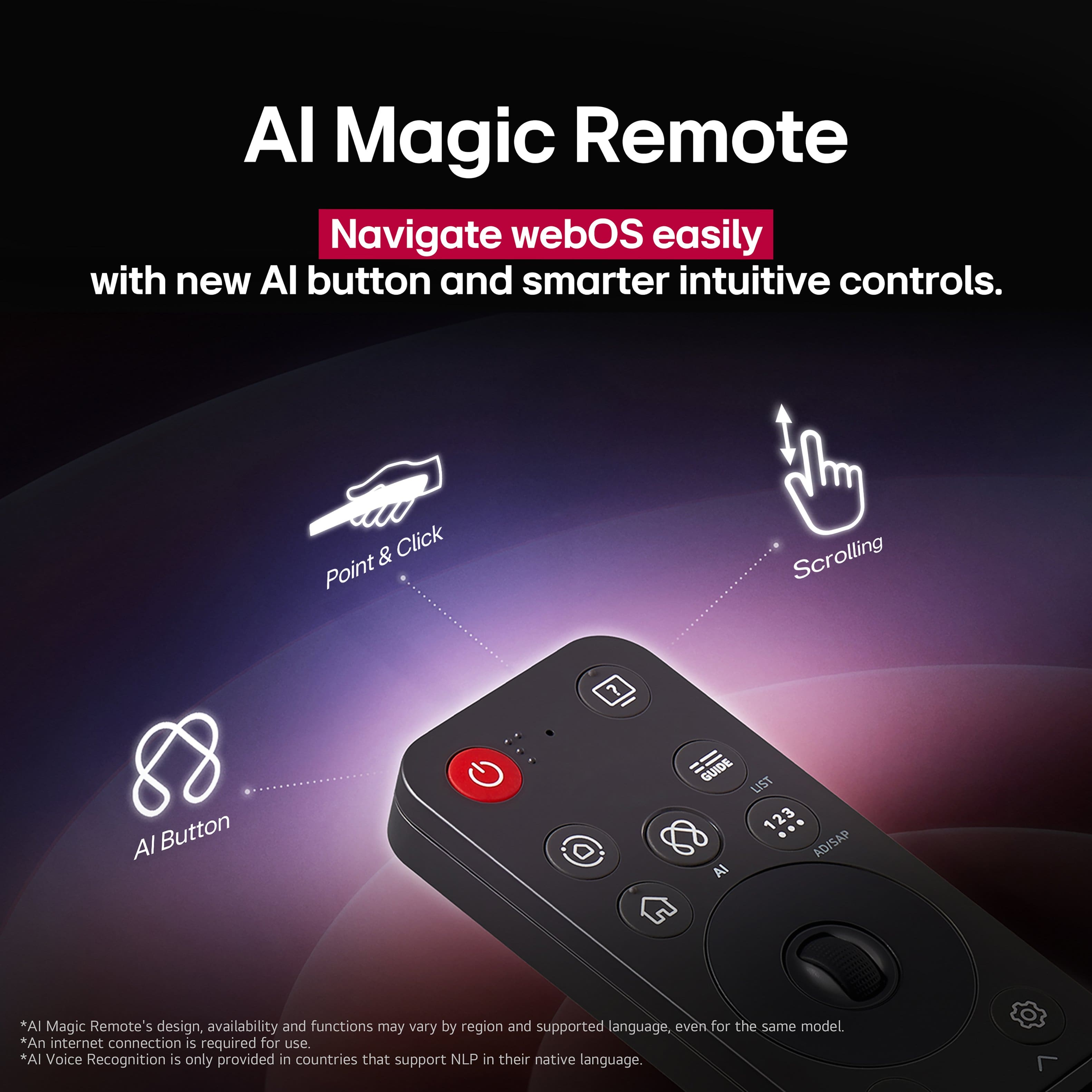
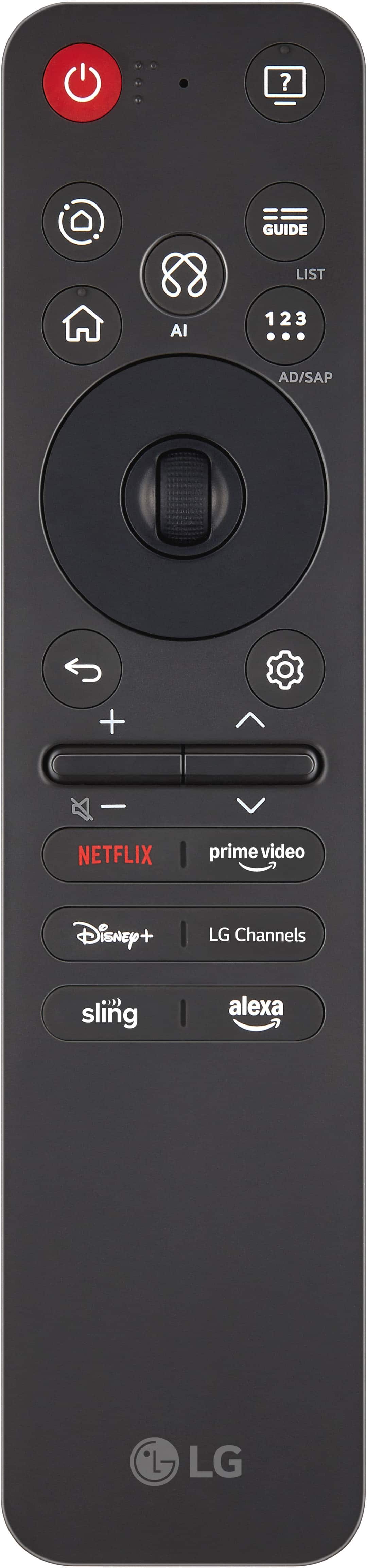
- A:Answer Hi there, EmmanuelE. We understand your inquiry about your LG 75" Class 85A Series QNED evo AI MiniLED 4K UHD Smart webOS TV remote not working. A common solution is to replace the batteries with a fresh pair. If the issue persists, the remote may need to be re-paired with the TV. To do this, press and hold the Home and Back buttons on the remote simultaneously for about 5 seconds. Once the power button on the remote blinks, press the OK (scroll wheel) button to re-register the remote. If you are still experiencing issues, please send us a private message on Social Media @LGUSSupport with the full model and serial number of your TV. We'll be more than happy to explore possible solutions. https://www.bestbuy.com/product/lg-75-class-85a-series-qned-evo-ai-miniled-4k-uhd-smart-webos-tv-2025/JJ8VPZTH3J We appreciate your patience. —Renzo
Answered by LG Digital Customer Care
Q: QuestionDoes this TV (75QNED85AU) have a wide viewing angle?
Asked by JackBlack.
- A:Answer Yes. This tv can be viewed from multiple viewing angles
Answered by ScottL
Q: QuestionWHAT IS THE MANUFACTURER'S WARRANTY FOR THIS PRODUCT
Asked by Anonymous.
- A:Answer Hi there. Thank you for sharing your inquiry with us. We understand you're asking about the manufacturer's warranty for the LG 75QNED85AUA TV. For the LG 75QNED85AUA, the manufacturer's warranty covers 1 Year for both Parts and Labor from the original date of purchase. https://www.bestbuy.com/site/lg-75-class-85a-series-qned-evo-ai-miniled-4k-uhd-smart-webos-tv-2025/6621816.p?skuId=6621816 If you have any further questions or need assistance, please send us a private message on Social Media @LGUSSupport and our team will be more than happy to explore possible solutions. We appreciate your patience. —Renzo
Answered by LG Digital Customer Care

Q: QuestionWhich Sound Bar do you suggest to use with this Tv?
Asked by Soundbar.
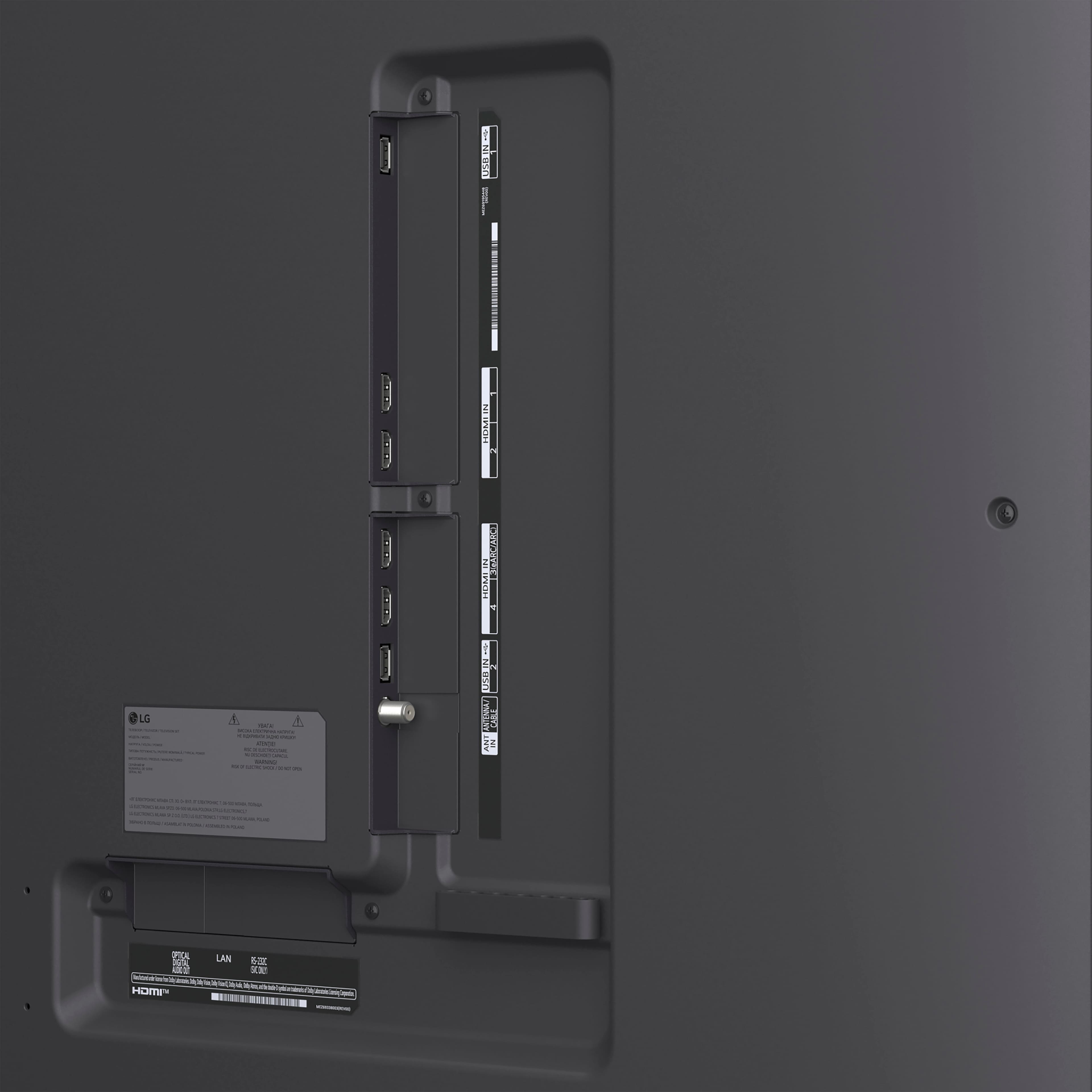
- A:Answer Hi there! Thank you for reaching out and sharing your inquiry about pairing a sound bar with your 75QNED85AUA. We understand your inquiry. Since your TV supports eARC over HDMI 2.1 and Bluetooth 5.3, we recommend the LG S95QR 9.1.5-channel Sound Bar for an immersive Dolby Atmos experience that really complements your mini-LED QNED display. If you’d prefer a more compact option, the LG S80QR 3.1.2-channel Sound Bar delivers clear dialogue and deep bass in a smaller form factor. Both models offer seamless wireless integration and enhanced audio sync over eARC. https://www.bestbuy.com/site/lg-75-class-85a-series-qned-evo-ai-miniled-4k-uhd-smart-webos-tv-2025/6621816.p?skuId=6621816 For additional setup tips or more options, please send us a private message on social media @LGUSSupport and our team will be happy to assist you further. —Renzo
Answered by LG Digital Customer Care

Q: QuestionIs this LG edge lit or back lit? The description indicates mini led which is usually back lit with dimming but the specs say edge lit? also how many zones can be dimmed?
Asked by Condorll.
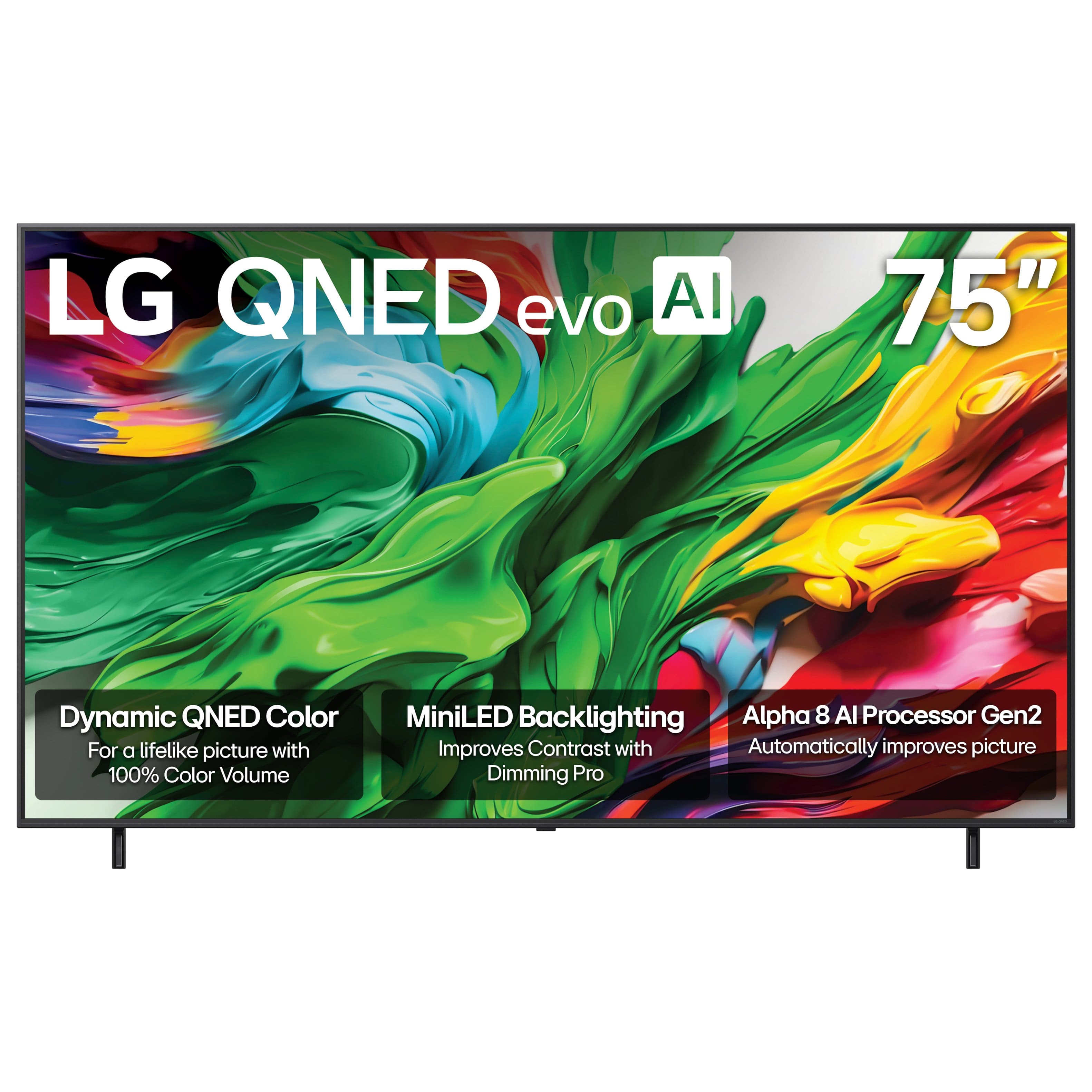
- A:Answer The LG 75-inch Class LG QNED evo AI QNED85A 4K Smart TV 2025, Model # 75QNED85AUA, has MiniLED Backlighting with Dimming Pro. As with most, if not all other TV manufacturers, LG does not divulge how many dimming zones the TV has...^Ivan.
Answered by LG Digital Customer Care
Q: QuestionI’ve been getting mixed information from doing research on this TV in 75”. Here on the bestbuy website it states the backlight type of this TV to be edge lit. But on the LG website and when speaking to an LG representative, the TV is full array. Which is?
Asked by StevenB.
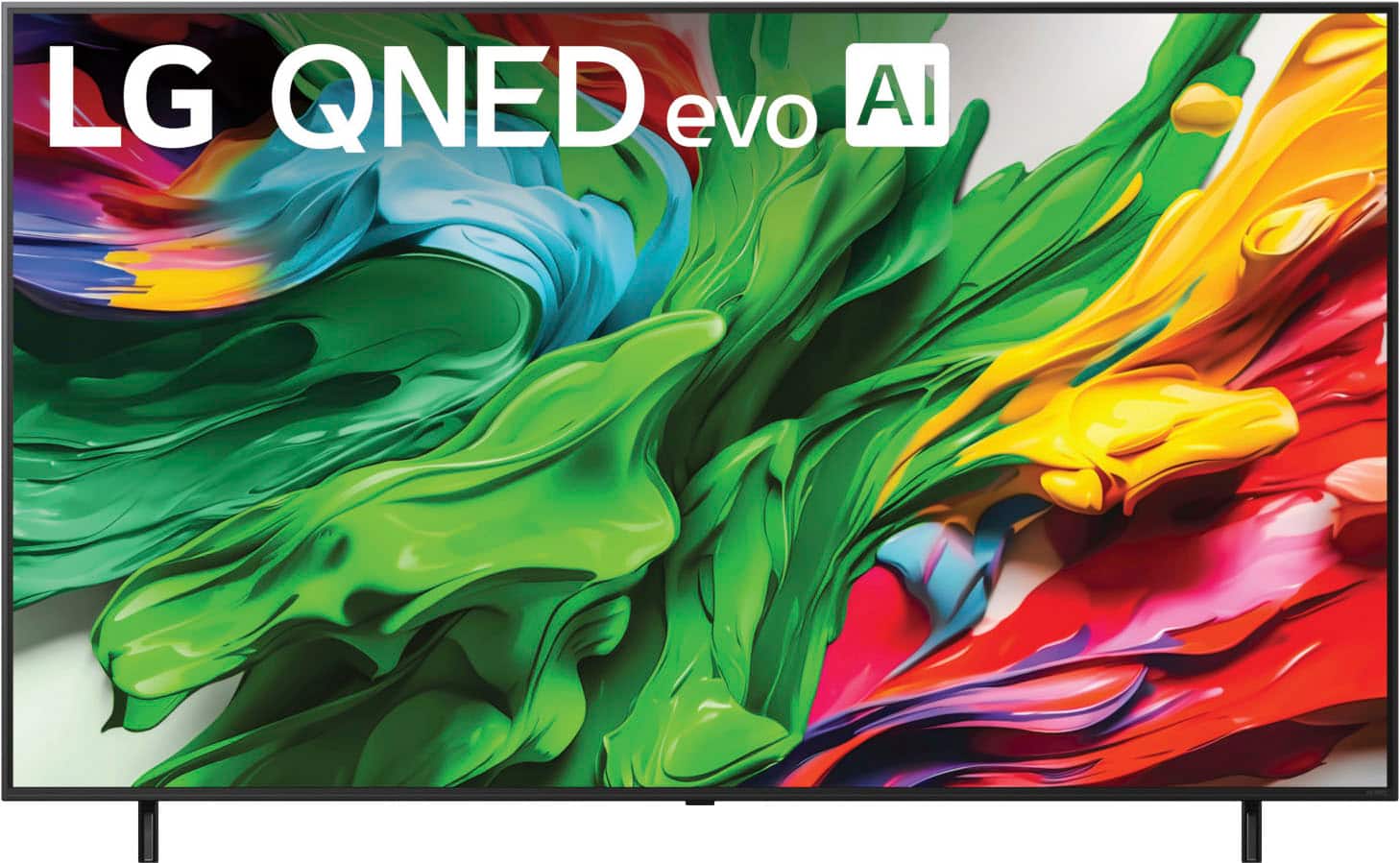
- A:Answer The LG 75" Class 85A Series QNED evo AI MiniLED 4K UHD Smart webOS TV (2025), Model # 75QNED85AUA, has MiniLED Backlighting with Dimming Pro or Local Dimming. Dimming Pro is essentially the same as Local Dimming. Both terms refer to the same technology used in our LED TVs to improve contrast and image quality by dimming specific backlight zones. Local Dimming allows for deeper blacks and better overall picture quality, while Precision Dimming Pro enhances this effect with advanced algorithms for more precise brightness control. Local dimming essentially does away with the single, massive backlight in an LED. Instead, local dimming utilizes multiple backlights, and turns them on and off depending on what’s in the image. But there’s a little more to it than that, and there are multiple different local dimming technologies that can make for a better image overall. Edge-lit TVs, as the name suggests, place LEDs around the edges of a TV — and only along the edges of the TV. These LEDs face inward towards the center of a TV, lighting the image through color filters and other technologies. Instead of placing LEDs around the edge of an image, TVs with full-array dot LEDs around the entire back of the TV. These LEDs are arranged in a grid, and can be individually-controlled. The result, of course, is an image with much deeper blacks. With full-array local dimming, when there’s black in an image, the TV can turn off the LED or LEDs in that area, or those “zones,” off. This TV has Local Dimming. It does not have Full Array Local Dimming (aka FALD)...^Ivan.
Answered by LG Digital Customer Care
Page 2, Showing 21-26 of 26 questions