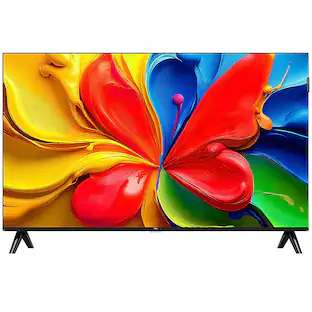
Insignia™ - 40" Class FE Series LED Full HD Smart Fire TV
Customers are saying
Customers admire the exceptional picture quality of this product, which is the most frequently praised feature. Users also appreciate how quick and easy the setup process is, along with the device's convenient size and lightweight design that simplifies mounting. While the overall feedback is highly positive, a few users have noted that the volume levels are somewhat low.
Highlights
1080p Resolution
Watch movies and TV shows in high-definition picture quality.
LED-backlit LCD screen
With reliable and long-lasting LED lighting, this LCD screen delivers a wide range of colors and contrast for a memorable viewing experience.
Watch what you want
Stream over 1.5 million movies and TV episodes. Watch favorites with subscriptions to Netflix, Prime Video, Disney+, and more. Subscription fees may apply.
All your entertainment in one place
Watch live and free TV, play video games, and stream music.
Smart and always getting smarter
Fire TV adds new Alexa skills, features, smart home capabilities, and voice functionality all the time.
DTS TruSurround
This multi-channel format creates an immersive surround sound experience through your TV’s speakers.
Alexa voice control
The Alexa Voice Remote lets you easily control your entertainment, search across apps, switch inputs, and more using just your voice. Press and hold the voice button and ask Alexa to easily find, launch, and control content, and even switch to cable.
Supports HDMI ARC
Sends audio directly from the HDMI jack to a compatible soundbar or AV receiver, removing the need for an extra cable.
Supports Apple AirPlay
Share videos, photos, music and more from an Apple device to your TV with the touch of a button.
Versatile connections
Connect your home theater components such as a Blu-ray player, game console, speakers, cable/antenna and more. TV connections include 3 HDMI ports, composite (AV) jacks, digital optical output, USB port, headphone jack, coaxial jack, ethernet port and Wi-Fi technology.
Parental controls
Manage your children’s viewing by blocking content based on program ratings or entire channels. Once the kids are in bed, access whatever you want with a simple PIN.
Wall mountable
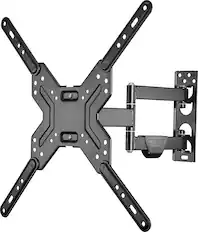
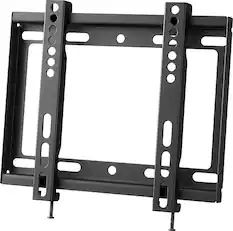
Compatible with VESA pattern 200 × 100 for simple and safe wall mounting.
Sustainably Focused
The outer package for this product has been manufactured with sustainably sourced paper, certified by the Forest Stewardship Council (FSC). FSC certification ensures that packaging comes from responsibly managed forests to help protect the planet—today and tomorrow.
*Web-based services and content require high-speed Internet service. Some services may require a subscription.
- Display TypeLEDResolutionFull HD (1080p)Screen Size Class40 inchesHigh Dynamic Range (HDR)NoLED Panel TypeStandard LED
Reviews
Rating 4.6 out of 5 stars with 686 reviews
- Picture Quality (371)
- Setup Ease (57)
- Size (36)
- Weight (30)
- Connectivity (8)
- Volume (3)
Customer Images
The vast majority of our reviews come from verified purchases. Reviews from customers may include My Best Buy members, employees, and Tech Insider Network members (as tagged). Select reviewers may receive discounted products, promotional considerations or entries into drawings for honest, helpful reviews.


Compare similar products
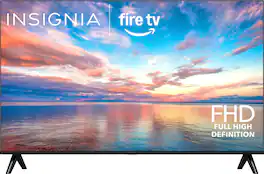
This 40-inch screen uses 1080p Full HD for the best picture quality. Access live over-the-air channels and streaming with this 40-inch TV—and control it all with your voice. Ask Alexa to launch apps, search for titles and more. A full HD experience in 1080p provides crystal clear images. You won’t miss a second with the Insignia NS40-FEFL26 40" Class F20 Series LED Full HD Smart Fire TV.
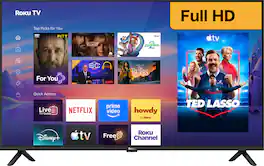
The smart TV you want. And a little more. Roku Select Series Full HD TVs are designed for a delightful streaming experience. Enjoy your favorites in bright Full HD and catch every word with auto speech clarity and night mode. Watch free live television right from the home screen or use the voice remote to find entertainment across thousands of apps. It’s the perfect TV for bedrooms, living rooms, kitchens, or kids’ rooms. Smart TV doesn’t have to be complicated. That’s why we’ve designed a line of flat screen TVs powered by the delightfully simple Roku experience.

Access live over-the-air channels and streaming with this 40-inch TV—and control it all with your voice. Ask Alexa to launch apps, search for titles and more. A full HD experience in 1080p provides crystal clear images. Plus, DTS Virtual-X speaker technology delivers life-like sound from your TV. You won’t miss a second with the Insignia 40” Class F40 Series LED Full HD Smart Fire TV.
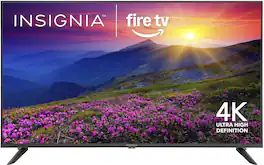
This 43-inch screen uses 4K Ultra HD technology for vibrant, true-to-life images. HDR10 contrasts bright highlights with dark shadows, so you can catch subtle details. Plus, DTS Virtual-X audio technology delivers life-like sound from your TV. Access live over-the-air channels and streaming—and control it all with your voice. Ask Alexa to launch apps, search for titles and more. The Insignia 43” Class F50 Series LED 4K UHD Smart Fire TV is ready for an unforgettable night of entertainment.
| Pros for Insignia™ - 40" Class FE Series LED Full HD Smart Fire TV | |||
|---|---|---|---|
| Picture Quality, Setup Ease, Size, Weight, Connectivity | Picture Quality, Setup Ease, Size, Connectivity, User Interface | Picture Quality, Setup Ease, Size, Weight, Connectivity | Picture Quality, Setup Ease, Size, Weight, Connectivity |
| Cons for Insignia™ - 40" Class FE Series LED Full HD Smart Fire TV | |||
| Volume | There were no cons for this product— | Remote Control | Remote Control, Button Layout |
Specs
Does it come with free channels & free movies
Answered by InsigniaCustomerSupportHello! Thank you for your question. The Insignia 40" FE Series Fire TV does include free content. You can watch free movies and shows through apps like Pluto TV, Tubi, and Fire TV Channels, which are all ad‑supported. If you connect an HD antenna, you can also get free local channels like ABC, CBS, NBC, FOX, and PBS. Paid apps like Netflix or Disney+ still require subscriptions, but the TV itself gives you plenty of free entertainment options. Darshan | Insignia
How do I configure the TV to bypass the startup screen and connect immediately to HDMI 1 when it turn it on?
Answered by InsigniaCustomerSupportHello! Thank you for your question. You can set your Insignia™ 40" Class FE Series Full HD Smart Fire TV to power on to the last used input instead of the Fire TV Home screen by going to Settings > Display & Sounds > Power Controls (or Power On) > Last Input. Then, make sure the TV is on HDMI 1 before turning it off. When you turn the TV back on, it should automatically return to HDMI 1. Darshan | Insignia
I have an Amazon Fire Stick with apps that I use often. Can I connect my fire stick and access to my apps? Thank you for your time.
Answered by InsigniaCustomerSupportHello! Thank you for your question. Yes, you can absolutely use your Amazon Fire Stick with the Insignia 40" FE Series Smart Fire TV, just plug it into an HDMI port and you’ll be able to access all your existing apps, profiles, and settings exactly as you have them now, switching between the built‑in Fire TV and your Fire Stick anytime using the input button on the remote. Darshan | Insignia
What type of batteries does the remote control require?
The remote control requires Alkaline batteries.
This question and answer was generated by AI based on customer and product data.Can I connect headphones to this TV?
Yes, you can connect headphones to this TV using the headphone jack.
This question and answer was generated by AI based on customer and product data.

Customers often buy these together
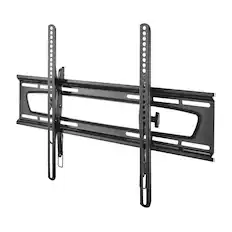
Monitor and Television Mounts
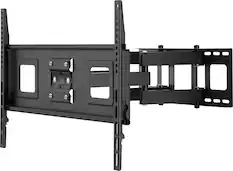
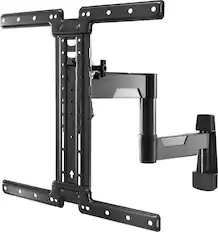

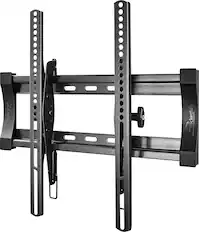
Soundbars

Insignia™ - 2.0 Mini Soundbar 20", Bluetooth - Black
Top Deal$29.99The price was $39.99
Insignia™ - 2.0 Channel Soundbar 32", Bluetooth - Black
Top Deal$34.99The price was $59.99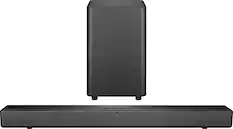
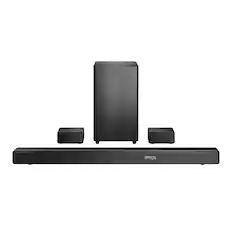
Insignia™ - 2.1 Channel Soundbar with Wireless Subwoofer, DTS Virtual:X, Bluetooth, and Dialogue Enhancement - Black
Top Deal$79.99The price was $99.99

More recommended items
 Surge Protectors
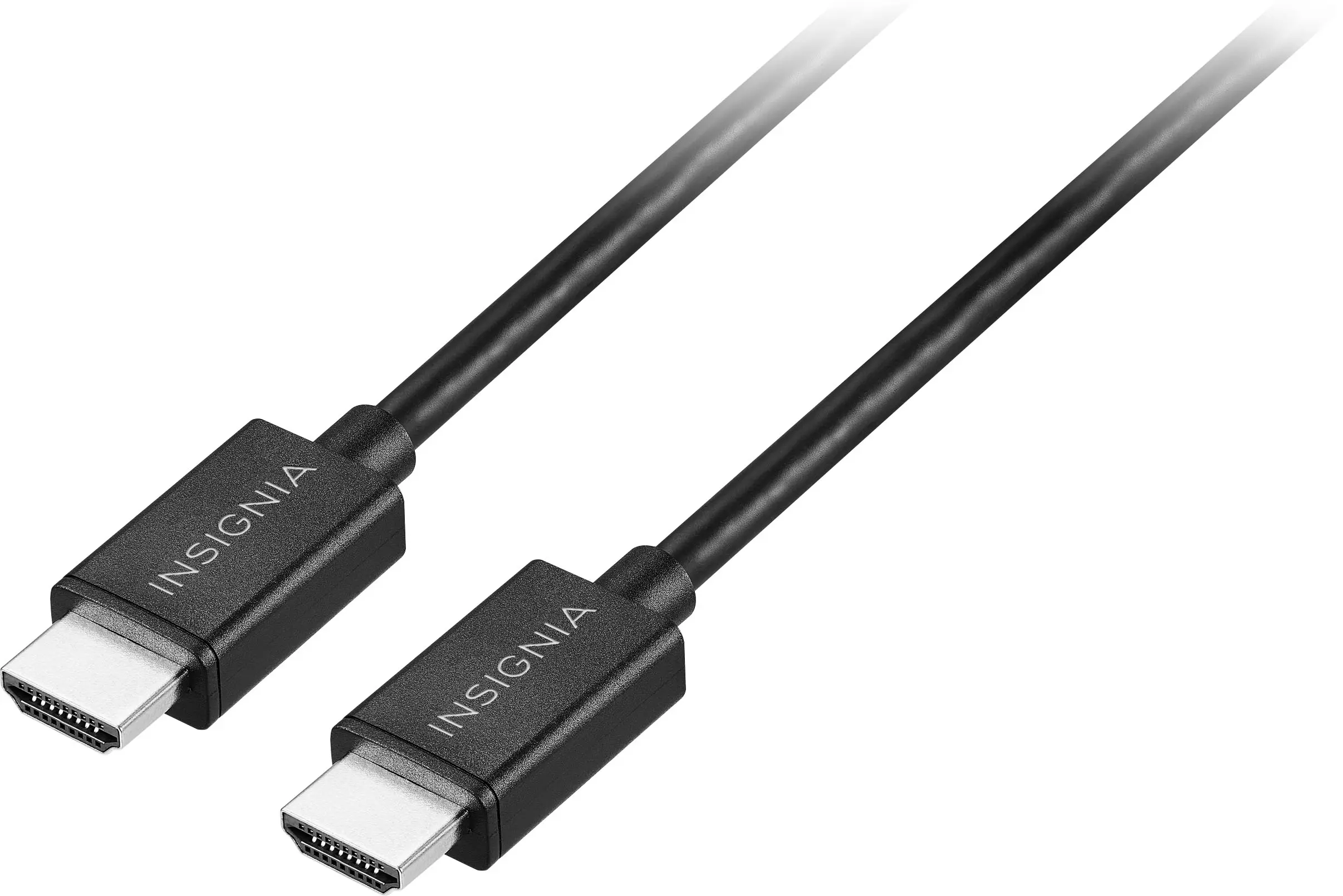 4K HDMI (2.0) Cables
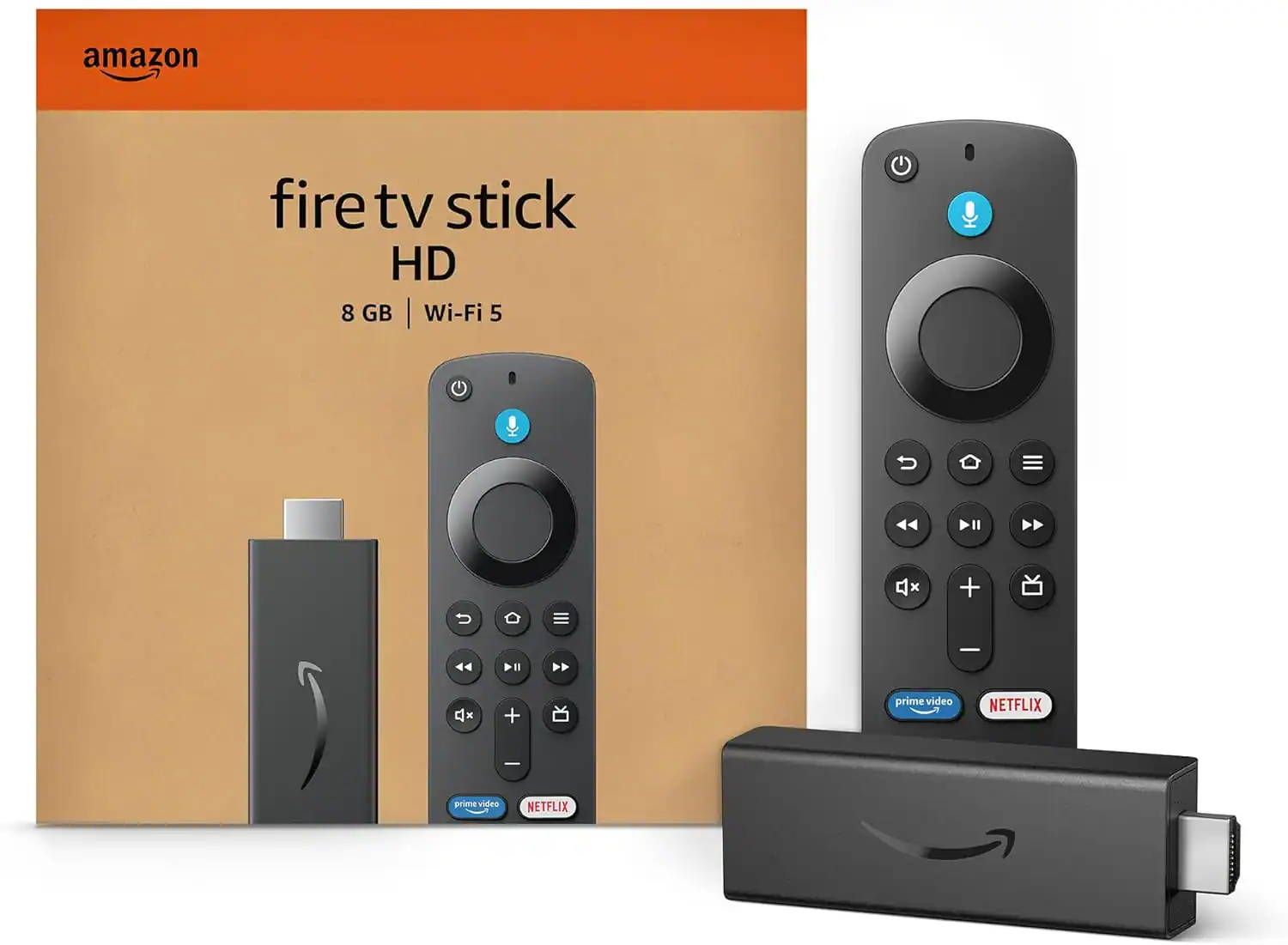 Streaming Media Players
More to consider
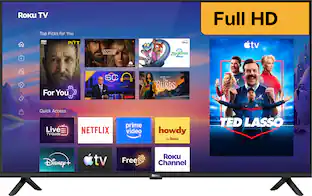 Top Deal$149.99The price was $229.99
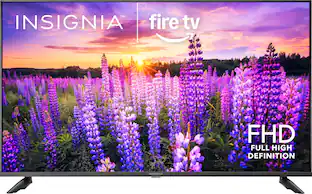 Top Deal$119.99The price was $149.99
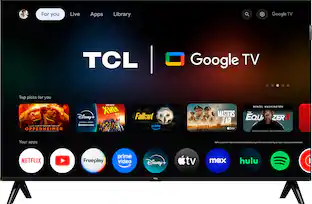 $159.99The price was $229.99
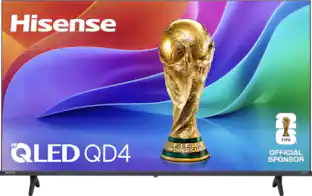 $159.99The price was $249.99
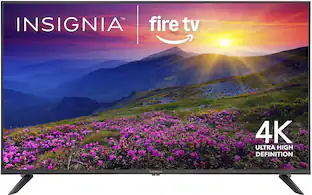

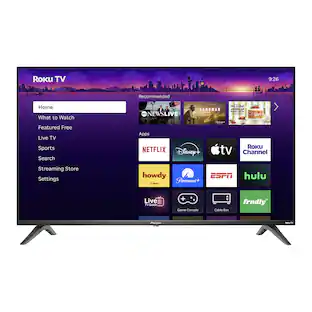

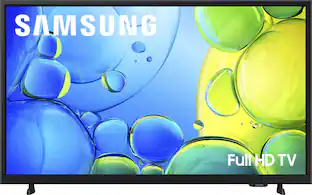
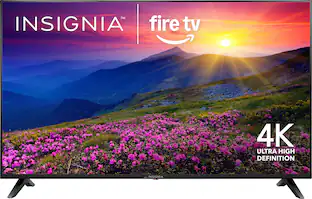
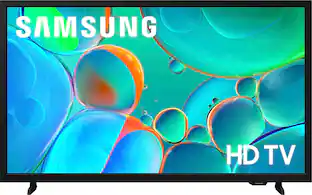


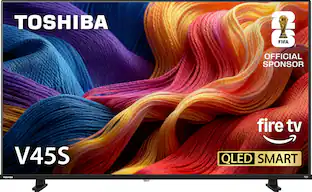
Elevate your entertainment Sponsored
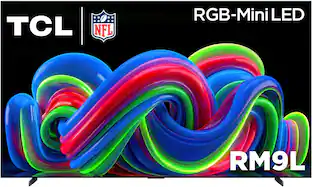 $22,999.99The price was $24,999.99
 $1,699.99The price was $2,499.99
 Top Deal$1,799.99The price was $2,599.99
 $1,699.99The price was $2,999.99
 $139.99The price was $179.99
Discover related products
 $65.99The price was $119.99


Keep exploring
 $2,498.00The price was $2,998.00
 $1,499.99The price was $2,856.95
 $564.99The price was $614.99
 $3,498.00The price was $5,267.92
 $1,549.00The price was $1,599.00