A:AnswerHello, SD! Thank you for sharing your question with us about the LG TV (OLED77B5PUA). For the LG OLED77B5PUA, here are a few steps to consider when mounting your TV in a corner: • Begin by selecting a suitable wall location and checking the wall type, since some surfaces may not be appropriate for mounting. • Hold the wall bracket against the wall and mark the drilling points, then drill holes at those marks. • Insert wall anchors into the drilled holes and make sure they are firmly secured. • Next, align the wall bracket with the anchors and fasten it using screws. • Attach the corresponding bracket to the back of the TV, and finally mount the TV onto the wall bracket. By following these steps, you’ll have your OLED securely installed in the corner, giving you both style and functionality with the flexibility to angle the screen for the best viewing experience. For reference, you can check this link: https://www.lg.com/us/support/help-library/lg-tv-tv-wall-mounting-steps--20154739963825srsltid=AfmBOooIX7aP3w16EJ_tPPLVZIOAtgNk5VUhjqRNW-7J-jiZKPaa_p5t. Also, you can explore the full feature list and support details here: https://www.bestbuy.com/product/lg-77-class-b5-series-oled-ai-4k-uhd-smart-webos-tv-2025/JJ8VPZTKZW.
Please keep in mind that wall‑mounting a TV requires both expertise and an understanding of the wall type and installation environment. The choice of wall bracket depends on the type of TV, and the installation method may vary accordingly. To avoid potential damage, it is strongly recommended to have the TV mounted by a professional technician.
If you’d like help choosing a corner‑compatible mount or confirming weight ratings for the 77‑inch OLED, please email us at lgdigitalcare@lg.sprinklrsupport.com — we’re always ready to assist.
— Avril
A:AnswerThe LG 77" Class B5 Series OLED AI 4K UHD Smart webOS TV (2025), Model # OLED77B5PUA does not feature a dedicated matte anti-glare or specialized heavy anti-reflective coating. Like most standard entry-level and mid-range W-OLED models, it features a standard glossy panel finish designed to maximize deep black levels...^Ivan.
A:AnswerOn the product detail page for the LG 77" Class B5 Series OLED AI 4K UHD Smart webOS TV (2025), Model # OLED77B5PUA, click on Specifications, then scroll down to Box Dimension on the page that expands...^Ivan.
A:AnswerHi, there! Thank you for sharing your question to us about the LG TV (OLED77B5PUA). We recognize how important it is for apps to run smoothly, and when they close back to the home page it usually points to a network or software issue. Let’s walk through a few steps together:
• Check the cable connections between your TV and router, then confirm the network status in the TV’s Settings menu.
• Try connecting to a different network, such as a mobile hotspot, to see if the issue continues.
• If the issue happens only in one app, update or reinstall that app to clear any corrupted data.
Make sure your TV’s WebOS software is up to date, since updates often improve app stability. For reference, you can check this link: https://www.lg.com/us/support/help-library/lg-tv-how-to-fix-apps-that-keep-freezing-crashing-or-wont-load--20154996607566?srsltid=AfmBOop2672LhLWXa6YPMIOeb2WcibnGSkMpgyAp5pci16deJbJVU0GH. You can explore the full feature list and support details here:
https://www.bestbuy.com/product/lg-77-class-b5-series-oled-ai-4k-uhd-smart-webos-tv-2025/JJ8VPZTKZW.
If you need further support, please email us at lgdigitalcare@lg.sprinklrsupport.com so we can assist you directly.
— Avril
A:AnswerBest Buy offers Geek Squad TV installation services, including Basic Mounting, Basic Mounting & Wire Concealment, and Unboxing & Tabletop Setup. You can explore or purchase these options directly through the Best Buy TV & Home Theater Services page on their site...^Ivan.
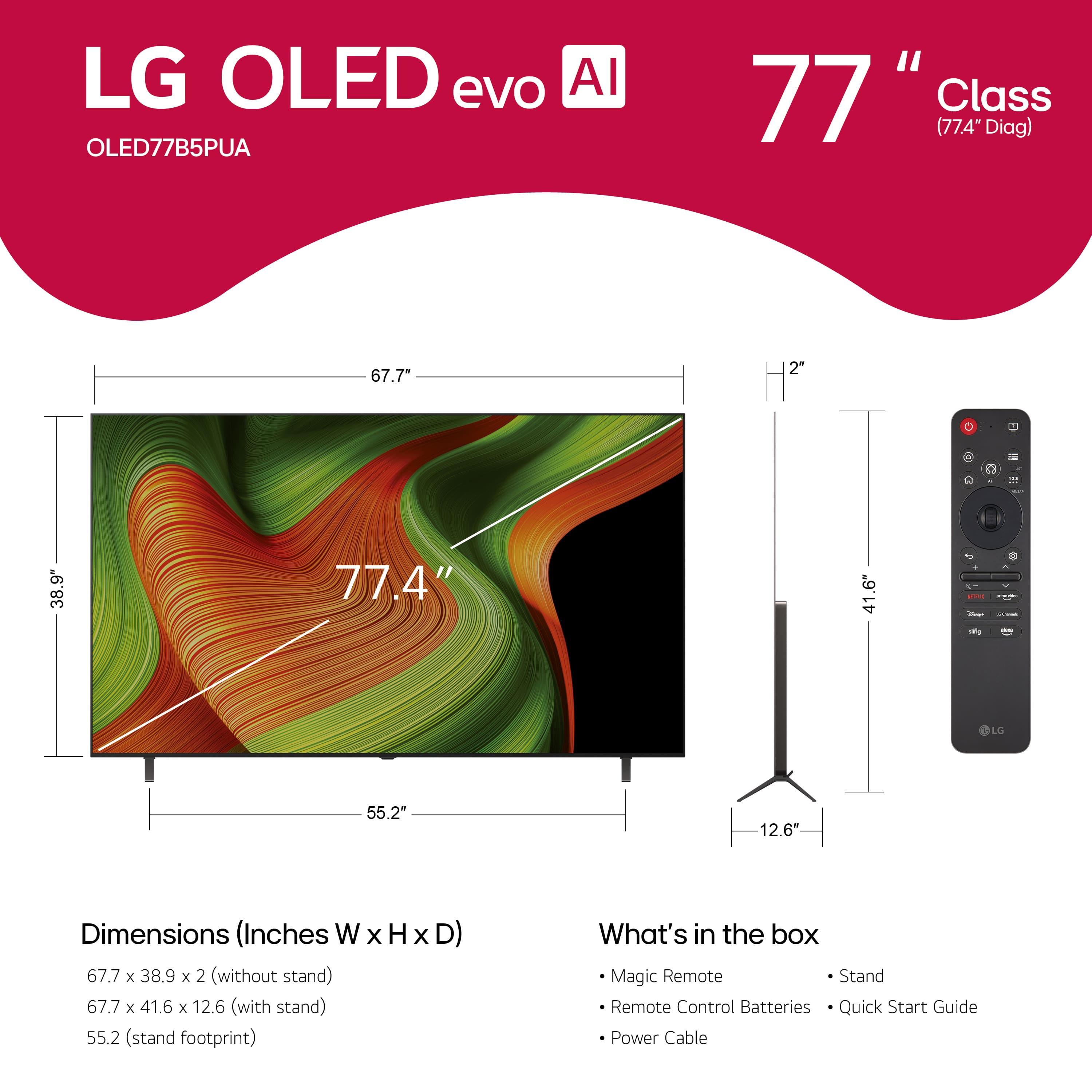
A:AnswerThe dimensions for the LG 77" Class B5 Series OLED AI 4K UHD Smart webOS TV (2025)
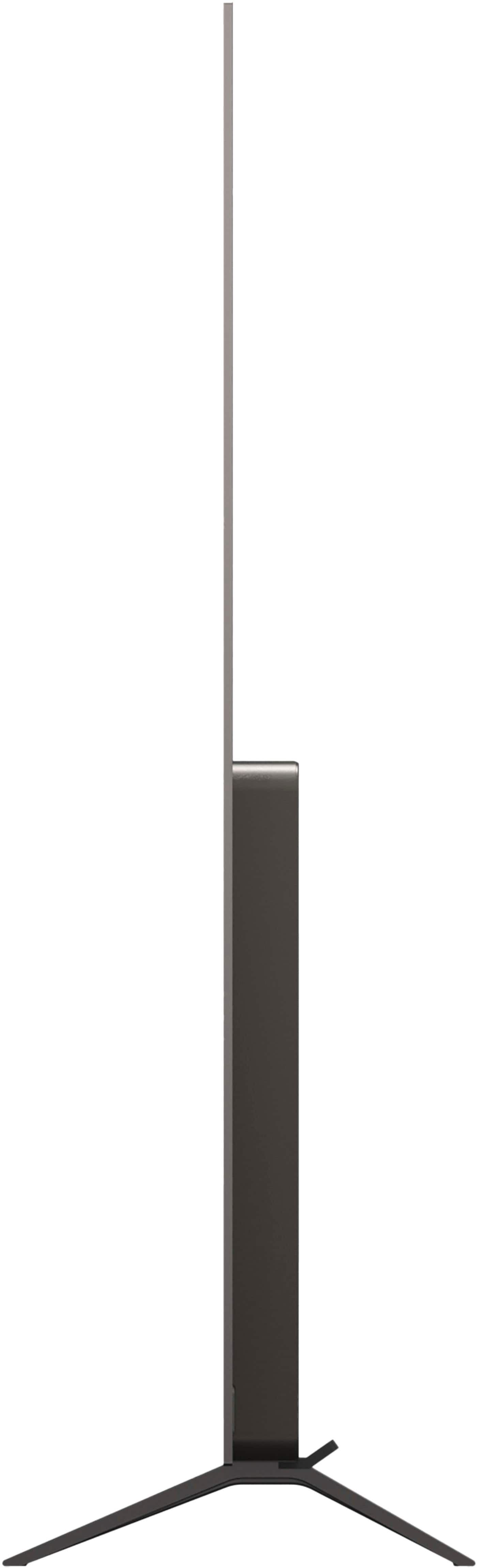
Model # OLED77B5PUA are listed in its specifications as Product Height With Stand - 41.6", Product Width - 67.7", Product Depth With Stand - 12.6", Product Height Without Stand - 38.9", Product Depth Without Stand - 2", Product Weight With Stand - 51.8 lbs., Product Weight Without Stand - 50.5 lbs., Stand Width - 55.2", and Stand Depth - 12.6"...^Ivan.
A:AnswerLG does not have an "S series" for OLED TVs. Another TV manufacturer the "S series" for its for its OLED lineup.
Which LG OLED C series are you inquiring about: the C7, C8, C9, CX, C1, C2, C3, C4, C5, or C6 series?...^Ivan.
A:AnswerBest Buy does not generally offer trade-in value for 2019 TVs, as the program primarily accepts newer models. However, you can use the Best Buy Trade-In Estimator to check if your specific model is still eligible.
If your TV does not qualify for credit, Best Buy offers free electronics recycling at most stores so you can dispose of it responsibly (note that a haul-away fee may apply if you need them to pick it up from your home)...^Ivan.
A:AnswerHello, there! Thanks for sharing this question to us about the LG TV (OLED77B5PUA). The OLED77B5PUA features Dolby Atmos and AI Sound Pro, which deliver immersive audio designed to complement the cinematic picture quality. For movie watching, you’ll experience clear dialogue, balanced mid‑range, and spatial effects that create a surround‑sound feel even without external speakers. You can explore the full feature list and support details here: https://www.bestbuy.com/product/lg-77-class-b5-series-oled-ai-4k-uhd-smart-webos-tv-2025/JJ8VPZTKZW.
For additional guidance or warranty support, please reach out to us at lgdigitalcare@lg.sprinklrsupport.com.
— Avril
A:AnswerCheck 'Availability' on the page for the LG 77" Class B5 Series OLED AI 4K UHD Smart webOS TV (2025), Model # OLED77B5PUA in the store that you are currently shopping for the TV, which shows the soonest date that the TV can be delivered and the soonest date for delivery & installation.
In the top right corner of the page you are shopping on, it identifies which store you are shopping in. If that is not your local Best Buy store, click on that to change your store location...^Ivan.
A:AnswerHi there, MG! Thank you for sharing your question to us about the LG TV (OLED77B5PUA).
Yes, this model does support Bluetooth Auracast, allowing compatible devices to receive audio directly from the TV. You can explore the full feature list and support details here: https://www.bestbuy.com/product/lg-77-class-b5-series-oled-ai-4k-uhd-smart-webos-tv-2025/JJ8VPZTKZW. If you need further support, please email us at lgdigitalcare@lg.sprinklrsupport.com.
— Avril
A:AnswerThe LG 77" Class B5 Series OLED AI 4K UHD Smart webOS TV (2025), Model # OLED77B5PUA, is a VESA-Compliant display with a 300 x 200 mm VESA Mount Pattern...^Ivan.
A:AnswerHi, there! Thanks for reaching out about the LG TV (OLED77B5PUA). It’s great that you’re looking into the TV’s power details to better understand its performance. For this model, the built‑in audio system provides 20W total speaker output (2.0ch at 10W + 10W), and the updated energy consumption rating is 187W during operation. You can explore the full feature list and support details here: https://www.bestbuy.com/product/lg-77-class-b5-series-oled-ai-4k-uhd-smart-webos-tv-2025/JJ8VPZTKZW. If you’d like additional assistance, feel free to email us at lgdigitalcare@lg.sprinklrsupport.com. - Avril
A:AnswerHello there, Bud! Thanks for reaching out about your LG TV (OLED77B5PUA)—it’s great that you’re looking to stream DIRECTV on your TV. This model supports access to the DIRECTV app through the LG Content Store on compatible webOS TVs, and to download apps on an LG TV: • Press the Home button. • Open the LG Content Store. • Browse or search for your desired app. • Select Install. For more information, you can refer on this link: https://www.lg.com/us/support/help-library/lg-tv-how-to-download-smart-apps--20153174119431. Additionally, you can explore the full feature list and support details here: https://www.bestbuy.com/product/lg-77-class-b5-series-oled-ai-4k-uhd-smart-webos-tv-2025/JJ8VPZTKZW. You can explore more details about your model here: LG OLED77B5PUA Support. If you need further assistance, feel free to email us at lgdigitalcare@lg.sprinklrsupport.com. - Avril
A:AnswerTV manufacturers stopped manufacturing 3D or 3D Ready TVs in 2016, and no manufacturer has offered them since.
Neither the LG 77" Class B5 Series OLED AI 4K UHD Smart webOS TV (2025), Model # OLED77B5PUA, nor any TV manufactured after 2016, regardless of type, brand, or manufacturer, supports 3D or is a 3D Ready TV...^Ivan.
A:AnswerHi there. Thank you for reaching out to us. We understand your inquiry regarding app compatibility for the OLED77B5PUA.
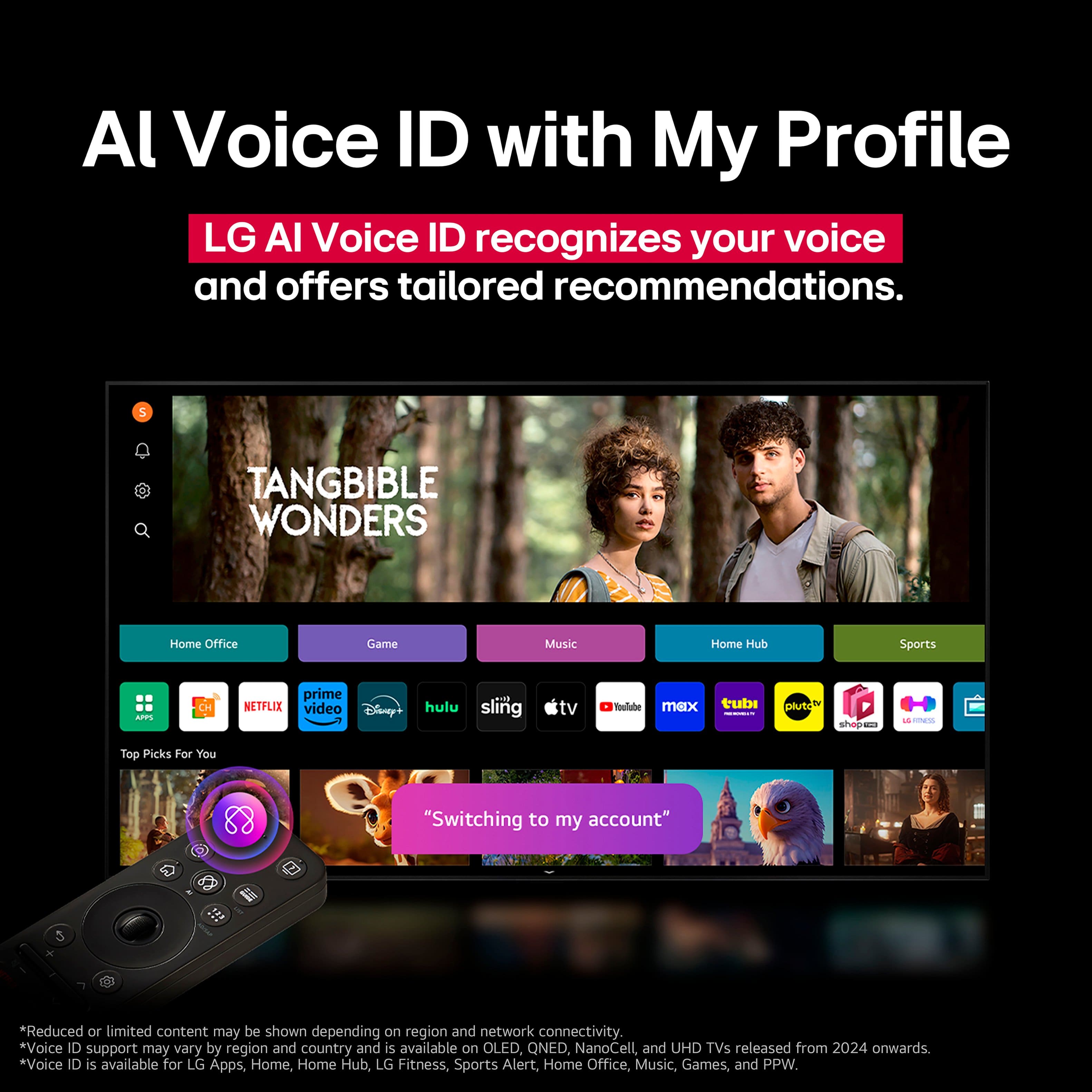
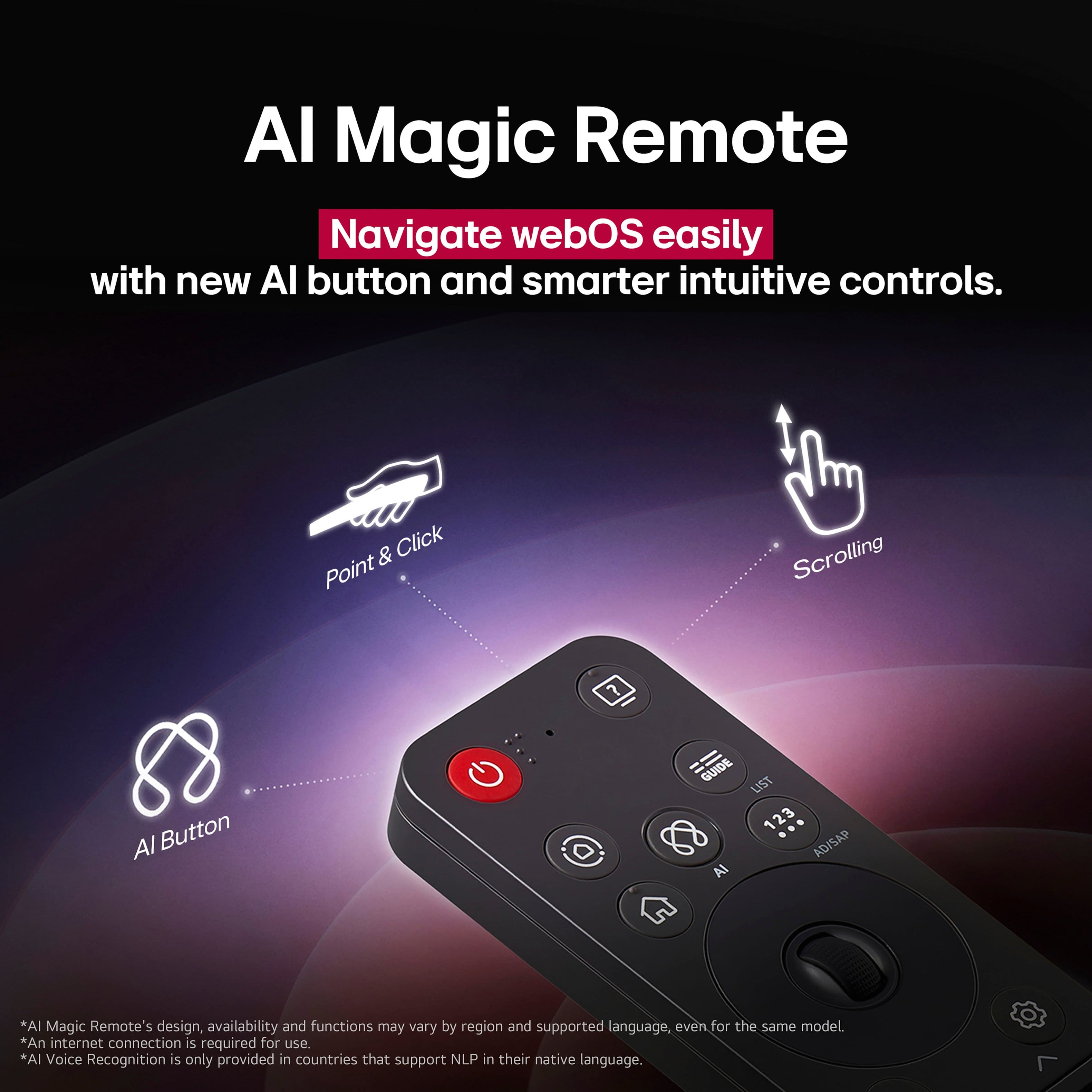
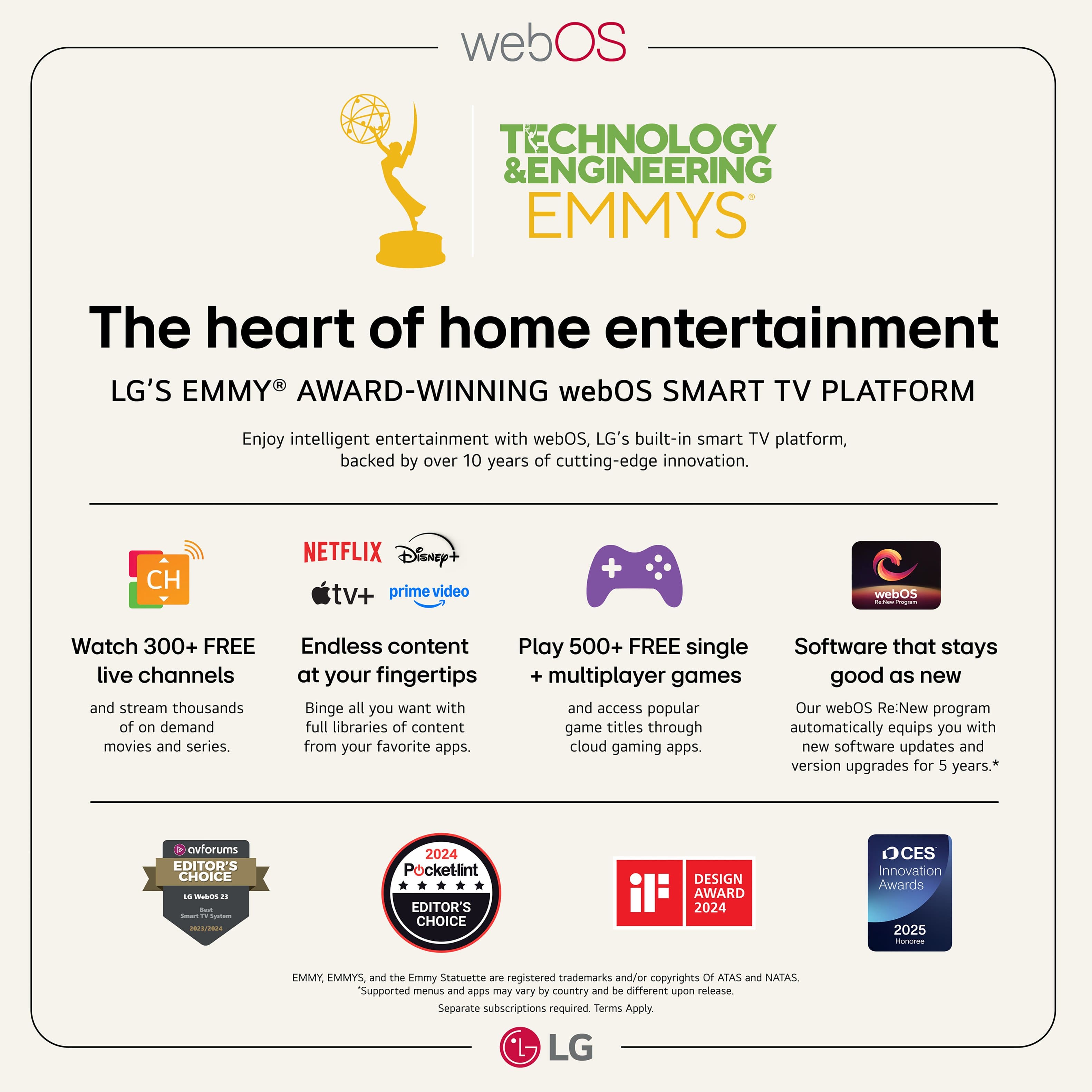
While our award-winning webOS platform offers a built-in App Store with access to popular content partners like Netflix, Prime Video, Disney+, Max, Apple TV, and over 300 free LG Channels, the Bell app is not natively available on our operating system. To enjoy the Bell app, you will need to connect a compatible external streaming device, such as an Amazon Fire Stick, to one of the TV's HDMI ports.
https://www.bestbuy.com/product/lg-77-class-b5-series-oled-ai-4k-uhd-smart-webos-tv-2025/JJ8VPZTKZW
Your feedback is important, and we'd like to assist you further. If you have any further questions about its features, please contact us on lgdigitalcare@lg.sprinklrsupport.com, and our team will be more than happy to assist you. —Renzo
A:AnswerThe LG 77" Class B5 Series OLED AI 4K UHD Smart webOS TV (2025), Model # OLED77B5PUA, does not have a built-in camera.
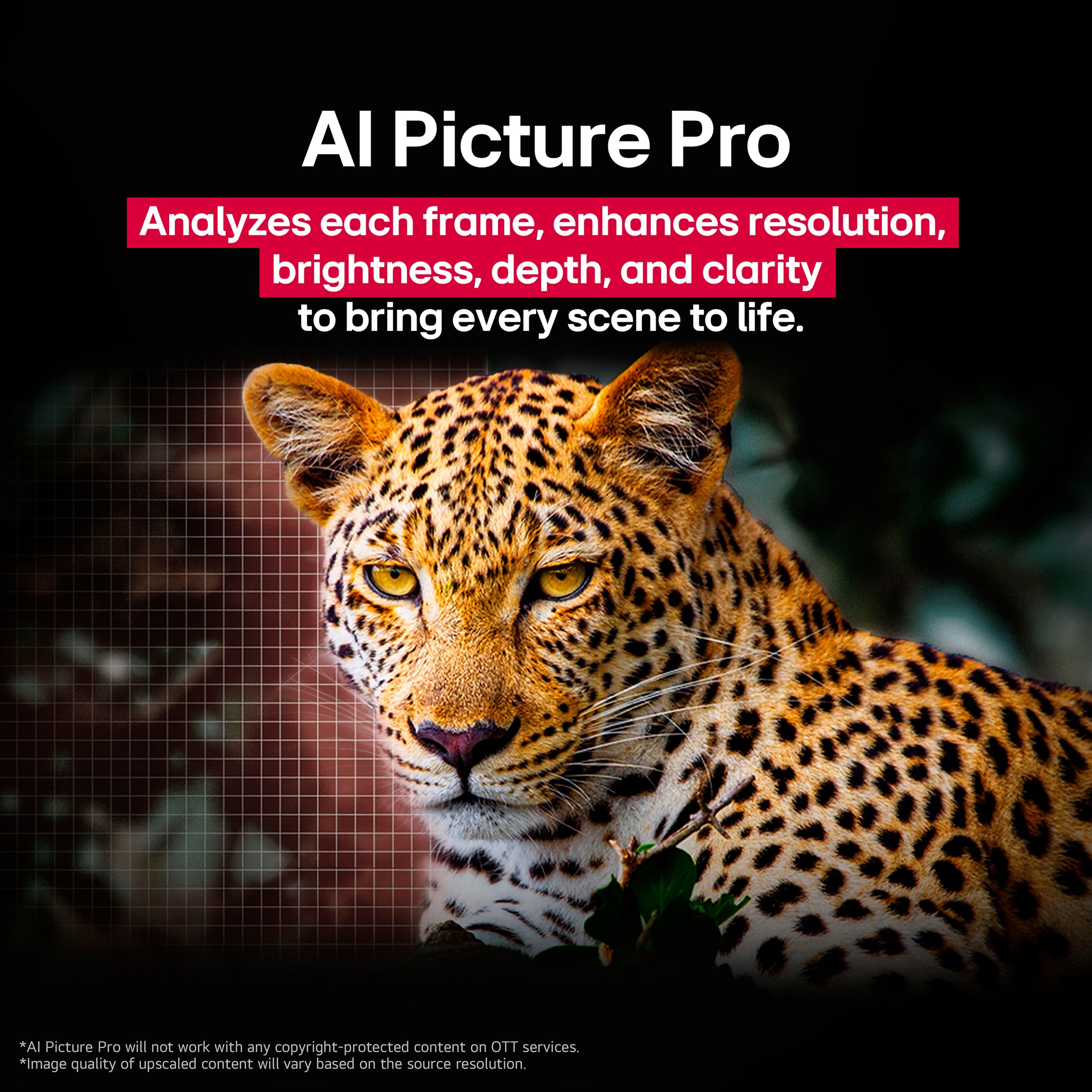
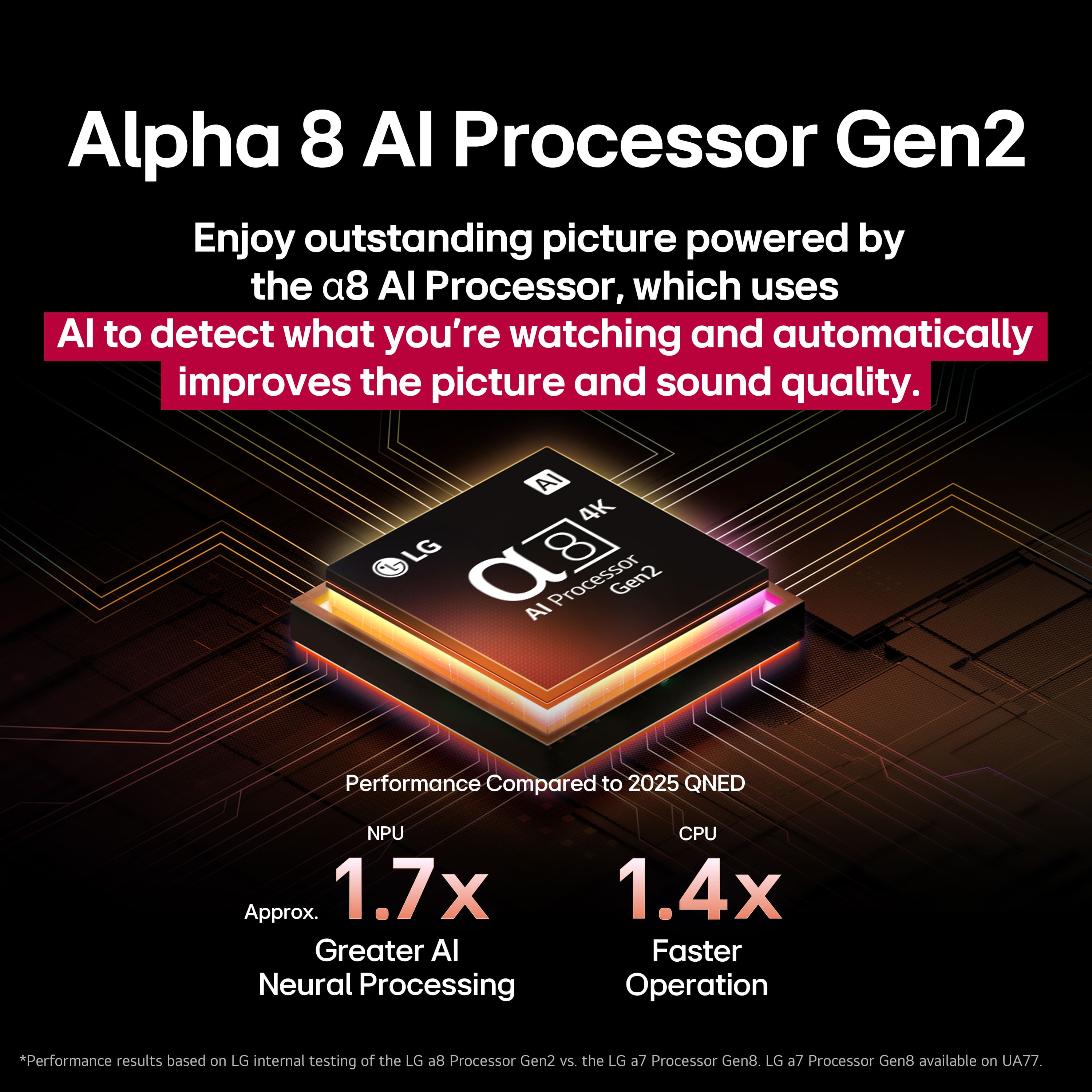
The AI in the TV uses deep learning and user-behavior analysis, powered by the α8 AI Processor Gen2, to create a highly personalized viewing experience. The TV adapts to your habits through content recommendations, personalized picture/sound settings, and intelligent, voice-activated searching...^Ivan.
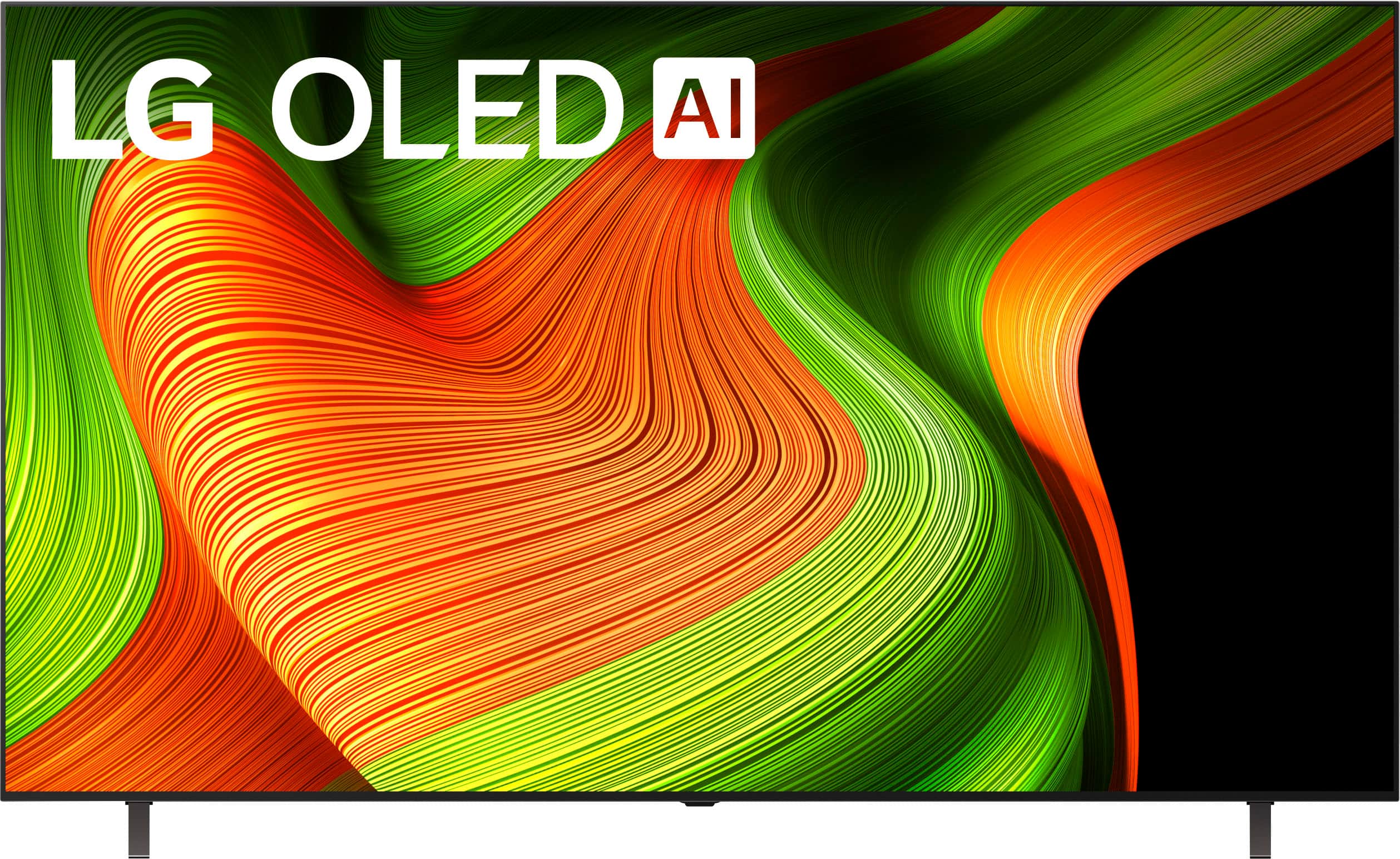
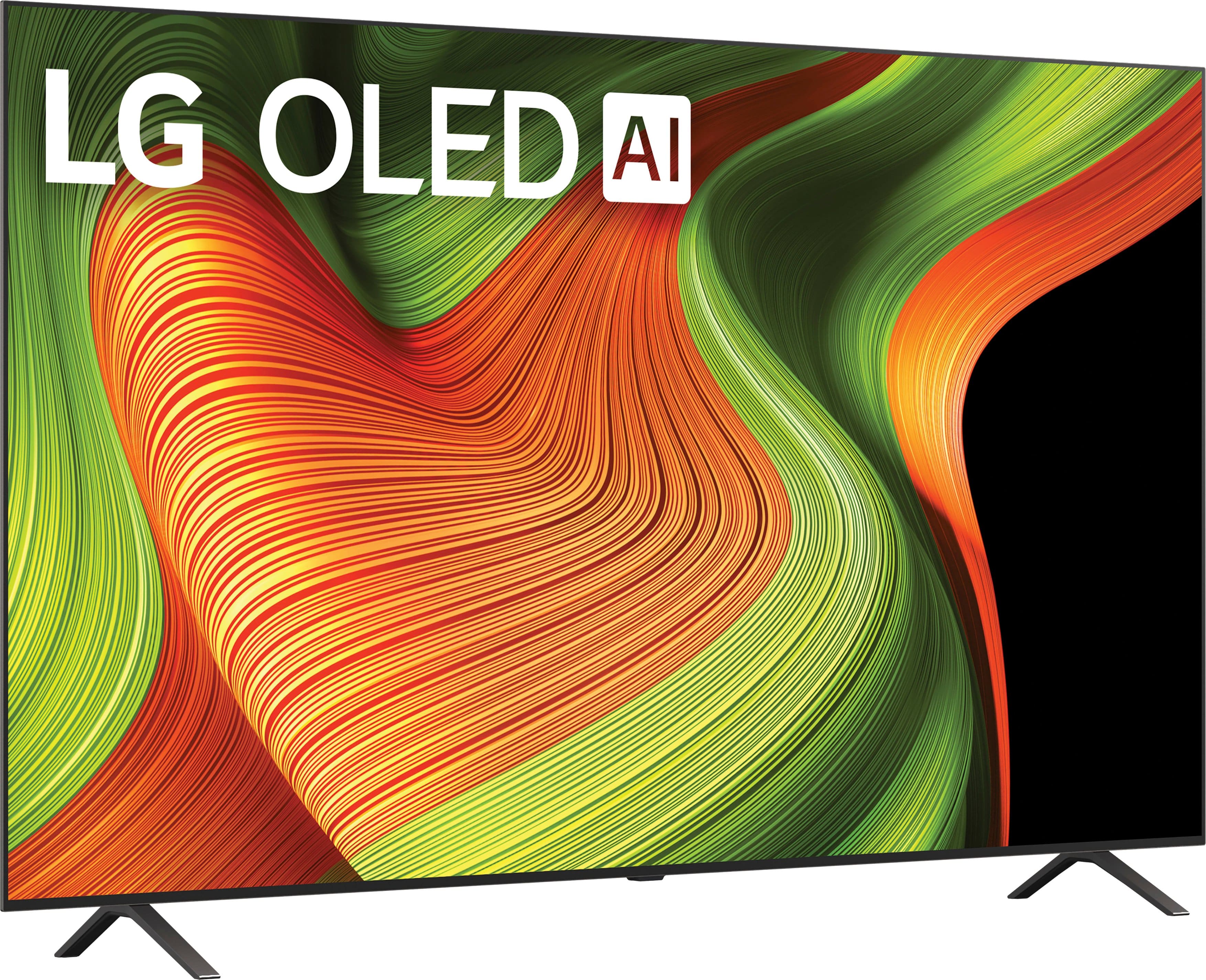
. Independently Tested for Quality and Workmanship CheckPlus: 100 % Color Volume to DCI-P3 oi PSSEANE Intertek [www.IntertekCheck.com](http://www.IntertekCheck.com). 100% Color Fidelity and '100% Color Volume to DCI-P3' applies to 2025 OLED TVs. *LG OLED Display is verified by UL for Perfect Color measured to IDMS 11.5 Ring-light Reflection standards. *100% Color Volume is defined as the performance of display which is equal or greater than the size of DCI-P3 standard color volume as verified independently by Intertek. *The LG OLED Panel is certified by Intertek for 100% Color Fidelity, measured to IDMS 11.5 Ring-light Reflection standards.](https://pisces.bbystatic.com/image2/BestBuy_US/images/products/3661ed5e-8d92-47a9-baef-65aa6eb5dcb9.jpg)