Questions & Answers
- Model:
- OLED77C3PUA
- |
- SKU:
- 6535930
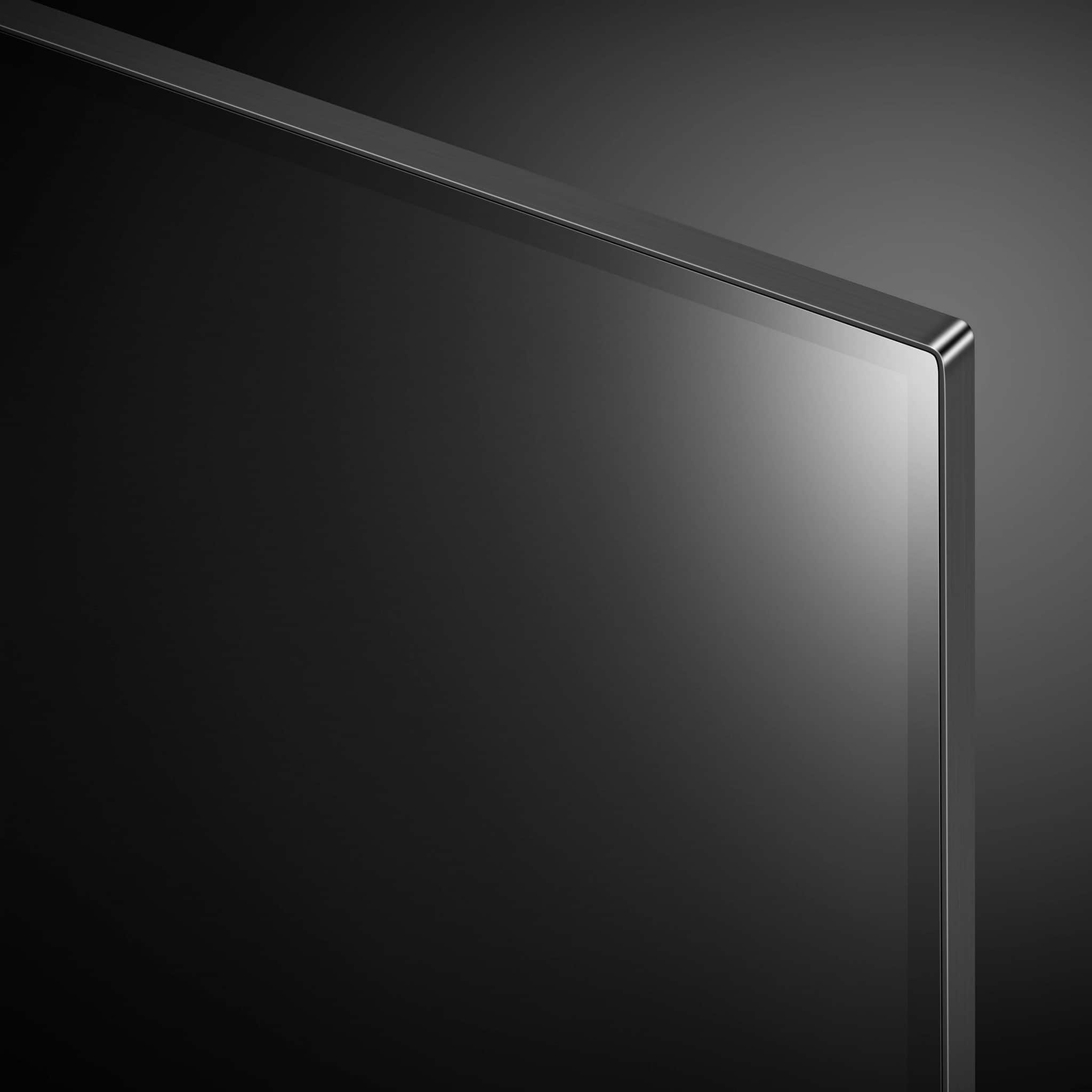
Q: QuestionDoes this tv hang on the wall like a picture in a frame?
Asked by Anonymous.
- A:Answer Hi there, thank you for your inquiry about the OLED77C3PUA TV. Yes, this model is designed to be wall-mounted and can hang on the wall like a picture in a frame, providing a sleek and stylish appearance. For installation, you will need a compatible wall mount bracket, which is not included. If you have any further questions or need assistance with setup, please send us a private message on Social Media @LGUSSupport. We’re here to help! —Avril
Answered by LG Digital Customer Care

Q: QuestionDoes this tv have time shift and can you record live over the air tv with a thumb drive
Asked by Scraune.
- A:Answer No it doesn't
Answered by DerekL
Q: QuestionWhat is the overall hight and with of the tv
Asked by Sam.
- A:Answer This depends on the size of tv you desire. The description of the tv will have this information.
Answered by SueS
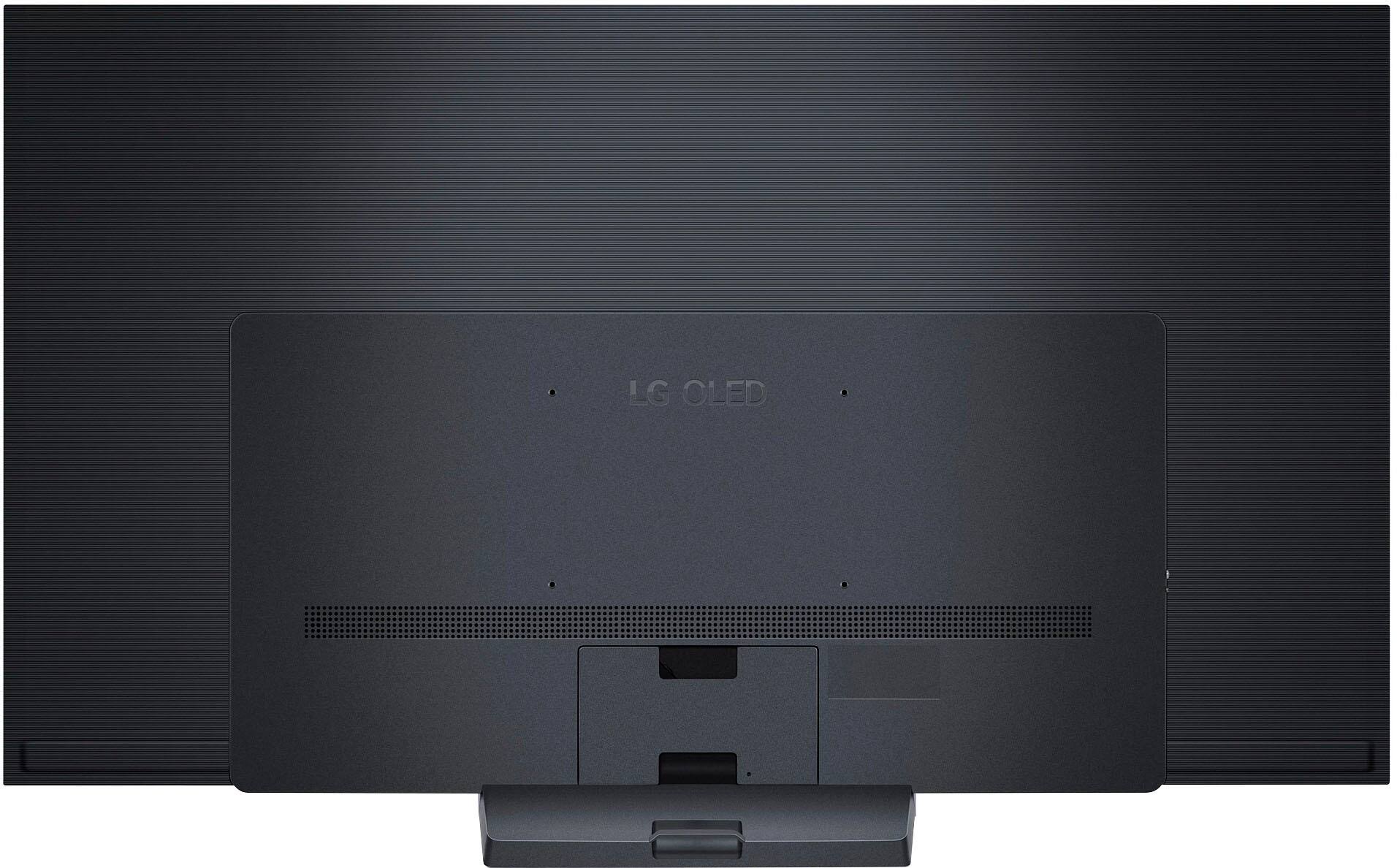
Q: QuestionWhat is the correct M6 screw length to use when mounting this TV to the wall?
Asked by Joey.
- A:Answer Thank you for raising your concern regarding LG Smart webOS TV (OLED77C3PUA) model. The correct M6 screw length to use when mounting the LG OLED77C3PUA TV to the wall is 12mm. This length of screw is suitable for securely mounting the TV and ensuring a safe installation. You can download its owner's manual through this link for more information: https://www.lg.com/us/support/product/lg-OLED77C3PUA.AUS. ^Cris
Answered by LG Digital Customer Care

Q: QuestionHow long is the life span of this tv ?
Asked by LgFanboi.
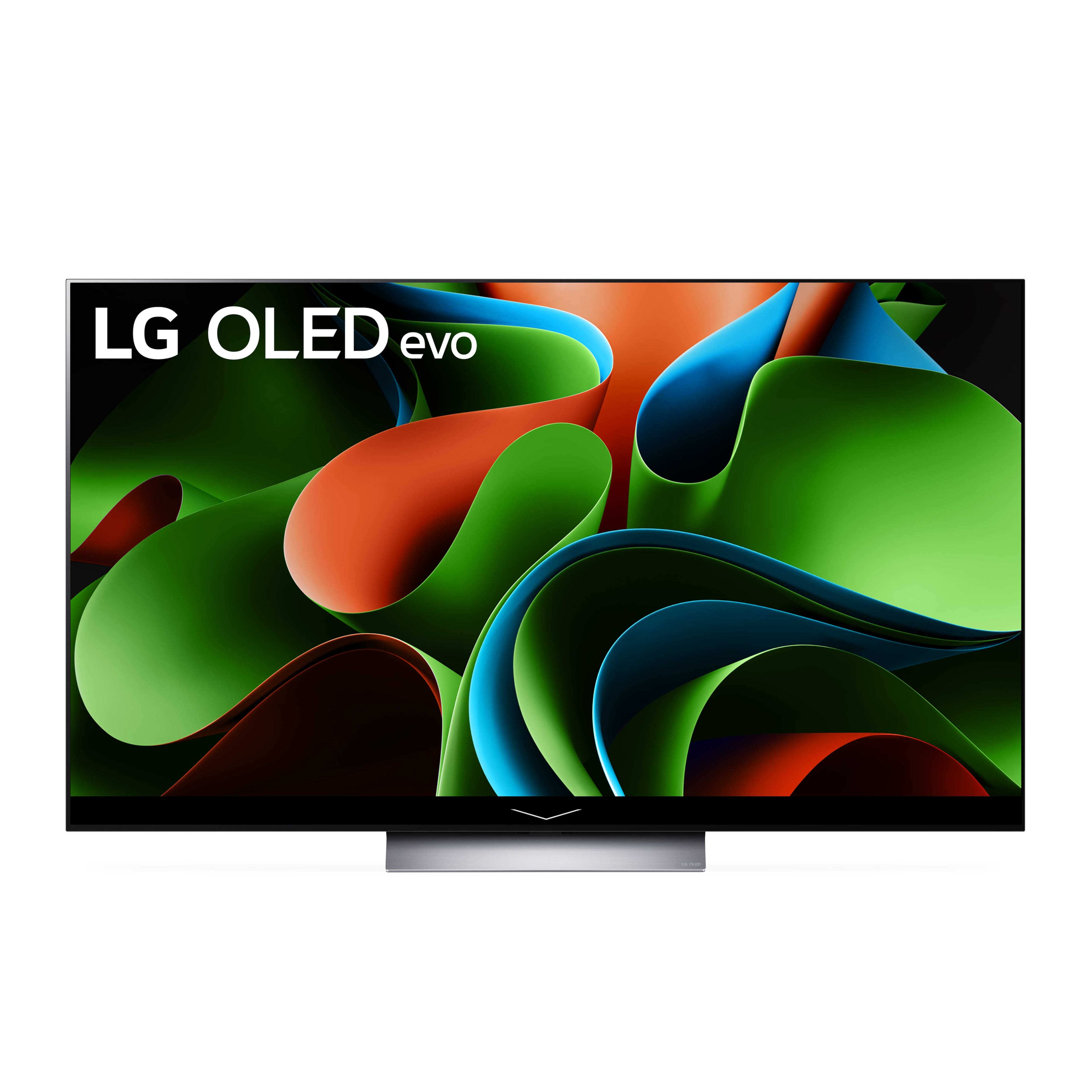
- A:Answer Thank you for reaching us regarding LG Smart webOS TV. The LG OLED77C3PUA is designed with a lifespan of approximately 100,000 hours. This estimate means that if you watch the TV for about 10 hours a day, it could last around 27 years before reaching 50% brightness. You can download its owner's manual through this link for more information: https://www.lg.com/us/support/product/lg-OLED77C3PUA.AUS. For additional assistance, please reach out to us on social media @LGUSSupport so we can help you further. ^Cris
Answered by LG Digital Customer Care

Q: QuestionDo I need a Roku or Fire Stick with my LG OLED Class C3 TV
Asked by Supp.
- A:Answer Thank you for your interest in the LG Smart webOS TV. You don’t need a Roku or Fire Stick with your LG OLED77C3PUA TV since it has built-in smart features. However, here are a few things to consider: Built-in Smart Features The LG OLED C3 has webOS, which offers a variety of streaming apps like Netflix, Amazon Prime Video, and Disney+. You can access these directly from the TV without extra devices. Why You Might Want a Streaming Device App Variety: While webOS has many apps, it might not include some niche ones. Roku and Fire Stick often have a broader selection. User Interface: Some people find Roku or Fire Stick easier to use than webOS. Updates: Streaming devices like Roku tend to receive more updates and long-term support. Performance: Dedicated streaming devices might offer better performance, though this is less likely with a high-end TV like the C3. Considerations The LG OLED C3 is a top-quality TV with great smart features that should meet most users’ needs. If you prefer the Roku or Fire TV interface, it’s fine to use those devices. You can always add a streaming device later if you find the built-in options lacking. You can download its owner's manual through this link for more information: https://www.lg.com/us/support/product/lg-OLED77C3PUA.AUS. For additional assistance, please reach out to us on social media @LGUSSupport so we can help you further. ^Cris
Answered by LG Digital Customer Care
Q: QuestionHi, can this monitor be hung in Portrait mode?
Asked by Annette.
- A:Answer Thank you for your interest in the LG OLED (OLED77C3PUA) model. It is important to note that the LG OLED77C3PUA is a TV, not a monitor. TVs are typically designed for landscape orientation, and their stands or mounting options may not support portrait mode. You can download its owner's manual through this link for more information: https://www.lg.com/us/support/product/lg-OLED77C3PUA.AUS. ^Cris
Answered by LG Digital Customer Care

Q: QuestionJust bought a C3. Came home hooked it up and the red light blinks three times and the tv doesn't come on? Any help or ideas? I have a C2 also and I've never had this issue.
Asked by AlstonB.
- A:Answer Hello there, thank you for reaching out about your OLED77C3PUA TV. The three blinking red lights typically indicate a power supply issue. Please check that the TV is securely plugged into a working outlet and try a different outlet if necessary. Unplug the TV for about 60 seconds and then plug it back in. If the issue persists, please send us a private message on Social Media @LGUSSupport for further assistance. We appreciate your patience! —Avril
Answered by LG Digital Customer Care

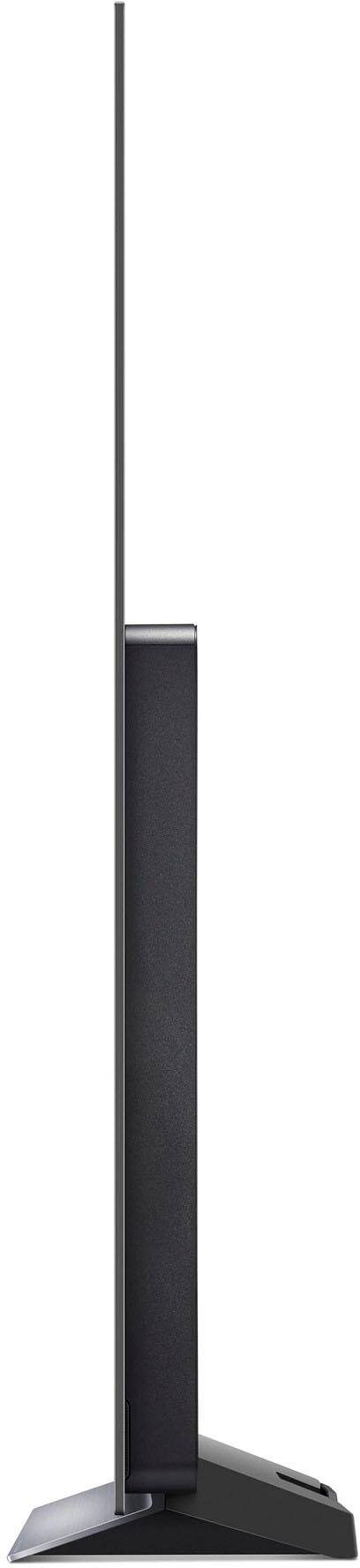
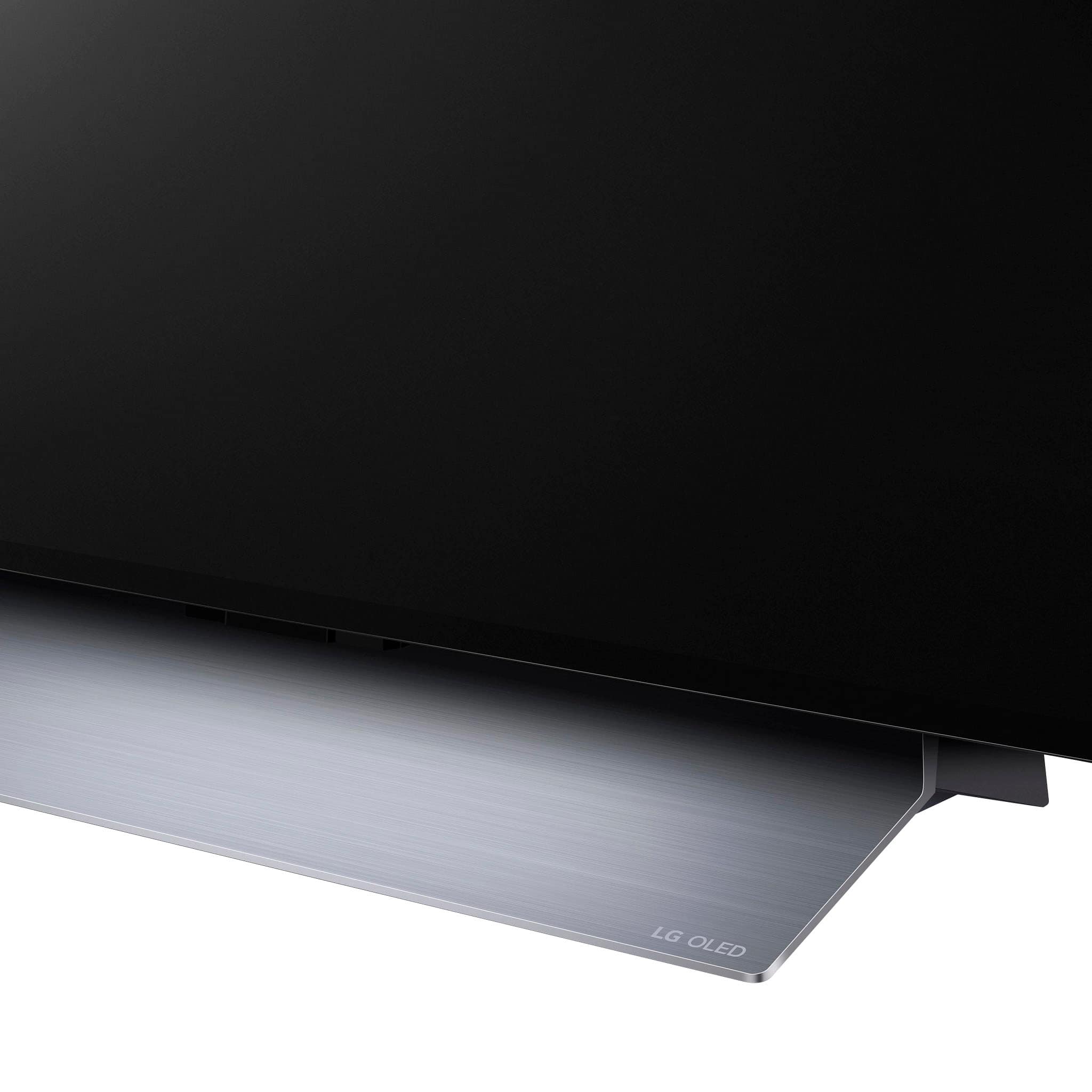
Q: Questionwith the stand installed do you have enough room for a 2.5" soundbar under tv?
Asked by Jimm.
- A:Answer Hi there, thank you for your inquiry about the OLED77C3PUA. Unfortunately, there isn't enough room for a 2.5" soundbar under the TV. The clearance under the TV is 2.25", while our soundbar measures 2". If you have any more questions or need further assistance, please send us a private message on Social Media @LGUSSupport. We appreciate your understanding! —Avril
Answered by LG Digital Customer Care

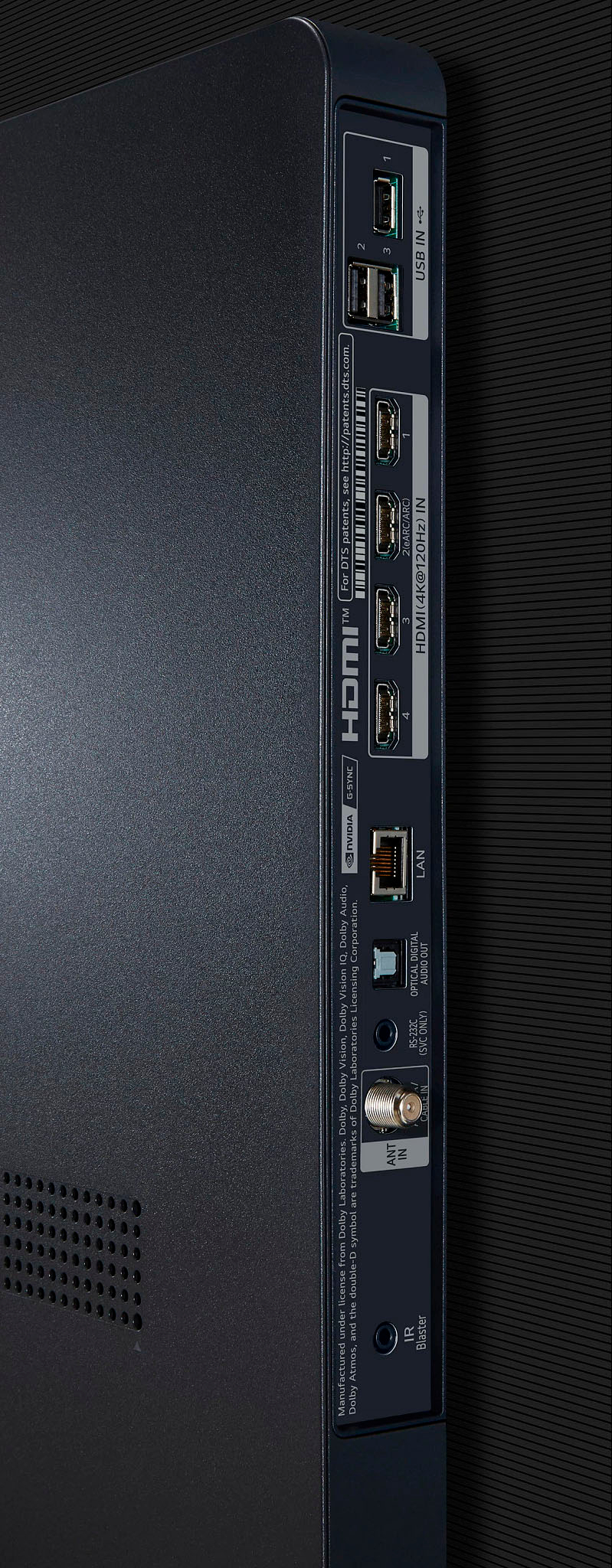
Q: Questionhow many hdmi connections are there
Asked by mark.
- A:Answer Hello there, Mark. Thank you for your question about the OLED77C3PUA TV. This model features a total of four HDMI connections, allowing you to connect multiple devices such as gaming consoles, Blu-ray players, and streaming devices. If you have any further questions or need assistance with connecting your devices, please feel free to send us a private message on social media @LGUSSupport, and our team will be happy to help. We appreciate your time! —Avril
Answered by LG Digital Customer Care

Q: QuestionHow do I get three months of Apple TV?
Asked by Anonymous.
- A:Answer I did at the time of purchase
Answered by Rick
Q: QuestionHow is the upscaling like when watching digital cable or other non-4K streaming? I'm trying to determine how well it does compared to the Sony X90K. Also, what is the picture quality like for OTA antenna channels since this tv lacks a 3.0 Nextgen tuner?
Asked by Moonflight.
- A:Answer I have noticed no transitional change requirements. The OTA tv is easy to use from the TVv and great picture
Answered by Oranges
Q: QuestionHow does live TV look on the C3? Currently using Hulu live and my current LG is quite blue when watching live TV.
Asked by BW.
- A:Answer Looks great on ours.
Answered by Anonymous
Q: QuestionHow high to mount wall bracket.
Asked by Jimbot.
- A:Answer Measure the height of your eyes when sitting on your couch. Then measure the height of your eyes when standing. The middle of these two measurements would be the ideal height for the center of the TV screen once mounted.
Answered by JPach
Q: QuestionHow many amps does it draw?
Asked by SentientBiped.
- A:Answer 1.2 Amps AC 120V, 50/60 Hz - Power Consumption 140 W Current: 140 W ÷ 120 V = 1.1666666666667 A Resistance: 120 V ÷ 1.1666666666667 A = 102.85714285714Ω "Estimated operational cost", if when TV is operated 5 hours a day for one year- Approx $36 US
Answered by EltonNoway
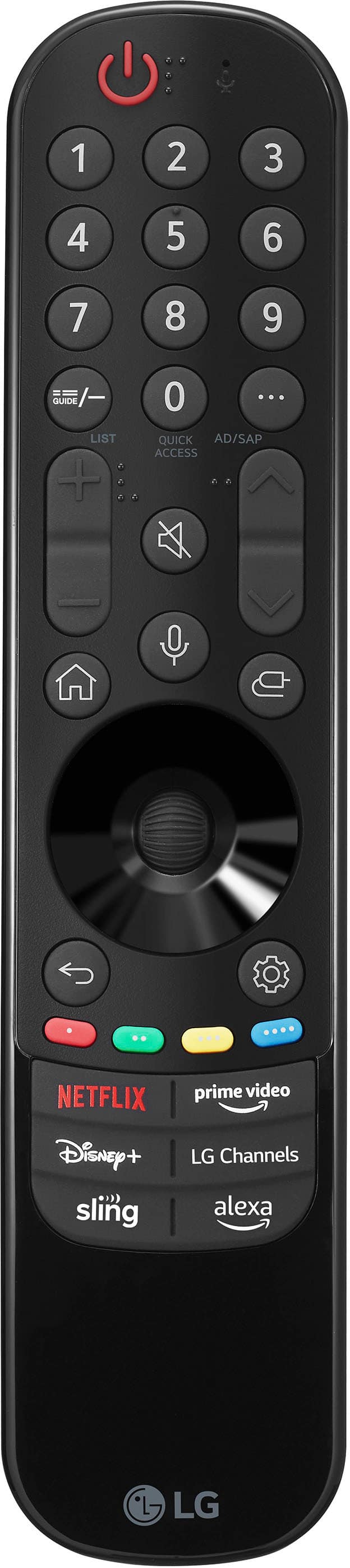
Q: QuestionCan I program my tv remote to operate (volume up/down) my Klipsch sound bar?
Asked by Barlb.
- A:Answer Not sure about that remote, but my Vizio remote worked
Answered by Rick
Q: QuestionWhich wireless headphones work best with this TV? We have Direct TV Stream. How do we switch from the LG Soundbar to Headphones using the remotes?
Asked by PSJ.
- A:Answer Any Bluetooth enabled headphones should work. Make sure the headphones have a volume adjustment. For connecting to the sound bar, not all soundbars are Bluetooth enabled. If it is, then following owners manual for how to connect. If your TV is Bluetooth capable, then follow that owners manual for how to connect. My AVR is connected to my TV and I can listen through my headphones, however, there is a slight signal delay so the the sounds are slightly behind the TV. It is slightly annoying.
Answered by DougPA
Q: QuestionCan this TV stream Spectrum channels?
Asked by Steelreign.
- A:Answer Yes, if you download and use the Spectrum app via Roku or similar device. Of course, you have to have a Spectrum account.
Answered by DeepSouth