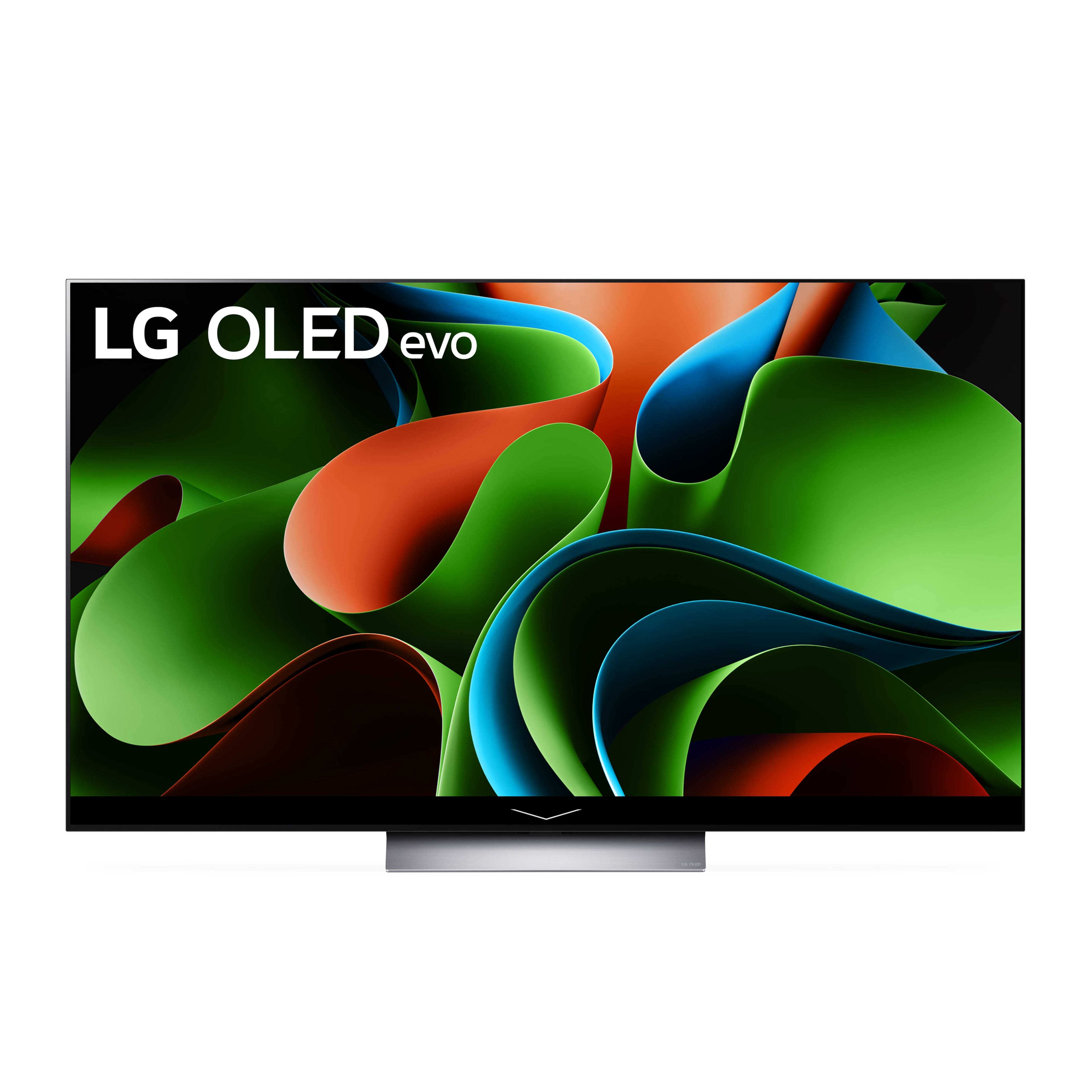
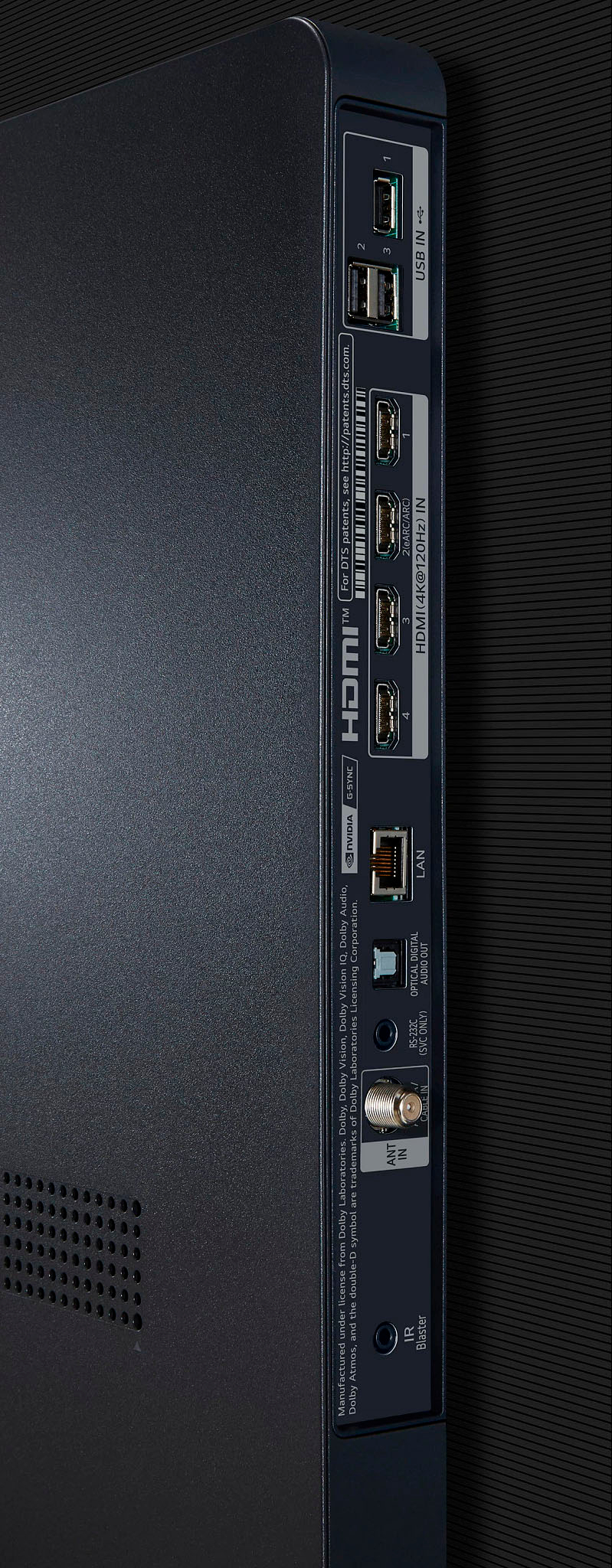
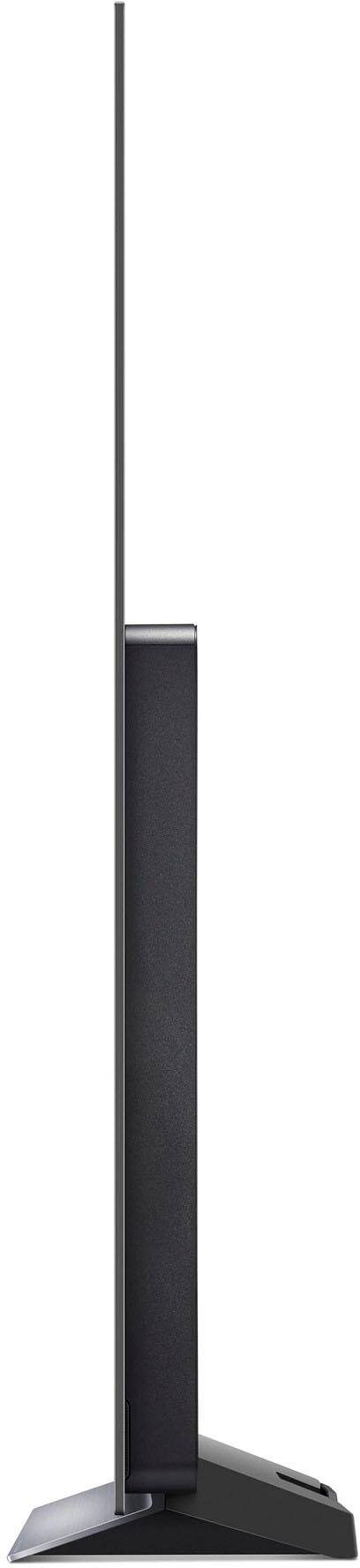
A:AnswerHi there Tim. Thanks for reaching out. For the LG - 77" Class C3 Series OLED 4K UHD Smart webOS TV may need to be reset. If the network connection is unstable, you will need to reset it. If the Wi-Fi network has been changed, you will need to reset the product and connect it to your smartphone again. `JW.
A:AnswerYou are right that you would expect that. We only watch the evening news OTA because we find regular tv has too many commercials and the quality of most shows is lacking
A:AnswerThank you for your interest in the LG Smart webOS TV. You don’t need a Roku or Fire Stick with your LG OLED77C3PUA TV since it has built-in smart features. However, here are a few things to consider:
Built-in Smart Features
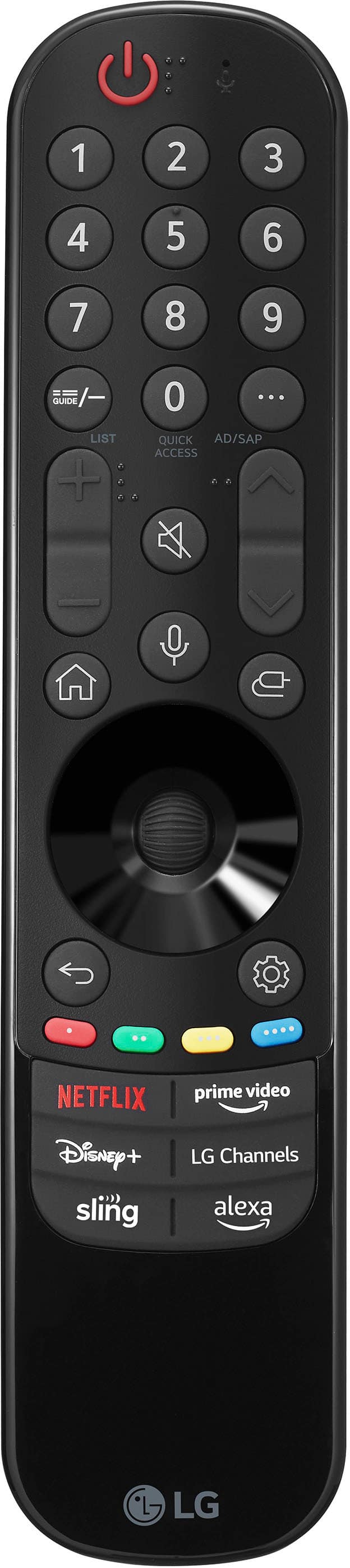
The LG OLED C3 has webOS, which offers a variety of streaming apps like Netflix, Amazon Prime Video, and Disney+. You can access these directly from the TV without extra devices.
Why You Might Want a Streaming Device
App Variety: While webOS has many apps, it might not include some niche ones. Roku and Fire Stick often have a broader selection.
User Interface: Some people find Roku or Fire Stick easier to use than webOS.
Updates: Streaming devices like Roku tend to receive more updates and long-term support.
Performance: Dedicated streaming devices might offer better performance, though this is less likely with a high-end TV like the C3.
Considerations
The LG OLED C3 is a top-quality TV with great smart features that should meet most users’ needs.
If you prefer the Roku or Fire TV interface, it’s fine to use those devices.
You can always add a streaming device later if you find the built-in options lacking.
You can download its owner's manual through this link for more information: https://www.lg.com/us/support/product/lg-OLED77C3PUA.AUS. For additional assistance, please reach out to us on social media @LGUSSupport so we can help you further. ^Cris
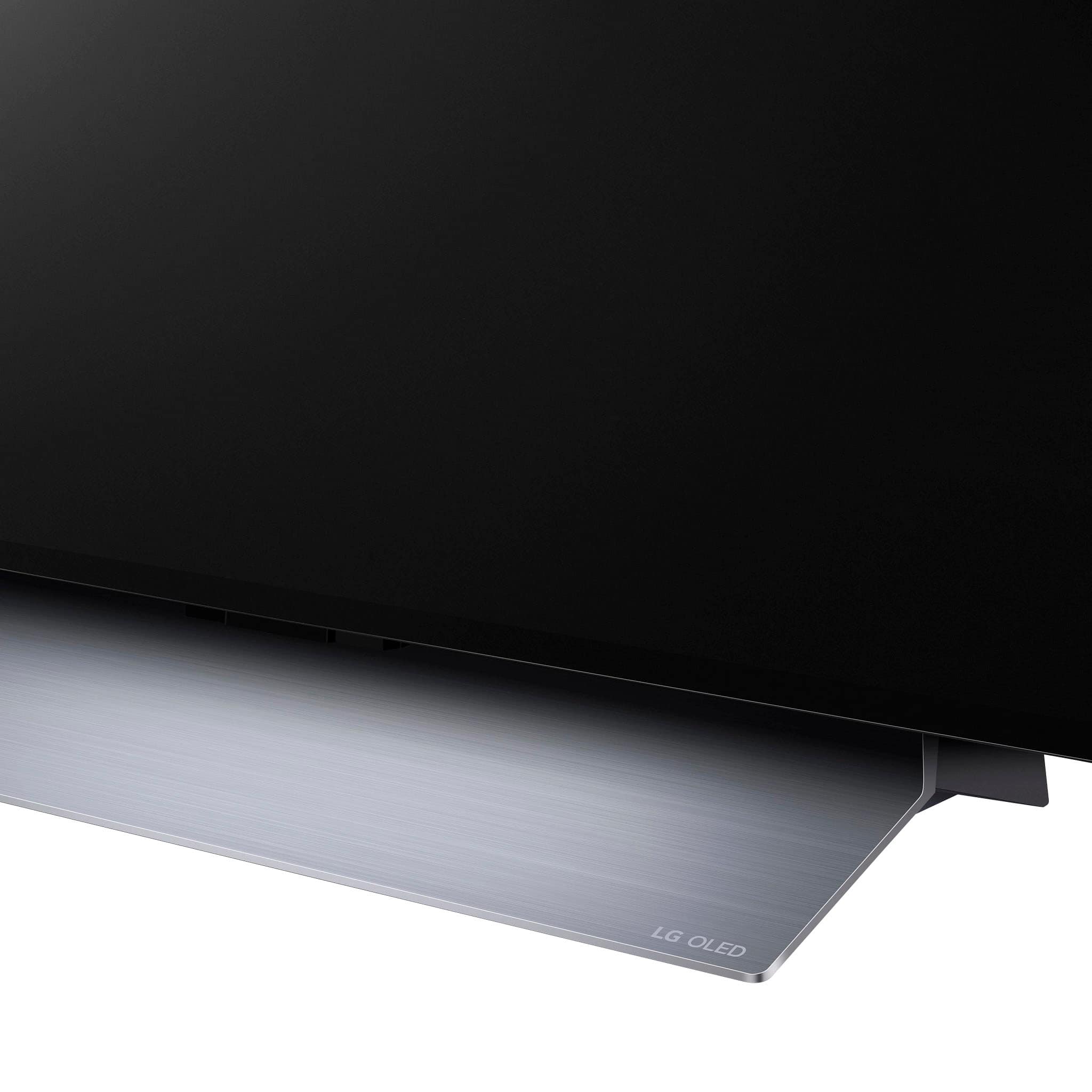
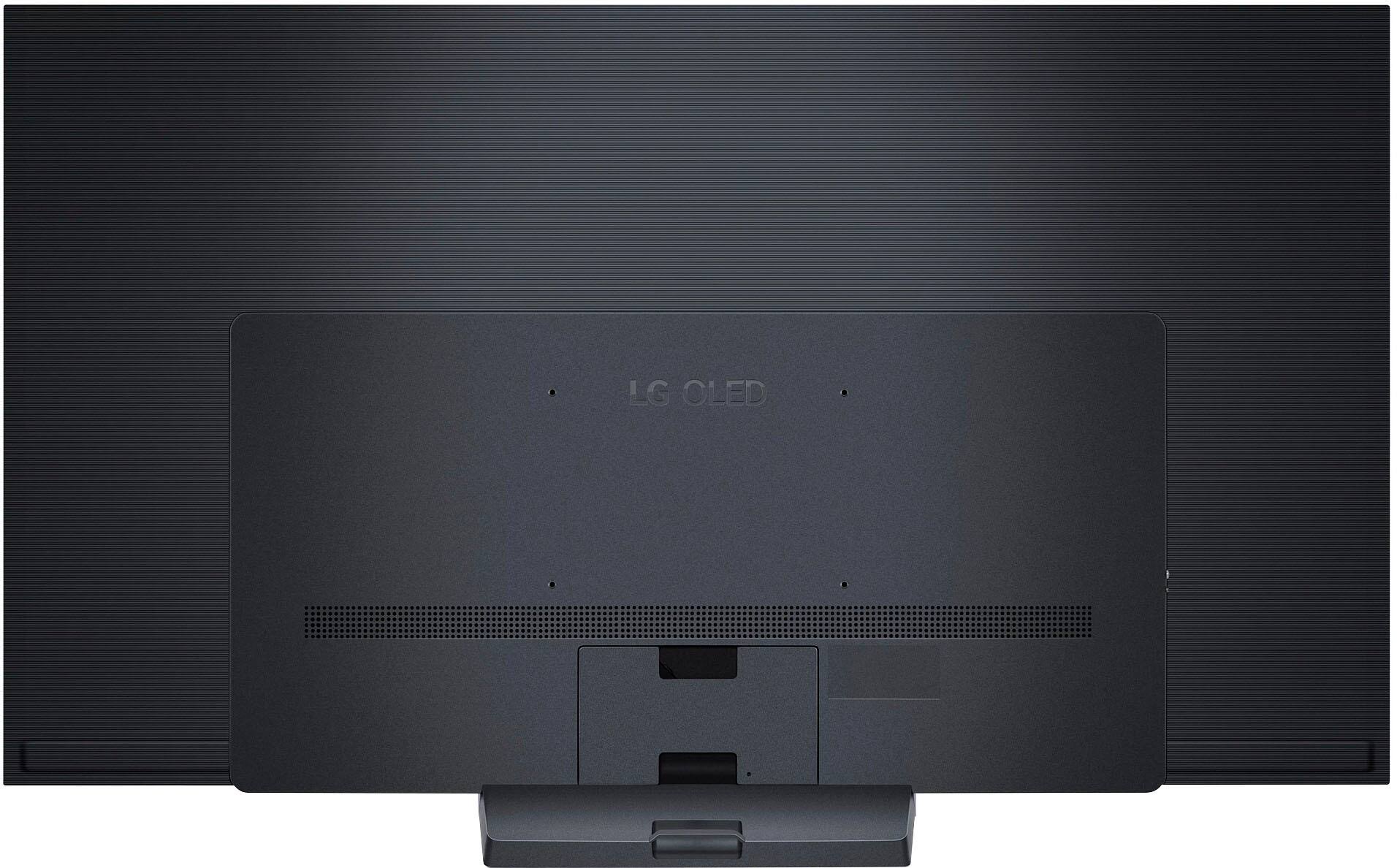
A:AnswerIdeally... using the LG stand designed for this set: EZ Slim Wall Mount for LG TV's (fits VESA - 300 X 300 / 300 X 200 / 400 X 200) . .. although any quality 300x200 VESA wall mount will work. Just make sure your bolts/screw securely penetrate wall studs within the wall or penetrate cinder block or concrete (depending on your wall construction) DO NOT use Molly Bolts or sheetrock / plaster expanding wall anchors of any kind