Black Friday is hereShop new DoorbustersShop now

Main Content

Questions & Answers

Your price for this item is $1,999.99
The comparable value price is $3,699.99
Page Showing 21-32 of 32 questions
  • QuestionWhy is it so difficult to use with streaming apps? I can get the apps to work but I cannot purchase movies on Amazon and have difficulty with other apps as well. Is there a guide or something?

    Asked by Bill.

    • Answer I hope you already found an answer, but just in case. I have the same TV and can see the purchase options in Amazon. As long as you are signed in to the TV app with a profile that has a payment method set up you should see an option to rent or buy movies etc. If you don't see the options, try setting up a payment method for your Amazon account on your phone, delete the TV app and start from scratch. Good luck.

      Answered by RyanC

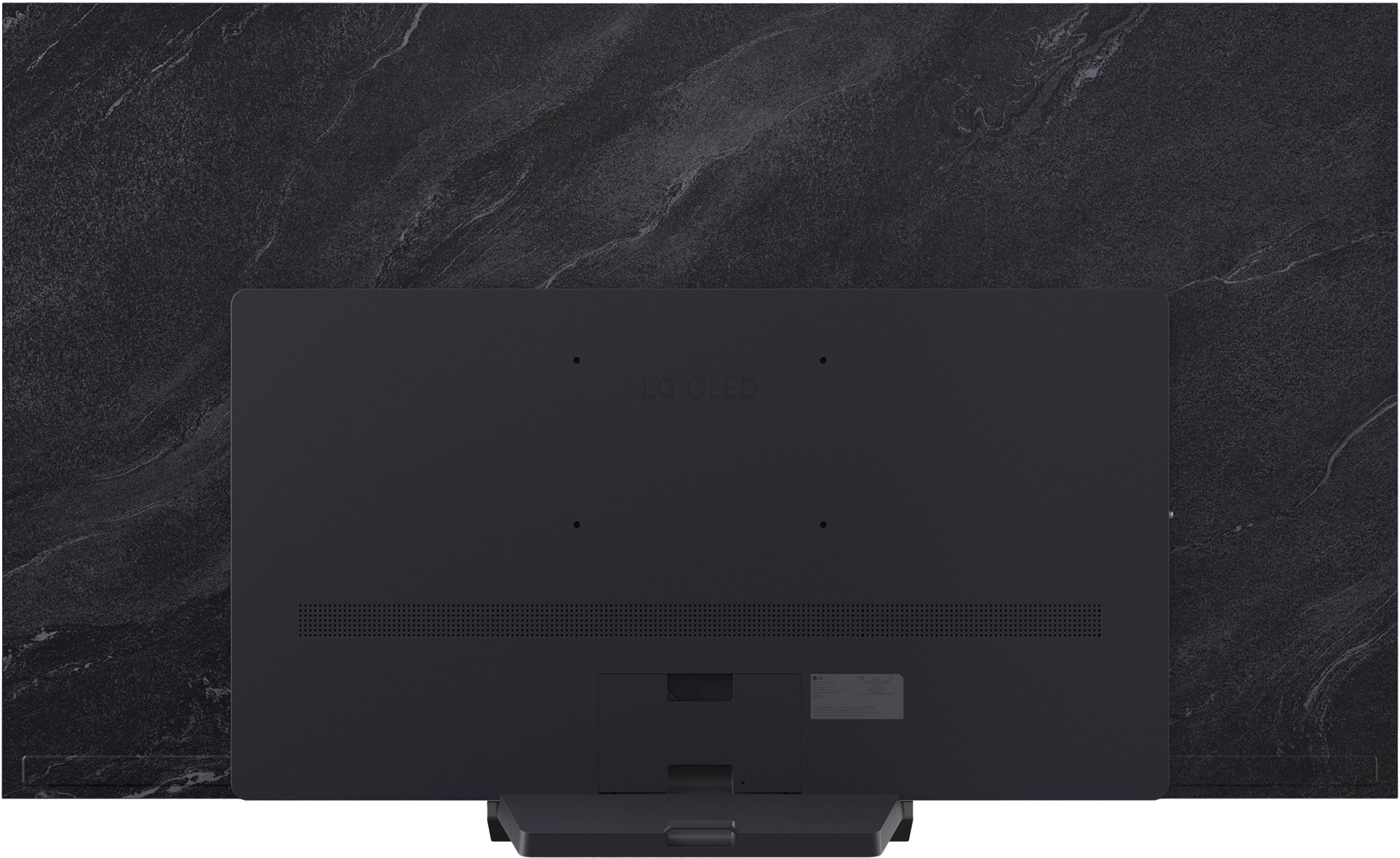
  • QuestionWhat is the minimum mounting distance from the wall?

    Asked by Shmeed.

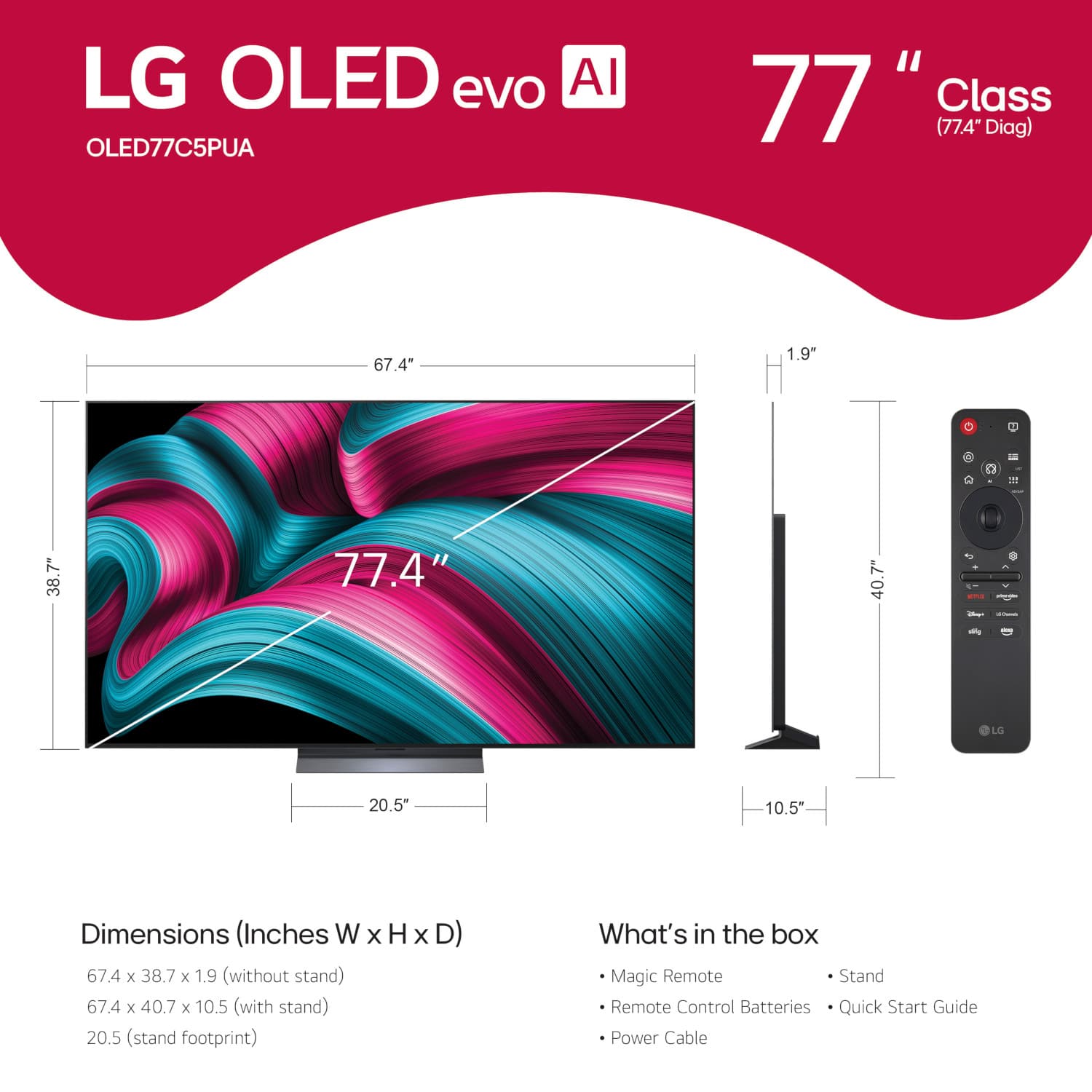
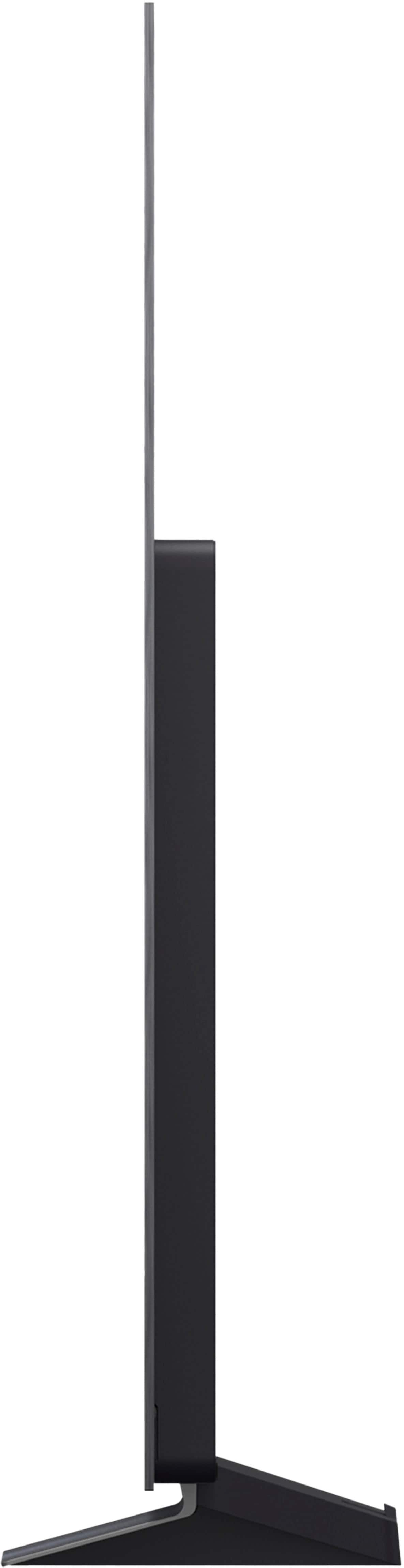
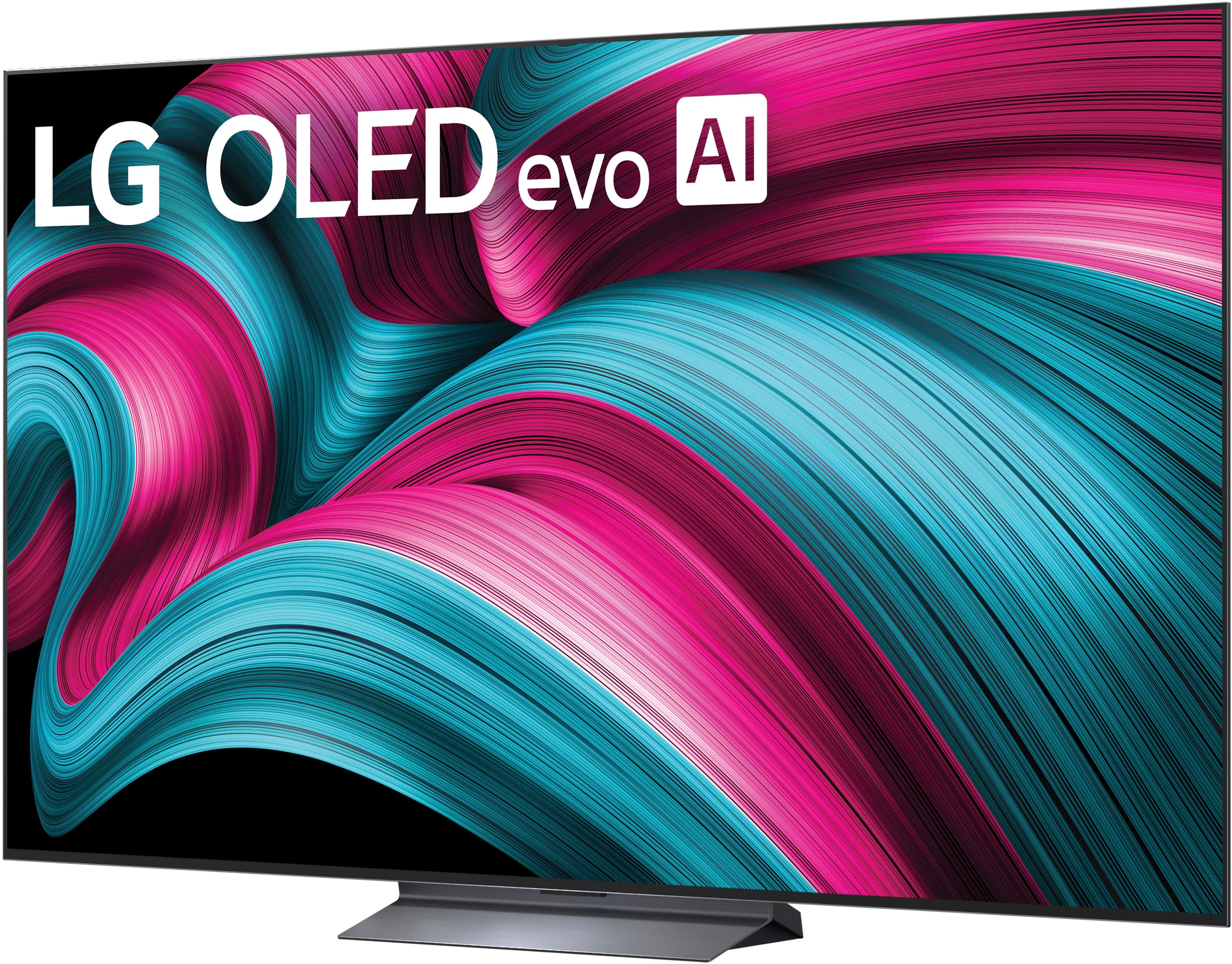
    • Answer The VESA-compliant mount that you use to mount the LG 77" Class C5 Series OLED evo AI 4K UHD Smart webOS TV (2025), Model # OLED77C5PUA, will determine what the minimum distance the TV will be from your wall. The depth for VESA-compliant wall mounts will vary from one manufacturer to the next...^Ivan.

      Answered by LG Digital Customer Care

  • QuestionI have the 77inch oled C5, wall mounted - how do you get rid of the reflection/glare?

    Asked by Dominate76.

    • Answer Depending on what type of mount you are using with the LG 77-inch Class LG OLED evo AI C5 4K Smart TV 2025, Model # OLED77C5PUA, t o minimize reflections and glare on the TV, you can position your TV away from windows and light sources to reduce direct sunlight or artificial light reflections. Attaching a polarizing filter to your TV screen or windows can to help reduce glare by blocking light waves from specific angles. You can apply anti-glare films to the TV screen to reduce reflections and maintain HD quality, or use ambient lighting in the room to create a balanced lighting environment, reducing the contrast between the TV screen and the surrounding area...^Ivan. 1

      Answered by LG Digital Customer Care

  • QuestionHow does the tv work with superbox

    Asked by Bill.

    • Answer The LG 77" Class C5 Series OLED evo AI 4K UHD Smart webOS TV (2025), Model # OLED77C5PUA, has not been tested with Superbox...^Ivan.

      Answered by LG Digital Customer Care

  • QuestionI have a 65" LG OLED #OLED65G1PUA that uses the center wall mount from LG that makes TV hug the wall like a picture frame. Does LG make a larger TV that uses this same mount if I bought a new LG TV so I can use the existing mount?

    Asked by David.

    • Answer Information for the LG 65" G1 evo Series Smart OLED 4K UHD TV with HDR, Model # OLED65G1PUA has long since been archived and we will need to research to see if the special flush wall mount that allows you to mount the TV flush to your wall like a picture frame is the same mount as what was used for the G2, G3, G4, and the current G5 LG OLED evo AI G5 4K Smart TV 2025 series, or if it has the same mount pattern and specifications to fit on the 83" The 83", 77", 65" and 55" screen sizes for the G2, G3, G4, and G5 series all use the same flush mount, but the mounts have different model numbers, but the same mount pattern, so if your existing flush mount for your 65" G1 OLED fits, the 83" G5 OLED would be the largest screen size you could use it with. Please allow us some time to research this for you...^Ivan.
      Answered by LG Digital Customer Care

  • QuestionCan the LG-77" Class C5 tv be paired with a Google home assistant device?

    Asked by DHall.

    • Answer Yes

      Answered by Matthew

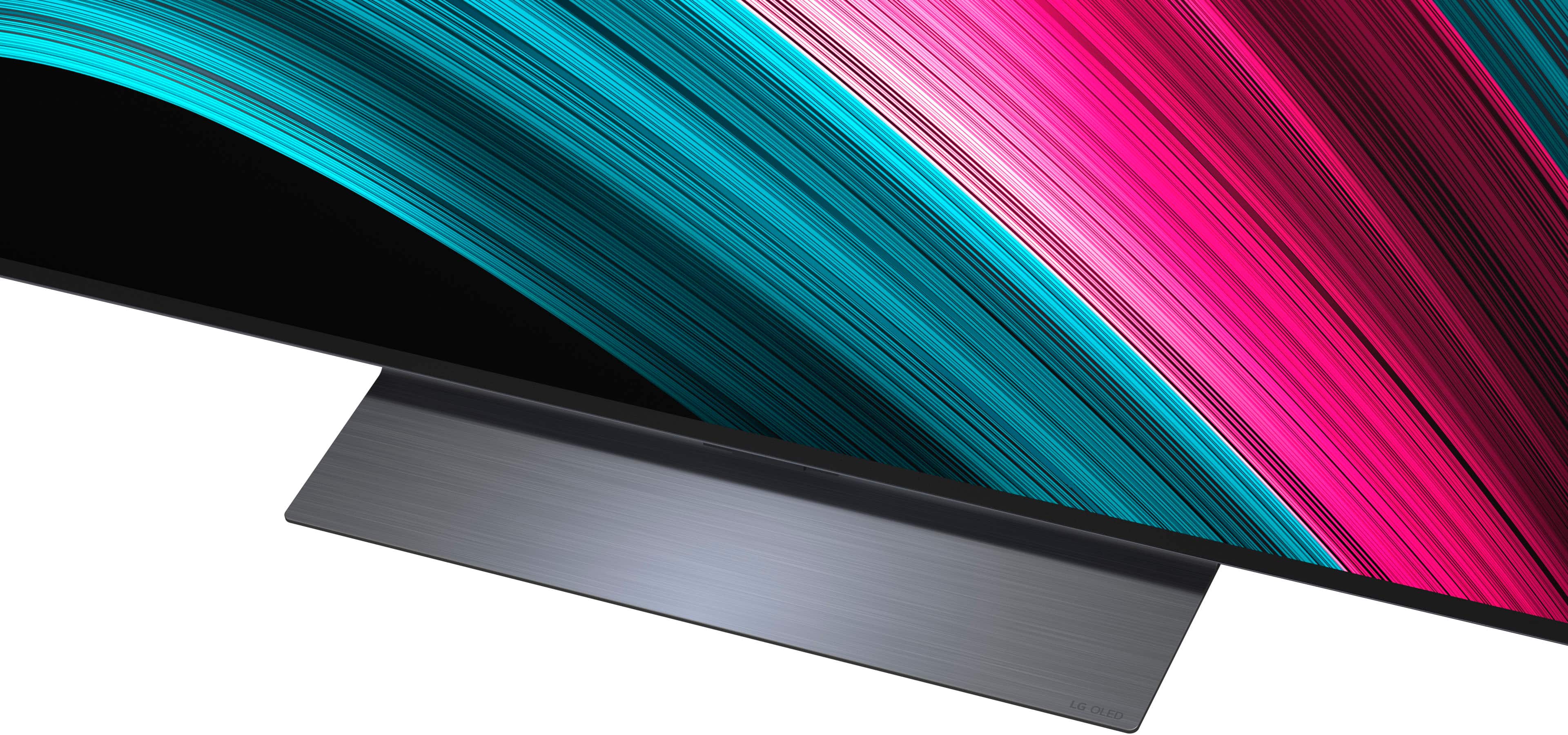
  • QuestionDoes this tv come with a stand ?

    Asked by Anonymous.

    • Answer Yes, the tv comes with a stand and it has been stable.

      Answered by ARoseG

  • QuestionDo I need to make an LG account or sign up for anything to use the TV ?

    Asked by Seg.

    • Answer Hello there, Seg. We understand your inquiry about the LG OLED77C5PUA, and we’re happy to clarify. You do not need to create an LG account or sign up for product registration in order to power on and start using your new TV. Right out of the box, the OLED77C5PUA’s webOS smart platform comes preloaded with popular streaming apps (like Netflix, Amazon Prime Video, Disney+, and YouTube) and lets you access over-the-air channels via the built-in tuner—no LG account is required for those basic functions. However, if you would like to take advantage of additional benefits—such as accessing certain smart-home integrations (via LG ThinQ), registering for extended service plans, receiving firmware update notifications, or qualifying for special product offers—then registering your TV with LG is recommended. To do so, you simply visit the LG Product Registration page (LG Product Registration | Register Your Product | LG USA - https://www.lg.com/us/support/product-registration), sign in with an existing LG account (or create one at no cost), and enter your model information. Registering ensures that we can notify you about software updates, warranty extensions, or promotional programs tied to your OLED77C5PUA. If you have any questions about registering, pairing your TV with LG ThinQ, or need guidance on app setup or firmware updates, please send us a private message on social media @LGUSSupport and our team will be more than happy to explore possible solutions together. We appreciate your patience and are here to help. —Renzo

      Answered by LG Digital Customer Care

  • QuestionSound leveling?

    Asked by Steven.

    • Answer Please pardon us, but we are unclear on your inquiry and will need you to elaborate on 'Sound leveling' regarding the 77-inch Class LG OLED evo AI C5 4K Smart TV 2025, Model # OLED77C5PUA. We would greatly appreciate it if you could please clarify what 'Sound leveling' is and what you would like to know about it so we can provide you with an accurate response...^Ivan.

      Answered by LG Digital Customer Care

  • QuestionDoes this tv come with a warranty?

    Asked by Mac.

    • Answer The LG 77" Class C5 Series OLED evo AI 4K UHD Smart webOS TV (2025), Model # OLED77C5PUA comes with a Limited Manufacturer's Warranty of One (1) year for Part and Labor from the date of original purchase...^Ivan.

      Answered by LG Digital Customer Care

  • QuestionIs there a simplified remote suitable for older people available that will work with this TV?

    Asked by tvconsumer.

    • Answer The 2025 LG Magic Remote, Model # MR25GA is the only remote available for the LG 77" Class C5 Series OLED evo AI 4K UHD Smart webOS TV (2025), Model # OLED77C5PUA, that will give you full functionality on the TV. Standard LG remote controls may work, but will only give you limited functionality with the TV...^Ivan.

      Answered by LG Digital Customer Care

  • QuestionHow can I get ISF calibration?

    Asked by pompanovice.

    • Answer You can contact Best Buy's Geek Squad about calibrations for the LG77" Class C5 Series OLED evo AI 4K UHD Smart webOS TV (2025), Model # OLED77C5PUA, or you can watch a video tutorial on YouTube [https://www.youtube.com/watch?v=asBWbkZSC-A] for the LG TV Calibration Guide (New for 2025) | Calman Ultimate Workflow Tutorial...^Ivan.

      Answered by LG Digital Customer Care