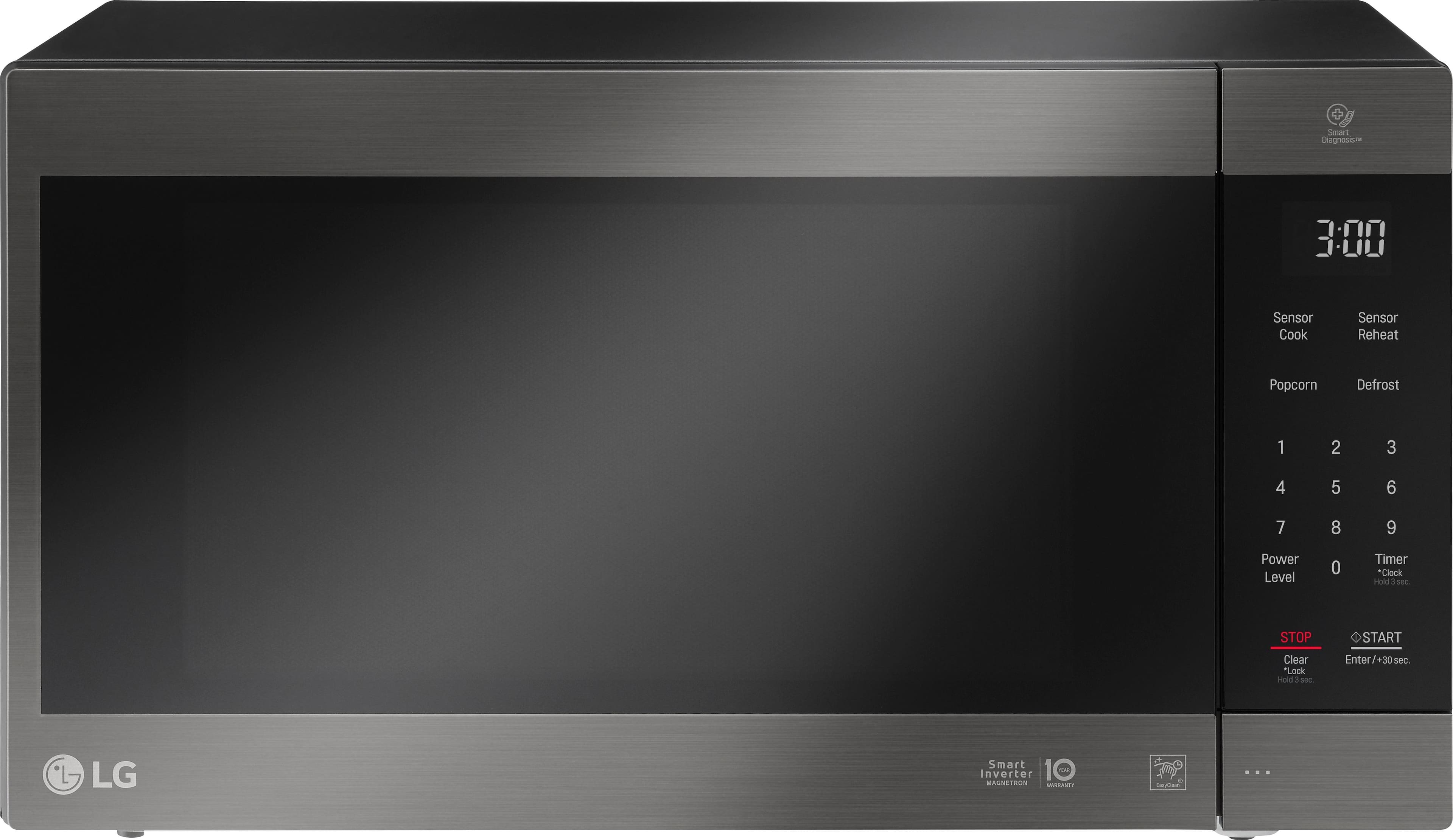
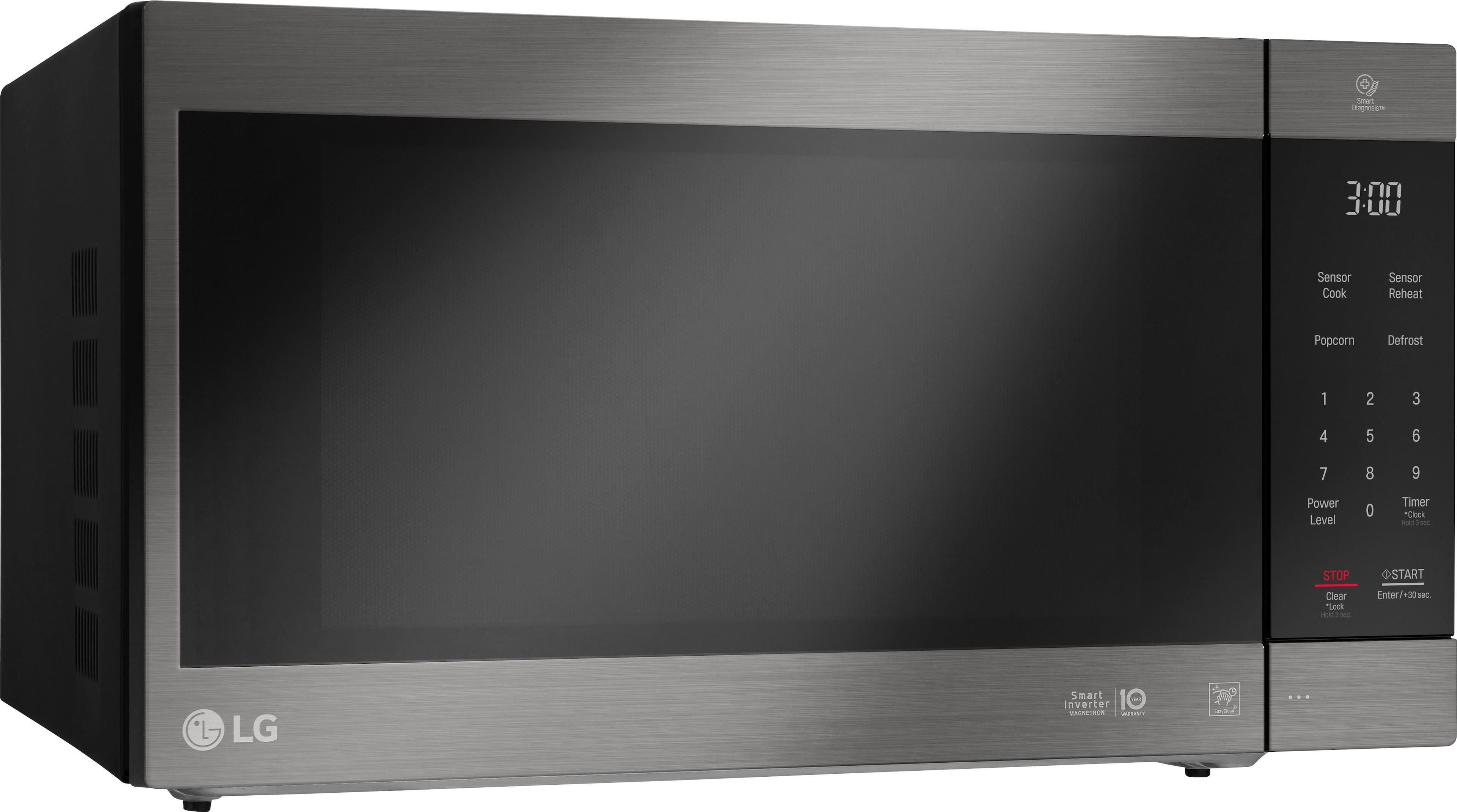
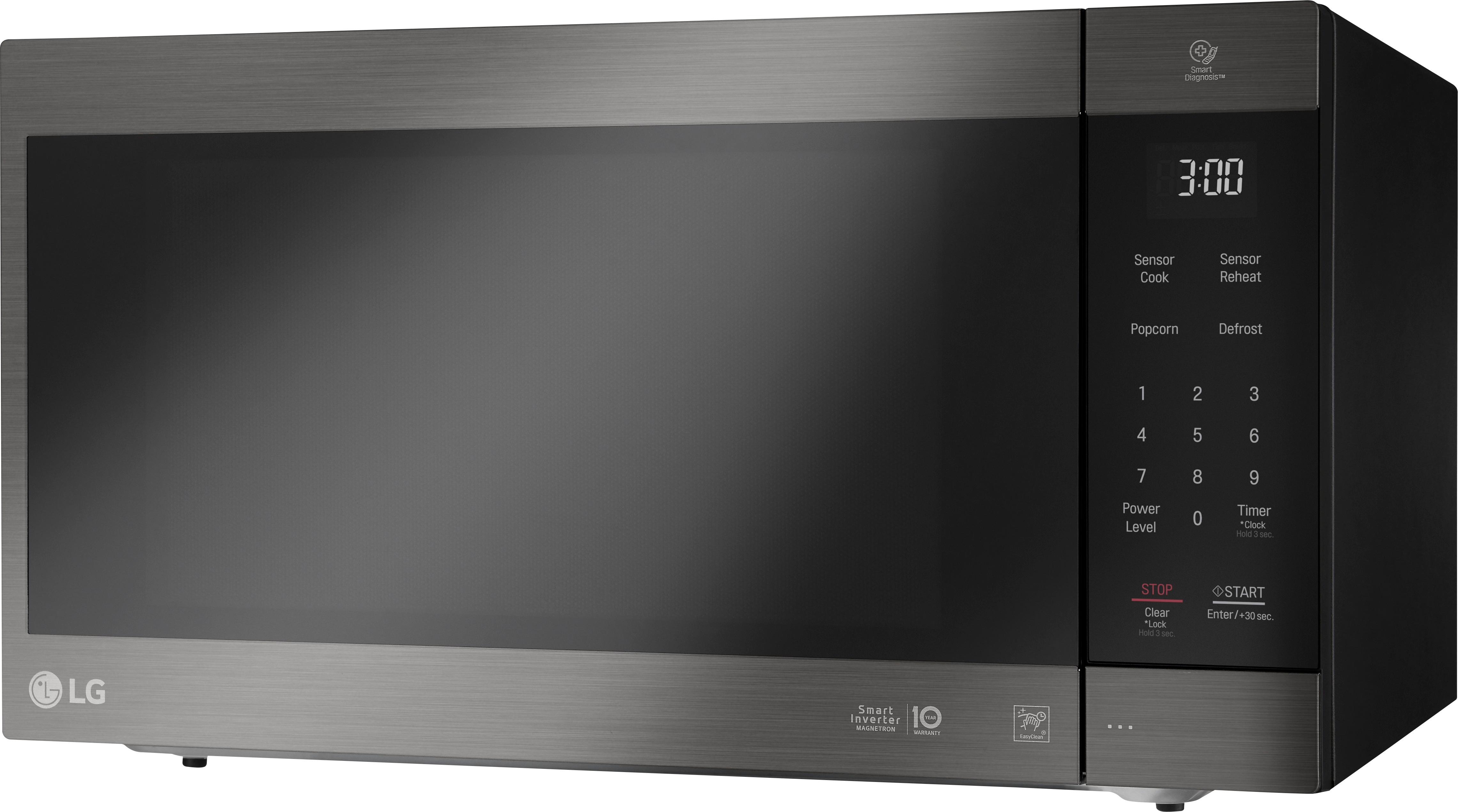
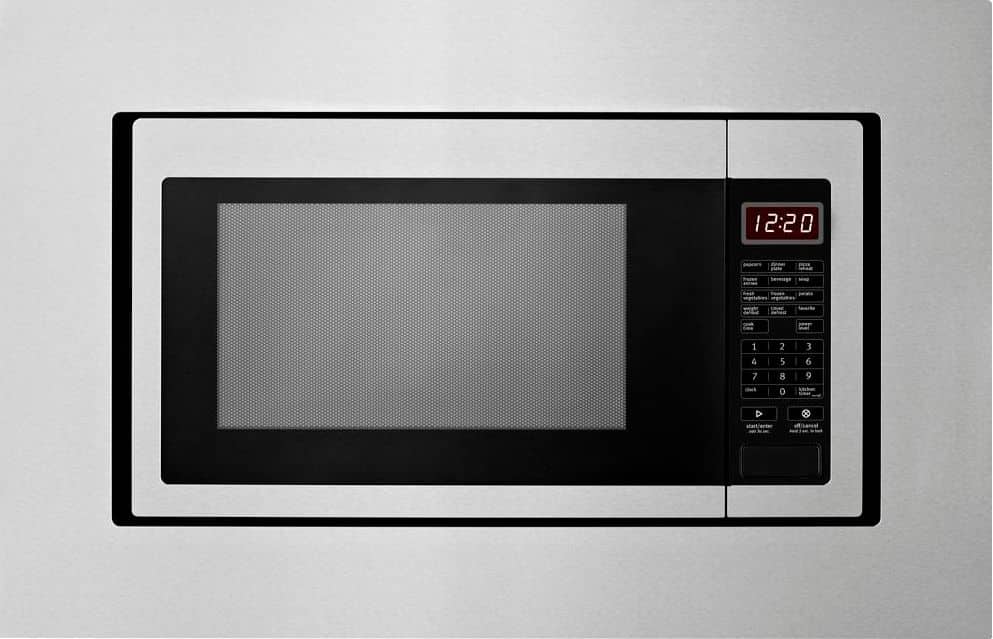
A:AnswerYou won't be able to cut the trim down to fit a 27", there's a lot of support under the stainless, and I don't think there'd be a good way to cut it and have it still look clean. With proper ventilation though, you could install the microwave in the cabinet without the trim.
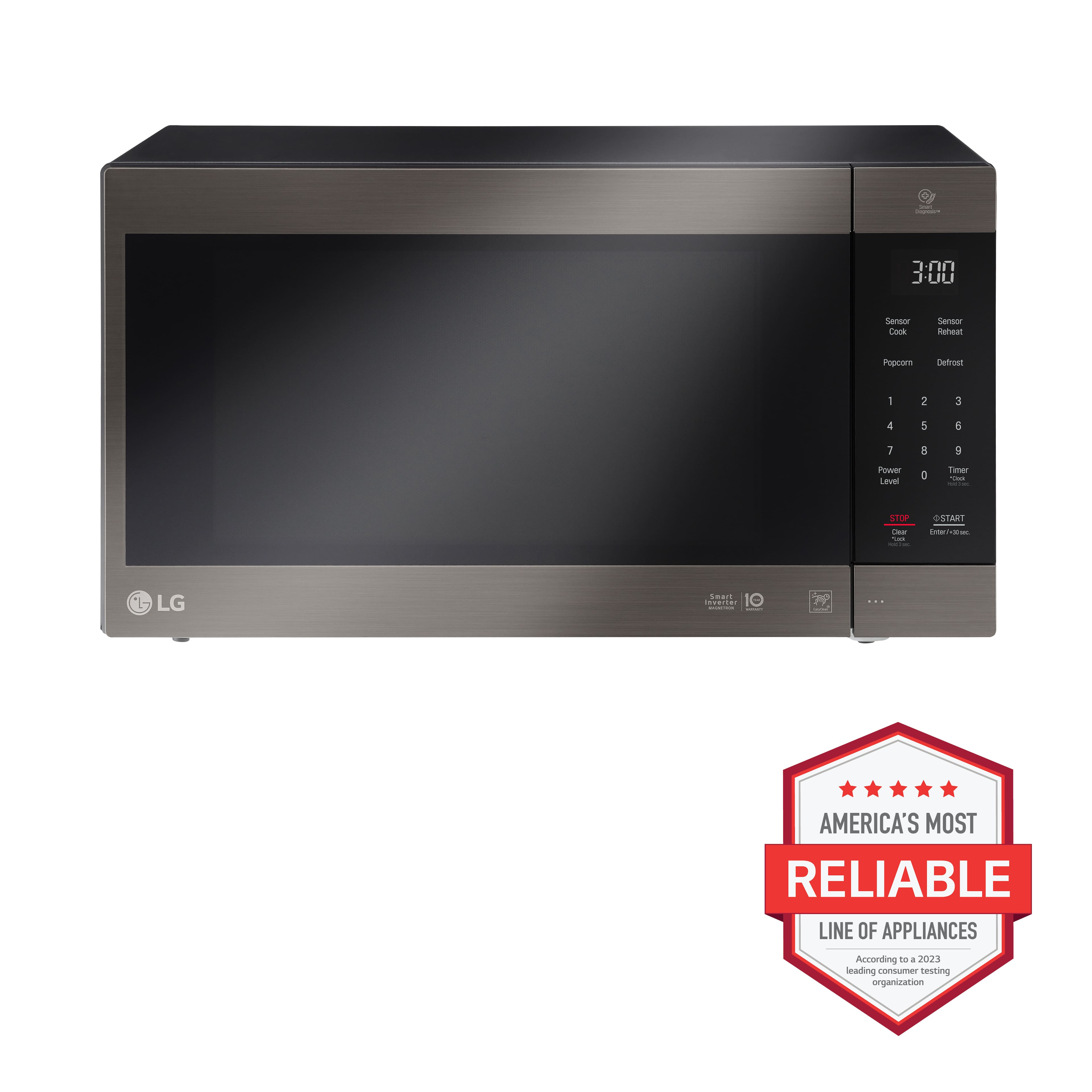
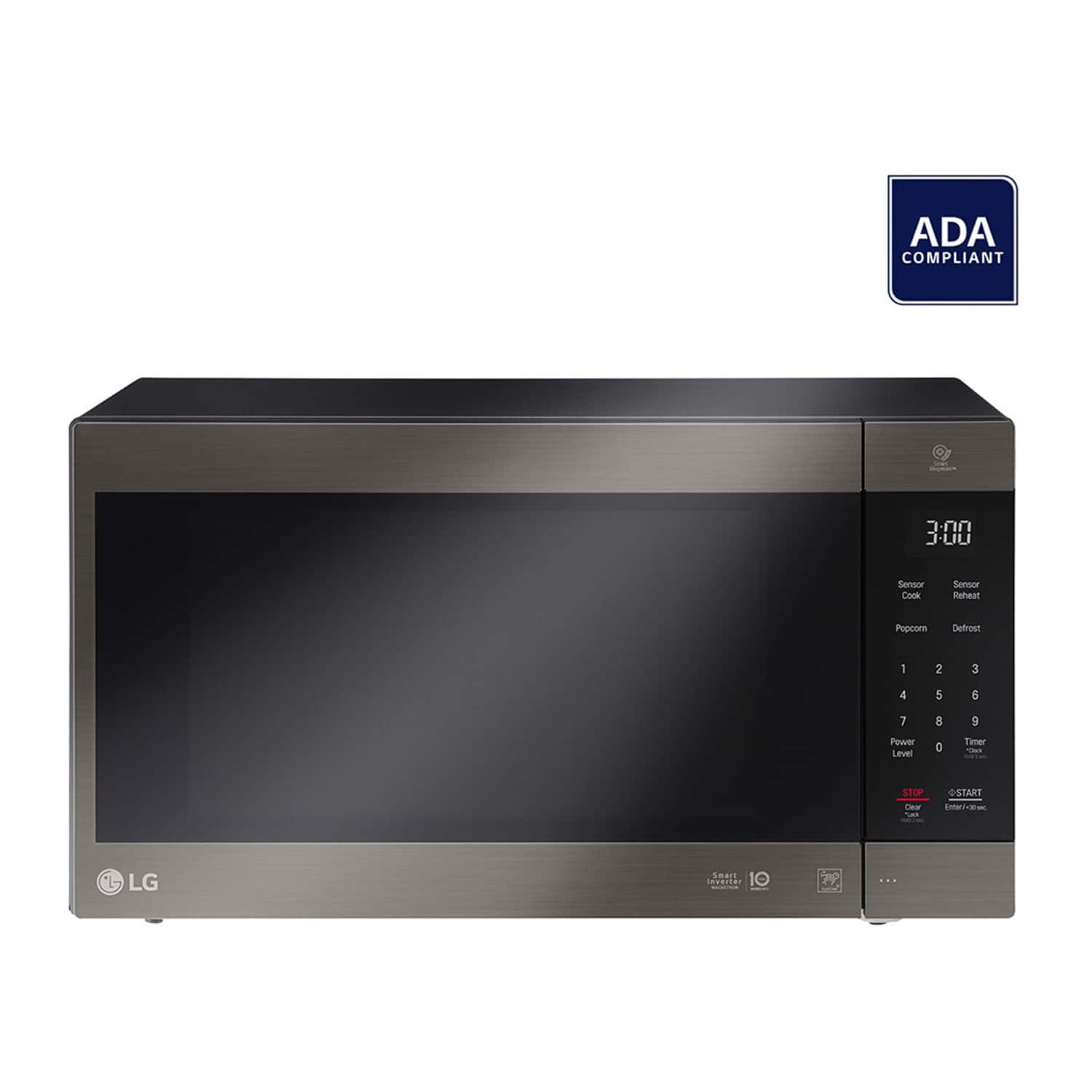
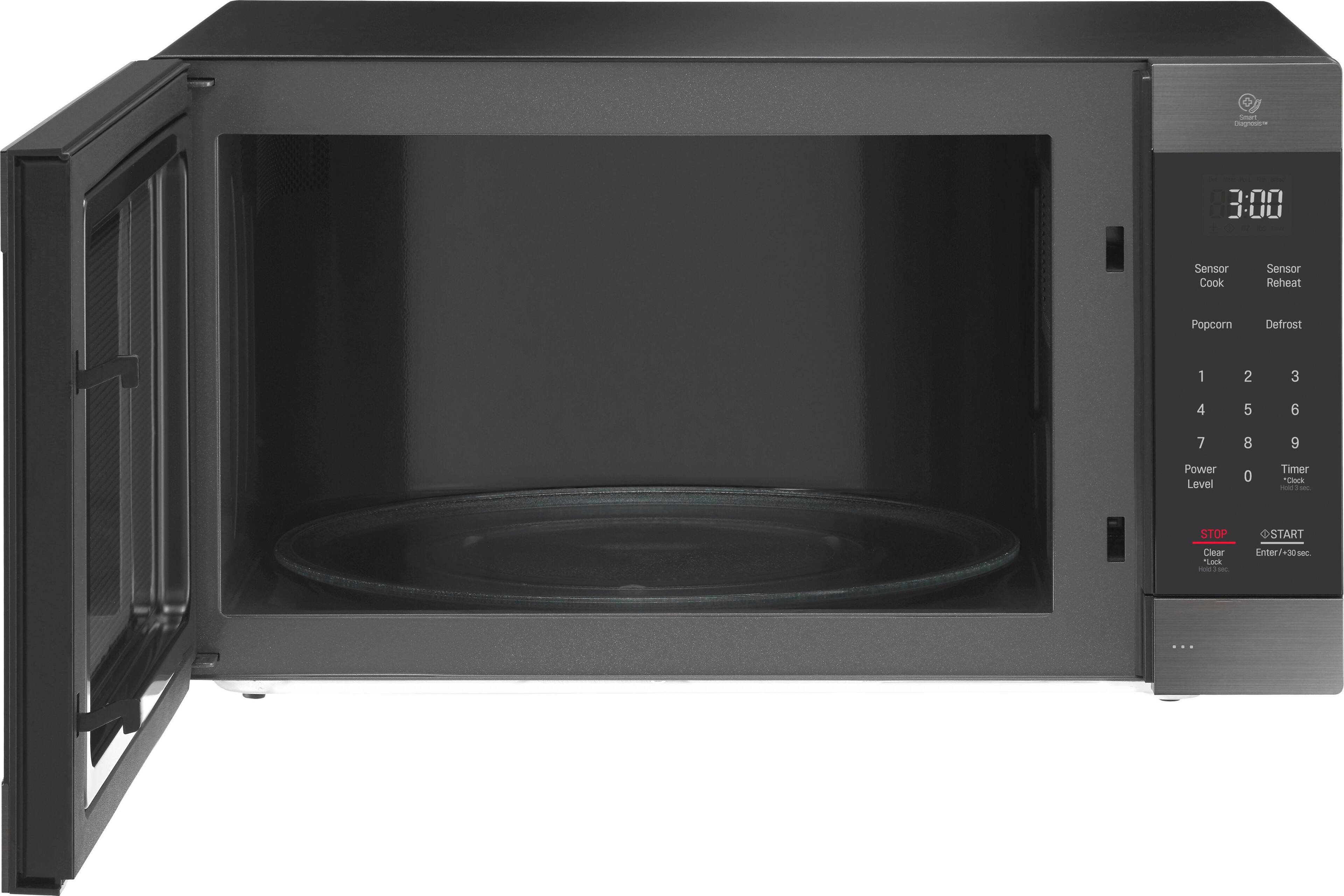
A:AnswerThe exterior W x H x D dimensions for the LG 2.0 cu. ft. NeoChef™ Countertop Microwave with Smart Inverter and EasyClean®, Model # LMC2075ST are 23 7/8" x 13 9/16" x 19 5/16" and the interior W x H x D for the cavity are 16 11/16" x 11 1/4" x 18 1/16" ...^IFV
A:AnswerThe main part of your microwave oven that makes it possible to heat food is bad. unless your oven is under warranty it is cheaper to buy a new microwave then to fix your old one.
A:AnswerI personally do not any see need for any type filter with the usage of this type of Microwave.
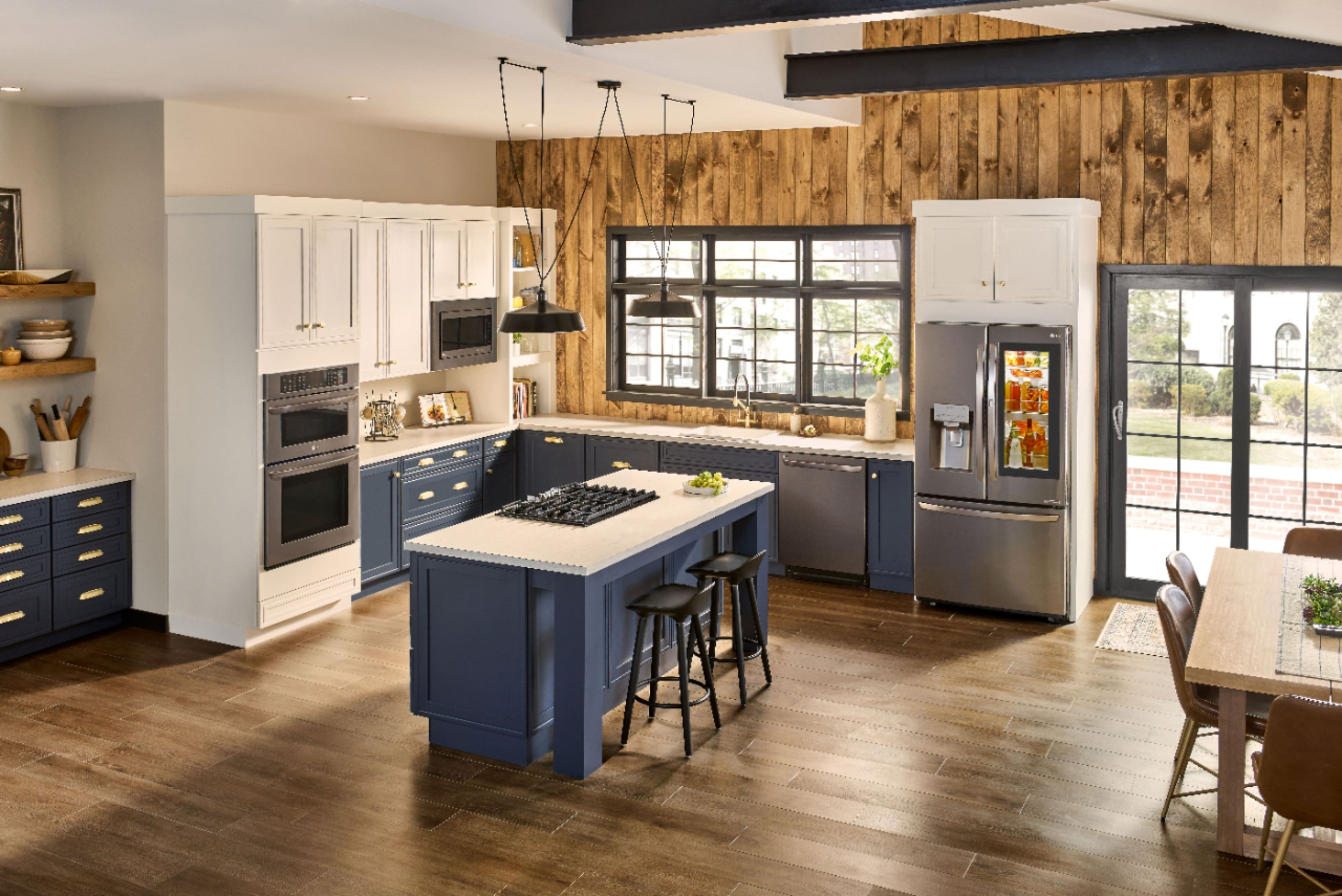
This Microwave is considered to be a "Counter-top' unit that we install inside of a cabinet enclosure with manufacture recommended space surrounding the unit on all 8 sides of the unit.
The Trim kits provides the unit the "Built-in" appearance with proper spacing and the ability to be stationary with in surrounding enclosure.
A:AnswerJust bought one of these. There are no provisions for mounting features on the sides of this unit. It is meant to sit on a countertop or shelf.
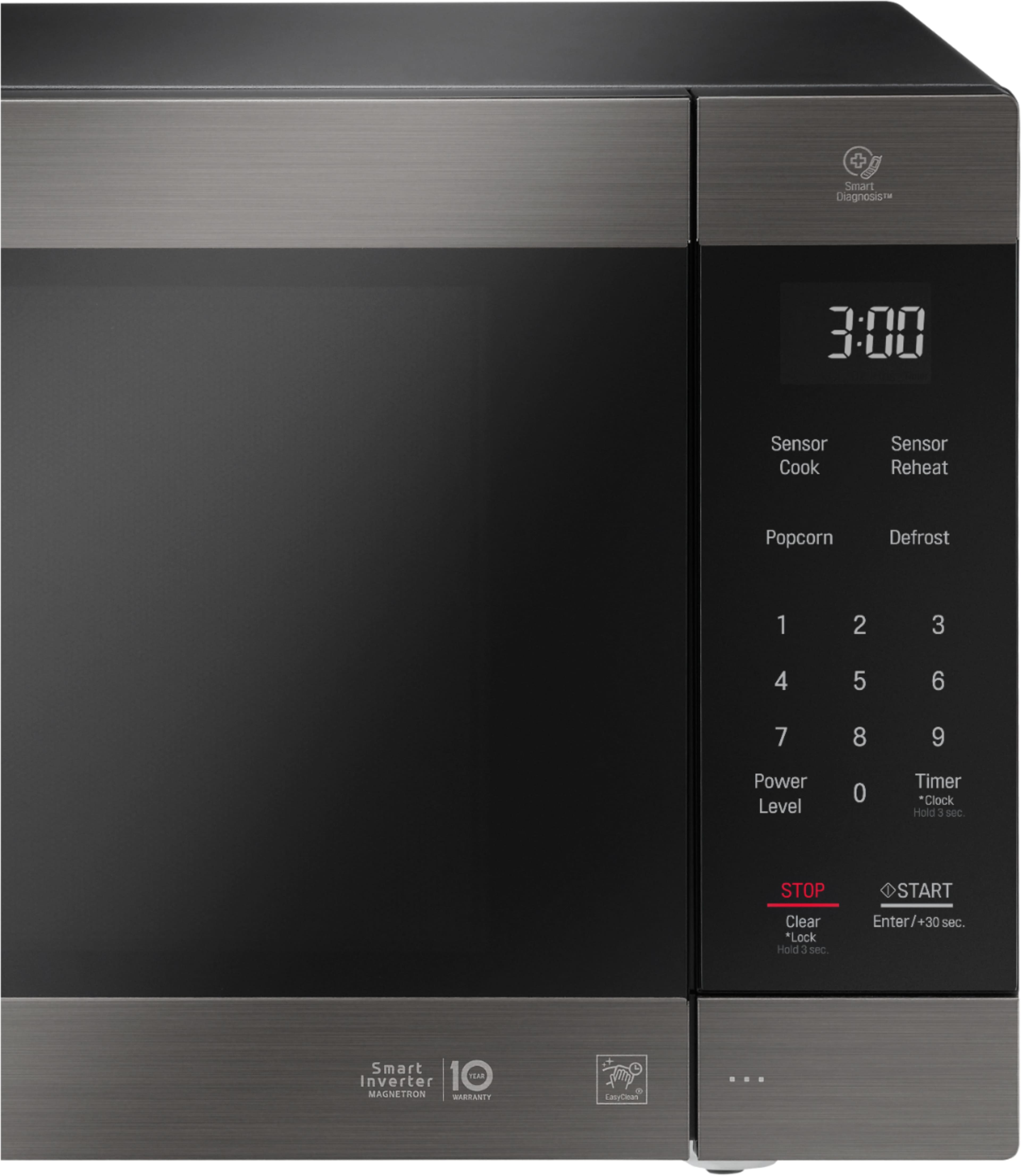
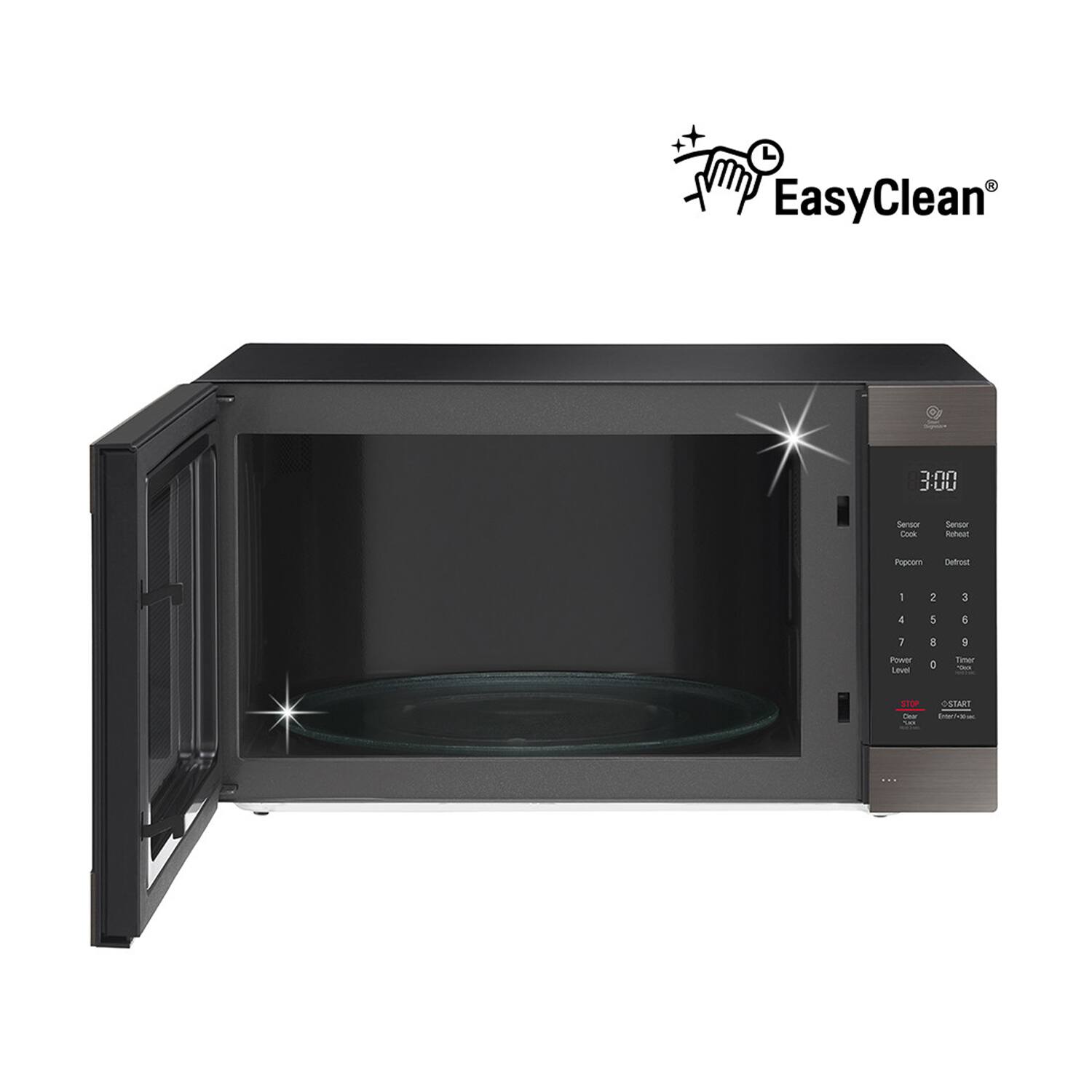
A:AnswerThe cavity for the LG 2.0 cu. ft. NeoChef™ Family Size Countertop Microwave with Smart Inverter and EasyClean®, Model # LMC2075ST is an EasyClean® Interior which is an enamel coating with an Anti-Bacterial Coating that resists stains and buildup, so cleaning the microwave doesn’t have to be a chore. You can simply wipe with a damp cloth—no chemicals, no scrubbing required...^IFV
A:AnswerAccording to the LG Website see the following info:
WARRANTY/UPC
Limited Warranty 1 Year Parts and Labor (In Home Service) 10 Years Limited on Magnetron (In Home Service)UPC 048231337198.
A:AnswerThe height would be a little over 13", however, without the model number of the trim kit, we would be unable to advise if it would fit. ^ Jamal
A:AnswerHave you tried unplugging the microwave? Doing so, and then waiting for a few seconds before plugging it in again, might reset the microwave's entire system to normal after the abrupt outage of power. Good luck!
A:AnswerYou can access an owner's manual from the support page at https://www.lg.com/us/support/product/lg-LMC2075ST.BSSEBBY. For further assistance, please reach out to our support team via private message on Facebook @LGUSSupport and use #VOC in your first message to our social media support team or call at 800-243-0000. ^Daphane