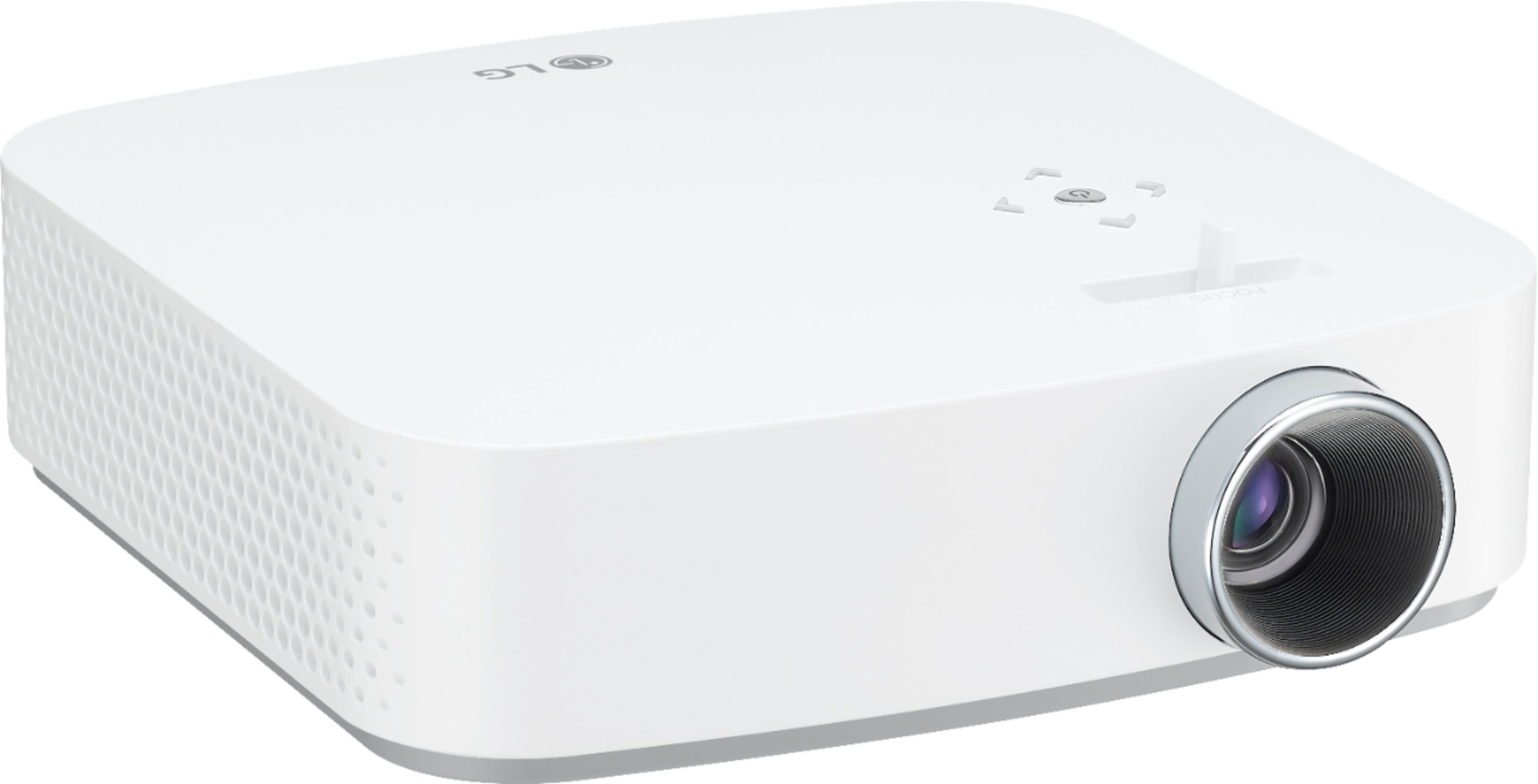
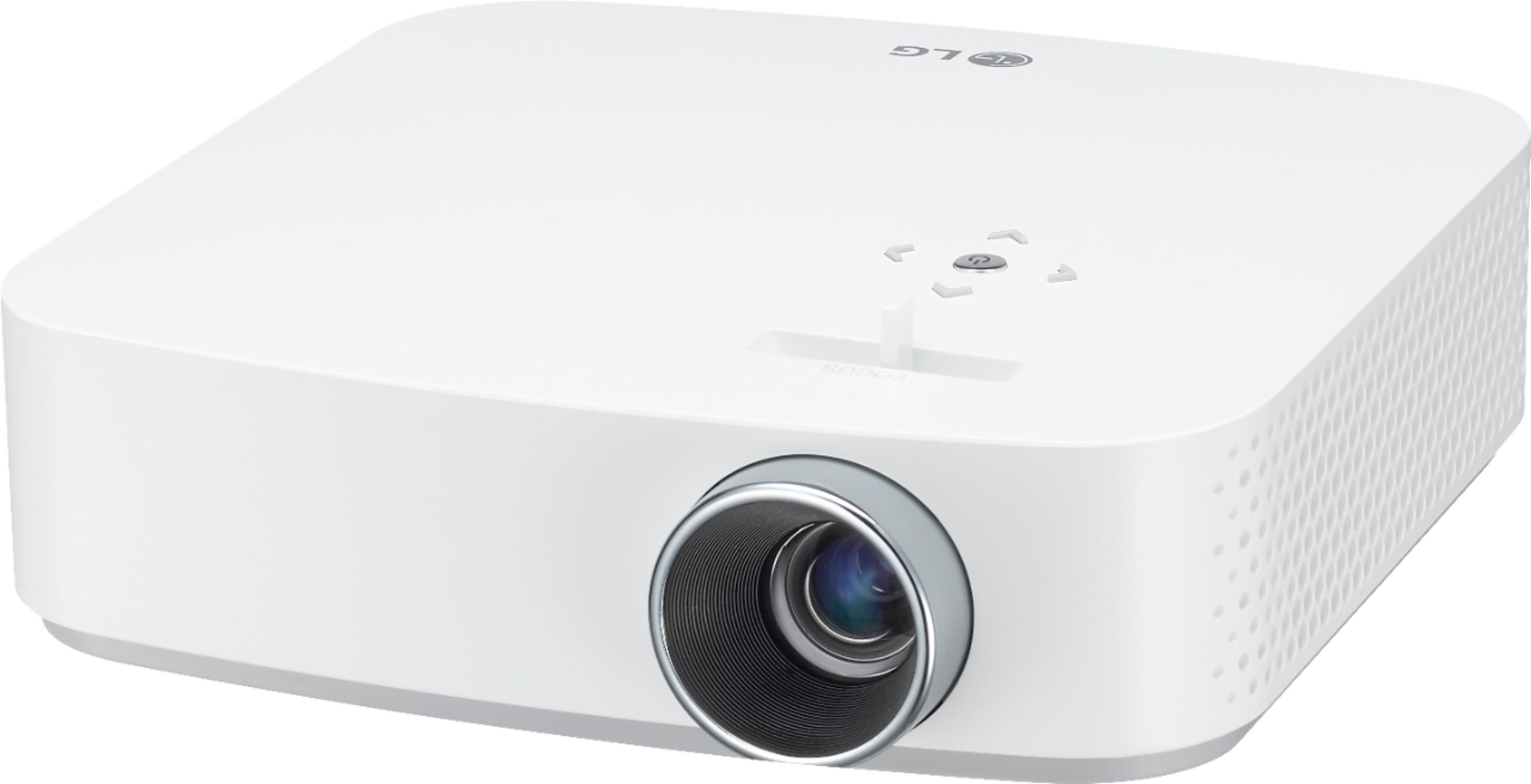
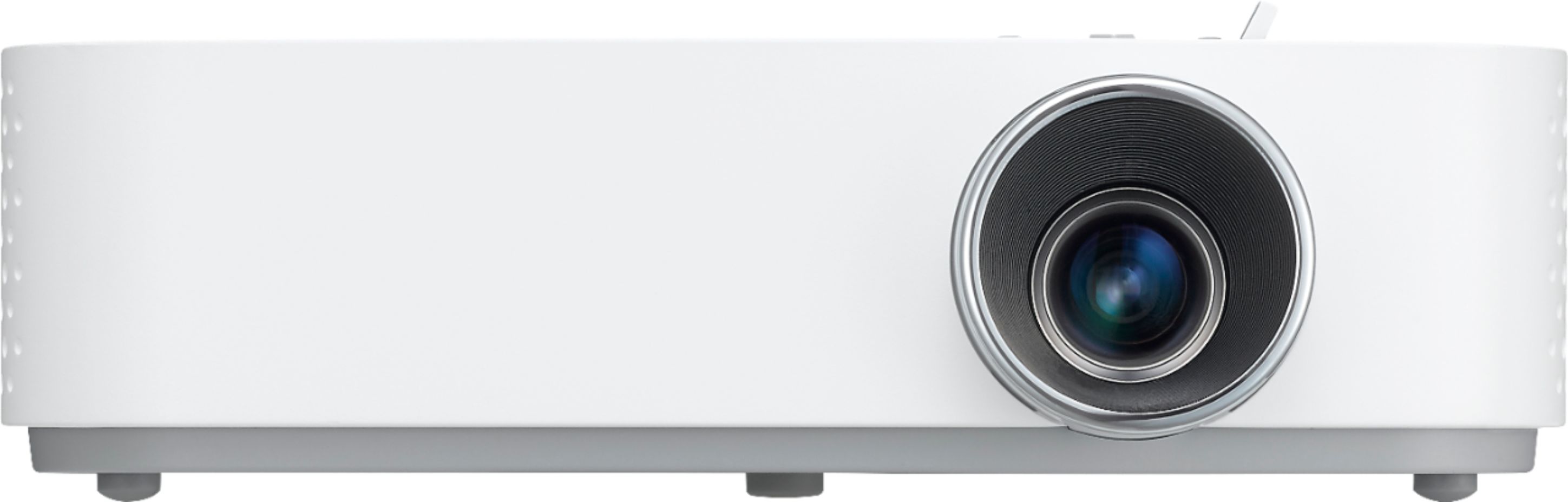
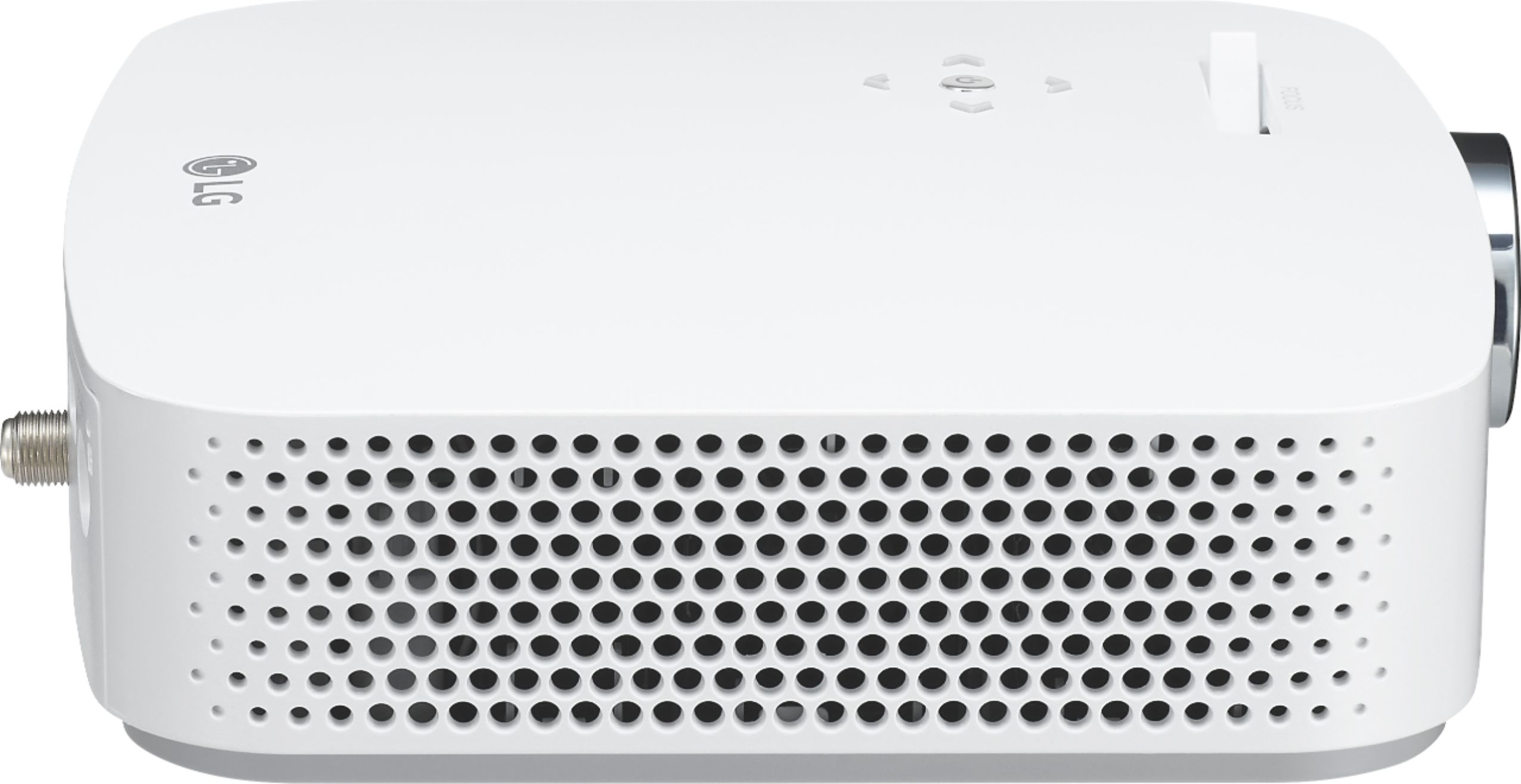
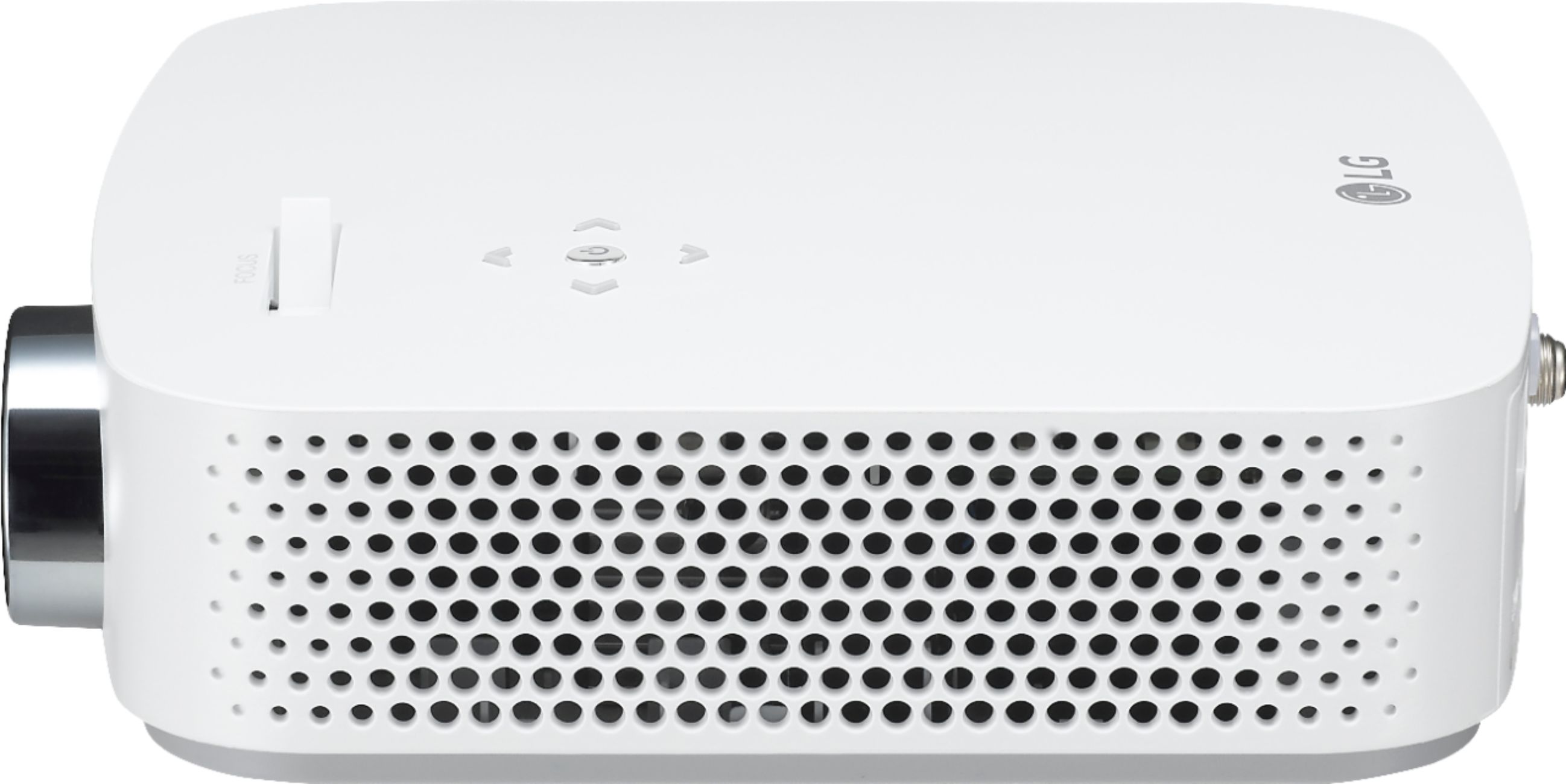
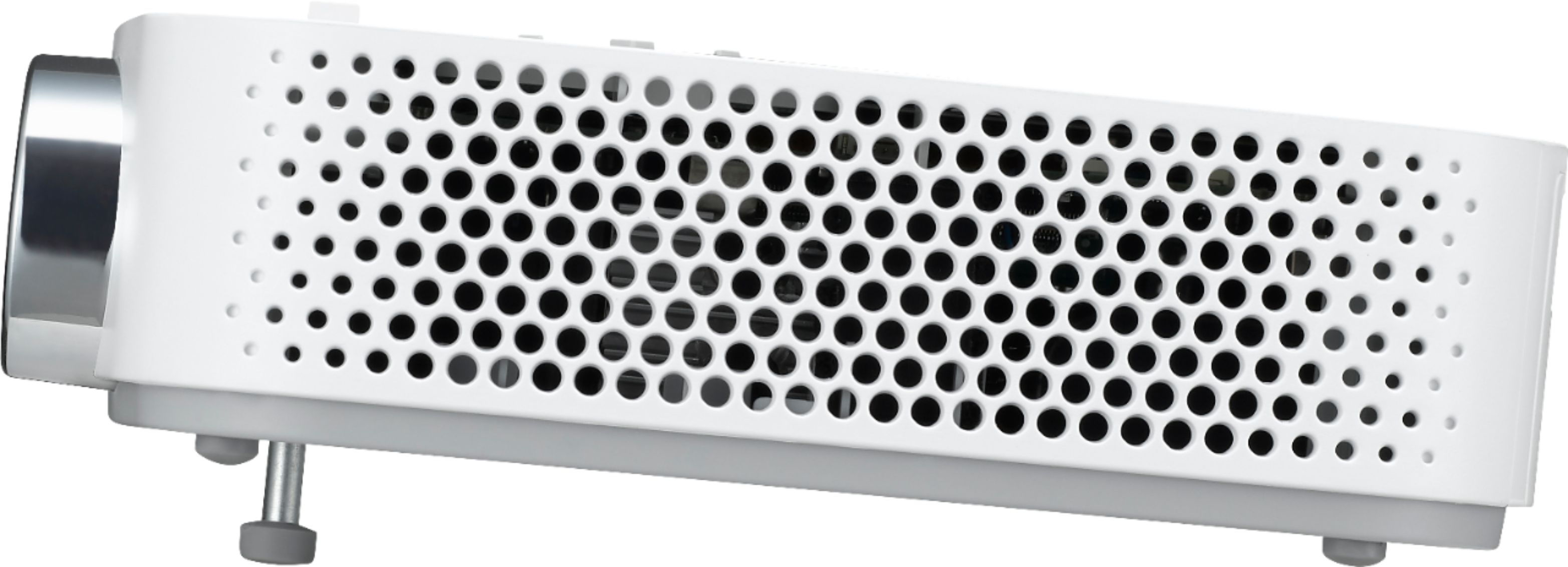
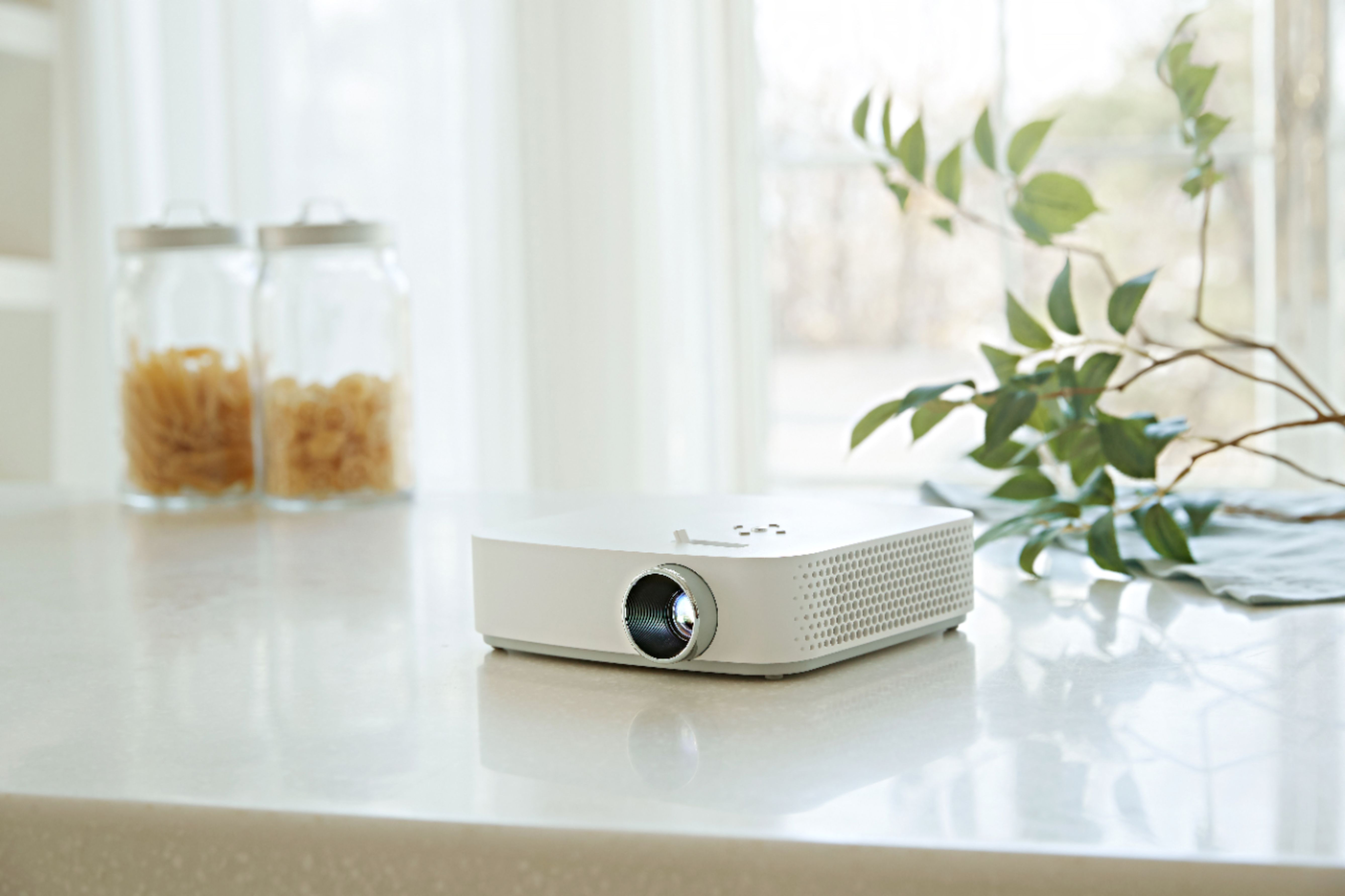
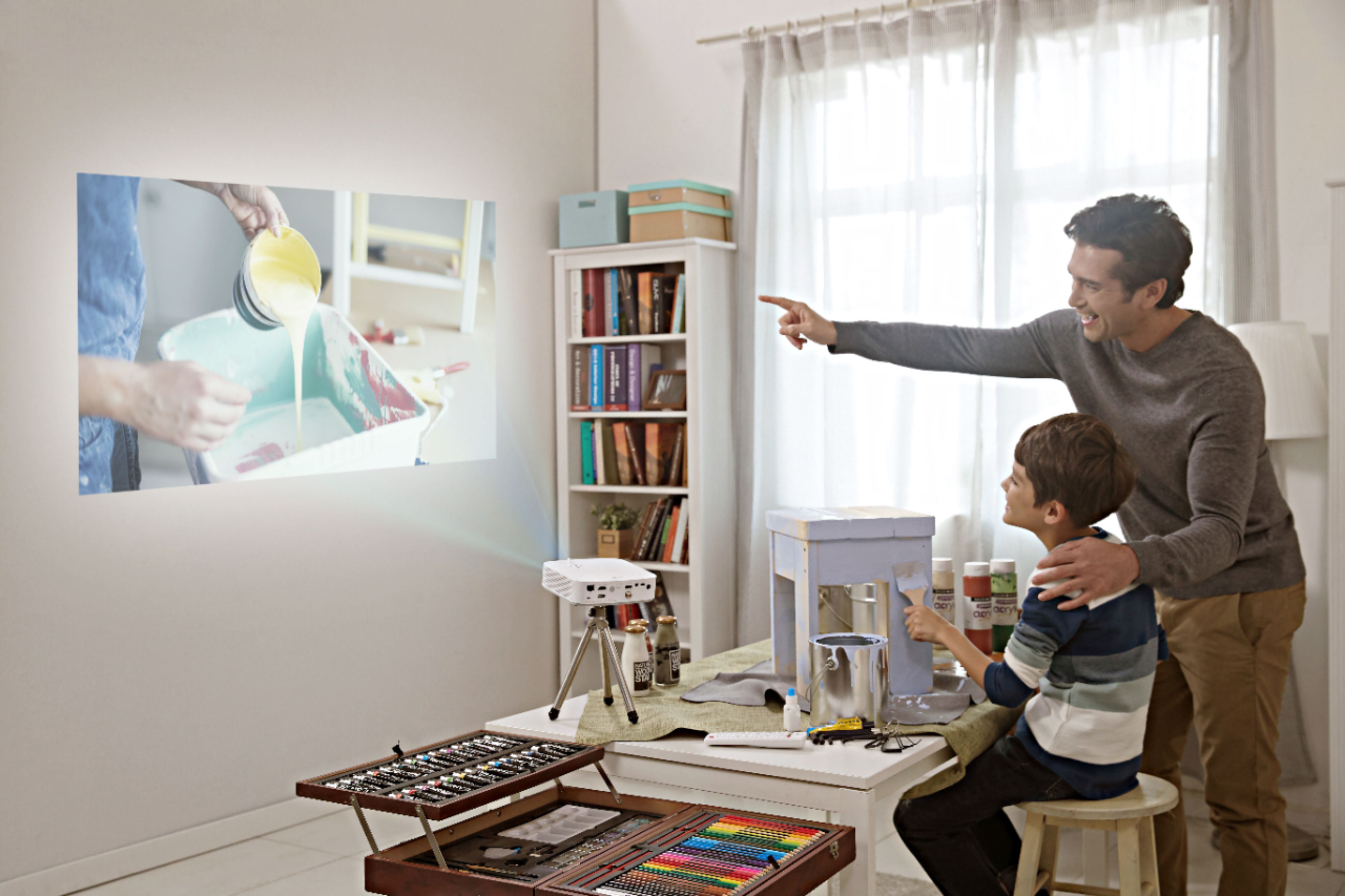
A:AnswerThe minimum projection distance for the LG PF50KA 1080p Wireless Smart DLP Portable Projector - White is 31.1" and the maximum projection distance is 125.0"...^IFV
A:AnswerInformation regarding connecting a smart device can be found on page 43 of the owner's manual. https://www.lg.com/us/support-product/lg-PF50KA#manuals ^CP
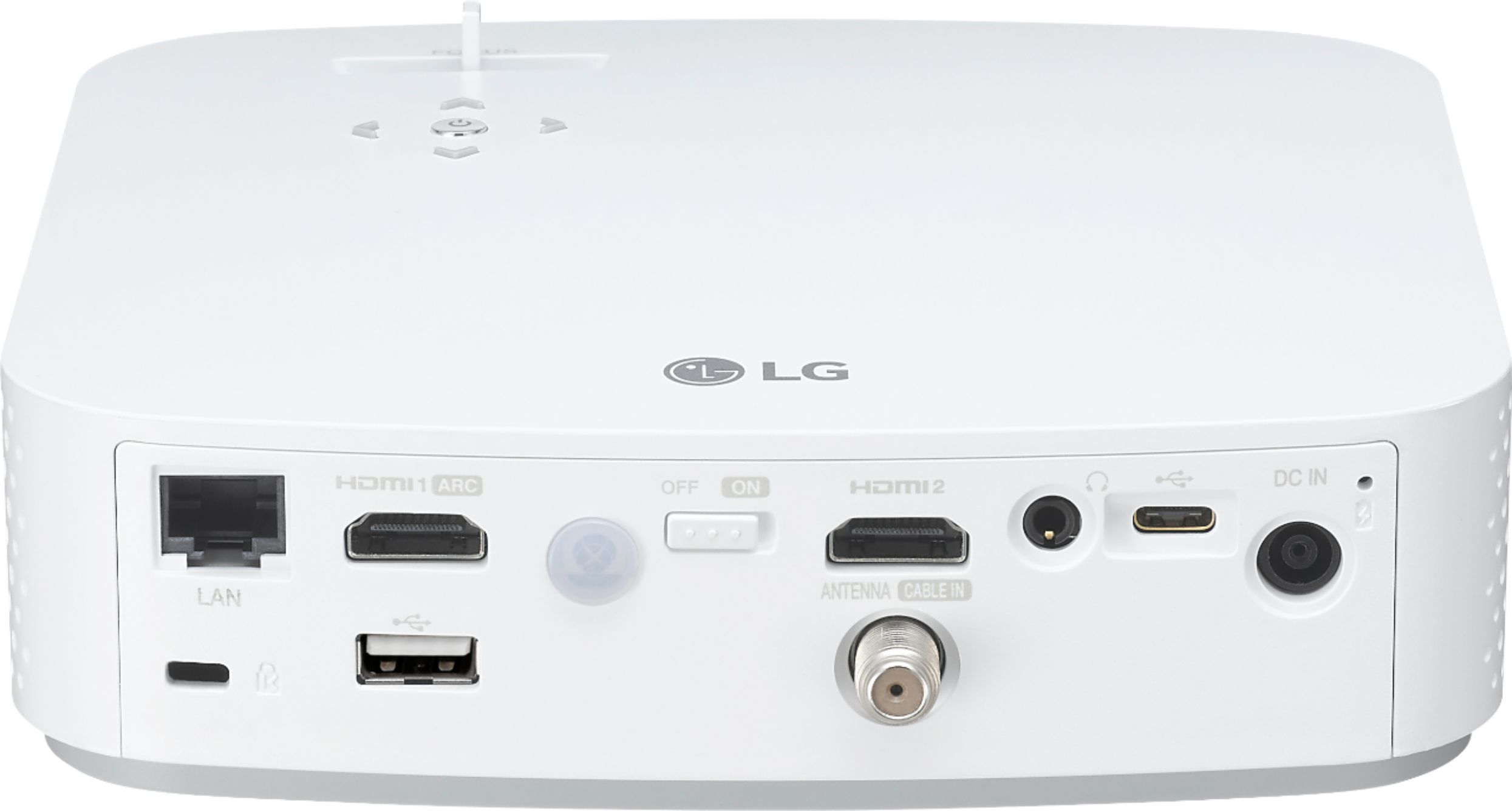
A:AnswerNo, you cannot project wirelessly from an Apple device directly to this projector. But this isn’t an LG issue but rather an Apple “feature”. I have the same issue with my LG TV. Your best bet is to use an Apple TV hooked up to your LG projector and use airplay. Or you can plug directly into the projector from your Apple laptop. It has both an HDMI port and a USB-C.
A:AnswerWhen Smart Picture Mode is enabled, the projector will automatically adjust to the optimal picture
settings based on data it receives on the genre of the program being played. Set the option to On to enable this mode. ^CP
A:AnswerI just purchased this unit a few months ago. What have I found? Amazon Prime and HBO are not available for this device. That's it. I found this hard to believe because you can get amazon on other lg devices. And hbo. You can get hulu on the device and sign up for hbo through hulu, but somehow this device won't allow you to access hbo on the hulu app. You can access it through an ipad. This was very much a let down for us as I am a frequent user of both Amazon and Hbo.
Yes, you can screen cast from a device. I can't speak for how it works with windows or android phones (which are the default platforms) but you'll need to purchase a third party app to accomplish this with a mac or iphone. And the cast process is awkward and rendered poorly.
I've enjoyed the projector but this aspect was a big let down.
A:AnswerThe LG Full HD LED Smart Home Theater Projector with Built-In Battery, Model # PF50KA comes with a standard remote control. Regrettably, we are not clear on what you mean when you say "The remote is not working good". If the batteries have worn out the remote may not respond well. If the batteries have burst and leaked their electrolytes into the battery compartment and it has managed to seep onto the circuit board in the remote because it is caustic, it will damage the components in the remote causing it to not work properly. You can look to see if there are any universal remotes available that will control LG Projectors or simply order a replacement if the original remote is damaged. Look in the battery compartment to see if you see any wetness or any white residue. Do not touch it if you see either or get it on your clothes. As mentioned before, it is caustic and can cause burns...^IFV
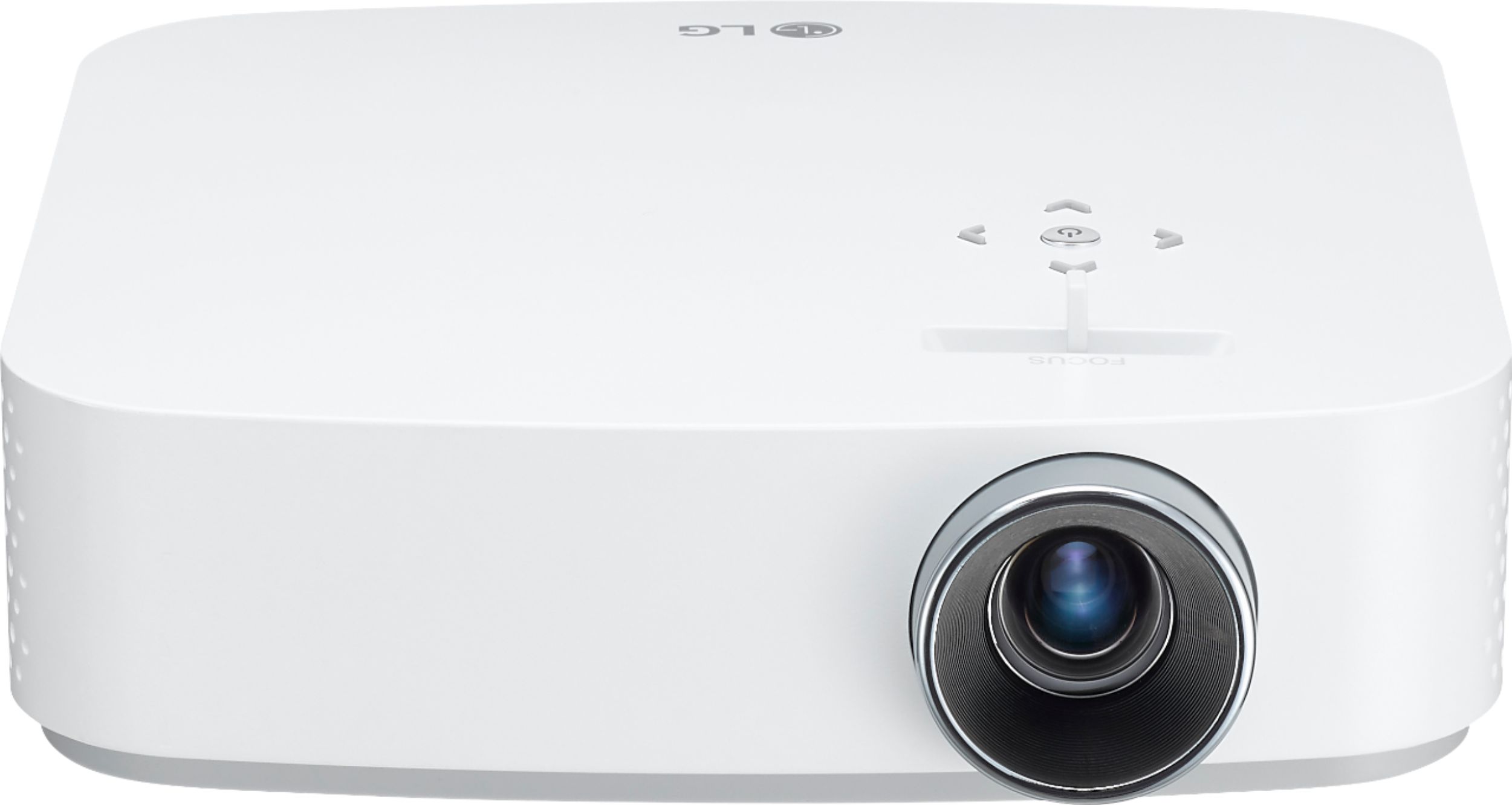
A:AnswerYes, the battery can be charged while using the projector. For assistance finding a tripod for use with your projector, we recommend reaching out to Best Buy directly. Their phone number is 1-888-BEST BUY (1-888-237-8289). ^CP
A:AnswerI found the WEB OS and the apps in this projector is limited, hopefully LG will have software update soon and more. Meanwhile, you can try to use Comcast or download the mirroring or casting apps or using the supplied LG apps to casting the apps from mobile devices. Otherwise, just plug in Amazon fire TV or Apple TV in its HDMI port. (Treat the projector as TV)