A:AnswerI bought my phones at Walmart but then we sold out and then I went on the website and I found that Best Buy I came out with Best Buy with a better deal because I had all the extras with that product with them I did like there's better so I'm gonna order my son another one because he likes to play two different game system so that will be his next year Christmas gift
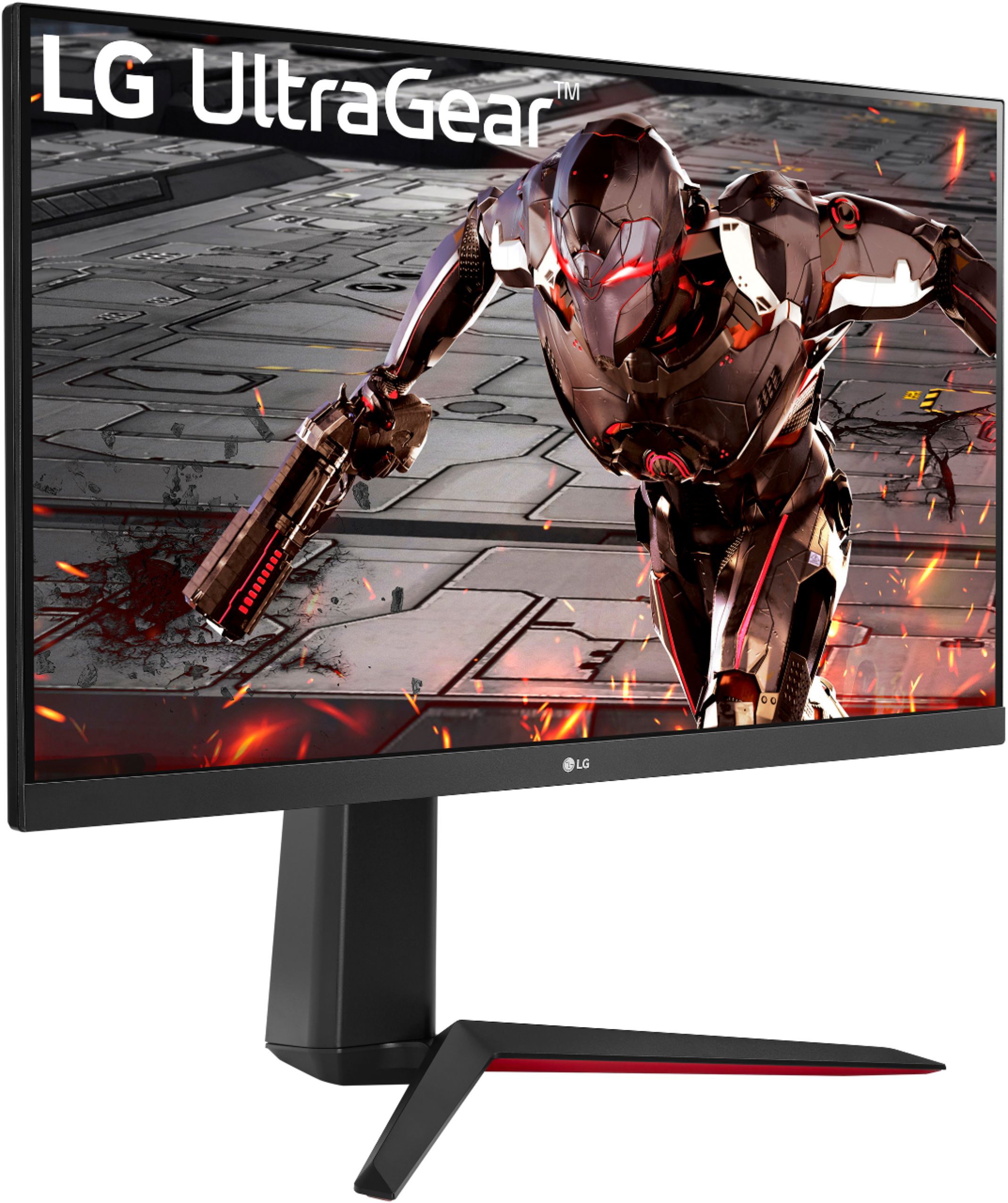
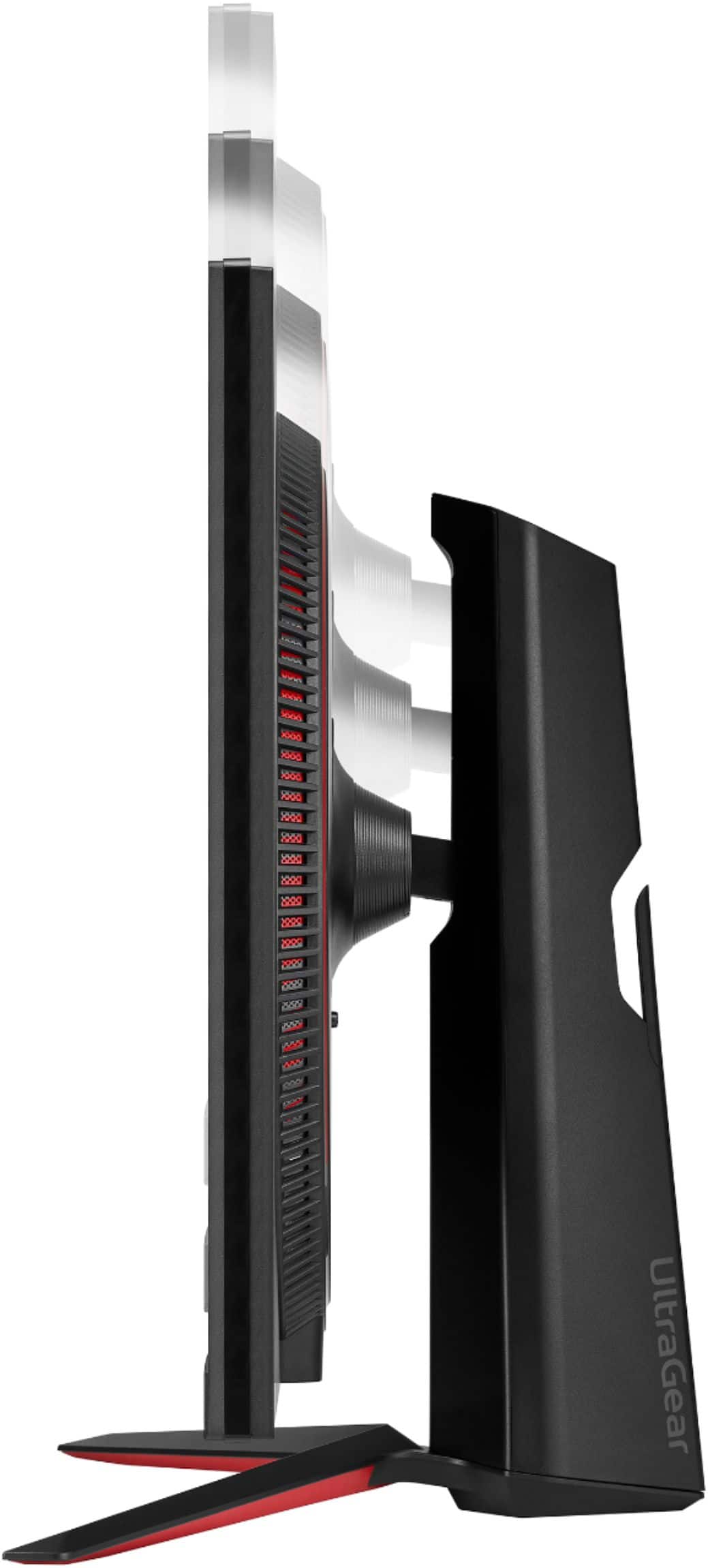
A:AnswerMonitor 32GN650-B supports Plug and Play drive and doesn't require drivers. For further assistance, please reach out to our support team via private message on Facebook @LGUSSupport and use #VOC in your first message to our social media support team or call at 800-243-0000. ^Daphane
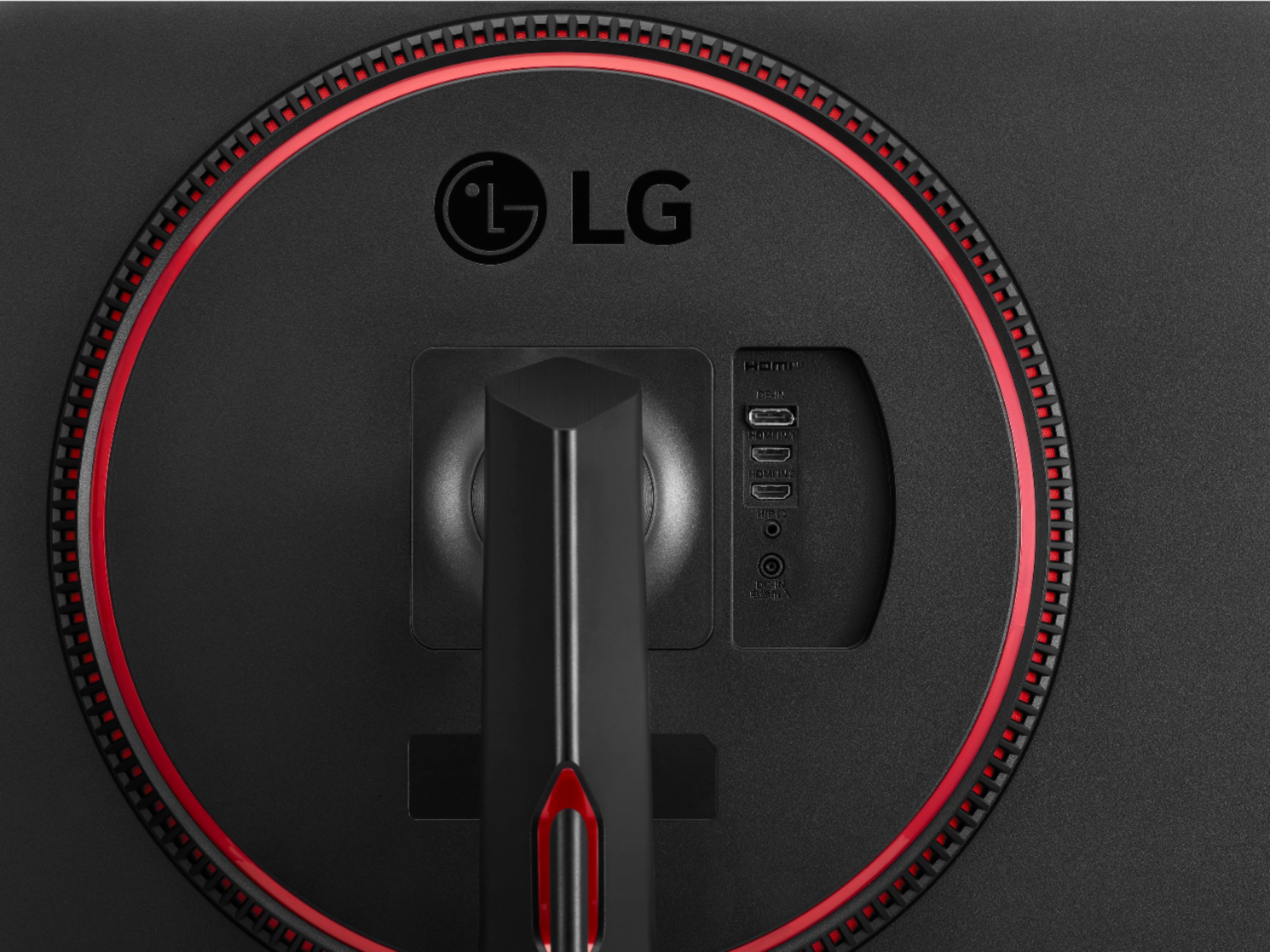
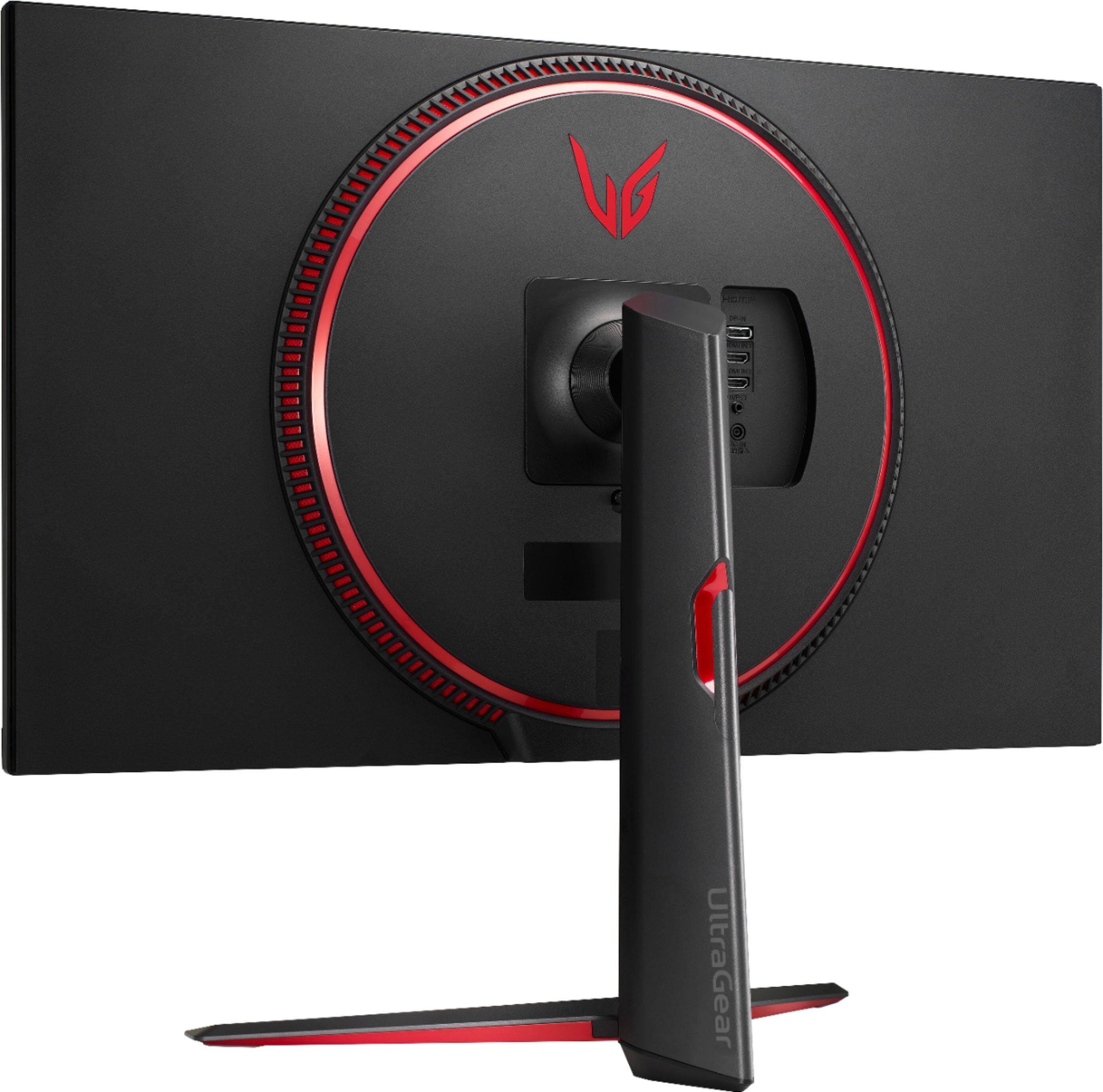
A:AnswerI agree that they are short, but they are designed to be plugged into a surge strip or battery back up like a product from APC. Unless LG makes a replacement cable of extra length, I would not try to buy an aftermarket version as this may change resistance values that are preset into the LG transformer style plug. I purchased an APC surge protector that allowed vertical plug ins as well as horizontal. The length of the surge strips plug provided plenty for all my gear to be plugged in and protected.
A:AnswerPlease see the link for a side by side comparison of available specifications for both monitors. ^Daphane https://www.lg.com/us/compare?bizType=B2C
A:AnswerPlease contact LG Customer Service at 1-800-243-0000, direct message via Twitter (@LGUSSupport) or Facebook Messenger (https://www.facebook.com/LGUSA/) for any accessories are missing. Please be sure to provide your contact information model/serial numbers and date of purchase and we will be happy to assist you. We apologize for any inconvenience this has caused. ^Daphane
A:AnswerCorrect - this is more of a game limitation than a PS5 limitation. If you go to 'settings' > 'save data and games/apps settings' and turn it to 'performance mode' it should automatically maximize FPS with games that support 120 FPS