A:Answereero Pro nodes feature two Ethernet port. The first node you set up connects directly to your modem, and behaves as a WiFi router. With the modem plugged into Ethernet port 1, port 2 is still open. You could plug in a network switch, and then plug PCs or other devices into the switch. Or, you could connect a PC directly to port 2 on the eero, just like you can with a traditional router. Of course, you could also connect your PC via WiFi.
eero won’t speed up your Internet, unless your previous router setup was beset by problems that affected performance. eero mostly solves problems with reliability.
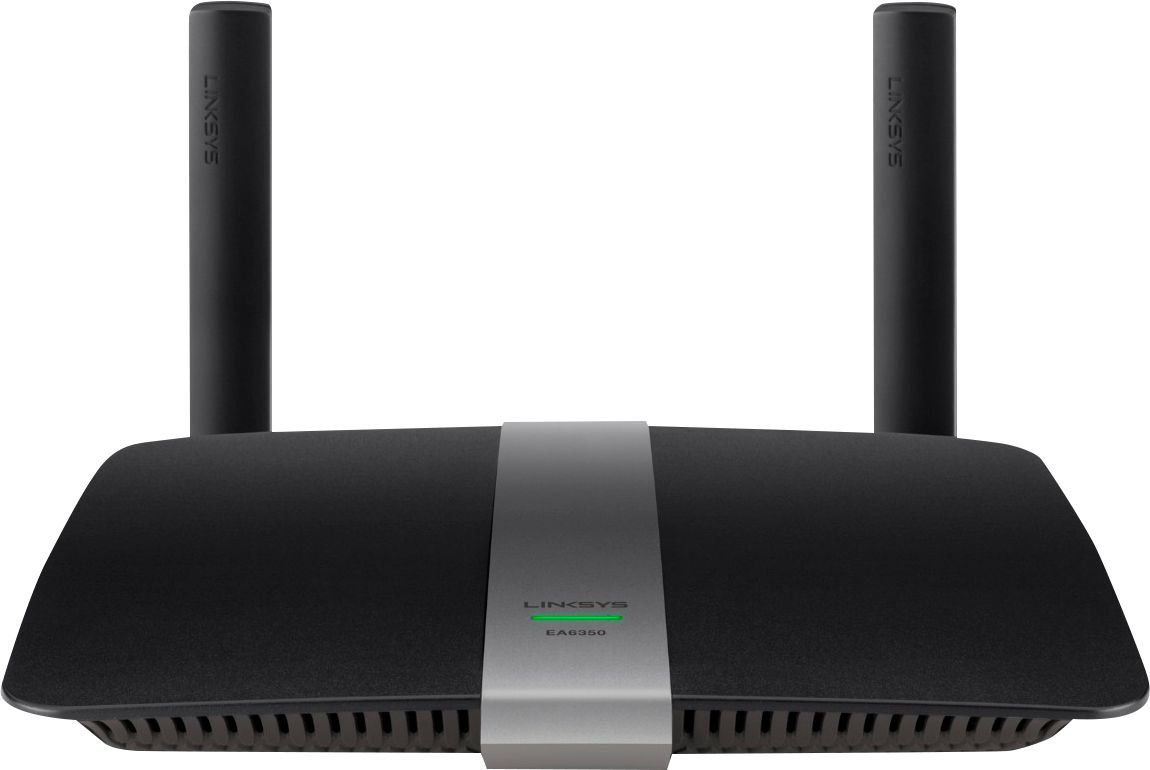
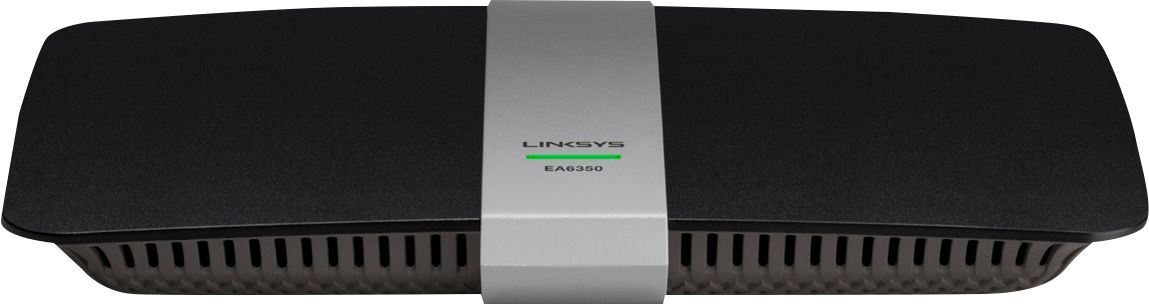
A:AnswerHi, Queenie. Yes, you may try setting up the Linksys EA6350 using your handheld device. However, in case we ran some issues with it, then we may need to use a computer. We also suggest you to contact us over email so we can have our Escalation Engineers assist you at [email protected] with your contact info and the link of this post, for our reference.
A:AnswerHi, Blueridge. Our routers will work with any cable ISPs/modems as long as they provide Ethernet connection. For more details, please reach out to [email protected].
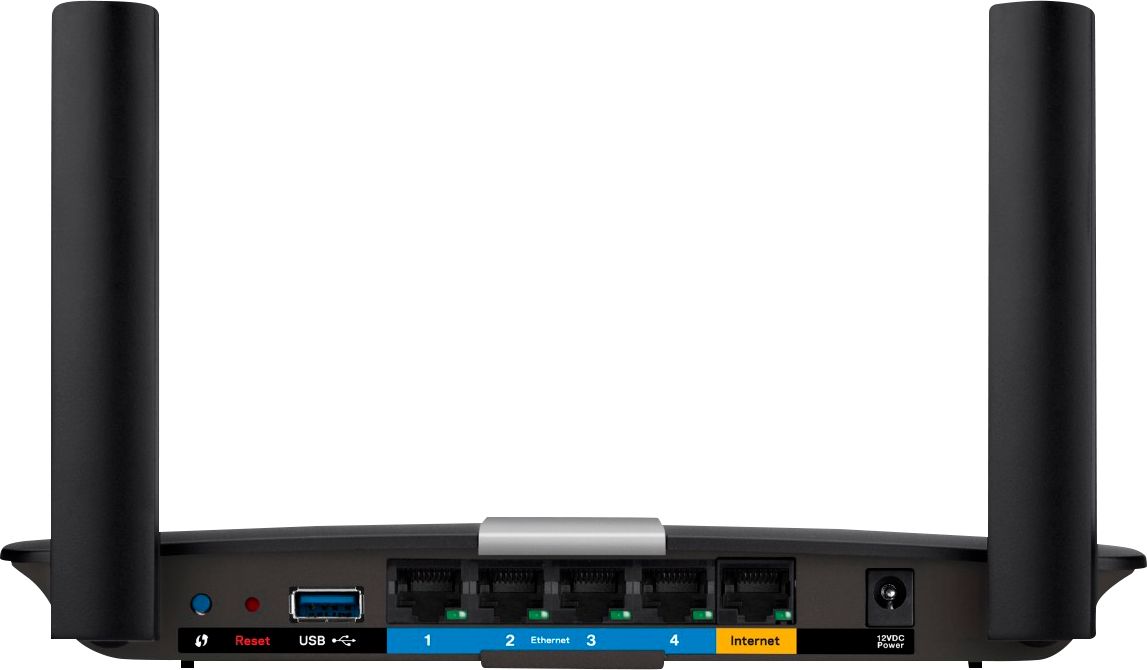
A:AnswerThis is all the information on USB - Port Type(s)
USB 2.0 connects external drives, gaming controllers, smartphones, MP3 players and other accessories. USB 3.0 transfers data faster than USB 2.0, but only when used with USB 3.0 devices. USB Type-C provides fast speeds and versatile power, featuring connectors with identical ends that plug in upside down or right side up. Adapters allow for video as well as backward compatibility. Thunderbolt provides ultra-high bandwidth for fast data transfer between devices featuring a Thunderbolt or MiniDisplayPort connection. HDMI allows you to connect a projector or display HD media on your HDTV or monitor. Media card slots allow you to transfer photos from your digital camera or camcorder.
A:AnswerThis is the info on System Requirements - PC: Windows XP with Service Pack 3, Vista with Service Pack 1 or later, 7 or 8; Mac: OS X Leopard v10.5.8 or later, Snow Leopard v10.6.1 or later, Lion v10.7 or Mountain Lion v10.8; Wi-Fi capability; CD or DVD drive
A:AnswerHi. That will depend on your internet speed from your provider. If you have a stable high speed internet, then you should have no problems with lag during online gaming.
A:AnswerThe device works fine but if you have spectrum they throttle your speed up and down pretty extensively which leads to unpredictable results just streaming HD video. Direct connect will always outperform wireless by nearly 3-5x faster connection. Direct connect Ethernet if you can avoid spectrum if you can, as they are very slow no matter what speed they claim.