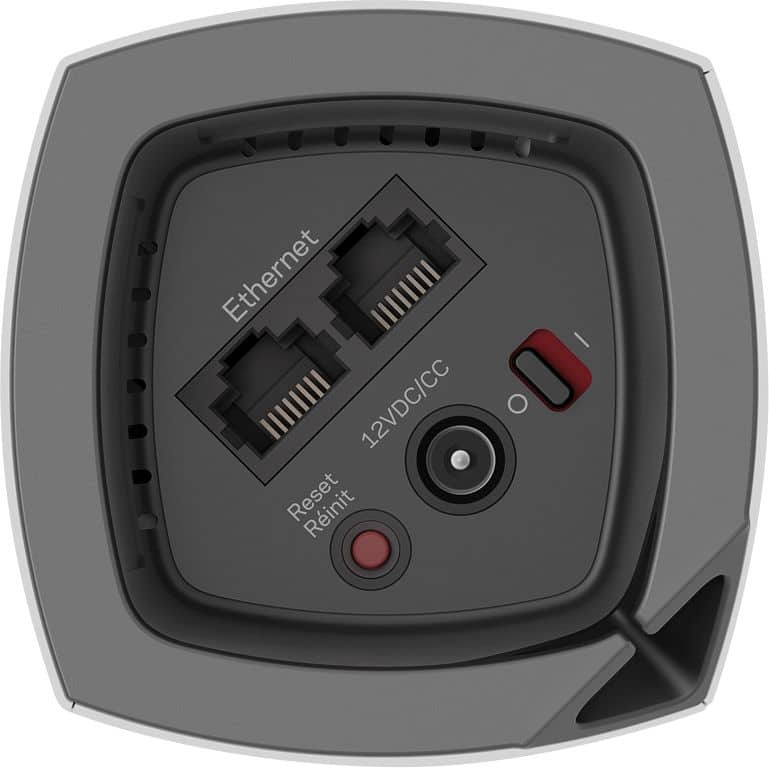
A:AnswerNo need to plug into a switch. All it needs is power. Place it in where you dont get a good signal and connect it to your existing mesh router via the app. Thats all you need to do. Was super simple.
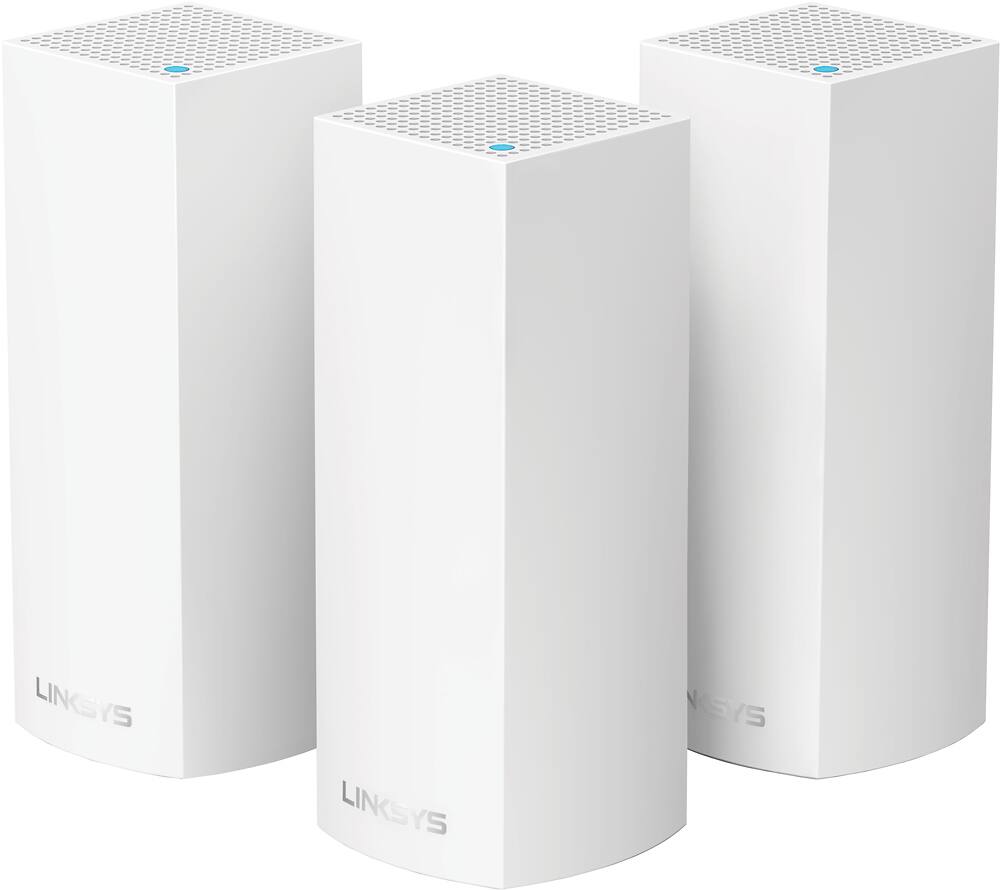
A:AnswerHi, Cornmeal. Yes, you can hook up more than three nodes in a system. So far, our Development Team has tested 10 nodes working seamlessly, but have seen other users that have gone beyond that.
A:AnswerHi Mikey. Yes, you can add another Velop WHW0301 node to your current setup. Connecting your devices wired to the node will help stabilize the connectivity.
For further questions, you can email us at [email protected], with the link to this post so that we can assist you.
A:AnswerHi, Danjes84. The Linksys Velop Tri-Band Mesh system should work with your existing router but, we suggest that your make the Velop node as your primary router.
A:AnswerHi. Yes, the Velop system is a good addition to your network to extend your Wi-Fi network.
But before you do, we suggest that you check with your internet provided to check on what is causing your slow internet connection since the Velop system is dependent on it.

A:AnswerHello, Fusa. Yes, you may use both models in one network system. However, it is recommended to use the Linksys Velop Tri-Band as the main node.
A:AnswerYes, Mike. It works with our Velop models including the dual band models. However, the tri-band node should be set as the main node and set the others as child nodes.
A:AnswerHi there. Our Velop routers will work with most Linksys routers. However, the Velop should be set as the main router and set the existing one as a child node. For more details, please reach out to us at [email protected].
A:AnswerYes, StevenT. However, the Velop WHW0301 Triband node should be set as the Parent node and reconfigure the dual-band nodes as child nodes. For more inquiries, please drop us an email at [email protected].