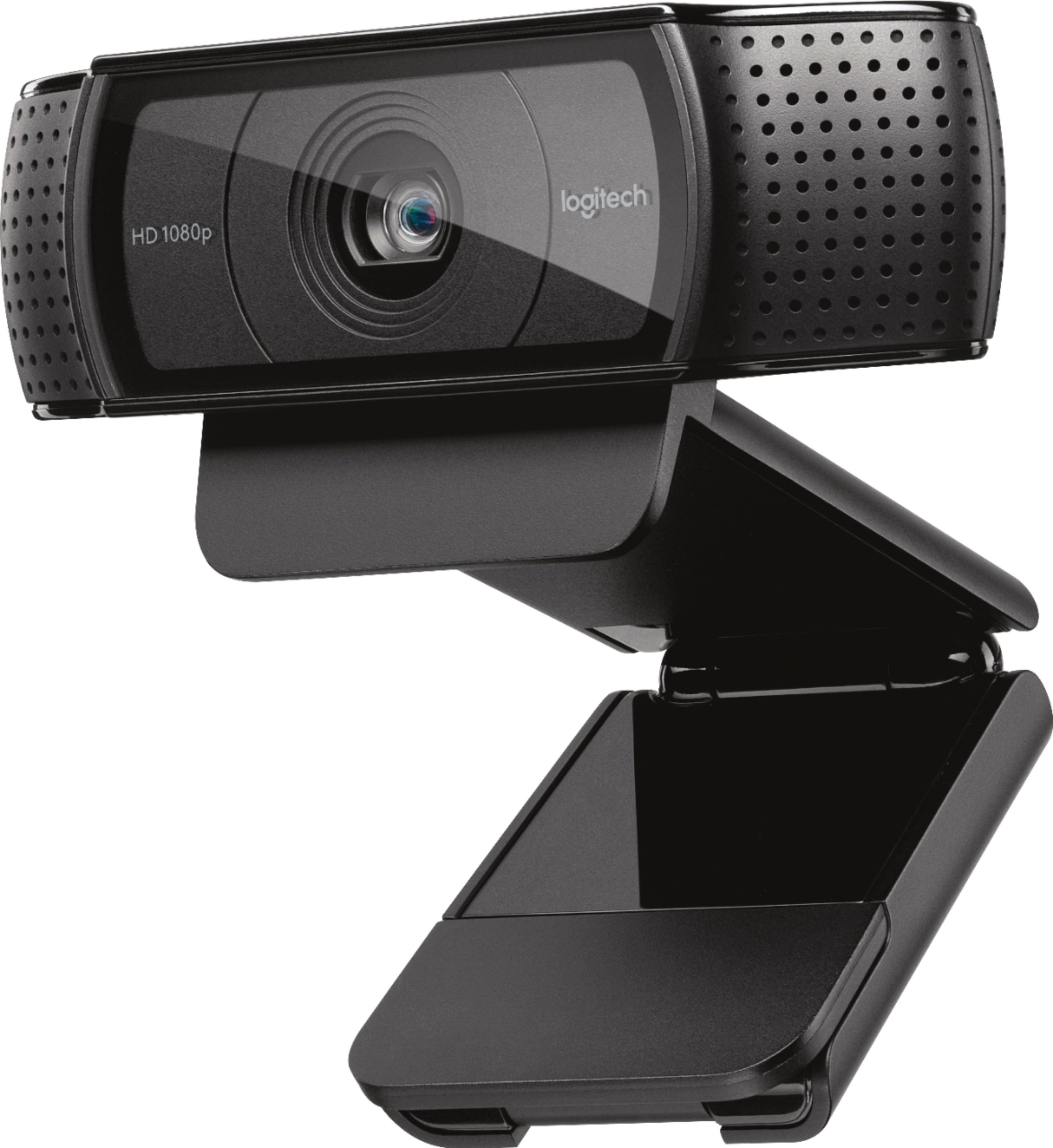
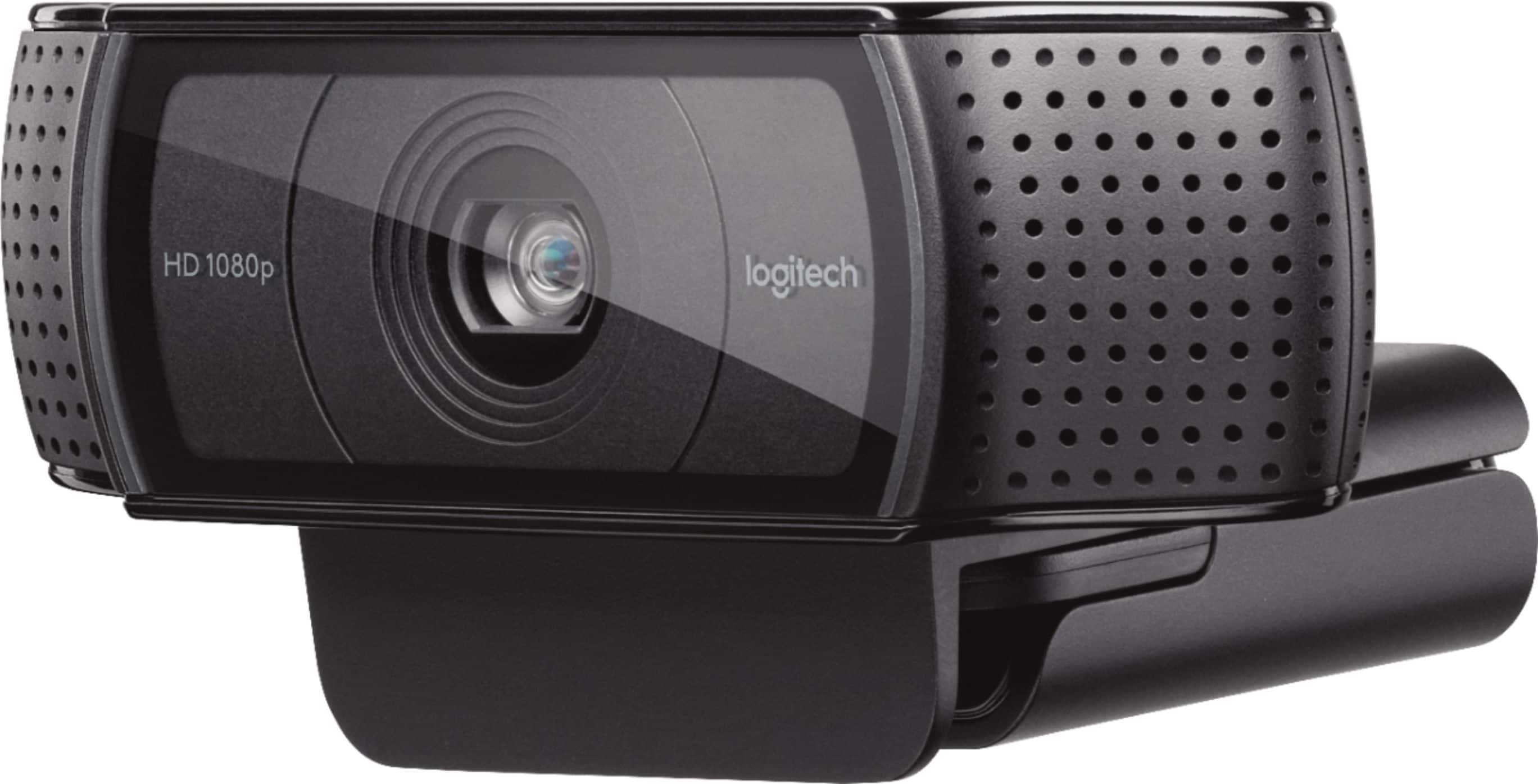
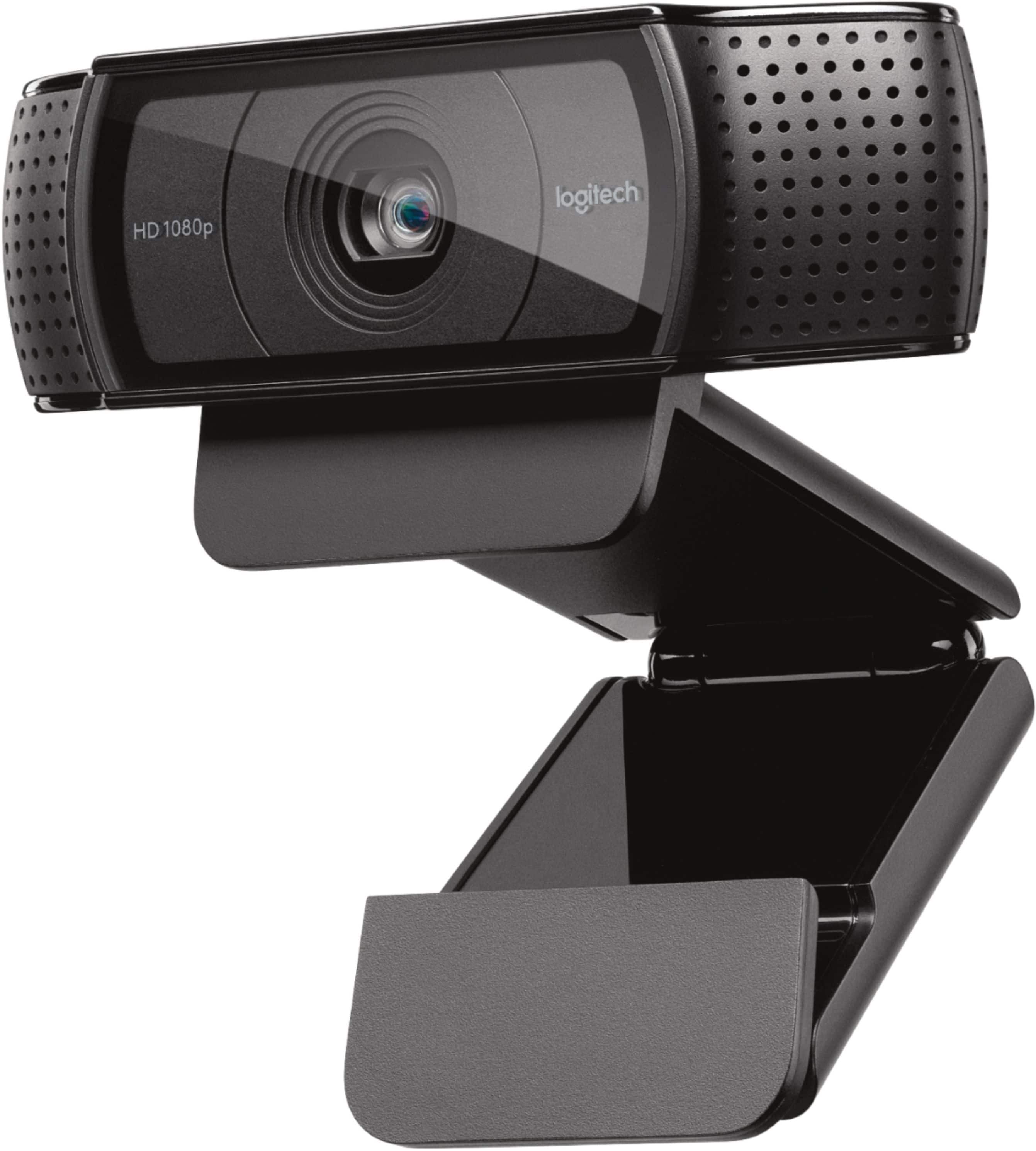
A:Answerknock yourself out. mine is mounted in my flat screen hd monitor but it can be used like a movie camera with someone holding it and moving it around the room. It is long on the back, so, if you turn it backwards, whatever you mount it on may block something you need to see/access.
A:AnswerIt only uses a USB cable. It cannot be directly connected to an Ethernet (either wired or wireless), but instead must be directly connected to a computer. Images and sound from the camera are sent to the computer and then the computer sends the images over the network using tools like SKYPE.
A:AnswerIf your purchased a GSP replacement plan on the device from Best Buy then you are able to take it back to get it replaced. If you did not purchase the GSP replacement plan then you will have to send it the manufacture. I hope this helps.
A:AnswerYes. But you will have to buy an app called webcam settings to get the most out of the camera. The available software form Logitech is a little out dated and has some limitations. That said, I have this camera and am using it on a mac mini now.
A:AnswerYou can use it to record but the audio is not the best. You can use a separate mic for audio though. I would recommend a Blue Yeti microphone to get better sound.
A:AnswerI stream on mixer and have used the mic on the camera before. Its durable as i have 3 boys that also use it and it has fallen a few times. Still works great. Not the best mic in noisy rooms but for calls and quiet areas works great.
A:AnswerThe webcam requires a USB connection so it's as portable as its ability to connect; works with Windows, Mac, Chrome, and Android OS. It does not work on Smart TVs. The illustrations on the package documentation show that it can be connected to a tripod. Link for more info: Logitech.com/support/c920. Hope this helps.
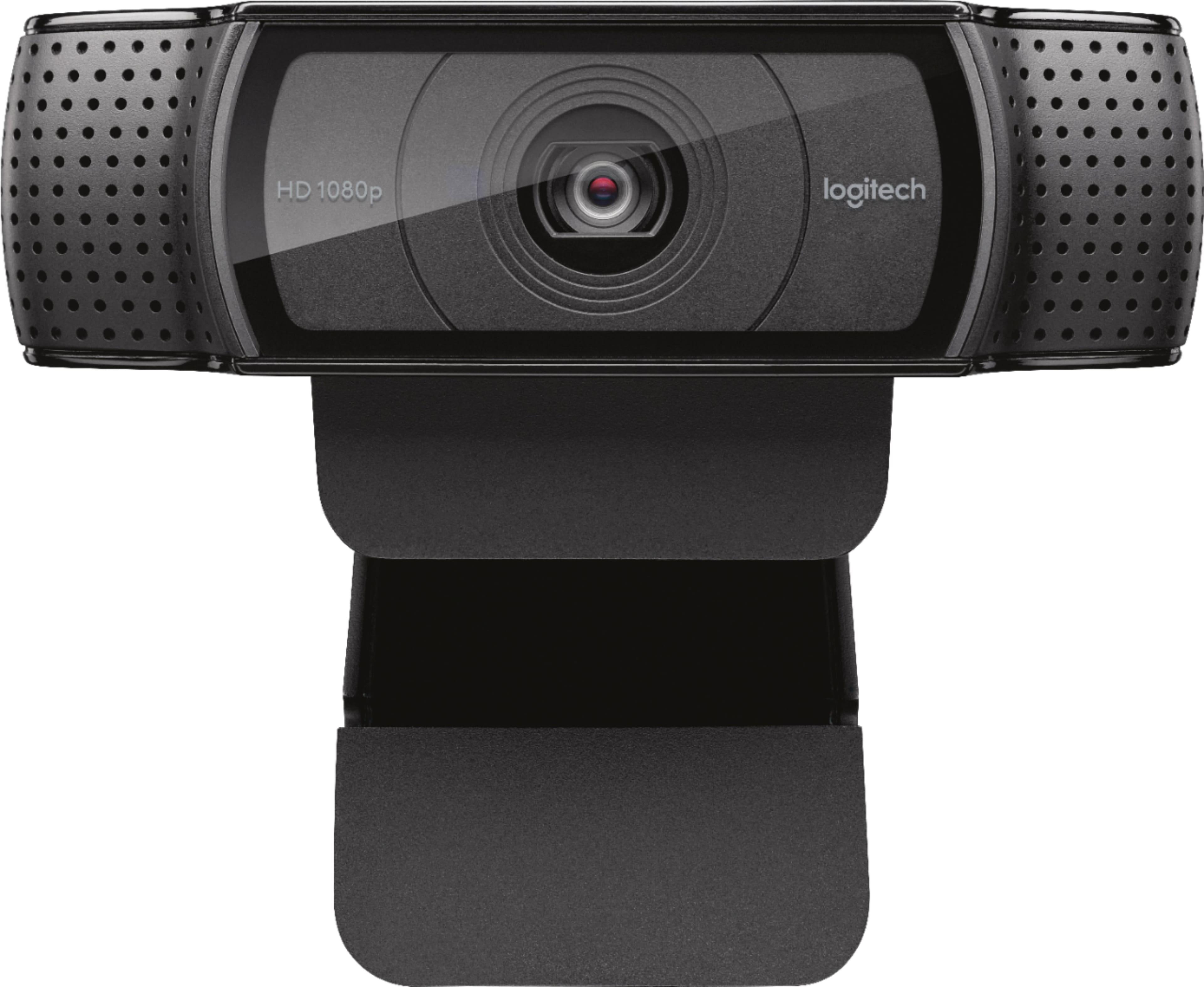
A:AnswerI use the C-920 on a Lenovo with win 10-64 ver 1803 and it works flawlessly with all of the programs that I use for communications, including Skype, Facebook and X-Split. I had no problem with the camera or the microphones...... had it up and running within minutes.
A:AnswerType about in the search box on your taskbar, and then select About your PC.
Look under PC for Edition to find out which version and edition of Windows that your PC is running.
Look under PC for Version to find out which version of Windows 10 your PC is running.
Look under PC for System type to see if you're running a 32-bit or 64-bit version of Windows.