A:AnswerIt is not. But the sound quality is good in my opinion, they have their own EQ in the Logitech App. I have some Klipsh 2.1 THX speakers and the Logitech subwoofer is better IMO.
A:AnswerIt does pretty well, but there are some limitations.
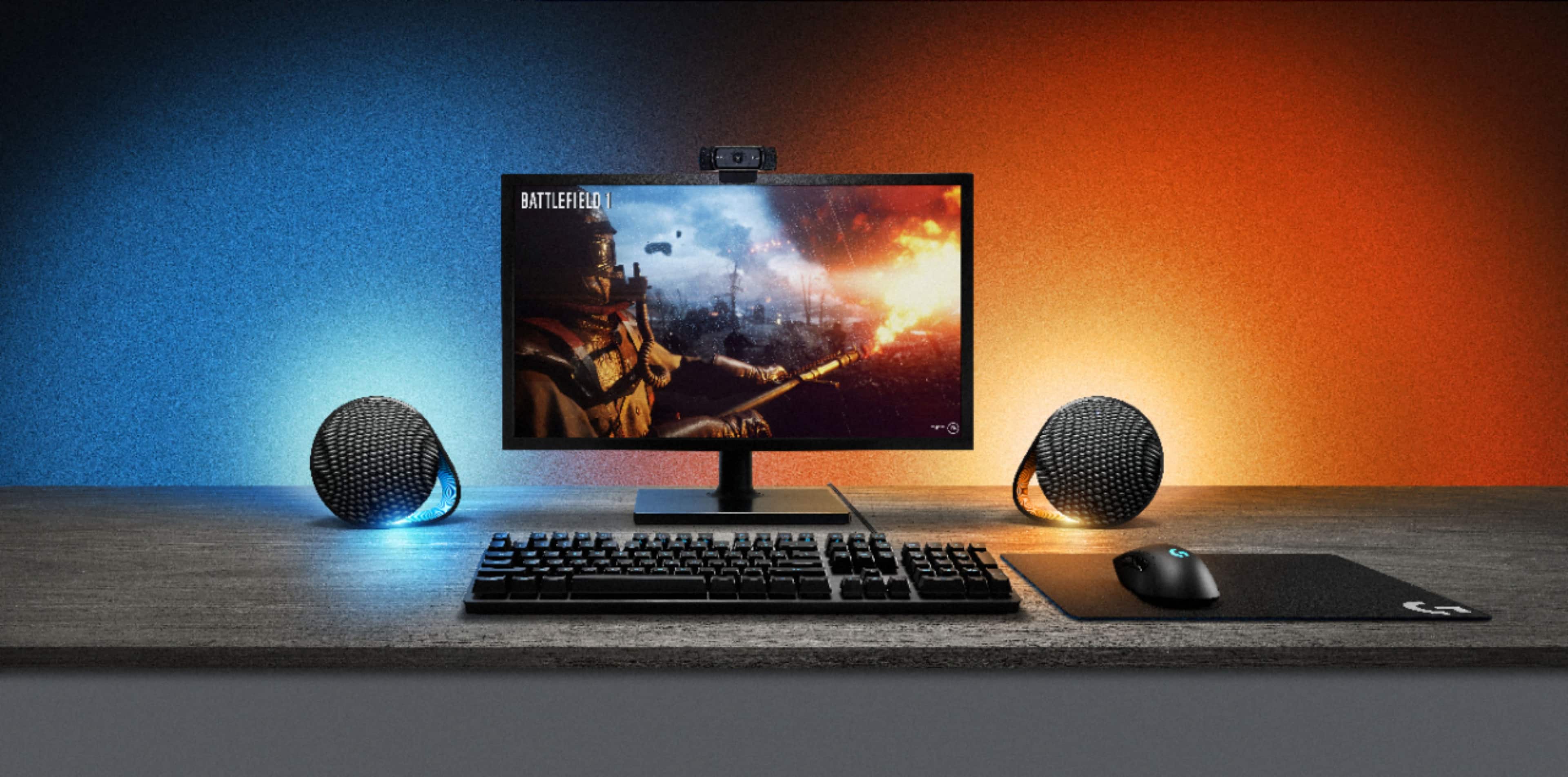
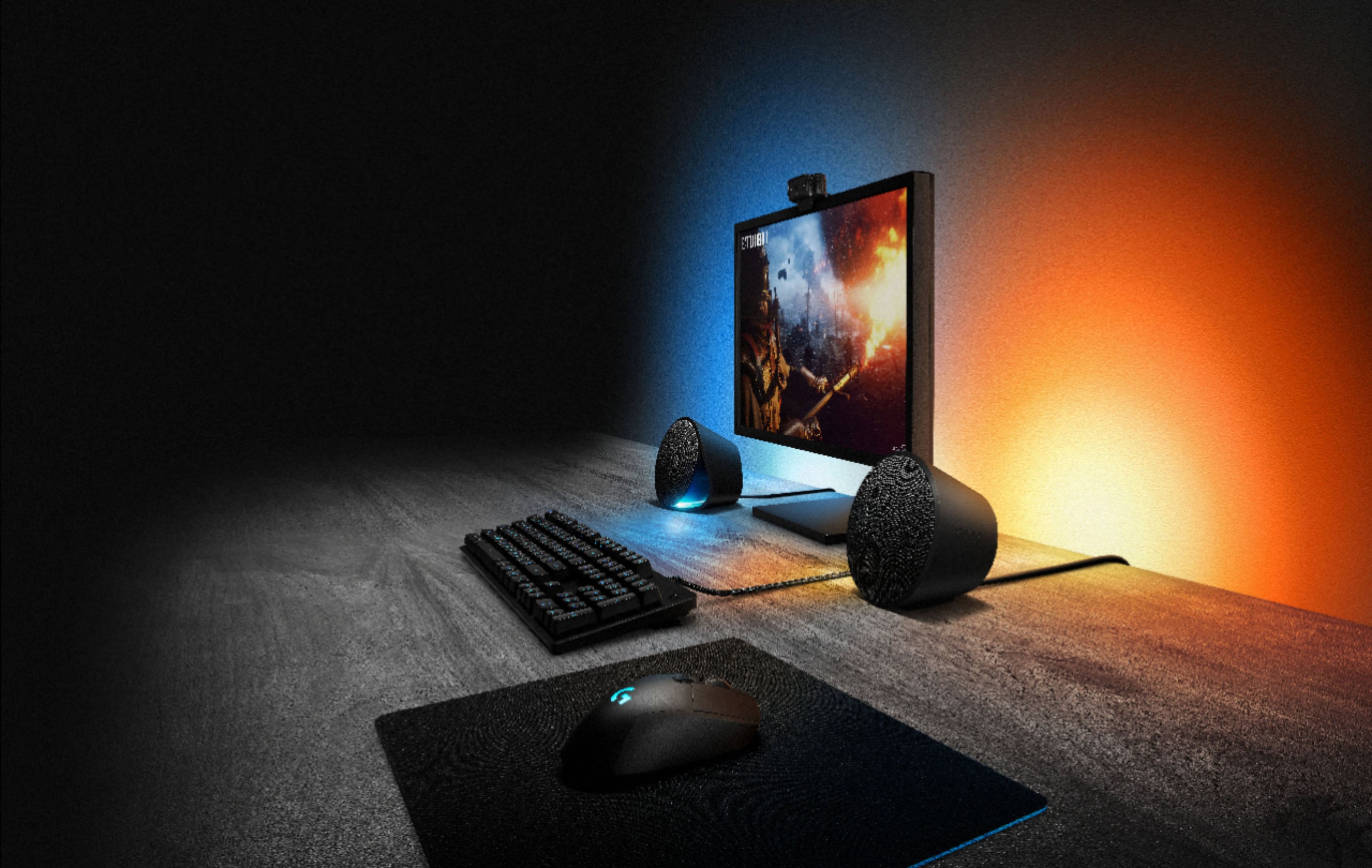
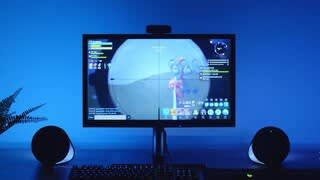
You have to choose your sample zones for both the back LEDs and the front facing ones. You can move and manipulate those sample zones however you want (shrink them, enlarge them, move them around the screen etc.) but I've found having the back LED's sample the mid-upper left and right side of the screen has had good results.
The sampling works by talking in all the colors and choosing the one that is most prominent, so you wont get a gradient effect during sunset scenes or a blood splatter effect in horror movies. You will however get flashes of the color of fireworks, lasers, energy beams, lightening, magic, etc. that flash through those zones quickly, and if you have the speakers and the zones match what side they are on, you can get an effect of a beam going from one side of your screen to another. There is very little noticable latency between image swapping on the screen and your lights adjusting their color except in EXTREME circumstances if the scene is constantly cutting from a bright to dark image constantly or an image that is primarily one color to an image that is a far different color very quickly (although it handled the light and color scene from 2001 pretty well, but due to the nature of the scene it doesnt really need to be 100% accurate).
Sometimes it works really well (Star Wars Episode 4's first fight scene on Leia's ship stands out a LOT) but sometimes it targets the wrong color (Finale of wandavision was kinda rough).
It also has an issue with certain colors. Browns tend to change to oranges or reds, peach becomes yellow or white, and darker colors that are hard to mimic with LED's become brighter versions of those colors. (this is most noticeable on closeups of faces or in horror films where a lot of the colors are darker). This is not a limitation of the speakers as much as it is a limitation of physics though. It's hard to light up an LED a dark color because... well.. you need to light it up...
I would say the movie experience is an 8/10. There are some improvements the system could have, but at the same time getting a perfect light show experience is nearly impossible without an already programmed show for each individual film or tv show with effects programmed by humans ahead of time. The program that runs the sampling works really well for basic watching, and works even better when paired with an LED keyboard that can sample the center of the screen.
I will warn you though, the lights don't shoot up that high or cover a whole wall if 1)they are pressed up near the wall on your desk or tabletop and 2)are shot up a wall painted a dark color. Plan on giving them a half foot throw distance from the wall and plan on having them on a wall painted a light color (obviously white works best).
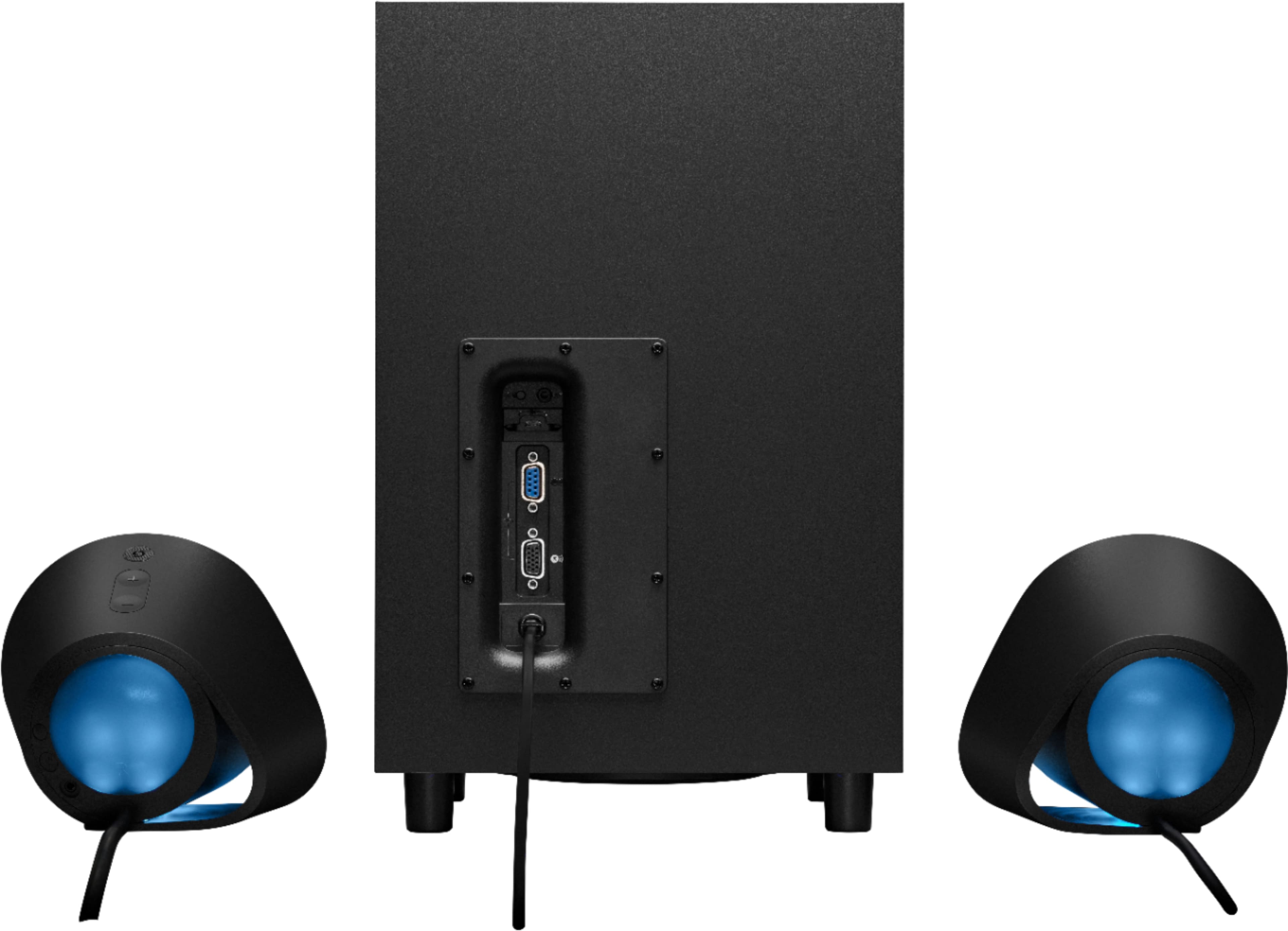
A:AnswerThe speakers are designed to use with usb on pc but it also has Bluetooth and 3.5mm Auxiliary input. I’m not sure if ps4 has a 3.5mm audio out but most TVs/monitors do so you could hook it up that way. Just note that all the inputs are located on the subwoofer.
A:AnswerI have the same as well, Alienware gaming monitor but hooked to an Xbox Series X and the answer is no to connection to monitor. I tried this and did not work. Unless your PS5 has a 3.5mm audio jack input, you can use a 3.5mm cable to get the sound from the G560 to your PS5. This will however not work with things like DTS or Dolby Atmos as the sound is passing through the 3.5mm cable and not via USB. Optical cables (TOSLINK) won't also work as both consoles do not have the optical inputs.
A:AnswerAs long as your hp desktop is running windows 10 these will work perfectly. Just make sure to install the G hub software from the logitech website onto your desktop when the speakers arrive .
A:AnswerCheck out my review. I'm running these speakers on an iMac and the software works. It isn't terribly intuitive, but it works fine. If I wanted to invest more time in understanding the setup, or gamed, I'm sure I could get it figured out.
A:AnswerYou do not want these, the light functions frequently misbehave and the audio quality is not great, these are overpriced, overpromised speakers.
A:AnswerIt works with everything you just hook up to your tv with bluetooth or one of the other connections as your surround sound then anything hooked up to your TV will play through that the lighting can be accessed through the G button and is powered through a wall outlet.