A:AnswerHello James! The H800 Wireless Headset works with Common calling applications across almost all platforms and operating systems such as Windows, macOS and Chrome OS.
A:AnswerYes, but the functionality might depend on the device with which it's paired and the application with which you're using it (see the review about use with Cisco Jabber).
A:AnswerHello, unfortunately our H800 headset does not come with a replaceable battery. We best recommend to reach out to us on our Logitech support website if it's still under warranty. If not, it's best to buy a new headset for the most effective way to enjoy the H800 headset. https://support.logi.com/hc/en-us/articles/360024318533
A:AnswerThe H800 is a Bluetooth headset that will work in the exact same way as you AirPods. If your AirPods did not work, than neither will these. You may need to use a third party video recording app instead of the iPads camera app.
A:AnswerHello, as long as the H800 is connected (via USB or Bluetooth), the audio and microphone will be routed through the headset. This includes calls made from Google Voice or any other video/phone calling programs.
A:AnswerMicrophone is terrible. The slightest background noise, including your movement during a fitness class, will cause you to be unheard - at least in a phone call.
A:AnswerHello idomeneo, we are sorry to hear that you are having issues with your battery on the H800 headset.. At Logitech, it is our goal to ensure you are completely satisfied with your Logitech purchase. We take pride in the products and services we offer, and want our customers to enjoy them just as much as we do. The H800 comes with a 2-Year Limited Hardware Warranty. Please reach out to us on our Logitech support website so we can help out. Hope you have a great day!
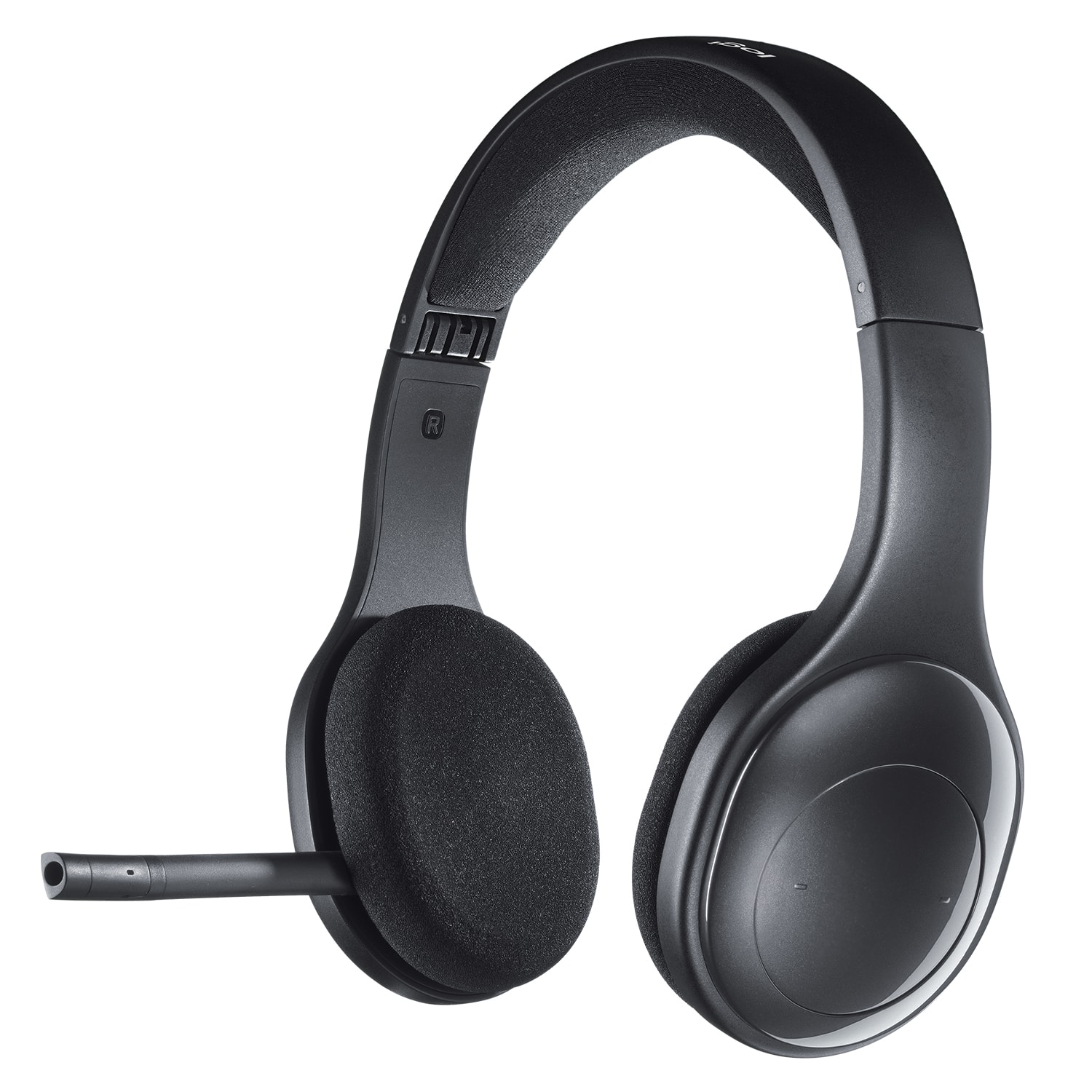
A:AnswerI'm using this by Bluetooth to my phone and I hear a clicking sound like someone is typing on a keyboard. I've tried repairing the Bluetooth to my device but no luck. It's unfortunate as their less than a year old and expensive.