Questions & Answers
- Model:
- 920-004088
- |
- SKU:
- 7215241
Highly rated by customers for: Keyboard Quality, Ease of use, Size
Page Showing 121-140 of 189 questions
Q: Questionwill this keyboard work with a mac air?
Asked by Golfstud.
- A:Answer No. It requires a USB port to connect and our Mac doesn’t have one.
Answered by Cjfranks
Q: QuestionWhat key or keys do I press to start a new page, as for a new chapter for a book?
Asked by Chris.
- A:Answer Depends on the device and software you are using. Look at the Help pages for the app software. Function key F1 may start Help when using app on Windows. Both Help and Page Down may be activated by a mouse click or screen touch at some point on the app page you are now on. You may already have tried likely keys to see what happens. PgDn on lower right would be my first choice. Down arrow (v) in bottom row may move down one line at a time while held pressed to get to next page.
Answered by BobPhila
Q: QuestionWill this work with my tablet?
Asked by Me.
- A:Answer No, it won't work with your tablet because the keyboard works via USB receiver not bluetooth. You'd need to find a bluetooth keyboard for your tablet.
Answered by 808geek
Q: Questioncan I use BlueTooth with it
Asked by someone.
- A:Answer No, it's via USB PORT
Answered by 808geek
Q: Questionhow long will a logitech 360 last?
Asked by Anonymous.
- A:Answer I've been using the k360 pretty consistently since 2013. I checked my purchase history and most of them have lasted around a year. The last one only lasted 4 months, though.
Answered by JimF
Q: QuestionCan I use this keyboard on a smart tv ,to type searches?
Asked by Anonymous.
- A:Answer As long as there is a USB port it should work fine.
Answered by Billy
Q: QuestionIs this available in a combo with a wireless mouse?
Asked by JP.
- A:Answer No. https://www.bestbuy.com/site/logitech-k400-plus-wireless-keyboard-black/7575039.p?skuId=7575039&ref=212&loc=1&extStoreId=763&ref=212&loc=1&ds_rl=1260666&ds_rl=1266837&gclid=EAIaIQobChMI7v2vqZqf5wIVWx-tBh1F7QrHEAQYBCABEgIiy_D_BwE&gclsrc=aw.ds https://www.bestbuy.com/site/logitech-mk320-wireless-keyboard-and-mouse-black/1294039.p?skuId=1294039&ref=212&loc=1&extStoreId=763
Answered by 808geek
Q: QuestionHow do I replace a keyboard for my laptop?
Asked by Laptopreplacement.
- A:Answer You can use an external keyboard instead of replacing your laptop keyboard. Buy any wireless keyboard and connect via USB port. Or take your laptop to a computer repair shop to have the keyboard replaced for you. Or if try changing it yourself by researching on the internet on how to DIY. If your laptop is more than 5 years old, IMHO buy a new one.
Answered by 808geek
Q: QuestionCan this work with 2018+ Apple iPad?
Asked by Fred.
- A:Answer No, this is not compatible with 2018+ Apple iPad.
Answered by CommunityAnswer
Q: QuestionWill this keyboard work on my Samsung UN48J5200 smart tv
Asked by RockinRandall.
- A:Answer If your TV has a USB PORT it can work.
Answered by 808geek
Q: QuestionWill this work with an HP laptop?
Asked by Cindy.
- A:Answer As long as you have a usb port and get the software ( driver ) needed it should work fine
Answered by Stan393
Q: Questionwill this keyboard work with smart tvs?
Asked by smarie.
- A:Answer Yes as long as your TV has a USB PORT
Answered by 808geek
Q: QuestionDo the F1 Thru F12 Functions work w/out having to hold down the function button? Or is their a lock unlock button for the functions to work?
Asked by FunctionButton.
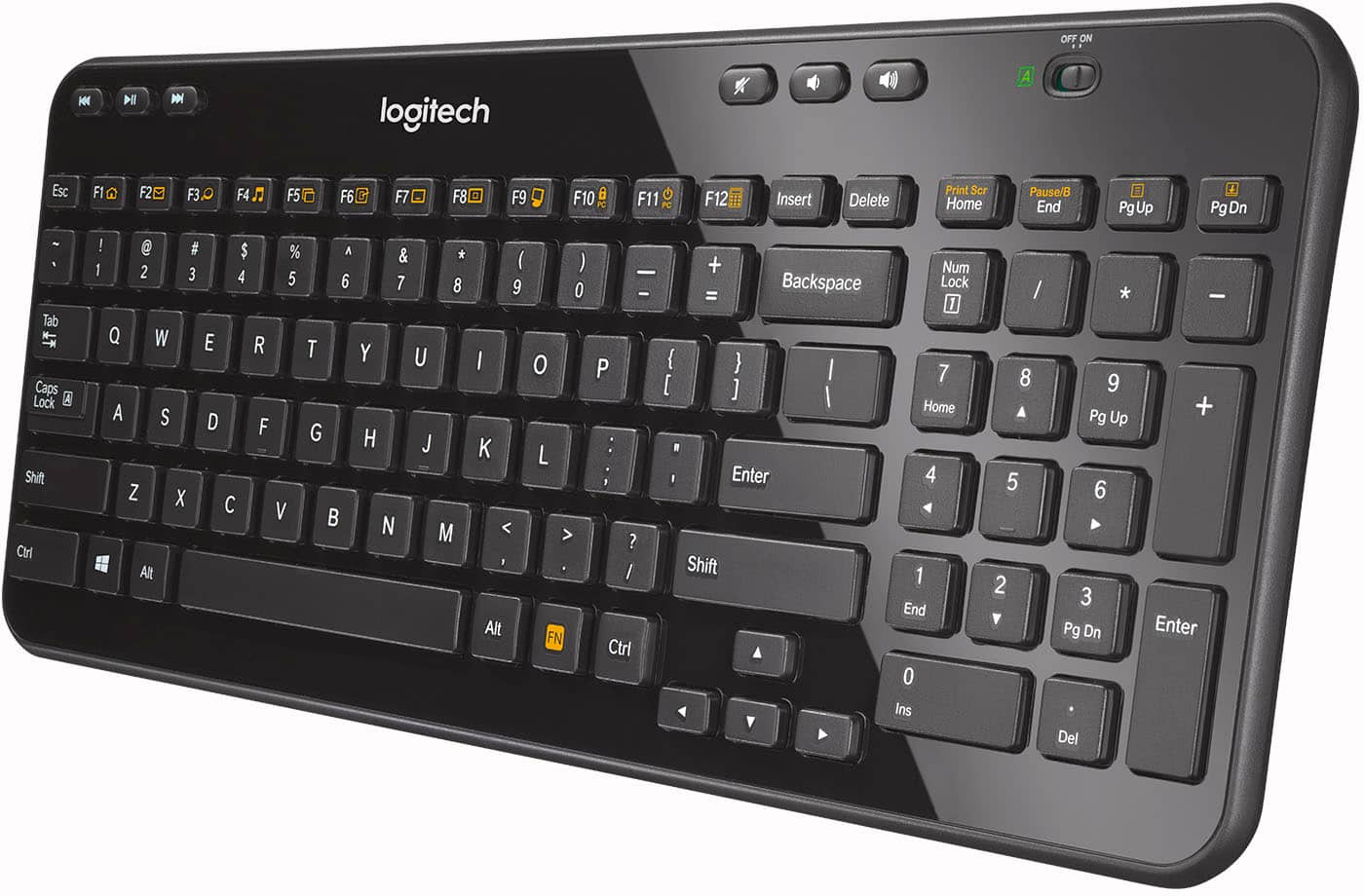
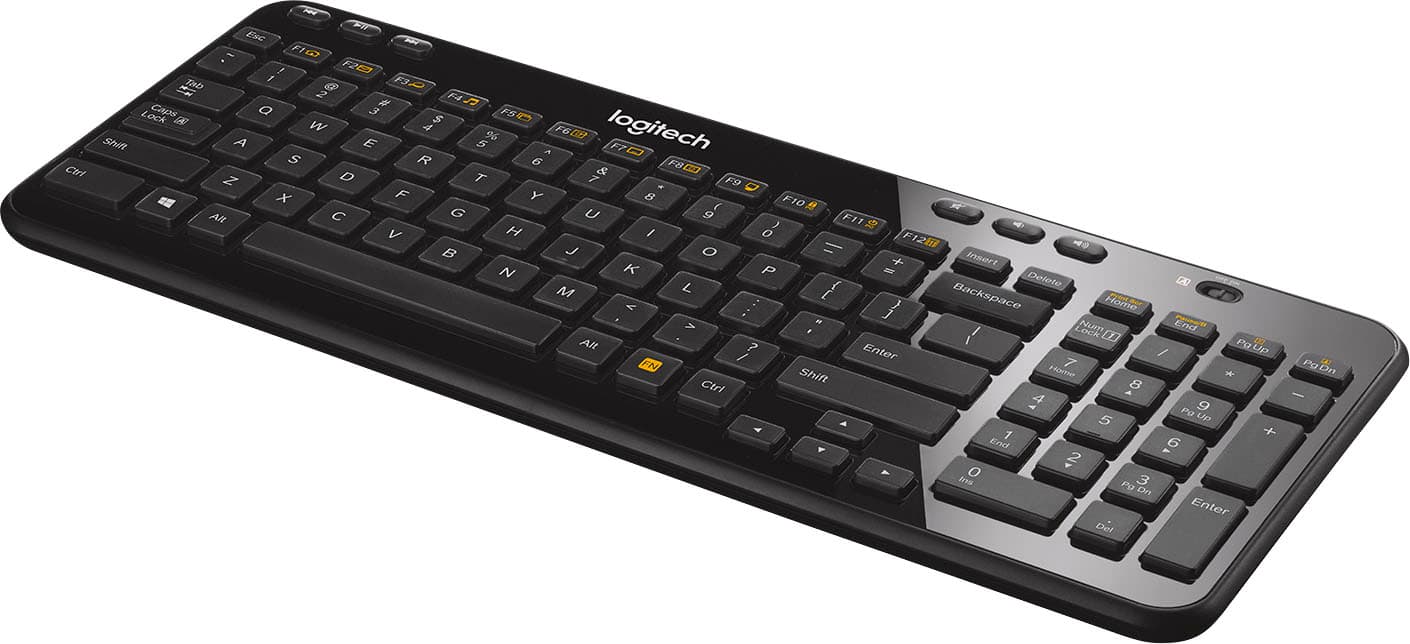
- A:Answer I don't see a way to lock or automatically "hold" the FN key. So, it seems, one does have to manually hold the FN key to make the secondary functions of the Fx keys to work. That is, if you press F12, it will show you source code but if you press FN+F12, it brings up the calculator. BTW, one thing I failed to mention in my review: The keyboard did not come with any documentation or user guide. There should have been a user guide to explain all the keys.
Answered by Nuzi
Q: QuestionDoes this device work with an iPhone XR
Asked by gotaqquestion.
- A:Answer No, it is not bluetooth.
Answered by TechinBama
Q: Questiondoes this have a keyboard logitech that lights up when it is dark in a room
Asked by mark.
- A:Answer No, the keys are not backlit.
Answered by TechinBama
Q: QuestionWill this keyboard work w ipad 3
Asked by Vampgirl.
- A:Answer No it is not blue tooth it has a usb dongle.
Answered by Smiles2322
Q: QuestionI'm using an IOGear KCVM "splitter" so I can toggle between two computers using a single wired mouse and keyboard. I assume there is a small USB receiver module for the keyboard and for the mouse to plug into an IOgear KMV unit?
Asked by Will.
- A:Answer Allow me to assist with my own question, as I went ahead and bought a low end cordless Logitech keyboard/mouse set and gambled on the outcome. Not only does the small USB receiver work through my KVM "splitter" but my keyboard/mouse set came with a single, combined USB rceiver. I plugged it into one KVM USB port and Voila', both operate fine, leaving me with an open KVM. port for other uses. Didn't have any luck finding an adaptor cable to share the speaker with the open port, so just bought a 2nd low end speaker set for the 2nd desktop unit. For $19, it was easier, and hardly worth the search for some $8 to $15 adaptor cable. Thanks for the responses! Will
Answered by Will
Q: QuestionDoes this keyboard work with Smart TV like LG web OS ?
Asked by Luzyboo08.
- A:Answer Yes
Answered by Derek