A:AnswerMy K380 is paired to 2 laptops. One of the laptops also has another keyboard pairing. I can easily switch from one keyboard to another. So, should not be a problem.
A:AnswerNo. You need a different keyboard for XBox. The K400 or K830 are better choices - they both have USB receivers and integrated touch pads for mouse.
If you don't care about the mouse, then any wireless keyboard with a USB receiver will work. I recommend finding a compact keyboard (ie: no number pad) to save space.
A:AnswerLogitech Options.
In addition to optimizing the keyboard for your preferred operating system, the software lets you customize the K380 to fit your individual needs and personal style.
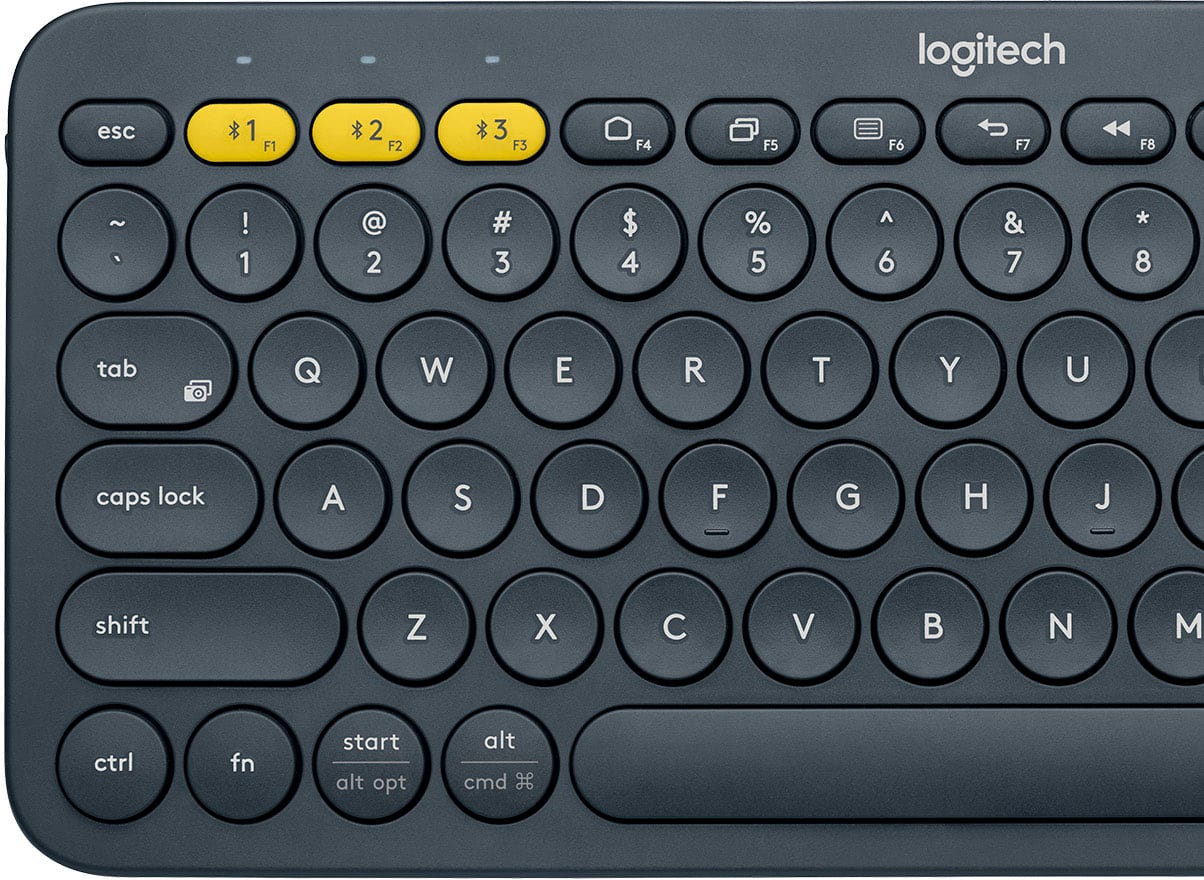
If you typically use function keys more often than shortcut keys, install Logitech software and use it to set up shortcut keys as function keys and use the keys to perform functions without having to hold down the fn key.
See: https://www.logitech.com/en-us/manuals/k380-setup-guide#section1
A:AnswerIt works well with my new iPad mini with iPad OS so I'd imagine the experience would be similar with the iPad Pro. Just with a larger screen is all... Cheers!
A:AnswerNo it does not have a caps lock light. However, if you're running this keyboard on macOS or Windows, you can download Logitech Options and that will give you a caps lock indicator in the system tray.
![esc logitech $1 $2 $3 1 2 3 4 5 6 7 8 9 0 - = backspace tab Q W E R T Y U I O P [ ] \ caps lock A S D F G H J K L ; ' enter Z X C V B N M , . / shift shift alt cmd fn alt start ctrl](https://pisces.bbystatic.com/image2/BestBuy_US/images/products/4415/4415400_sd.jpg)