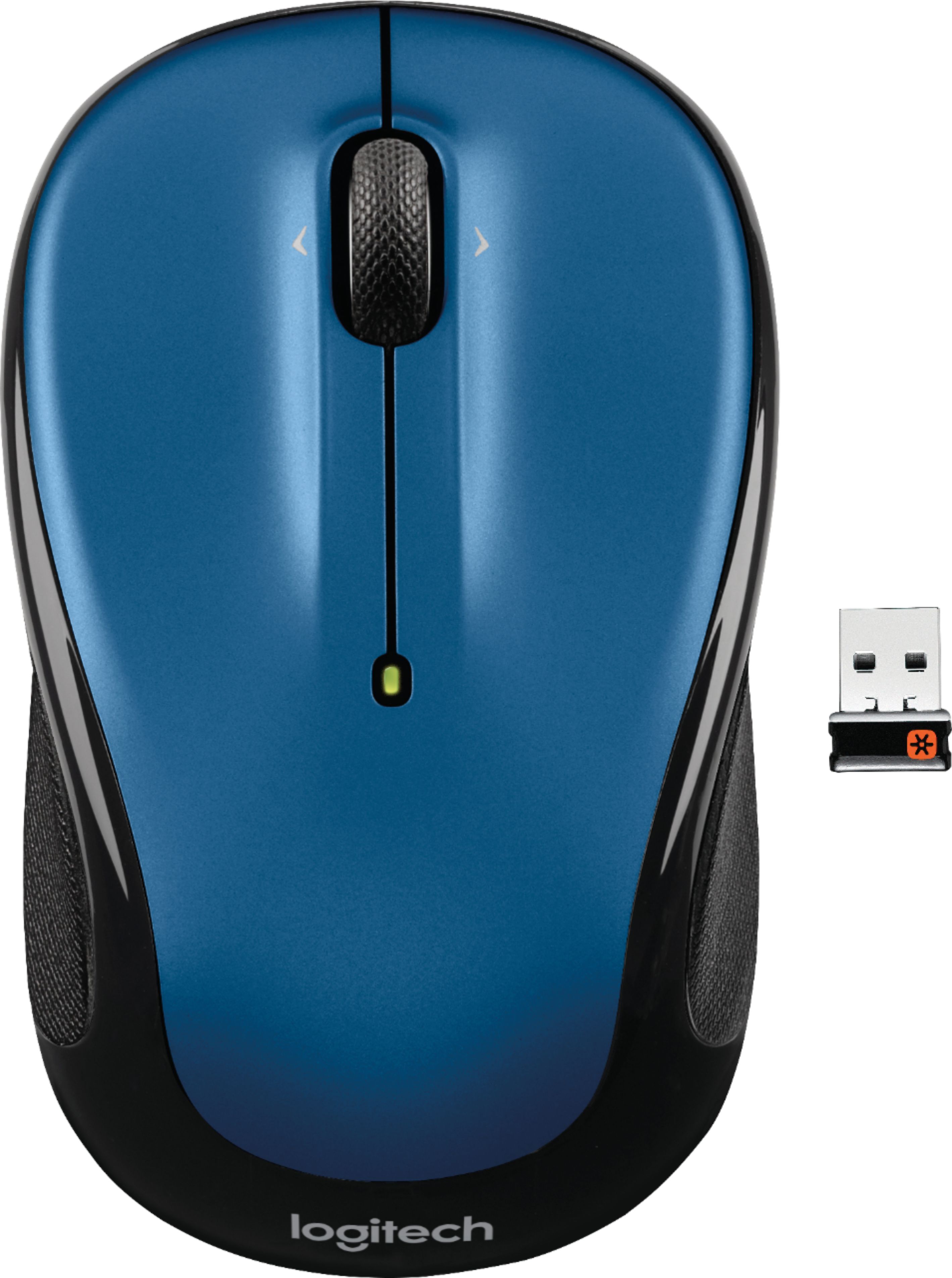
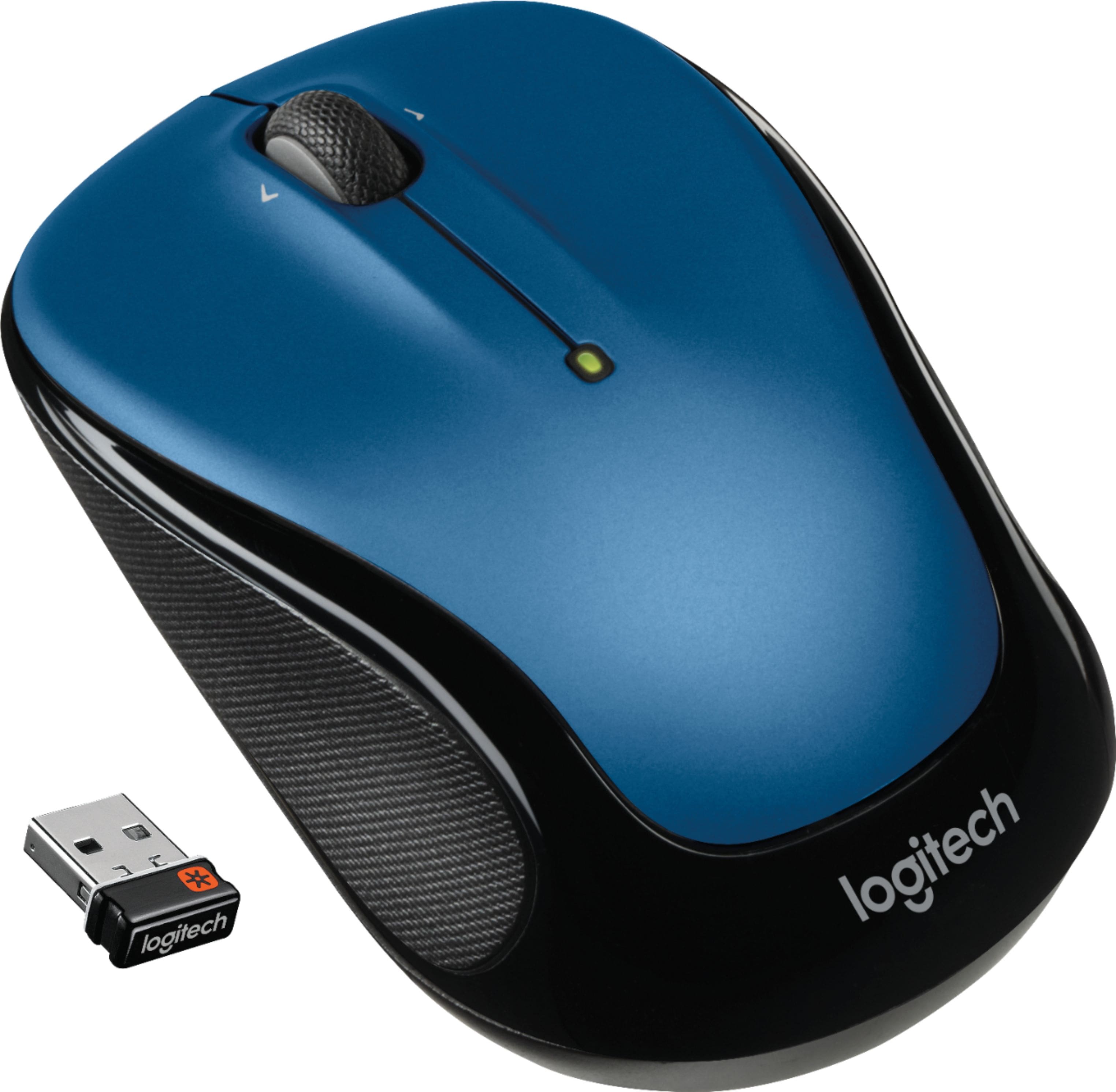
A:Answer Hello Dee! I believe you might have asked your question on the wrong product page, as this is the page for the M325 Wireless Optical Mouse with Ambidextrous Design. If the question is about a Bluetooth Keyboard, such as the K380 or MX Keys Mini, the F1, F2 and F3 keys are the Easy-Switch for connecting your devices via Bluetooth. If you press and hold F1 for 3 seconds in example, you'll see the start to blink real fast, meaning it is now in pairing mode. Make sure your computer or device has its Bluetooth turned on, and then you should see it come up as a new device to pair your keyboard to.