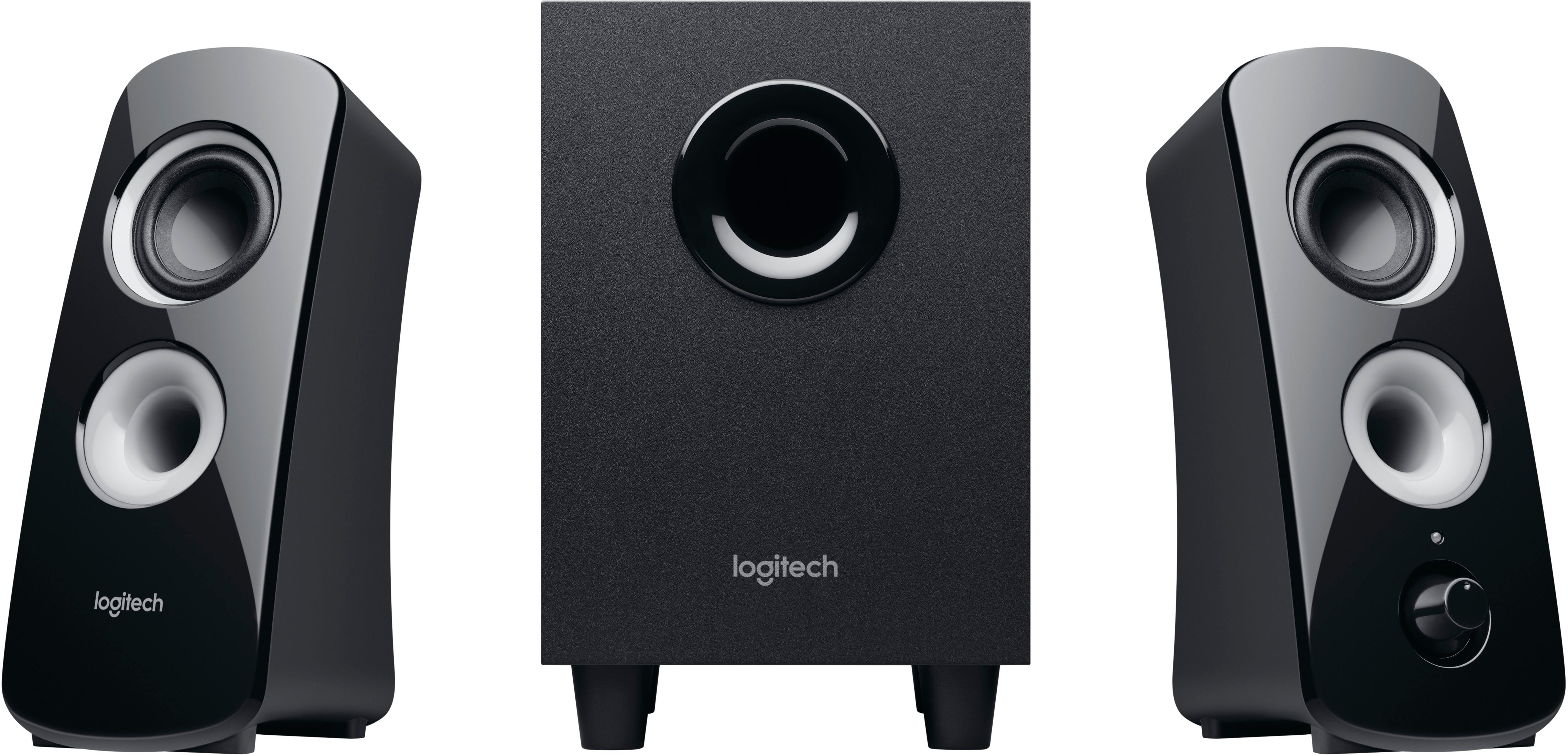
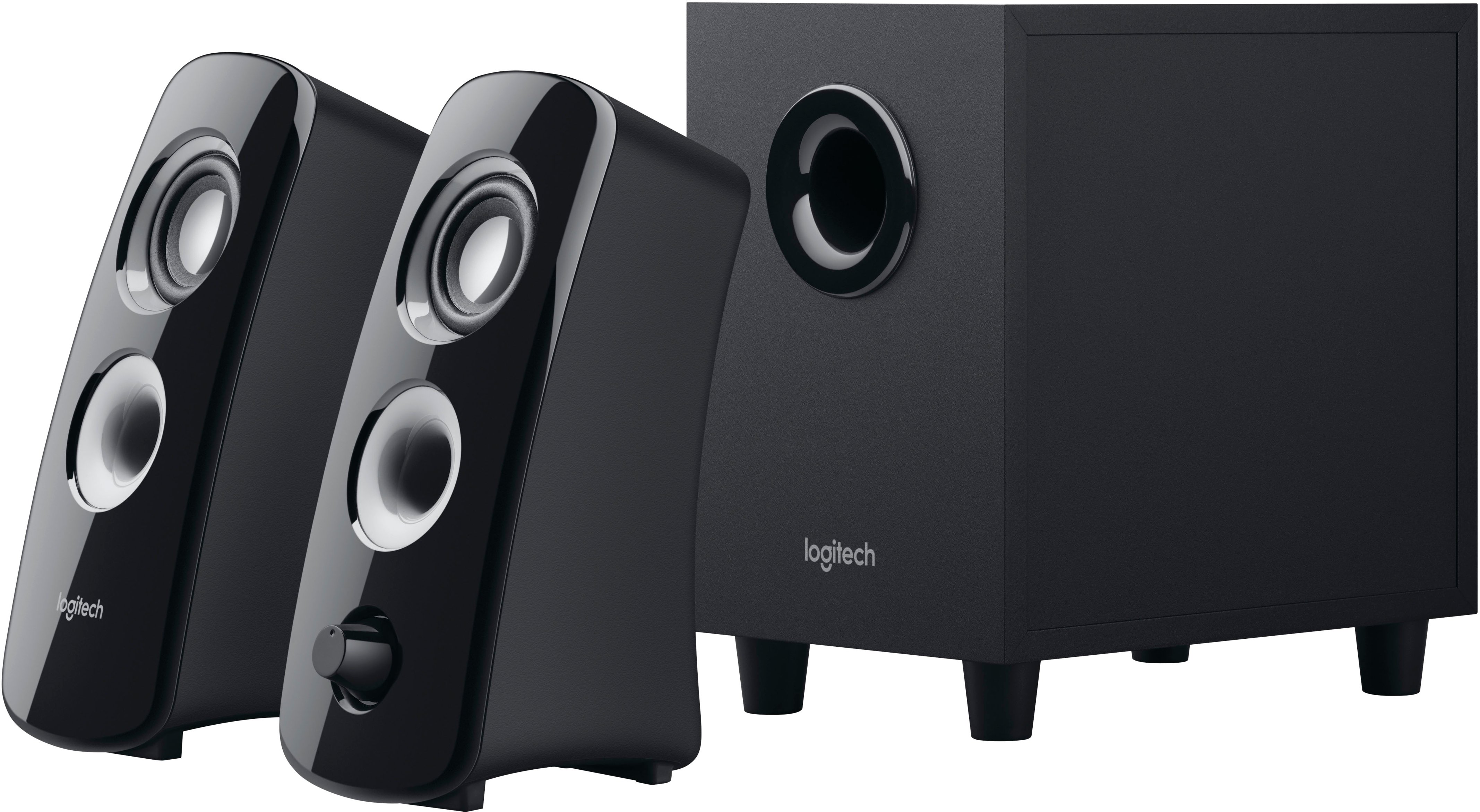
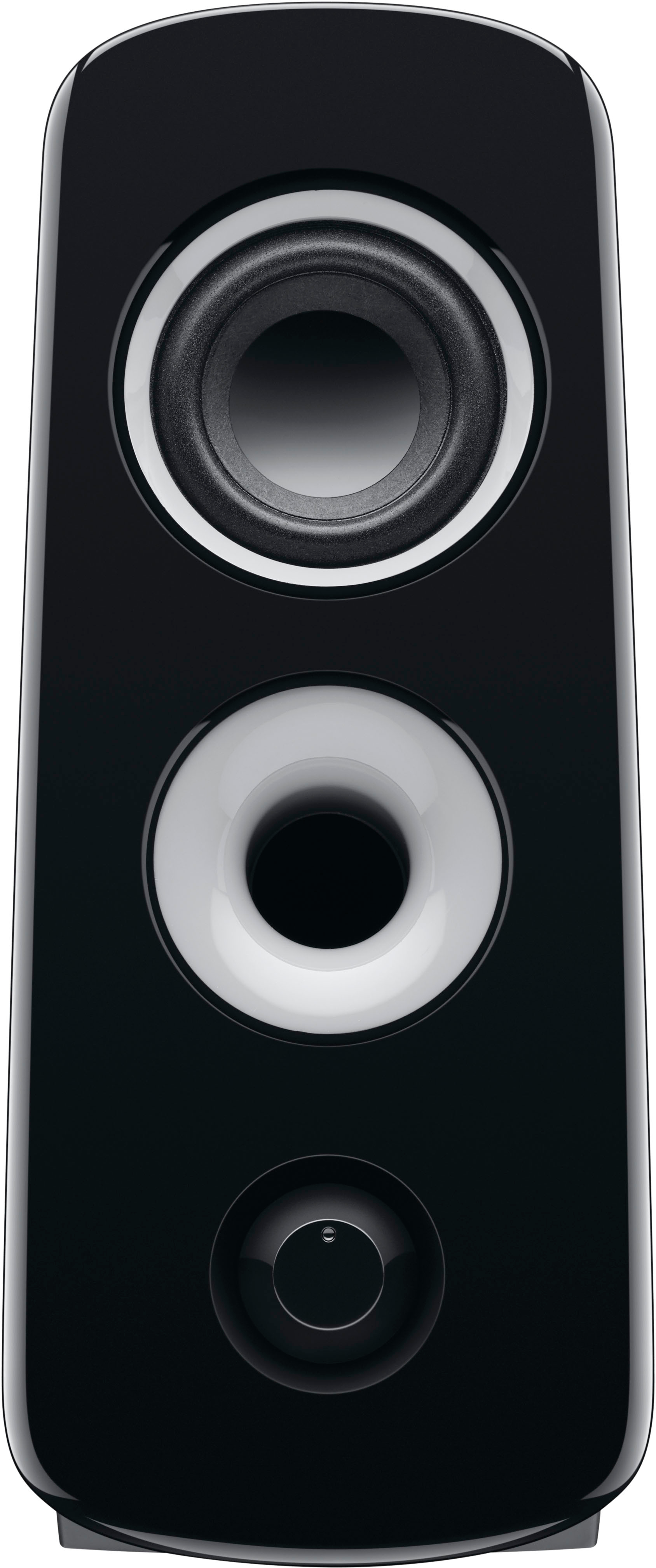
A:AnswerYes, if your CD player has a 3.5 mm jack. Biggest downsides for you, maybe, is that there are no tone or balance controls on these speakers. Controls are limited to a volume control on the right satellite controlling the overall volume and a volume control on the sub-woofer controlling only the sub's volume. These are designed as computer speakers and computers can be expected to have all of the audio shaping controls one would reasonably need. Adding more controls would needlessly drive up cost.
A:AnswerThis Logitech desktop speaker system (left and right and sub only, no center or rear channels) has RCA inputs and mini jack (like headphone out) input only, and doesn't "drive" other devices from it. That said, it could replace your soundbar and you would gain the sub, but probably not run both at the same time without any real benefit to your system.
A:AnswerIt has a proprietary connector coming from the sub to power the right speaker and an RCA out for the left speaker. The other 2 RCA jacks are for a second input such as a turntable. From the back of the right speaker is a mini plug (like headphone jack). there are no speaker outs or other inputs beyond that.
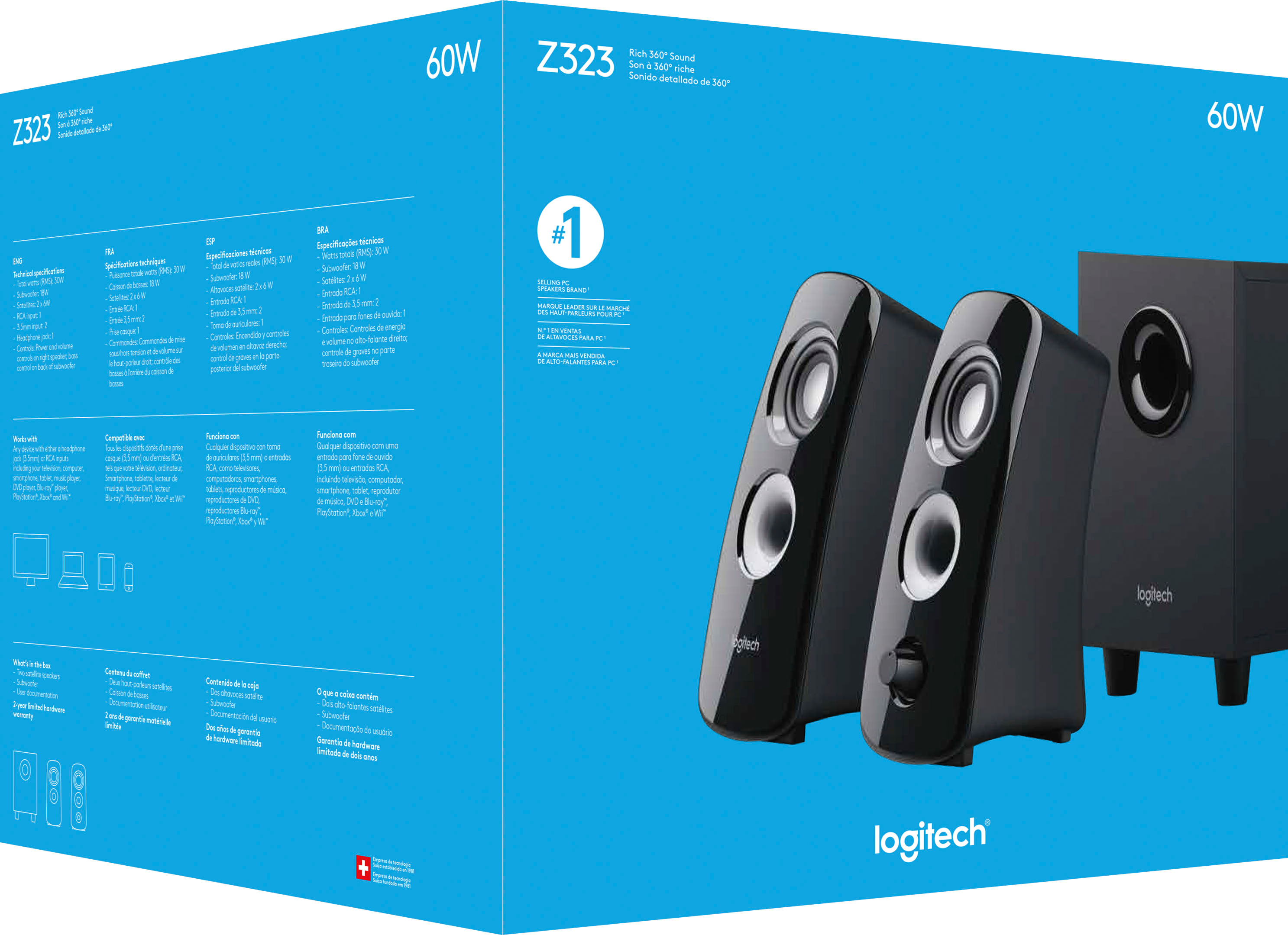
A:AnswerHello Garymac, the Z323 speakers work with any device with either a headphone jack (3.5mm) or RCA inputs including a television, computer, smartphone, tablet, music player, DVD player, Blue-ray™ player, PlayStation®, Xbox® and Wii™.
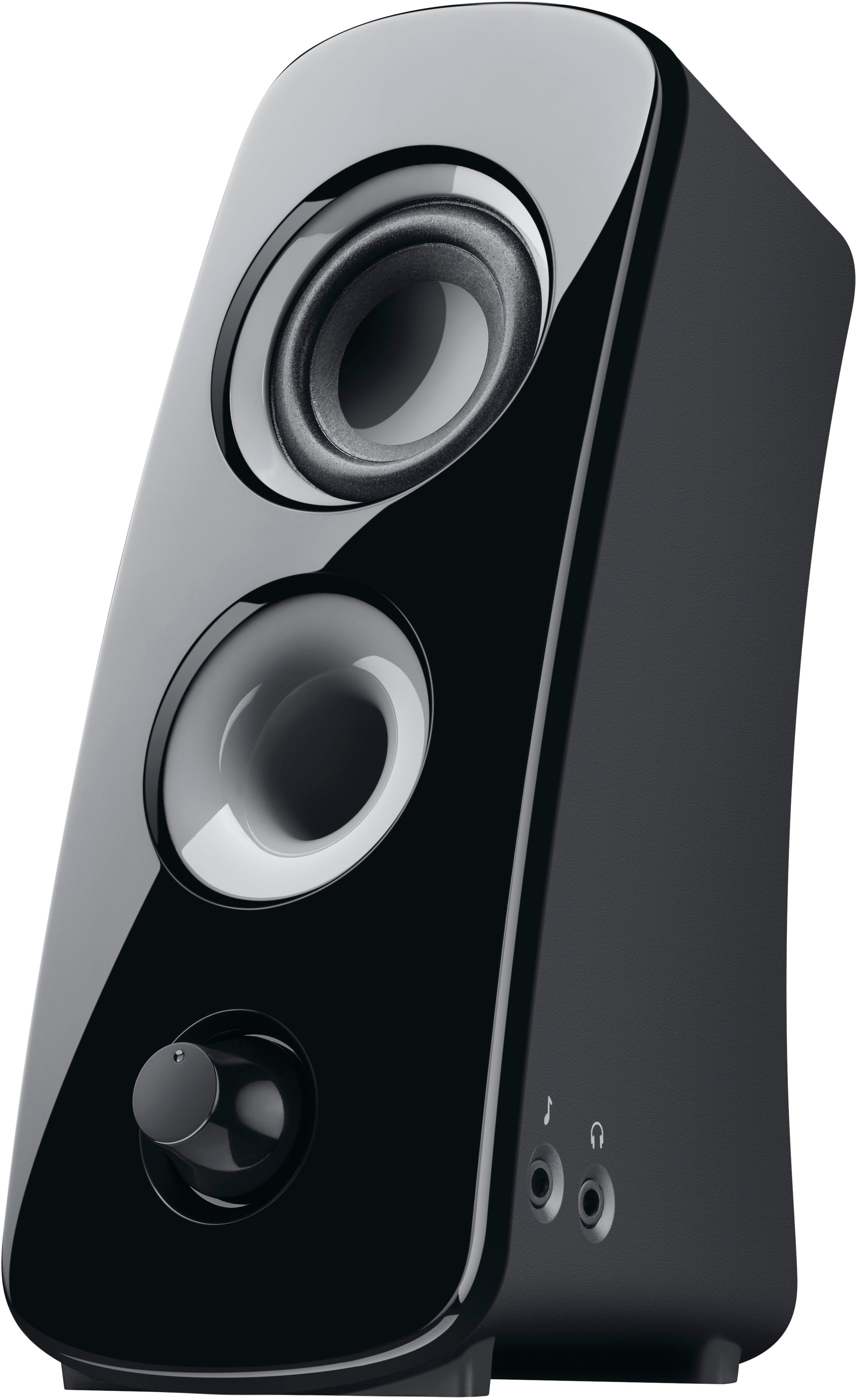
A:AnswerYes, on the side of the right speaker there is an extra plug-in for input and a head set plug-in. See photo - the color on the speaker is from my laptop, but there's the plug-ins..
A:AnswerHello Sam, the Z323 has 2 options to hook up your computer. If your Cyberpower PC sound card has a stereo RCA output, you can plug into the back of the subwoofer via stereo RCA cable. If you only have a 3.5mm aux port, you can plug the aux cable (green end) into that.