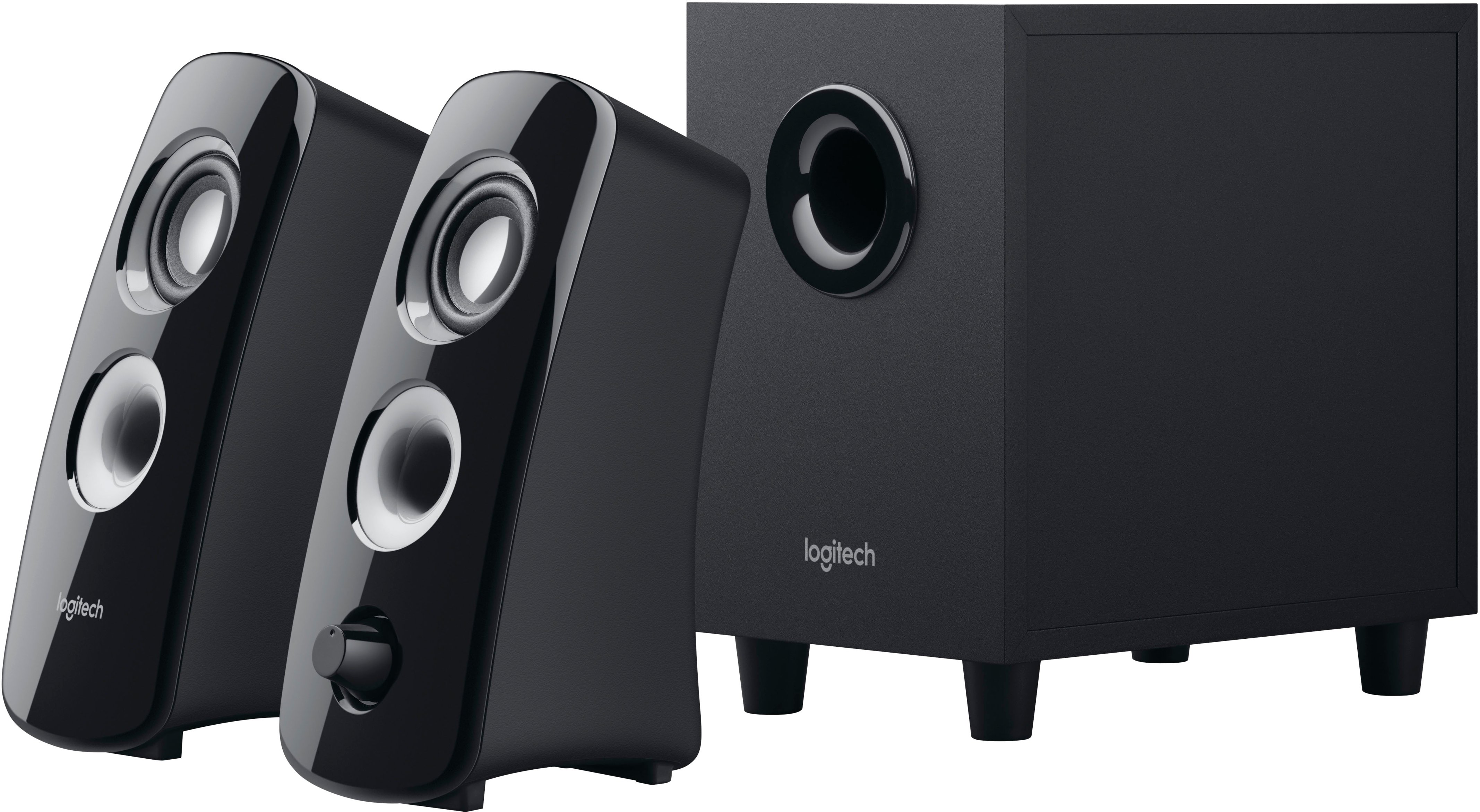
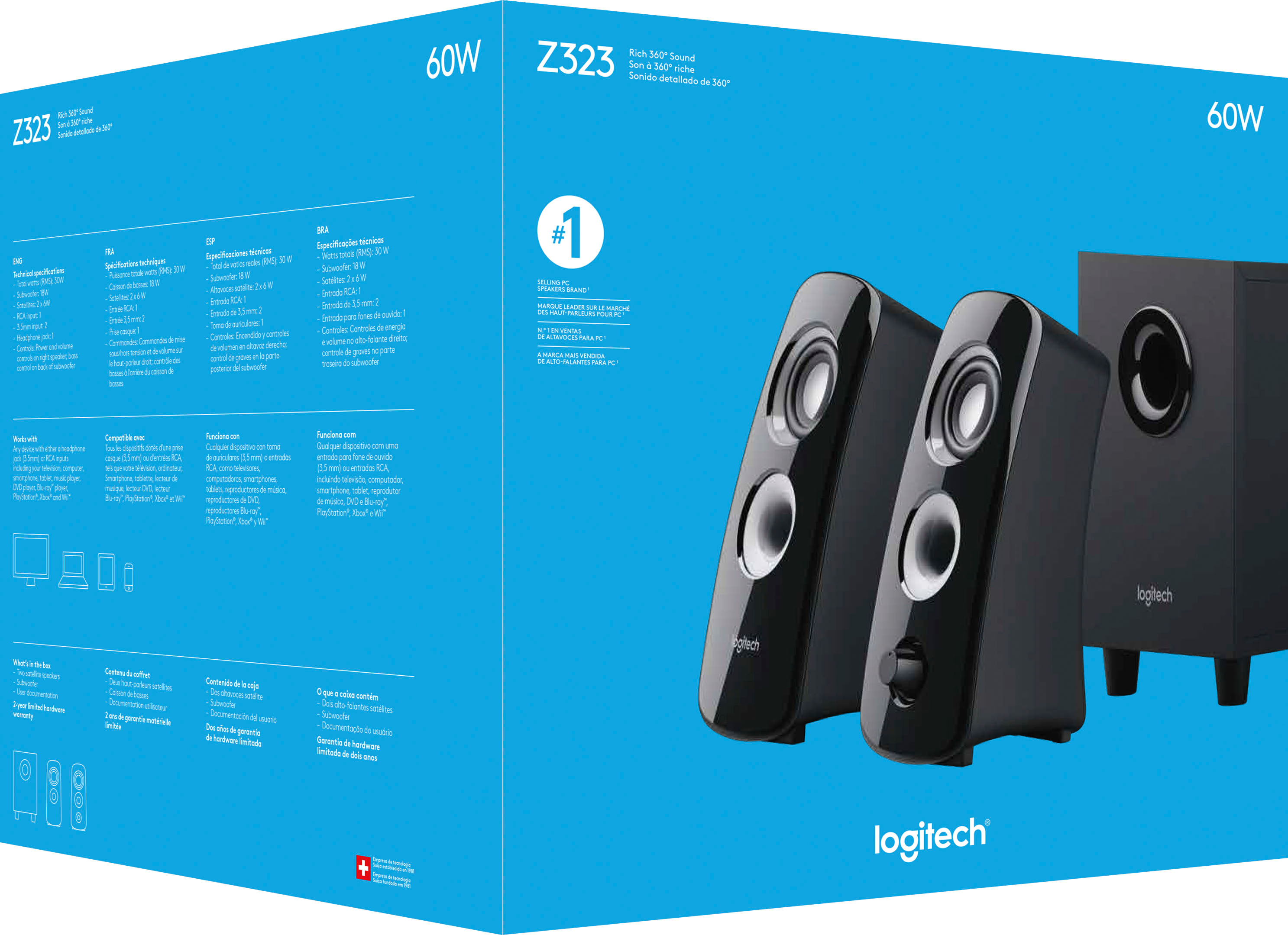
A:AnswerIt only has a yellow wire for audio. However, there are sockets for red and white. If you have a tricolor cord, you're more than welcome to use it.
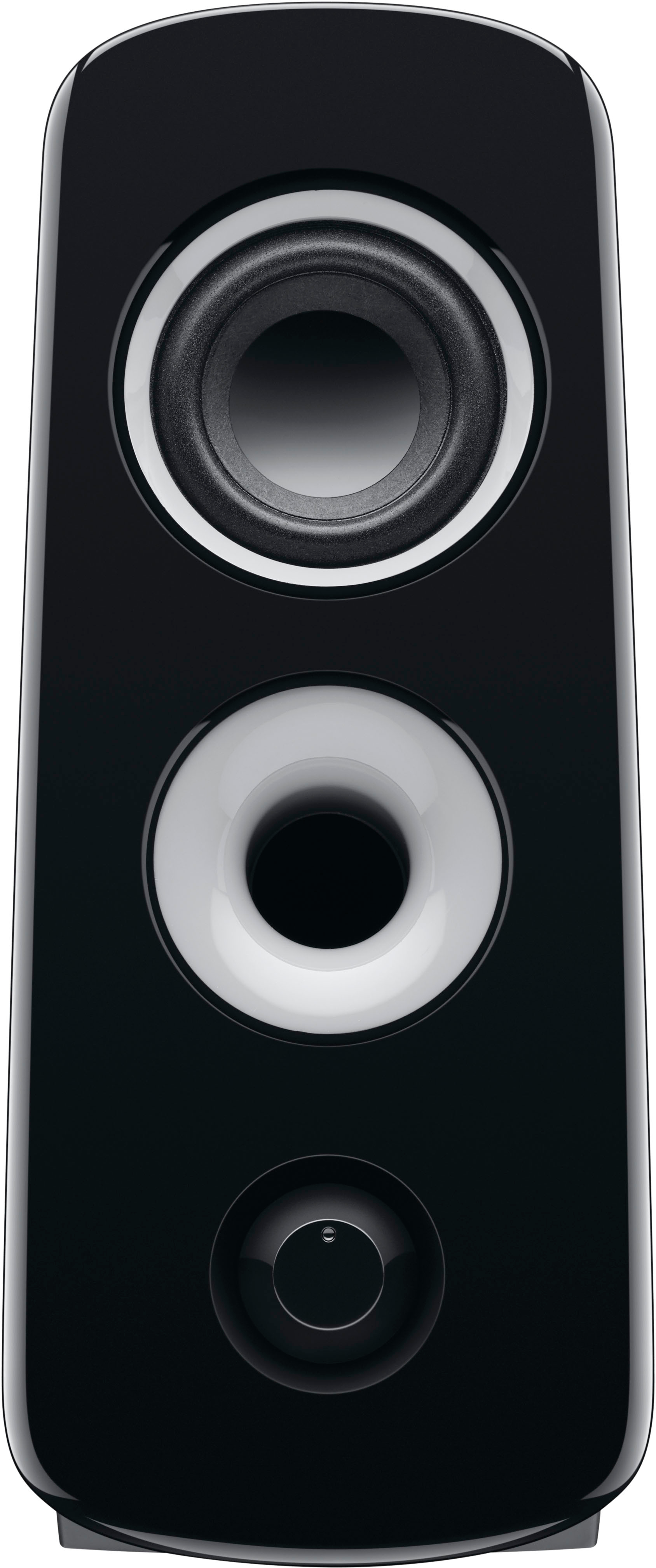
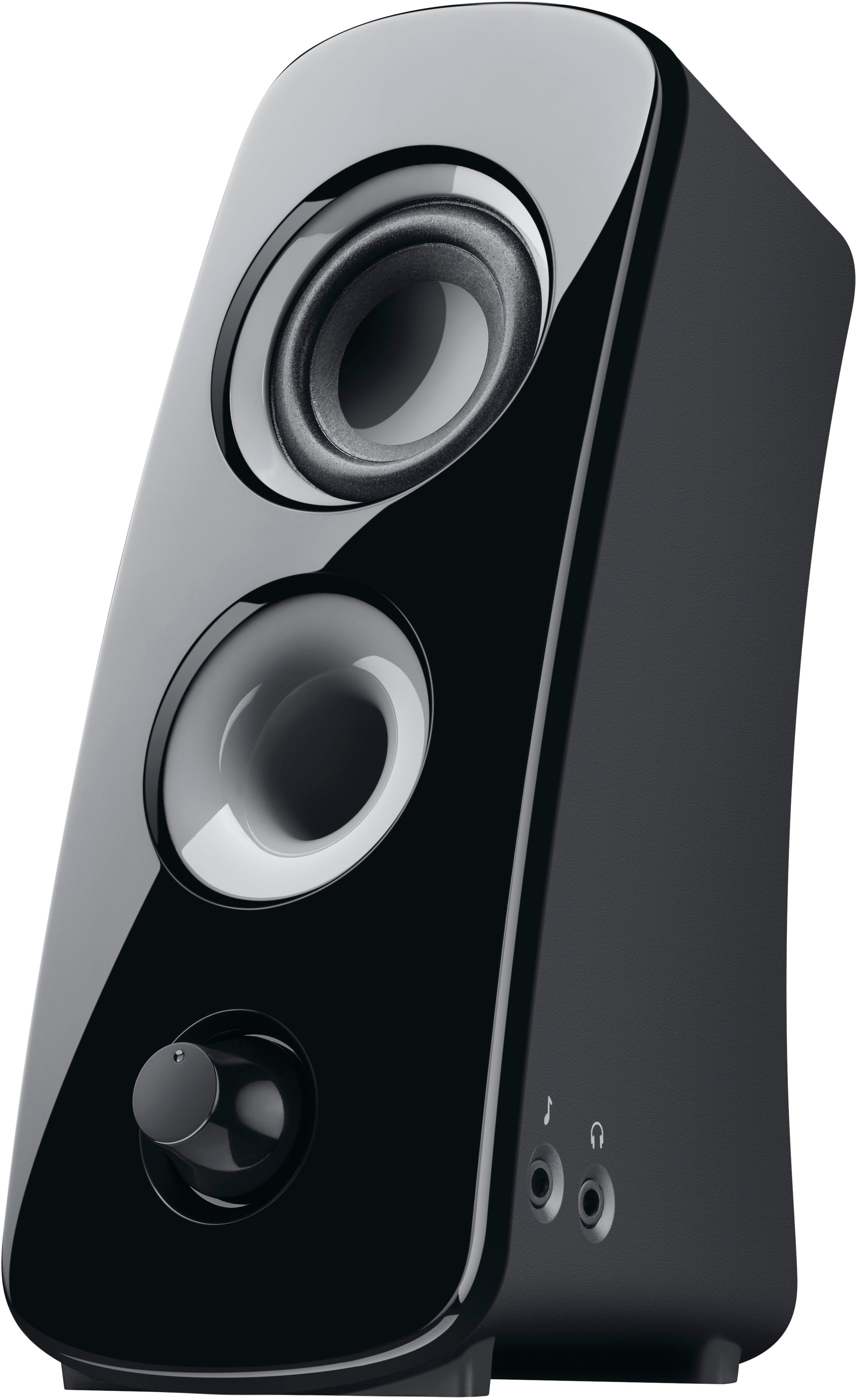
A:Answeryes it includes a 3.5 audio jack that you can plug into any device it also have another jack on the right speaker that you can plug in another audio jack to listen to music from another device.
A:AnswerI don't know if these have a fuse, but I have had several PC speakers and never had ghzt problem. If I ever have problems getting sound to play back, it is usually my PC. I've had particularly poor lucl with audio drivers (software running sound). Updates can change stuff around, new hardware like graphics cards can interfere or change audio settings without being obvious about it.
So check the software first. It's almost never the hardware in my experience.
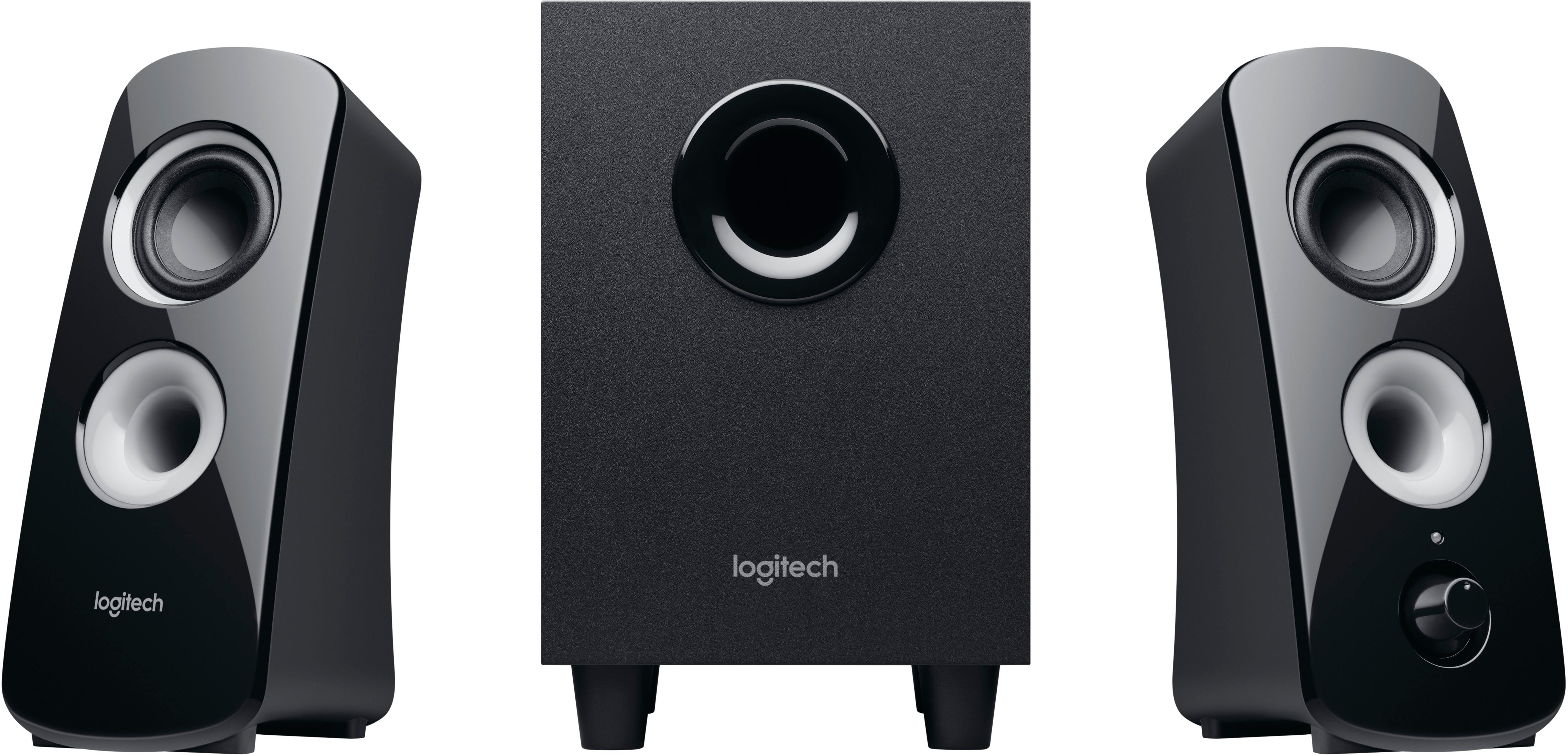
A:AnswerProbably, but you'd be better off using a good pair of headphones to practice with. If you are thinking of using these with your e-drums in a performance or even rehearsal application they are not sufficient and you will probably blown them up. If you are recording, going direct into your recording device will be best.