A:AnswerLogin to your MJ account for renewal options, or try their web site if you don't have an account. There are usually options ranging from 12 to 60 months. Once purchased, you can opt for automatic annual renewal, which is billed at the rate in effect at the time of renewal.
A:AnswerYes, you can have a local phone number. When you purchase and follow the installation guide, it allows you to choose your country code and phone number.
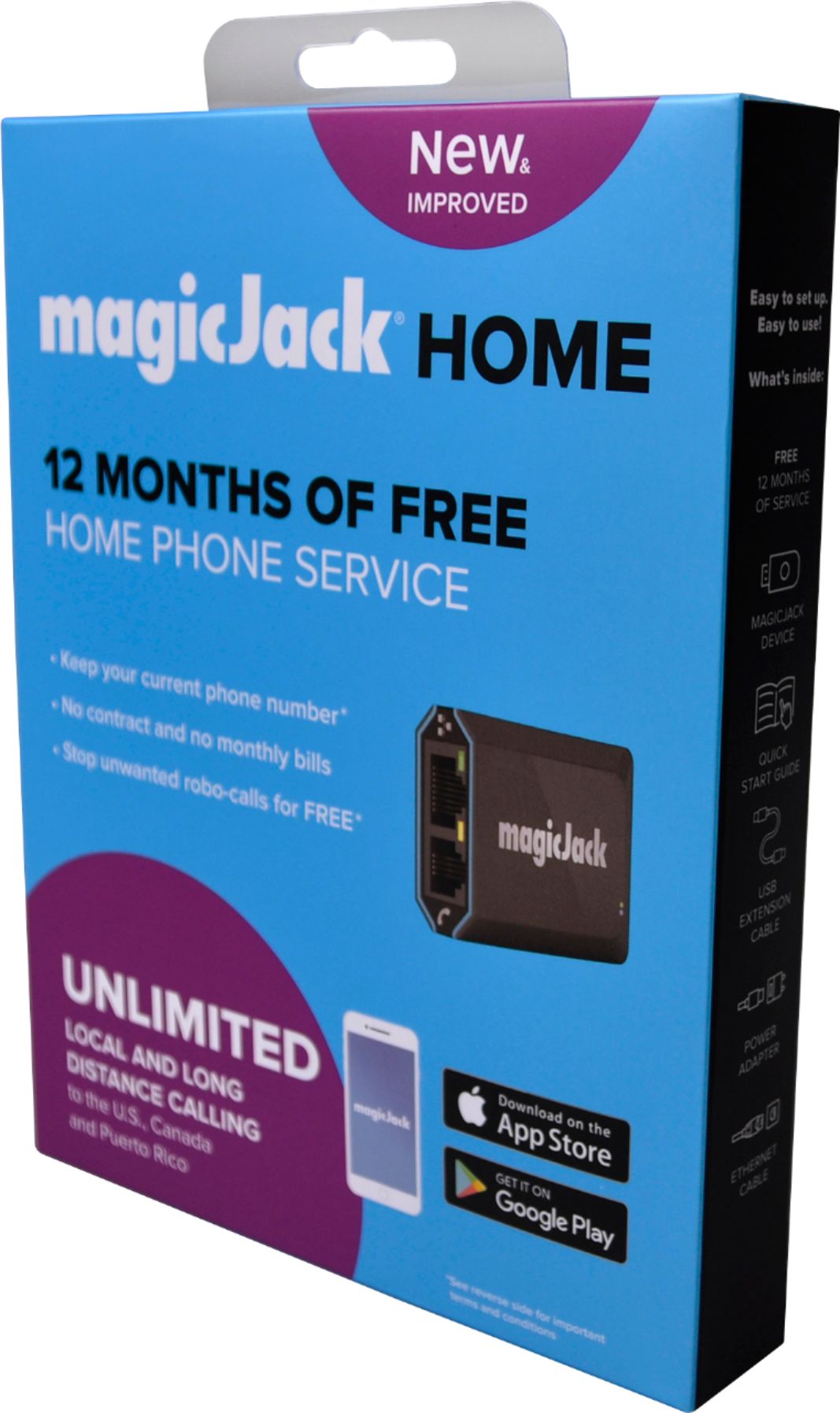
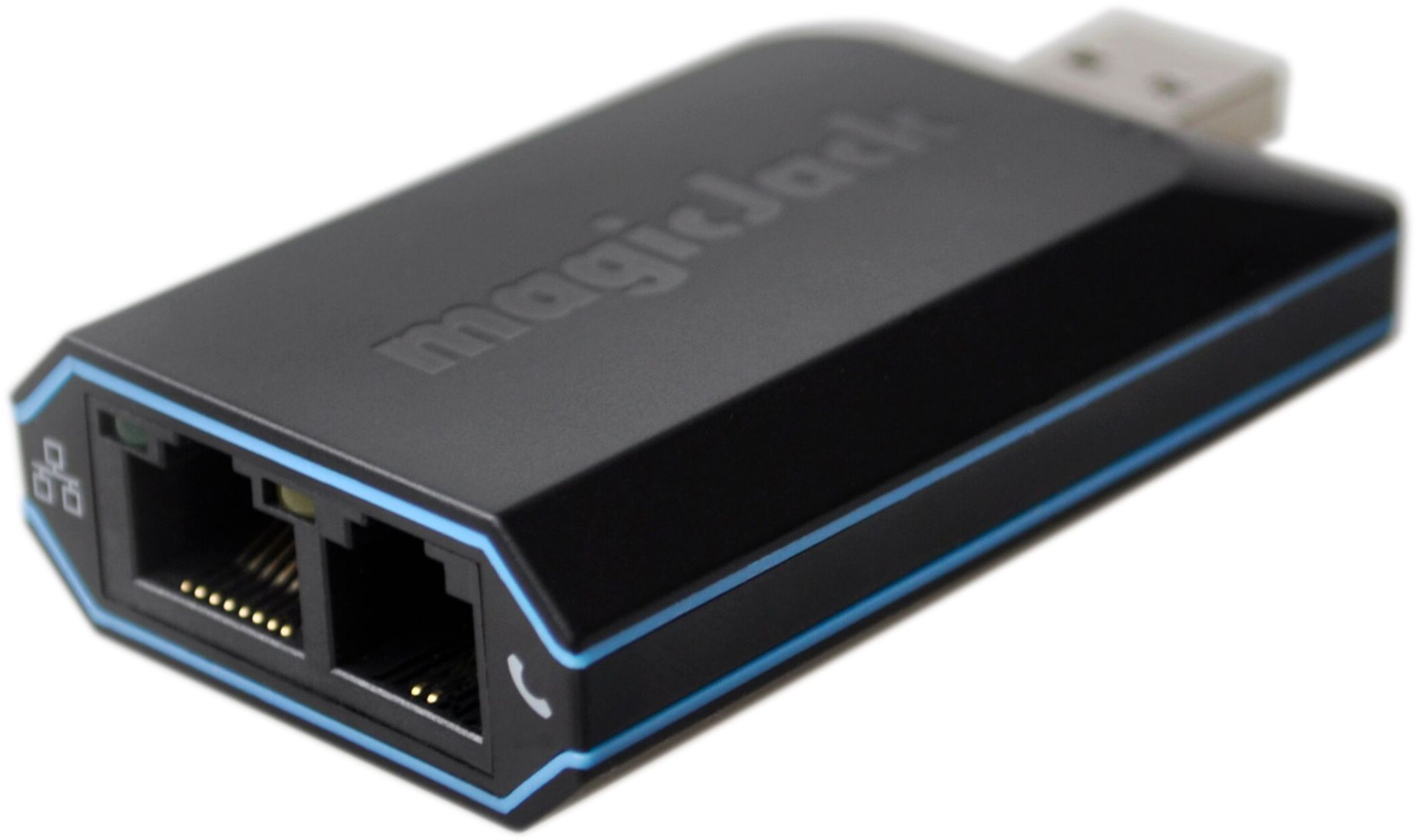
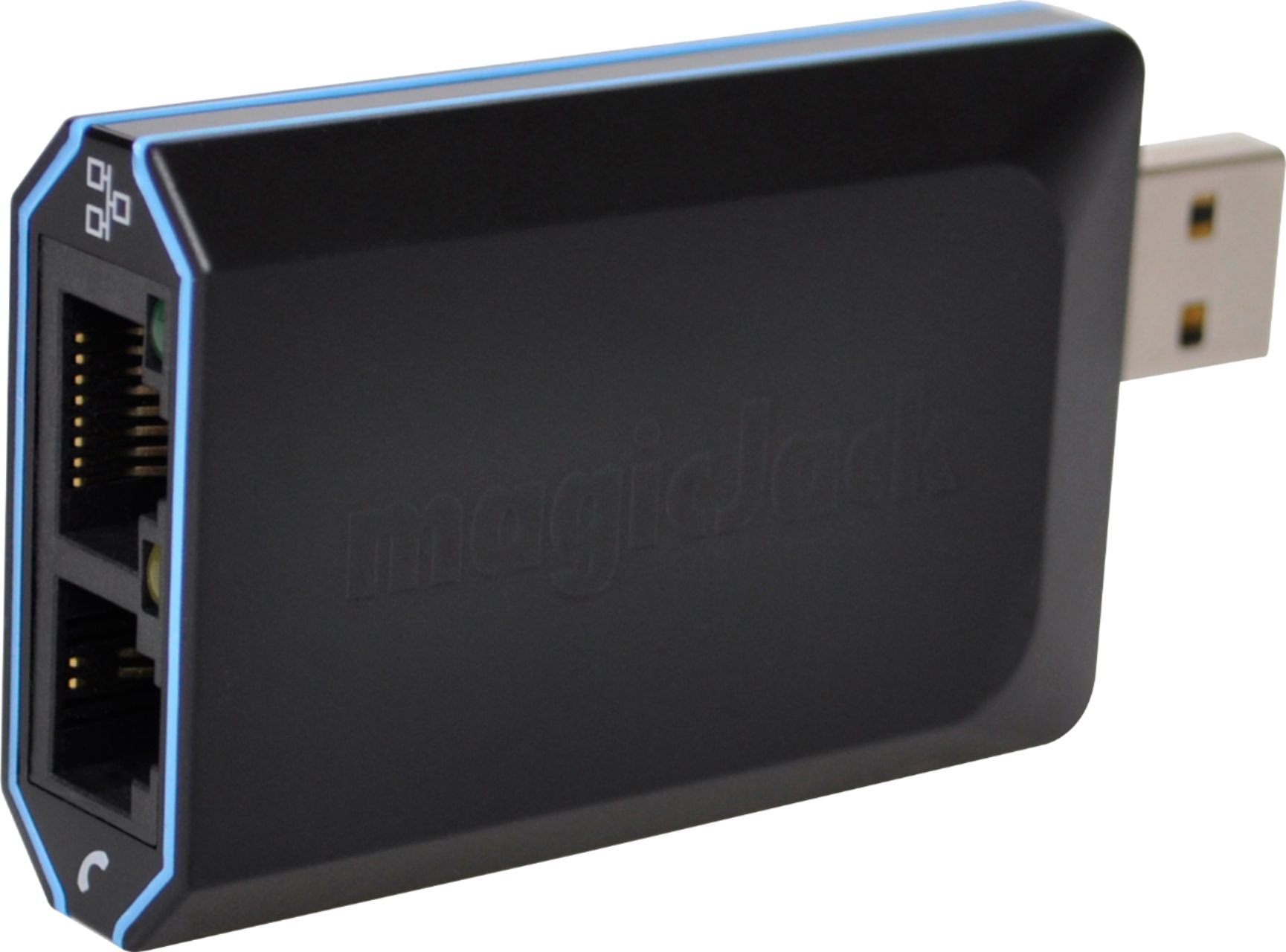
A:AnswerIf you are asking how to install the magic Jack, you plug the ethernet cord into the magicJack and your telephone cord into the magicJack. Next plug the ethernet cord into your router or modem. ( I had to purchase a longer Ethernet cord because of the distance of my computer from the router because I chose not to use wireless internet) Next plug the magicJack into the power outlet. Once you're done with the installation you have to log on to the magicJack website to set up your phone number. I recommend watching a YouTube video on how to install the magic Jack...makes it very simple!!!
A:AnswerI think you may be able to keep the same number. My number was through my wi-fi provider and I was able to move it to the MagicJack. I am assuming that Spectrum is your wi-fi provider.
A:AnswerYes, that's true! I've had a couple of marathon calls and got cut off. But I just called back and we continued for another hour! The thing is, I was visiting Japan calling someone in New Jersey, and it was still just a domestic long distance call. Very cool!
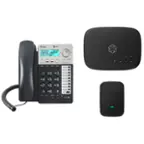
A:AnswerA LAN phone splitter (2-Way RJ11 Telephone Plug to RJ11 Socket Adapter) might be able to do the trick. I tried using the item attached in the picture to hook up 2 different phones (i.e. one wireless base and one dial tone wired phone). It did not work.
Also, if you have a phone jack dock installed by your previous provided (see picture), you can play around with using that port and connecting it directly to the MagicJack and use the other phone jacks throughout the home. Good luck!
A:AnswerBest Buy has a great return policy. It should work great for you. Only caveat is that you cannot call conference call lines from it (you'd have to use your cell for that).
P.S. If you are cancelling a current phone service, make sure you set MJ up right away (following instructions) to see how it works for you. Once satisfied, you can port your # if you wish over to MJ. If current phone is Xfinity, they usually take 5 days to transfer # and then keep your account 'pending' for another 10 days. So, it will take apx 15 days before you can cancel the voice.
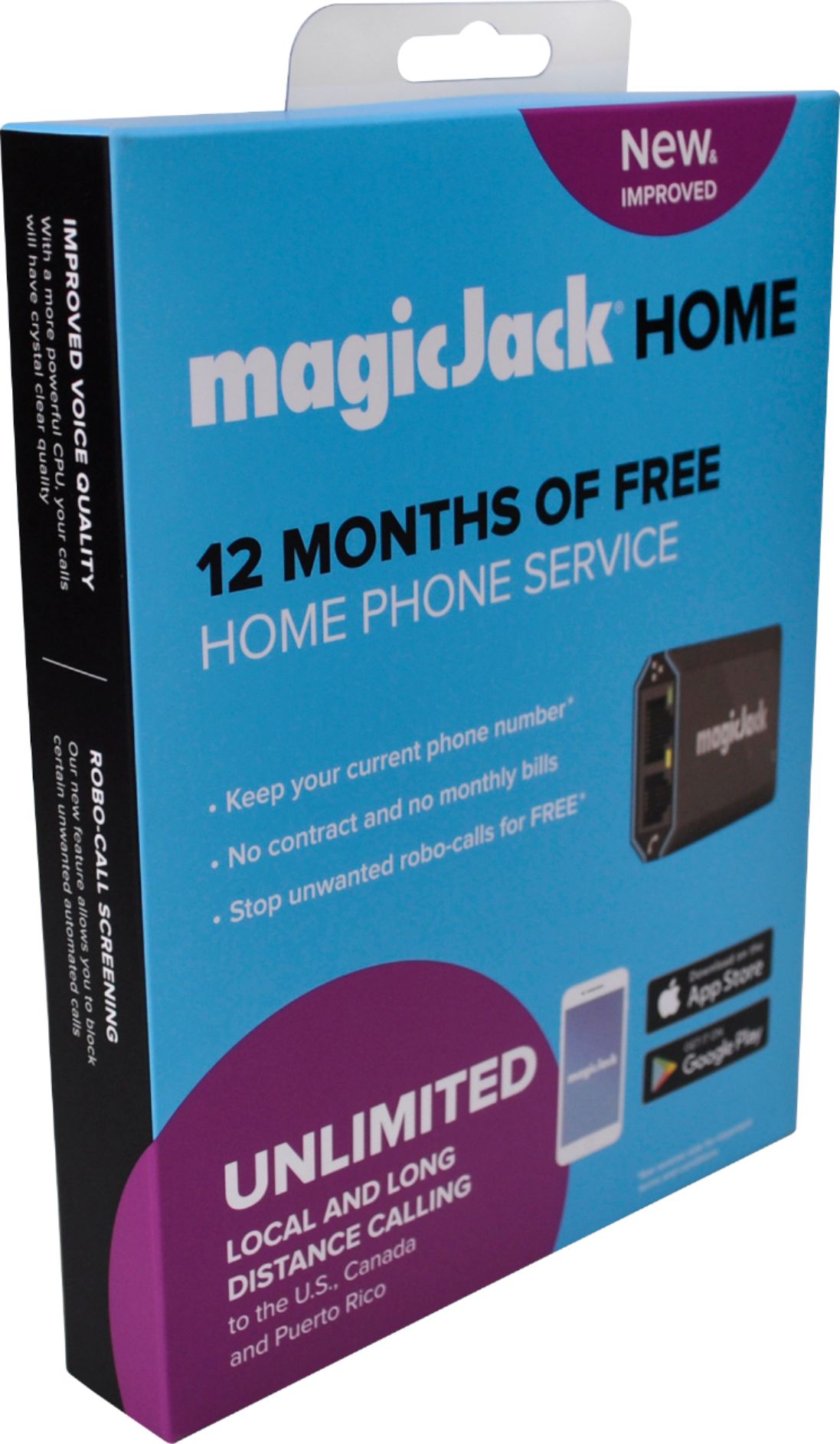
A:AnswerYes, you can but be sure to check with your carrier to find out what info Magicjack needs in order for it to be ported smoothly. It took me weeks to get mine ported due to poor communication between Magicjack and EPB (my phone carrier).
A:AnswerYes you can if you have internet. You connect the magic jack to your router via an ethernet cable. You can connect a corldess phone base to the magic jack directly via a phone cable. You now have a home phone. BTW. This is what I did.