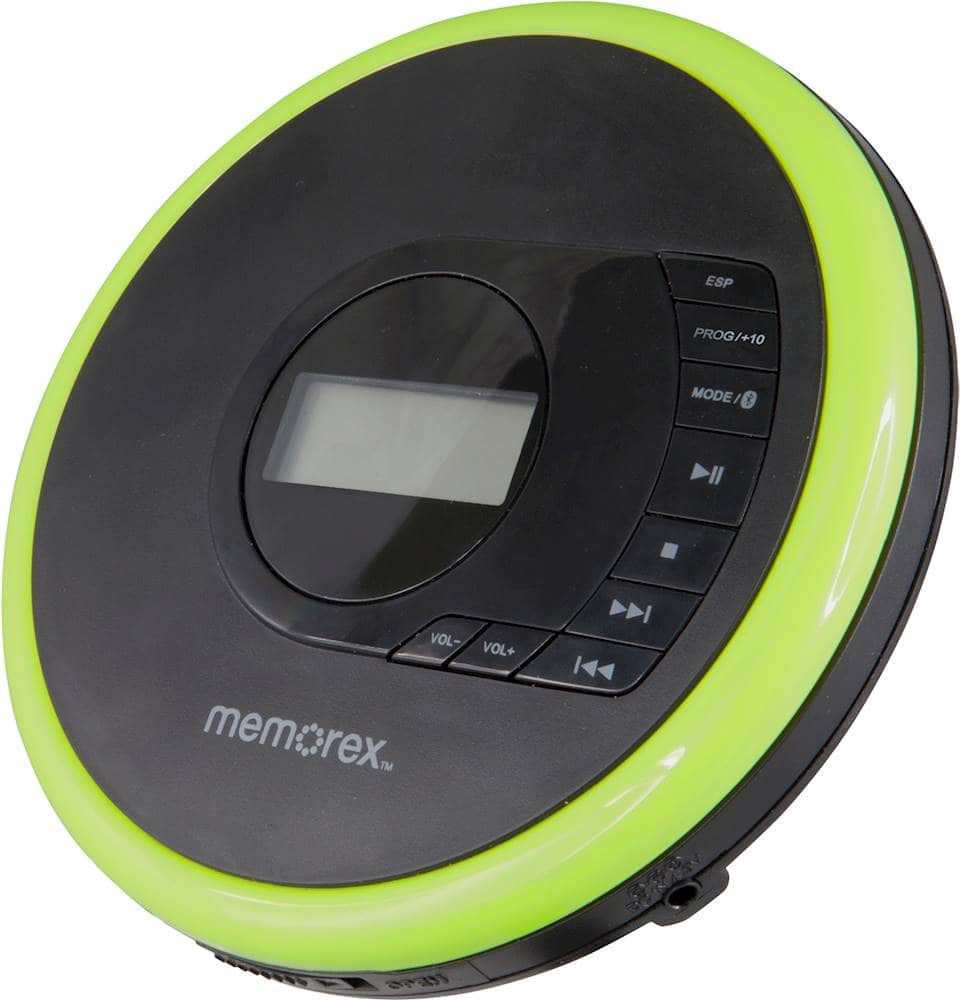
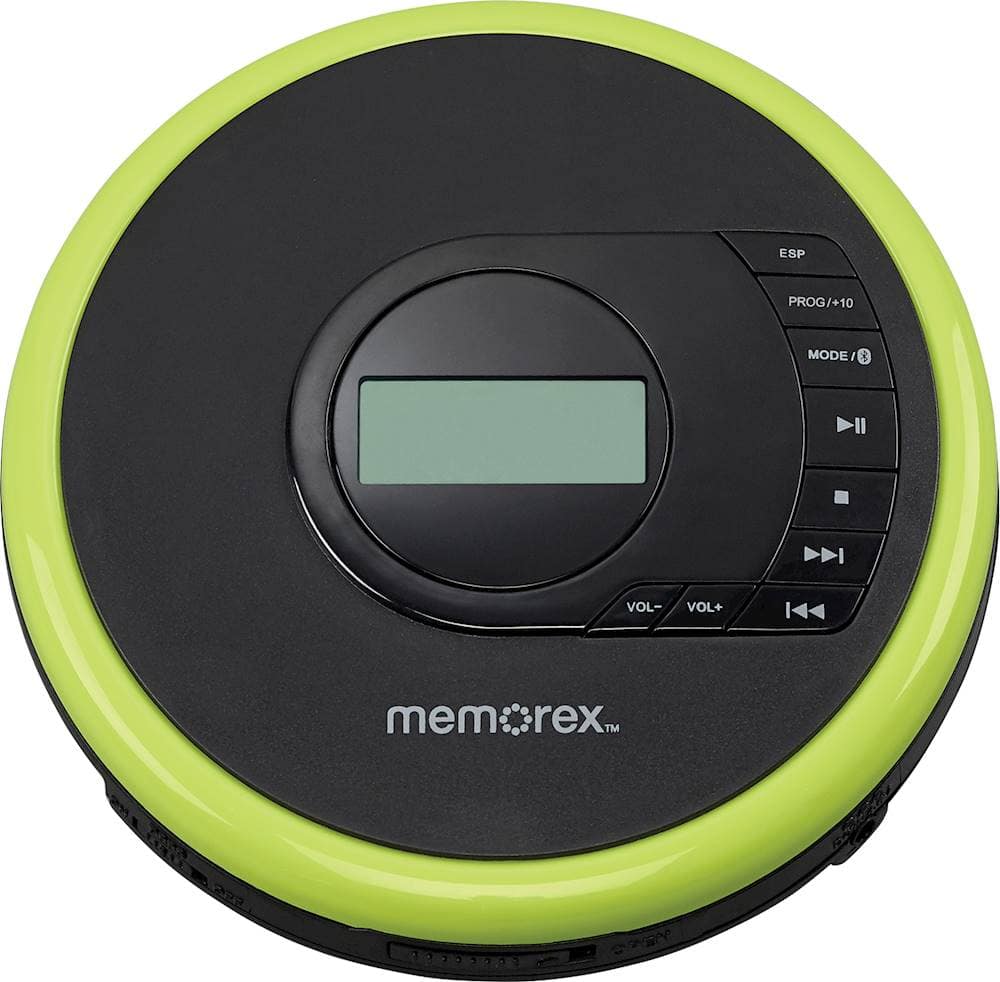
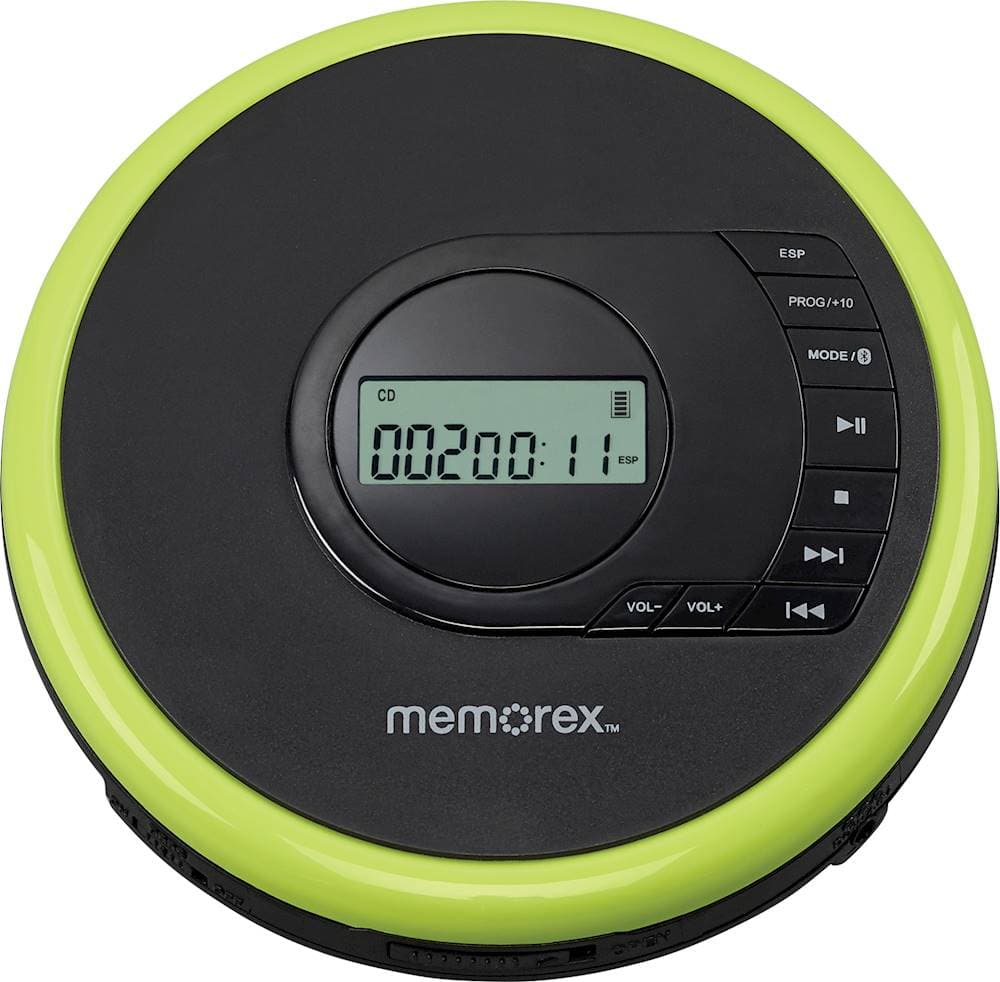
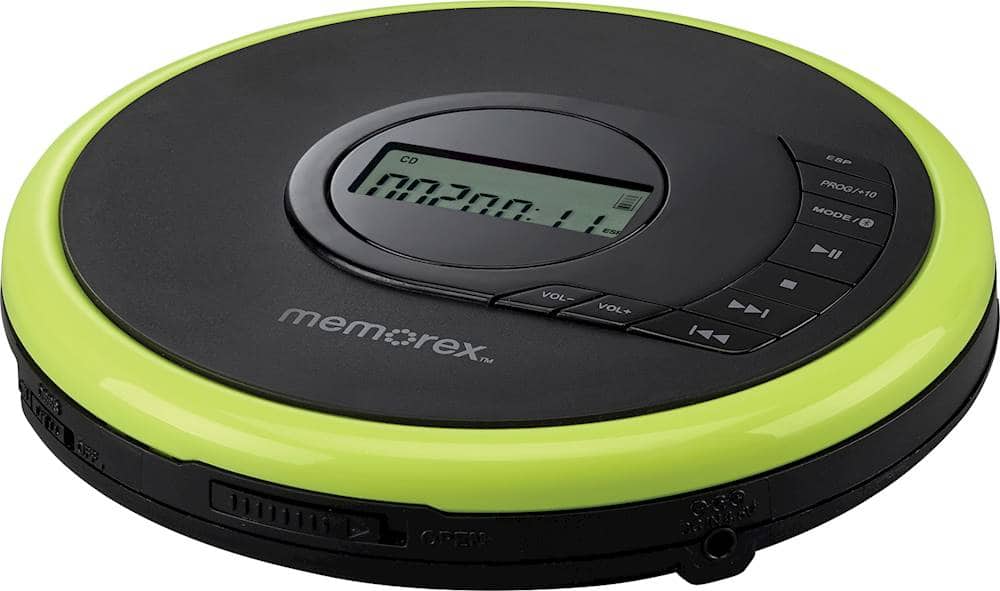
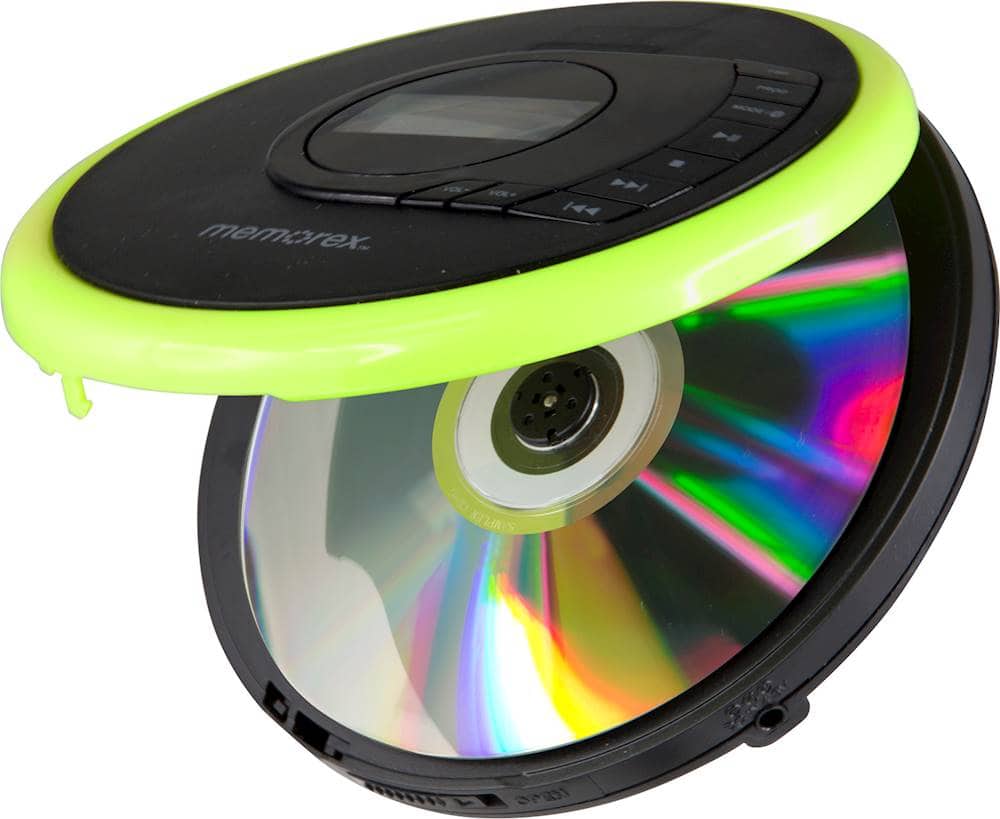
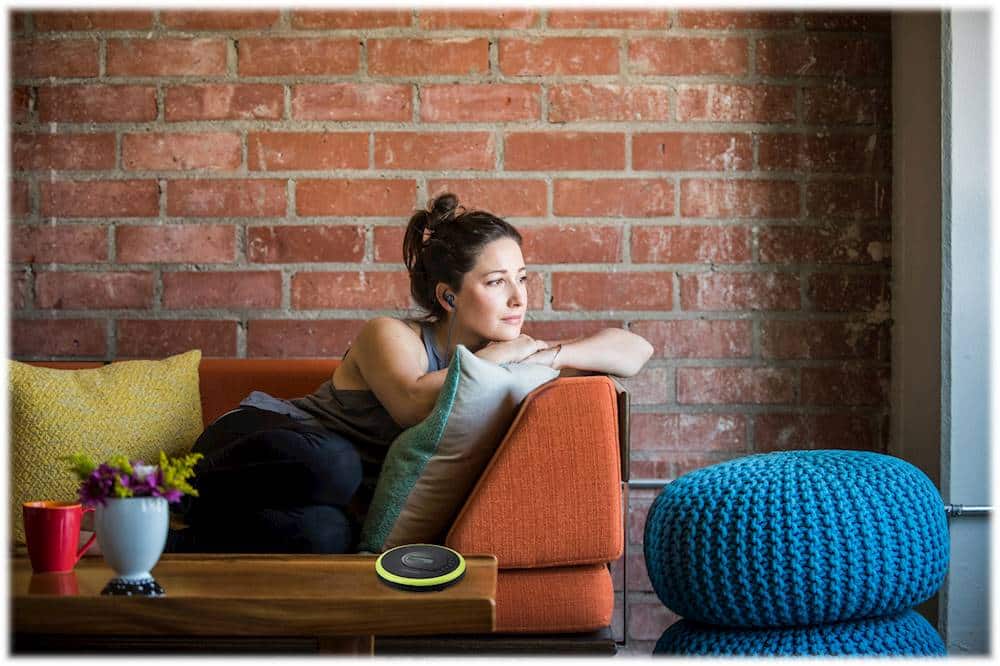
A:AnswerNo, the CD player doesn't have a speaker. You can use Bluetooth to connect to a larger speaker or wireless earbuds to transmit the music on the CD.
A:AnswerI also had trouble at first. When I follow the instructions exactly, it works fine. In my case that means: hold down the Mode button on it and press for 2 seconds the Bluetooth button on my Beolit20 speaker. Both devices give a beep when they have paired.
A:AnswerThank you for your question! This CD player has a Bluetooth transmitter and can transmit audio to Bluetooth-supported devices. If you can connect your phone to the hearing aids and play music, it's most likely the same case with this CD player.
A:AnswerTry this are cheaper options but this was the first one that came up for me. Just hook one of these up via your audio jack and you should he able to transmit to your Bluetooth speaker.
https://www.bestbuy.com/site/aluratek-bluetooth-audio-transmitter-black/6332920.p?skuId=6332920&ref=212&loc=1&ref=212&loc=1&gclid=Cj0KCQjwiNSLBhCPARIsAKNS4_fJWjJMcIbE4Y8HgjKVhMm8lv4M_edtU1ABLK_-GqB5rLRnyUjtjnEaAuu9EALw_wcB&gclsrc=aw.ds
A:AnswerPossibly? I wouldn't suggest rewireing it to plug into the wall. Mine didn't show up with a cable to plug it in so I assume you would have to jury rig it up yourself which would be a poor idea instead of buying a dedicated radio with a CD player that you can safely plug in.
A:AnswerThis doesn't have a built in speaker you need ear buds or to hook it up to an external speaker. If you only have Bluetooth speakers try one of these items in the link below. Cheaper versions exist but these are pretty useful anything with an audio jack can be hooked to a Bluetooth speaker.
https://www.bestbuy.com/site/aluratek-bluetooth-audio-transmitter-black/6332920.p?skuId=6332920&ref=212&loc=1&ref=212&loc=1&gclid=Cj0KCQjwiNSLBhCPARIsAKNS4_fJWjJMcIbE4Y8HgjKVhMm8lv4M_edtU1ABLK_-GqB5rLRnyUjtjnEaAuu9EALw_wcB&gclsrc=aw.ds