A:AnswerSamsung should be fine, the phone is only needed for setup, and it can do a few thinks remotely, but everything after initial setup can be done from within the headset. Aside from resetting your account.
A:AnswerNO!!! This is an all-in-one self contained product. Although it can be connected to a high power computer (windows) to play more powerful games, but it is not required.
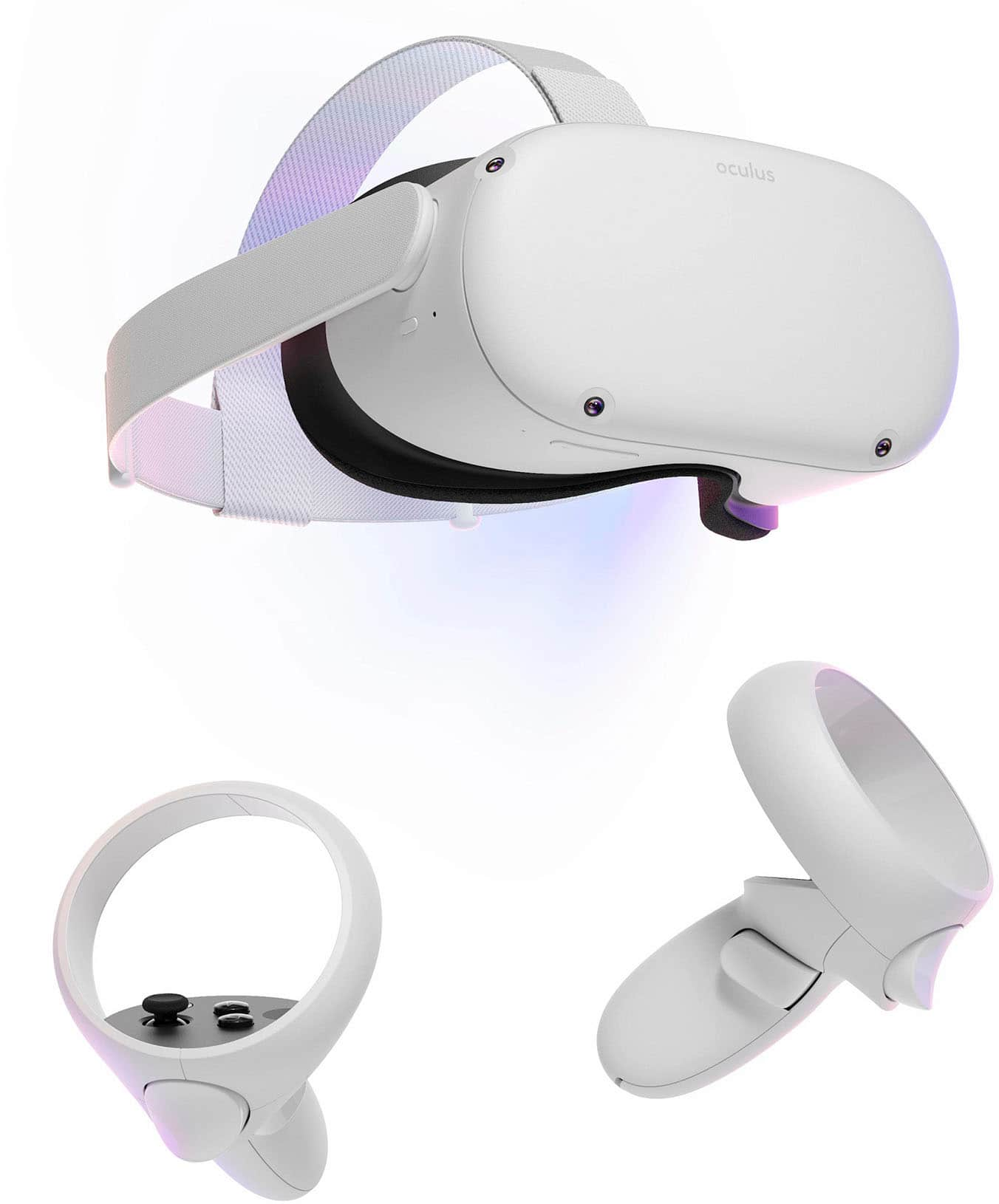
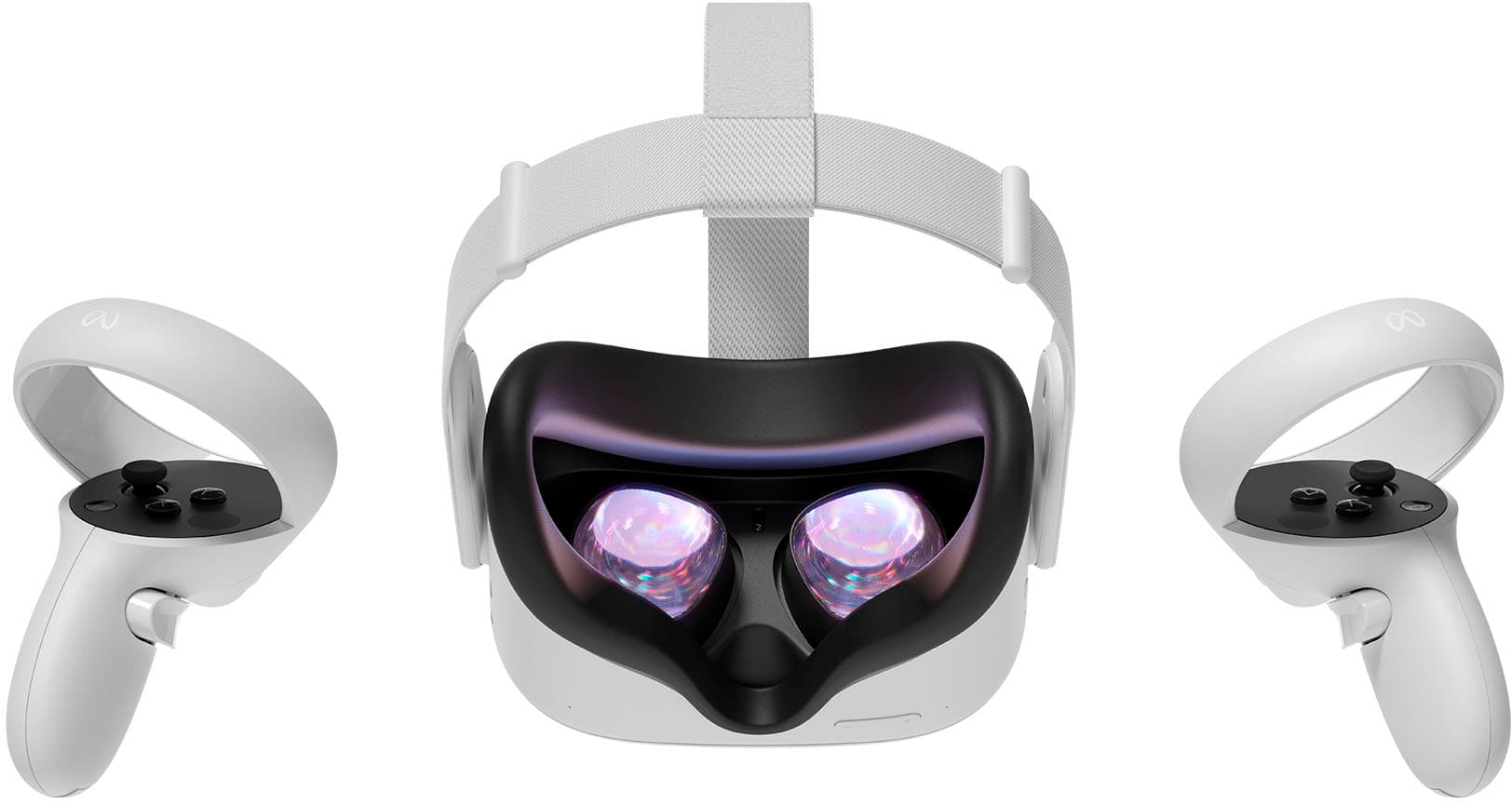
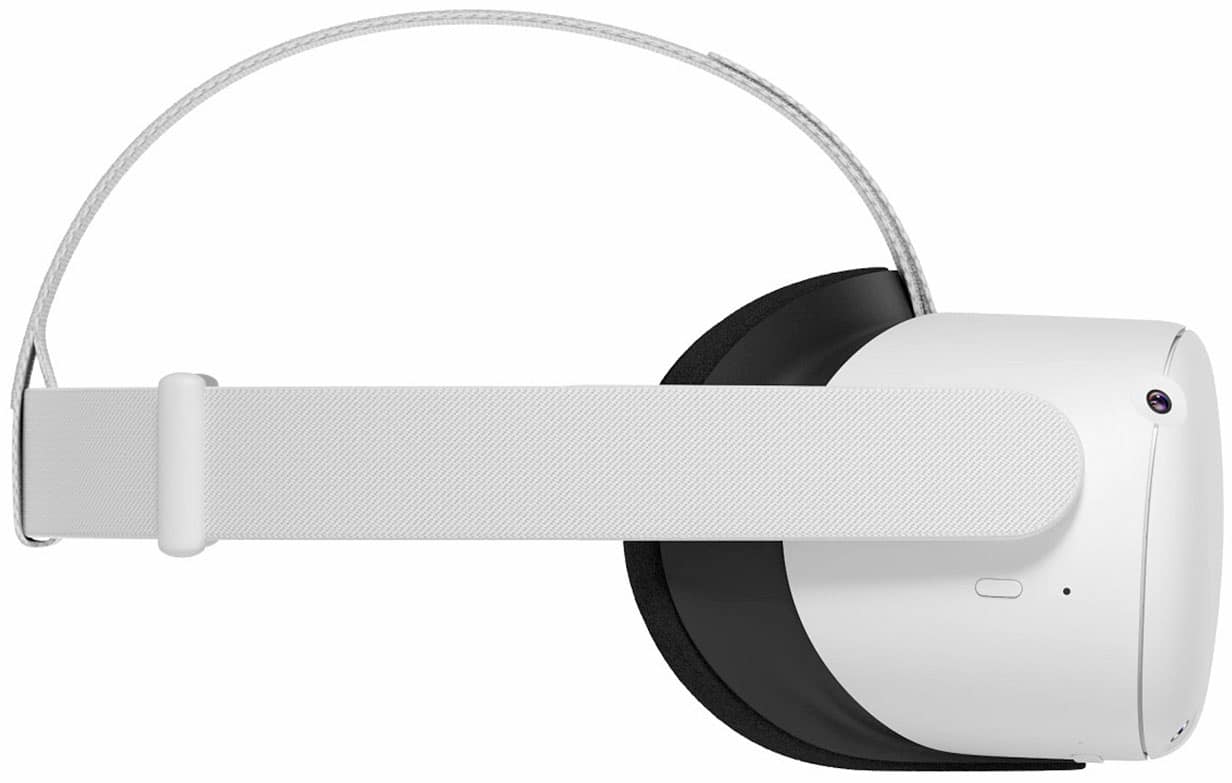
A:AnswerOculus doesn't require a phone to be inserted like the $20 VR headsets. The hardware, software and display are already installed in Oculus, which is why it's more expensive.
A:AnswerGames can be bought via the Oculus app on your phone, or they can be bought via the Oculus Store on the headset itself. As long as your grandson has the headset she can play as there is no need to login once you've already set up everything.
A:AnswerYou don't need any sort of system or PC to make the headset work, it is a all in one standalone headset, meaning it runs by itself like an Xbox or Playstation.
A:AnswerHi there, Oculus Quest 2 is not compatible With Amazon Fire TV. If you would like to mirror your VR experience to your TV, Google Chromecast is compatible with Oculus devices.
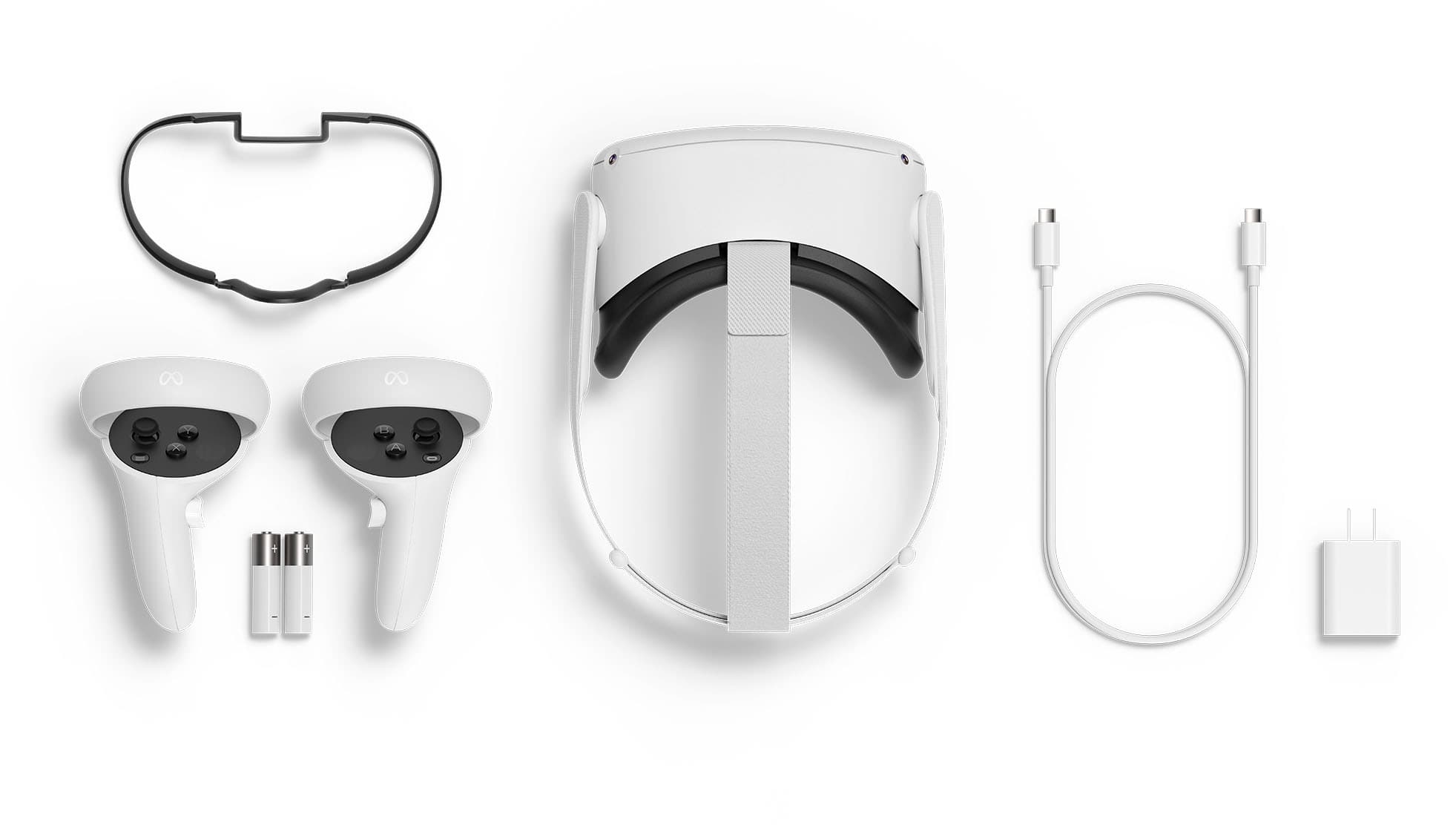
A:AnswerYes, this comes with charging cord. all be it a very short charging cord. Approx. 24 inches in length. They do this, so your forced to purchase another cord if you should ever want to play with your head set corded to your computer.