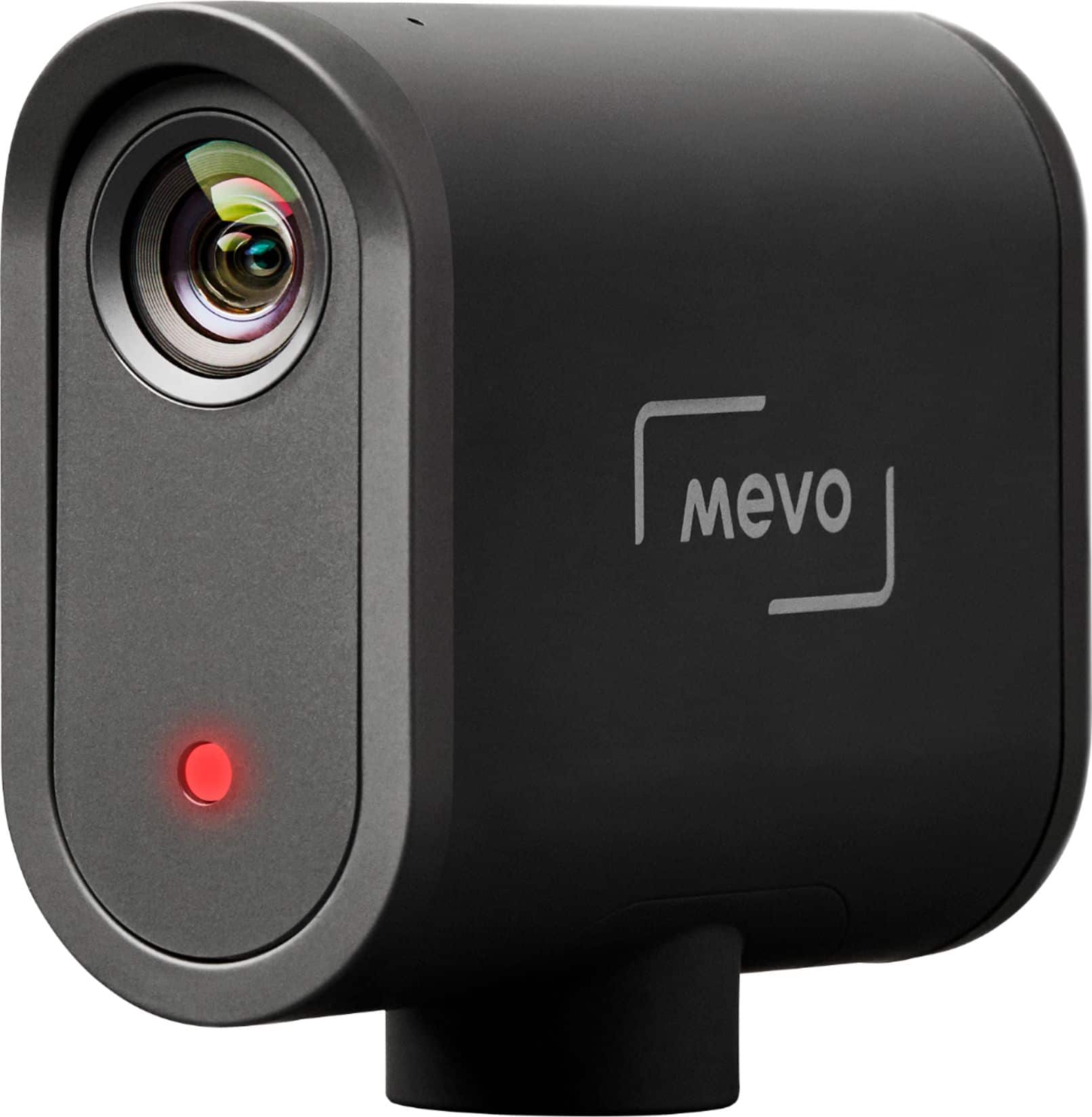
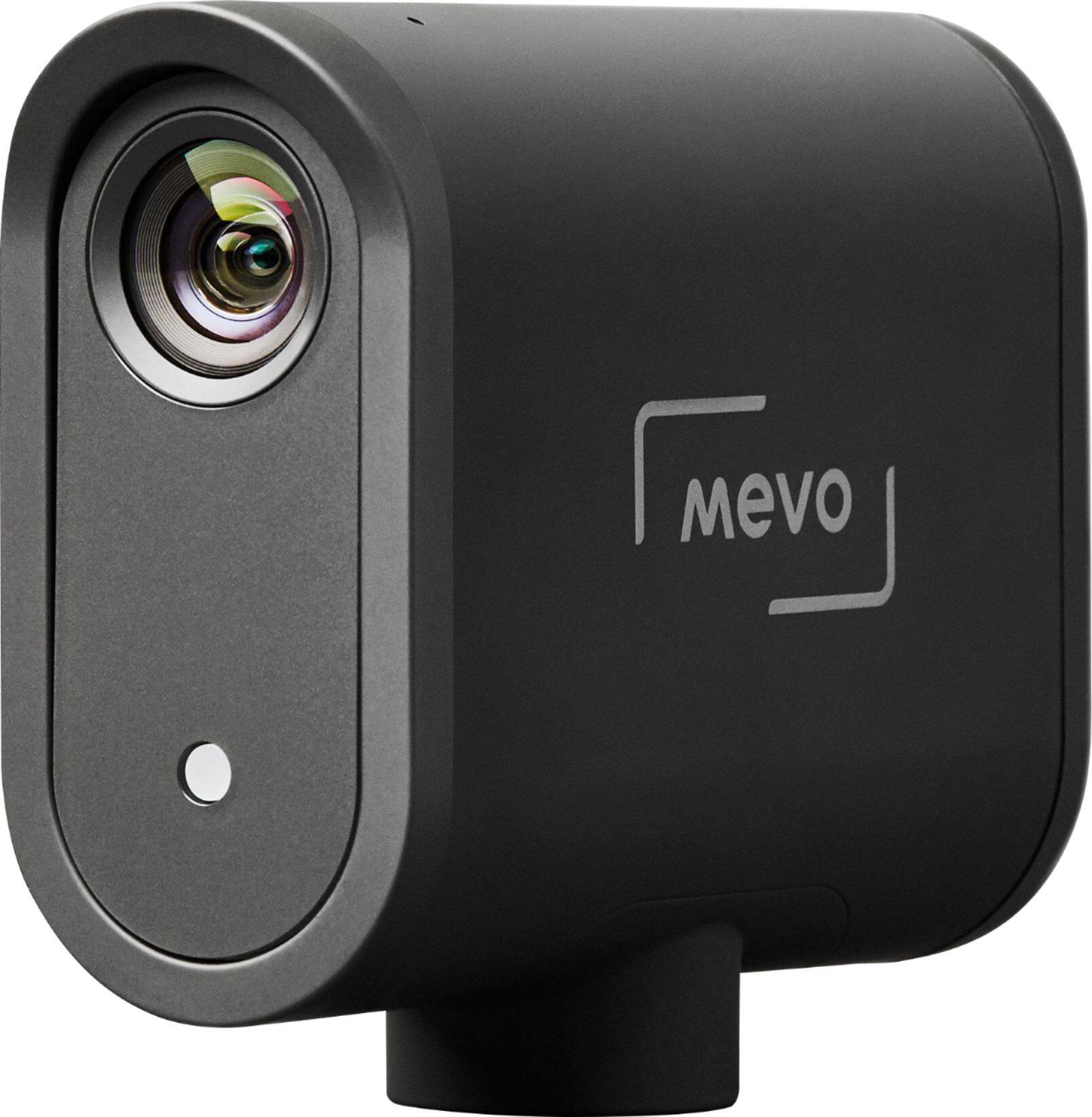
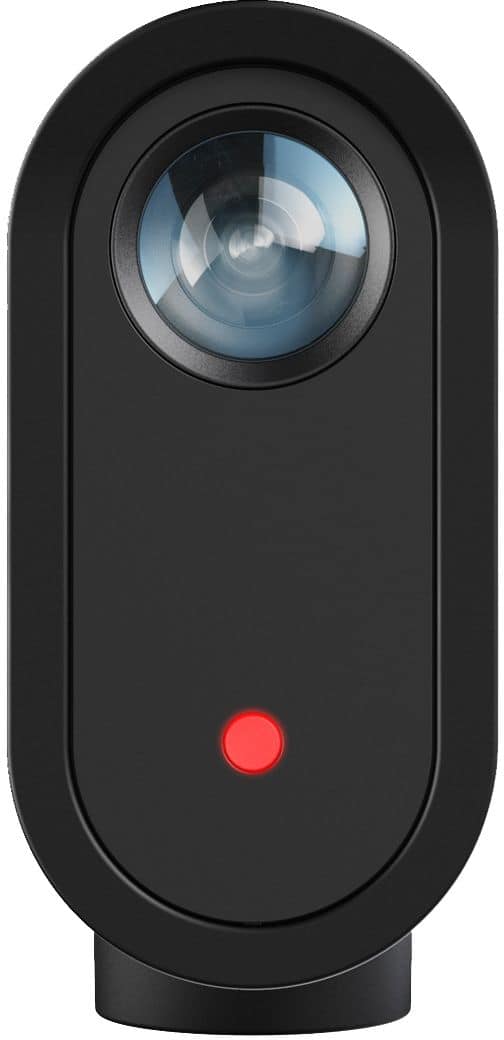
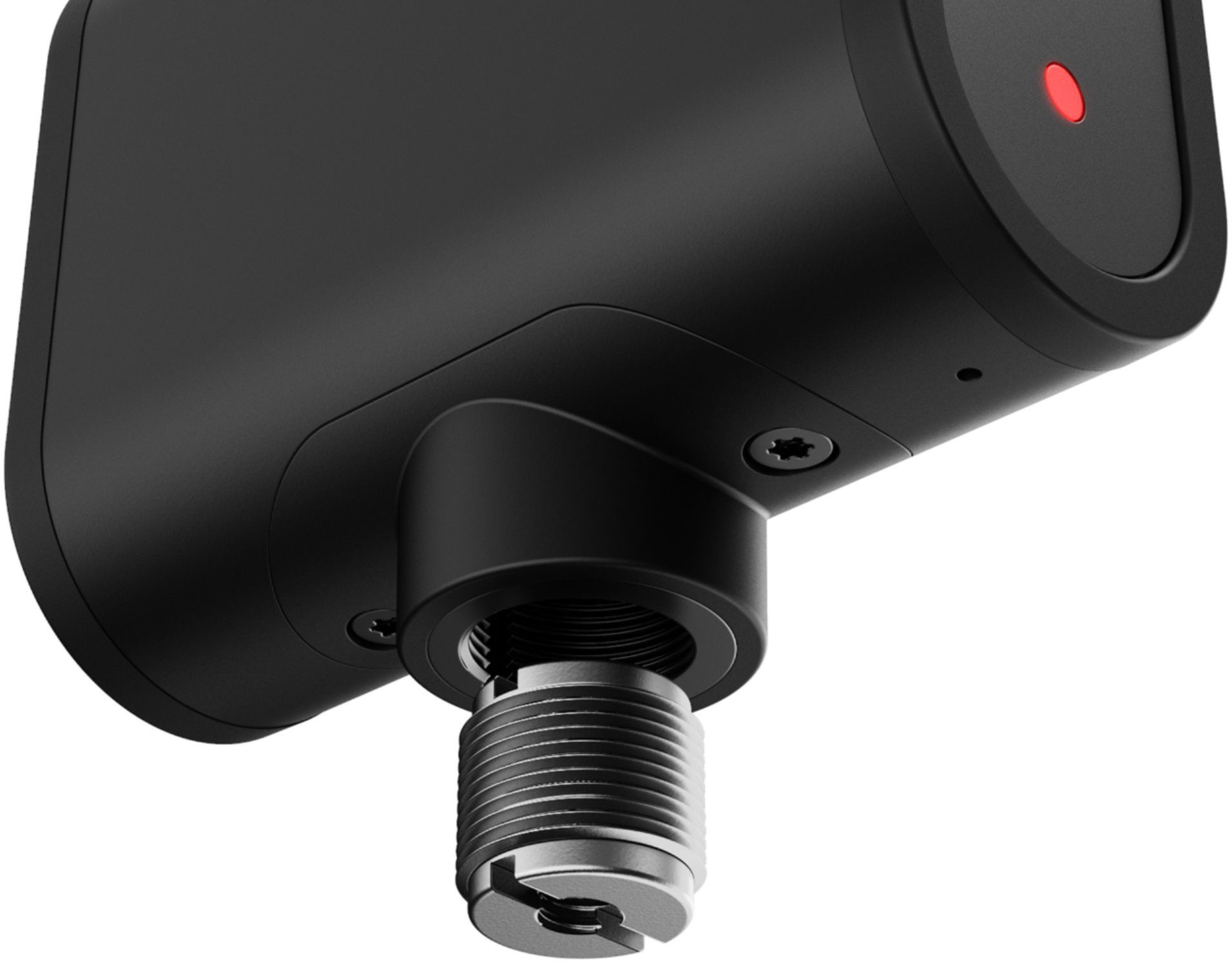
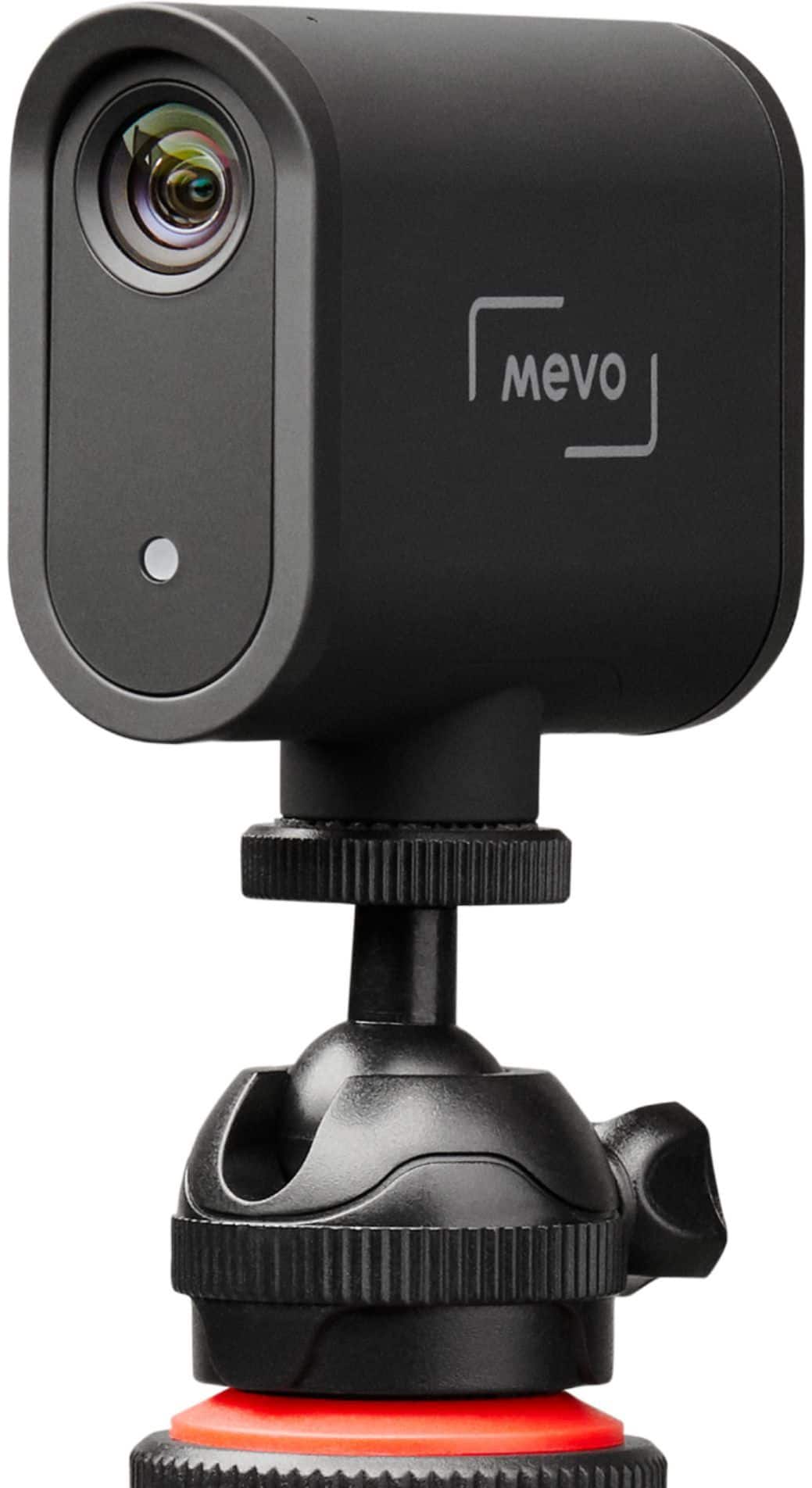
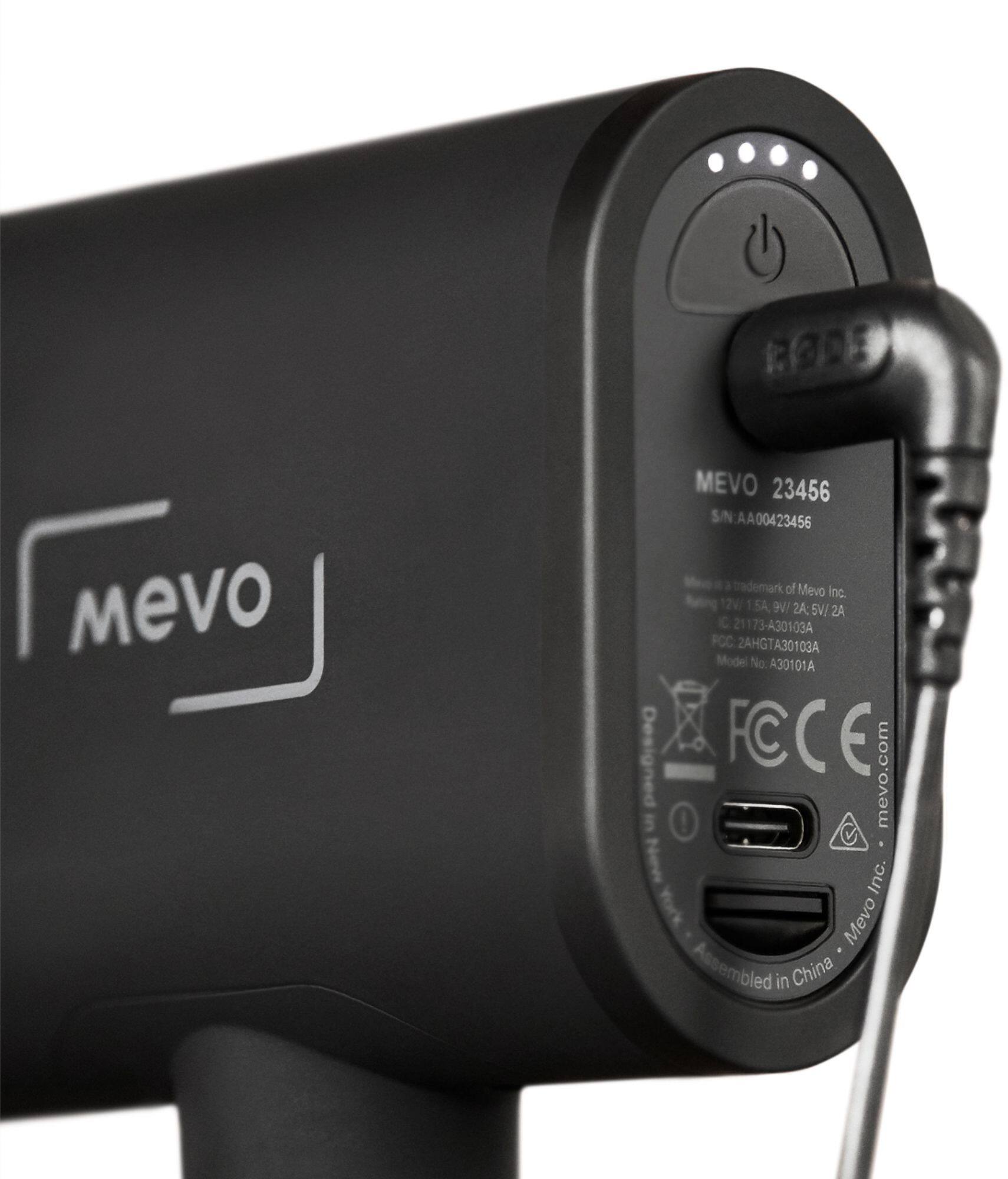
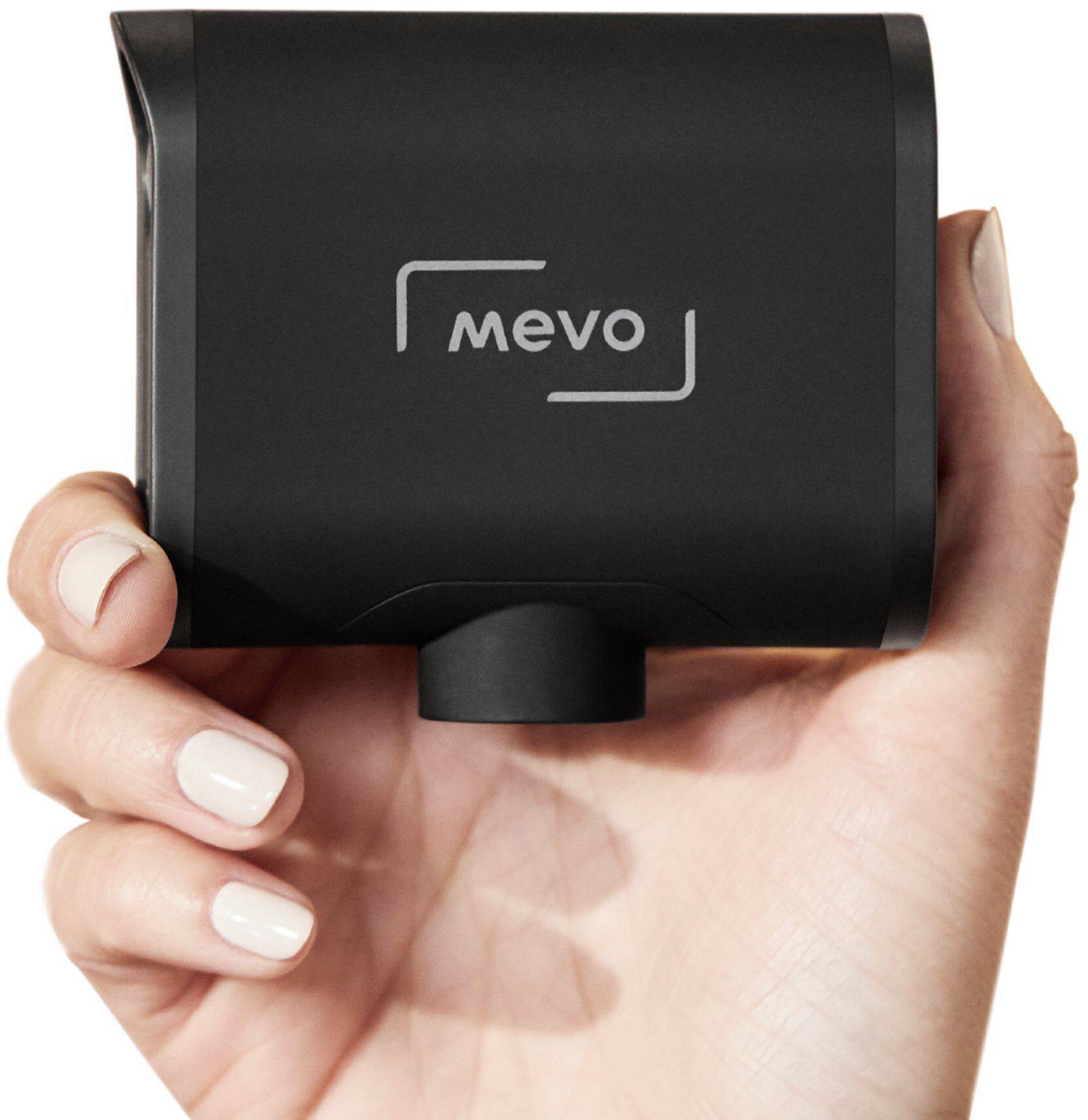
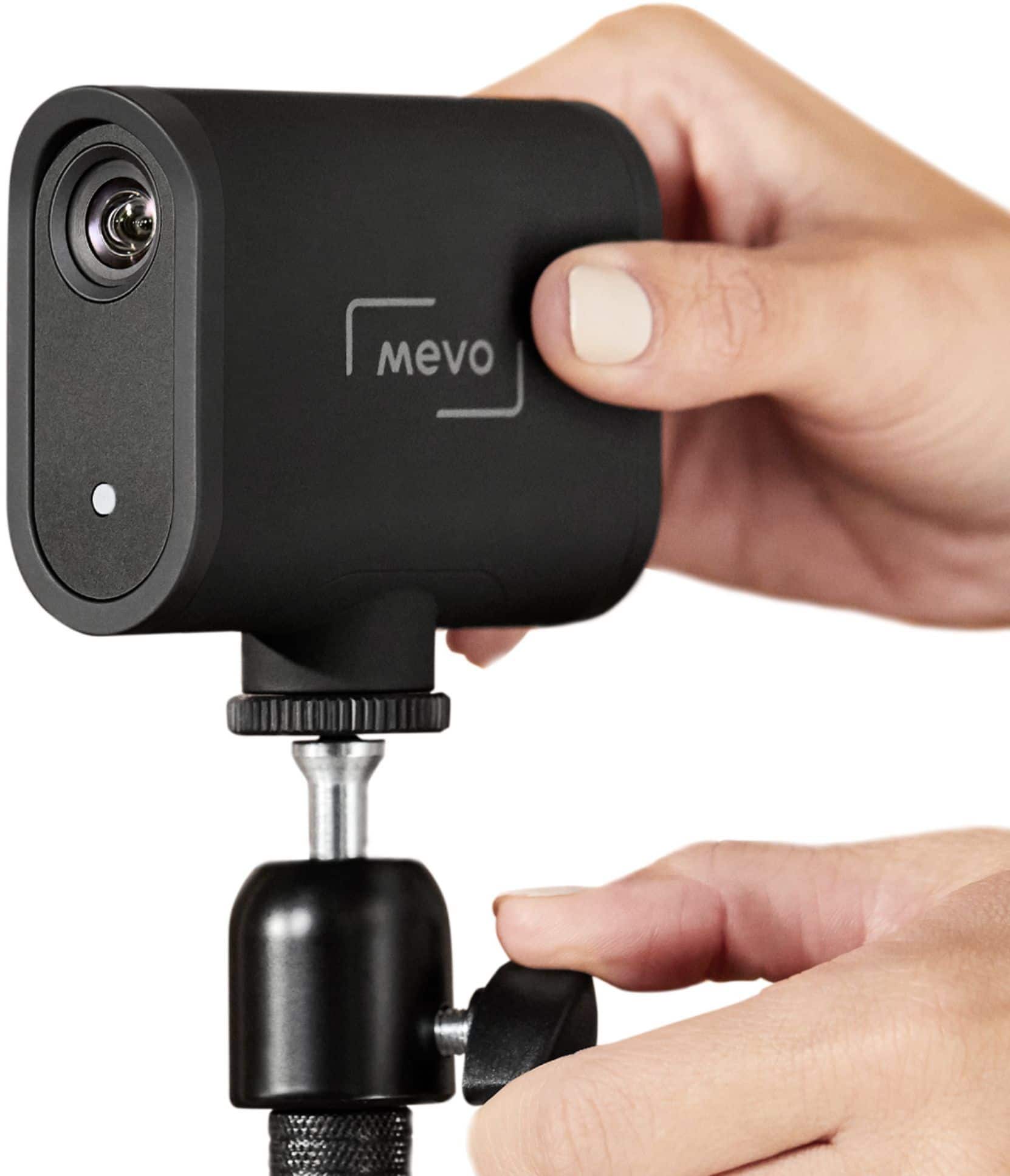
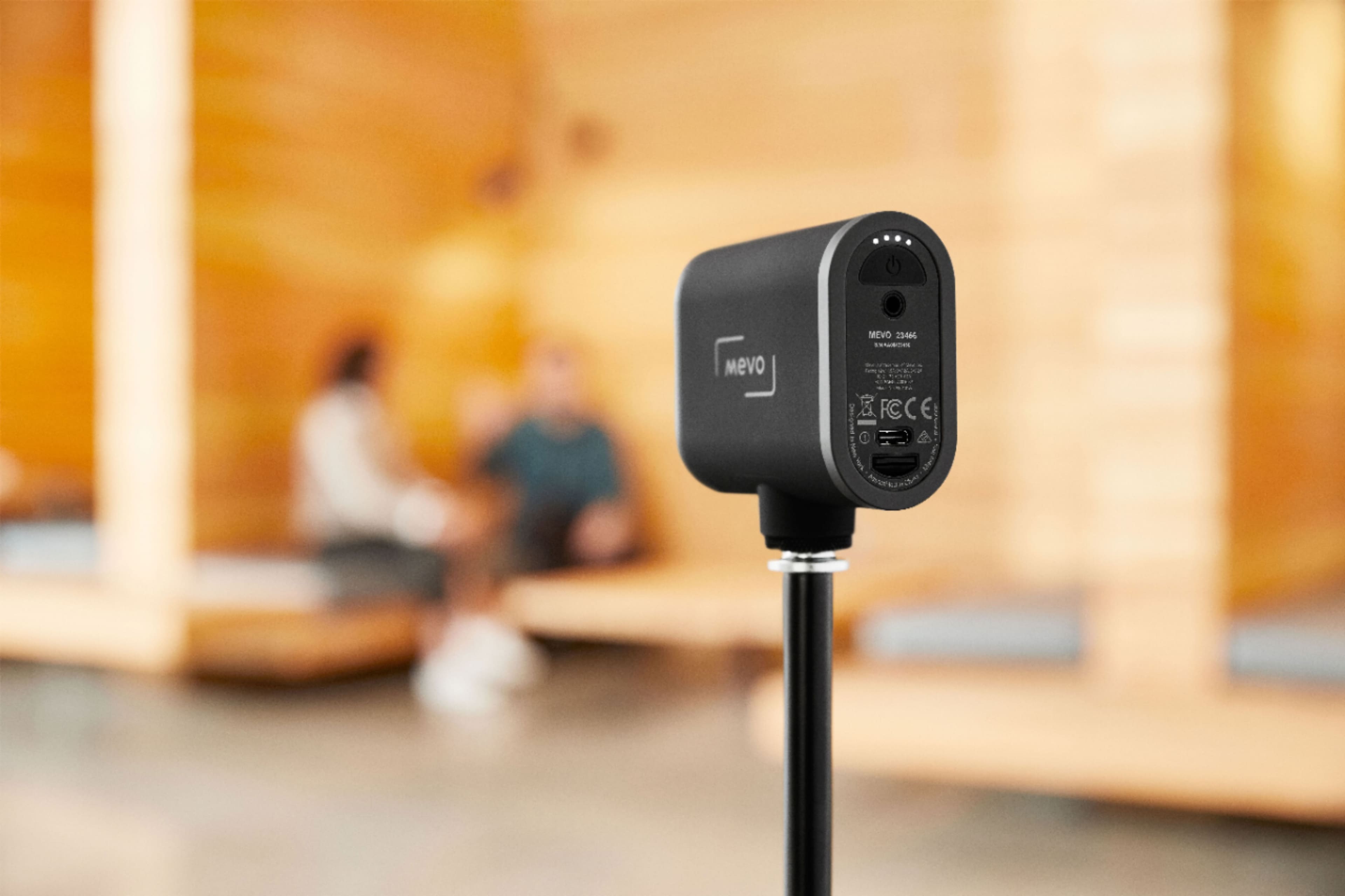
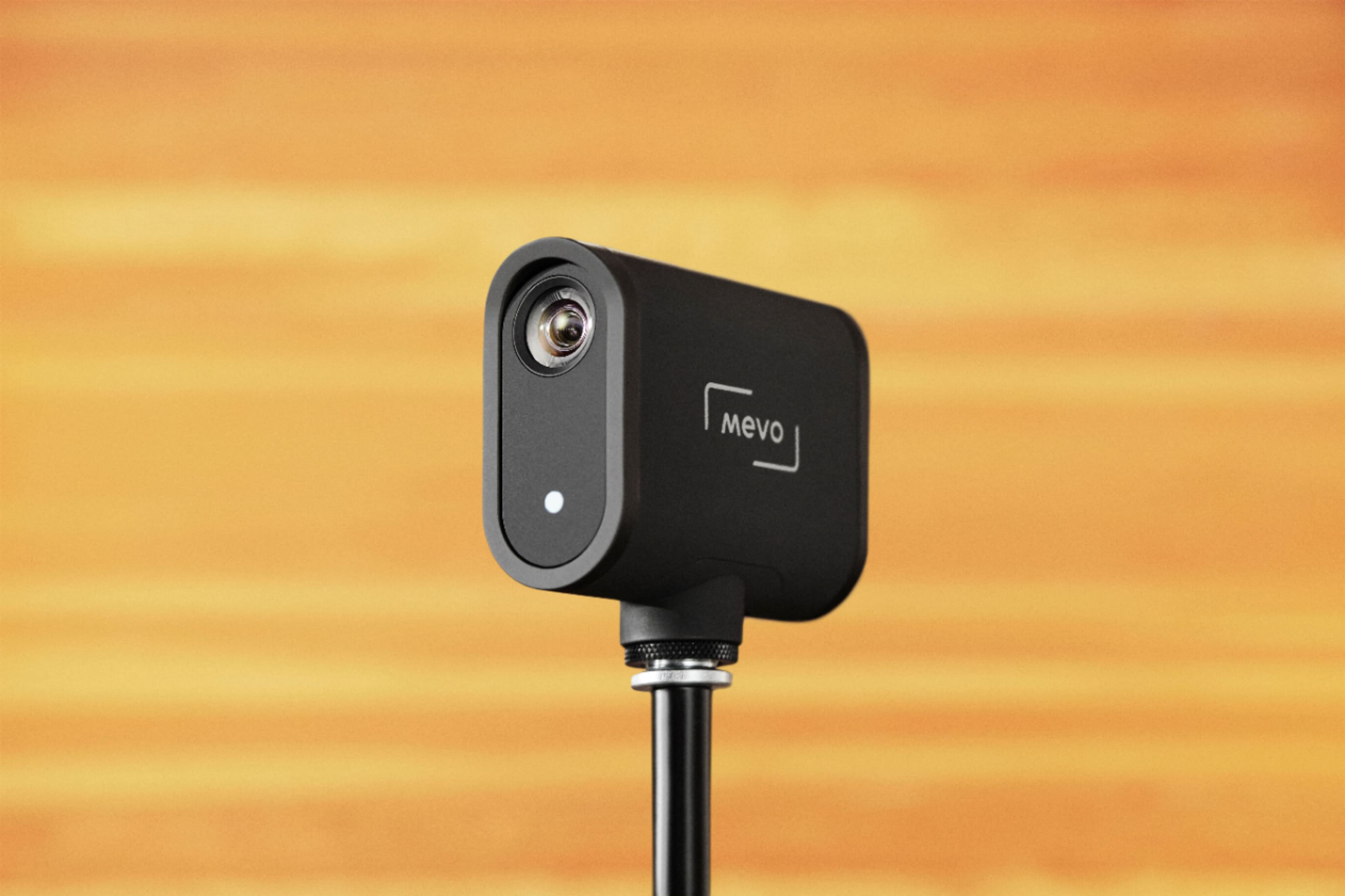
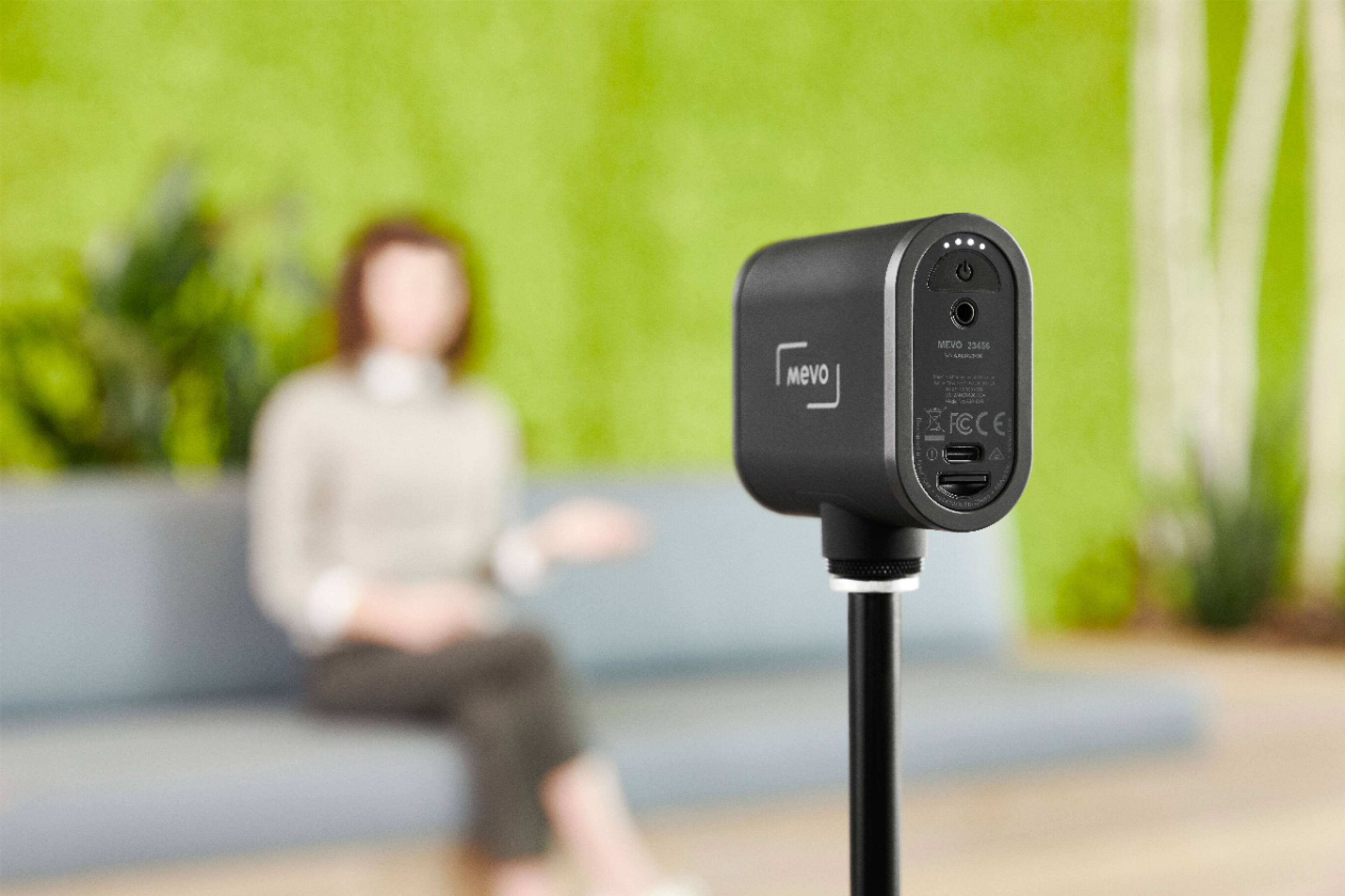
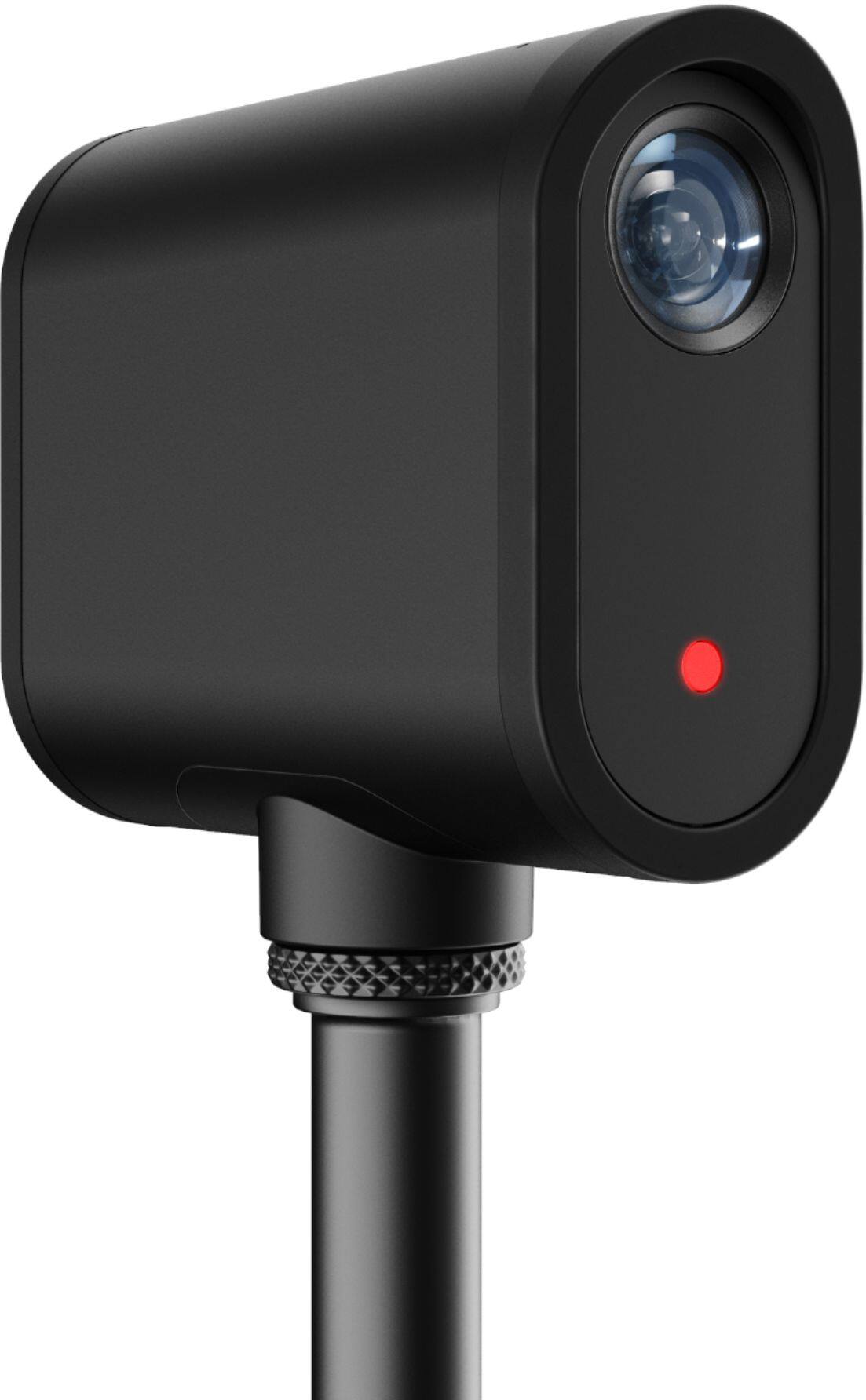
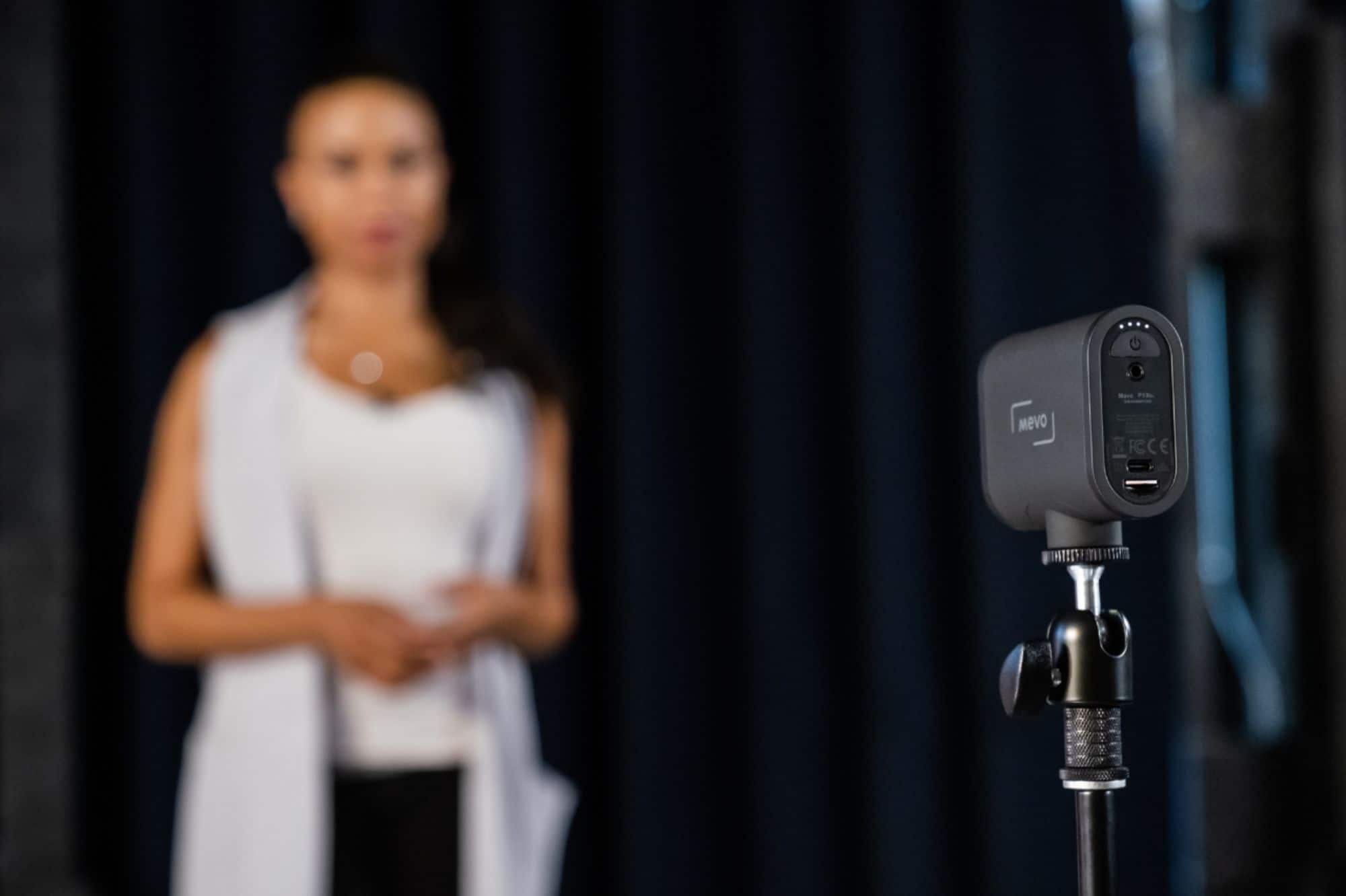
A:AnswerNo, the Logitech Mevo Start Live Streaming HD Action Camera does not have tracking capabilities. It is primarily designed for static or handheld use, not for following a moving subject like a person on a football field.
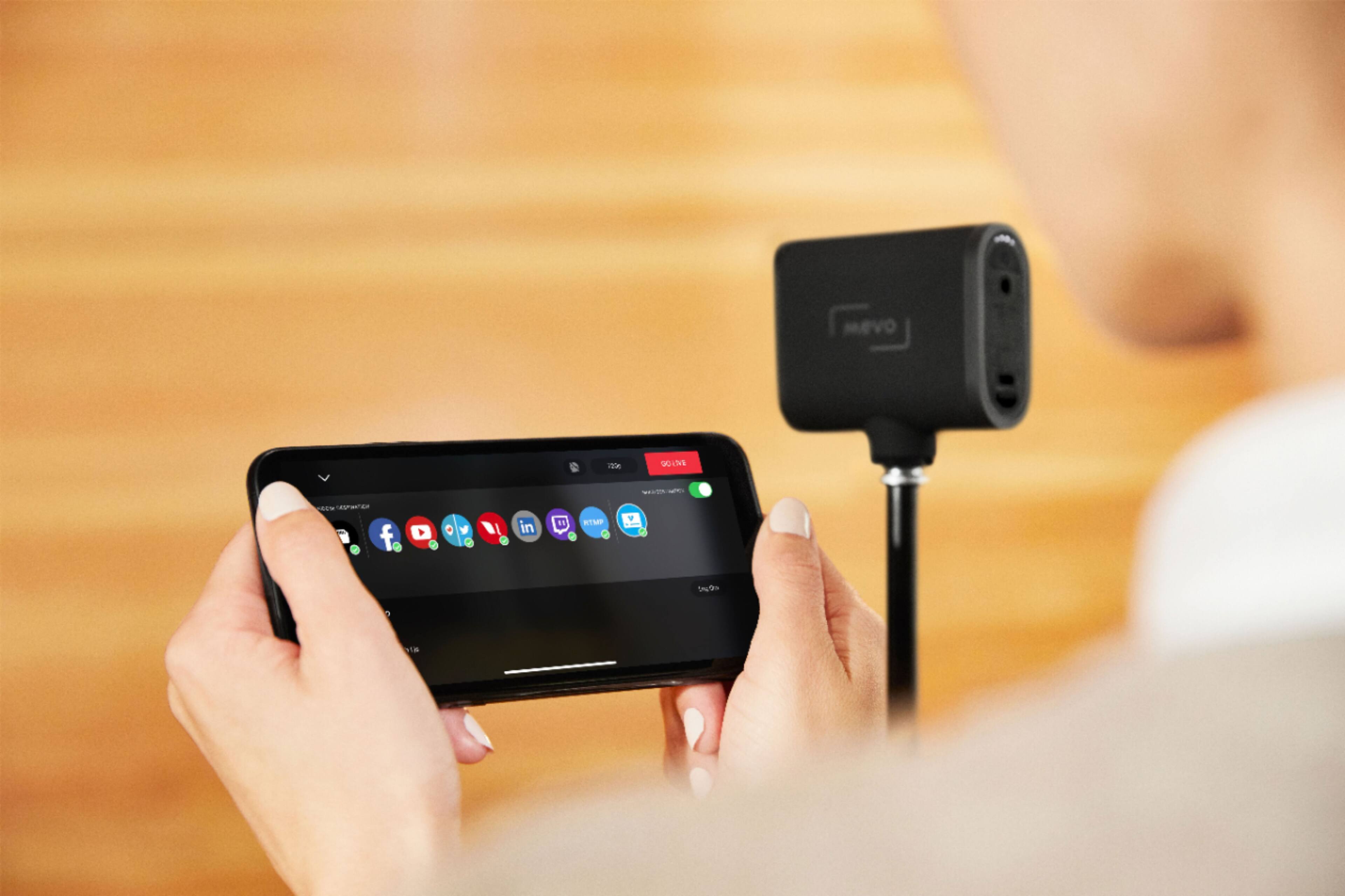
A:AnswerHey! The Logitech Mevo Start Live Streaming Camera might be usable for TikTok Live Streaming with some limitations, but it likely doesn't directly link up with TikTok Studio.
A:AnswerHey! Unfortunately, the Logitech Mevo camera does not have a built-in slow motion recording or playback feature. It primarily focuses on live streaming with a maximum resolution of 1080p at 30 frames per second (fps).
A:AnswerHey! The Logitech Mevo launched in 2019, and there haven't been any major updates or revisions released since then. So, it's likely that the Mevo you have from 2021 is the original version. We will take this as a feedback and share it with the dedicated team.
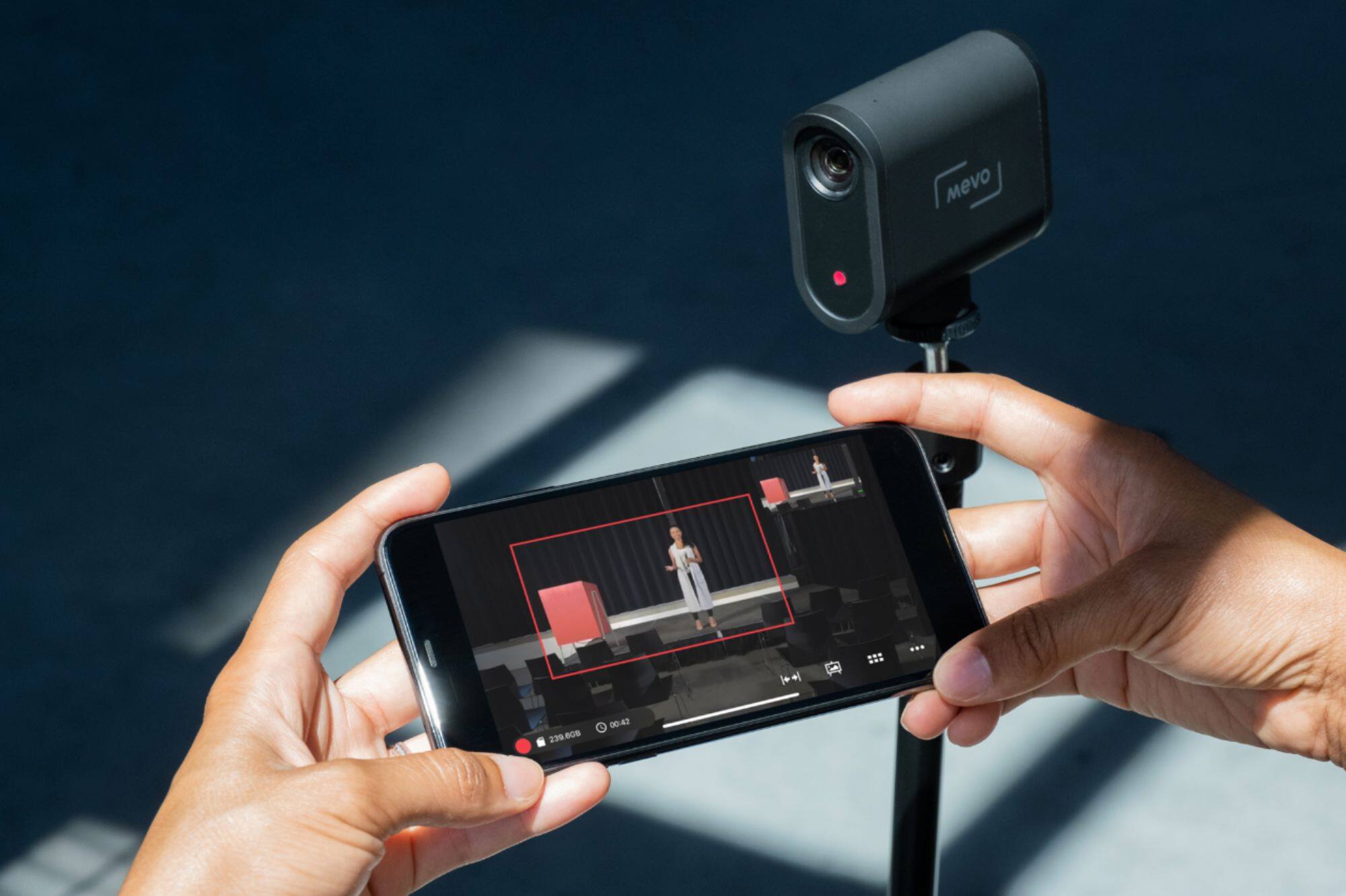
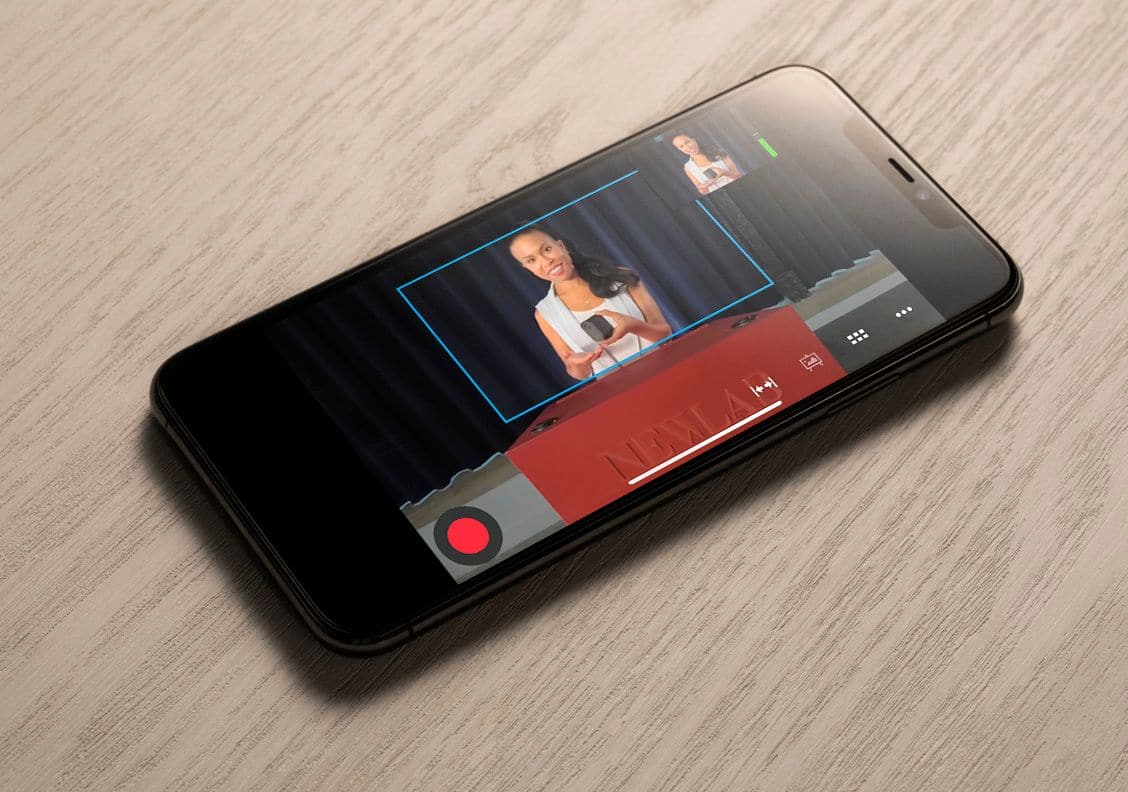
A:AnswerHey! Yes, the Mevo Multicam App lets you wirelessly control and switch between multiple Mevo Cameras for a compelling multicamera live stream or recording.
A:AnswerHey there! The Mevo is designed for on the go live streaming, so you should have no problem streaming a church service. The Mevo app also gives you all sorts of customization options, so you should be able to pick up picture and sound easily. -Weston from Logitech
A:AnswerI once used it to do a live broadcast for 35 hours and it never gave me any issues. Aside from having to charge it. But my guess is that it would be the same with recording
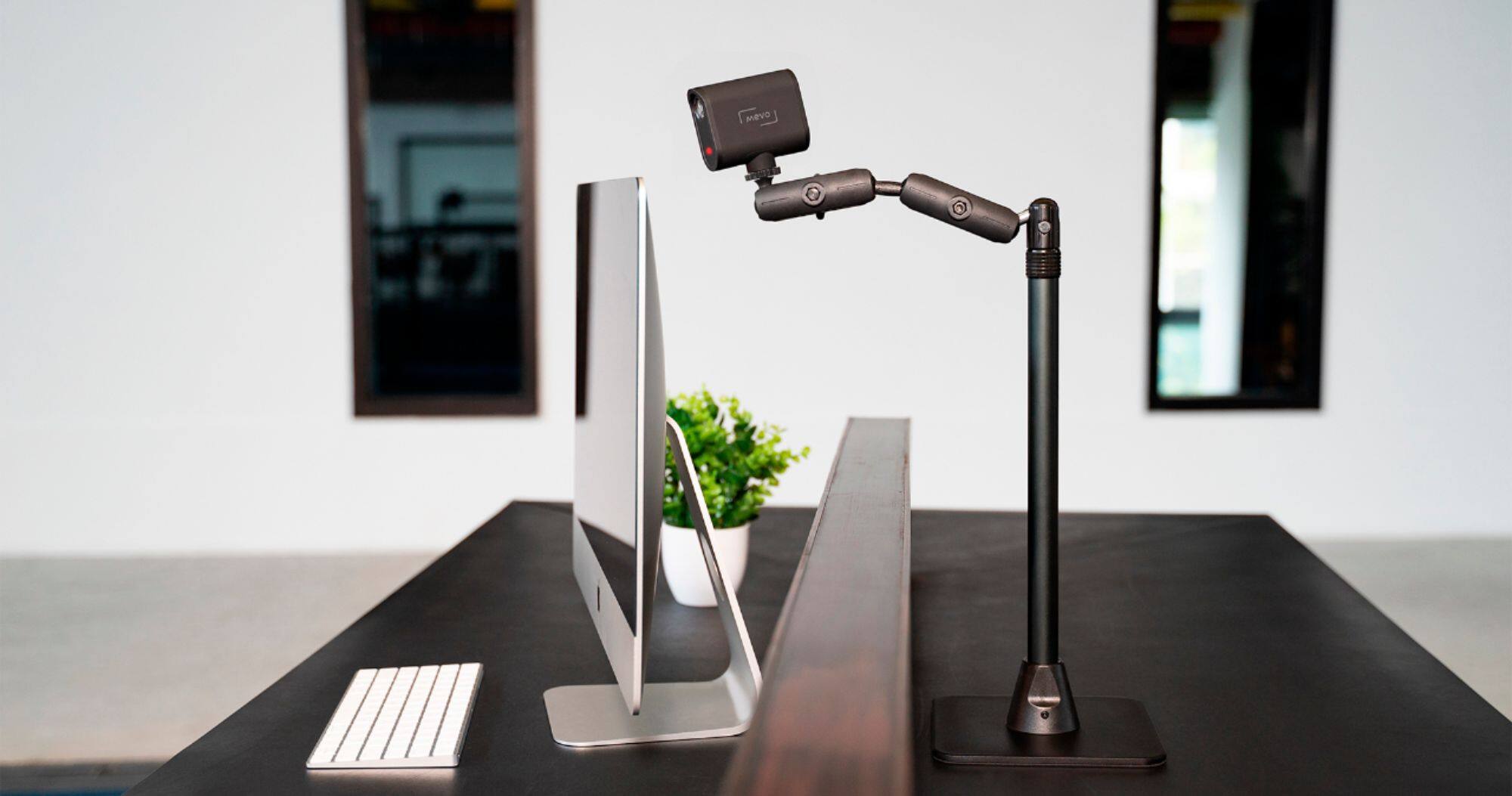
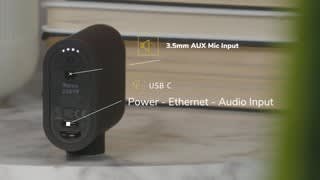
A:AnswerYes. Laptop optional. It will stream with only a strong wifi connection. With the laptop it can be either a wired or a wireless webcam.
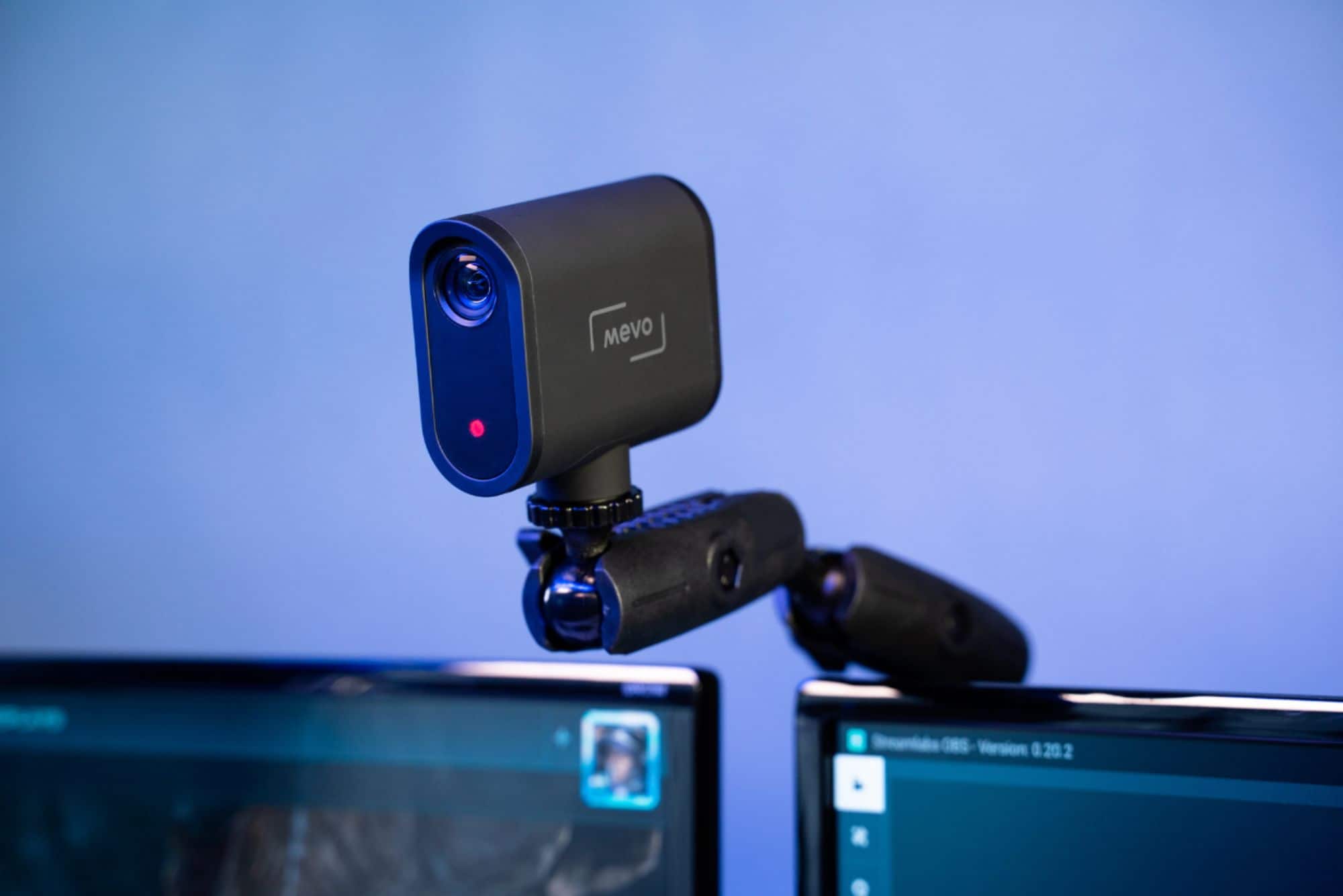
We use it in OBS software via a laptop as an NDI camera to add another camera angle to our multi-cam setup.
Very versatile wide angle camera and the quality is great!
A:AnswerIn the manual, it says that the camera can stream for up to 6 hours. Based on my experience, I think that we are getting about 4-5 hours of streaming.
A:AnswerHello DustinReno, The Mevo Start does work with Twitch. Here's a link to the product page that will show you more: https://mevo.com/products/mevo-start. - Richard from Logitech
A:AnswerHi Range, Each individual Mevo camera sends raw footage through your local network to the mobile device running the Mevo Multicam App. The Mobile device then encodes the footage based on the shot selections you make in the app. The mobile device then sends the encoded video through your network and to the platforms you have configured in the Multicam App located on the internet. Here's a link to how to setup multiple cameras: https://help.mevo.com/hc/en-us/articles/360058647952-Multicam-Configuration-and-Setup. - Richard from Logitech