A:AnswerI would contact Best Buy and let them know your situation, also inquire about who you should contact if the manufacturer's assistance is required.
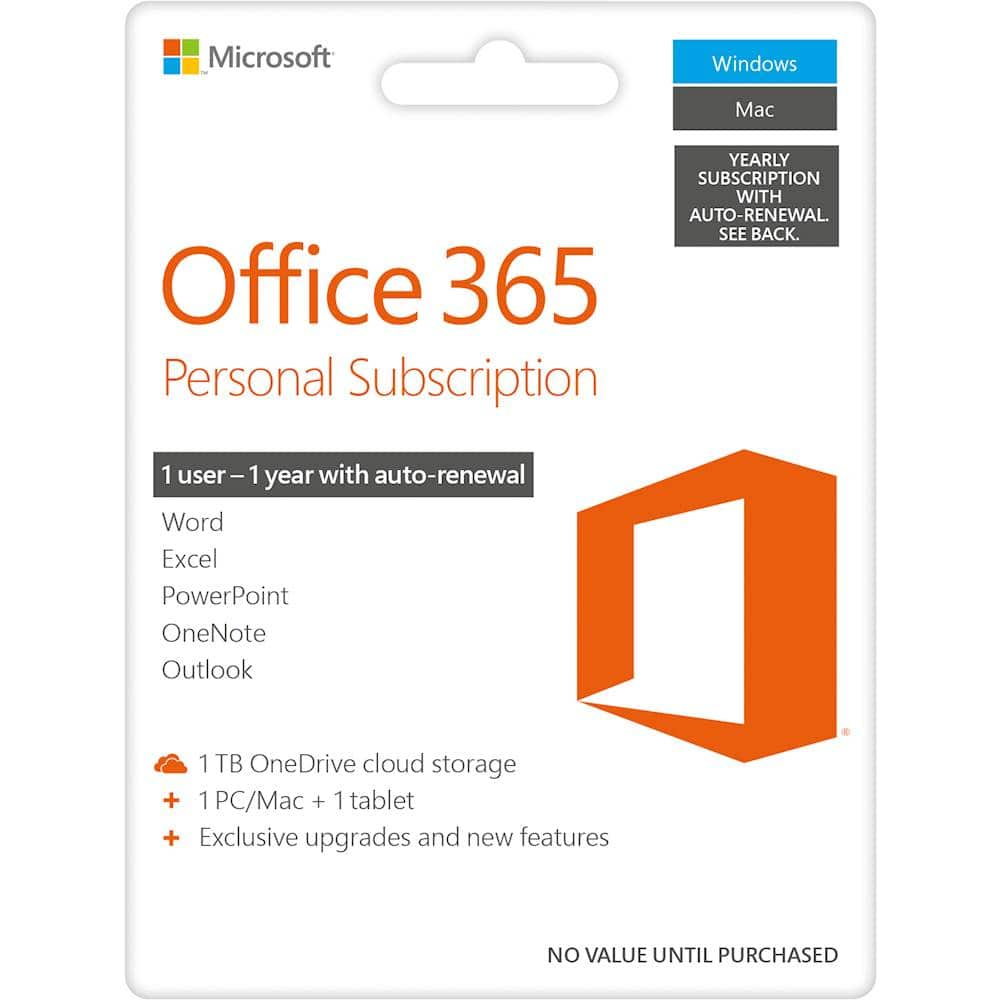
A:AnswerGo to https://products.office.com/en-us/office-365-personal and sign in to your Microsoft account.
click on Services and subscriptions at the top of the page. Click on the "manage" link under the Office 365 Personal information.
A:AnswerBest Buy should have sent you an email. We recommend you check you junk folder to see if it was filtered there. If not please reach out to Best Buy for help.
A:AnswerYes, though the installation process is a little different. Open the Google Play Store and search for the Microsoft 365 apps you want to install.
Click Install.
Once your app(s) are installed, launch the app you want to open.
Sign in with your personal Microsoft Account or your account associated with your Office 365 subscription.