A:AnswerYou should be able to hold it, then activate the subscription on the same day the old one runs out (or thereafter), so you don't have to give any days away!
A:AnswerHi Vic,
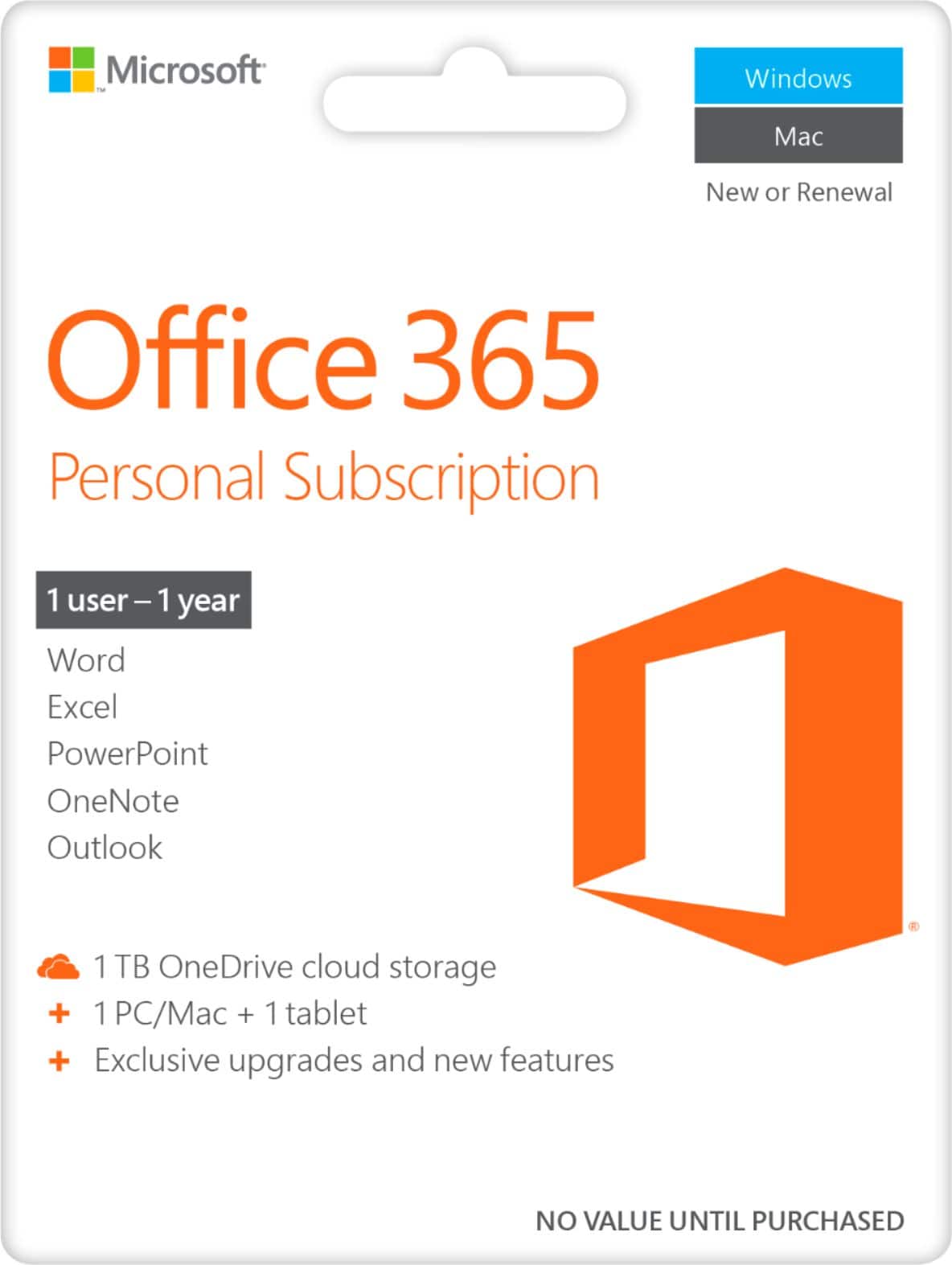
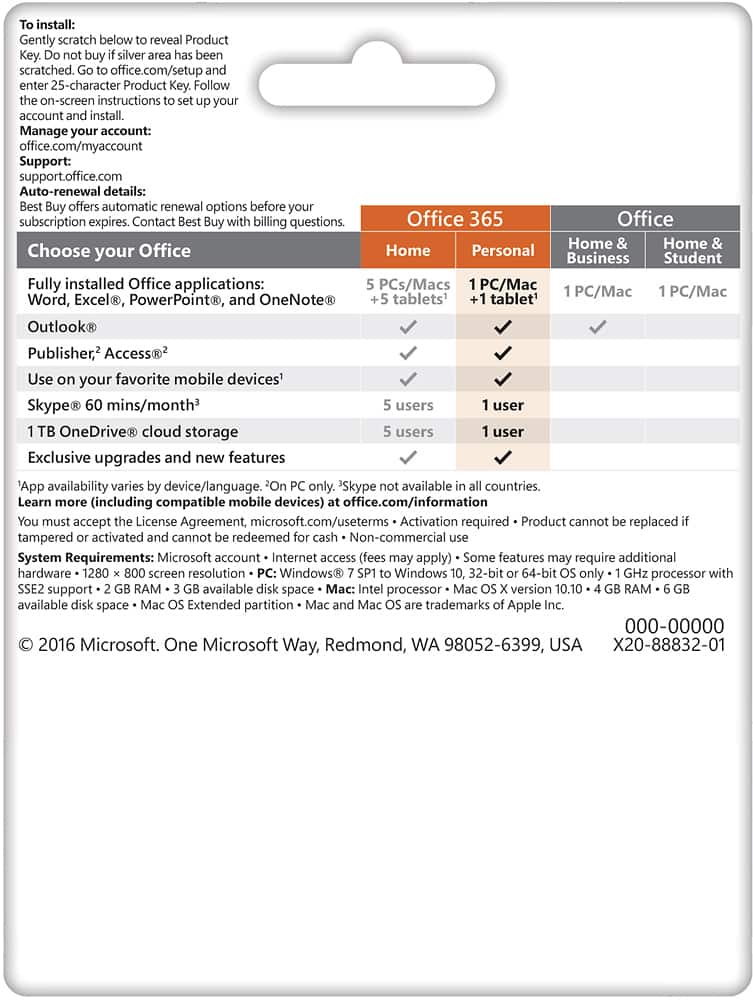
Microsoft 365 Personal subscribers can install on multiple PCs/Macs, tablets, and phones, including Windows, iOS, and Android.
Best,
Tom
Microsoft Office Team
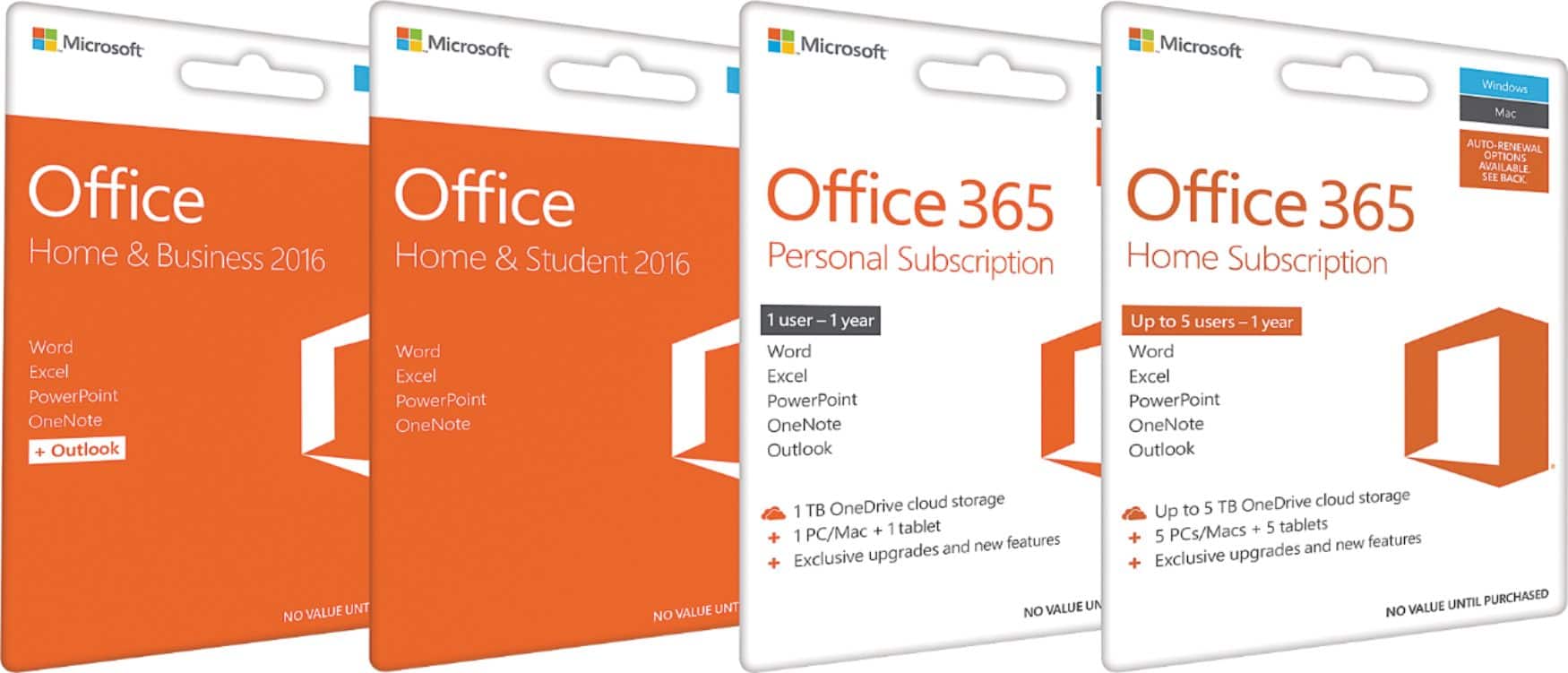
A:Answeryou can't download windows on your MacBook but yes you can have Microsoft office 365 on your Mac! if you plan on having the office 365 on multiple devices make sure that's the one you need to purchase I believe they offer 1 device, 3, and unlimited or like 10...
A:AnswerI'm sorry I don't know..the Geek Squad did it for me! One extra thing though, if the company doesn't have a phone contact listed where you can call them direct, there's a great site "get human" then add the name of the company and you may get the phone! Good luck
A:AnswerOffice is very useful, especially for kids. Office 365 will let them do their work at home, then sign in at work and have access to it. No need to drag the laptop around.
A:AnswerYou can find the technical requirements here: https://support.office.com/en-us/article/microsoft-os-requirements-for-office-2019-for-mac-and-office-365-for-mac-16b8414f-08ec-4b24-8c91-10a918f649f8.