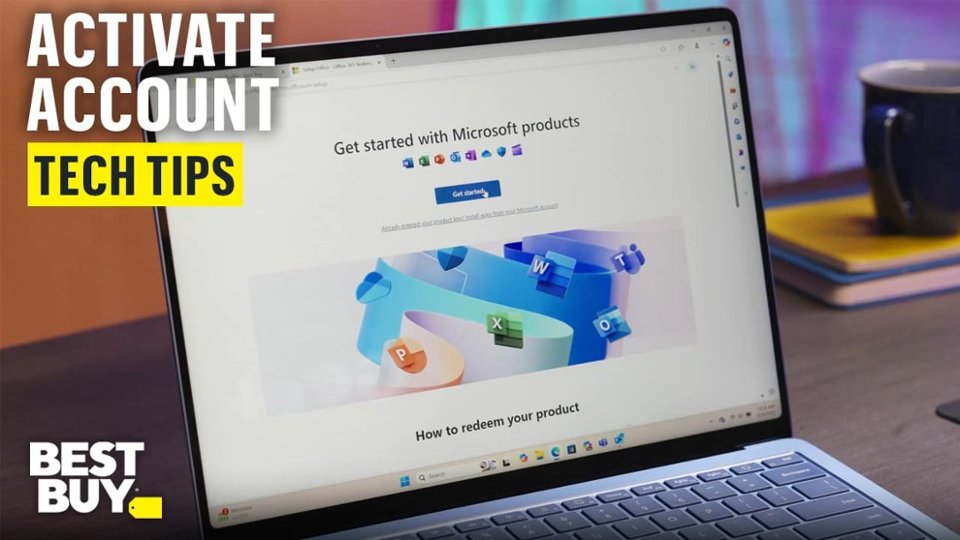
A:AnswerLook for an email from Best Buy after purchase
Subject usually includes “Digital Delivery” or “Download”
The key will be listed there or behind a “View Code” link
If you still can't find then - Make sure you’re logged into the correct Best Buy account
Contact Best Buy support—they can resend the key
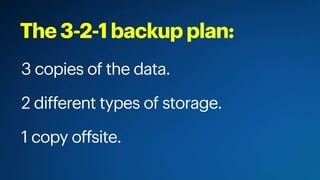
A:AnswerNo that isn't how it works. They give you 90 days to back up your files and during those 90 days you can access them but not use them. After the 90 days you will lose all access.
A:AnswerYou can cancel your subscription by going to www.bestbuy.com/services/planlist go down to Office 365 and you will see the "Cancel Subscription" in blue letters.