A:AnswerYes, Windows 10 Pro is available on this model of Surface Laptop. You go to your computer properties/about page and click Change Product Key. If you have an existing Windows 10 Pro license key you can insert it there and it will activate automatically. If not, you can buy an upgrade key and use that.
The Surface Laptop 3 sold in stores was setup for the consumer market so it comes pre-installed with Windows 10 Home Edition. You can either follow the method I described or order the same model direct from Microsoft with Pro pre-installed.
Hope that helps!
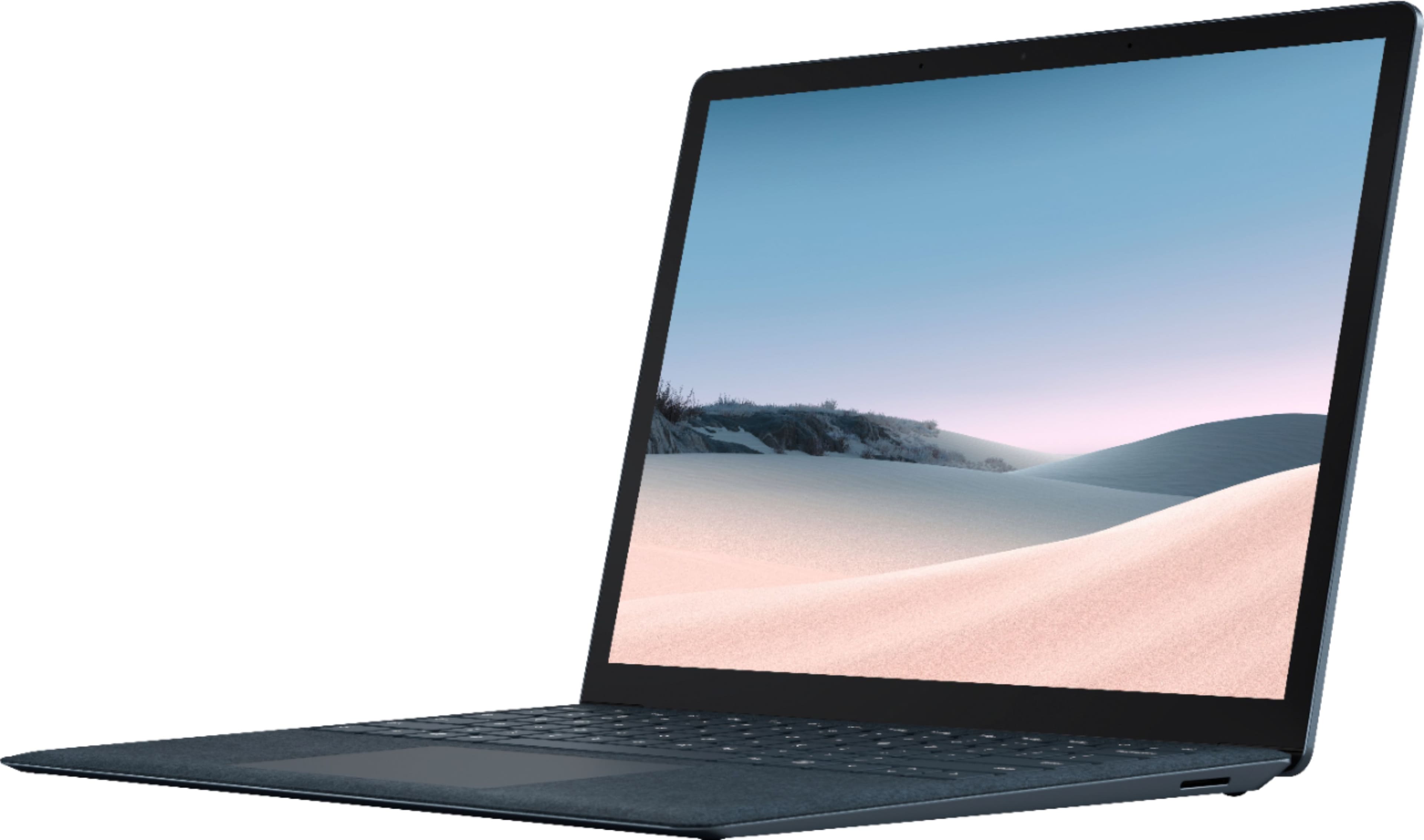
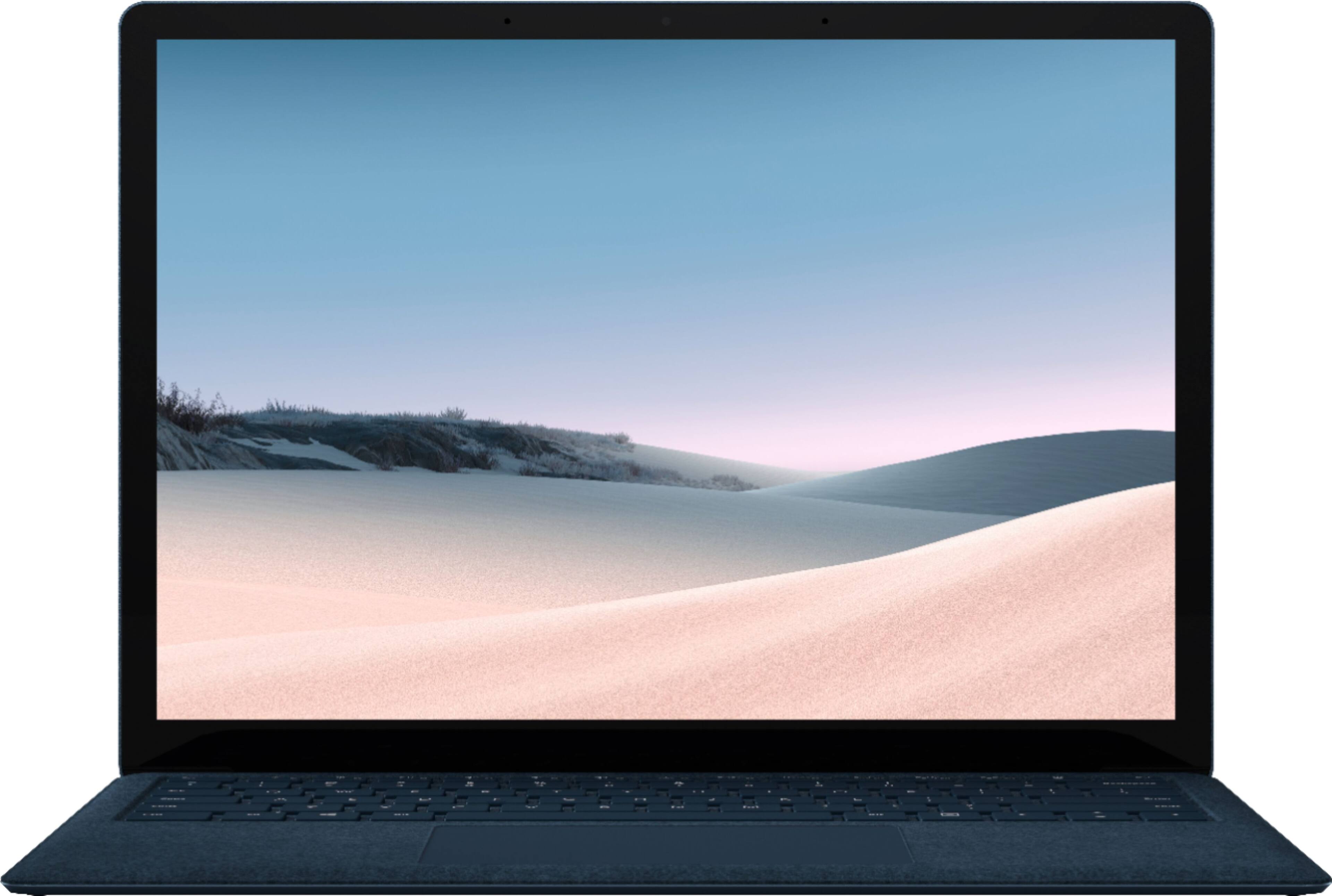
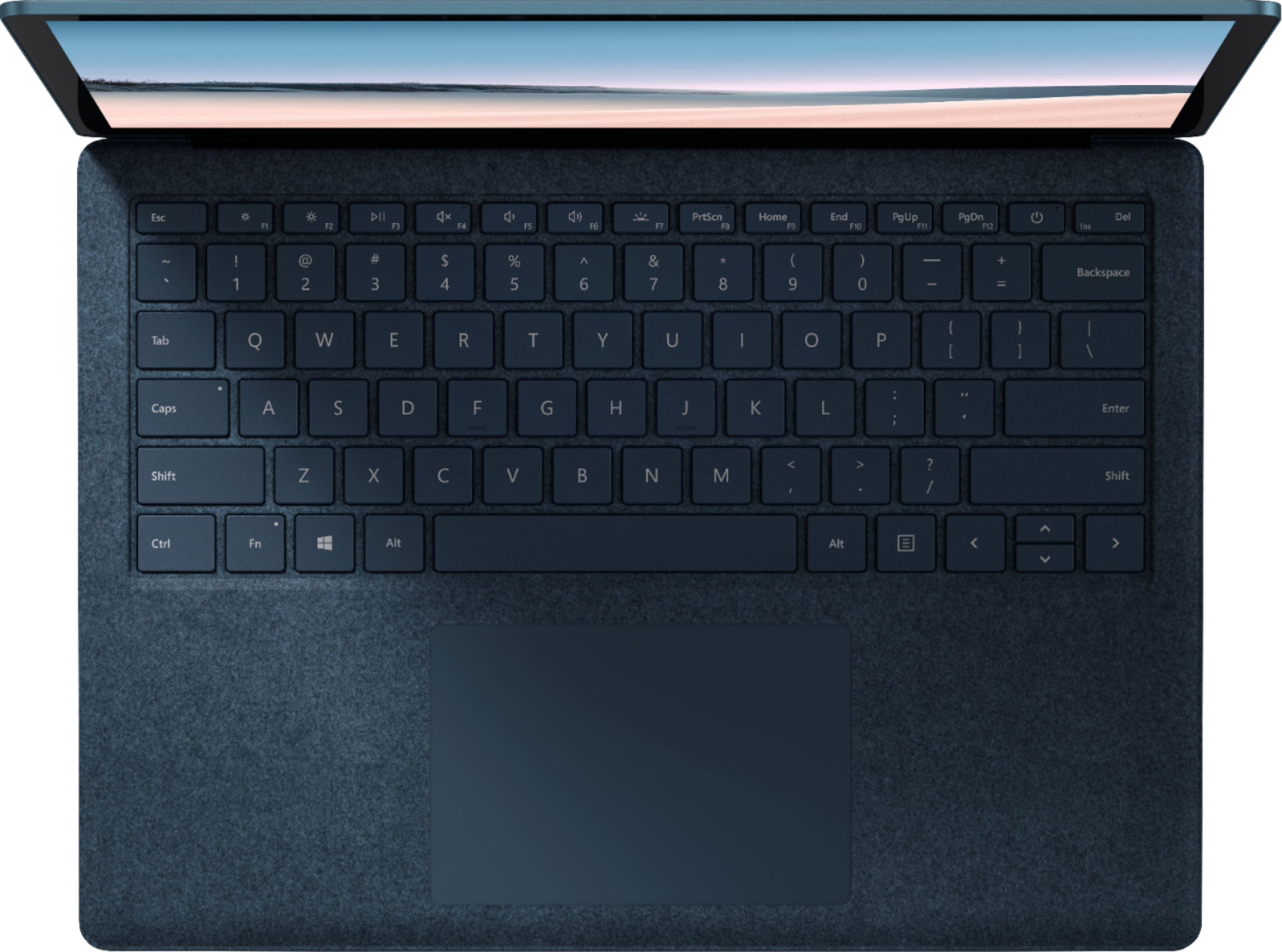
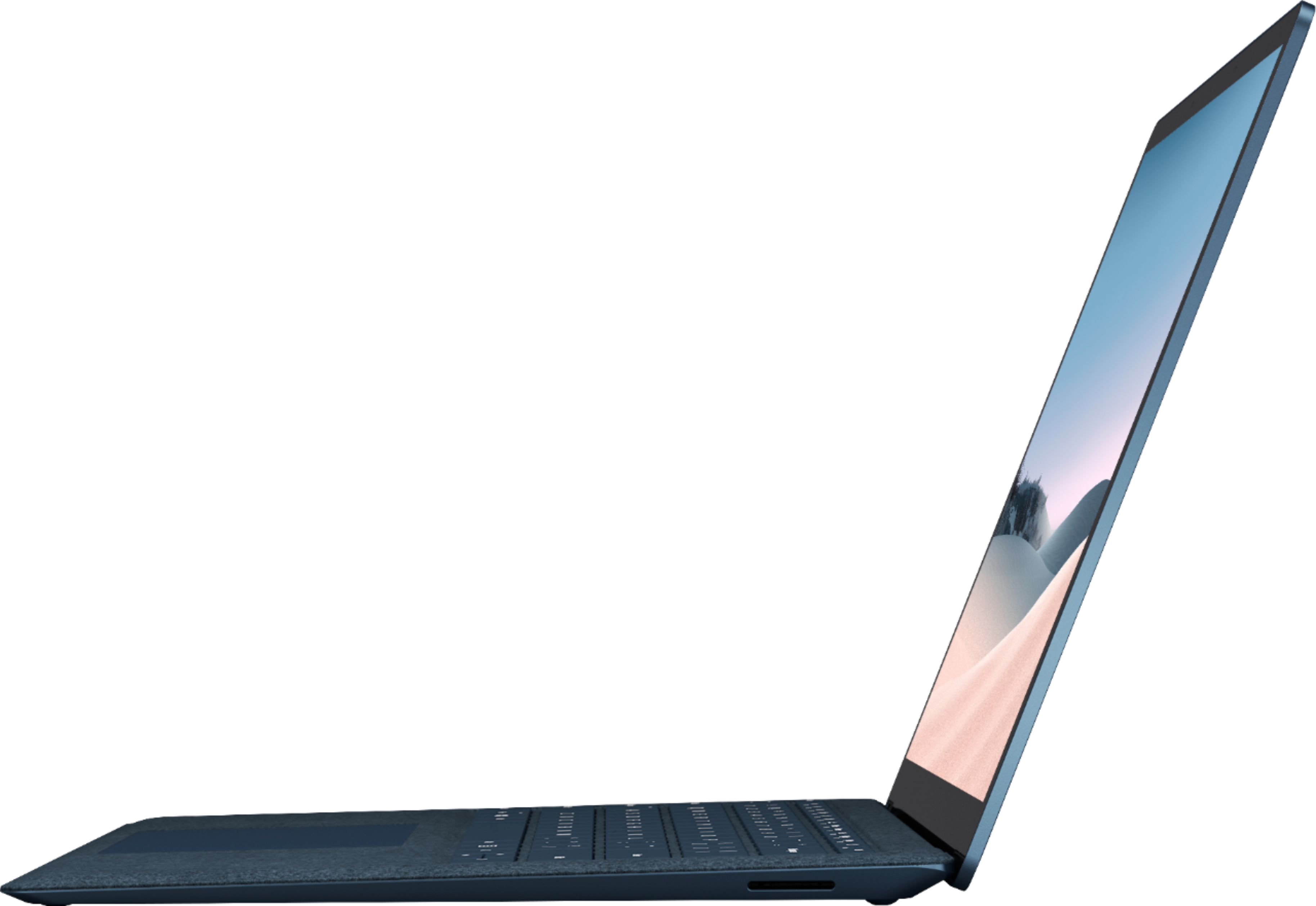
A:AnswerThe Surface Laptop 3 has a keyboard permanently attached to the monitor. You won't need an additional keyboard/type cover like you would with the Surface Pro line.
A:Answerbecause it is still new the battery life is great. I left it on over night starting at 8pm and all day the next day until about the same time, the screen times out, but I still had a full battery. I have only charged it twice since I've had it. I've had it for a week. I charged it initially out of the box and then again the other night. prior to the night I left it on.
A:AnswerVirus protection is always a great idea, but it has its own firewall protection built-in. As long as your not visiting any suspicious sites you should be fine. The Virus protection I use is Trend Micro. Trend Micro is the most minimalistic choice I have found, it doesn't alert you randomly or hog up your ram while running the background. Exel is pre-loaded but its best to have a 365 account so it unlocks all the features for office products and I believe it's still offering 1TB of cloud storage. Cloud storage is great for students and professionals because it doesn't save directly to your device and hog up memory and slow down your computer.