A:AnswerNo, Microsoft 365 is a separate purchase. To find a plan that best fits your needs, please visit our website: https://www.microsoft.com/en-us/microsoft-365
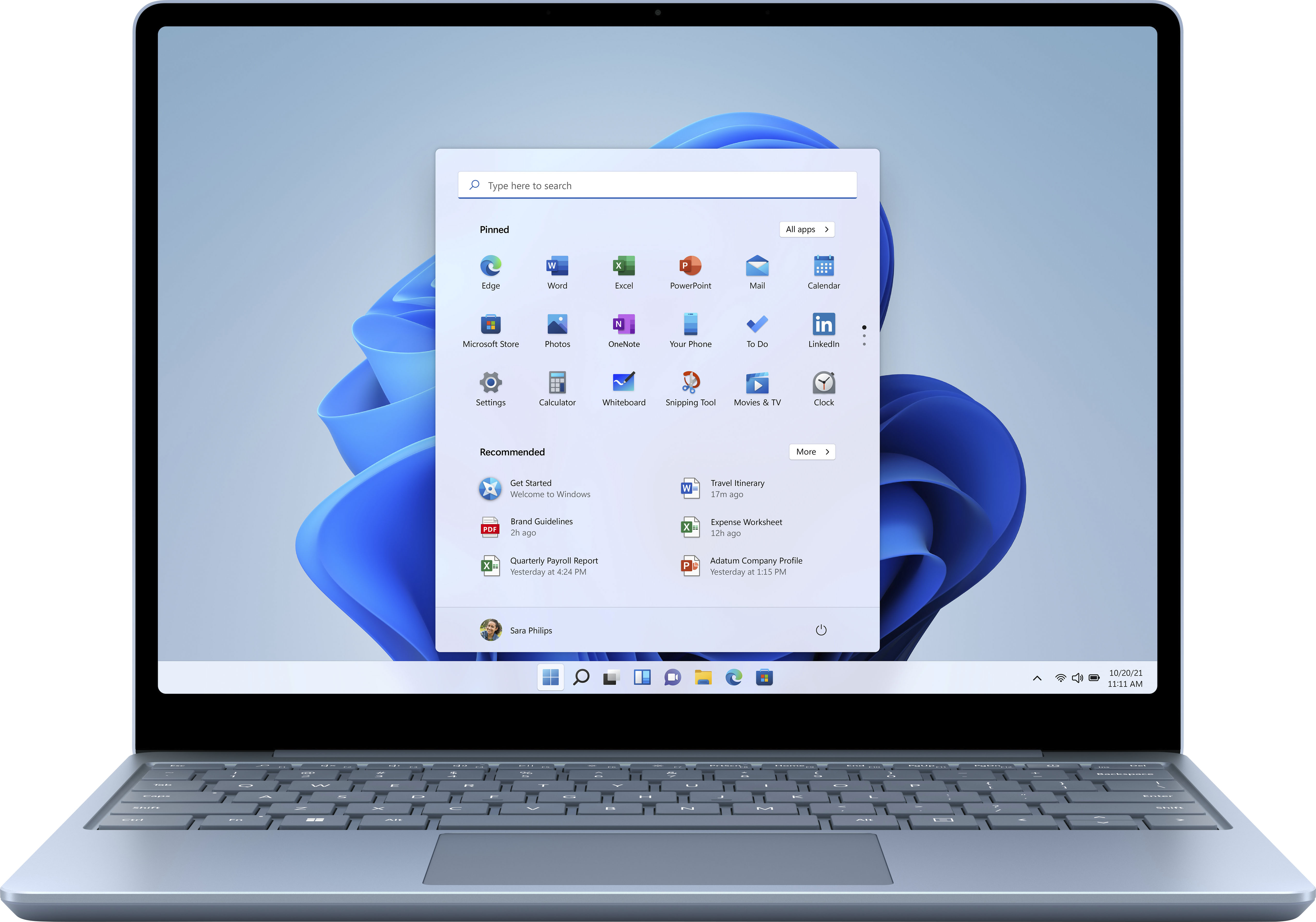
A:AnswerYes. Click on the Windows icon in the bottom left corner of the screen and the programs will appear. Scroll down to Office. Click on it. The window will appear that offers Office 365.
A:AnswerYes, it has a camera. Scroll down the list of programs to Camera. Click on it and the camera function will open. Scroll down the list of programs to Office, click on it and a window will open that offers Office 365. The laptop can be hooked up to a printer.
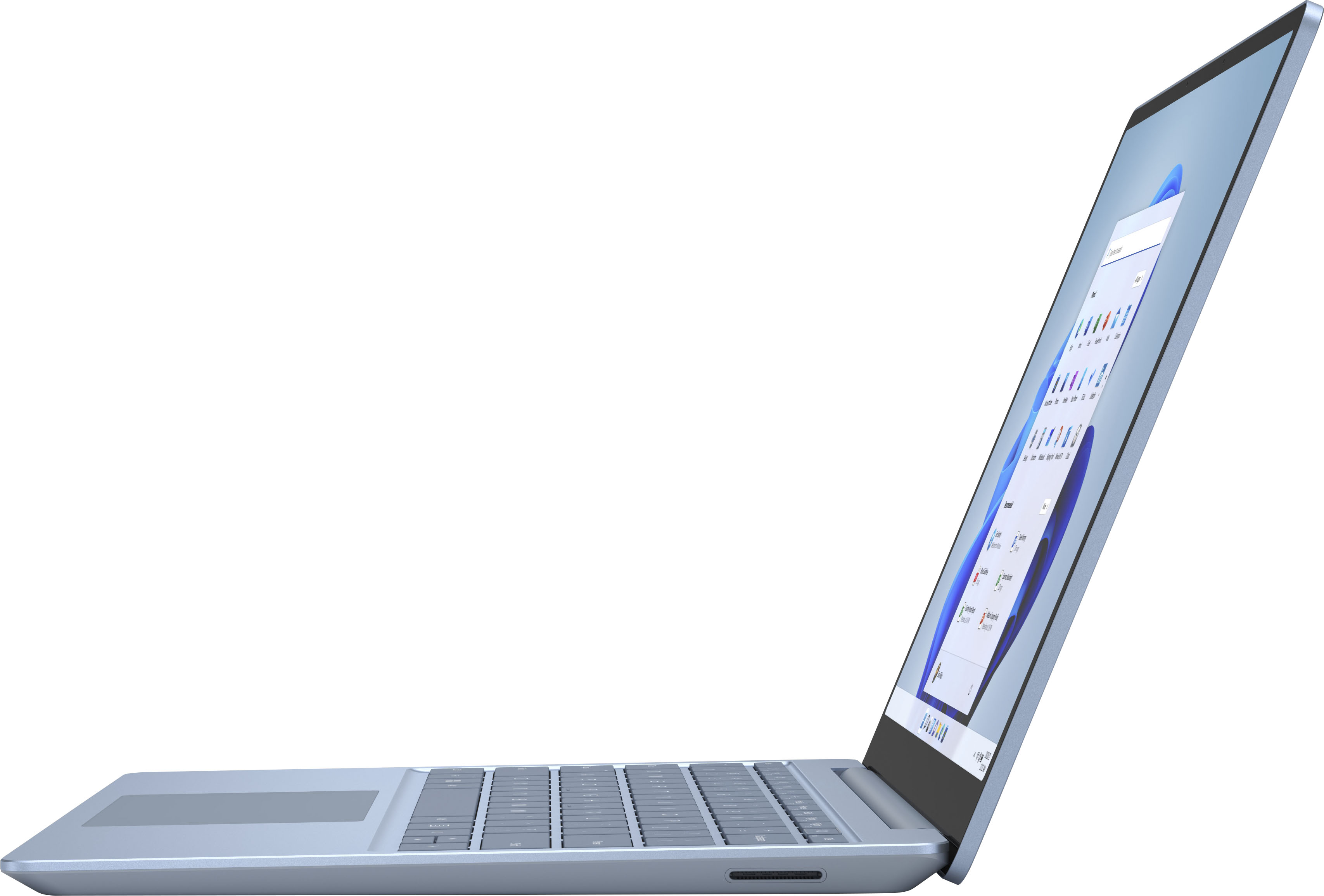
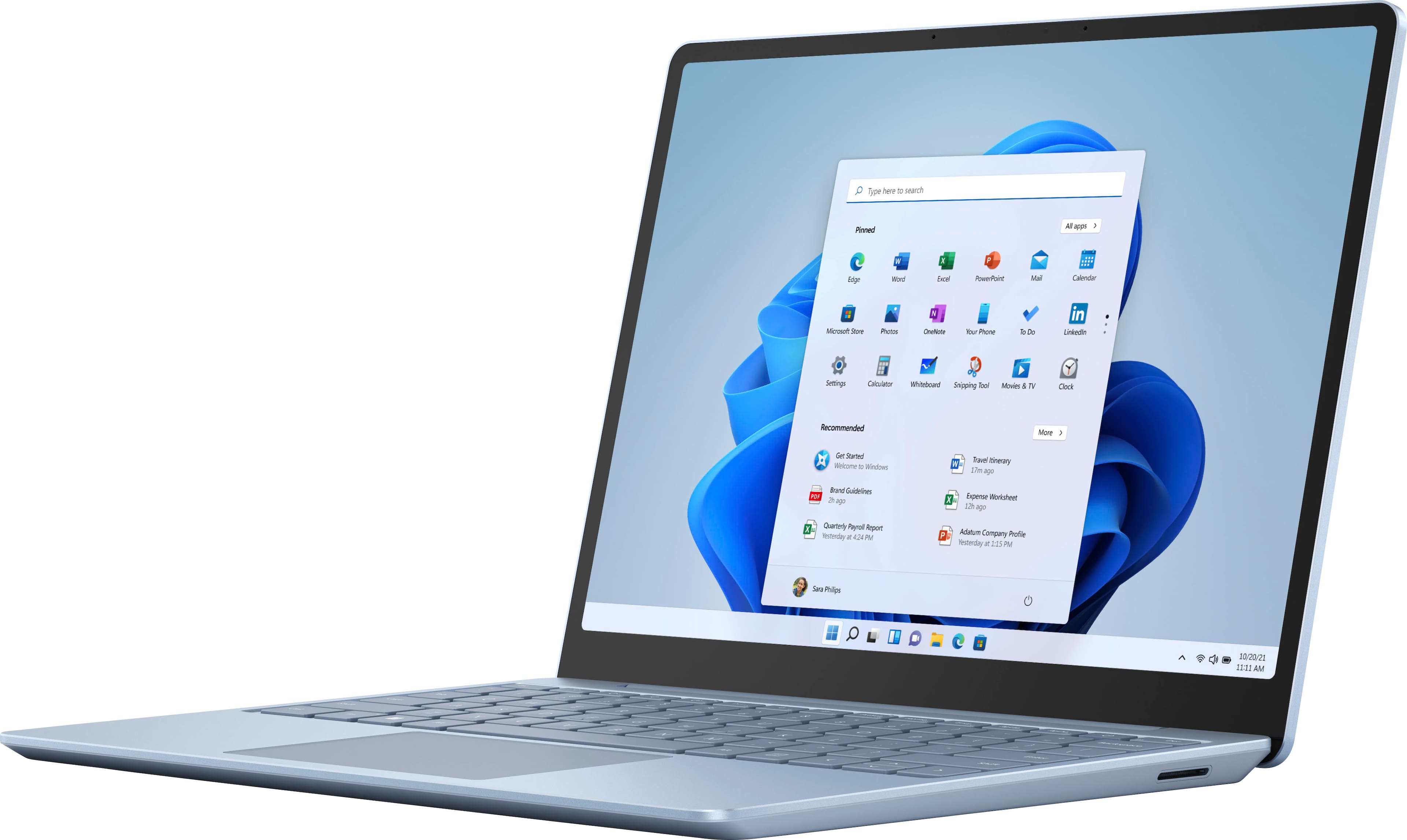
A:AnswerSurface Laptop Go comes with a full-size keyboard, and a touchscreen display for easy navigation; however, it does not support inking with Surface Pen.
A:AnswerNo, this product is a Surface Laptop Go. It offers a touchscreen display for easy navigation, a 720p HD front camera, Omnisonic speakers, and far-field mics to deliver great video call experiences, on top of a full-size keyboard that enables typing comfort and a great trackpad.
A:AnswerI tried it for a bit, and it ran ok -not the best- for the few minutes it was up. I’m not sure how it would have fared if i continued to play, though. It can’t run Among Us, but can run Brawlhalla, which i would think needed more stability to run (though it makes it pretty hot and the fan get pretty loud). Hope that gives you a little insight into what it can handle.
A:AnswerMicrosoft 365 (which includes Microsoft Word) is available as a separate purchase. To find a plan that best fits your needs, please visit our website: https://www.microsoft.com/en-us/microsoft-365