A:AnswerYes, Windows Update will let you know when it's available. You can also check on your own by going to Settings > Update & Security > Windows Update > Check for updates.
A:AnswerThanks for the question. Surface Laptop Go is able to download apps from the Microsoft Store. Please visit our website to check compatibility: https://www.microsoft.com/en-us/store/apps/windows
A:AnswerHello Nash. Yes, this laptop computer works for normal video editing such as 1080p video editing. In case you would like to go for very high end editing such as 4K video editing, I would suggest you choosing a different computer system built in with a dedicated graphics card.
Here you can find two laptop recommendations that come with a dedicated graphics card:
https://www.bestbuy.com/site/msi-gf63-15-6-gaming-laptop-intel-core-i5-nvidia-geforce-gtx1650-256gb-ssd-8gb-memory-black/6456141.p?skuId=6456141
https://www.bestbuy.com/site/acer-nitro-5-15-6-laptop-intel-core-i5-8gb-memory-nvidia-geforce-gtx-1650-256gb-ssd-obsidian-black/6413247.p?skuId=6413247
Thank you for choosing Intel!
A:AnswerThanks for asking. Surface Laptop Go does not offer an LTE model. If you are interested in a compact, lightweight LTE-enabled device, we recommend Surface Pro X and Surface Go 2.
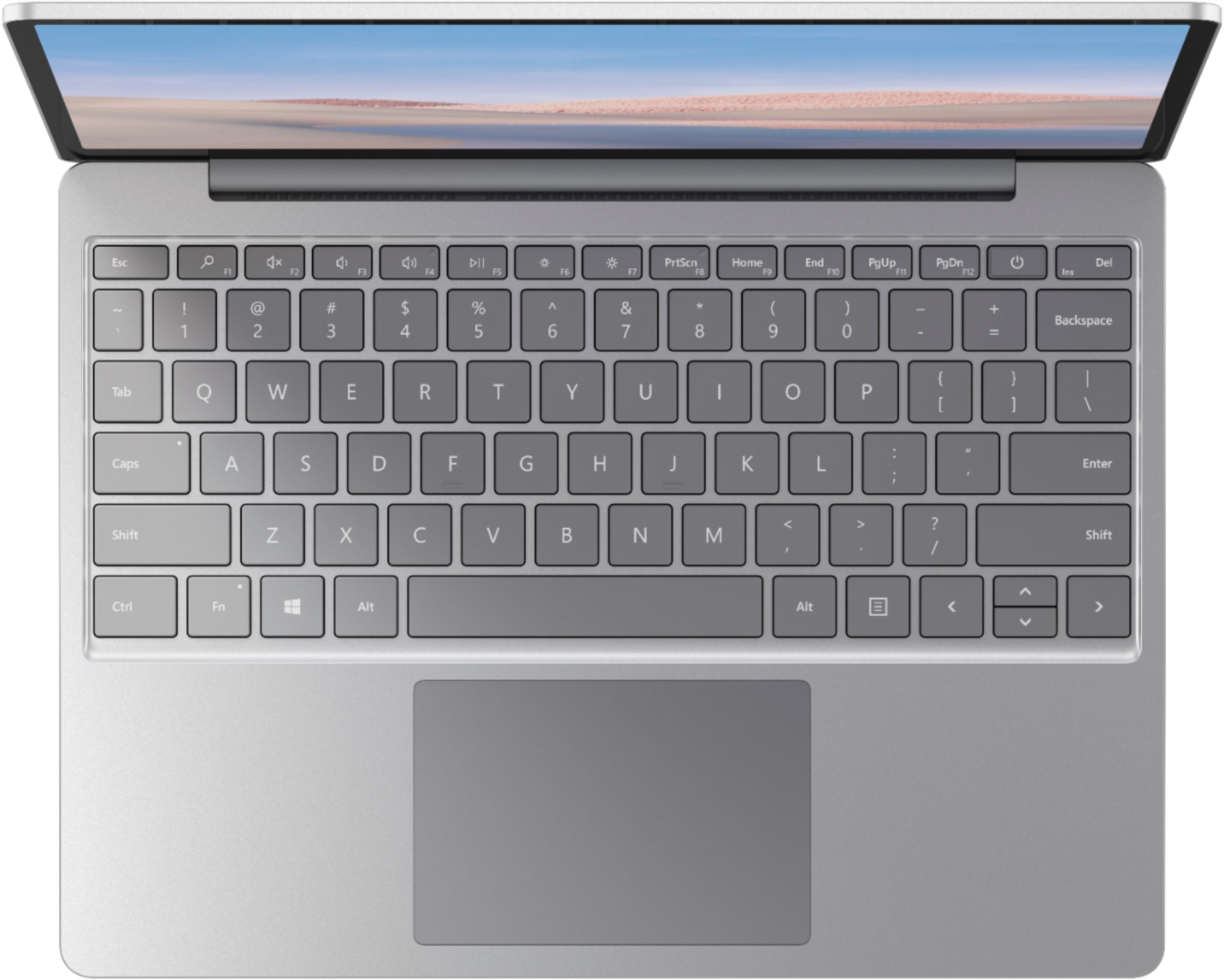
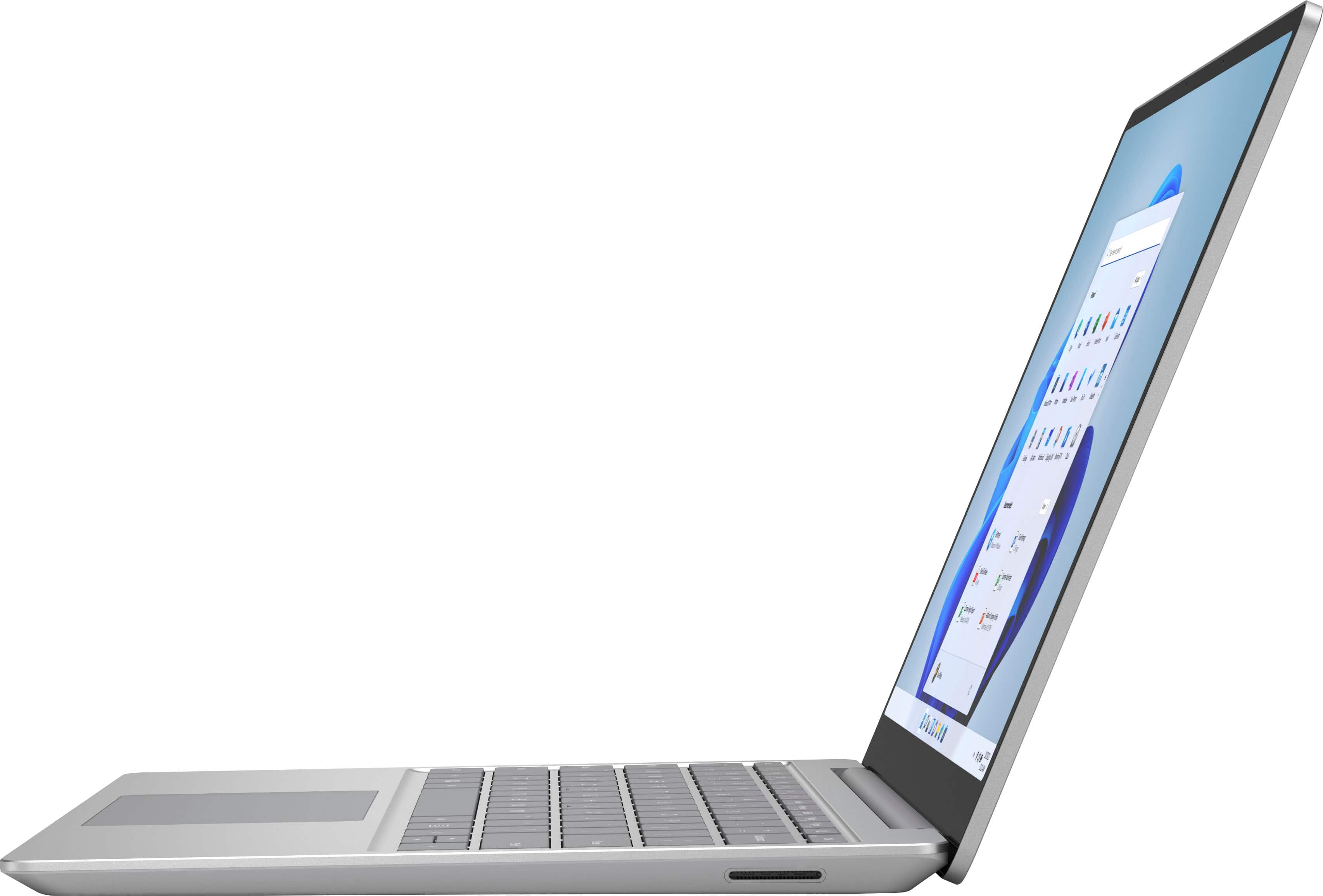
A:AnswerSurface Laptop Go does not have an HDMI port. You can connect your Surface to external monitors via an adapter or dock. Please visit our website to see view all available options: https://www.microsoft.com/en-us/store/collections/surfacepowerdock
A:AnswerThanks for asking! To connect Surface Laptop Go to a TV, we recommend investing in a USB-C to HDMI External Video Adapter. For more information, please go here: https://www.bestbuy.com/site/microsoft-usb-c-to-hdmi-external-video-adapter-black/6155222.p?skuId=6155222