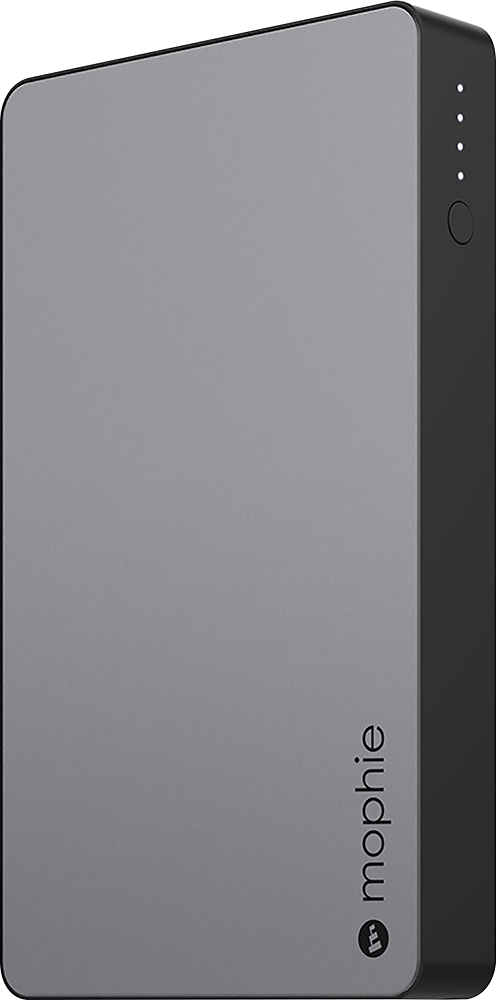
A:AnswerI encountered same problem but then read about the Mophie auto turn off light feature for snoozing. Each time you press the tiny circular button along side of Mophie, you will see anywhere from no lights (charge depleted) up to 4 separate lights (completely charged) directly above the tiny circular button of Mophie indicating the amount of charge available. Best to plug in for complete overnight charge before first use and each time after Mophie charge is depleted.
A:AnswerI would check your outlet. My mophe charges quickly for both sides. In fact, I own 2 of the ones that have 2 Charging ports BC I keep one in my purse for emergencies. It does not lose power/charging ability even when I haven’t used it and just carried it around for days.
A:AnswerDepends on size of notebook. We had no problem charging up an apple notebook once fully but wouldn't expect more than that. If needed more just go with a bigger size but same brand.