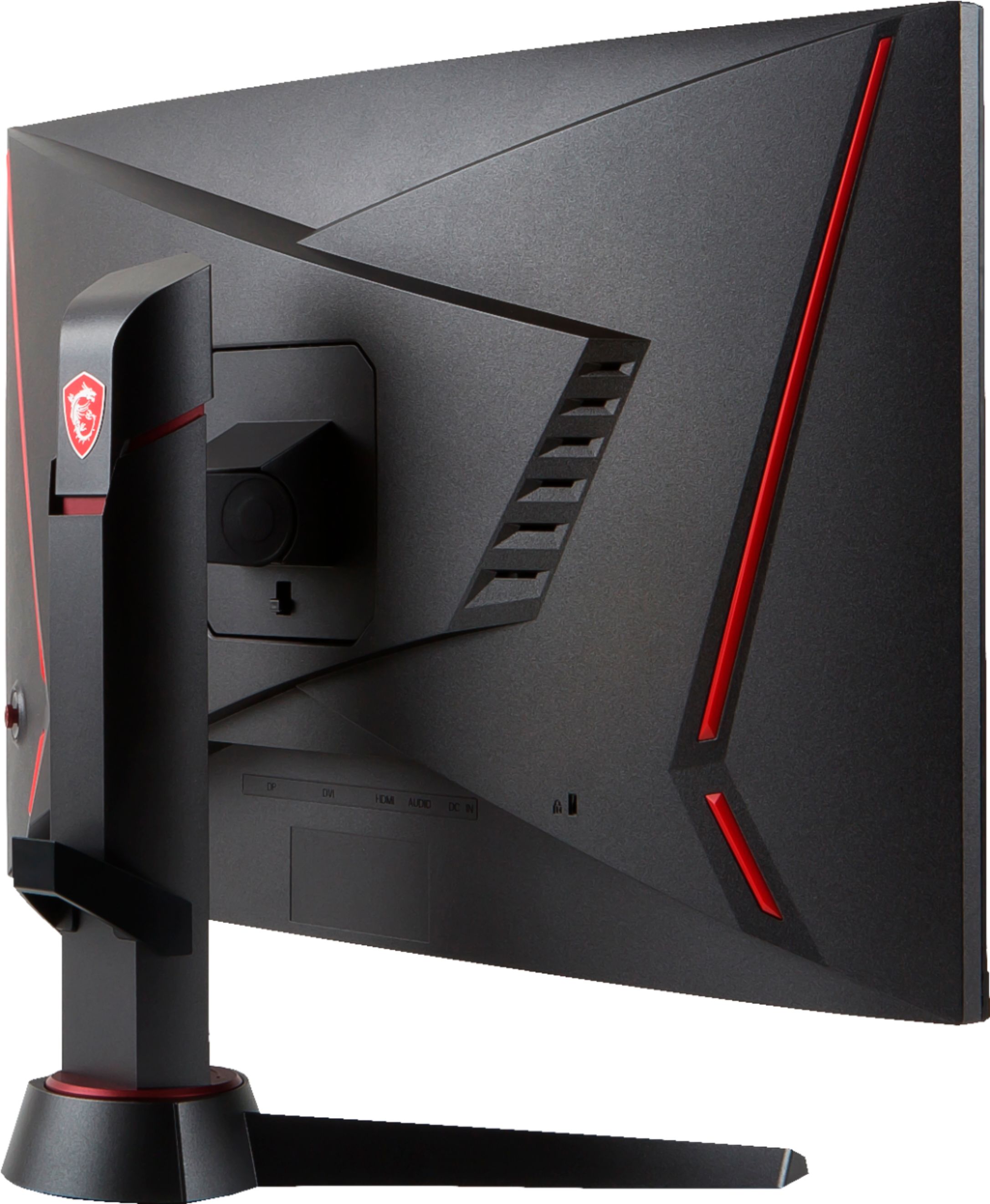
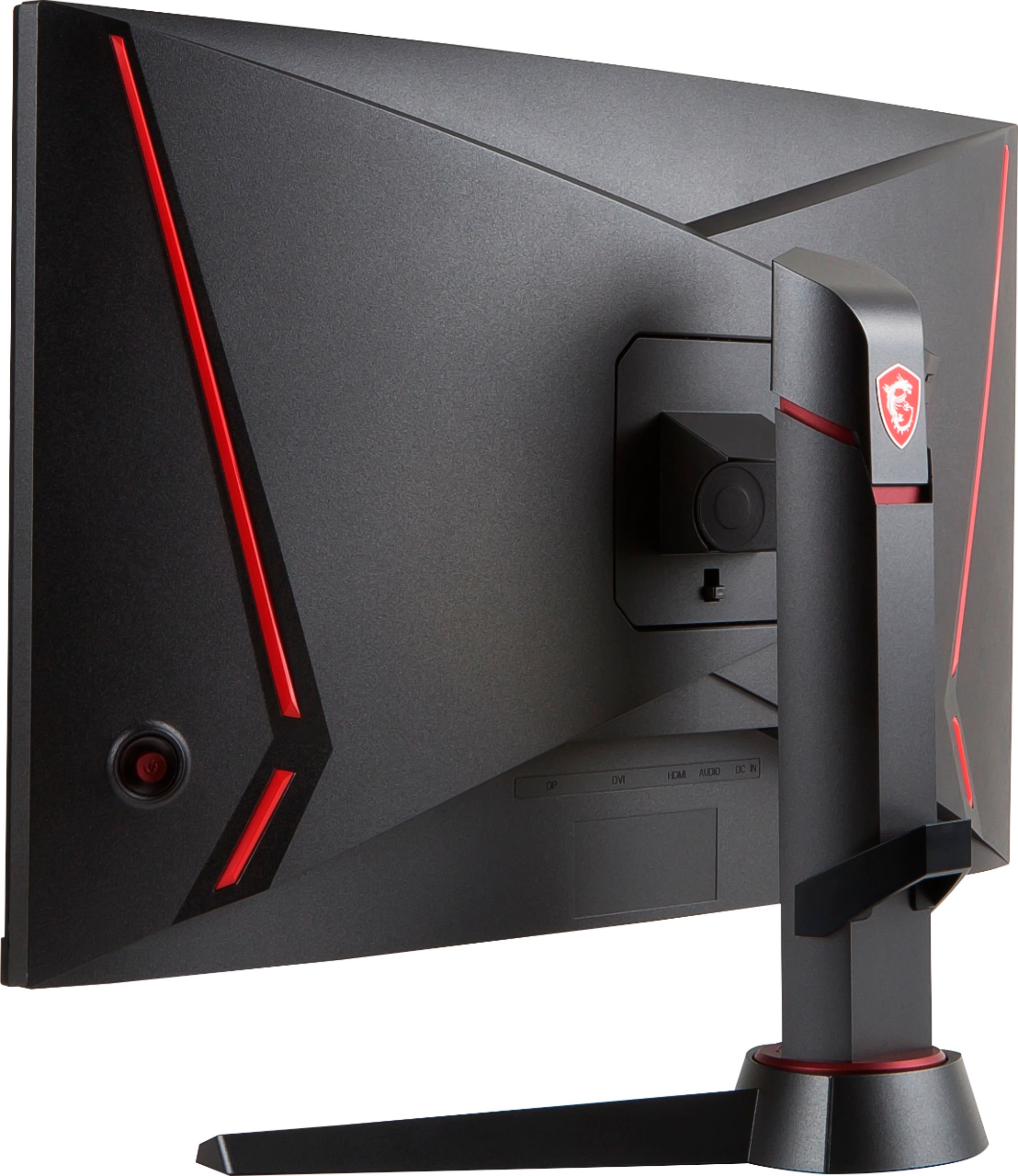
A:AnswerIt all depends on your video source, I have it connected to my laptop (Dell XPS 15) and I used a USB type-C to Display Port cable which supports 144hz, however not all USB C ports are the same so it varies between laptop. If you are connecting directly to graphics card then any display port cable will work fine.
A:AnswerYes it is although you won't be able to achieve 144hz depending on your ps4 console meaning if you have the slim or pro version then you should be able to change the refresh rate to 120hz. I know for the Xbox one s that I can get 120hz refresh rate and I'm sure the Xbox one x can as well.
A:AnswerI just got this monitor you cant connect a keyboard and mouse in it but you can connect it on the desktop or get a usb Box which you can put in the back of the monitor so it wont look as messy.
A:AnswerYou will need speakers as this monitor does not have built in speakers. I bought a pair of Bose companion for about 100.00 and they work really well with this monitor. You won’t need to buy Any other cables as the speakers come with everything you need. You can get cheaper ones but I doubt you will get the same quality
A:AnswerAs the monitor is equipped with HDMI 1.4, you will only be capable of 120 hz via the included HDMI. If you want to be able to utilize the 144 hz capabilities, you will have to invest in a DP or DVI cable.