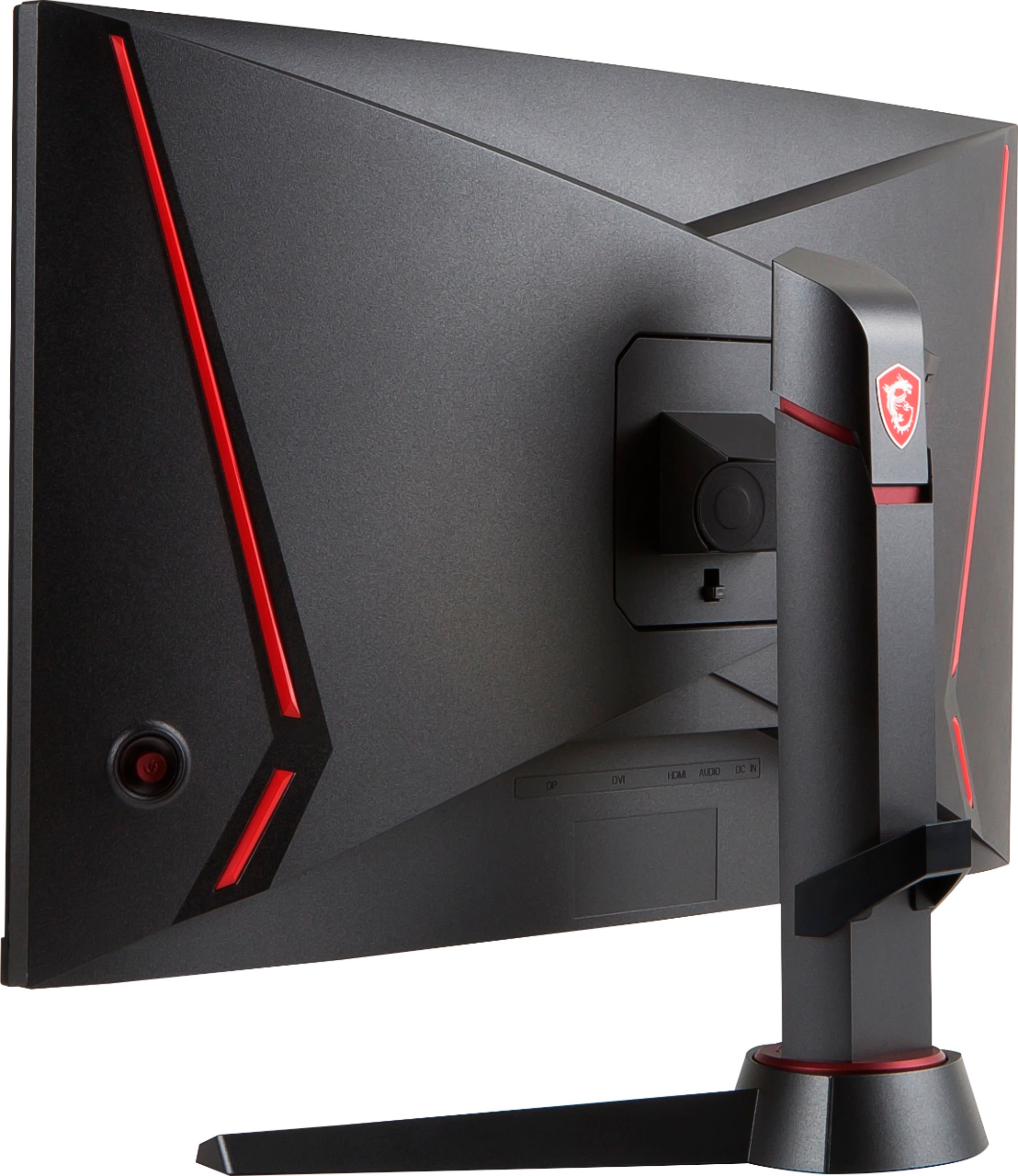
A:AnswerMake sure you are connecting the DisplayPort cable to your graphics card and changing the input source on the monitor to DisplayPort through the On-Screen menu settings for the monitor.
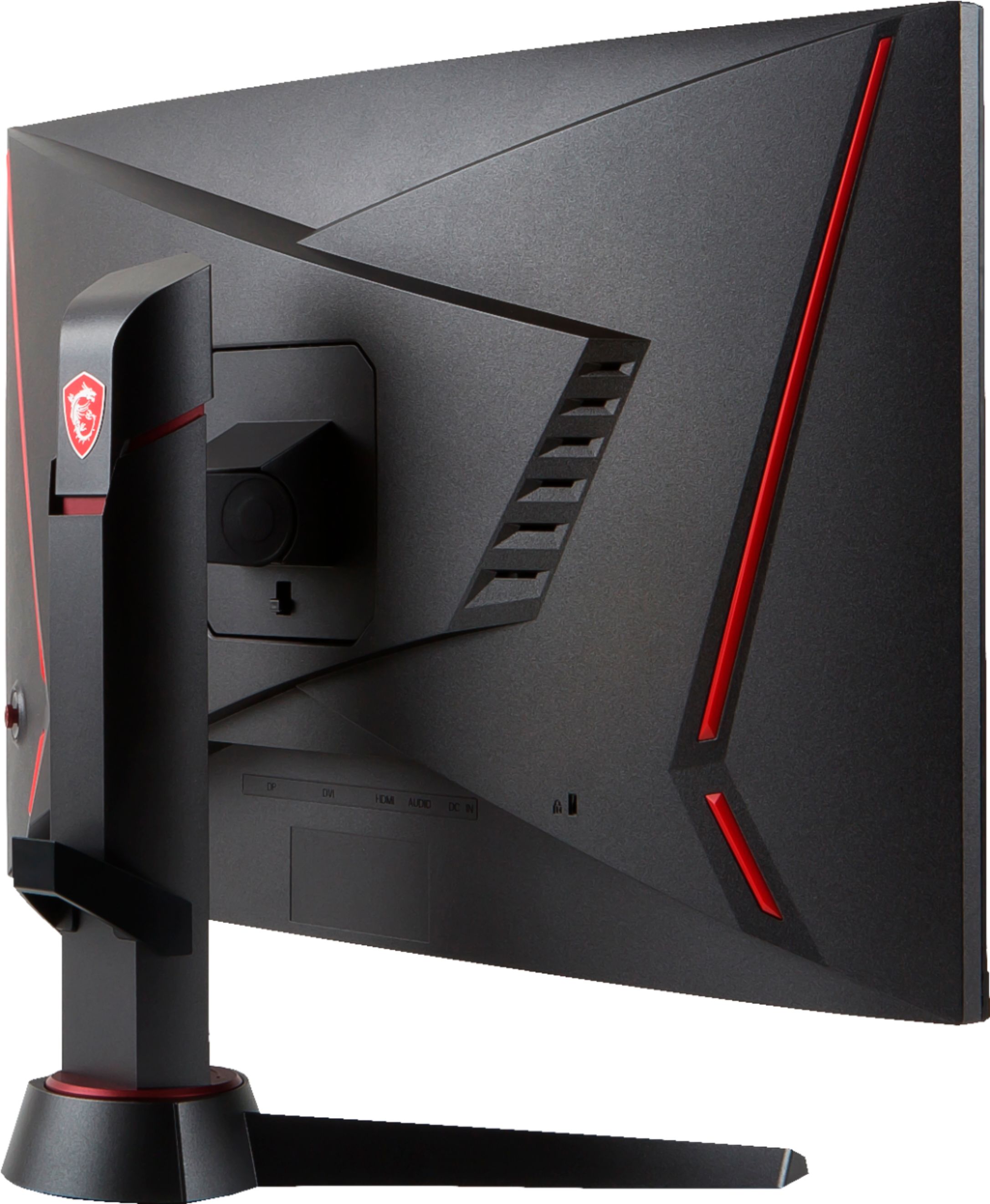
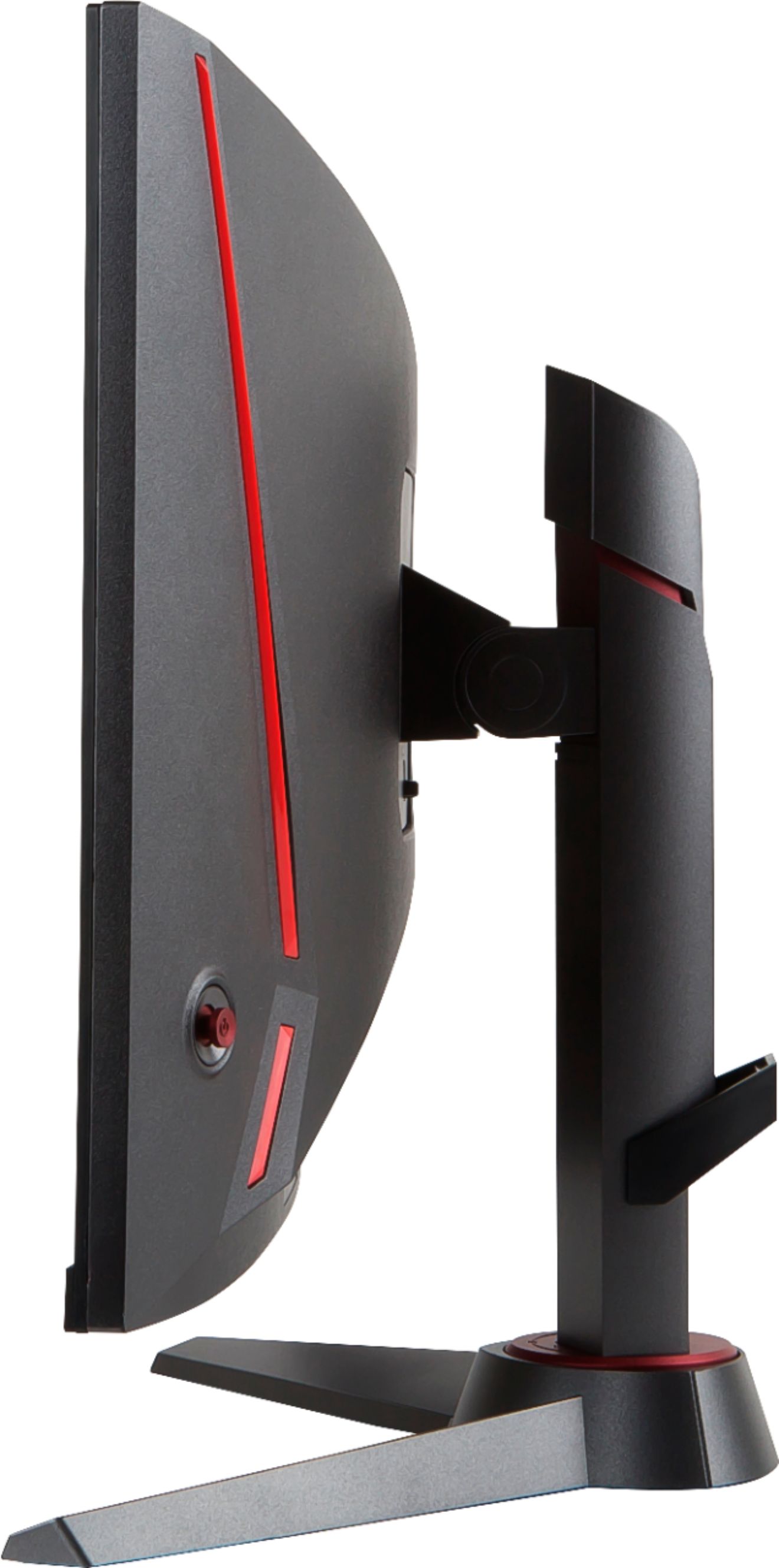
A:AnswerIf you do two of these monitors to form a dual monitor setup you'd want to use a dual monitor stand which uses 75mm x 75mm VESA mounts. Heres the specs: https://www.msi.com/Monitor/Optix-MAG24C
A:AnswerNo, this is only a 1920x1080 monitor. It does however have 144Hz refresh rate which makes the screen look more fluid. (You will need a DisplayPort cable since HDMI only goes up to 120Hz)
A:AnswerIf they don’t turn on maybe try downloading the razor synapse app, it’s very helpful for customizing your led lights in the back, and if that doesn’t work maybe you keyboard came broken
A:AnswerThe monitor supports up to a 1920 x 1080 resolution and can be connected using either an HDMI, DVI, or DisplayPort video cable. DisplayPort is suggested for 144Hz refresh rate.
A:AnswerSo, basically this monitor can go to 144hz. BUT the cable that comes with the monitor can’t handle 144hz. It can only handle 60hz. So you’d probably have to buy a cable that can handle 144hz.