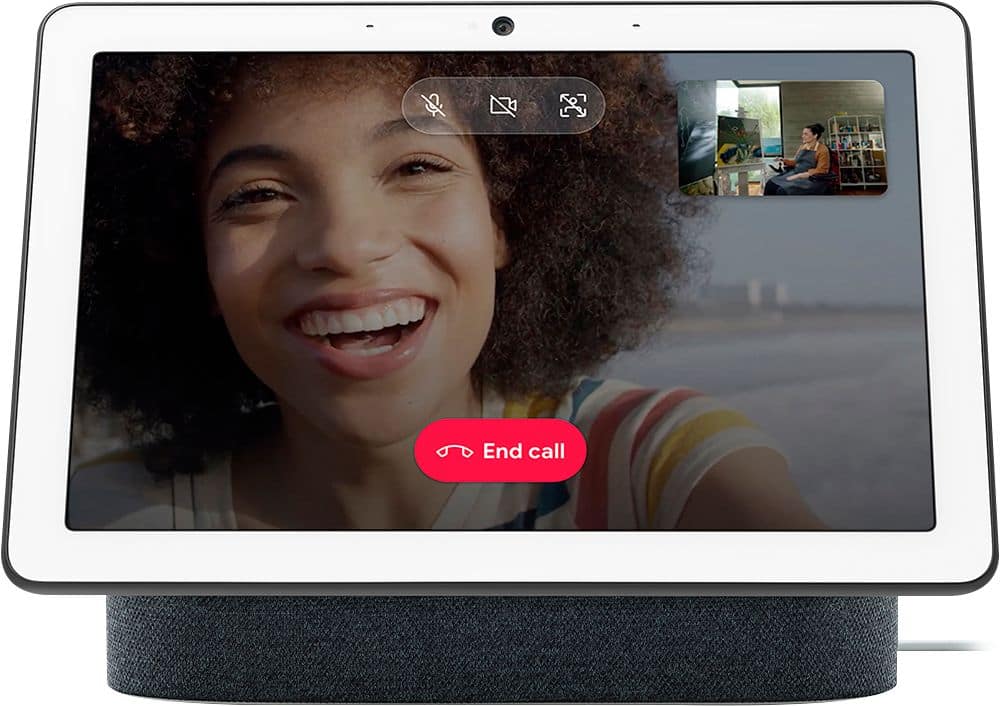
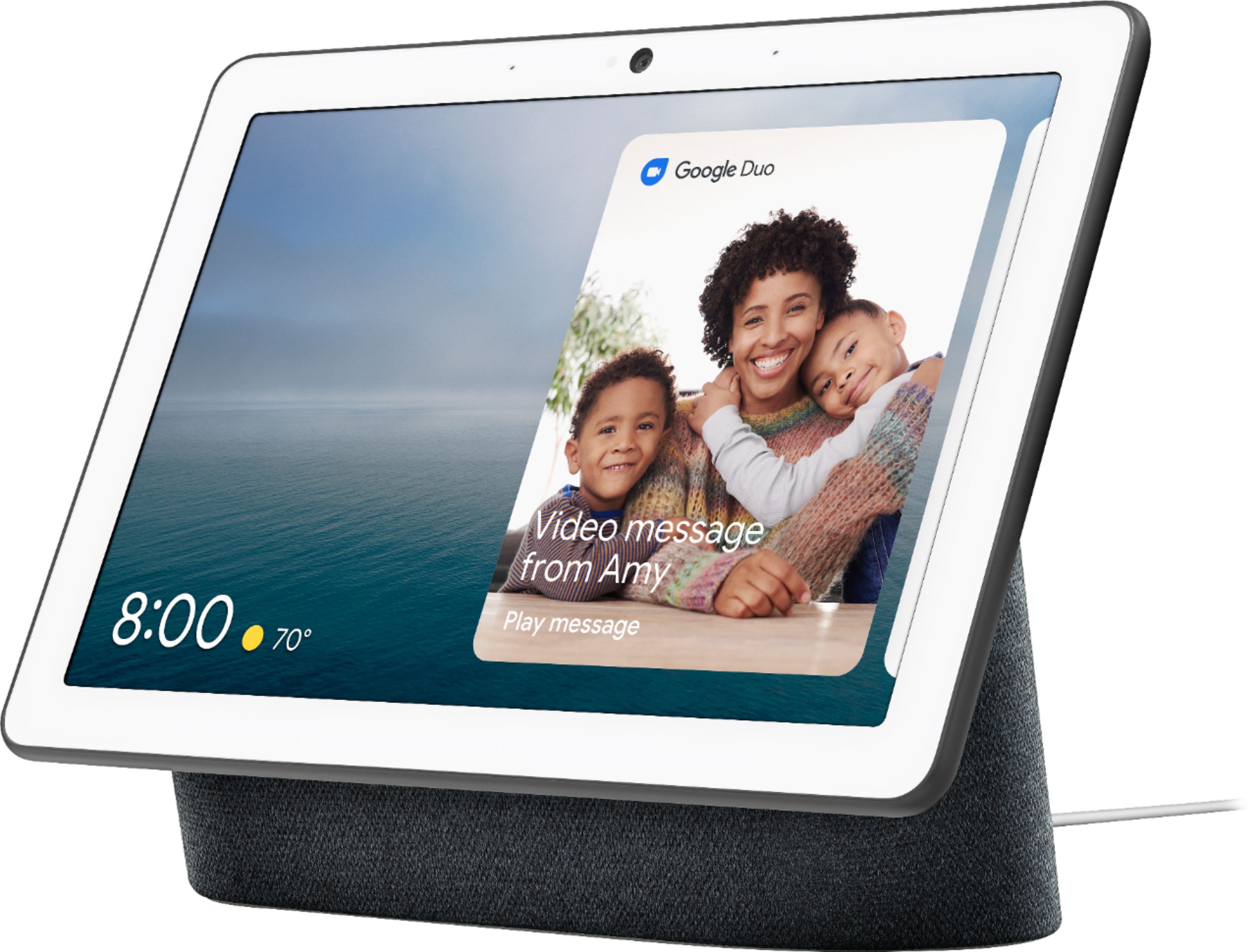
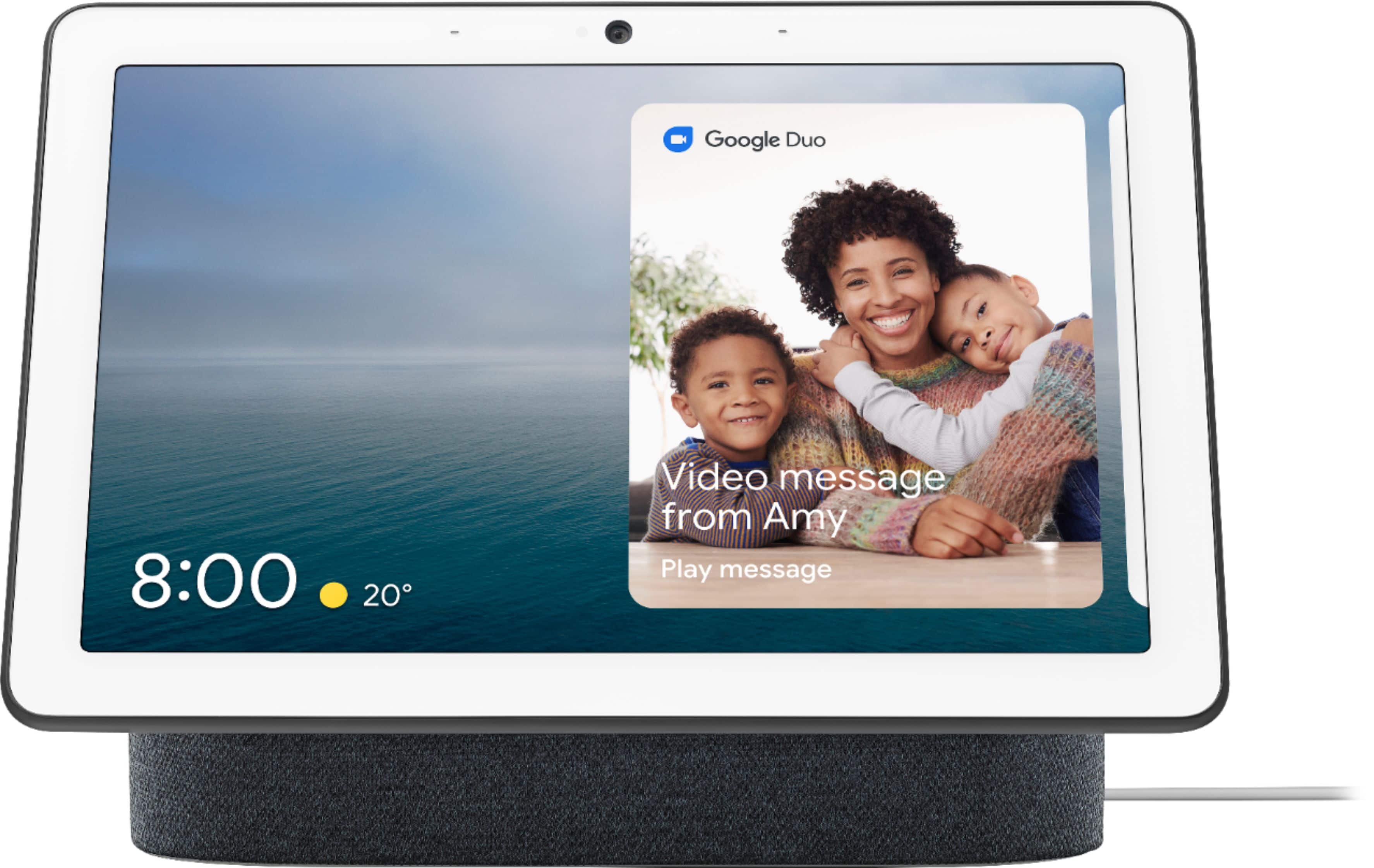
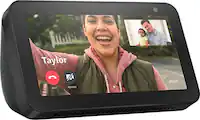
A:AnswerYou can use your Nest Hub Max to make video calls with the help of Google Duo. There are 3 different ways to make a call with Nest Hub Max: Duo calling, Google supported calls, and Carrier calling. Please take note that Nest Hub will require a Wi-Fi connection to perform its functionalities. You can find more details on making calls with Nest Hub Max here: https://support.google.com/googlenest/answer/9849261
A:AnswerYou can restrict content on your Nest Hub Max. With Google Home app content filters, you can block explicit music and video content from YouTube and other music or radio services from playing on Google Nest and other Assistant-enabled speakers and displays. You can use these controls to limit which content your children can access. Take a look at this link for more info: https://support.google.com/googlenest/answer/7084229
A:AnswerNo, it’s definitely not a tablet. You have more options to speak than to touch. Think on anything you should do without touching it and you will get the best of it
A:AnswerI don't know if it will work with FaceTime but I doubt it because FaceTime is an Apple app and only is on Apple products. If someone has an Apple product like an IPhone or IPad they can install Google Duo on their Apple product and then you can use the Nest Hub Max to call them. Me and my family have iPhones and all have Google Duo too. Google Duo works better than FaceTime and you have less dropped videos with Google Duo.
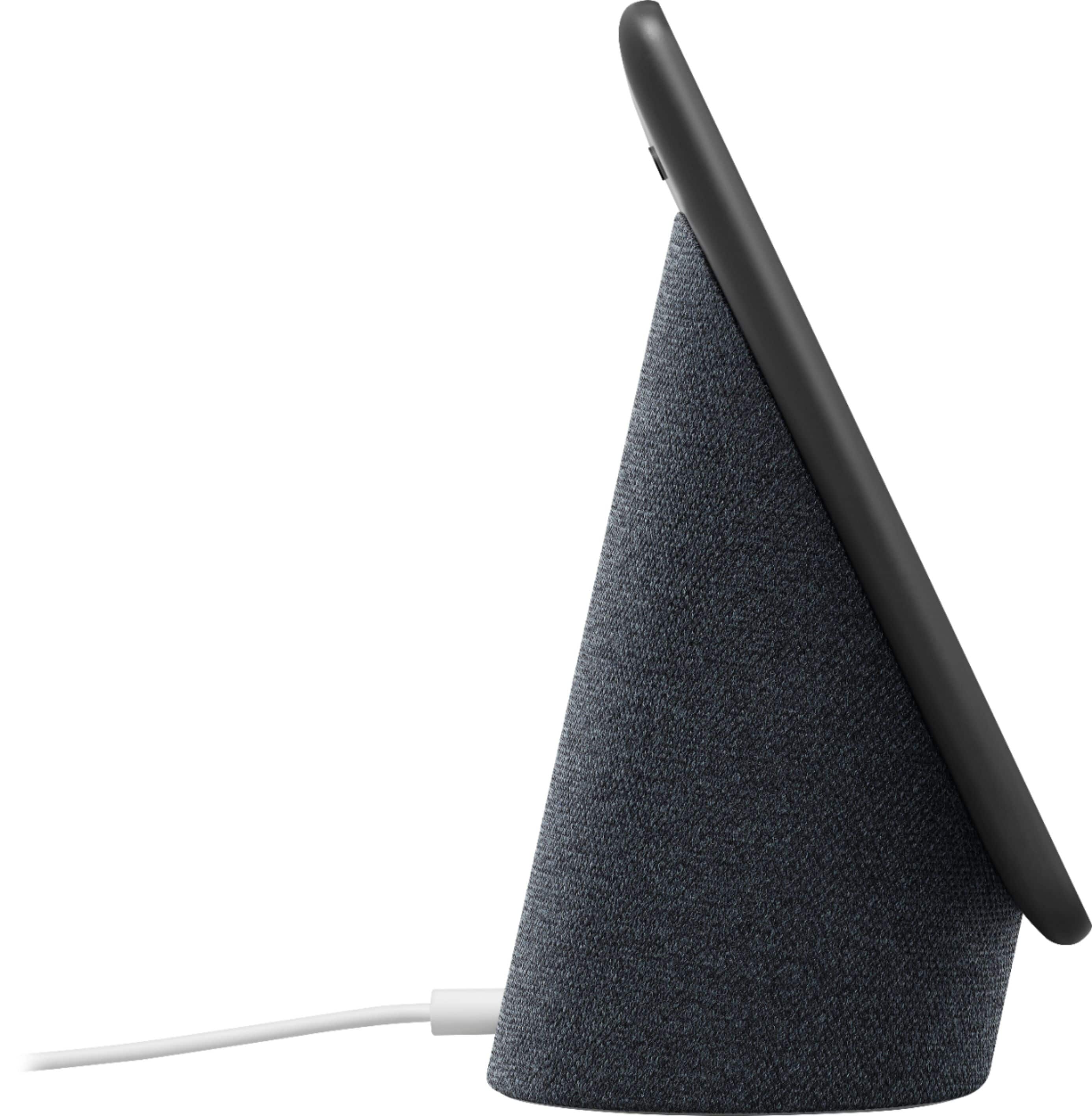
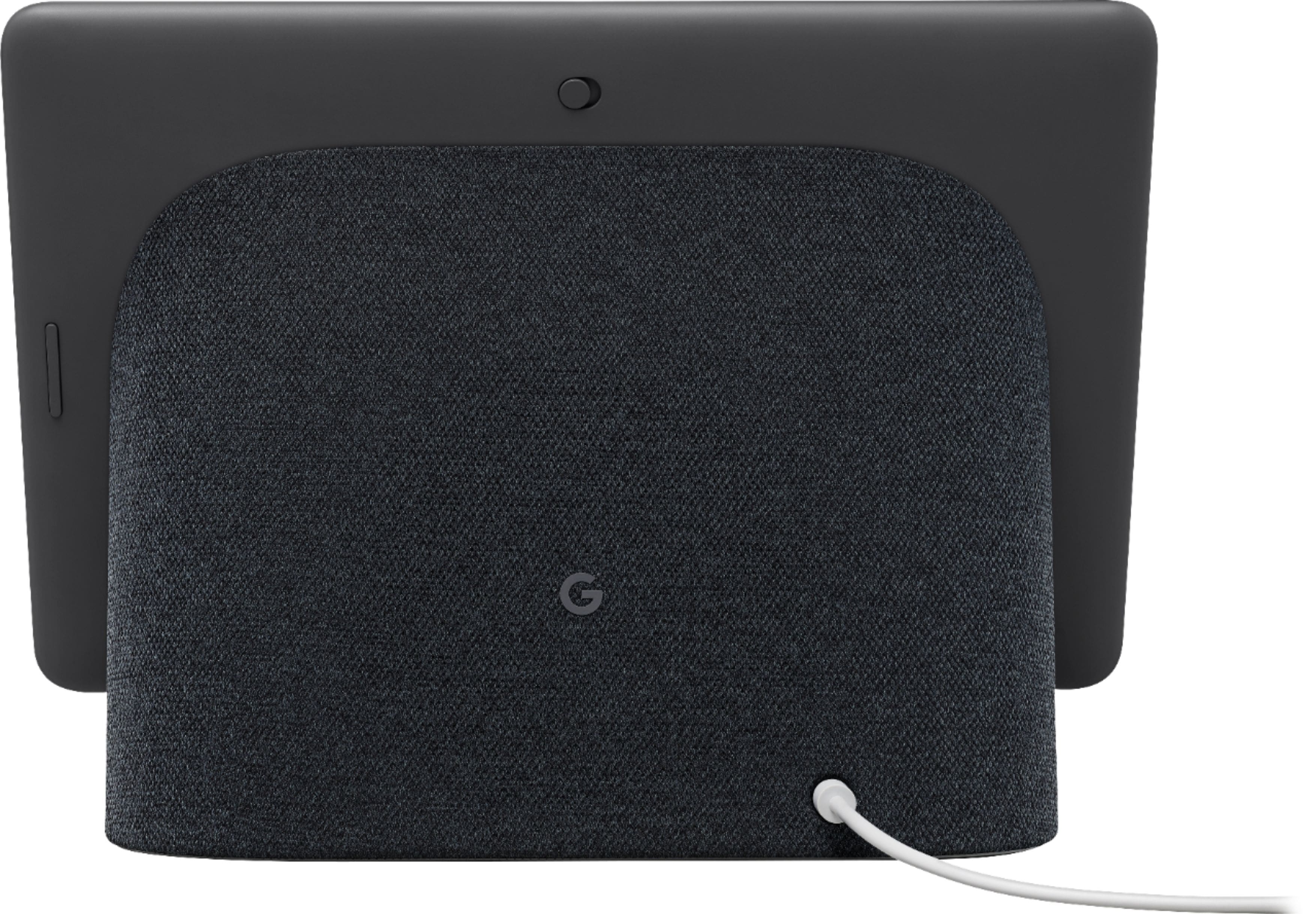
A:AnswerNest speakers and displays, including Nest Hub Max requires to be connected to a power outlet. Using USB for power isn't recommended. The power input range for Nest Hub Max is 100V - 240V, 50/60 Hz. Any input level within this range should work. Take a look at this link to see device specifications: https://support.google.com/googlenest/answer/7072284