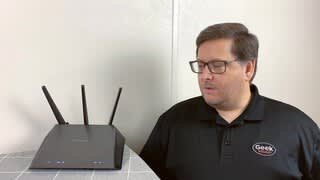
A:AnswerYou choose these routers instead of the ones the internet company offers as these perform better. You will need an internet provider for the router to work.
A:AnswerYes it does. It also stops people from scanning open ports meaning you are less likely to get hacked. There's an option I believe it's on by default. If not turn it on, it's very easy since the router has a very simple interface.
A:AnswerNo. Once you purchase the router, you own it and there are no monthly fees required for it. You can opt to pay for services from it, like a program that checks the traffic on your router for bad actors, but you don't have to. Similarly, if you finance it, you will have to pay until the bill is paid off.
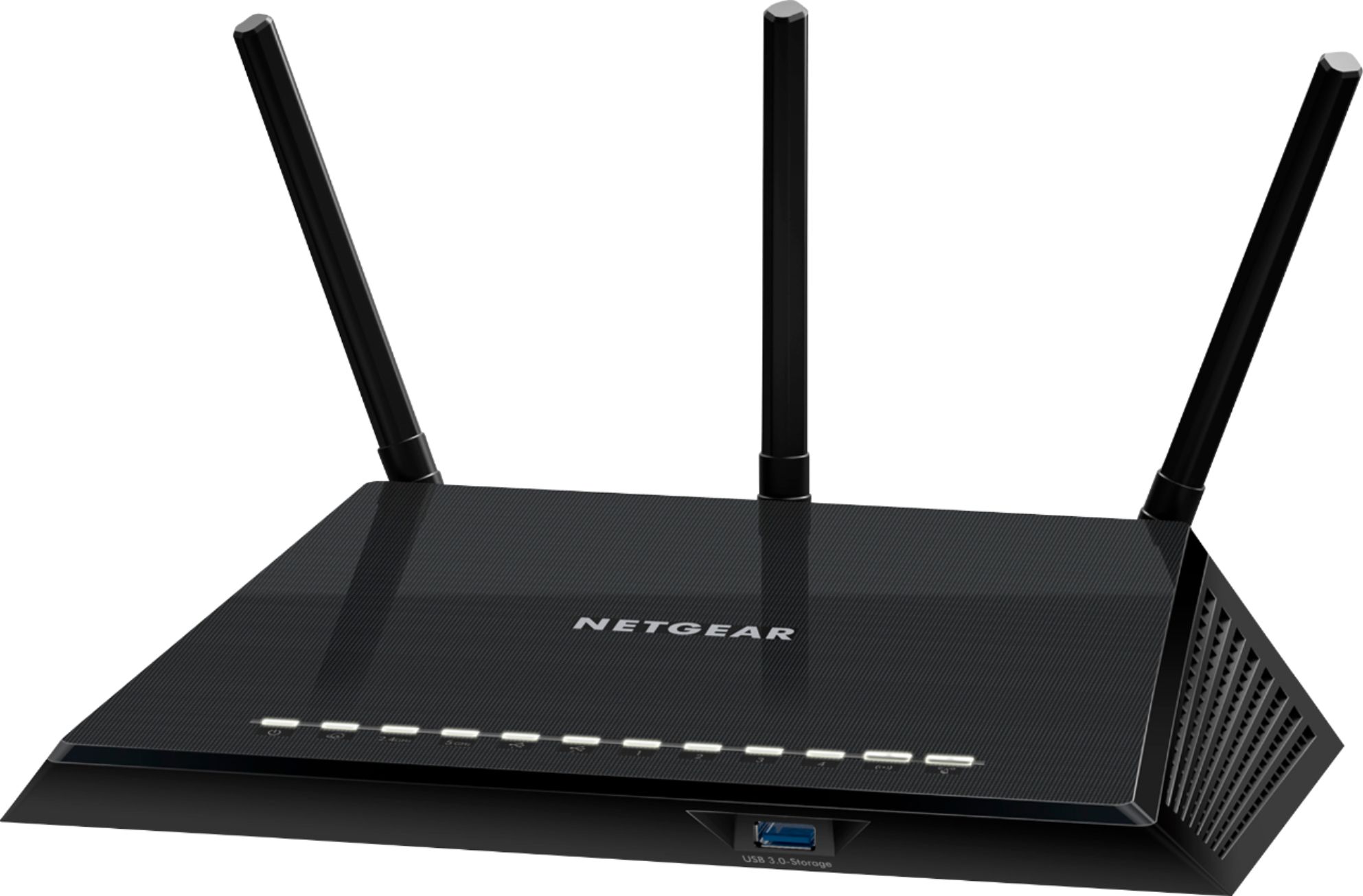
A:AnswerIf you have a smartphone to download the app, and can follow the directions step by step that the app gives you, then I think it's pretty easy. I'm not sure how to set it up without being able to download the app to assist. There are no written directions in the box (other than to tell you to get the app).
A:AnswerMaybe but Do what I did that's sure to work. Pick up this router, Check Amazon and Best Buy for Pricing. Purchase a Netgear N300 WiFi Range Extender - Model EX2700. There may be an update to this model. Extender will mate with the Router and give you that signal boost you need. Log your TV and related products into the Extender as needed. Plugs into any outlet, Simple to install and you're going to love it! Thanks!
A:AnswerI usually have 4 running at the same time with no problems, may slow down your downloads a bit if you use all of them at once. if you go to routerlogin.net and have a decent amount of knowledge about how to set up QoS you can try to prioritize what gets first priority when it comes to speeds and such.
A:AnswerAll routers are compatible, it is the modem you have to worry about. Yes, this works, but make sure you have a modem that works with Spectrum to plug in first. This plugs into the modem.