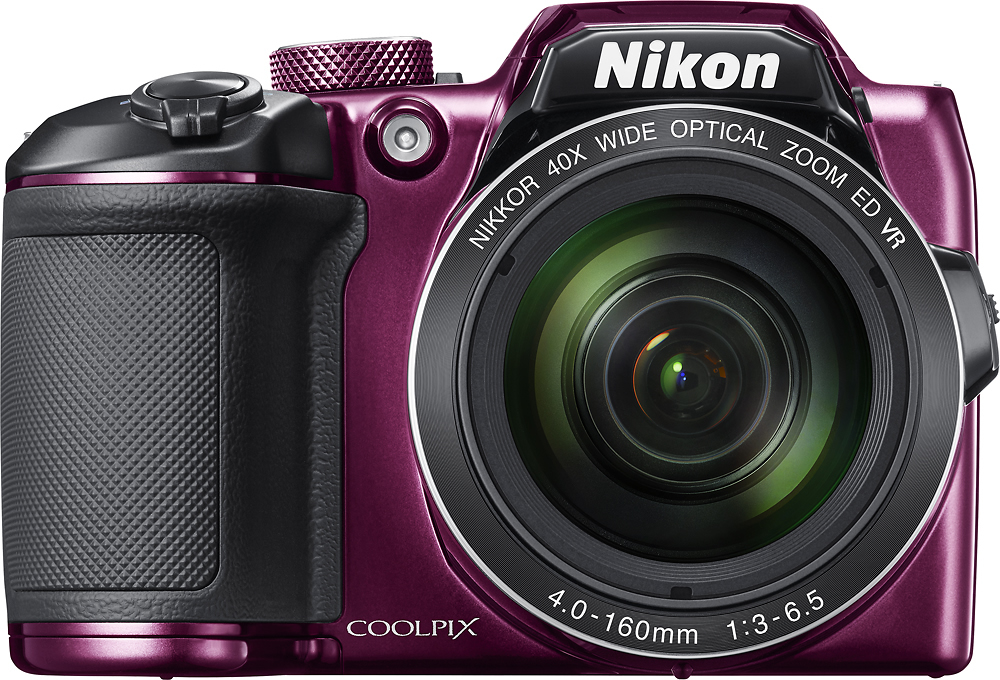
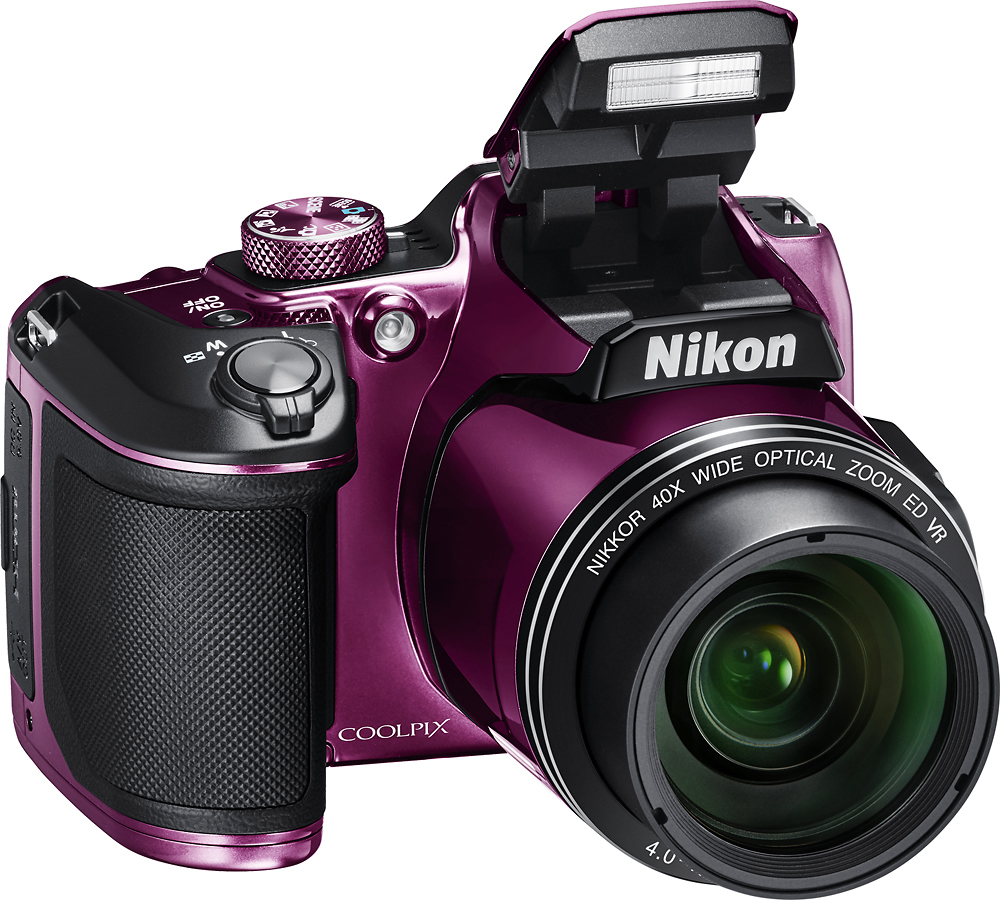
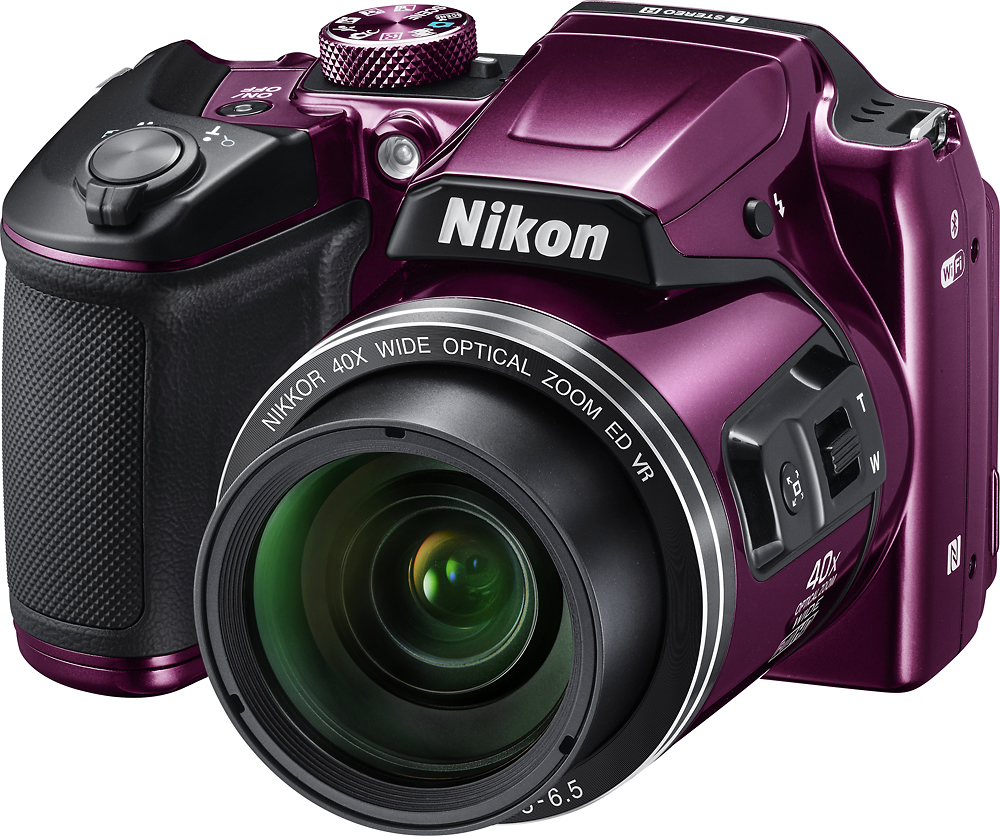
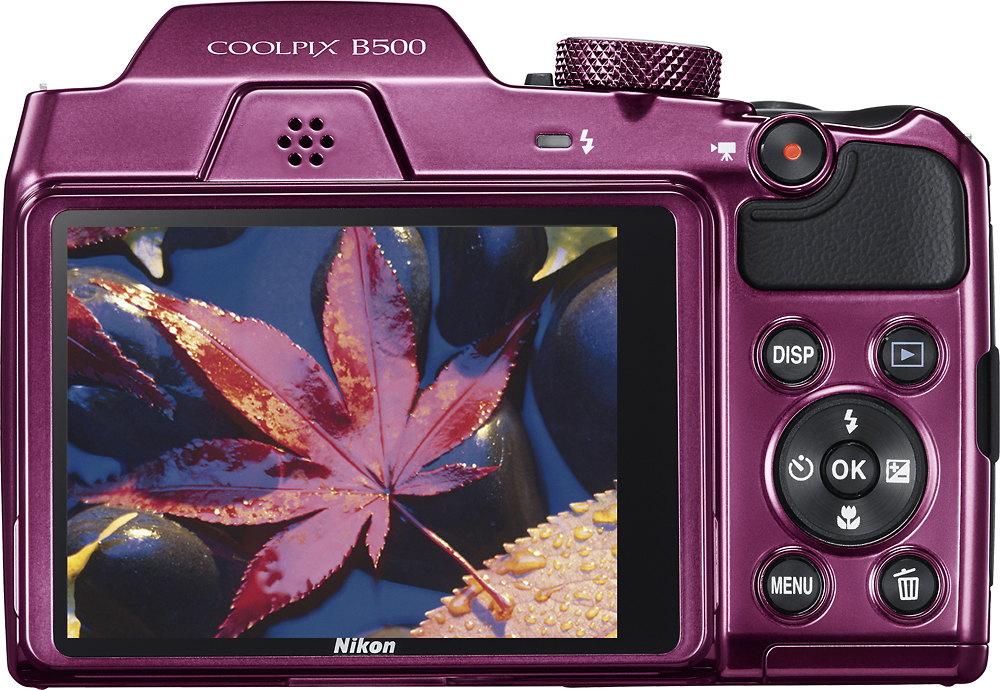
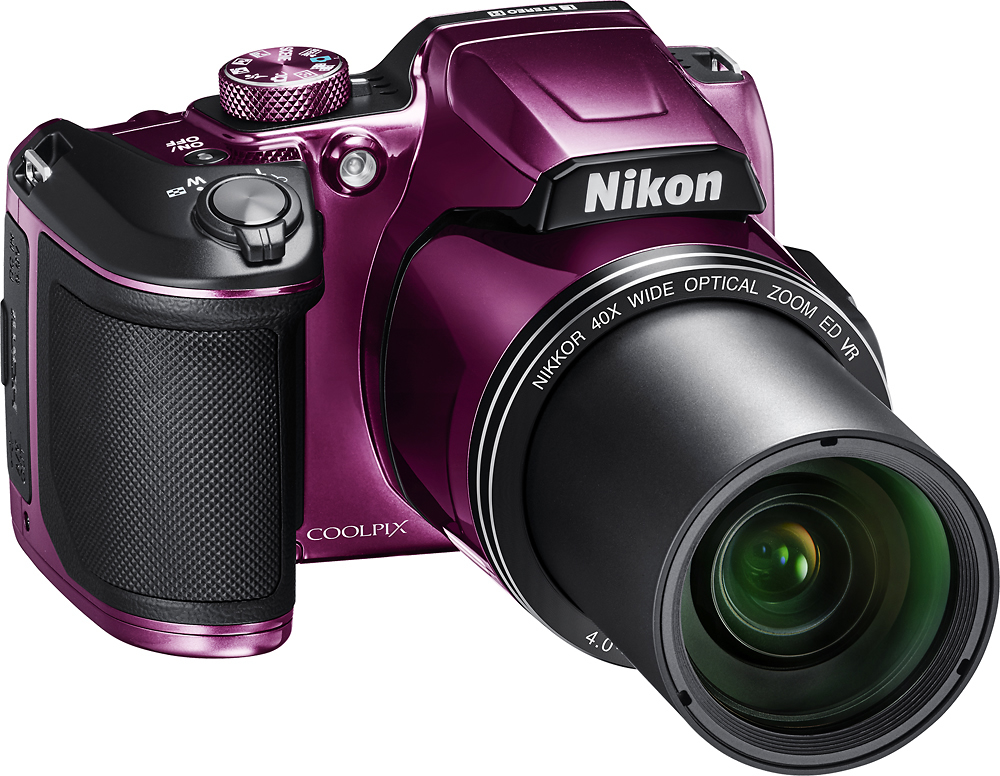
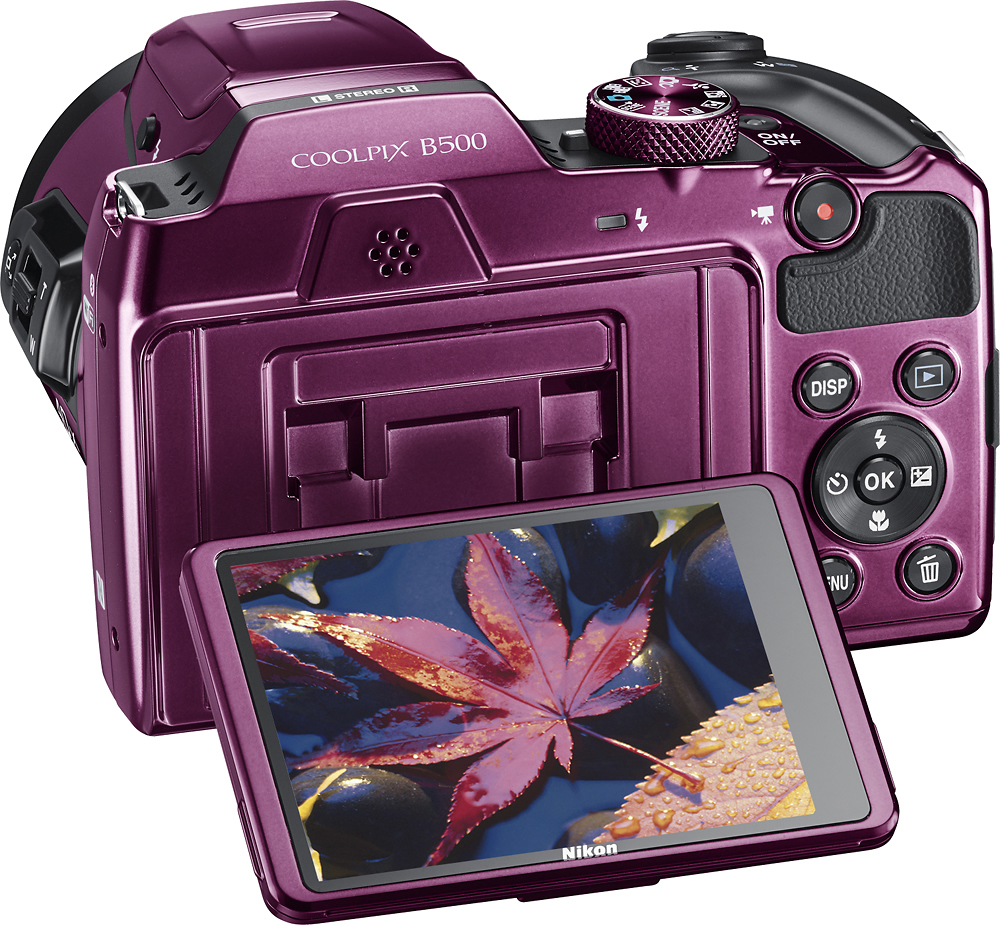
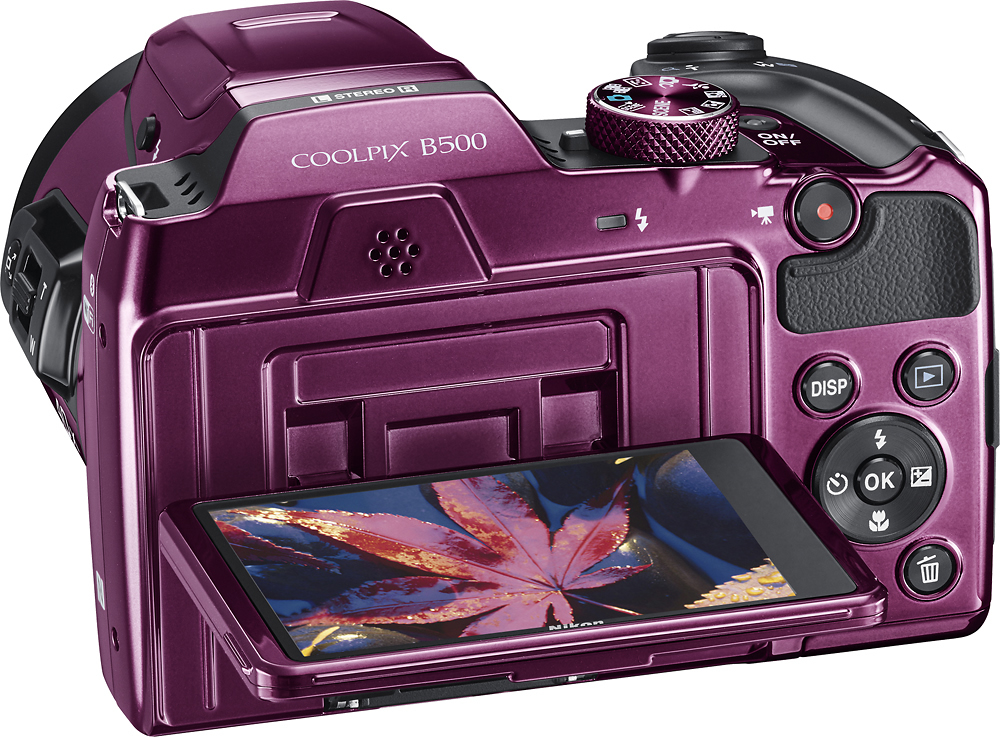
A:AnswerThe Coolpix B500 can be used to vlog, it records Full HD 1080 video at the following frame rates: 24p/25p/30p/50i/60i. Also note that this camera has a tilting screen, however, it will not be able to tilt to be front facing.
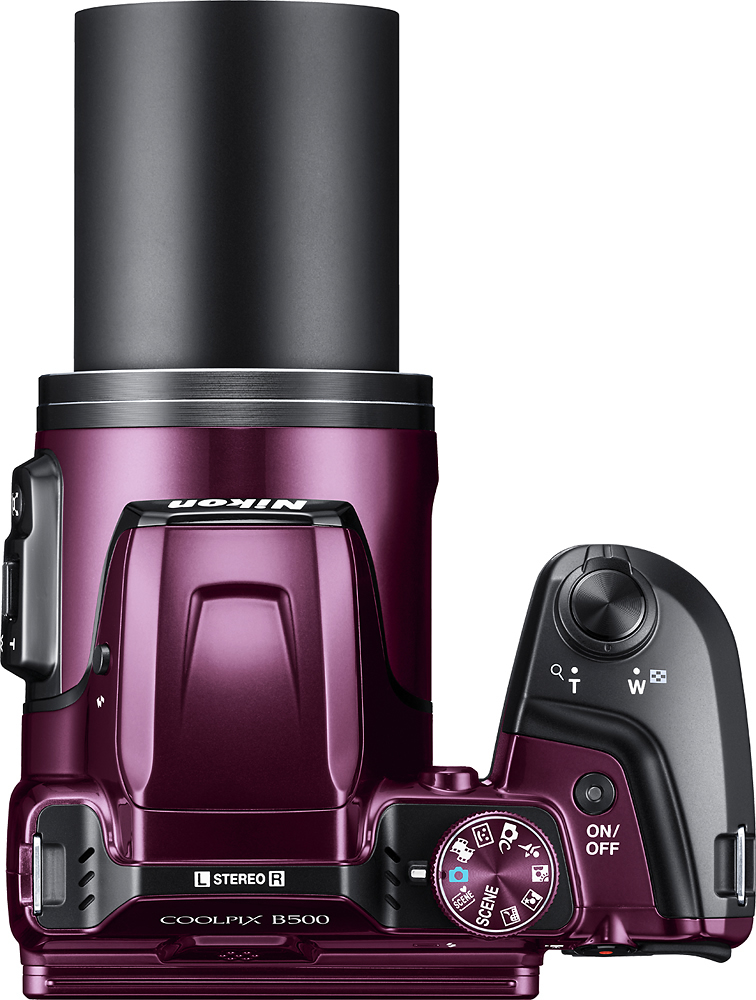
A:AnswerYou may want to try the Night Landscape mode found as a selectable mode on the top dial of the B500. Using the camera in Automatic mode may even be a great choice so the camera can adjust itself to capture the lights.
A:AnswerYou can connect the Coolpix B500 to a monitor or TV to be able to view what you are recording, however, this camera does not support streaming.
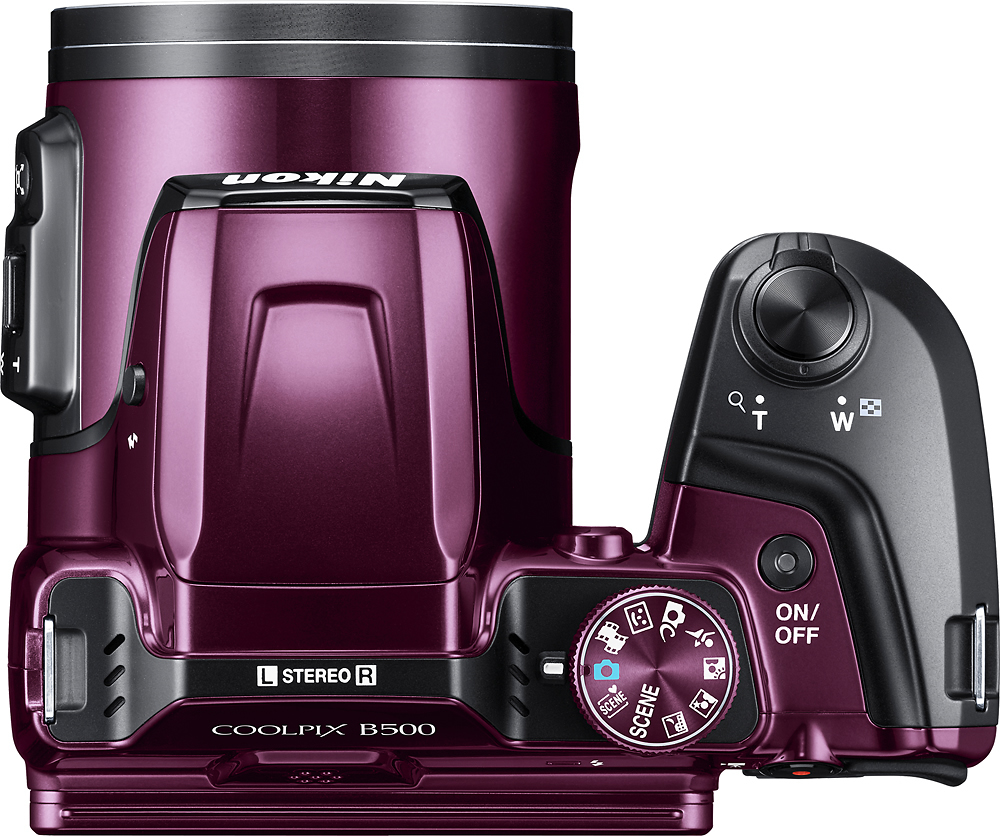
A:AnswerThis camera requires a good steady hand if your shooting zoom; or go best with a tripod. I suggest to keep it in auto mode until you feel comfortable changing the pictures by rotating the various settings on top of the camera. I did not expect this camera to be a do it all type of camera without some getting used to all the features. Take your time with it; there is a great tutorial on YouTube on the camera; or just give Nikon a call. If you feel it's not for you, then take it back and find one that will suit your style of shooting pictures.
A:AnswerThe Coolpix B500 has timer options to delay shooting by either 2, 5 or 10 seconds. You could also connect this camera to an iOS or Android device and use the Remote Photography option found in our SnapBridge App.