A:AnswerKandi,
I saw your question earlier, but had no idea. After researching online, it seems that you may have to transfer the movies to your computer in order to burn them. It may require additional software programs, as well. I found some information on forums by searching, "Can I transfer movies from my camera to a dvd?" One source: https://www.techwalla.com/articles/how-to-convert-a-digital-camera-video-to-a-dvd-for-free. I couldn't find a date on this article so, maybe there is a better way now, but I am not experienced enough with the camera to know. Maybe this will help a little.
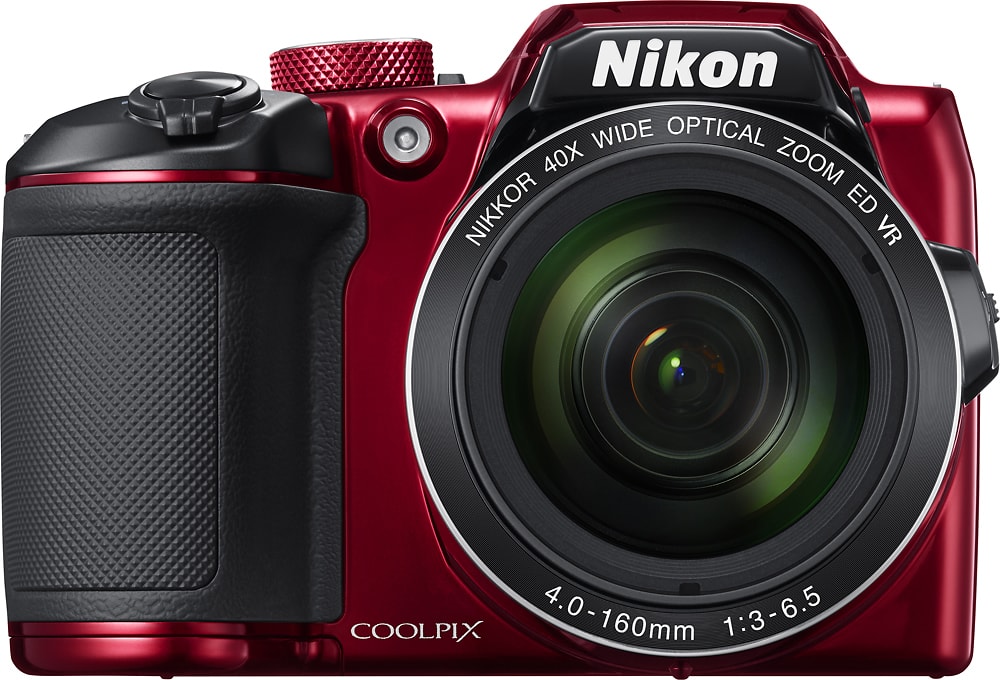
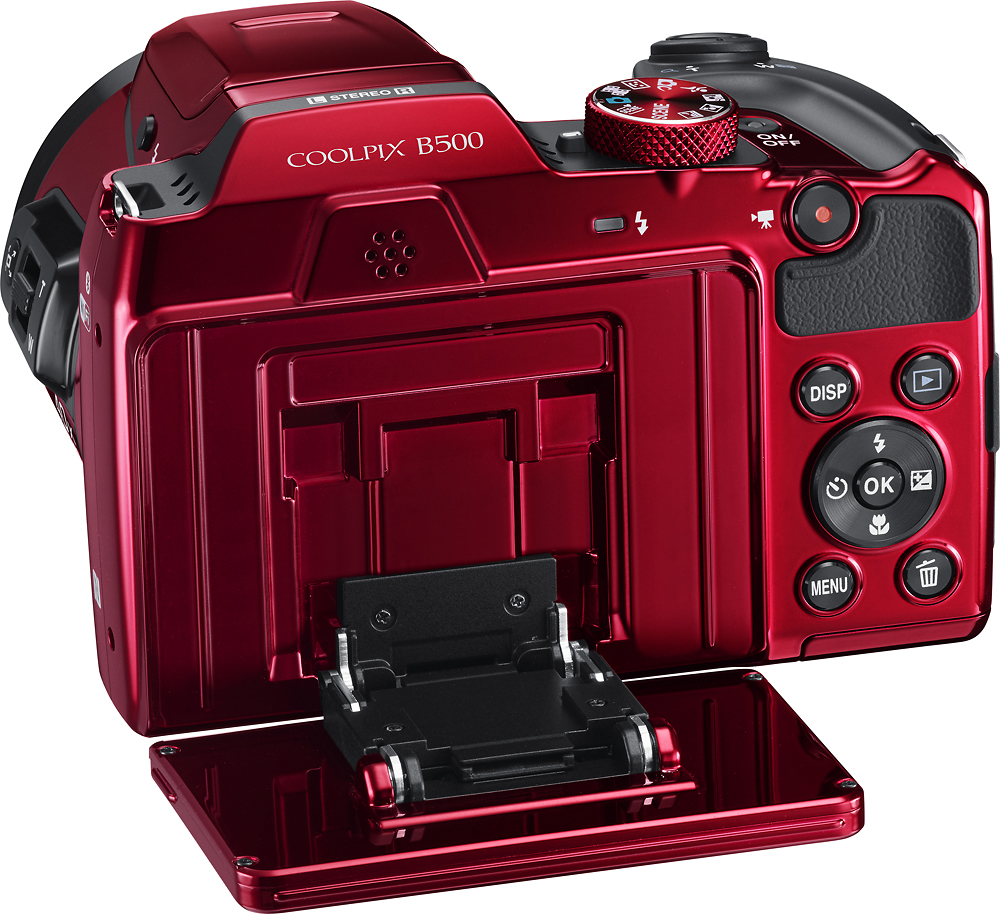
A:AnswerFor rechargeable batteries that are compatible with the Nikon COOLPIX B500 digital camera try using EN-MH2 Rechargeable Ni-MH (nickel metal hydride) batteries; this camera needs four batteries. EN-MH2 batteries can be recharged using the Nikon MH-73 Charger. Always remove batteries from the camera or battery charger when it is not being used. Left installed in the camera, minute amounts of current flow will discharge a battery over time. If the rechargeable batteries will not be used for some time, insert them in the camera and run them flat before removing them for storage. Other compatible batteries are alkaline LR6/L40 (AA) batteries (four AA) or lithium FR6/L91 (AA) batteries (four AA). Batteries should not be left in the camera should you decide to store it, but instead be placed in a cool and dry location for future use.
A:AnswerYes! The Nikon COOLPIX B500 digital camera can record all your favorite moments in Full HD 1080p quality with stereo sound. This camera can also help you create unique clips with the Short Movie Show feature or allow you to capture amazing star trails with the Multiple Exposure Lighten Scene Mode. This camera also comes with a wide variety of in-camera editing options for images and movies.
A:AnswerYes pretty straight forward for a beginner like myself and has some great features. You can also get an extra guide on eBay if you wanted. My mum bought me one.
A:AnswerIt may be that the Nikon COOLPIX B500 digital camera detected extra movement as you were panning. If the camera is moved to quickly or shaken too much, or if the subject is too uniform (walls or darkness making up most of the image), an error can occur. Try to keep within the gridlines of the camera screen as you pan at a steady pace in one direction. If you continue to have a problem please contact Nikon Support here: http://www.nikonusa.com/en/about-nikon/contact-us.page
A:AnswerYou need to establish a Bluetooth link between the camera and your smart device (Smartphone or tablet). See the booklet instructions on pages 6 & 7 (English section). That explains how to do this.
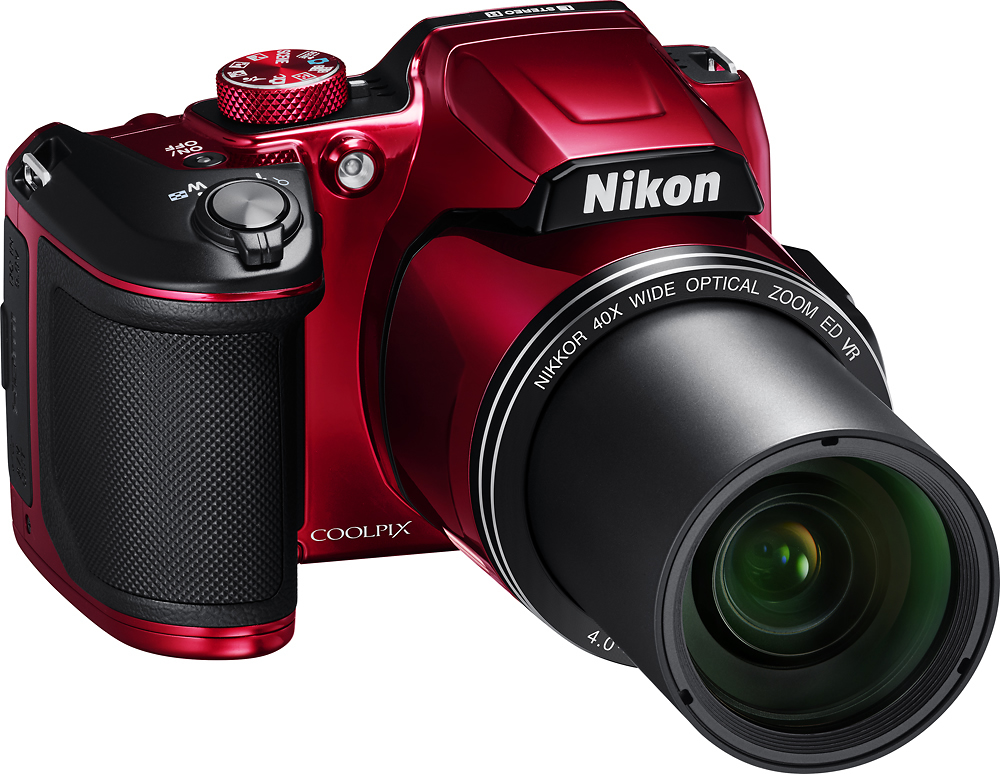
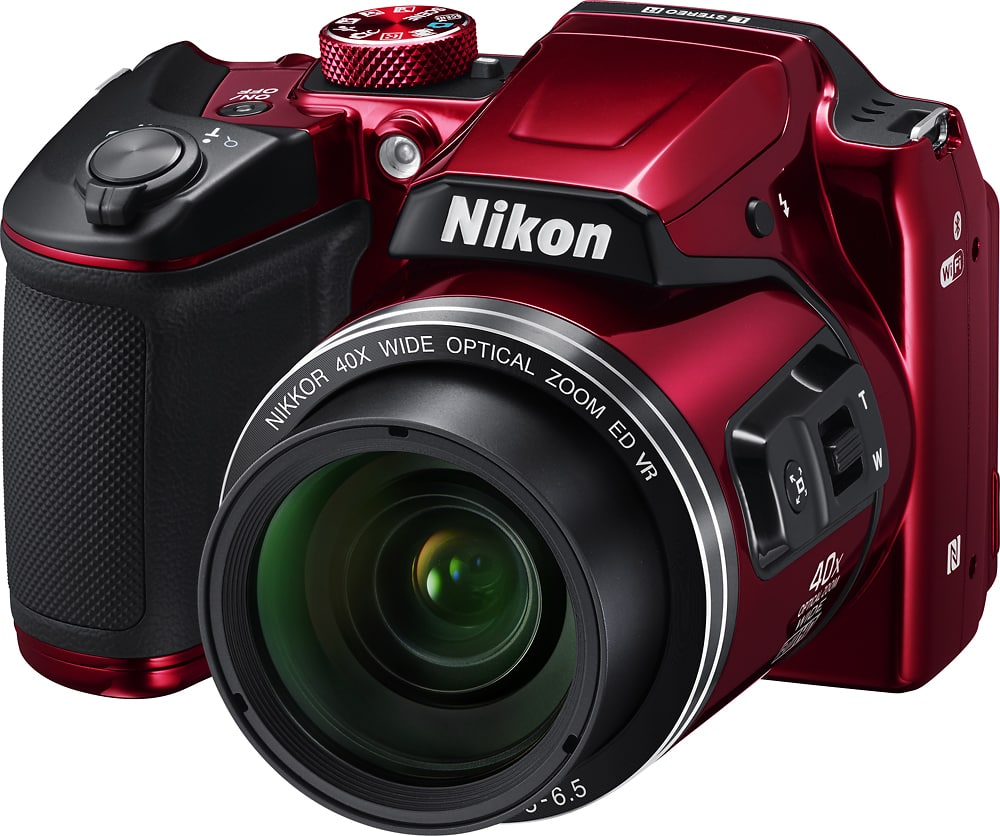
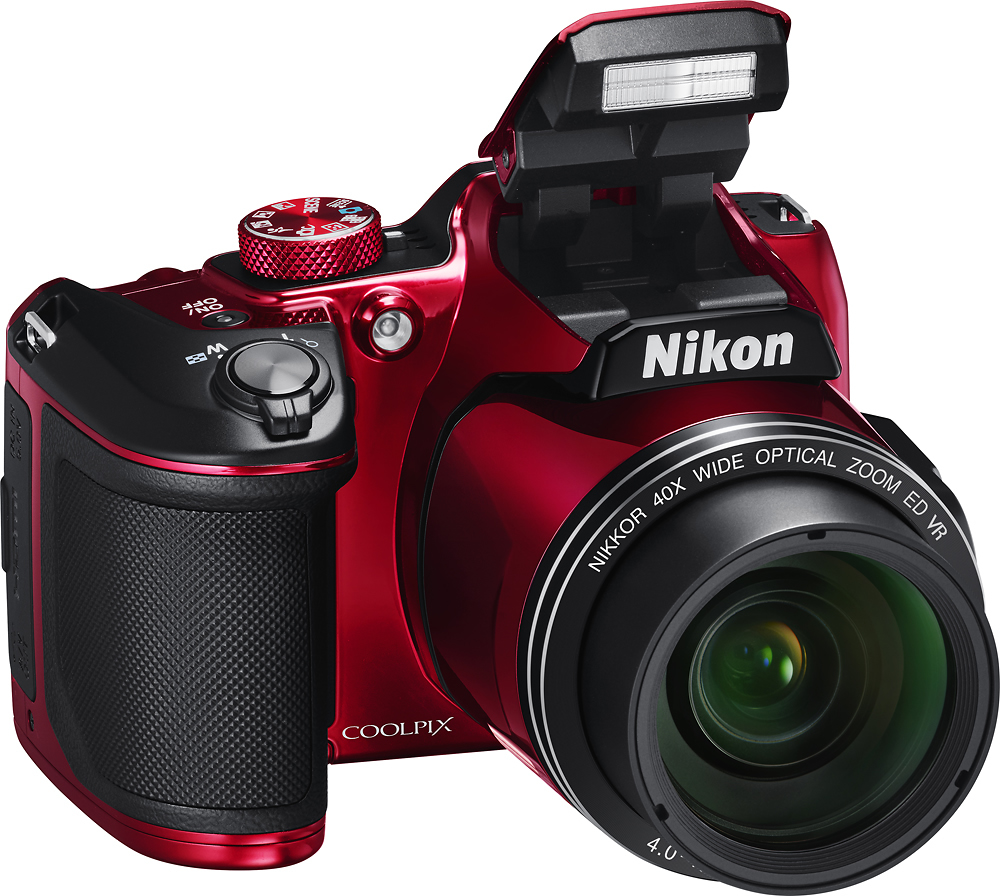
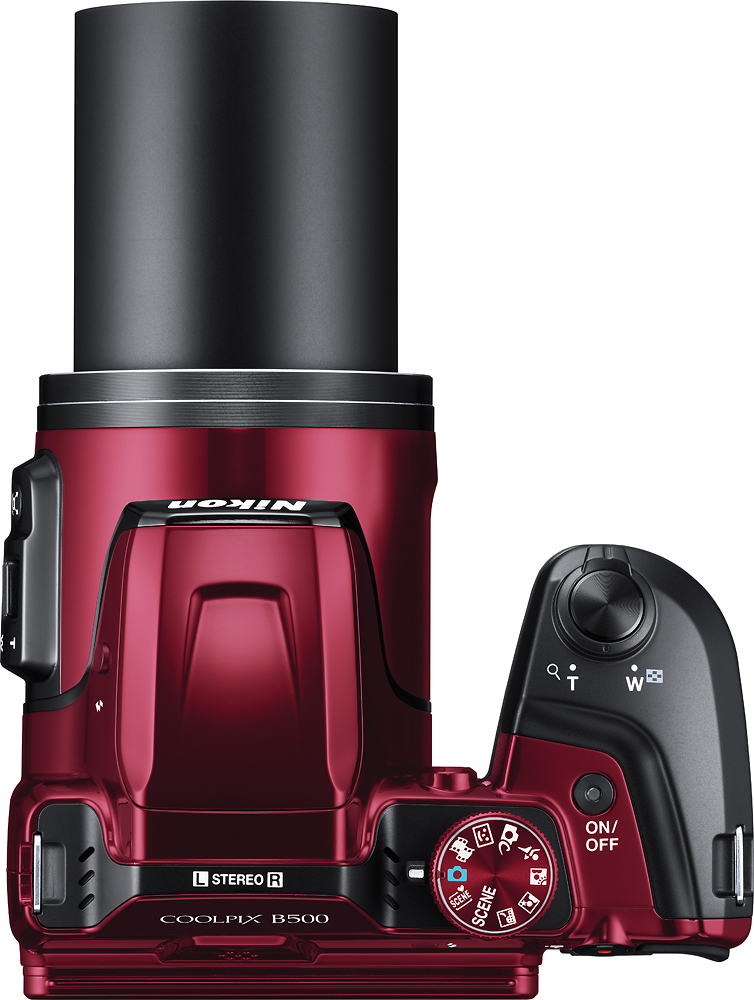
A:AnswerThe built-in flash on the COOLPIX B500 does not pop-up automatically. There is a flash pop-up button on the camera that is used to raise the flash. Once the flash is raised it will fire based on the Scene Mode or Flash Mode settings.
A:AnswerYes it has bluetooth but only works for transferring pictures to your phone. You have to use the included usb cable to transfer to a laptop or desktop. We found this out after purchasing the camera and reading the online manual as we wanted to use bluetooth to transfer pictures to a laptop.
A:AnswerNo, the Nikon COOLPIX B500 digital camera takes either four LR6/L40 (AA-size) alkaline batteries, four FR6/L91 (AA) lithium batteries or four EN-MH2 Rechargeable Ni-MH batteries and comes with equipped with 4 temporary AA alkaline batteries. It does not come with a battery charger. The MH-73 Battery Charger and EN-MH2 Rechargeable Ni-MH batteries are available for separate purchase.
A:AnswerNo. The flash on the Nikon COOLPIX B500 digital camera cannot be used when recording movies. For more light control in your recordings try a Nikon LD-1000 LED Movie Light or other similar light source.
A:AnswerNikon COOLPIX B500 digital camera's built-in Wi-Fi capability is able to be used with a compatible I-Phone, I -Pad, and I-Pod touch with the following versions: iOS 8 version 8.4 and later and iOS 9 version 9.1 and later; iPhone 5 or later, fourth-generation iPad or later. Wi-Fi and the Nikon SnapBridge application must be enabled before transfer starts. To learn more about SnapBridge please contact Nikon Support.
A:AnswerThe Nikon COOLPIX B500 digital camera will work without a phone connection of any kind. Quality images can be taken by placing the camera in Auto and pressing the shutter button halfway to get it to focus on your subject. When you're finished taking pictures for the day just take the memory card out of the camera and place it in an SD card reader on your computer and you're ready to upload your images.
A:AnswerYes. The Nikon COOLPIX B500 digital camera has a couple of options for getting fast action images. Try placing the camera in a continuous setting when in Auto Mode to capture fast-paced action with just one press of the shutter button. You can also try using the Scene Sports Mode to get up to 7 images continuously at a rate of about 7.7 frames per second. These continuous features allow you to capture movements that might otherwise be missed. To learn more about what this camera has to offer please contact Nikon Support.
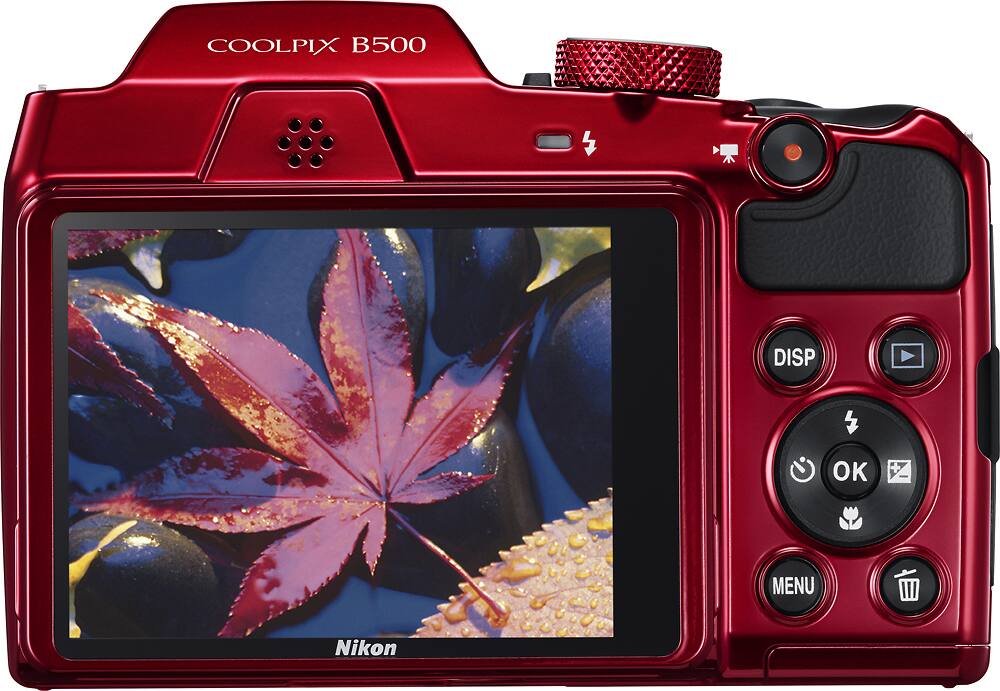
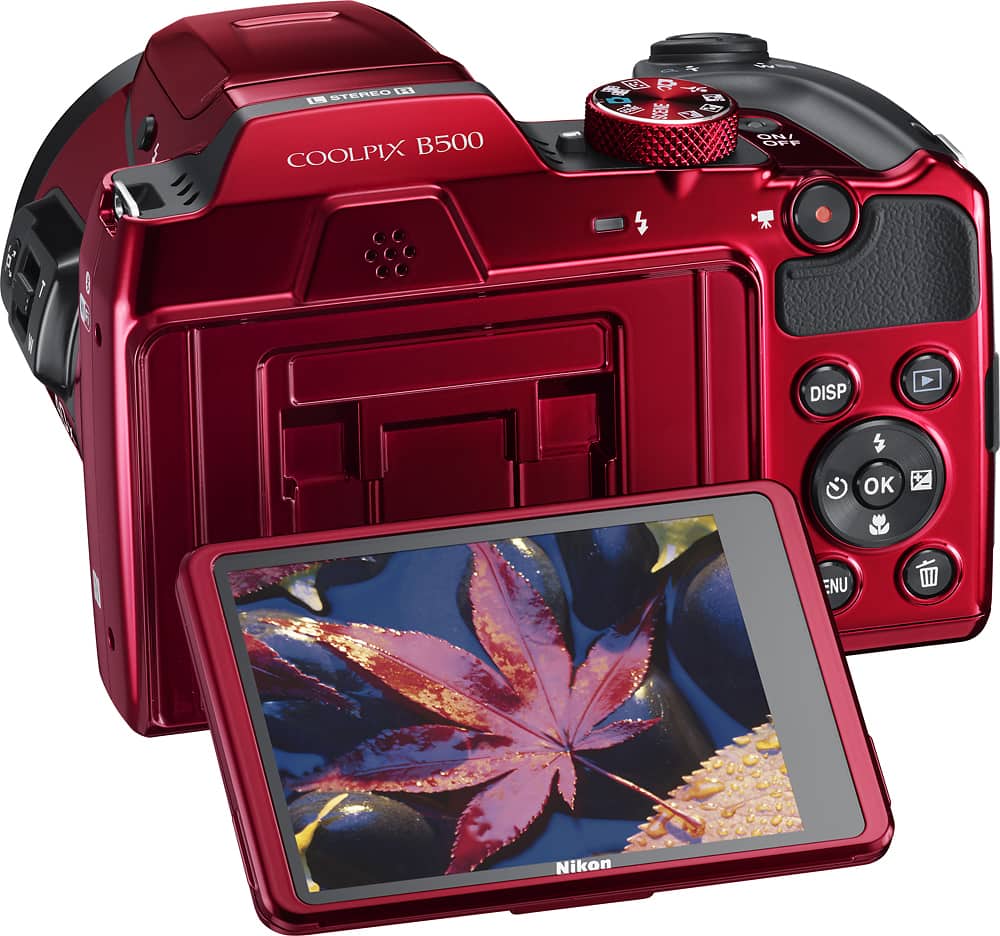
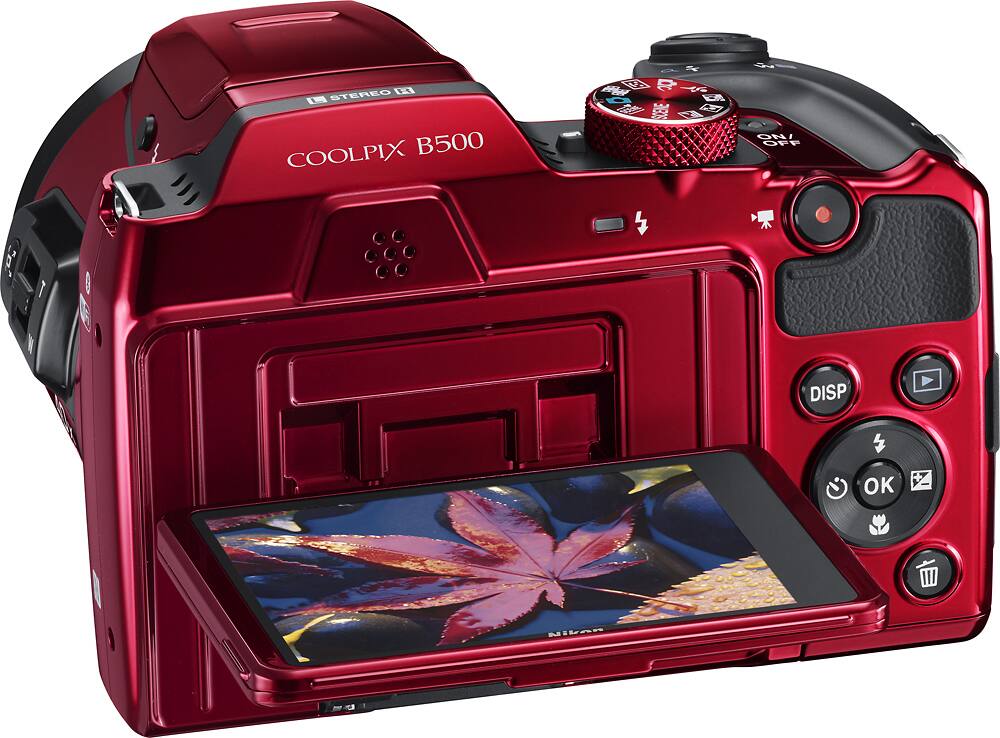
A:AnswerThe Nikon COOLPIX B500 digital camera does not have a viewfinder window. All images are viewed on the LCD monitor screen, which is able to be raised, lowered or angled to make viewing easier.