A:AnswerIf the photos are of the correct format, they should be uploaded to nixplay frame without any issue. If you still have issues, please reach out to support@nixplay.com to assist you further.
The formats we support are available here: https://support.nixplay.com/hc/en-us/articles/900002393886
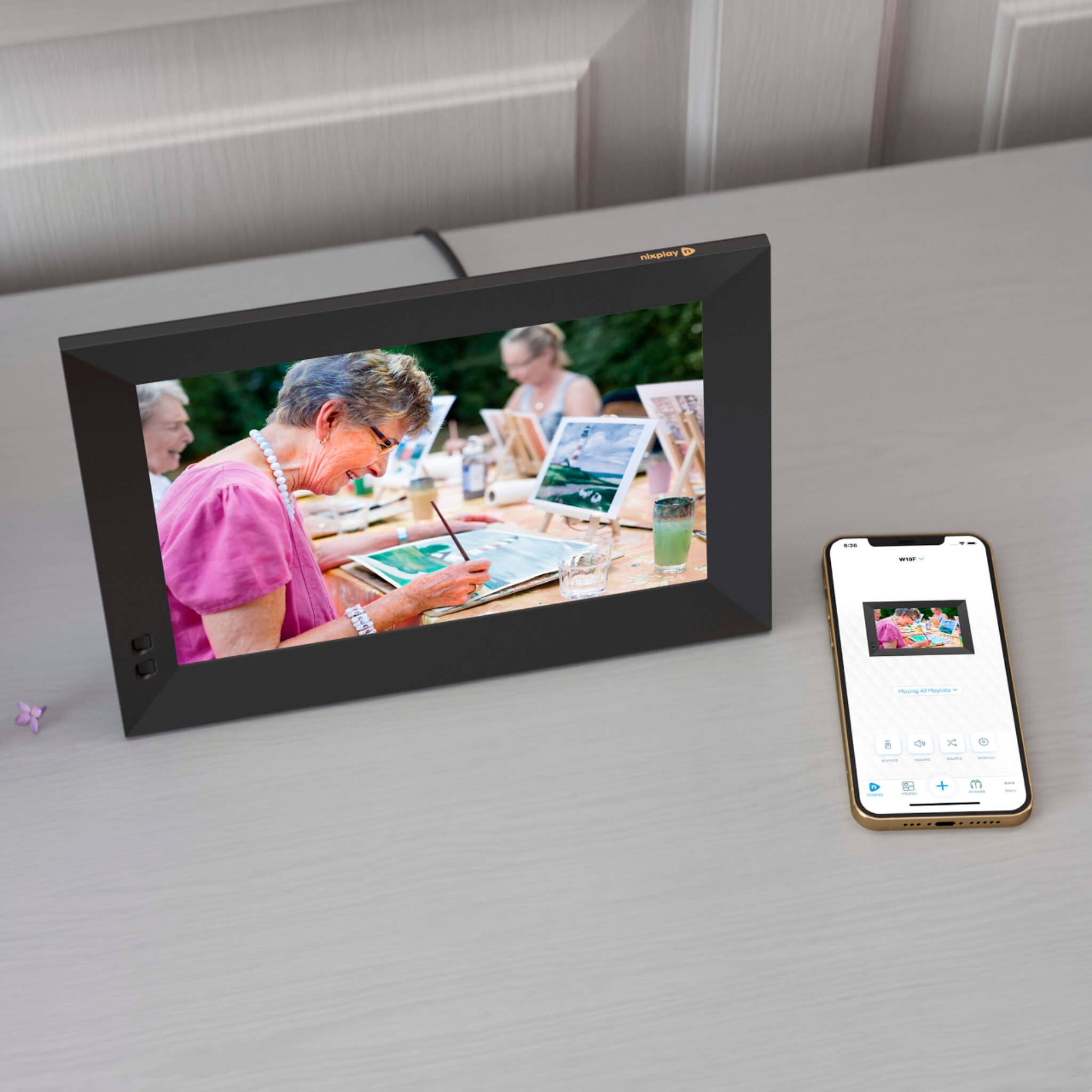
A:AnswerYou don't plug in your phone, you use an app to download pictures to the frame. It is fairly easy and the instructions are pretty user friendly.
A:AnswerHi and Thank you for your question - the alert "Frame not connected" is when the internet or wifi isn't communicating with the frame. We recommend checking your internet and wifi; ensure it is on, working, frame within wifi range and that the wifi password is connected to the frame. Sometimes internet or wifi outages are temporary and if the frame was password connected prior, it will reconnect when outage condition is resolved. Should you continue to have difficulty, please contact our care team at 1-855-NIXPLAY
Thanks for choosing Nixplay!
A:AnswerTo display the latest content, please ensure that your Nixplay frame is connected to the WiFi. If there is no WiFi connection available, new content sent to the frame will not display. Please also check the playback settings of your Nixplay frame using the Nixplay remote or Nixplay Mobile app to ensure its set to display the latest photos.
A:AnswerNo, all Nixplay frames can be used without a subscription. Users have access to almost all features with the Nixplay free plan. Users can choose to join the Nixplay Plus Membership to get additional benefits such as larger cloud storage, longer video playback (up to 1 min), extended warranty and up to 80% discount on Nixplay Print products.
A:AnswerYes, the Nixplay frame supports dynamic integration with Google Photos and syncs your content every hour. You refer to support.nixplay.com to find out more information. All Nixplay users get 10GB of free Nixplay Cloud storage and 8GB of storage on the Nixplay frame. Nixplay Plus members can get up to 50GB of Nixplay Plus cloud storage.
A:AnswerYes all Nixplay frames can play video clips of up to 15 seconds in length. Users can join the Nixplay Plus membership to send video clips of up to 60 seconds as well as enjoy other benefits such as up to 80% discount on Nixplay Prints.
A:AnswerYes you can display the same playlist on multiple frames. You do not need to create separate Nixplay accounts for this.
Once you add content to a playlist, you can assign it to multiple frames so they all show the same content. You can even invite other family members to share content to your playlists.
A:AnswerYes, you can disable motion sensor by going to the frame settings from your Nixplay mobile app. You can also control the sensitivity of the motion sensor as well as other settings such as the frame sleep schedule. The Works with Alexa voice activation will only work if the frame if connected to an Alexa built-in device such as an echo dot.
A:AnswerThe Nixplay Smart Frames do not sync with Amazon photos mainly due to restrictions from Amazon photos. If this changes in the future we might support Amazon photos. Nixplay frames do, however, sync with Google Photos and Dropbox.
A:AnswerYou can create a playlist by downloading the Nixplay mobile app. Once the recipient opens the frame and pairs it to their Nixplay account, you can later share the playlist with them.