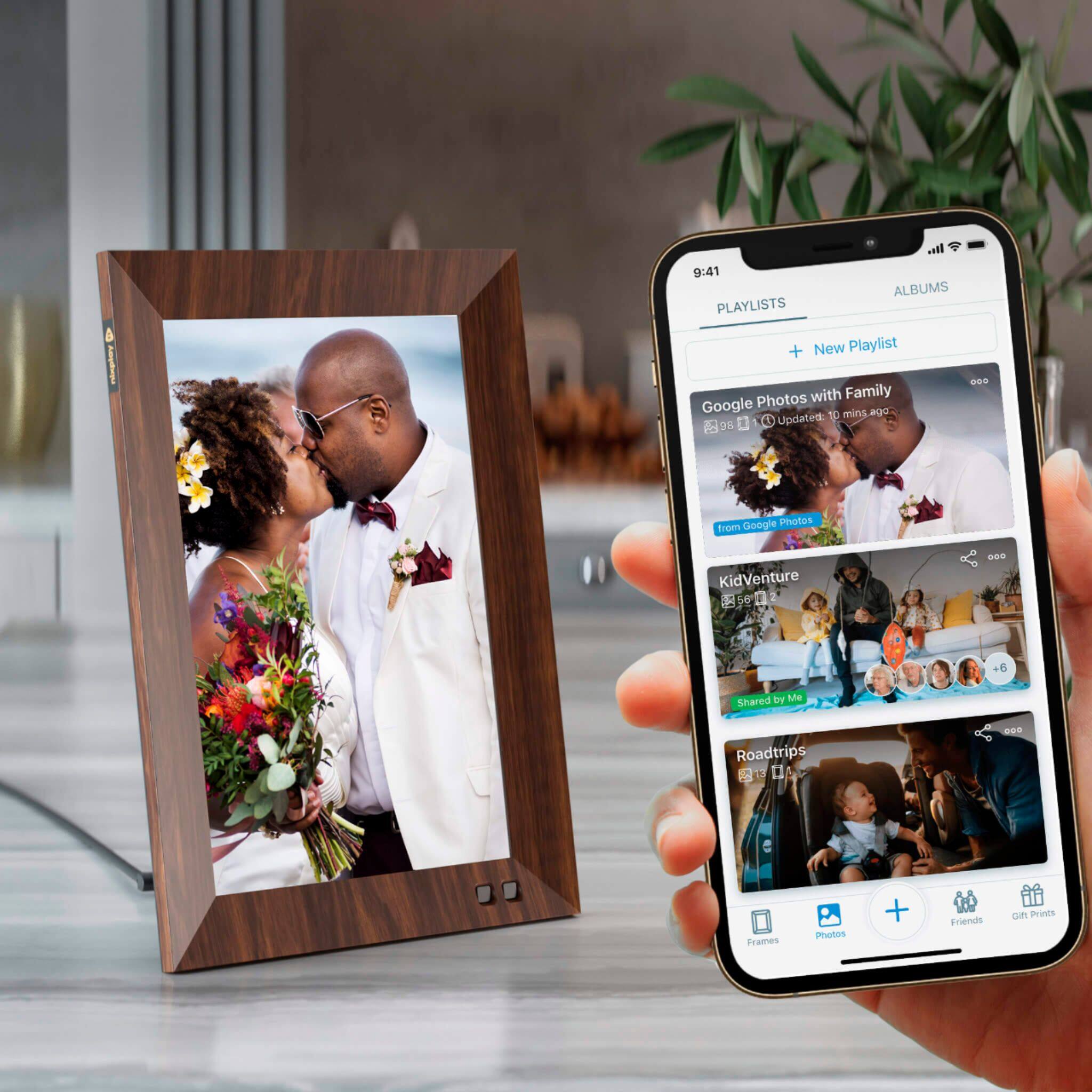
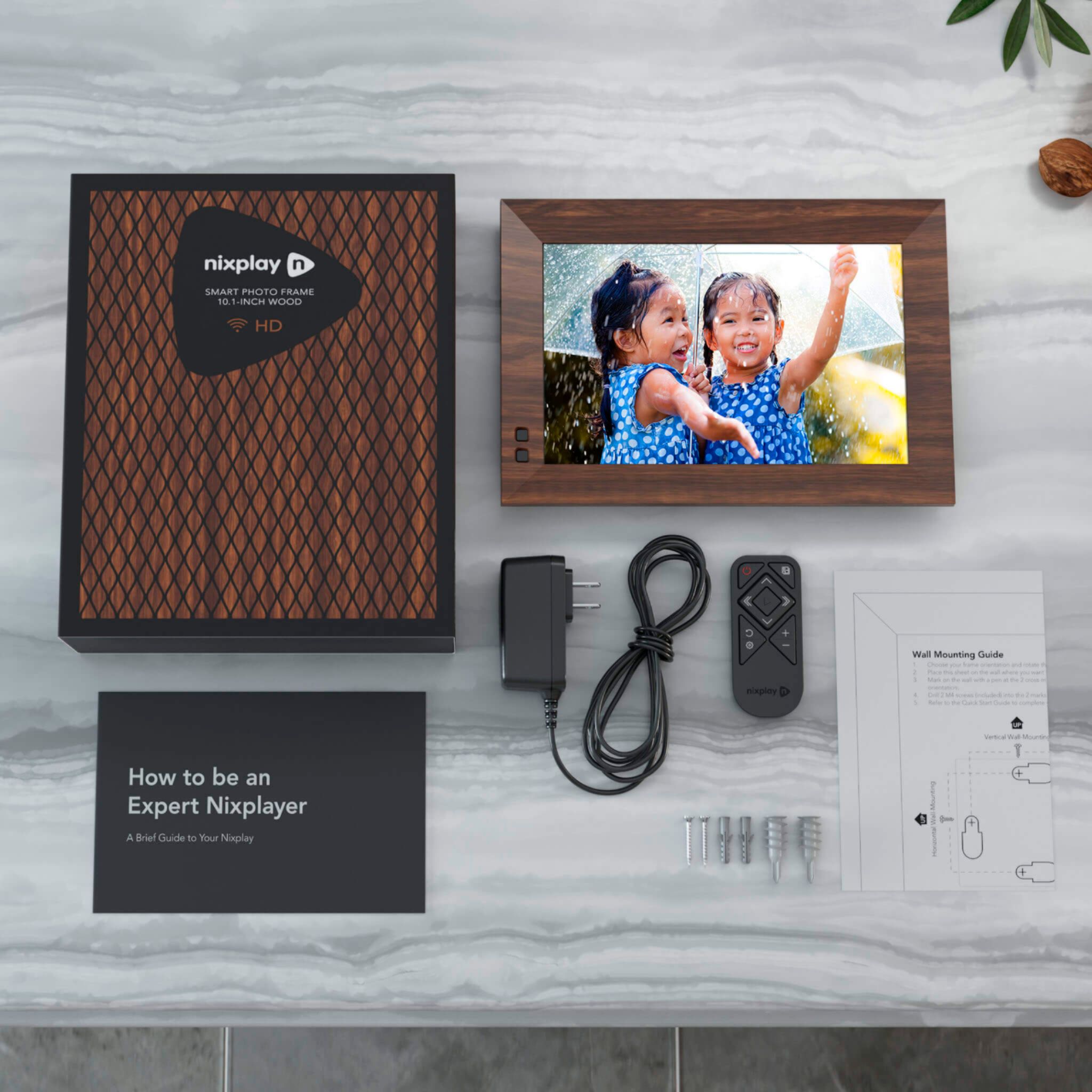
A:AnswerThanks so much for your question. We do not have usb input capability on our frame. You can however transfer your photos from your drive to your computer and load them onto the frame via the app or website or from social media accounts.
A:Answer- You need to setup the frame on WIFI
- You create your NIXPlay account and add this frame to your account
- You create a Playlist and assign it to the frame
- You can share the Playlist with up to 10 friends from within the NIXPlay app; it will send an invite if the user doesn't exist
- Once they accept the invitation, they will have access to add photos to the Playlist
A:AnswerYes, I downloaded the Nixplay app on my iPad and manage my frame via iPad. I can also send pictures from my iPad to frame. Just email from iPad to your Nixplay email account. It is very easy
A:AnswerThanks so much for your question. Absolutely you can load photos on the frames and use the 8gb internal memory to run a slideshow without a wifi connection. To update the frame with new photos it will need to be connected to wifi.
A:AnswerThanks for your question. Yes the power supply has an input voltage of 100-240. You will need the correct wall adaptor for the country where you are using the frame.
A:AnswerThanks for your question. While you can play photos or videos with sound on them you can't play music independently from the uploaded photos and videos.
A:AnswerThanks for your question. Yes the power supply has an input voltage of 100-240. You will need the correct wall adaptor for the US version to work in Asia.
A:AnswerThanks so much for your question. Yes, our products are designed to stay in touch with family and friends abroad as long as you have a WIFI connection. You would need the correct wall adaptor depending on the country of use to power the unit.
A:AnswerOn the remote push the Gear symbol and instructions appear on screen. Use arrows to toggle topics and center button to enter. Back button takes you back to previous step multiple presses will exit.
A:AnswerHi there. Yes, the frame can automatically shut off either by setting the motion detector, or setting the sleep/wake time on the frame. And there is a clock that you can select to appear on the frame when it is displaying pictures.
A:AnswerYou do not necessarily need a cell phone to use Nixplay, although it is highly recommended so you can send pictures.
However, you at least do need access to a computer so you can use the nixplay.com website. Without some form of access to Nixplay website or mobile app, you certainly won't be able to send and upload photos. However, if you have someone who just wants to receive photos on the frame, then they don't need a phone or a computer...but they still need Wifi in their home, in order to receive pictures sent by others.
A:AnswerHello,
This frame works with wifi - and only wifi.
It does not matter what kind of cellular system you are using (5G, 4LTE, 3G, etc).
If you do not have wifi, you cannot use this frame.
(If you have 5G, then you most likely have access to wifi - I have not seen a cellular system that does not use wifi - regardless of whatever cellular system you have - including 5G).